Agent Execution Graph
Steps laid out left to right by what they depend on, with no coordinates needed. Status reads by shape and word: running, waiting, failed, queued, skipped. Pick a step to light what it depends on and what it feeds, see its details, and open it. Pan, zoom, fit, filter by status, or read the same run as a list.
Ready for AI tools one file typed props installs by name prompt included
The decision inside it
The layout comes from the edges
A step sits one column after the latest step it needs, so parallel work lines up and a failed branch visibly blocks what comes after it. Broken links and cycles are reported, not hidden.
Installation
How you get it
Paste this into Claude Code, Cursor, Codex or any coding agent. It installs the file and uses it as it is, instead of writing a new one.
Use Layro's Agent Execution Graph for this.
Install it: npx shadcn@latest add @layro/agent-execution-graph
Import it from @/components/ui/agent-execution-graph.
Do not rewrite or restyle it. Pass my data through its props
and keep its built-in states.
For the full brief with every prop and the mistakes assistants usually make, use Copy prompt above. Pro components install through the @layro registry with your CLI token: see the Namespaced tab.
API
“Copy prompt” above puts a full brief on your clipboard — install command, dependencies, props, and the mistakes an assistant usually makes with this component.
Props
Read from the component’s own TypeScript interface when the site is built, so this table cannot drift from the file you install.
| Prop | Type | Notes |
|---|---|---|
nodesrequired | ExecutionGraphNode[] | — |
edgesrequired | ExecutionGraphEdge[] | — |
selectedNodeId | string | null | Controlled selection. |
defaultSelectedNodeId | string | null | — |
onNodeSelect | (node: ExecutionGraphNode | null) => void | — |
onOpenNodeDetails | (node: ExecutionGraphNode) => void | Adds "Open step" to the details. |
layoutDirection | "horizontal" | "vertical" | Default `horizontal`: left to right. People can flip it from the toolbar. |
onLayoutDirectionChange | (direction: "horizontal" | "vertical") => void | Someone flipped the layout. |
showLayoutToggle | boolean | Show the "Left to right / Top to bottom" switch. Default true. |
highlightPath | string[] | Node ids, in order: the route the run took. |
height | number | Height of the canvas. Default 380. |
defaultView | "graph" | "list" | Start on the list instead of the graph. |
Dependencies
npm packages
clsxframer-motionlucide-reacttailwind-mergeLayro foundations, installed alongside it
layro-themebadgebuttonsegmented-controlstateLifetime access
Every component, and everything we ship next.
- All 112 components, source included
- The template, and everything released after you buy
- shadcn CLI or download — React 18/19, Tailwind v4
- One payment. No subscription.
More in AI Agent
All AI Agent components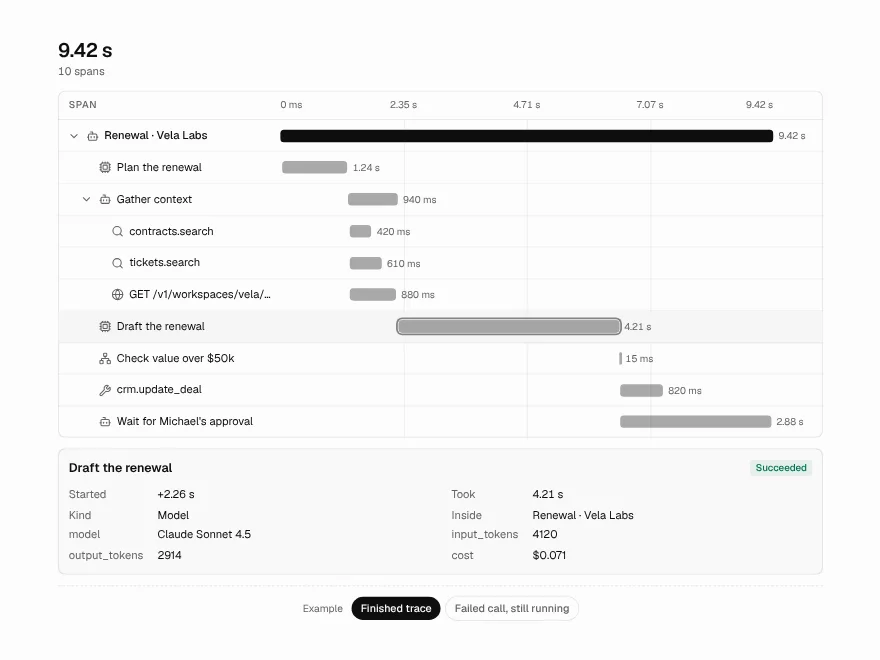
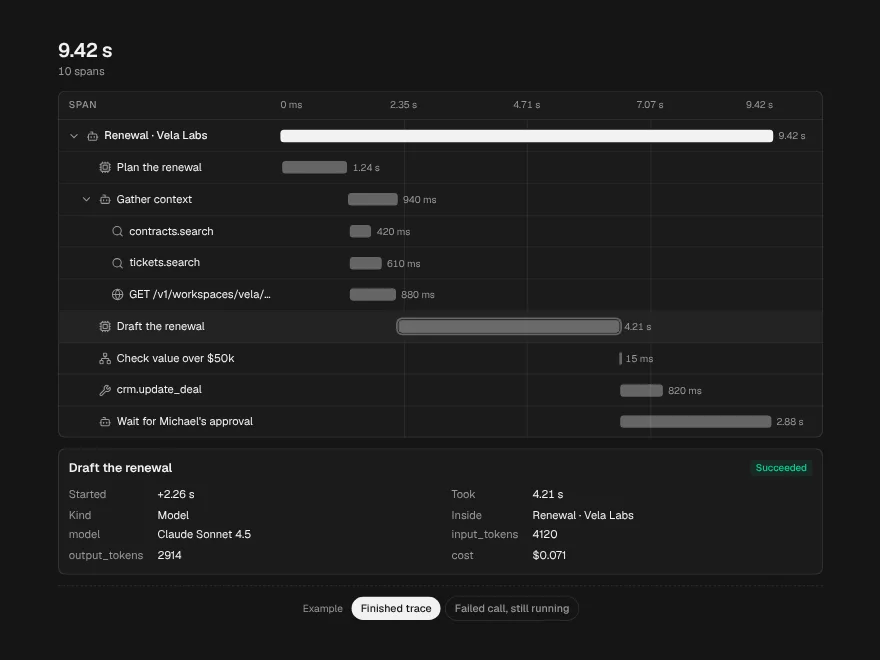
Trace Waterfall
PaidEvery call in a run on one time axis, with the slowest path marked.
Included with lifetime access
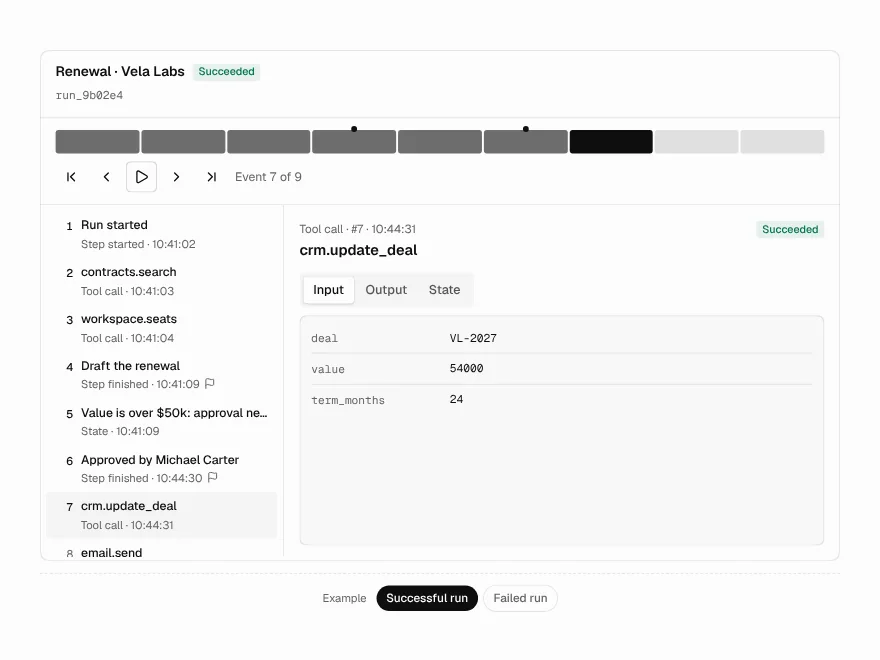
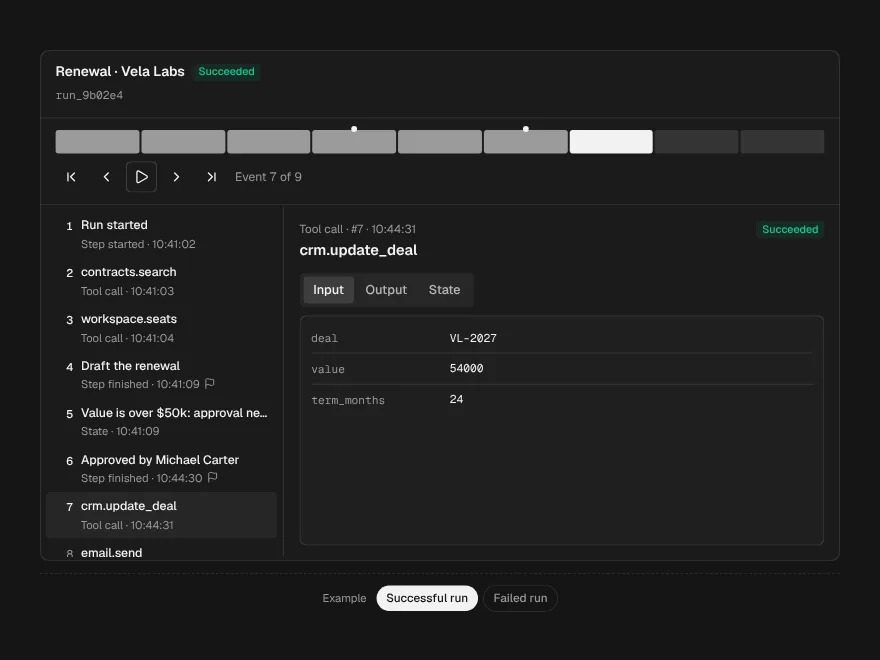
Run Replay
PaidStep through a recorded run: input, output and state at every event.
Included with lifetime access
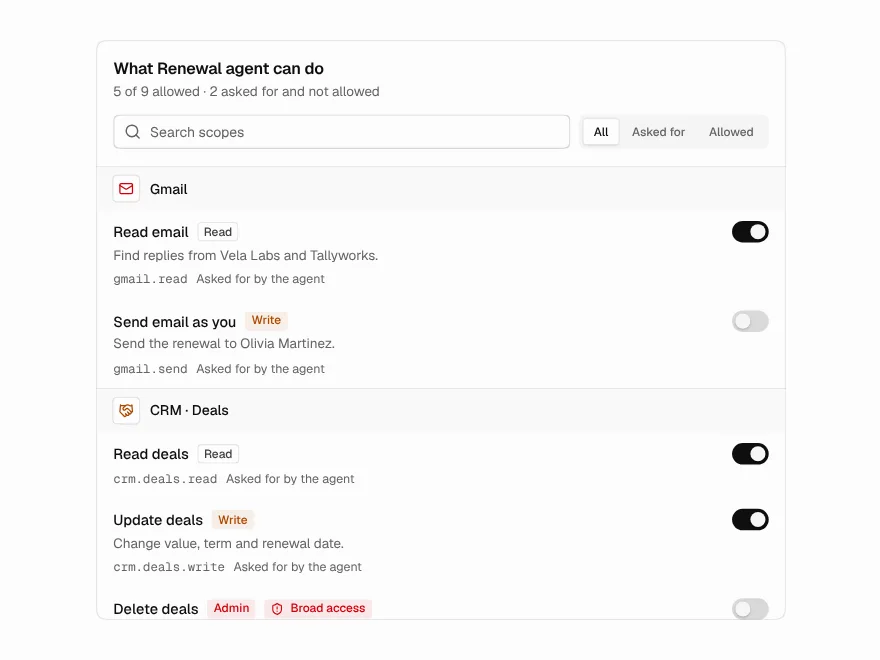
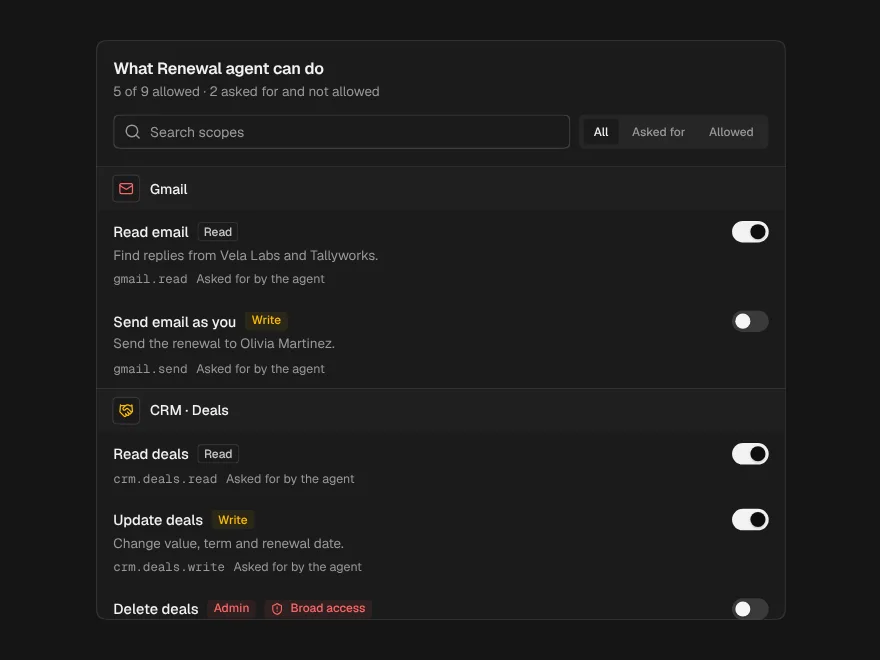
Agent Permissions
PaidWhat an agent asked for, what it is allowed, and the change before you save.
Included with lifetime access
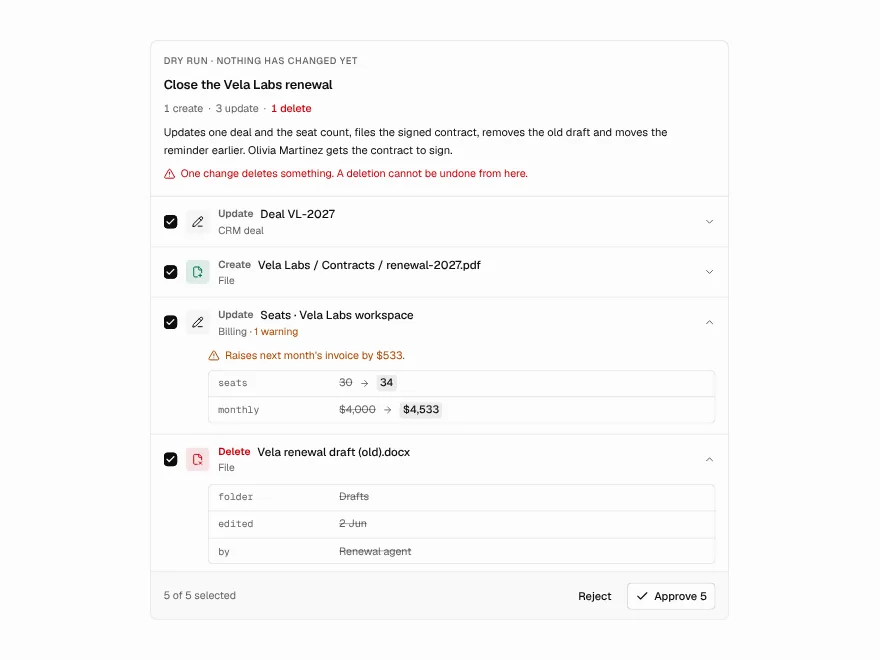
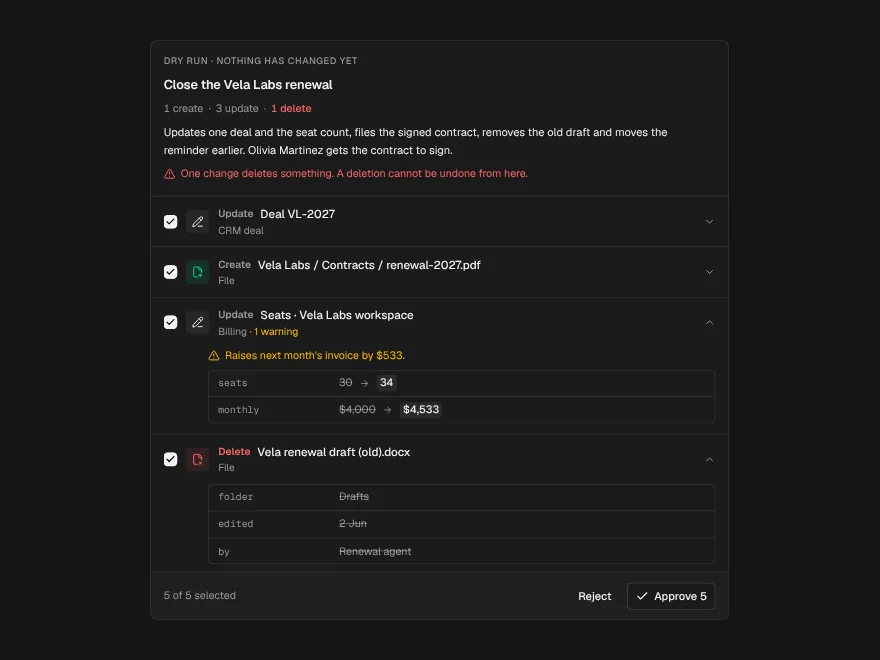
Dry-Run Preview
PaidEverything an agent would change, field by field, before any of it happens.
Included with lifetime access
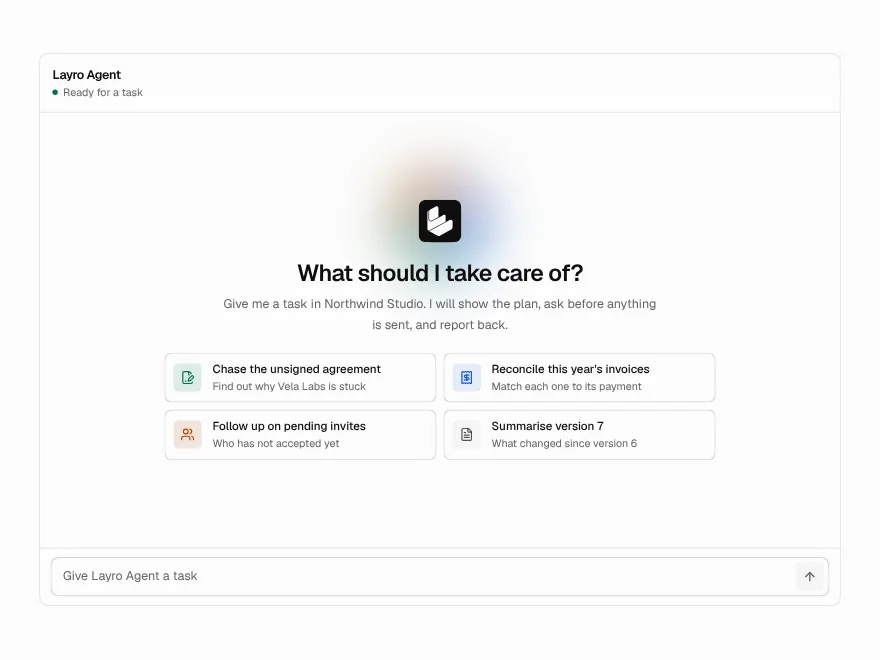
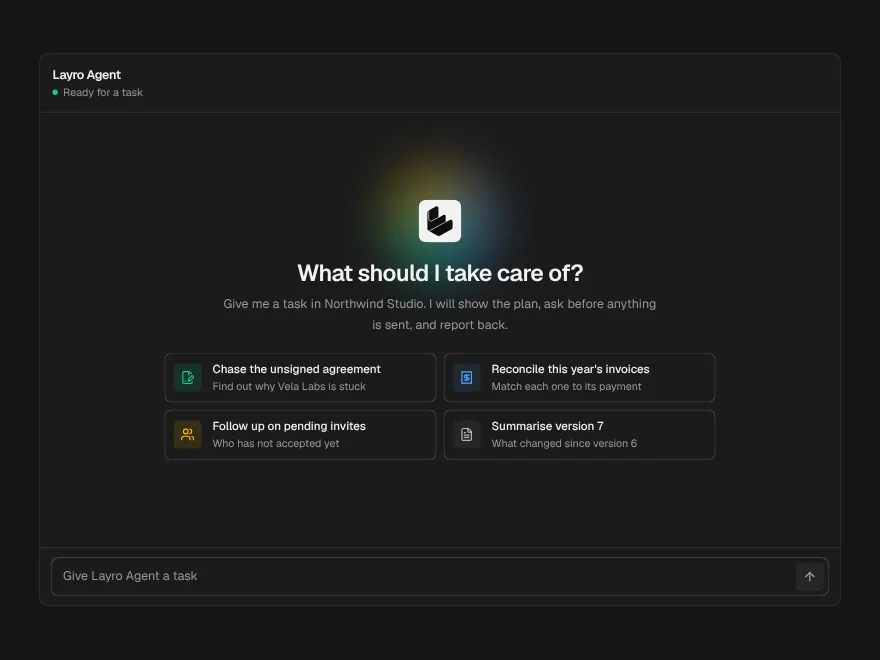
Agent Workspace
BlockPaidA whole agent screen: task in, plan, tool calls, approval and a summary out.
Included with lifetime access
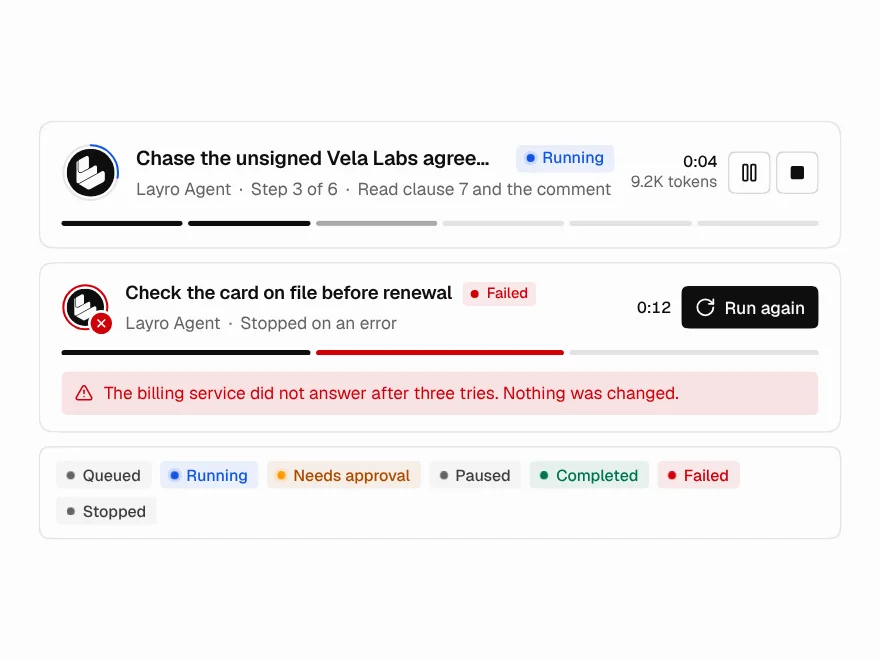
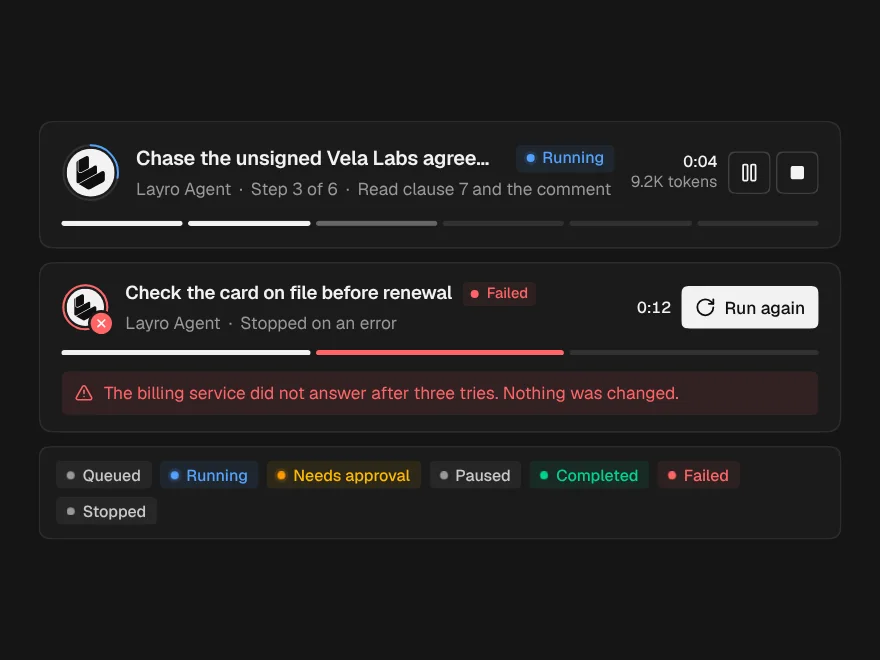
Agent Run Status
PaidThe top of a run: state, current step, a live clock, and Pause and Stop.
Included with lifetime access