Editable Table
A table you edit in place, with the safety a product needs: every cell is checked, every step can be undone, and nothing reaches the server until you press Save. Arrow keys, Enter, Tab and paste from a spreadsheet all work, and a row the server rejects stays pending with its reason.
Ready for AI tools one file typed props installs by name prompt included
The decision inside it
It never edits your rows
The table keeps a working copy beside your data, and pending is simply the difference between the two. The corner marks, the count in the bar, Discard and the list handed to onSave are all that one diff, so they can never disagree.
Installation
How you get it
Paste this into Claude Code, Cursor, Codex or any coding agent. It installs the file and uses it as it is, instead of writing a new one.
Use Layro's Editable Table for this.
Install it: npx shadcn@latest add @layro/editable-table
Import it from @/components/ui/editable-table.
Do not rewrite or restyle it. Pass my data through its props
and keep its built-in states.
For the full brief with every prop and the mistakes assistants usually make, use Copy prompt above. Pro components install through the @layro registry with your CLI token: see the Namespaced tab.
API
“Copy prompt” above puts a full brief on your clipboard — install command, dependencies, props, and the mistakes an assistant usually makes with this component.
Props
Read from the component’s own TypeScript interface when the site is built, so this table cannot drift from the file you install.
| Prop | Type | Notes |
|---|---|---|
labelrequired | string | What the rows are, for the grid's accessible name: "Customers". |
rowsrequired | T[] | The saved rows. The table keeps its own working copy on top of them and never changes these. |
columnsrequired | EditableColumn<T>[] | — |
getRowIdrequired | (row: T) => string | A stable id for a row. |
onSaverequired | (changes: CellChange<T>[]) => Promise<void | Record<string, string>> | Called by Save with everything pending. Resolve with `{ [rowId]: message }` to reject rows: they stay pending and show the message. |
onChange | (changes: CellChange<T>[], rows: T[]) => void | Called after every step (an edit, a paste, a row added or deleted, undo, redo) with what it changed and the working rows. |
defaultDraft | T[] | Unsaved work to start from, such as a draft you kept in storage. What differs from `rows` is pending. |
readOnly | boolean | Turns editing off: no editors, no row actions. |
newRow | () => T | Makes a blank row with a fresh id. Adds the "Add row" button. |
selectable | boolean | Adds the checkbox column and "Delete N rows". Default true. |
toolbar | React.ReactNode | The left side of the toolbar: a title, a filter. |
currency | string | ISO 4217 code for `currency` columns. Default "USD". |
Dependencies
npm packages
clsxdate-fnsframer-motionlucide-reacttailwind-mergeLayro foundations, installed alongside it
layro-themebuttoncalendarcheckboxinputpopoverselectstatetooltipLifetime access
Every component, and everything we ship next.
- All 112 components, source included
- The template, and everything released after you buy
- shadcn CLI or download — React 18/19, Tailwind v4
- One payment. No subscription.
More in Data Tables
All Data Tables components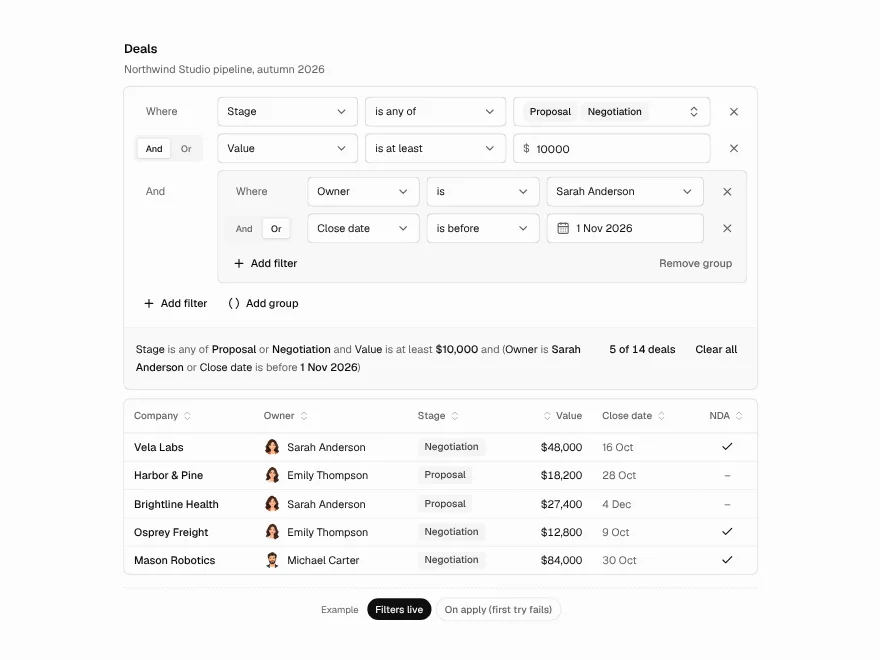
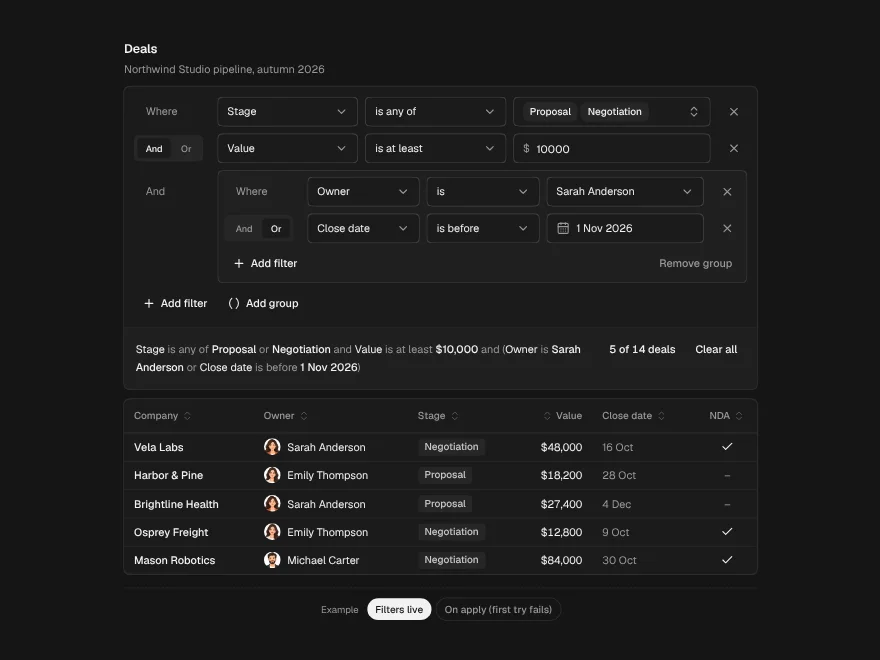
Filter Builder
PaidBuild table filters row by row and read them back as one plain sentence.
Included with lifetime access
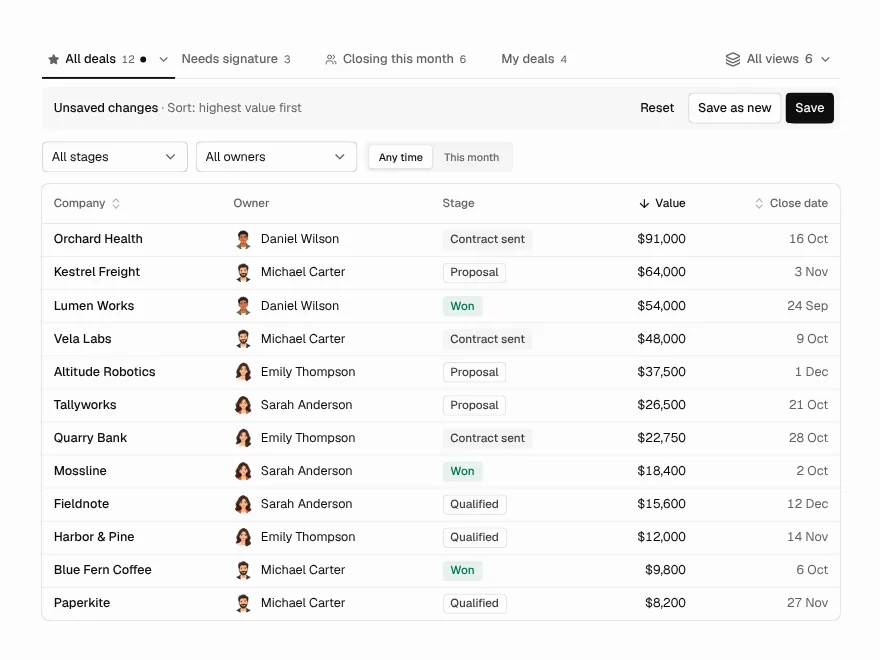
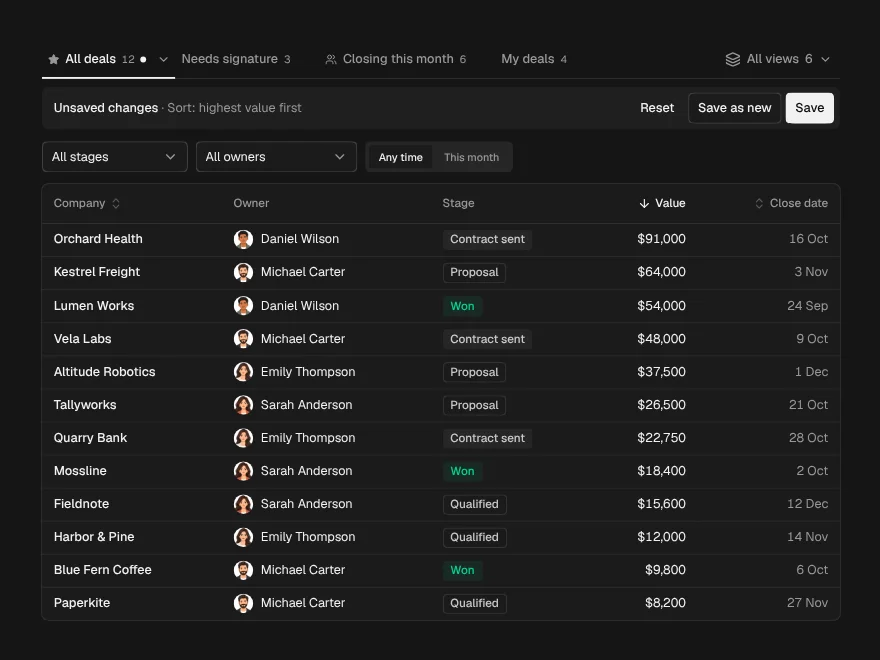
Saved Views
PaidNamed views above a table: save, share, rename, pin, and undo a delete.
Included with lifetime access
Data Import
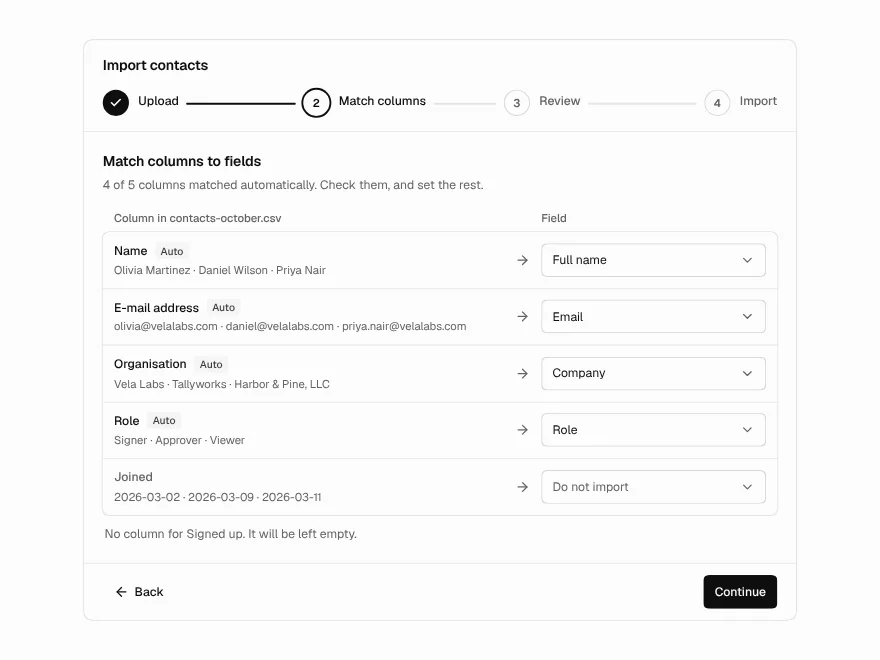
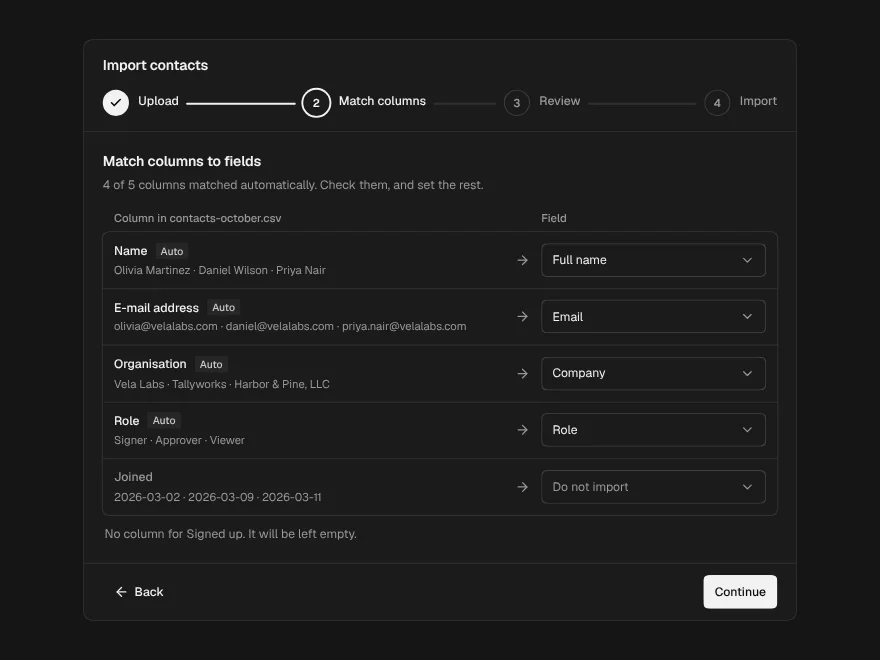
PaidCSV import in four steps: upload, match columns, fix rows, see the result.
Included with lifetime access