Filter Builder
The panel where someone builds the conditions for a table: typed fields, the operators that fit each type, the right editor for each value, and one level of grouping for this and (that or the other). The footer says the whole filter in plain words next to how many rows it leaves. The same file exports applyFilter, describeFilter and countConditions, and the filter itself is plain JSON you can save or send to a server.
Ready for AI tools one file typed props installs by name prompt included
The decision inside it
An unfinished row is not an error
A new row has no value yet, and treating that as a failed condition would empty the table the moment someone clicks Add filter. So an unfinished row gets a dashed edge, stays out of the sentence and the count, and applyFilter ignores it. The table only changes when a condition means something.
Installation
How you get it
Paste this into Claude Code, Cursor, Codex or any coding agent. It installs the file and uses it as it is, instead of writing a new one.
Use Layro's Filter Builder for this.
Install it: npx shadcn@latest add @layro/filter-builder
Import it from @/components/ui/filter-builder.
Do not rewrite or restyle it. Pass my data through its props
and keep its built-in states.
For the full brief with every prop and the mistakes assistants usually make, use Copy prompt above. Pro components install through the @layro registry with your CLI token: see the Namespaced tab.
API
“Copy prompt” above puts a full brief on your clipboard — install command, dependencies, props, and the mistakes an assistant usually makes with this component.
Props
Read from the component’s own TypeScript interface when the site is built, so this table cannot drift from the file you install.
| Prop | Type | Notes |
|---|---|---|
fieldsrequired | FilterField[] | What can be filtered, in the order it is offered. |
value | FilterGroup | The filter, when you hold it. |
defaultValue | FilterGroup | The filter to start with, when you do not. |
onChange | (filter: FilterGroup) => void | Called with the filter on every edit, or once per Apply when `onApply` is set. |
onApply | (filter: FilterGroup) => void | Promise<void> | Adds Apply and Cancel and keeps edits as a draft until Apply. Return a promise to show it working; reject to show the error. |
resultCount | React.ReactNode | ((filter: FilterGroup) => React.ReactNode) | What the filter leaves: "12 of 48 deals". A function is given the filter being edited, drafts included. Numbers in a string tick when they change. |
maxDepth | number | How deep groups may nest. 1 turns groups off. Default 2. |
noun | string | What is being filtered, in the plural, for the empty state: "deals". Default "rows". |
Dependencies
npm packages
clsxdate-fnsframer-motionlucide-reacttailwind-mergeLayro foundations, installed alongside it
layro-themebuttoncomboboxdate-pickerinputsegmented-controlselectstateLifetime access
Every component, and everything we ship next.
- All 112 components, source included
- The template, and everything released after you buy
- shadcn CLI or download — React 18/19, Tailwind v4
- One payment. No subscription.
More in Data Tables
All Data Tables components
Saved Views
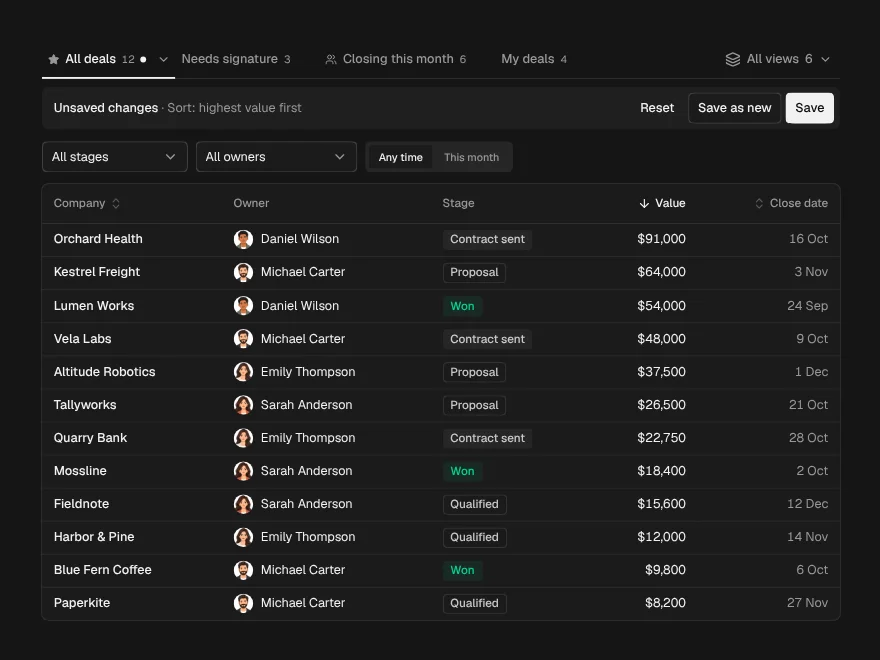
PaidNamed views above a table: save, share, rename, pin, and undo a delete.
Included with lifetime access
Data Import
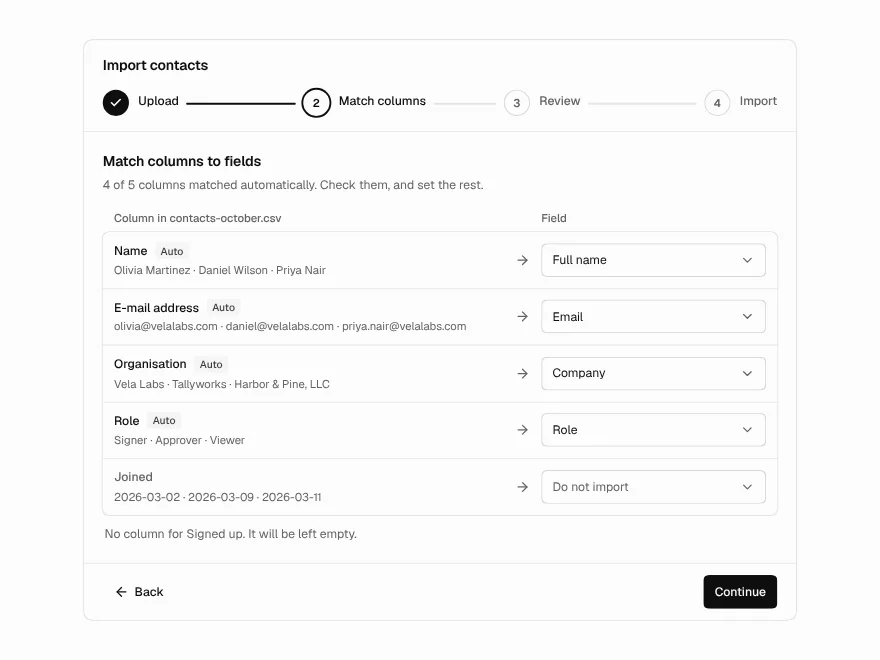
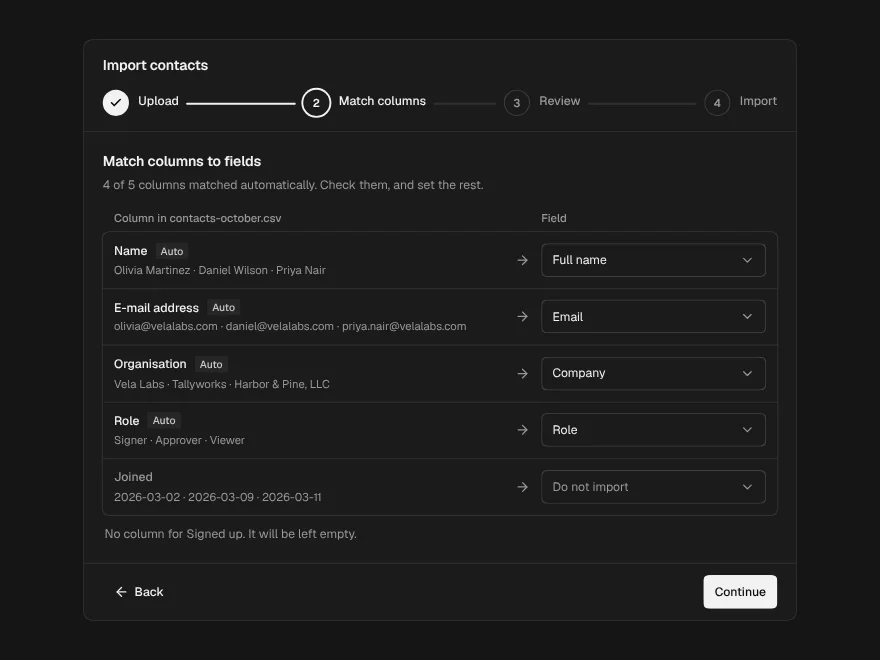
PaidCSV import in four steps: upload, match columns, fix rows, see the result.
Included with lifetime access
Editable Table
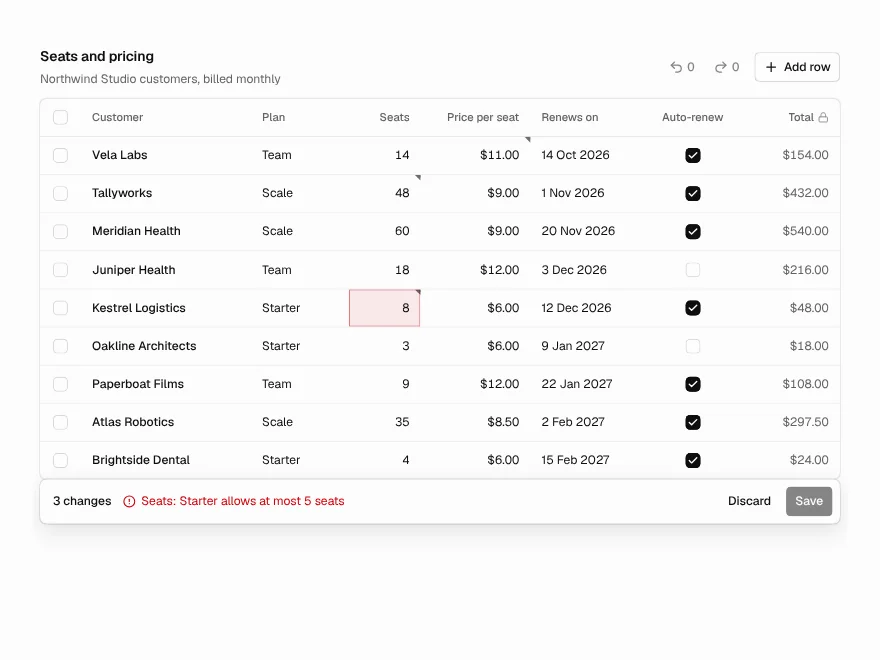
PaidEdit cells in place like a spreadsheet, with validation, undo and one Save.
Included with lifetime access