Saved Views
The strip above a table that holds its named views. A view is a saved copy of the table's state, whatever that state is: filters, sorting, columns. When the table stops matching the view, the tab gets a dot and a quiet bar offers Save, Save as new and Reset. Pinned views are tabs, the rest live in All views, and shared views show whose they are.
Ready for AI tools one file typed props installs by name prompt included
The decision inside it
Delete is held back, not sent
The view leaves at once and Undo stays for a few seconds; onDelete is only called when that time runs out. So Undo never needs a restore endpoint, and nothing is lost to a slip.
Installation
How you get it
Paste this into Claude Code, Cursor, Codex or any coding agent. It installs the file and uses it as it is, instead of writing a new one.
Use Layro's Saved Views for this.
Install it: npx shadcn@latest add @layro/saved-views
Import it from @/components/ui/saved-views.
Do not rewrite or restyle it. Pass my data through its props
and keep its built-in states.
For the full brief with every prop and the mistakes assistants usually make, use Copy prompt above. Pro components install through the @layro registry with your CLI token: see the Namespaced tab.
API
“Copy prompt” above puts a full brief on your clipboard — install command, dependencies, props, and the mistakes an assistant usually makes with this component.
Props
Read from the component’s own TypeScript interface when the site is built, so this table cannot drift from the file you install.
| Prop | Type | Notes |
|---|---|---|
viewsrequired | SavedView<T>[] | Every view, pinned or not, in the order they should appear. |
activeId | string | The view in use. Leave it out and the strip keeps track itself. |
defaultActiveId | string | Where to start when `activeId` is not controlled. Defaults to the default view. |
onSelect | (view: SavedView<T>) => void | A view was chosen, or Reset was pressed: apply `view.state` to the table. |
currentrequired | T | The table's state right now. Compared with the active view to find unsaved changes. |
isEqual | (a: T, b: T) => boolean | How two states are compared. Default: a structural comparison. |
describeChange | (saved: T, current: T) => React.ReactNode | What changed, in a few words, shown after "Unsaved changes". |
onSave | (id: string, state: T) => Async | Save `current` over the active view. |
onCreate | (view: { name: string; shared: boolean; state: T }) => Async | Save `current` as a new view. Add it to `views` and make it active. |
onRename | (id: string, name: string) => Async | Rename a view. The name has already been checked: not empty, not taken. |
onDuplicate | (id: string) => Async | Copy a view. Add the copy to `views`. |
onDelete | (id: string) => Async | Called once the undo time has run out, not when Delete is pressed. |
onSetDefault | (id: string) => Async | Make this the view the table opens on. |
onPin | (id: string, pinned: boolean) => Async | Pin a view to the tabs, or take it off them. |
undoMs | number | How long Undo stays after a delete, in milliseconds. Default 6000. |
label | string | Accessible name of the tab list. Default "Views". |
children | React.ReactNode | The table. It becomes the tab panel of the active view. |
Dependencies
npm packages
clsxframer-motionlucide-reacttailwind-mergeLayro foundations, installed alongside it
layro-themeavatarbuttondropdown-menufieldinputpopoverswitchtabsLifetime access
Every component, and everything we ship next.
- All 112 components, source included
- The template, and everything released after you buy
- shadcn CLI or download — React 18/19, Tailwind v4
- One payment. No subscription.
More in Data Tables
All Data Tables components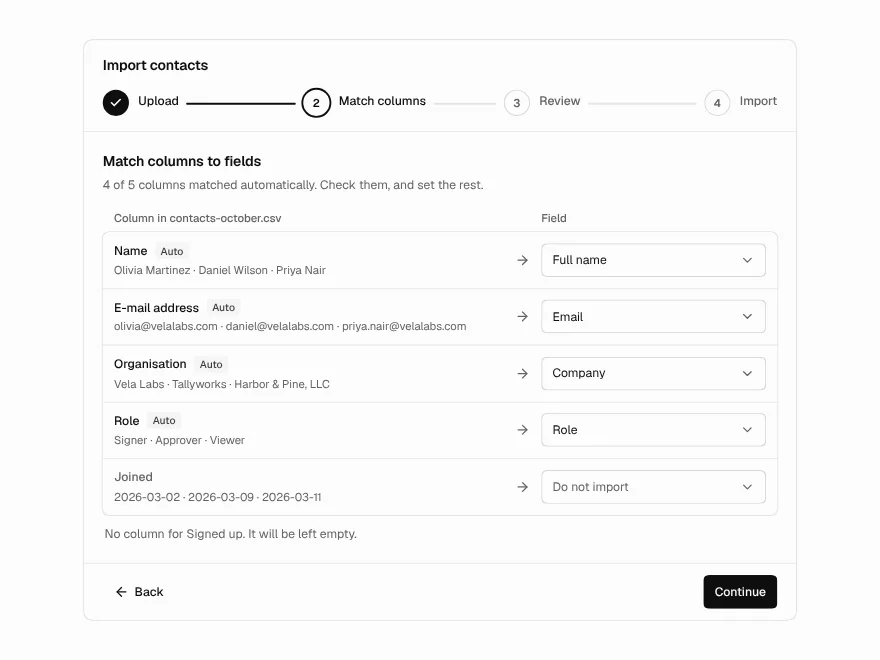
Data Import
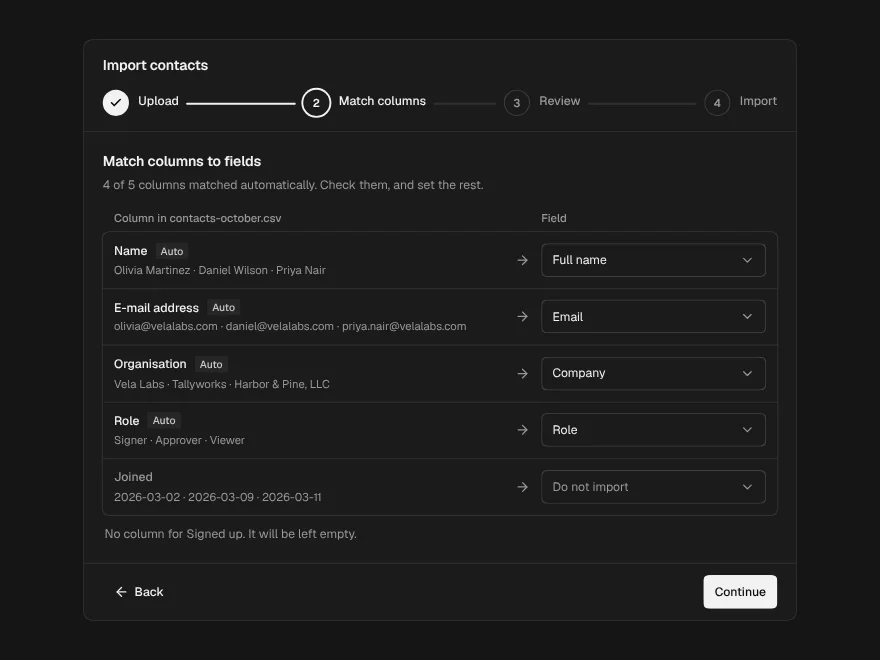
PaidCSV import in four steps: upload, match columns, fix rows, see the result.
Included with lifetime access
Editable Table
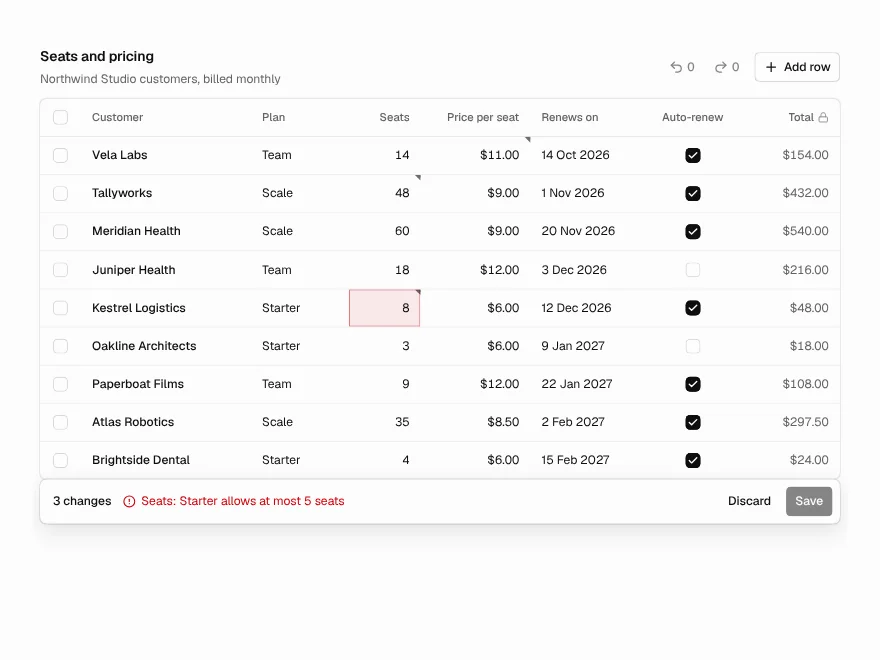
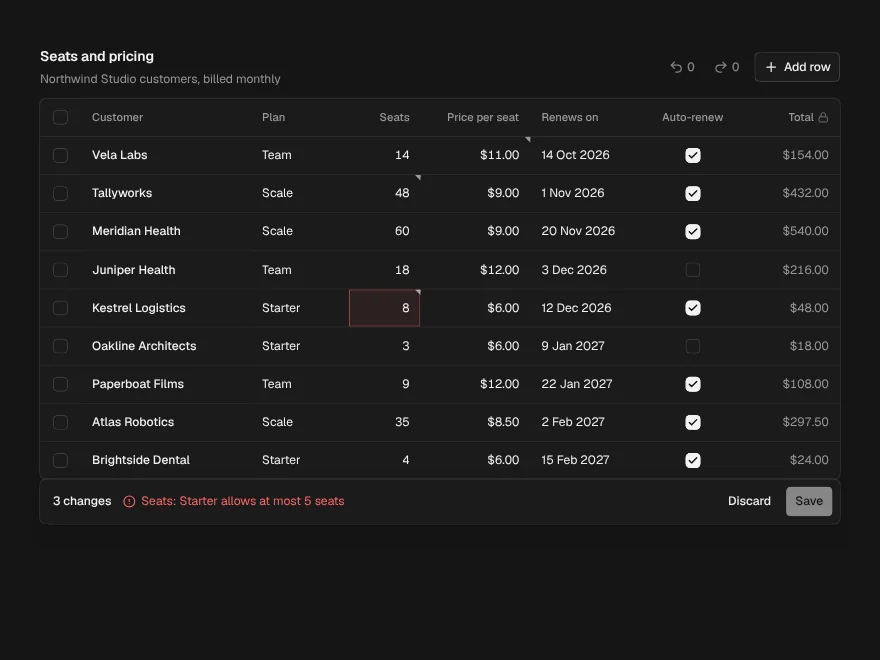
PaidEdit cells in place like a spreadsheet, with validation, undo and one Save.
Included with lifetime access
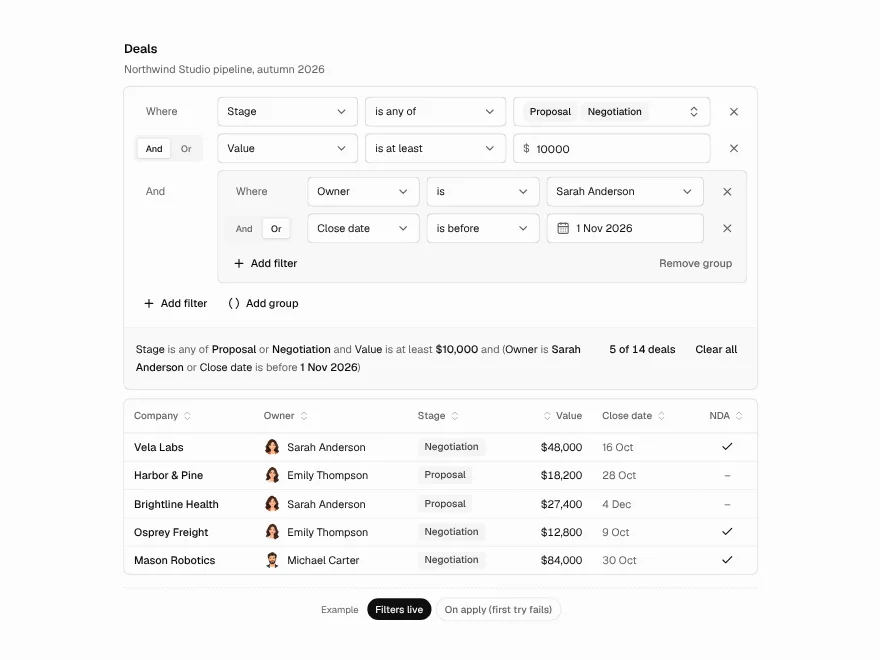
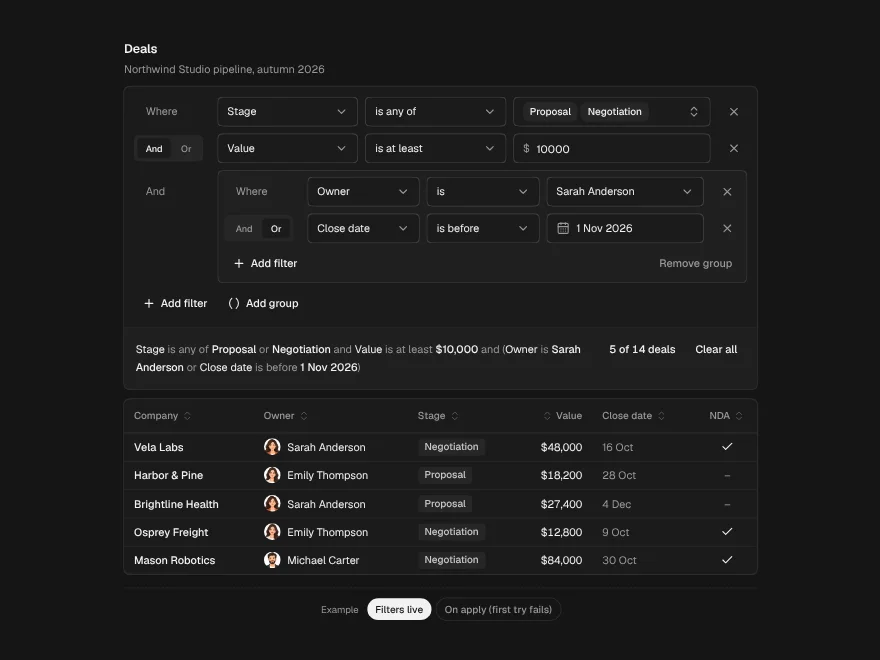
Filter Builder
PaidBuild table filters row by row and read them back as one plain sentence.
Included with lifetime access