AI Chat UI Components for React
Everything a chat interface needs, from the empty screen before the first message to the sidebar of past conversations. Use the AI Chat component as a whole window, or take the parts you need: the message, the streaming answer, the prompt box, the actions under each reply.
Each part draws the states a real model produces: thinking before the first word, text arriving mid-sentence, a stopped answer, a failed request and a retry. Bring your own model and API; the components only need the text as it streams.
12 components, 8 free. React, TypeScript and Tailwind CSS, light and dark.
How to build an AI chat interface in React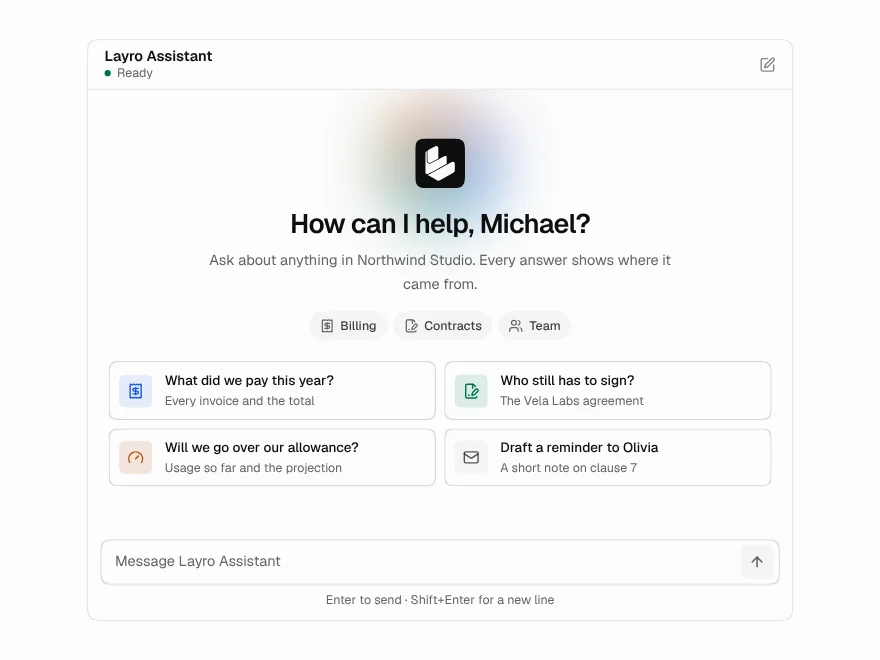
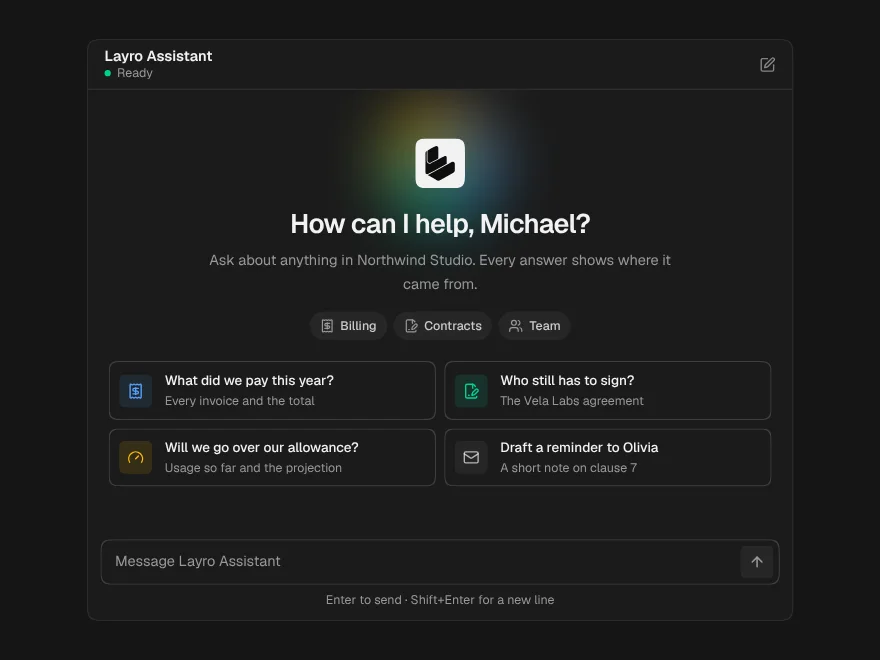
AI Chat
BlockFreeA whole chat window: greeting, streaming answers, stop, retry and regenerate.
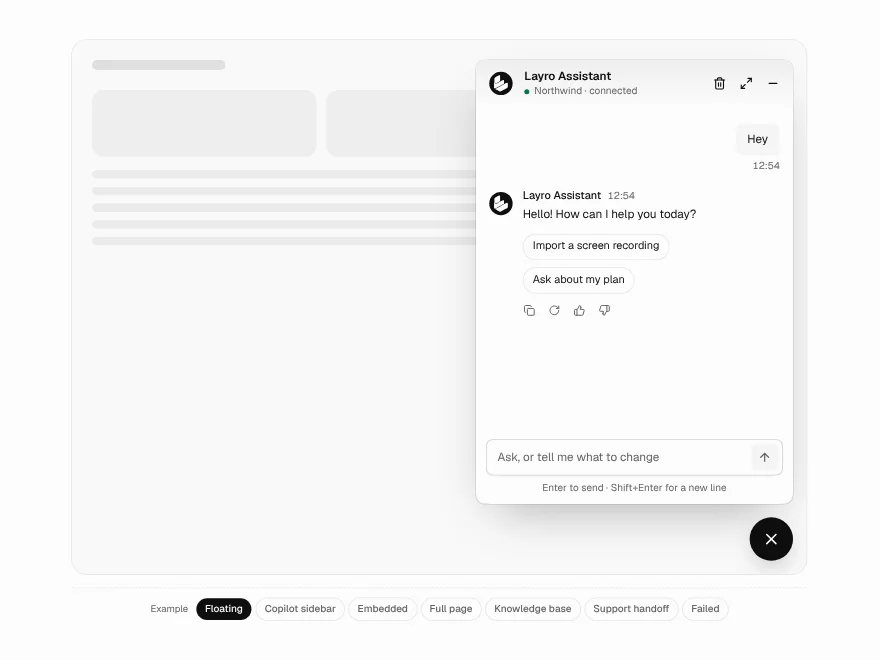
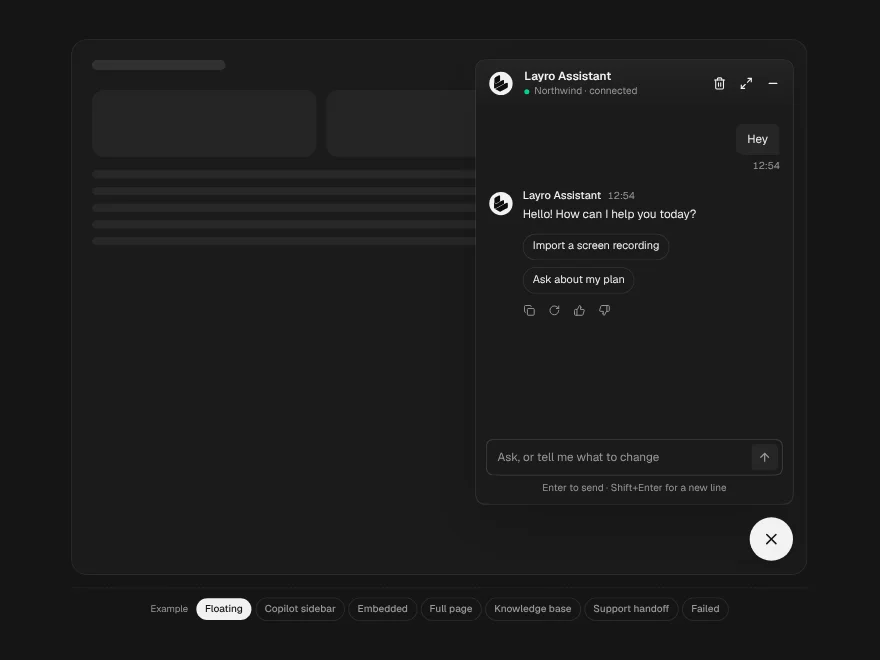
Chatbot
BlockFreeOne chat in four places: a floating widget, an embedded panel, a copilot sidebar or a full page.
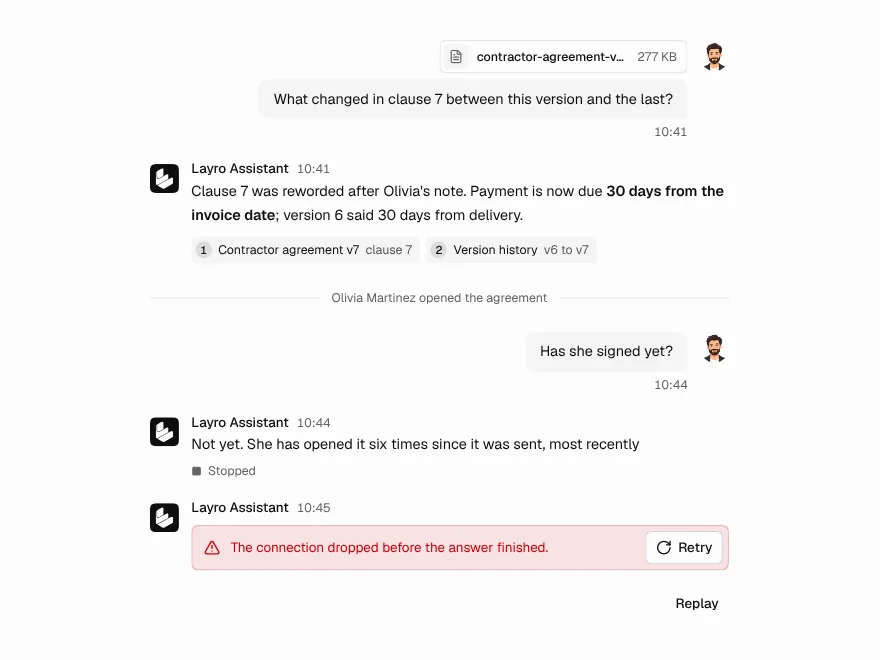
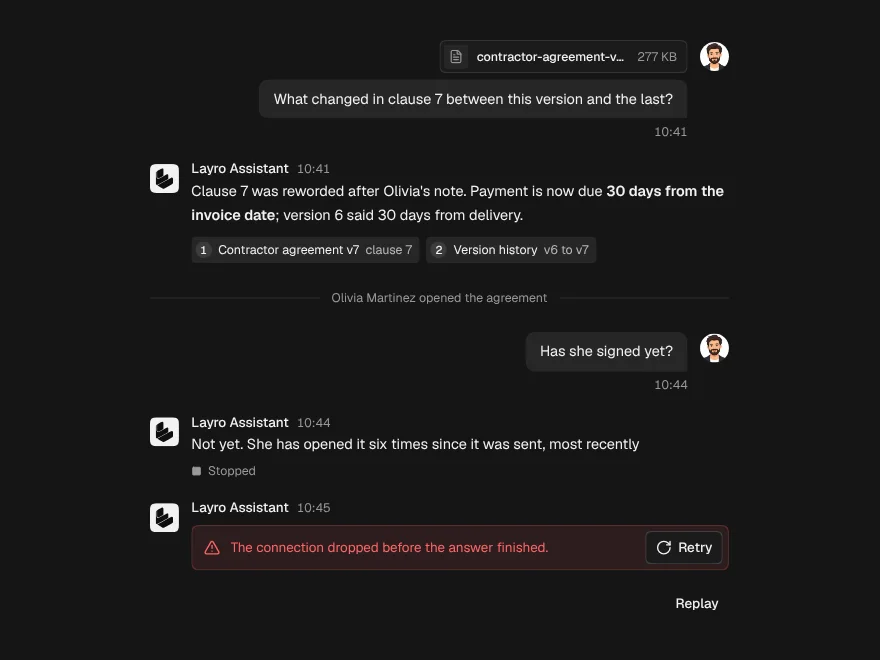
Chat Message
FreeOne turn in a conversation, for the person or the assistant, with sources and attachments.
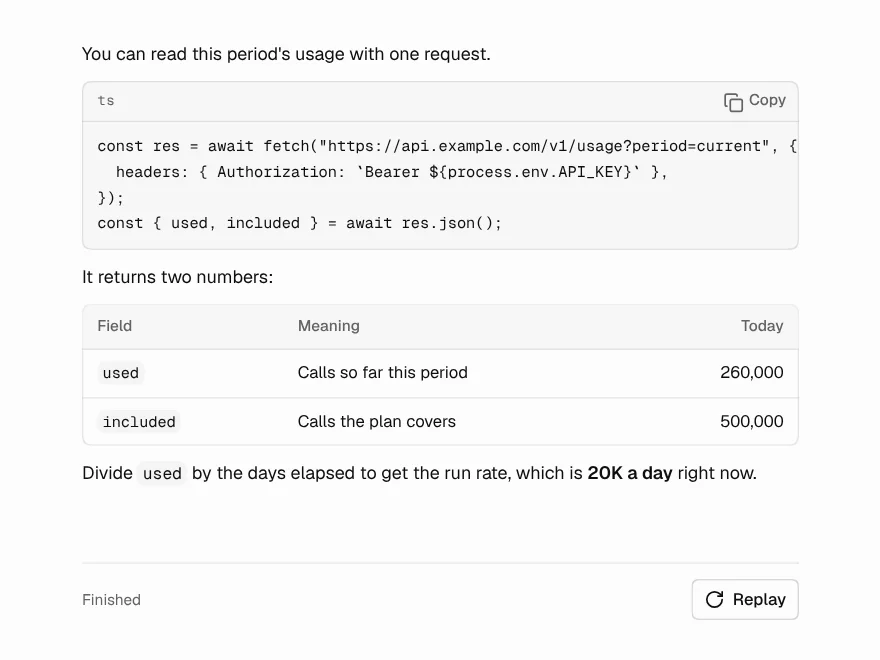
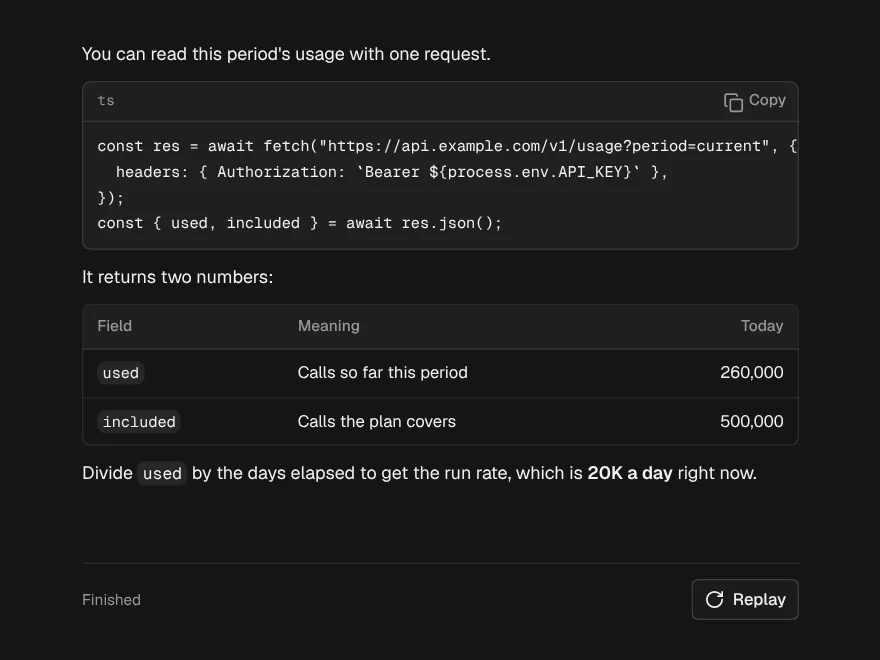
Streaming Response
FreeAn answer arriving word by word that looks finished at every moment in between.
Thinking State
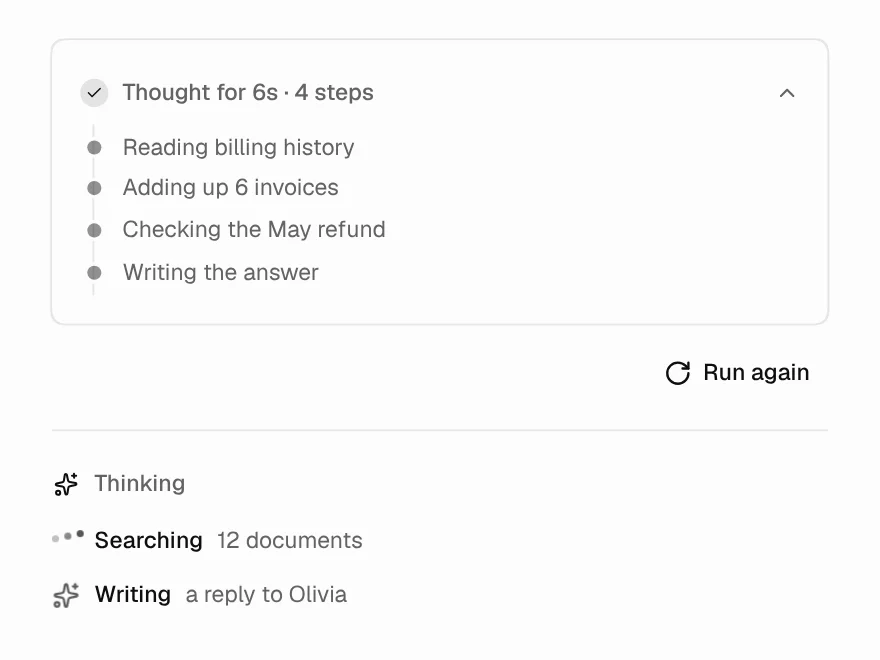
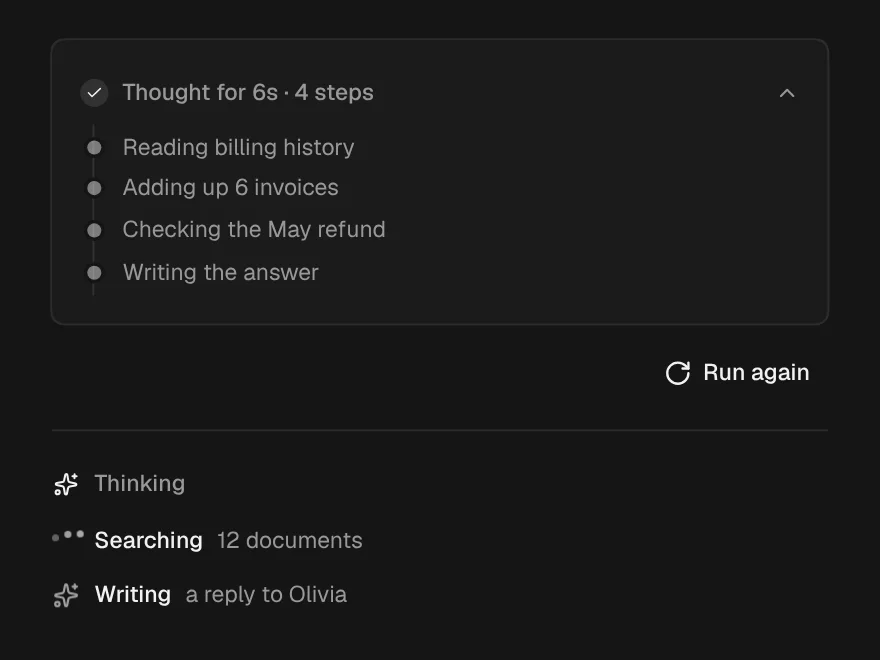
FreeThe wait before the first word: what it is doing, for how long, and the trail so far.
Message Actions
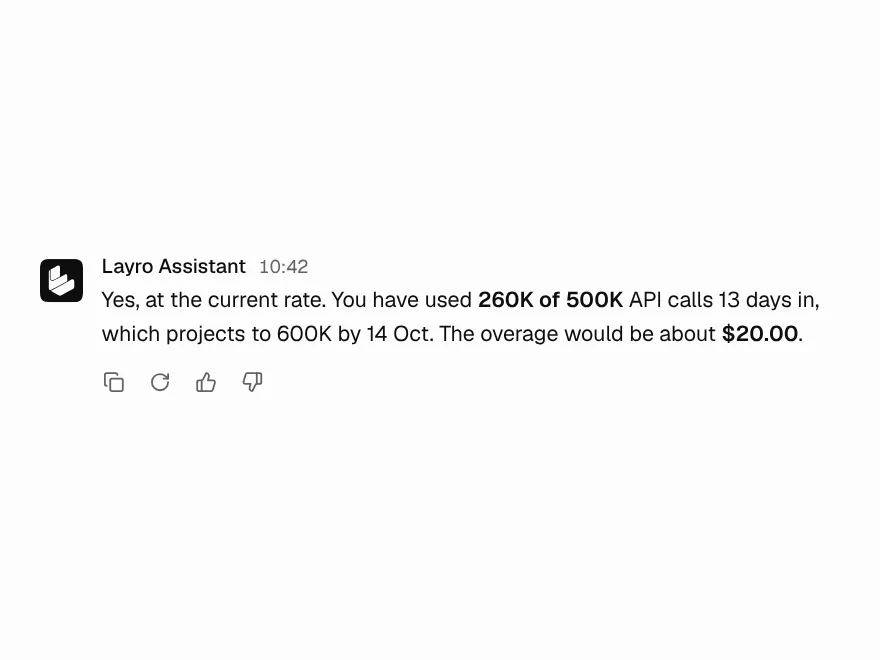
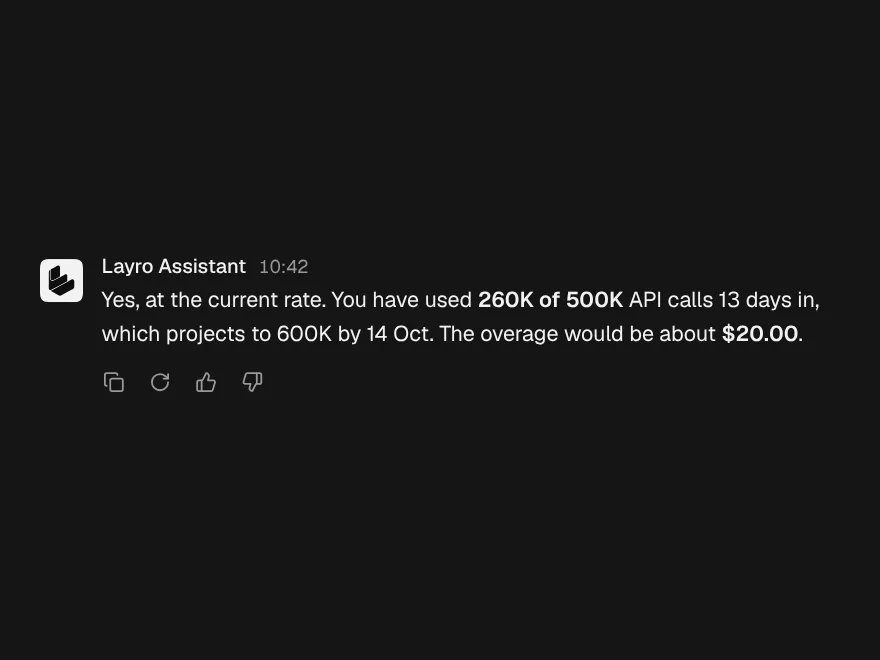
FreeCopy, regenerate and rate an answer, with every button confirming in place.
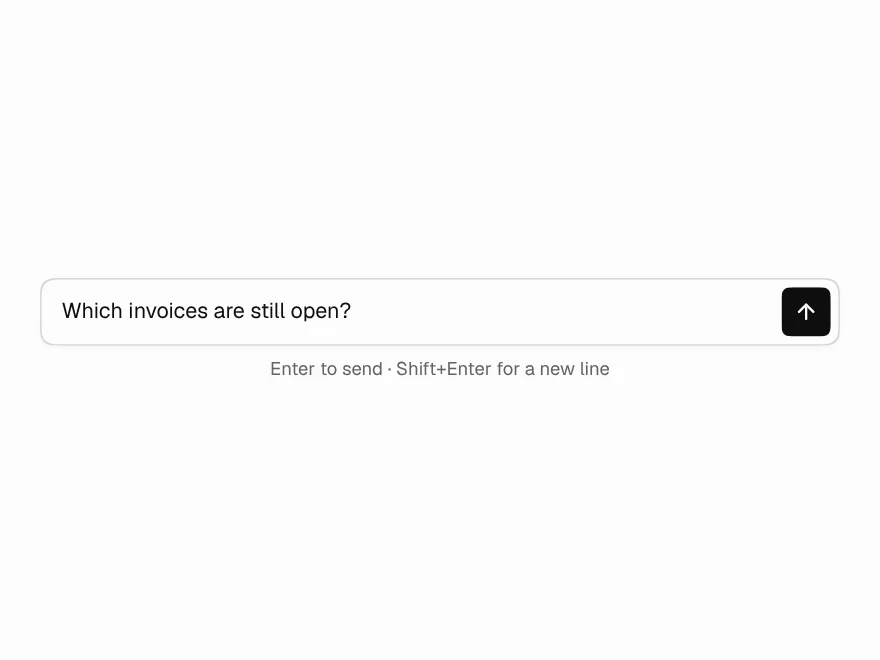
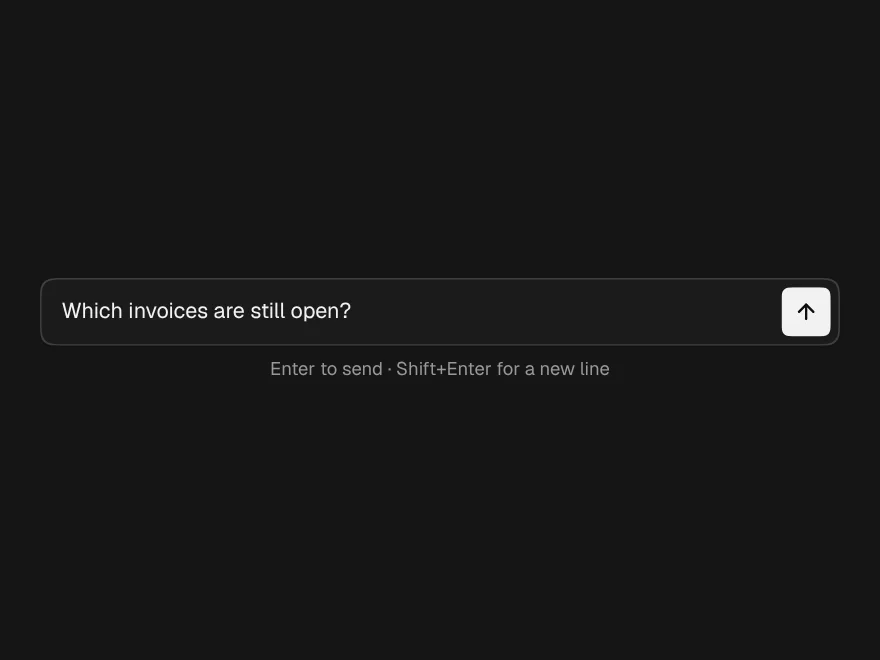
Prompt Input
FreeThe box you type in: grows with the text, Enter sends, and Send becomes Stop.
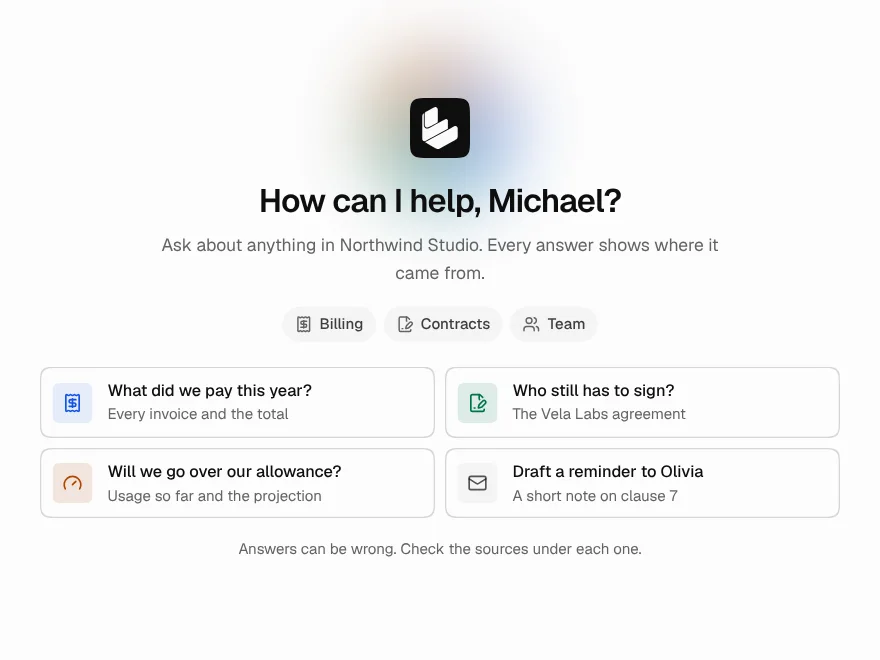
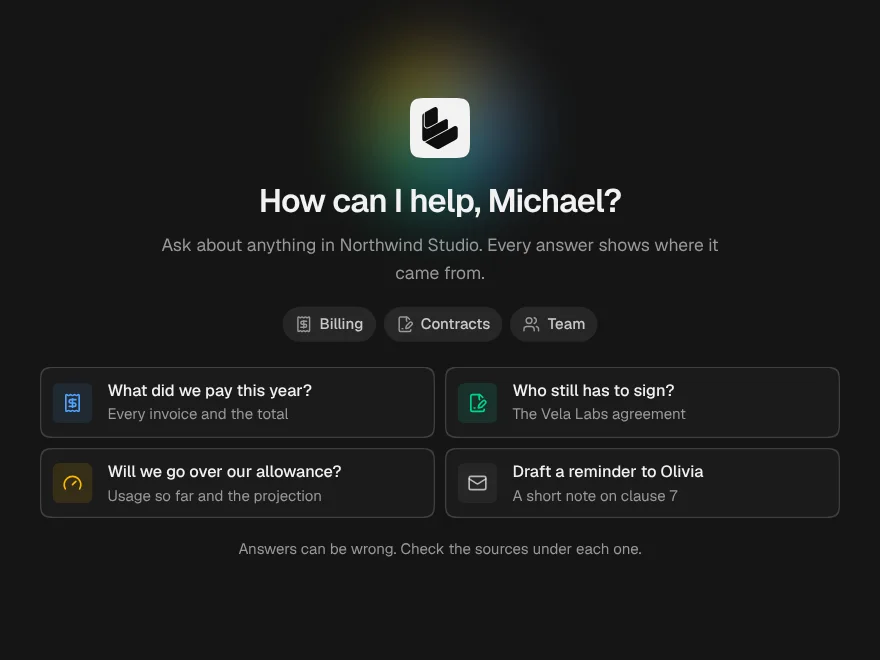
Chat Empty State
FreeThe screen before the first message: who is listening, what it knows, and what to ask.
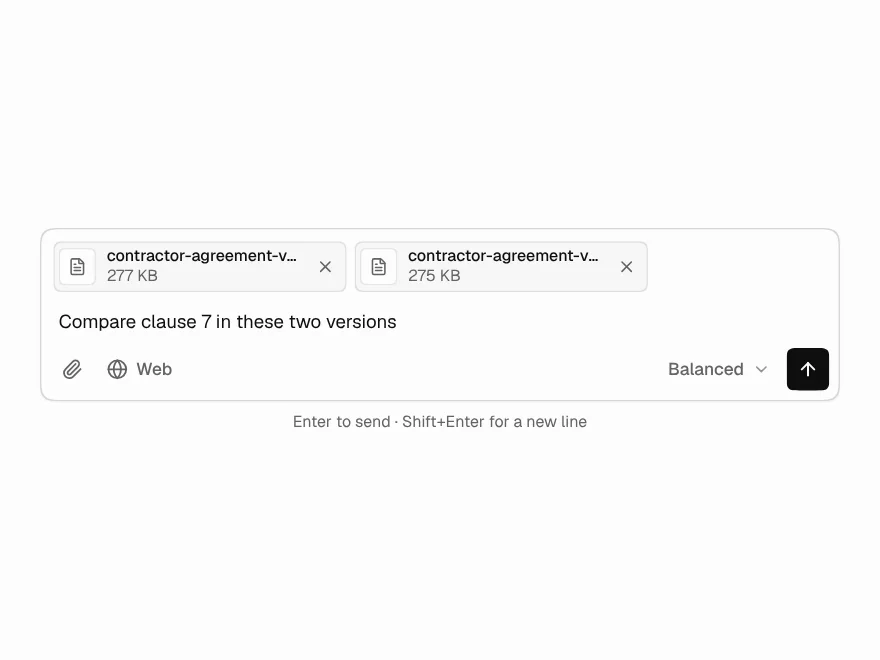
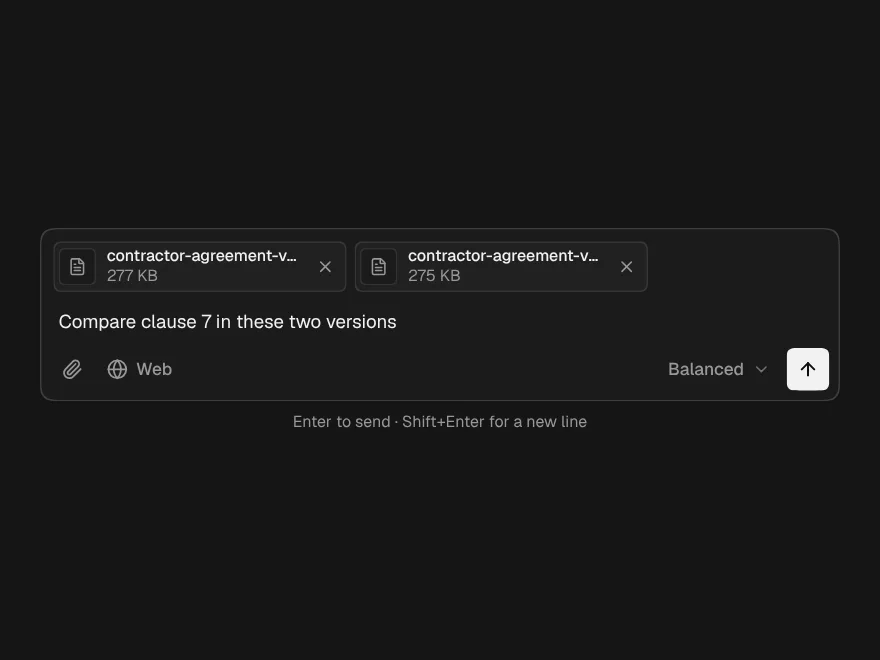
Prompt Composer
PaidThe full input: attach files, pick a model, slash commands and @mentions.
Included with lifetime access
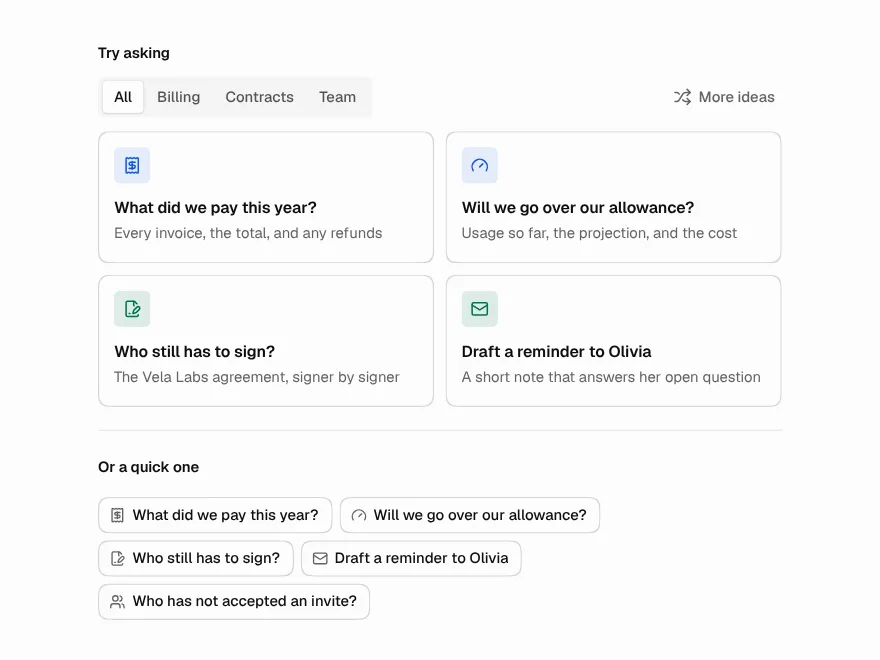
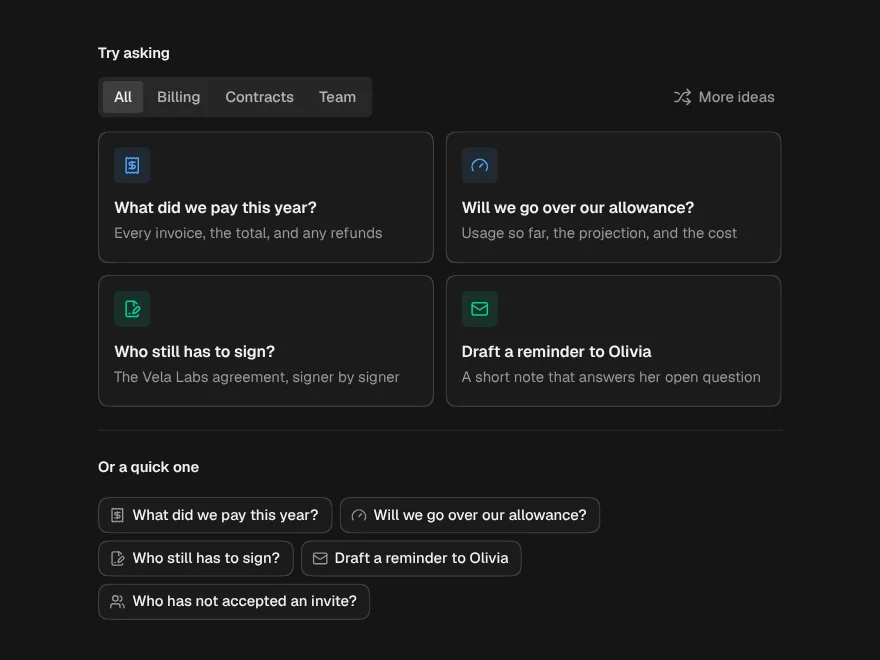
Suggested Prompts
PaidStarter questions as cards, chips or a list, with categories and a shuffle.
Included with lifetime access
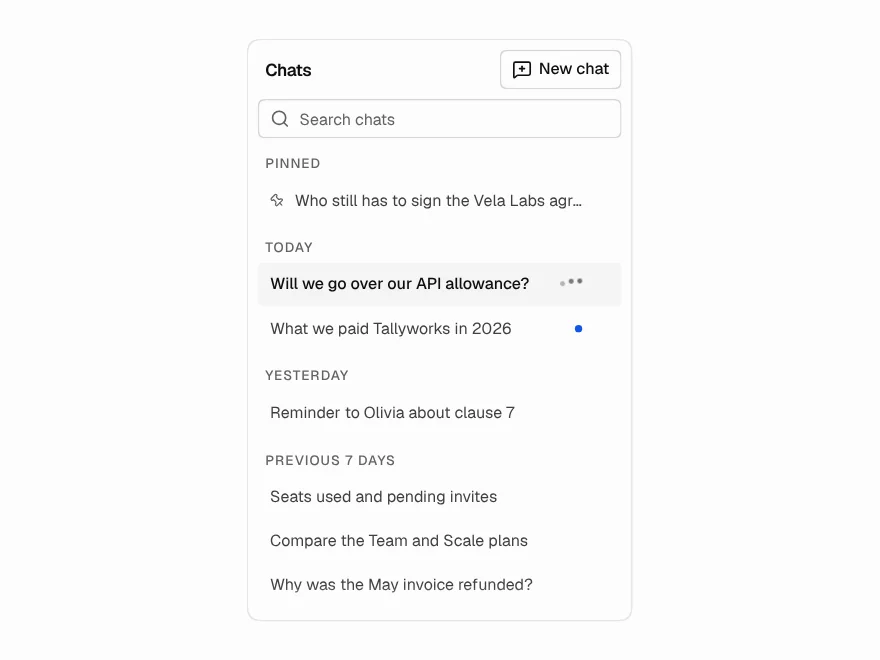
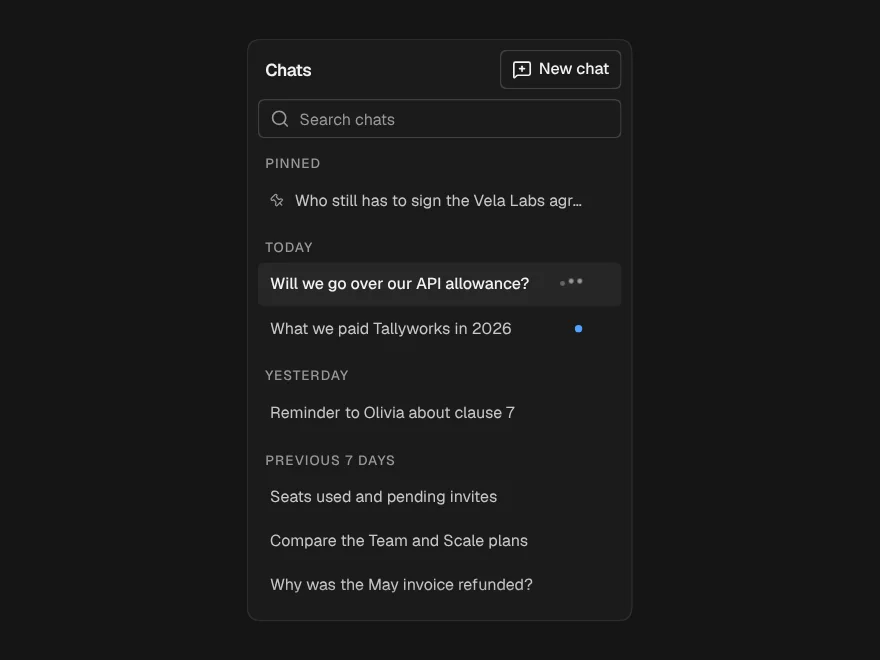
Conversation History
PaidThe sidebar of past chats: grouped by day, searchable, rename, pin and delete in place.
Included with lifetime access
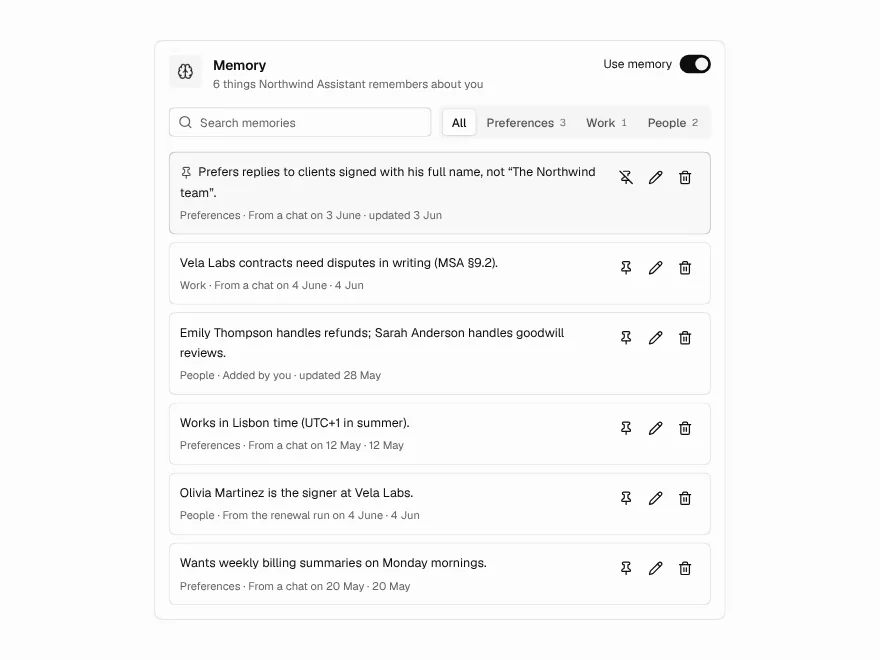
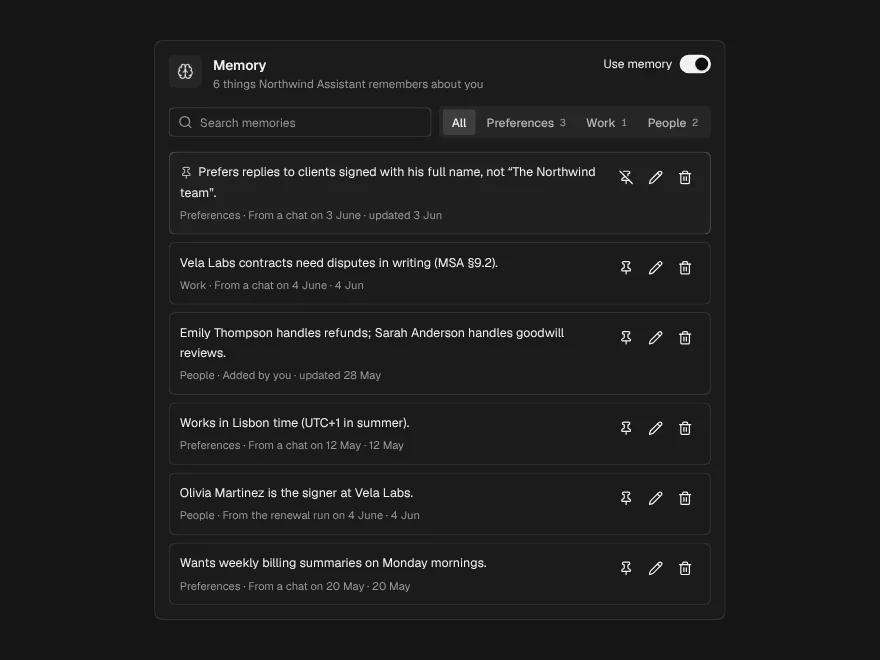
Memory Manager
PaidWhat an assistant remembers about someone, and the controls to change it.
Included with lifetime access