Data Import
Bring a CSV into your product. Columns are matched to your fields by name, every row is checked before anything is sent, and the rows that fail are listed alone with only the bad cells open for typing. After the import it counts what went in, what was skipped and what the server refused, and hands back a CSV of exactly those rows. The CSV parser is exported too.
Ready for AI tools one file typed props installs by name prompt included
The decision inside it
An import fails in two places, so it shows both
A row can be wrong in the file, or the server can refuse it afterwards. Most importers only show the first. This one fixes rows before sending, then lists every refused row with its reason and gives you an error report you can fix and import again.
Installation
How you get it
Paste this into Claude Code, Cursor, Codex or any coding agent. It installs the file and uses it as it is, instead of writing a new one.
Use Layro's Data Import for this.
Install it: npx shadcn@latest add @layro/data-import
Import it from @/components/ui/data-import.
Do not rewrite or restyle it. Pass my data through its props
and keep its built-in states.
For the full brief with every prop and the mistakes assistants usually make, use Copy prompt above. Pro components install through the @layro registry with your CLI token: see the Namespaced tab.
API
“Copy prompt” above puts a full brief on your clipboard — install command, dependencies, props, and the mistakes an assistant usually makes with this component.
Props
Read from the component’s own TypeScript interface when the site is built, so this table cannot drift from the file you install.
| Prop | Type | Notes |
|---|---|---|
fieldsrequired | ImportField[] | What a row can hold. Their order is the order of the review table. |
onImportrequired | (rows: ImportRow[], context: { onProgress: (done: number) => void; signal: AbortSignal }) => Promise<ImportResult> | Sends the rows. Report progress as a count of rows, honour `signal`, and resolve with what happened. |
noun | string | { one: string; other: string } | What is being imported, plural: "contacts". Pass both forms when the singular is irregular. Default "rows". |
title | React.ReactNode | false | The heading. Default "Import contacts", from `noun`. Pass `false` to hide it. |
maxRows | number | Largest file accepted, in rows. A longer one is refused on upload. |
sample | ImportFile | Adds "Use a sample file" to the upload step, so the flow can be tried without one. |
defaultFile | ImportFile | Start with this file loaded, on the match step. For a file dropped elsewhere in your app. |
templateHref | string | Where "Download a template" points. Without it, or `onDownloadTemplate`, a template is built from `fields`. |
onDownloadTemplate | () => void | Called by "Download a template" instead of following a link. |
onDone | (result: ImportResult) => void | Adds Done to the result, and is given what the import returned. |
onCancel | () => void | Adds Cancel to the upload step. |
Dependencies
npm packages
clsxframer-motionlucide-reacttailwind-mergeLayro foundations, installed alongside it
layro-themebadgebuttonfieldinputsegmented-controlselectstatestepperswitchLifetime access
Every component, and everything we ship next.
- All 112 components, source included
- The template, and everything released after you buy
- shadcn CLI or download — React 18/19, Tailwind v4
- One payment. No subscription.
More in Data Tables
All Data Tables components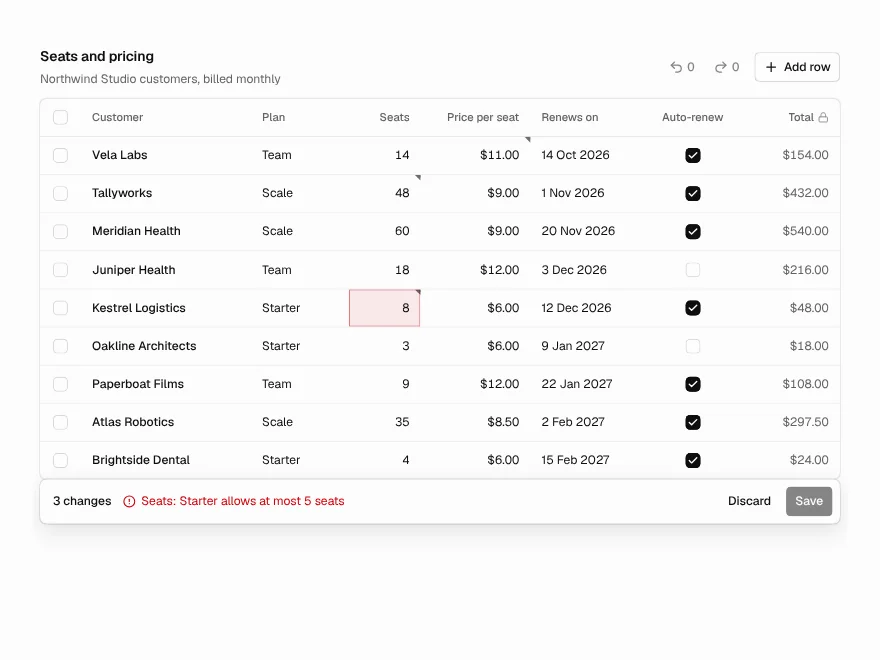
Editable Table
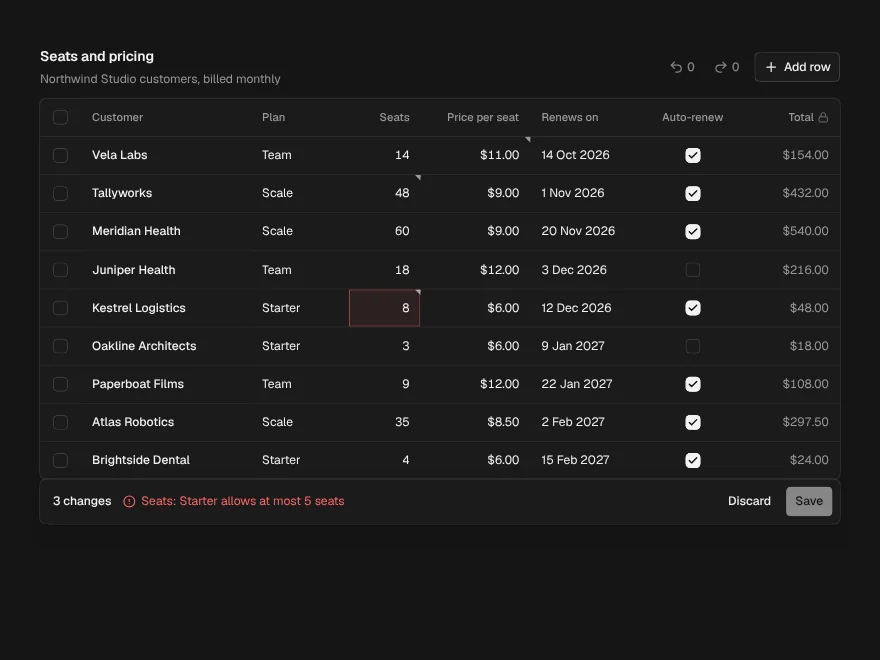
PaidEdit cells in place like a spreadsheet, with validation, undo and one Save.
Included with lifetime access
Filter Builder
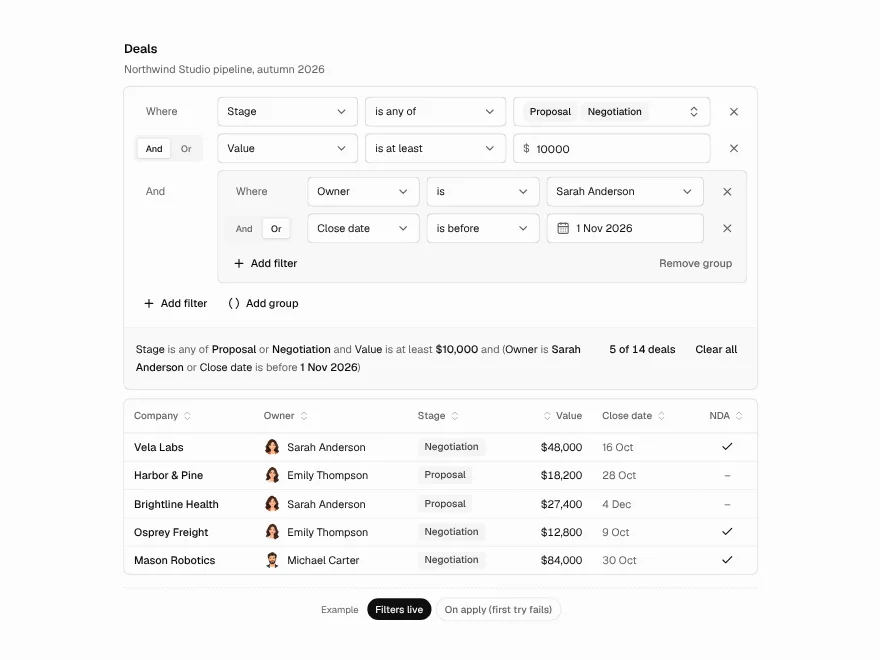
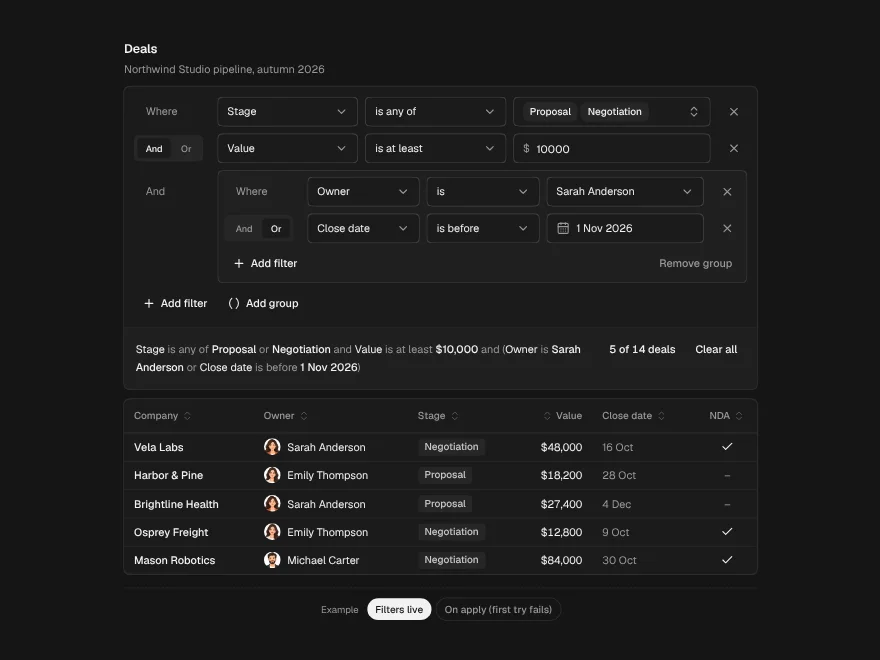
PaidBuild table filters row by row and read them back as one plain sentence.
Included with lifetime access
Saved Views
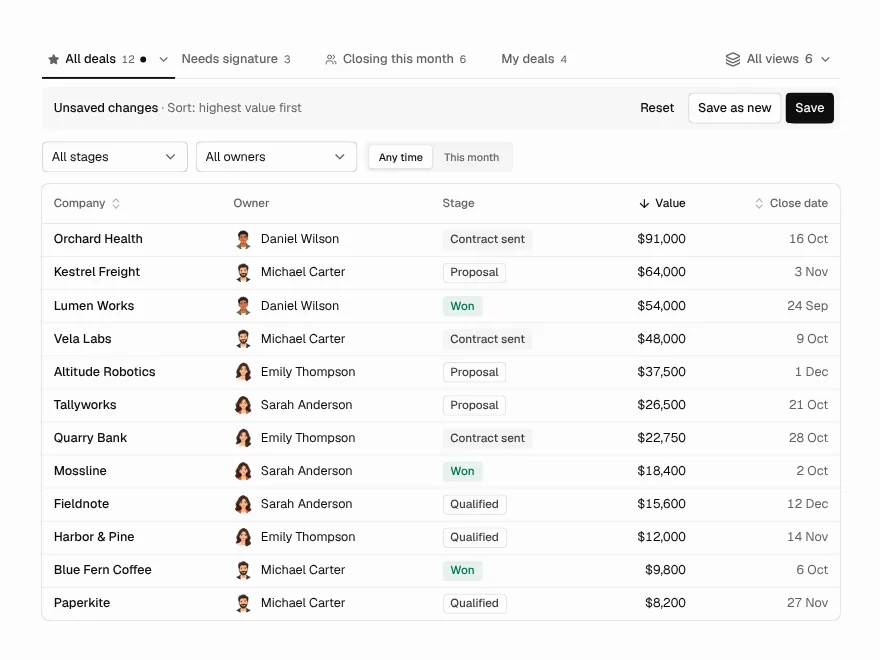
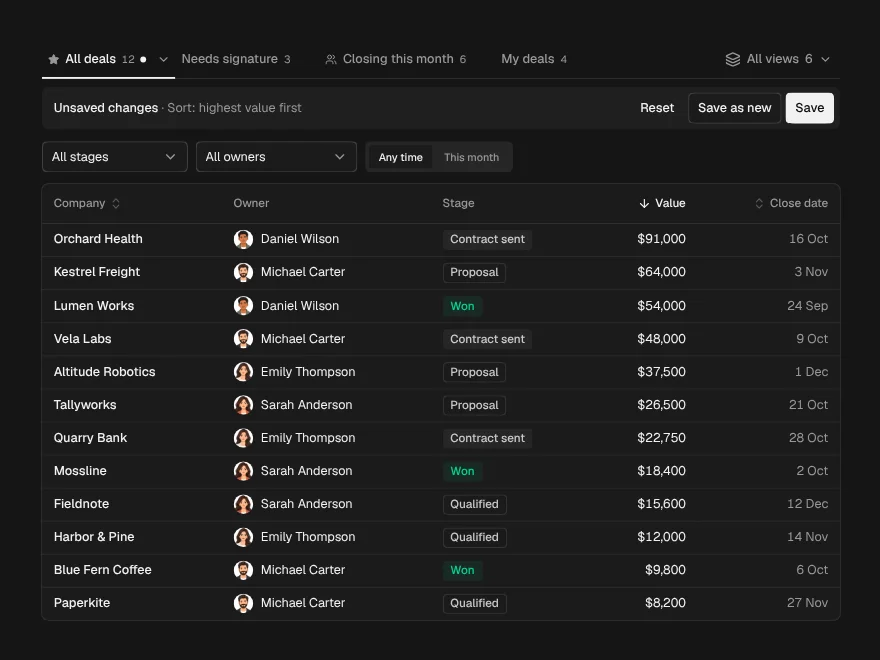
PaidNamed views above a table: save, share, rename, pin, and undo a delete.
Included with lifetime access