Prompt Input
Enter sends, Shift+Enter adds a line, Escape stops an answer that is being written. One button is Send when there is something to send and Stop while an answer is arriving. It does not send while an input method is composing.
Ready for AI tools one file typed props installs by name prompt included
Installation
How you get it
Paste this into Claude Code, Cursor, Codex or any coding agent. It installs the file and uses it as it is, instead of writing a new one.
Use Layro's Prompt Input for this.
Install it: npx shadcn@latest add https://layropro.com/r/prompt-input
Import it from @/components/ui/prompt-input.
Do not rewrite or restyle it. Pass my data through its props
and keep its built-in states.
For the full brief with every prop and the mistakes assistants usually make, use Copy prompt above.
When to use it
Use Prompt Input as the message box of any AI feature. It grows with the text, sends on Enter and adds a line on Shift+Enter. While status is submitting or streaming, Send becomes Stop. Put attach or model buttons in tools. For files, slash commands and @mentions, use Prompt Composer.
Usage
"use client";

import * as React from "react";
import { PromptInput, type PromptStatus } from "@/components/ui/prompt-input";

export function AskBox({ ask }: { ask: (text: string, signal: AbortSignal) => Promise<void> }) {
  const [status, setStatus] = React.useState<PromptStatus>("idle");
  const controller = React.useRef<AbortController | null>(null);

  return (
    <PromptInput
      placeholder="Ask anything…"
      status={status}
      onSubmit={async (text) => {
        controller.current = new AbortController();
        setStatus("streaming");
        try {
          await ask(text, controller.current.signal);
        } finally {
          setStatus("idle");
        }
      }}
      onStop={() => controller.current?.abort()}
    />
  );
}
API
“Copy prompt” above puts a full brief on your clipboard — install command, dependencies, props, and the mistakes an assistant usually makes with this component.
Props
Read from the component’s own TypeScript interface when the site is built, so this table cannot drift from the file you install.
| Prop | Type | Notes |
|---|---|---|
value | string | — |
defaultValue | string | — |
onValueChange | (value: string) => void | — |
onSubmit | (text: string) => void | Called with the trimmed text. The box clears itself unless `value` is controlled. |
onStop | () => void | Called by Stop and by Escape while `status` is not `idle`. |
status | PromptStatus | `submitting` and `streaming` both turn Send into Stop. Default `idle`. |
placeholder | string | — |
disabled | boolean | — |
maxRows | number | Lines before the text scrolls. Default 8. |
maxLength | number | A counter appears once the text is within 20% of it. |
hint | React.ReactNode | false | The line under the box. Pass `false` to hide it. |
header | React.ReactNode | Above the text: attachment chips, a quoted message. |
tools | React.ReactNode | Bottom-left of the box: attach, model, tools. |
allowEmpty | boolean | Allow sending with no text — when attachments alone are a message. |
textareaRef | React.Ref<HTMLTextAreaElement> | Reach the textarea: to focus it, or to read the caret position. |
onTextareaKeyDown | (e: React.KeyboardEvent<HTMLTextAreaElement>) => void | Runs before the built-in key handling. Call `preventDefault` to take the key. |
autoFocus | boolean | — |
Dependencies
npm packages
clsxframer-motionlucide-reacttailwind-mergeLayro foundations, installed alongside it
layro-themebuttonLifetime access
Every component, and everything we ship next.
- All 112 components, source included
- The template, and everything released after you buy
- shadcn CLI or download — React 18/19, Tailwind v4
- One payment. No subscription.
More in AI Chat
All AI Chat components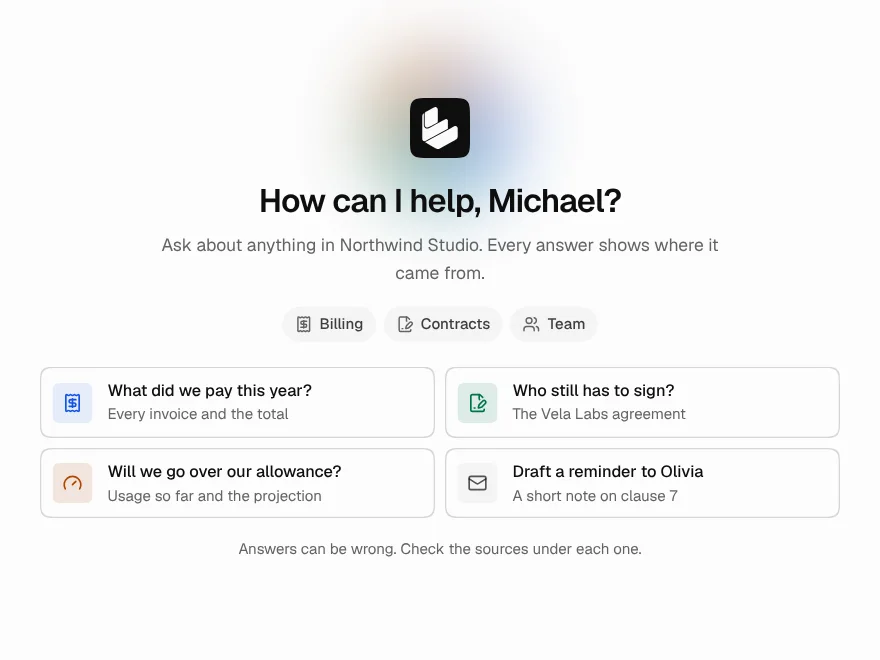
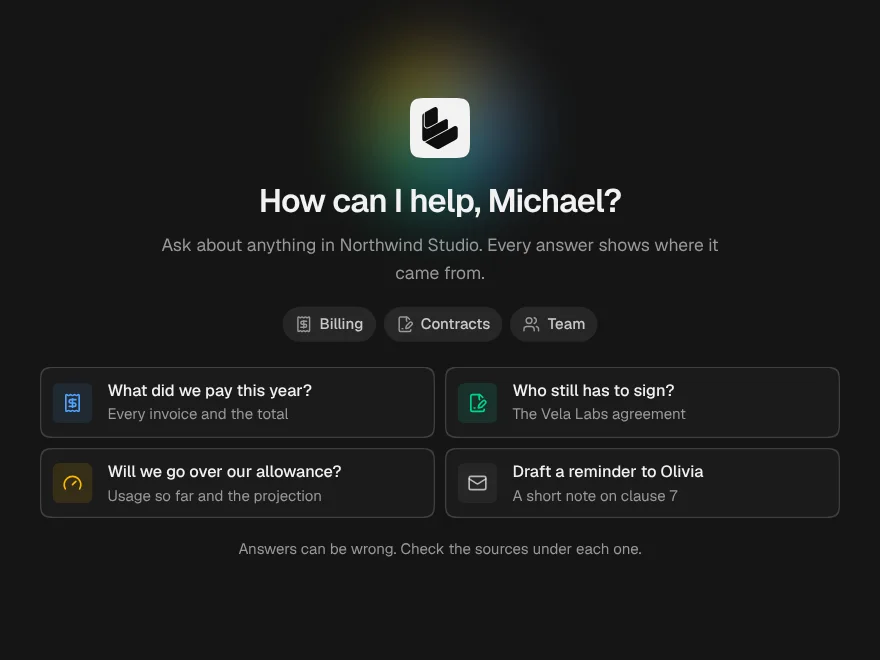
Chat Empty State
FreeThe screen before the first message: who is listening, what it knows, and what to ask.
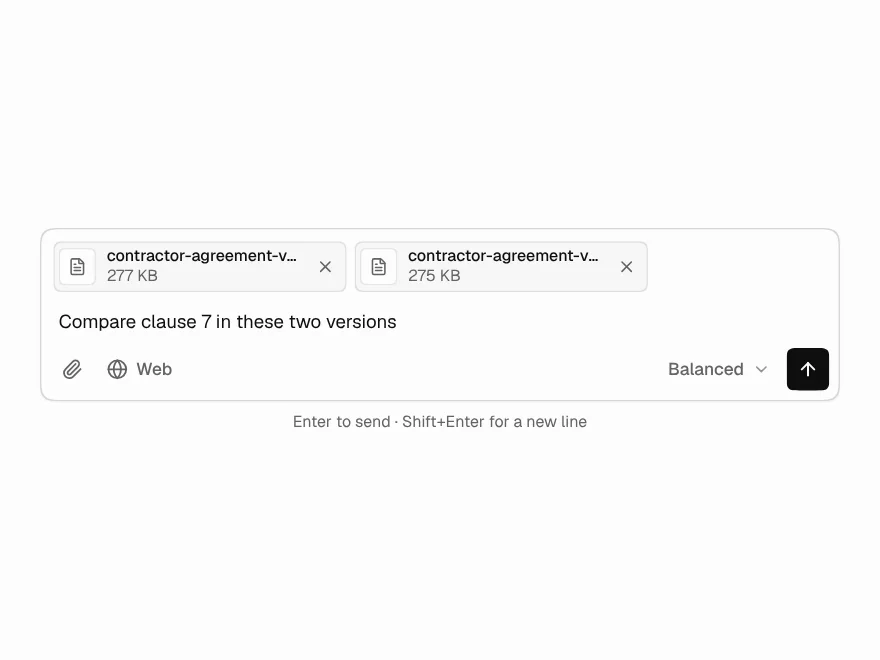
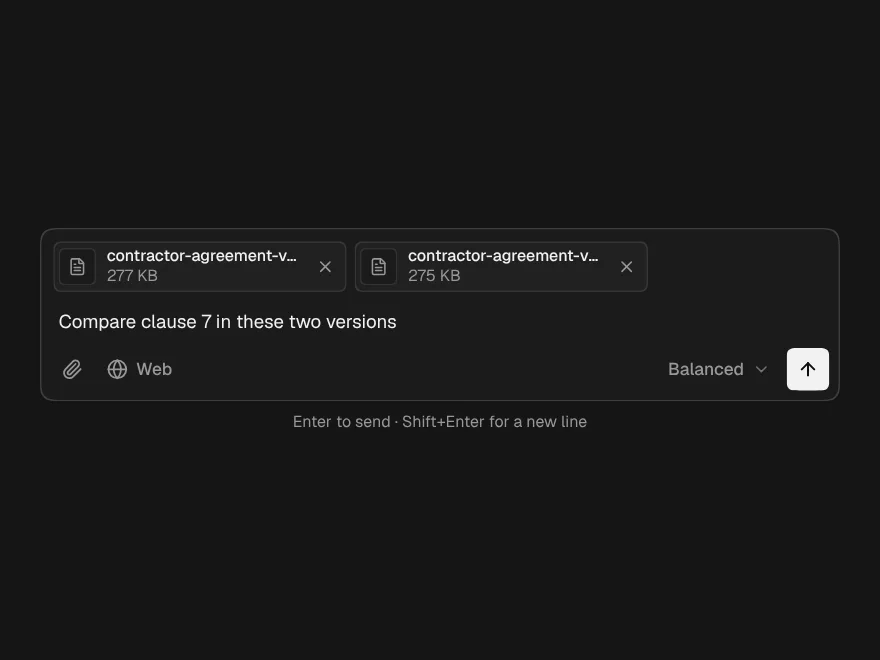
Prompt Composer
PaidThe full input: attach files, pick a model, slash commands and @mentions.
Included with lifetime access
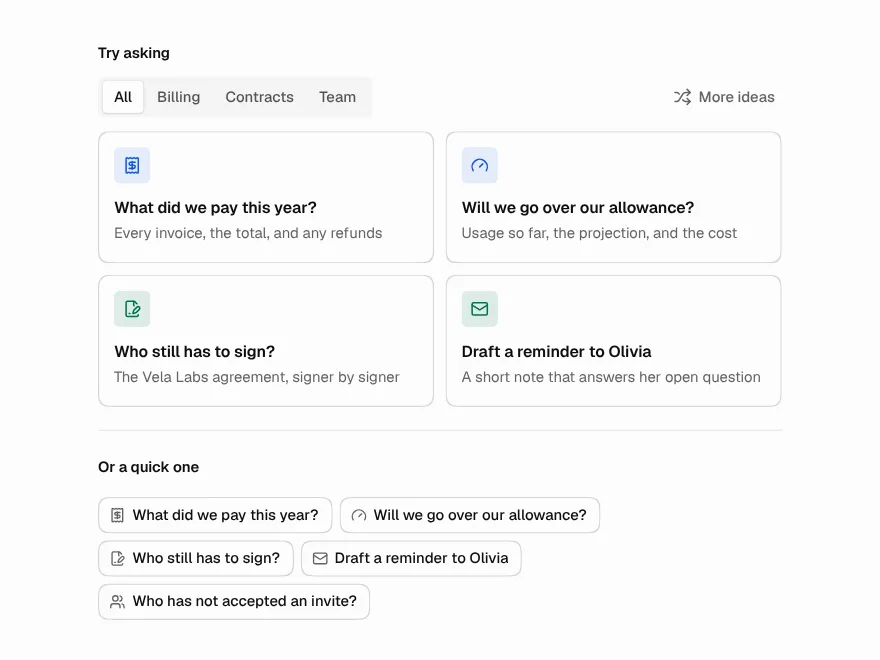
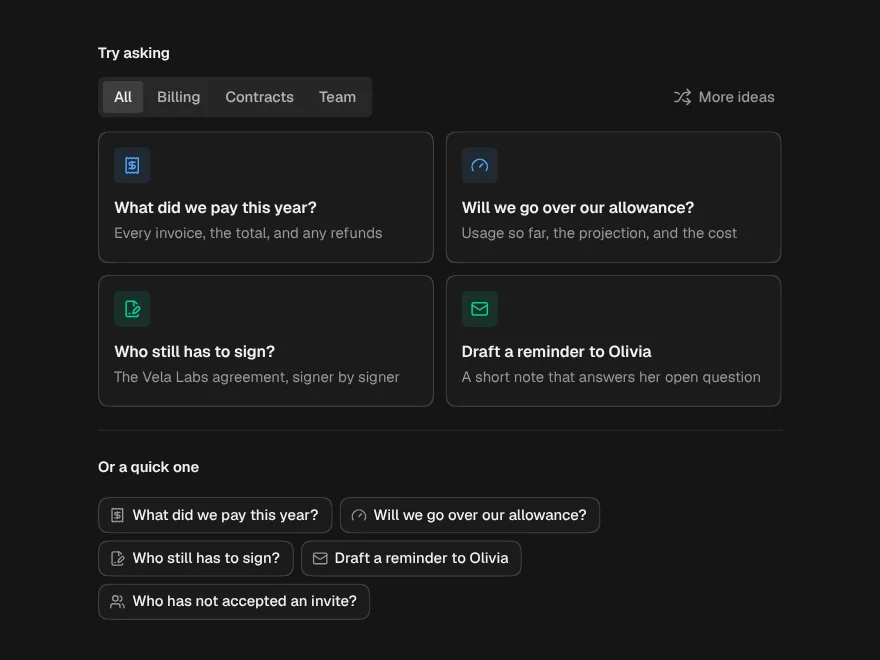
Suggested Prompts
PaidStarter questions as cards, chips or a list, with categories and a shuffle.
Included with lifetime access
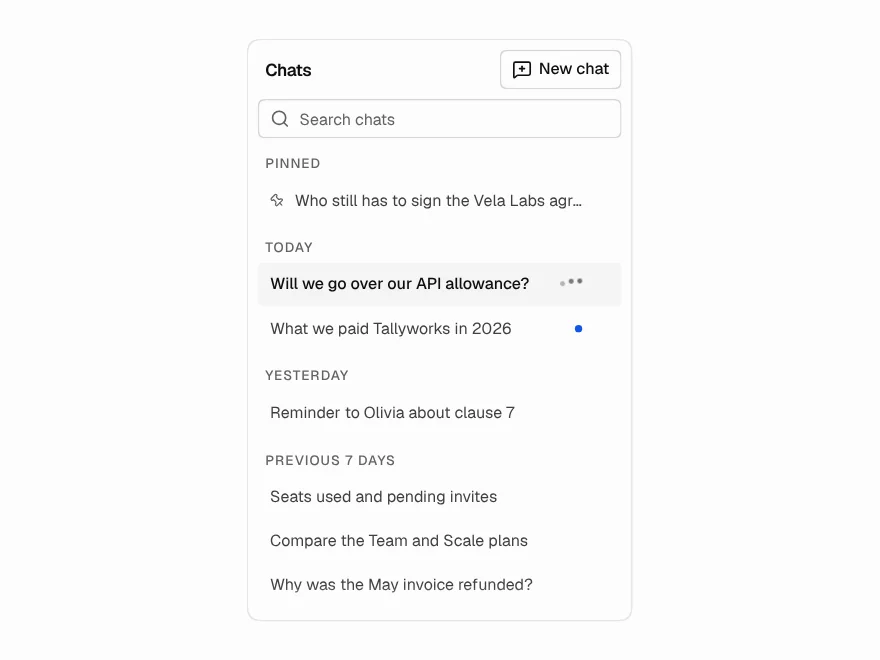
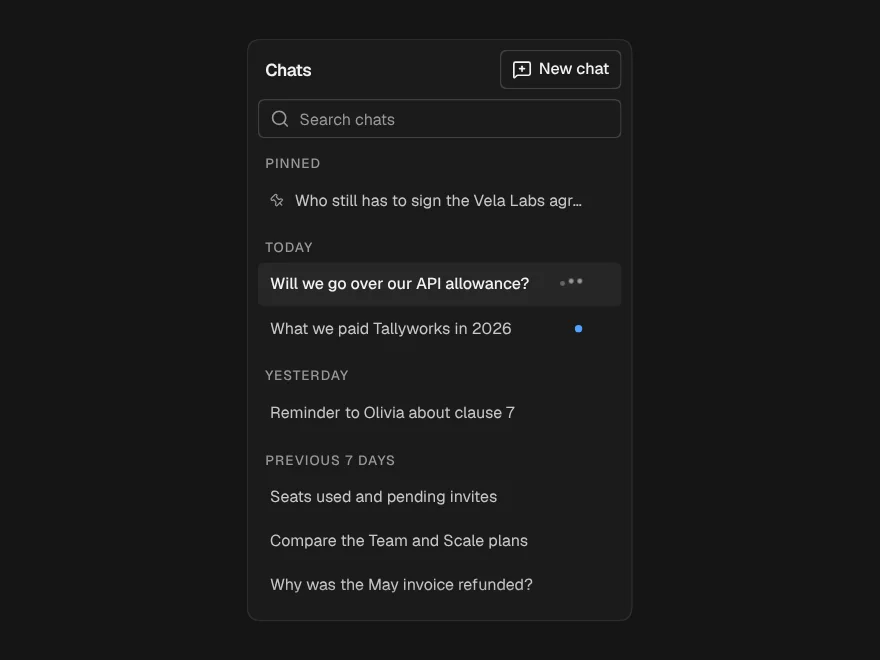
Conversation History
PaidThe sidebar of past chats: grouped by day, searchable, rename, pin and delete in place.
Included with lifetime access
Memory Manager
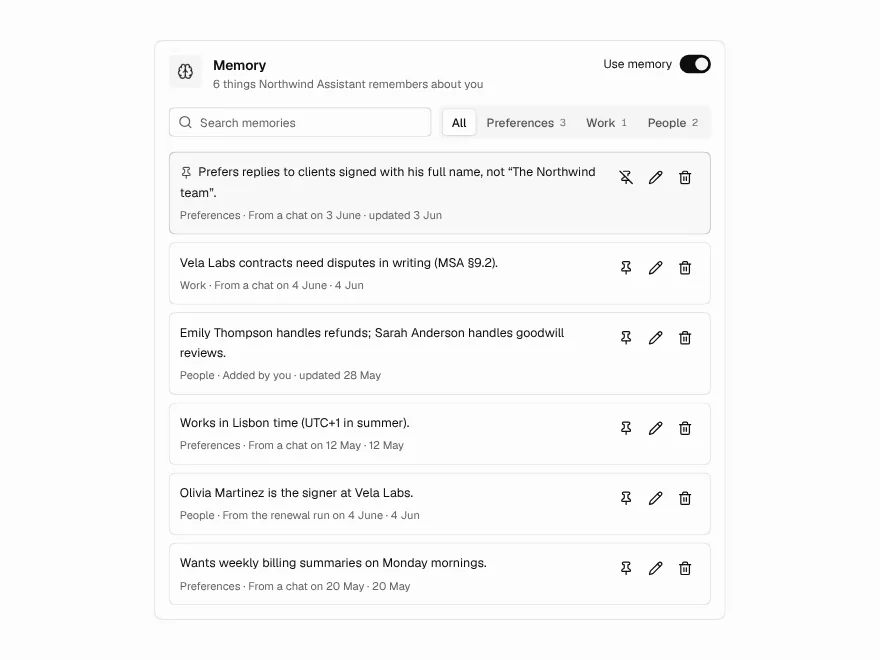
PaidWhat an assistant remembers about someone, and the controls to change it.
Included with lifetime access
AI Chat
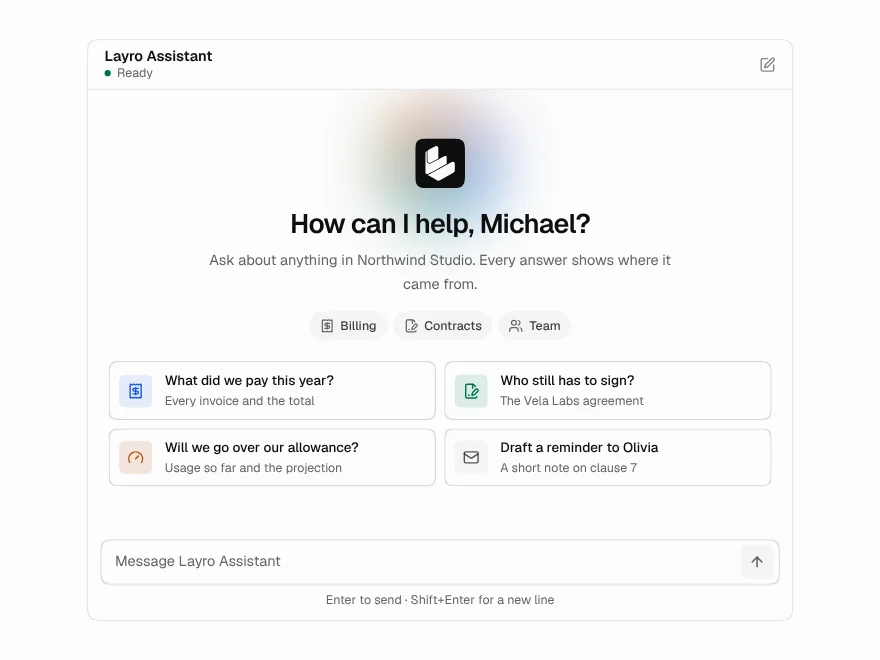
BlockFreeA whole chat window: greeting, streaming answers, stop, retry and regenerate.