AI Chat
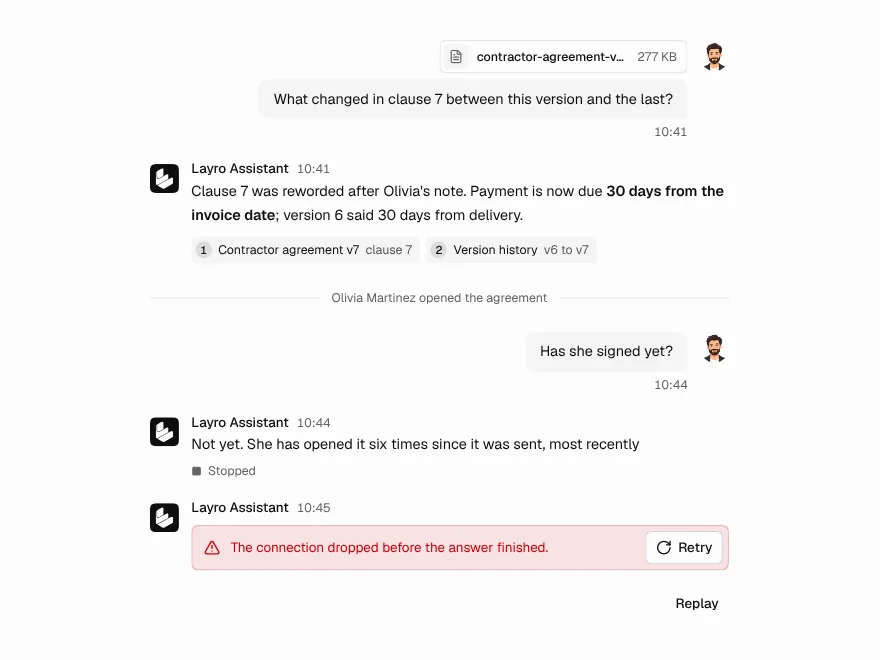
The seven free chat components working together as one window. You give it a single `onSend` function that returns the answer as a stream; it draws thinking, generating, completed, cancelled and failed, follows new text while you are at the bottom, and leaves you alone once you scroll up to read.
Ready for AI tools one file typed props installs by name prompt included
The decision inside it
It takes one function, not an SDK
The window owns the screen and nothing else. `onSend` receives the conversation and an abort signal and returns strings, so it fits any model or provider, and a built-in simulator means it runs before there is a backend.
Installation
How you get it
Paste this into Claude Code, Cursor, Codex or any coding agent. It installs the file and uses it as it is, instead of writing a new one.
Use Layro's AI Chat for this.
Install it: npx shadcn@latest add https://layropro.com/r/ai-chat
Import it from @/components/ui/ai-chat.
Do not rewrite or restyle it. Pass my data through its props
and keep its built-in states.
For the full brief with every prop and the mistakes assistants usually make, use Copy prompt above.
When to use it
Use AI Chat when you want a complete chat window: a support assistant, a copilot panel, a chat page. Pass one onSend function that streams the answer from your model; thinking, streaming, stop, retry and regenerate are handled. To build a custom layout, use the parts it is made of, such as Chat Message, Streaming Response and Prompt Input.
Usage
"use client";

import { AIChat, type AIChatRequest } from "@/components/ui/ai-chat";

async function* send({ messages, signal }: AIChatRequest) {
  const res = await fetch("/api/chat", { method: "POST", body: JSON.stringify({ messages }), signal });
  const reader = res.body!.pipeThrough(new TextDecoderStream()).getReader();
  for (;;) {
    const { done, value } = await reader.read();
    if (done) return;
    yield value;
  }
}

export function SupportChat() {
  return (
    <AIChat
      assistant={{ name: "Support" }}
      welcome={{ title: "How can I help?", starters: ["Where is my order?", "Change my plan"] }}
      onSend={send}
    />
  );
}
API
“Copy prompt” above puts a full brief on your clipboard — install command, dependencies, props, and the mistakes an assistant usually makes with this component.
Props
Read from the component’s own TypeScript interface when the site is built, so this table cannot drift from the file you install.
| Prop | Type | Notes |
|---|---|---|
onSend | (request: AIChatRequest) => AsyncIterable<string | AIChatEvent> | Promise<string> | Sends the conversation to your model; returns the answer as a stream, or a promise of the whole text. |
defaultMessages | AIChatMessage[] | A conversation to start from. |
onMessagesChange | (messages: AIChatMessage[]) => void | Called whenever the thread changes — to save it. |
assistant | { name: string; avatar?: React.ReactNode } | Shown in the header and above each answer. |
userAvatar | React.ReactNode | A face beside the person's messages. |
welcome | AIChatWelcome | The empty screen. |
placeholder | string | — |
onFeedback | (message: AIChatMessage, value: MessageFeedback, reason?: string) => void | Called when an answer is rated, and again with the reason for a thumbs down. |
header | boolean | Show the header with the assistant's name and New chat. Default true. |
onAction | (action: AIChatAction) => void | A choice, an option or Confirm was picked. Its label is also sent as the next message. |
onStatusChange | (status: "idle" | "submitting" | "streaming") => void | Idle, waiting for the first word, or writing — for a header of your own. |
notice | { text: React.ReactNode; action?: { label: string; onClick: () => void } } | A line above the box: "Recording ready: demo.mp4", with one action. |
tools | React.ReactNode | Bottom-left of the box: an attach button, a model picker. |
composerHeader | React.ReactNode | Above the text in the box: attachment chips. |
composerDisabled | boolean | Keep the box usable while waiting, e.g. disabled while a human agent is joining. |
Dependencies
npm packages
clsxframer-motionlucide-reacttailwind-mergeLayro foundations, installed alongside it
layro-themebuttonchat-empty-statechat-messagemessage-actionsprompt-inputstreaming-responsethinking-statetooltipLifetime access
Every component, and everything we ship next.
- All 112 components, source included
- The template, and everything released after you buy
- shadcn CLI or download — React 18/19, Tailwind v4
- One payment. No subscription.
More in AI Chat
All AI Chat components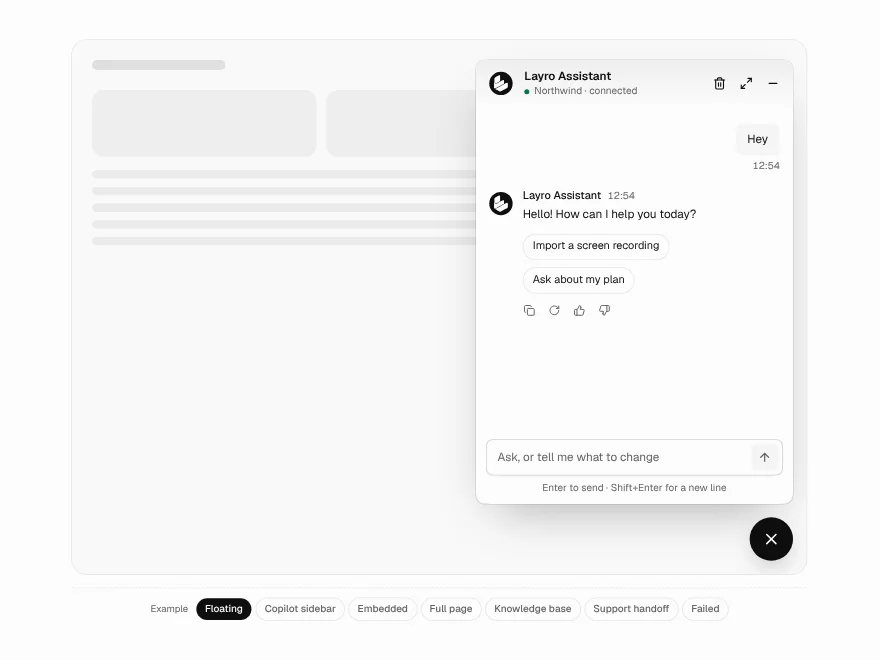
Chatbot
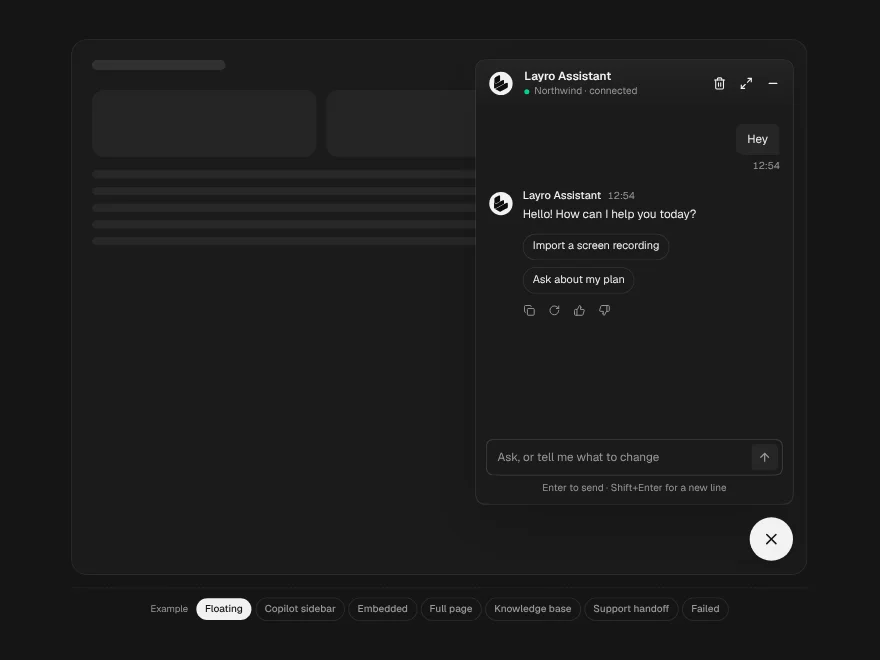
BlockFreeOne chat in four places: a floating widget, an embedded panel, a copilot sidebar or a full page.
Chat Message
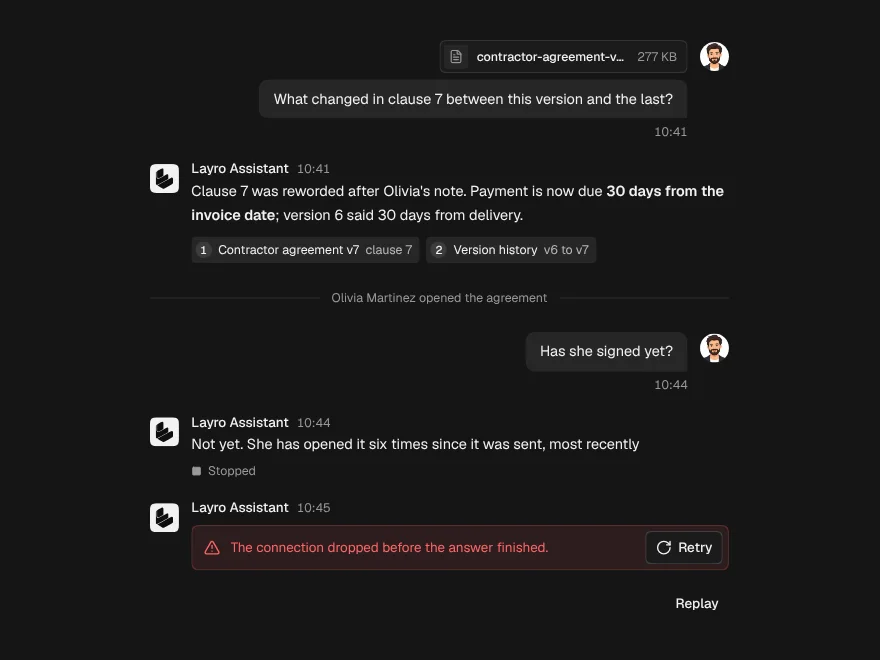
FreeOne turn in a conversation, for the person or the assistant, with sources and attachments.
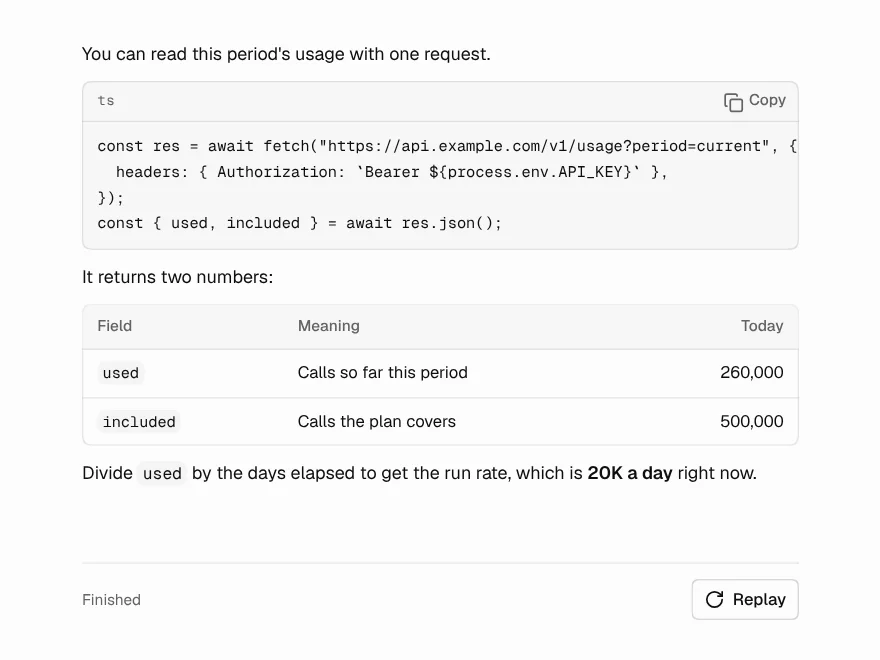
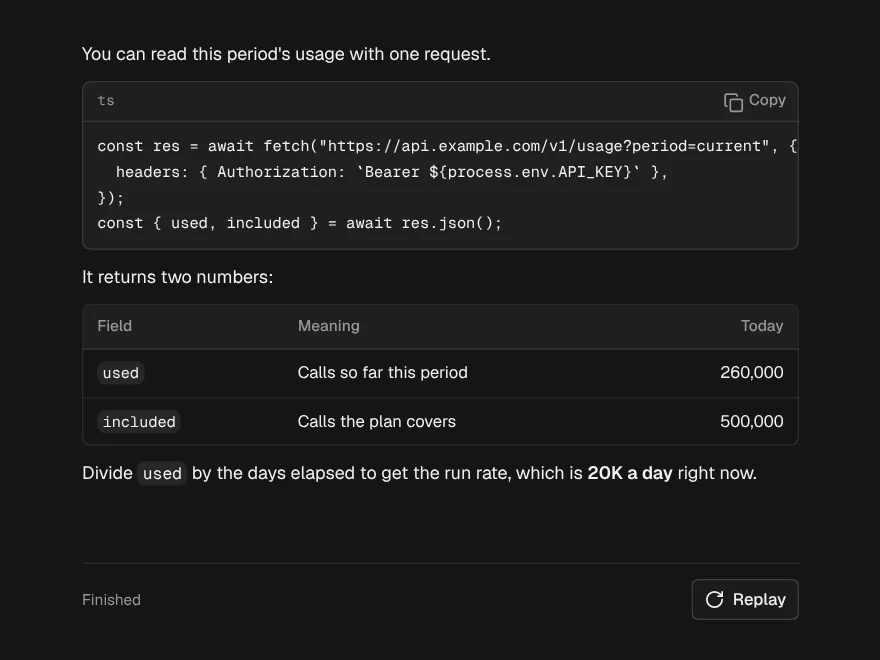
Streaming Response
FreeAn answer arriving word by word that looks finished at every moment in between.
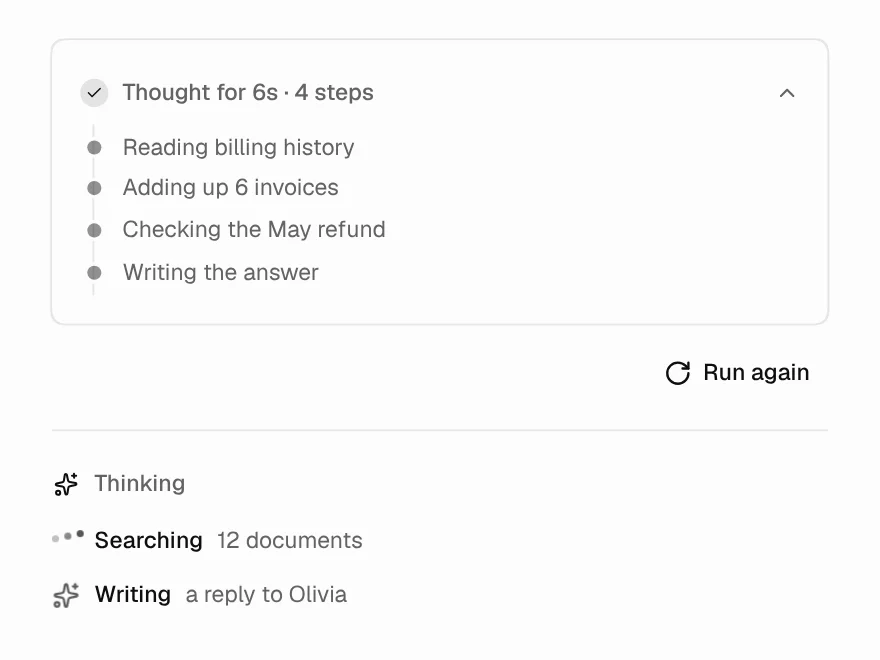
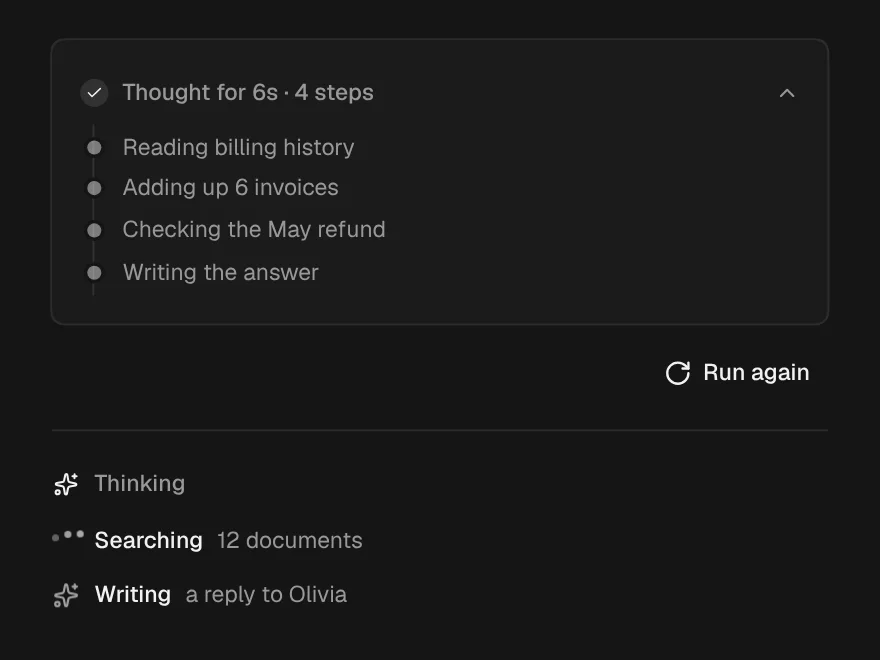
Thinking State
FreeThe wait before the first word: what it is doing, for how long, and the trail so far.
Message Actions
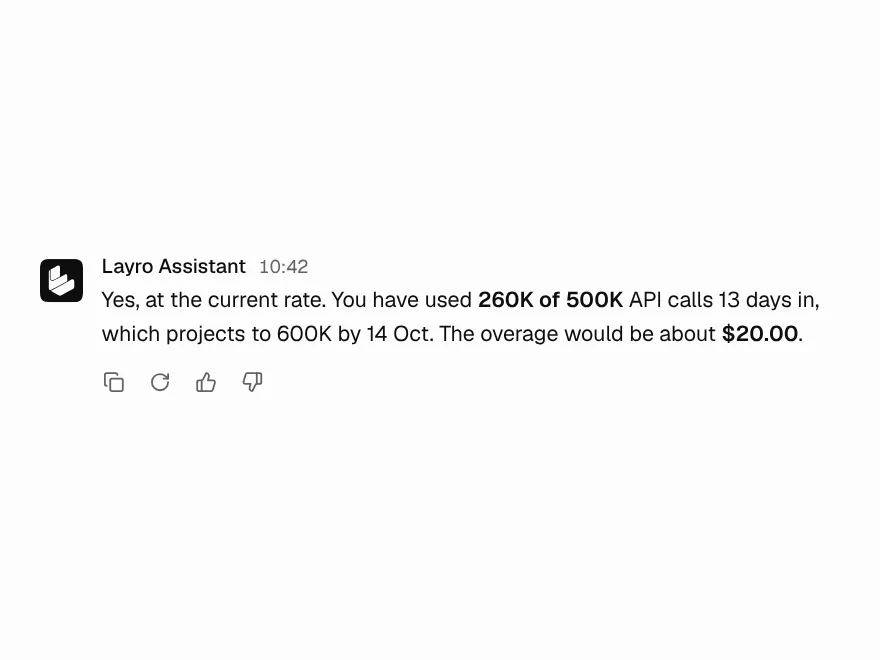
FreeCopy, regenerate and rate an answer, with every button confirming in place.
Prompt Input
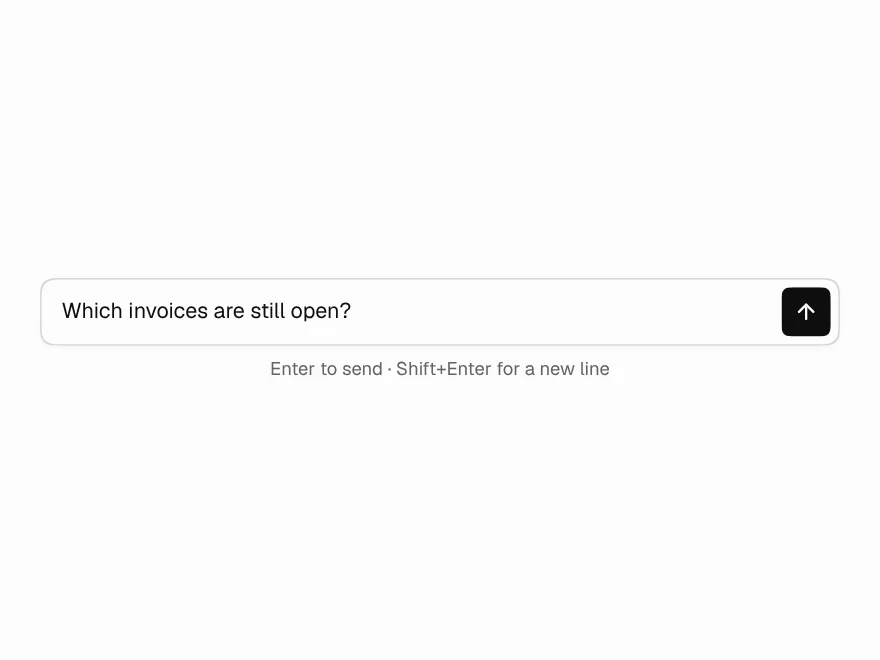
FreeThe box you type in: grows with the text, Enter sends, and Send becomes Stop.