Chat Message
A `role` prop decides the layout: the person's message sits right in a bubble, the assistant's sits left with no box so tables and code have room. A stopped answer keeps what had arrived and says so; a failed one keeps its place in the thread and offers Retry.
Ready for AI tools one file typed props installs by name prompt included
Installation
How you get it
Paste this into Claude Code, Cursor, Codex or any coding agent. It installs the file and uses it as it is, instead of writing a new one.
Use Layro's Chat Message for this.
Install it: npx shadcn@latest add https://layropro.com/r/chat-message
Import it from @/components/ui/chat-message.
Do not rewrite or restyle it. Pass my data through its props
and keep its built-in states.
For the full brief with every prop and the mistakes assistants usually make, use Copy prompt above.
API
“Copy prompt” above puts a full brief on your clipboard — install command, dependencies, props, and the mistakes an assistant usually makes with this component.
Props
Read from the component’s own TypeScript interface when the site is built, so this table cannot drift from the file you install.
| Prop | Type | Notes |
|---|---|---|
rolerequired | ChatRole | Who is speaking. `system` is a centred line for events: "Context cleared". |
children | React.ReactNode | The message. Plain text, or `<StreamingResponse>` for an assistant's answer. |
name | string | Shown above an assistant message. Also read out before it. |
avatar | React.ReactNode | Replaces the default mark (assistant) or adds a face (user). |
time | string | Already formatted: "10:42". |
status | ChatMessageStatus | How the message ended, or that it has not yet. Default `complete`. |
error | string | Why it failed, in plain words. Shown when `status` is `failed`. |
onRetry | () => void | Shows Retry beside the error. Leave it out when retrying cannot help. |
attachments | ChatAttachment[] | Files sent with the message. |
sources | ChatSource[] | What the answer was drawn from, numbered in the order given. |
actions | React.ReactNode | The row under an assistant message — usually `<MessageActions>`. |
animate | boolean | Rise and fade in when mounted. Default true; reduced motion turns it off. |
Dependencies
npm packages
clsxframer-motionlucide-reacttailwind-mergeLayro foundations, installed alongside it
layro-themebuttonLifetime access
Every component, and everything we ship next.
- All 112 components, source included
- The template, and everything released after you buy
- shadcn CLI or download — React 18/19, Tailwind v4
- One payment. No subscription.
More in AI Chat
All AI Chat components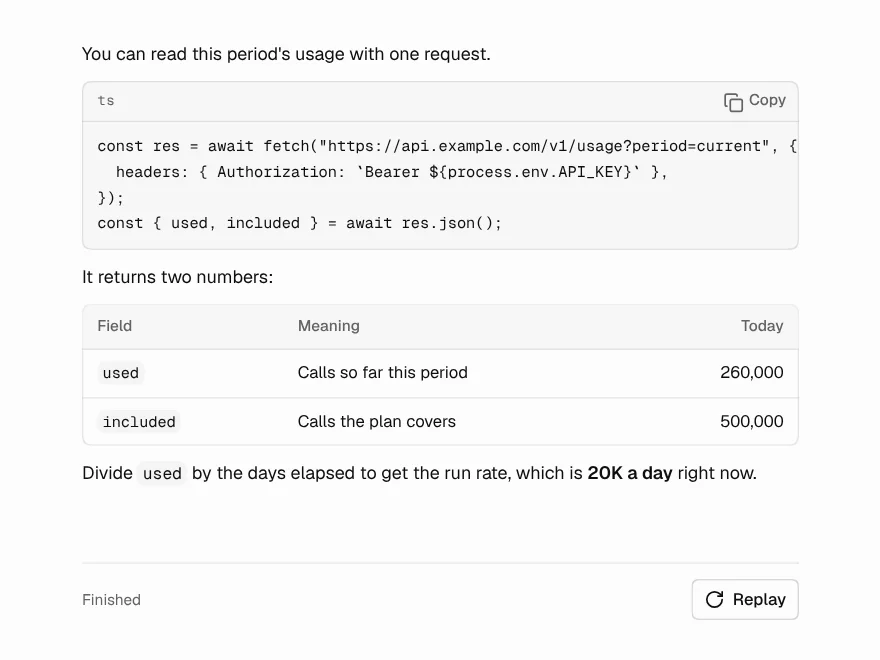
Streaming Response
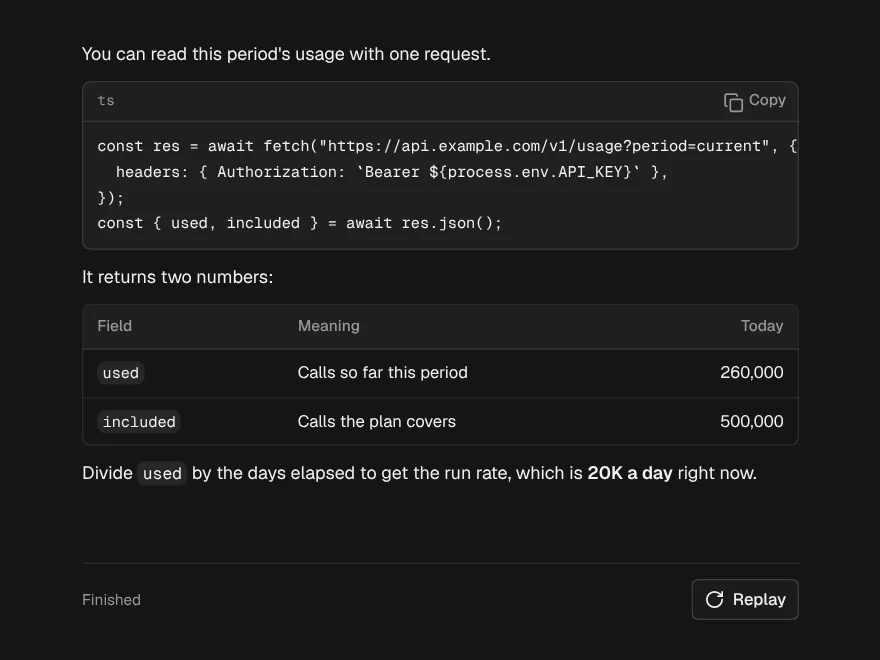
FreeAn answer arriving word by word that looks finished at every moment in between.
Thinking State
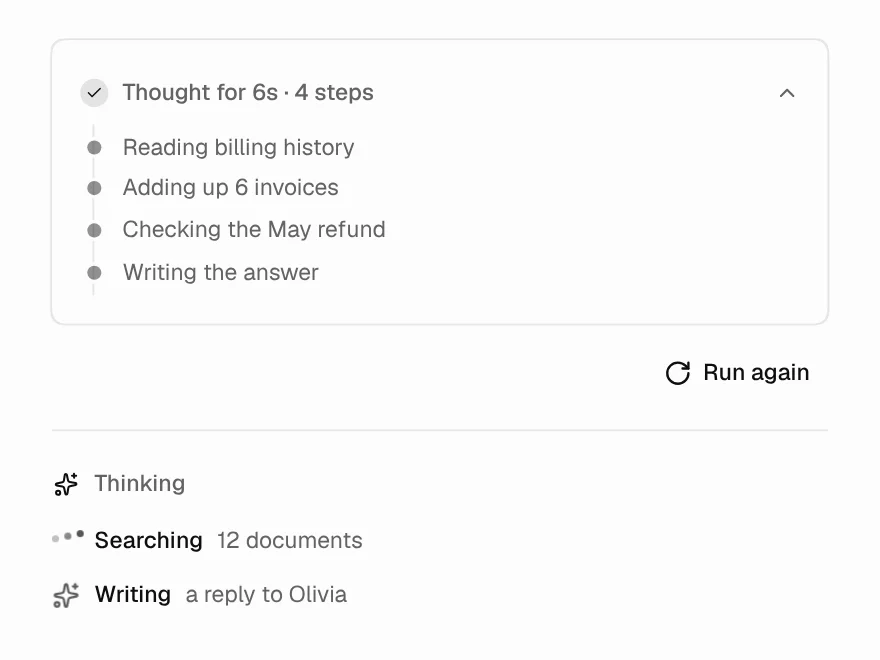
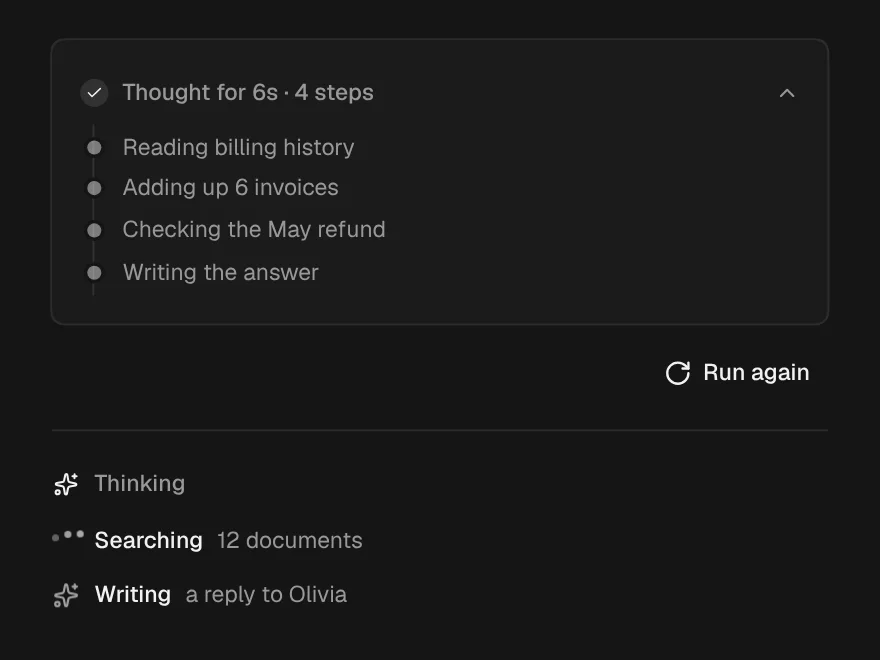
FreeThe wait before the first word: what it is doing, for how long, and the trail so far.
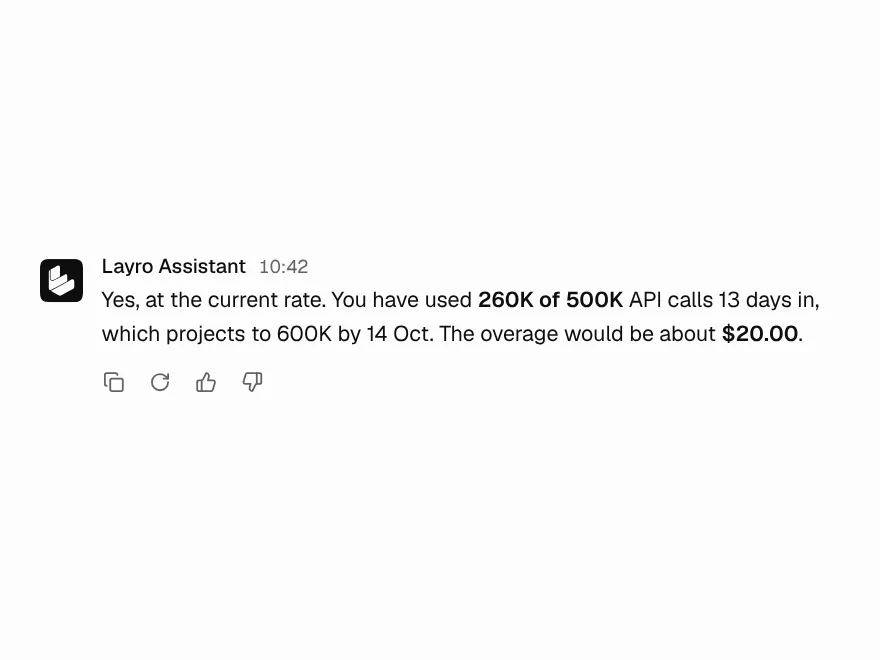
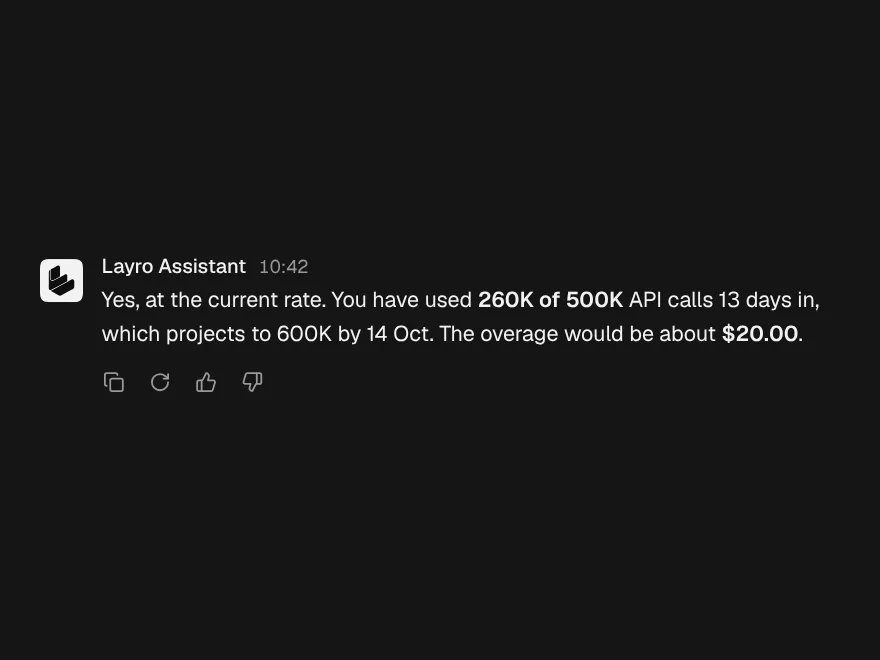
Message Actions
FreeCopy, regenerate and rate an answer, with every button confirming in place.
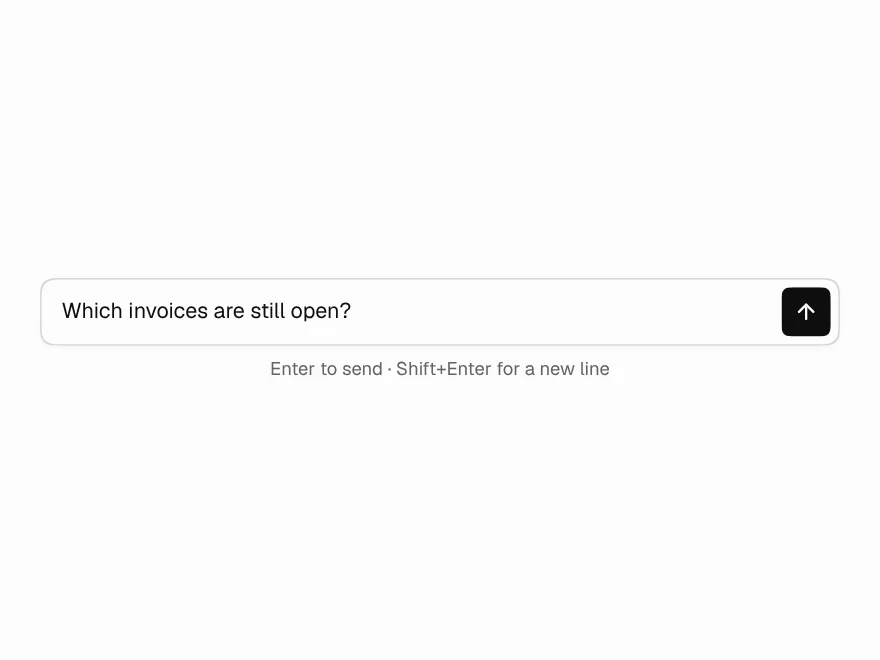
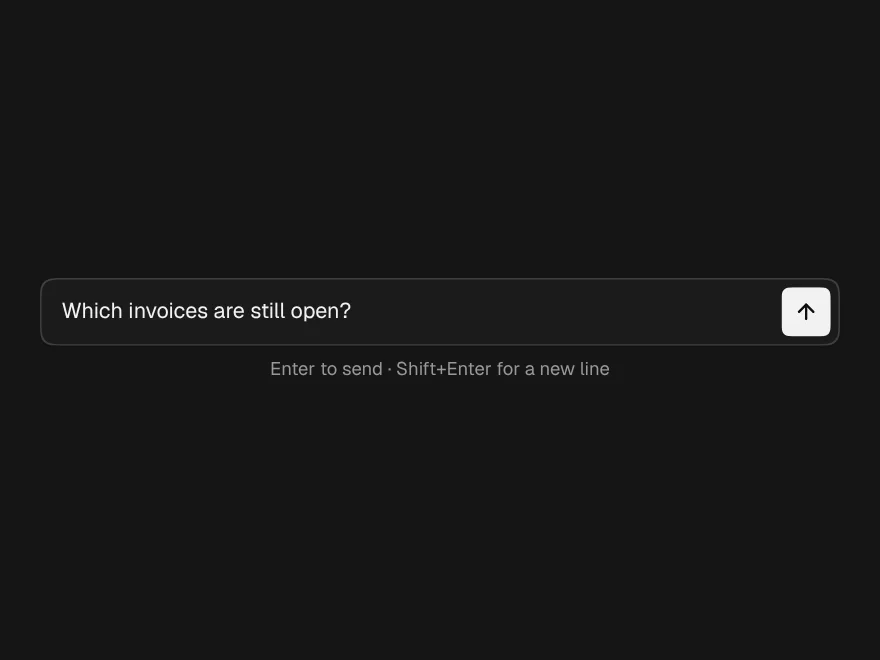
Prompt Input
FreeThe box you type in: grows with the text, Enter sends, and Send becomes Stop.
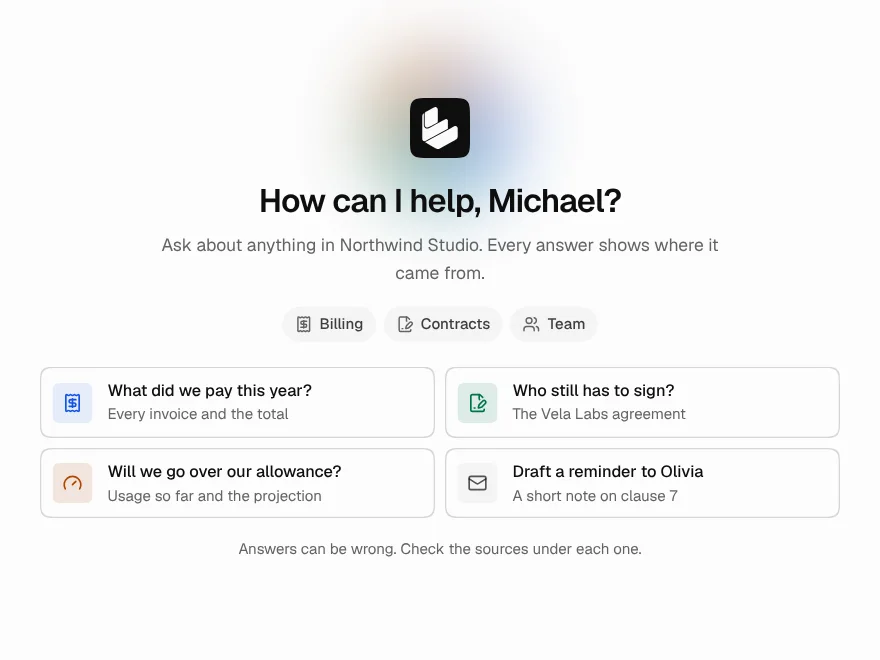
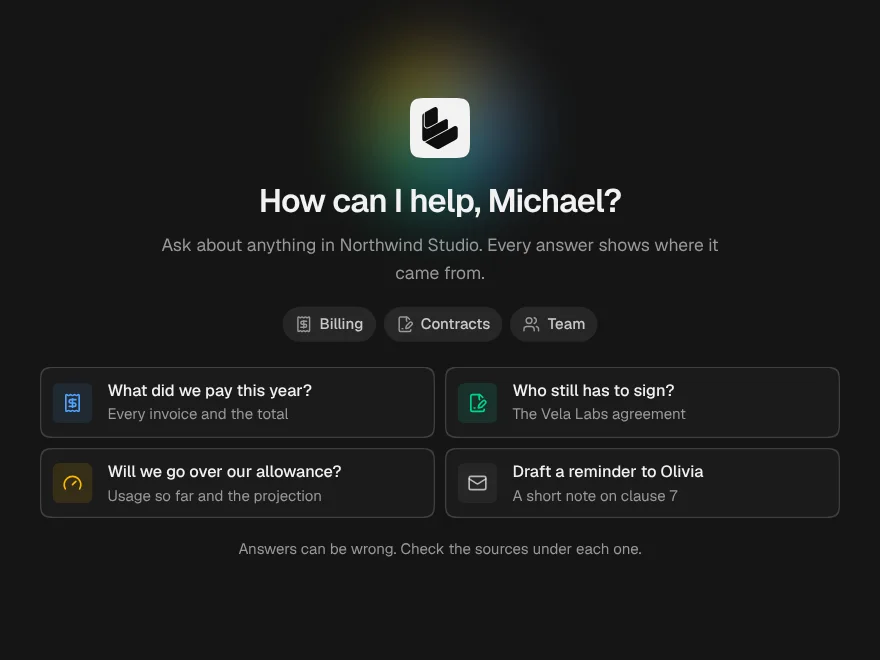
Chat Empty State
FreeThe screen before the first message: who is listening, what it knows, and what to ask.
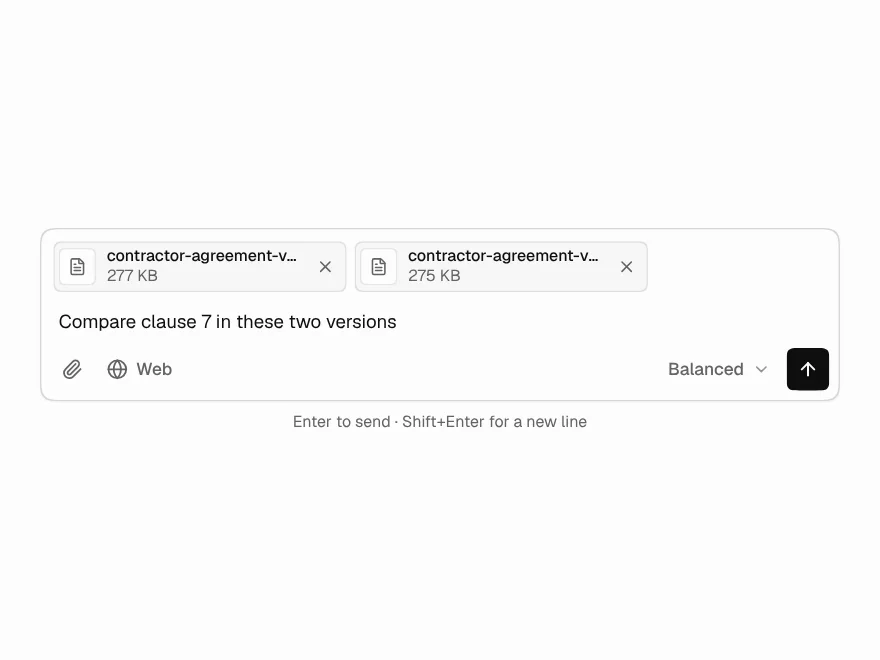
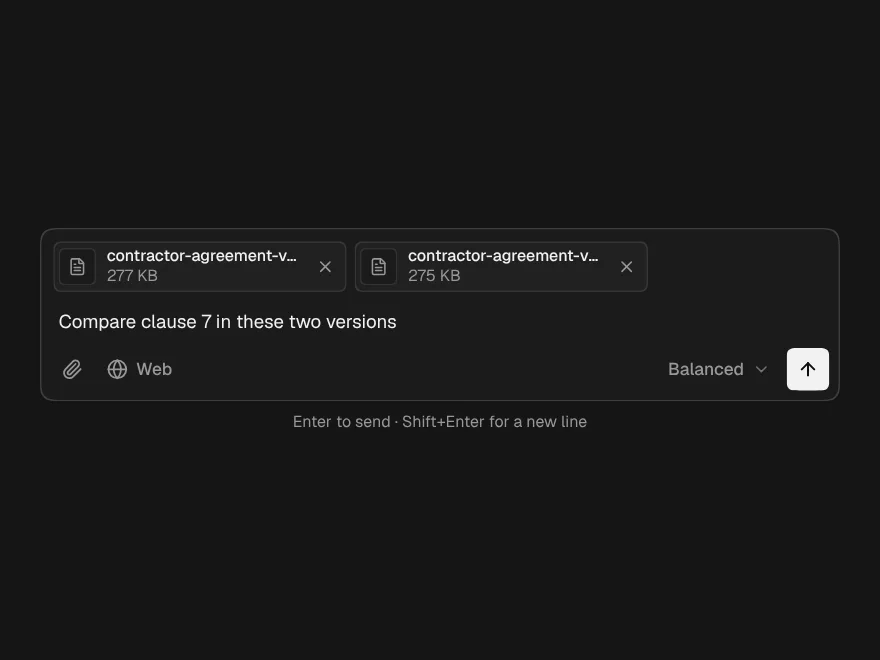
Prompt Composer
PaidThe full input: attach files, pick a model, slash commands and @mentions.
Included with lifetime access