Agent Permissions
Scopes grouped by integration, each with what the agent asked for kept apart from what it gets. Read, write and admin are labelled, broad access explains itself, locked scopes say why, and a summary counts what you are granting and removing before Save hands your backend exactly those changes.
Ready for AI tools one file typed props installs by name prompt included
The decision inside it
Asked for is not allowed
Nothing is switched on because the agent requested it. The two are separate on every row, and the editor never pretends to be the authority: your server decides.
Installation
How you get it
Paste this into Claude Code, Cursor, Codex or any coding agent. It installs the file and uses it as it is, instead of writing a new one.
Use Layro's Agent Permissions for this.
Install it: npx shadcn@latest add @layro/agent-permissions
Import it from @/components/ui/agent-permissions.
Do not rewrite or restyle it. Pass my data through its props
and keep its built-in states.
For the full brief with every prop and the mistakes assistants usually make, use Copy prompt above. Pro components install through the @layro registry with your CLI token: see the Namespaced tab.
API
“Copy prompt” above puts a full brief on your clipboard — install command, dependencies, props, and the mistakes an assistant usually makes with this component.
Props
Read from the component’s own TypeScript interface when the site is built, so this table cannot drift from the file you install.
| Prop | Type | Notes |
|---|---|---|
permissionsrequired | AgentPermission[] | — |
agentName | string | — |
readOnly | boolean | Show, do not edit. |
onPermissionChange | (id: string, granted: boolean) => void | Told about each switch as it moves, before saving. |
onSave | (changes: PermissionChange[]) => void | Promise<void> | Save the changes. May return a promise; reject to show why it failed. |
onCancel | () => void | — |
isSaving | boolean | Saving, if you track it yourself. |
saveError | React.ReactNode | An error from your side. |
resourceIcons | Record<string, React.ReactNode> | A logo or icon for each integration, keyed by `resource`: `{ Gmail: <img src="/logos/gmail.svg" alt="" /> }`. Anything missing gets its first letter. |
Dependencies
npm packages
clsxframer-motionlucide-reacttailwind-mergeLayro foundations, installed alongside it
layro-themebadgebuttoninputsegmented-controlstateswitchLifetime access
Every component, and everything we ship next.
- All 112 components, source included
- The template, and everything released after you buy
- shadcn CLI or download — React 18/19, Tailwind v4
- One payment. No subscription.
More in AI Agent
All AI Agent components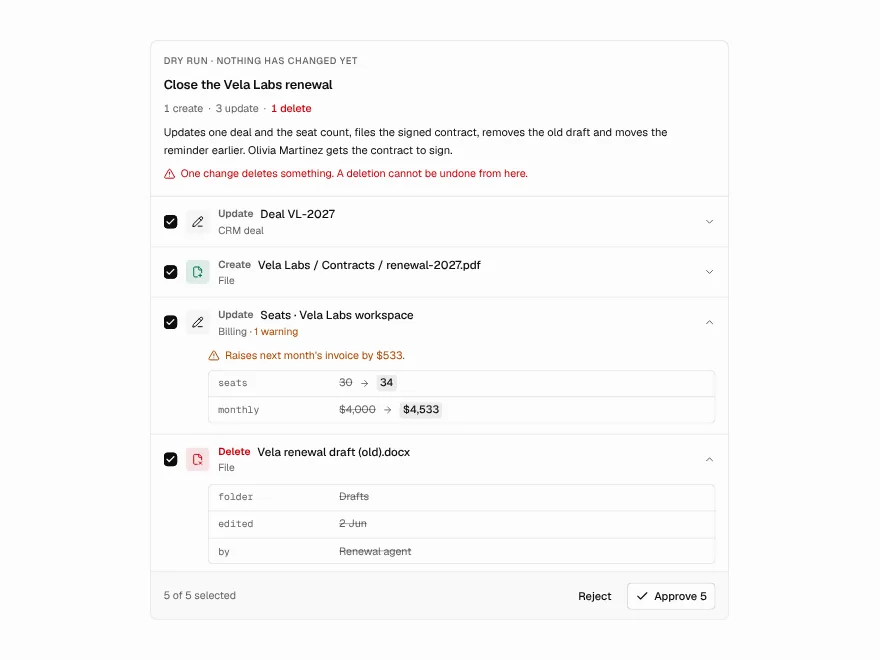
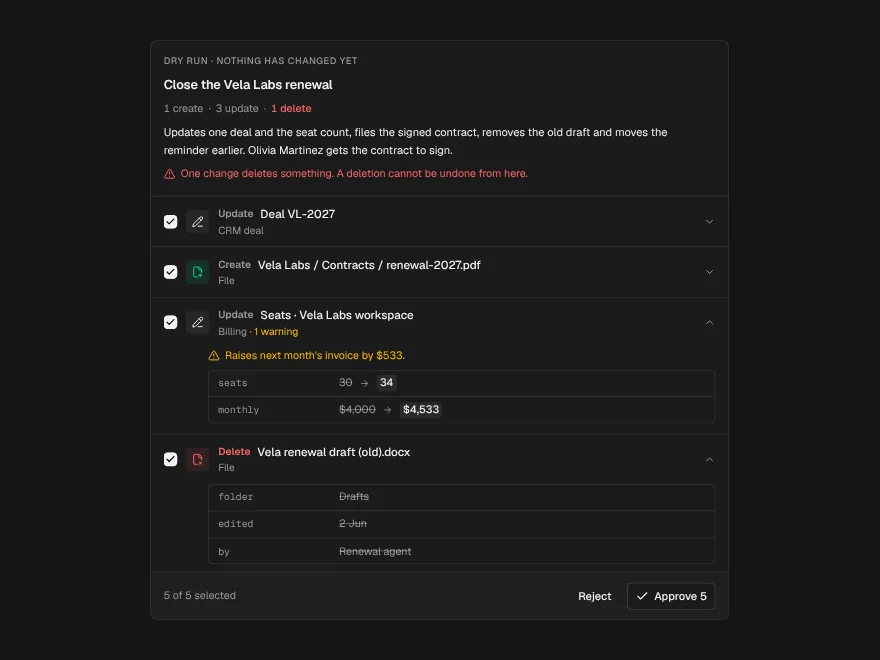
Dry-Run Preview
PaidEverything an agent would change, field by field, before any of it happens.
Included with lifetime access
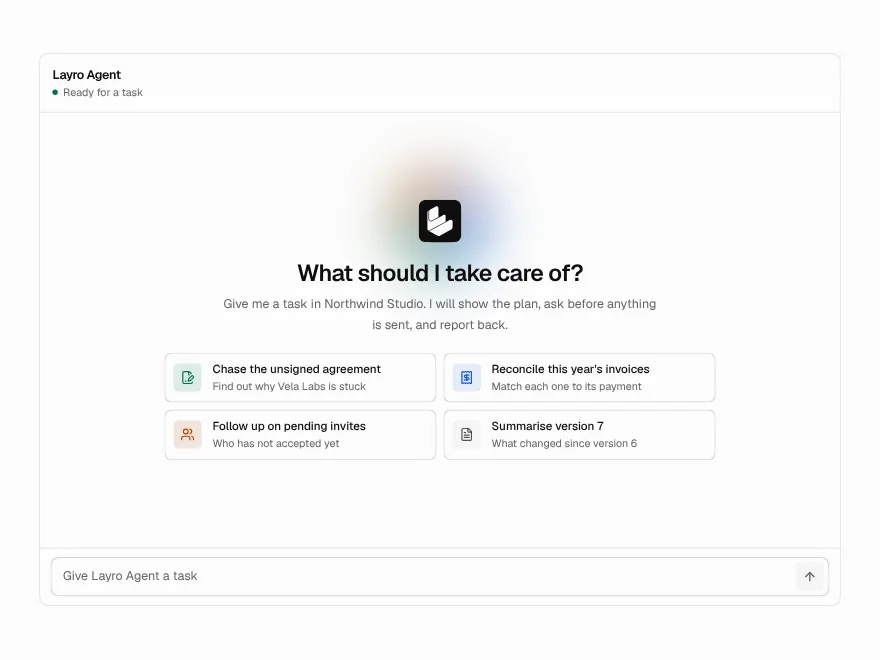
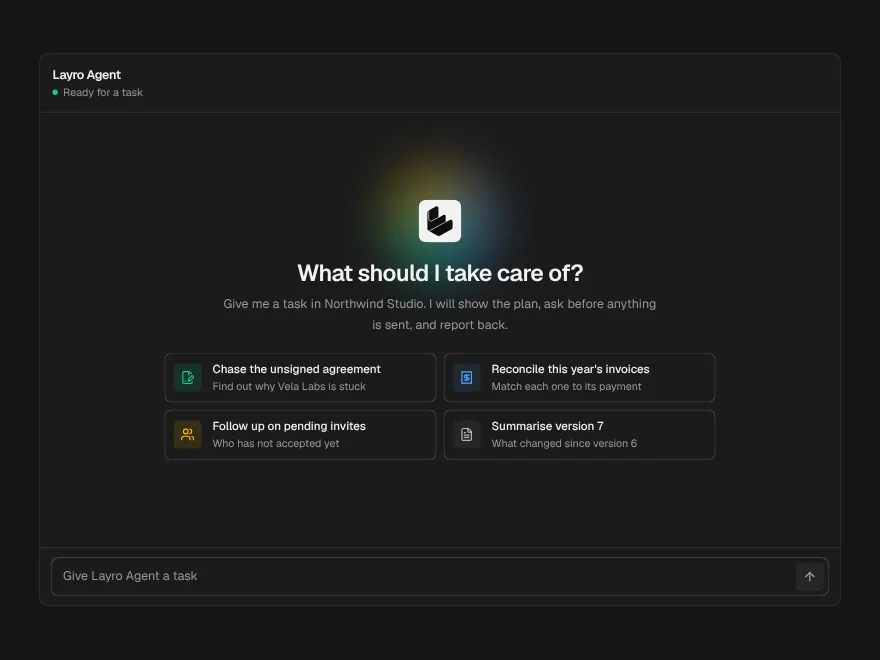
Agent Workspace
BlockPaidA whole agent screen: task in, plan, tool calls, approval and a summary out.
Included with lifetime access
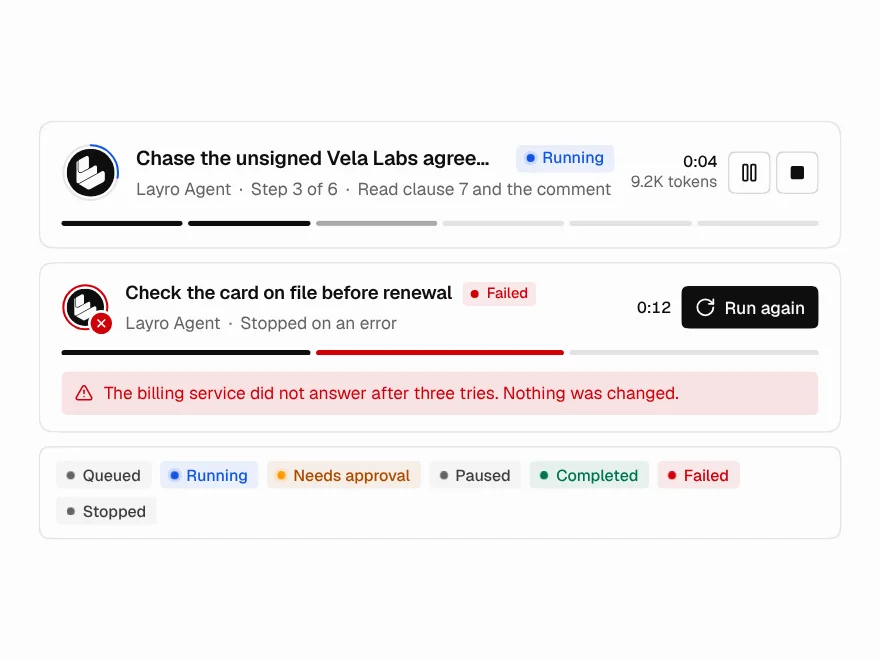
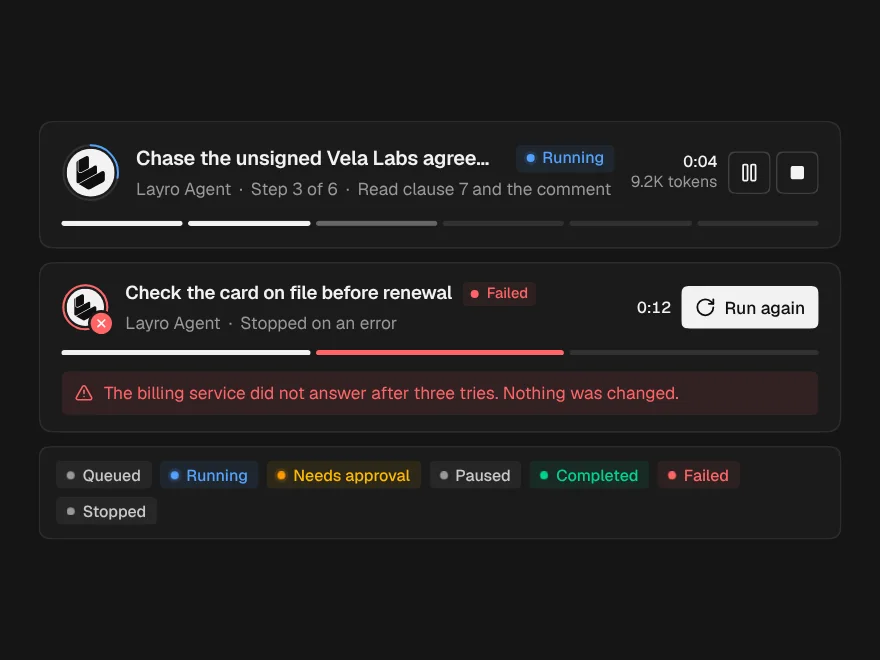
Agent Run Status
PaidThe top of a run: state, current step, a live clock, and Pause and Stop.
Included with lifetime access
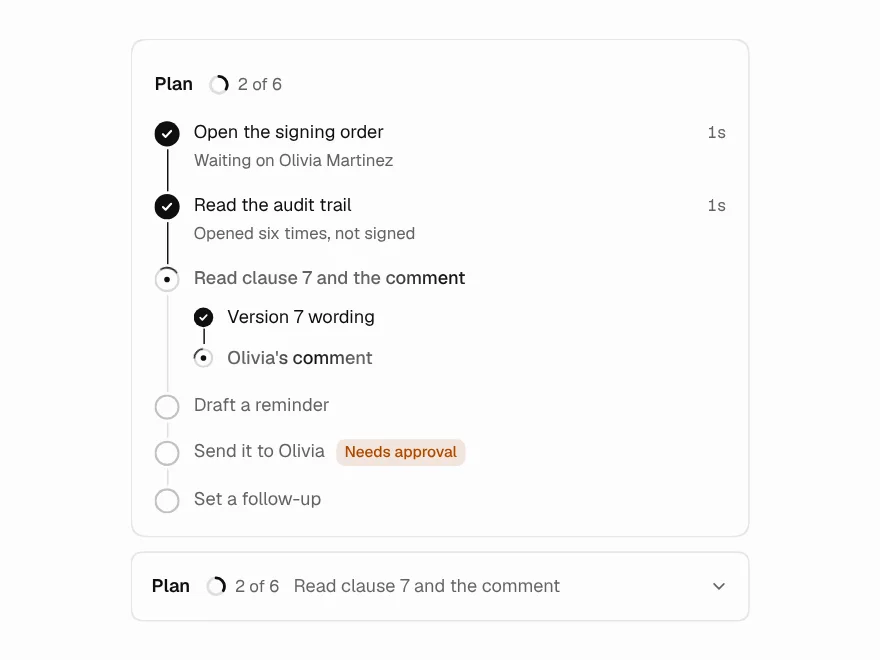
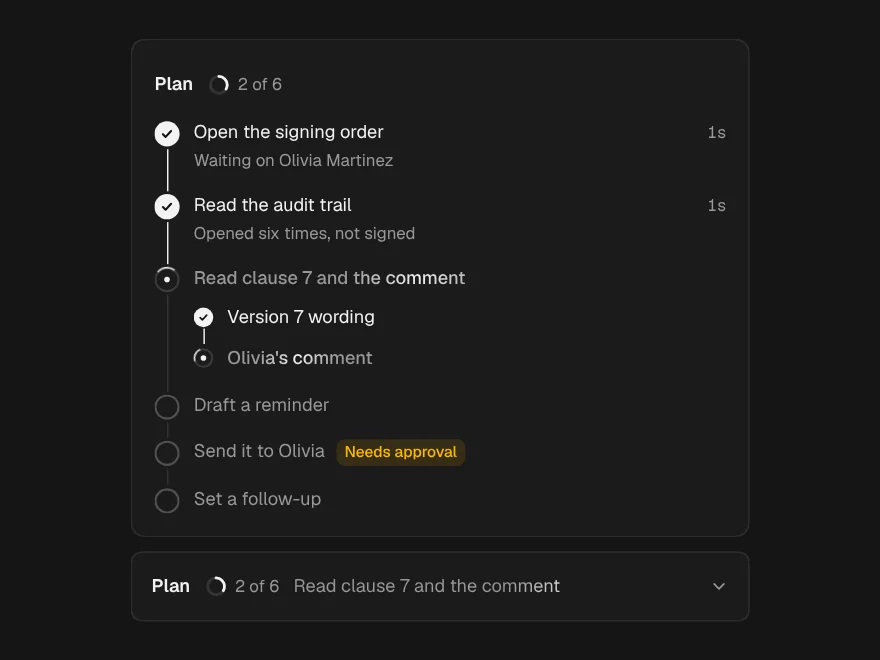
Task Plan
PaidThe agent's plan as steps that tick off live, with the risky one flagged ahead.
Included with lifetime access
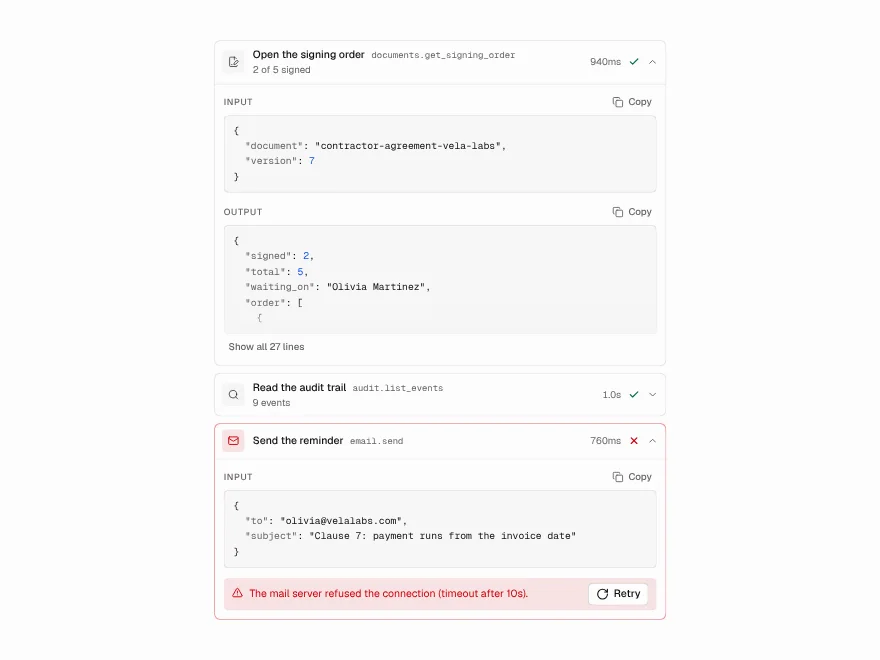
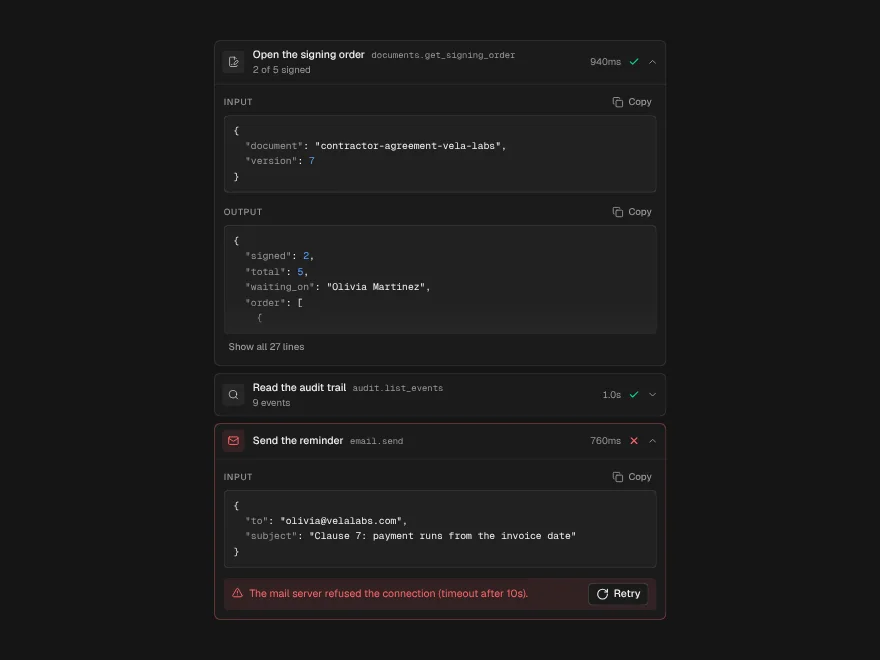
Tool Call
FreeOne tool the agent used: what it sent, what came back, how long it took.
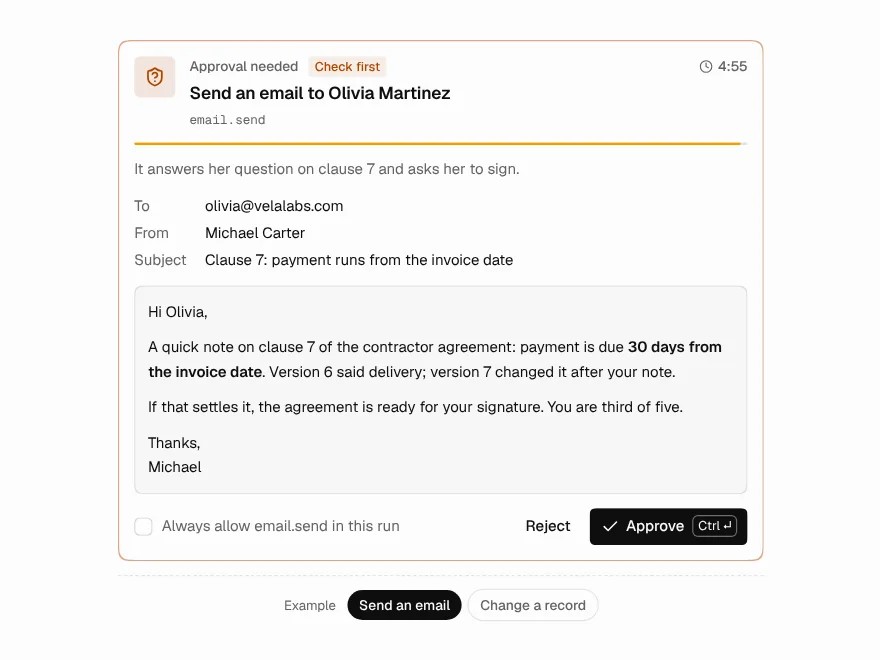
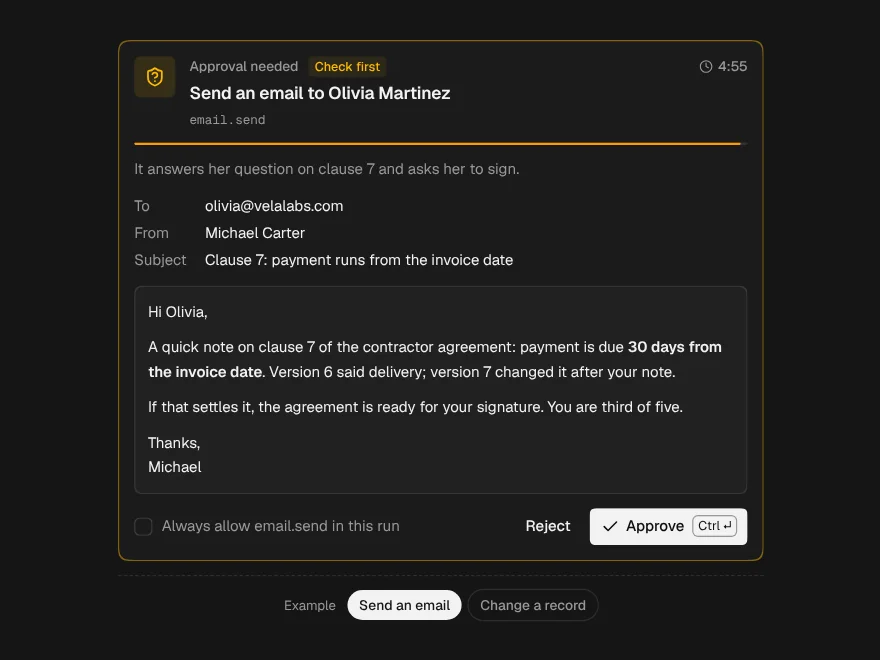
Approval Request
PaidThe agent stops and asks first, showing the exact thing it wants to do.
Included with lifetime access