Agent Settings
Name, model and instructions, then the part that matters: every tool has three positions — Off, Ask, Allow — and says whether it reads, changes data or sends something outside. Nothing saves as you type; a bar appears with Reset and Save, and errors sit on their fields.
Ready for AI tools one file typed props installs by name prompt included
The decision inside it
Three positions, not a switch
On and off is not enough for a tool that sends email. "Ask" is the setting most people want, and a tool that sends outside warns you the moment it is set to Allow.
Installation
How you get it
Paste this into Claude Code, Cursor, Codex or any coding agent. It installs the file and uses it as it is, instead of writing a new one.
Use Layro's Agent Settings for this.
Install it: npx shadcn@latest add @layro/agent-settings
Import it from @/components/ui/agent-settings.
Do not rewrite or restyle it. Pass my data through its props
and keep its built-in states.
For the full brief with every prop and the mistakes assistants usually make, use Copy prompt above. Pro components install through the @layro registry with your CLI token: see the Namespaced tab.
API
“Copy prompt” above puts a full brief on your clipboard — install command, dependencies, props, and the mistakes an assistant usually makes with this component.
Props
Read from the component’s own TypeScript interface when the site is built, so this table cannot drift from the file you install.
| Prop | Type | Notes |
|---|---|---|
value | AgentConfig | — |
defaultValue | AgentConfig | — |
onChange | (config: AgentConfig) => void | Called on every edit, with the unsaved config. |
onSave | (config: AgentConfig) => void | Promise<void> | Called by Save. Return a promise to show it working. |
modelsrequired | AgentModel[] | — |
toolsrequired | AgentTool[] | — |
avatar | React.ReactNode | The agent's face, shown beside its name. |
maxInstructions | number | Longest the instructions may be. Default 2000. |
currencySymbol | string | Symbol shown in the budget field. Default "$". |
Dependencies
npm packages
clsxframer-motionlucide-reacttailwind-mergeLayro foundations, installed alongside it
layro-themebadgebuttonfieldinputradio-groupsegmented-controlswitchtextareaLifetime access
Every component, and everything we ship next.
- All 112 components, source included
- The template, and everything released after you buy
- shadcn CLI or download — React 18/19, Tailwind v4
- One payment. No subscription.
More in AI Agent
All AI Agent components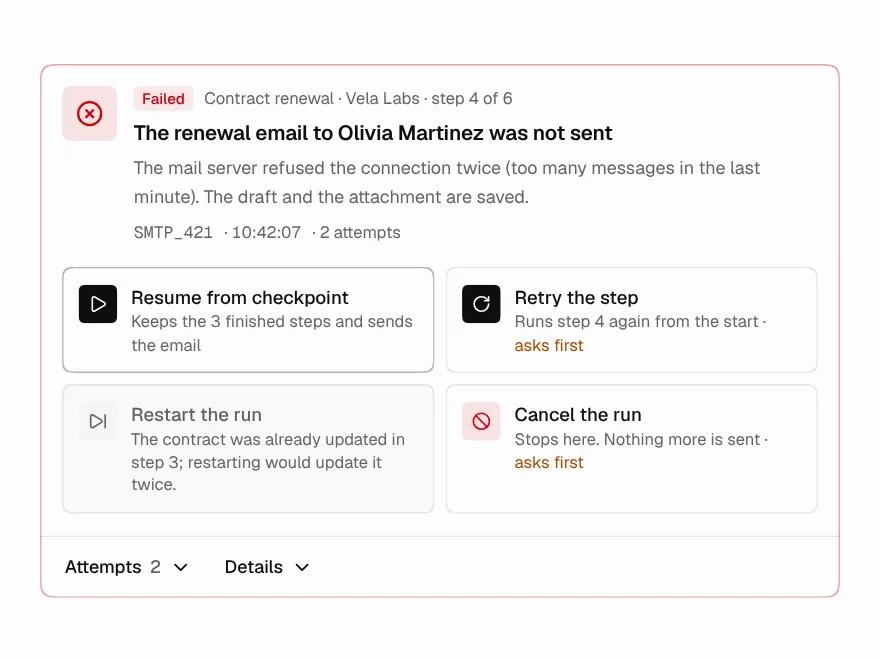
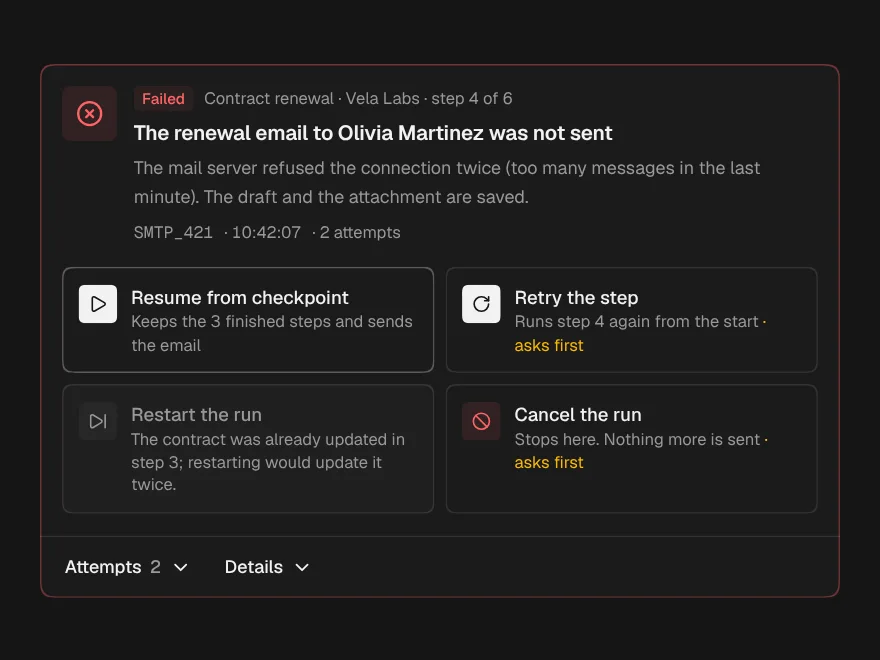
Failure Recovery
PaidWhat failed in a run, every attempt so far, and only the safe ways out.
Included with lifetime access
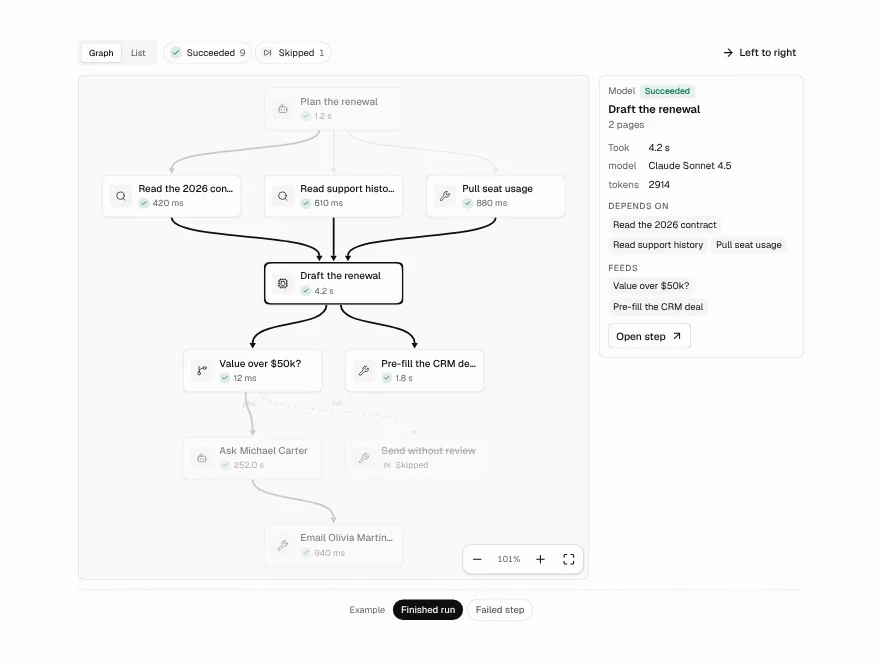
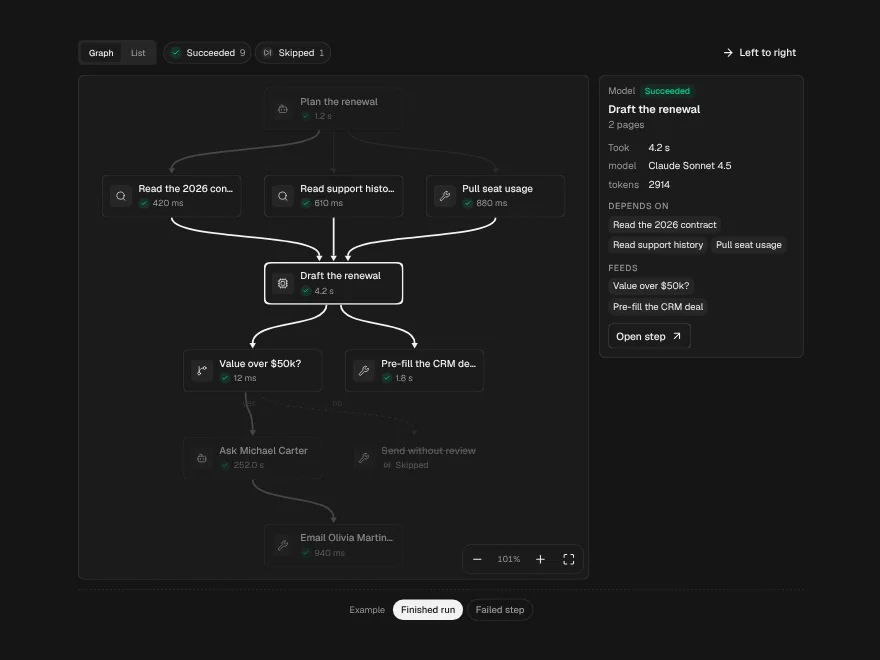
Agent Execution Graph
PaidA run drawn as a graph: dependencies, parallel branches and the path it took.
Included with lifetime access
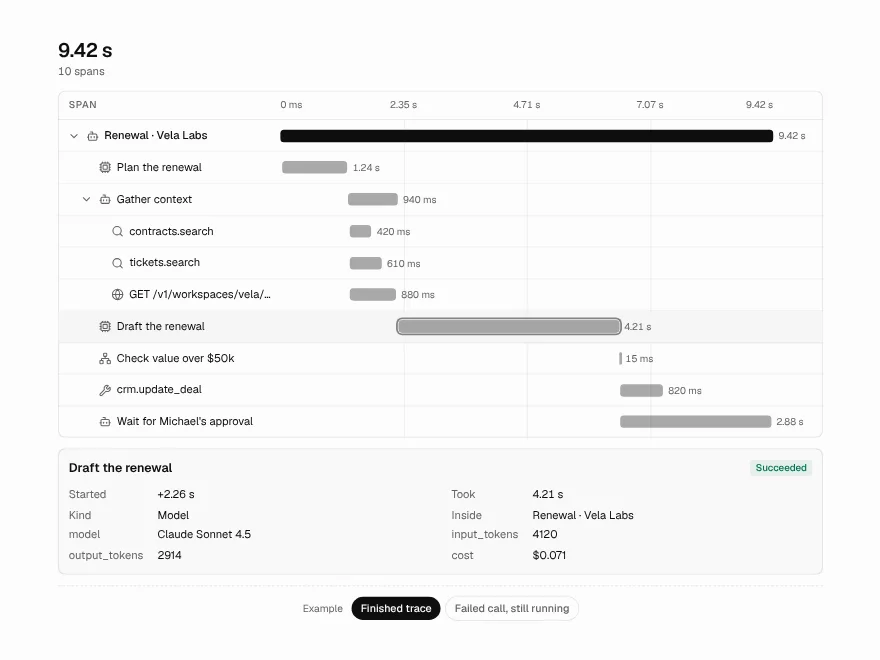
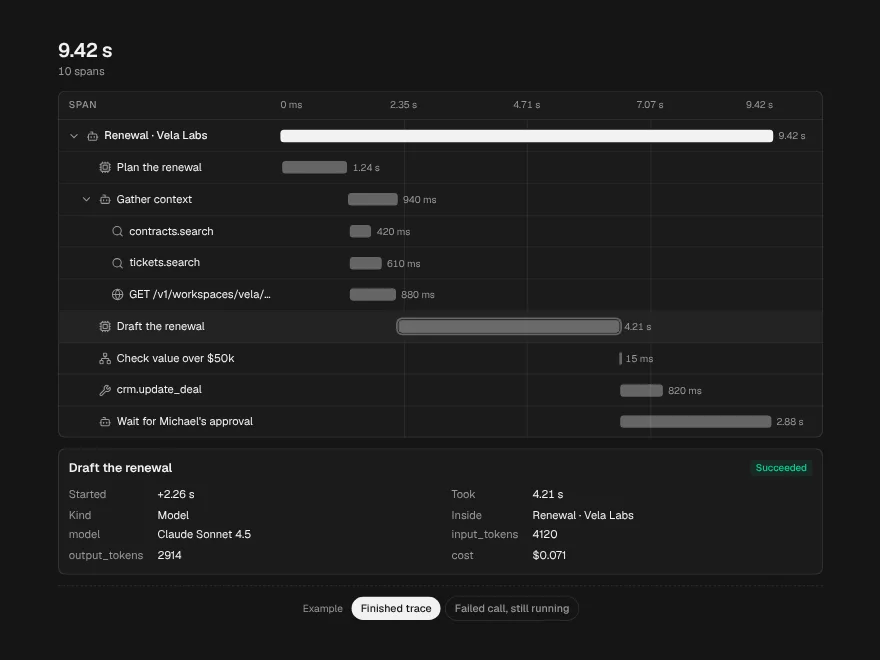
Trace Waterfall
PaidEvery call in a run on one time axis, with the slowest path marked.
Included with lifetime access
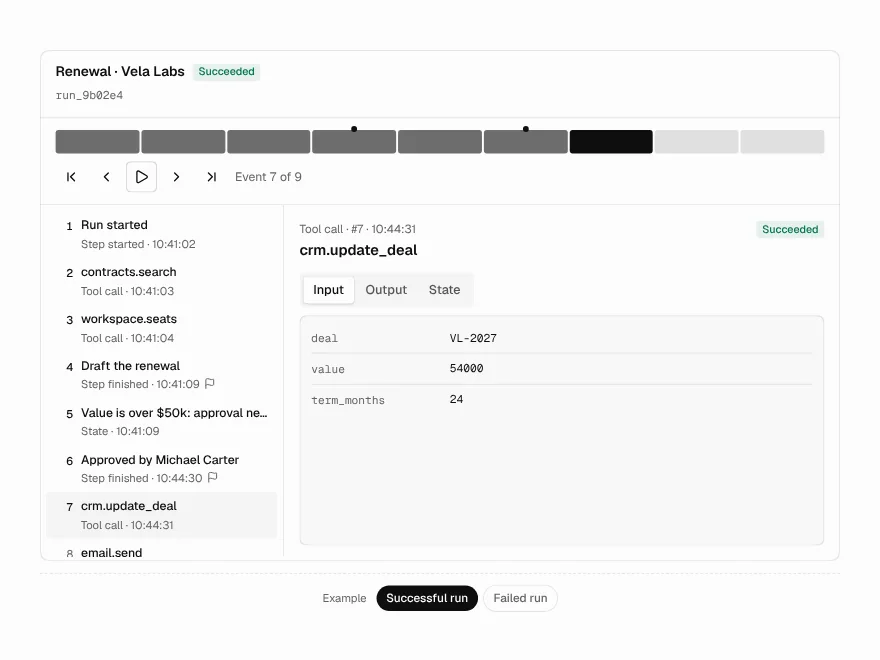
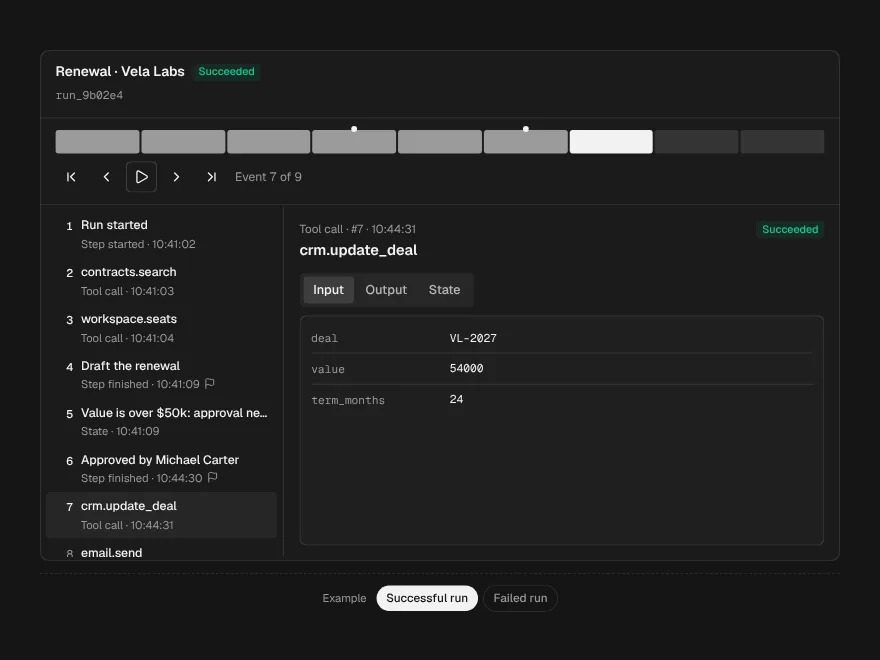
Run Replay
PaidStep through a recorded run: input, output and state at every event.
Included with lifetime access
Agent Permissions
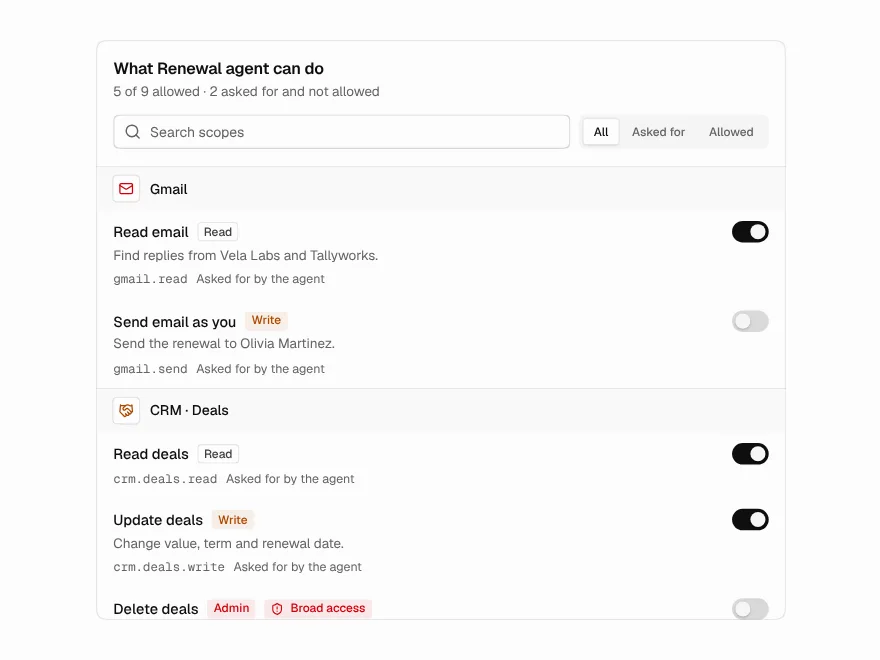
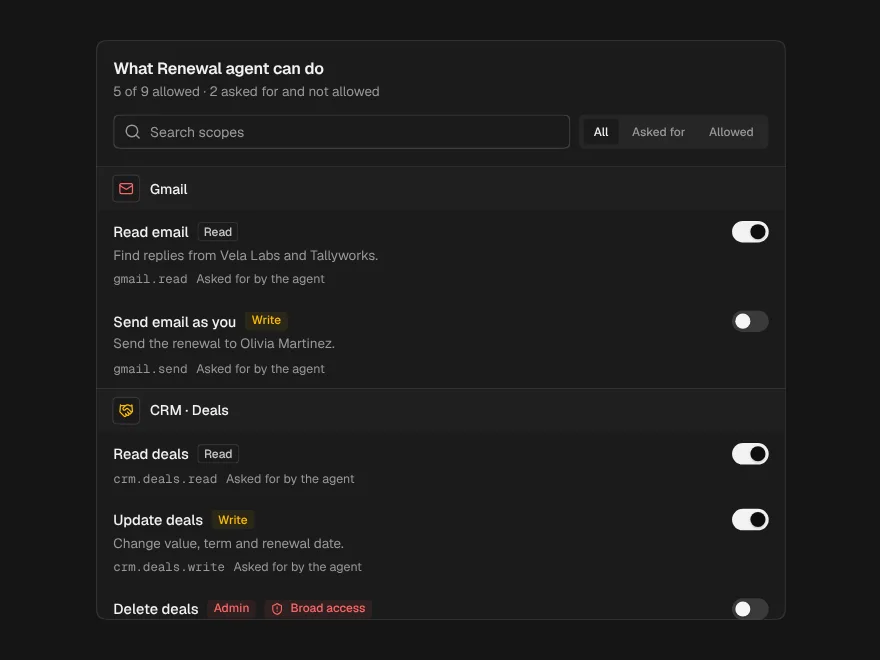
PaidWhat an agent asked for, what it is allowed, and the change before you save.
Included with lifetime access
Dry-Run Preview
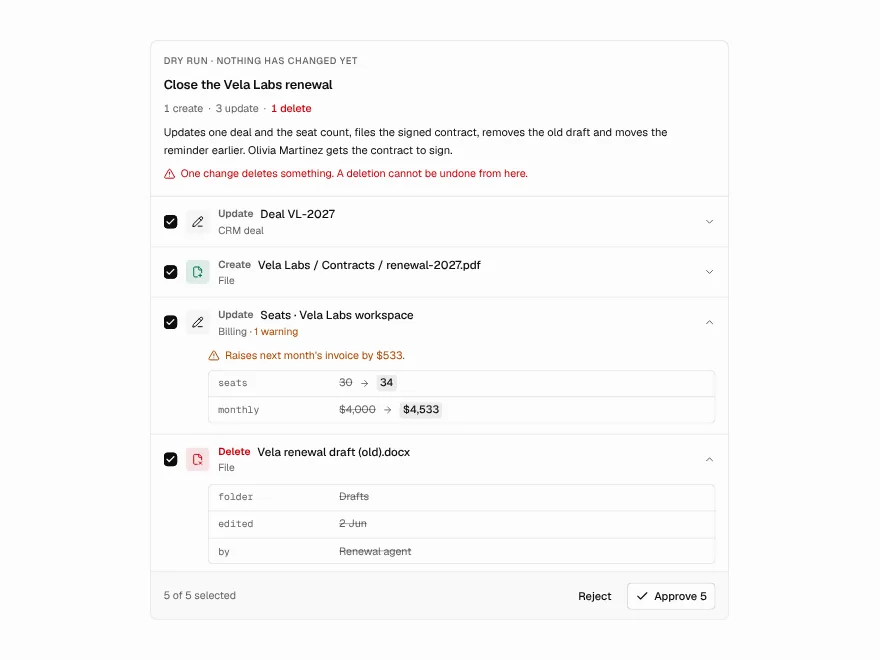
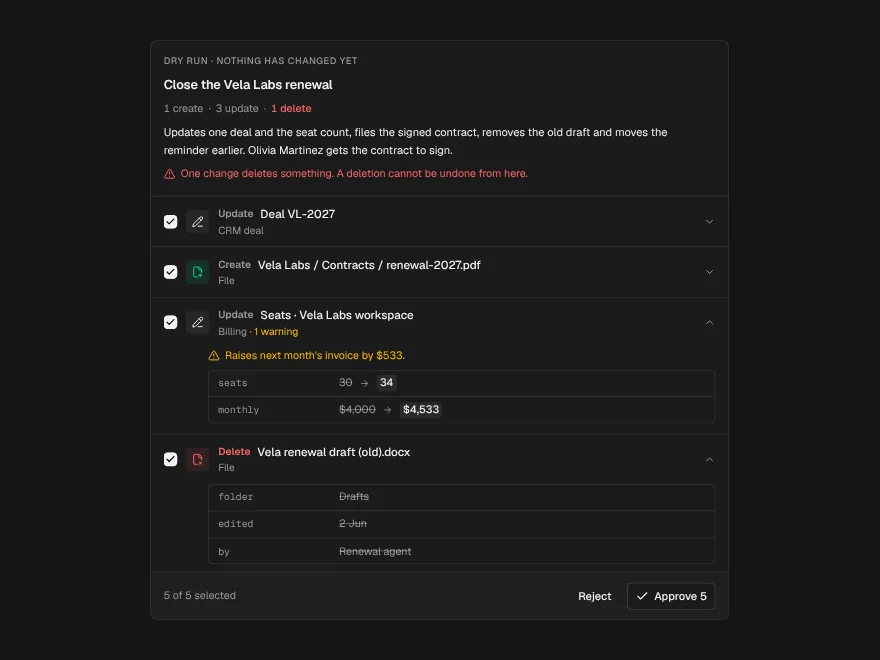
PaidEverything an agent would change, field by field, before any of it happens.
Included with lifetime access