Progress Bar
Value, max, a label and your own words for the value. Leave the value out and it shows work in progress without inventing a number; go over the maximum and it says so instead of clamping. Three heights, a line underneath for detail, and screen readers hear the label and the value text.
Ready for AI tools one file typed props installs by name prompt included
Installation
How you get it
Paste this into Claude Code, Cursor, Codex or any coding agent. It installs the file and uses it as it is, instead of writing a new one.
Use Layro's Progress Bar for this.
Install it: npx shadcn@latest add https://layropro.com/r/progress
Import it from @/components/ui/progress.
Do not rewrite or restyle it. Pass my data through its props
and keep its built-in states.
For the full brief with every prop and the mistakes assistants usually make, use Copy prompt above.
API
“Copy prompt” above puts a full brief on your clipboard — install command, dependencies, props, and the mistakes an assistant usually makes with this component.
Props
Read from the component’s own TypeScript interface when the site is built, so this table cannot drift from the file you install.
| Prop | Type | Notes |
|---|---|---|
description | React.ReactNode | A line under the bar: "3 of 12 files", "About 2 minutes left". |
size | "sm" | "md" | "lg" | Bar height. Default `md`. |
Dependencies
npm packages
clsxframer-motiontailwind-mergeLayro foundations, installed alongside it
layro-themeLifetime access
Every component, and everything we ship next.
- All 112 components, source included
- The template, and everything released after you buy
- shadcn CLI or download — React 18/19, Tailwind v4
- One payment. No subscription.
More in Data & feedback
All Data & feedback components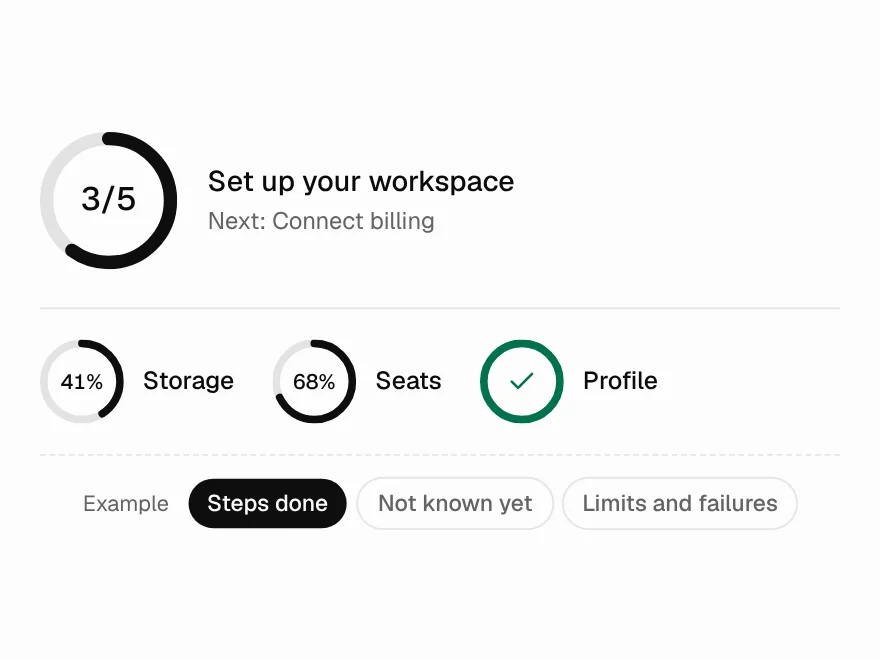
Progress Circle
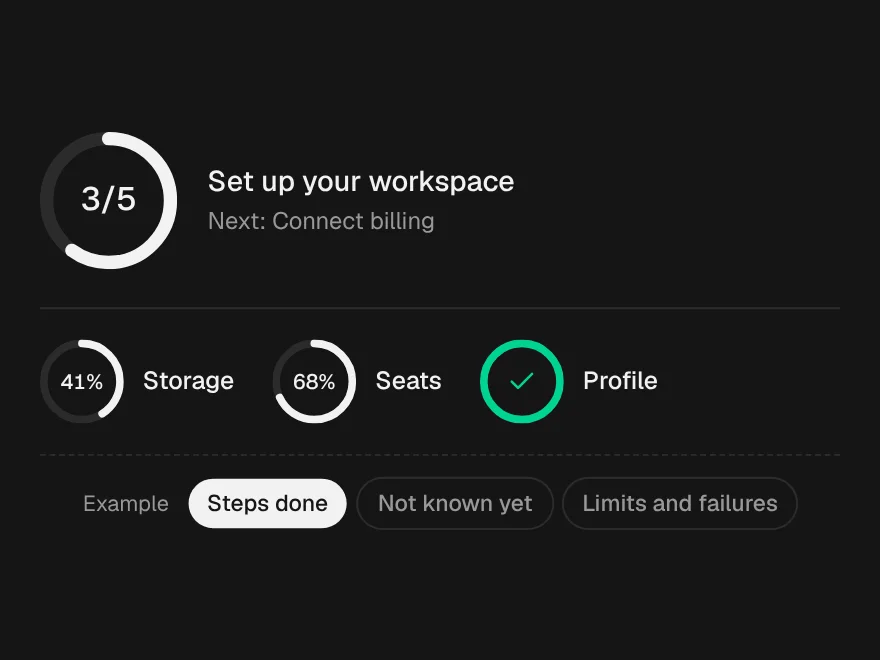
FreeA progress ring for tight spots, from a 16px spinner to a step counter.
Dashboard
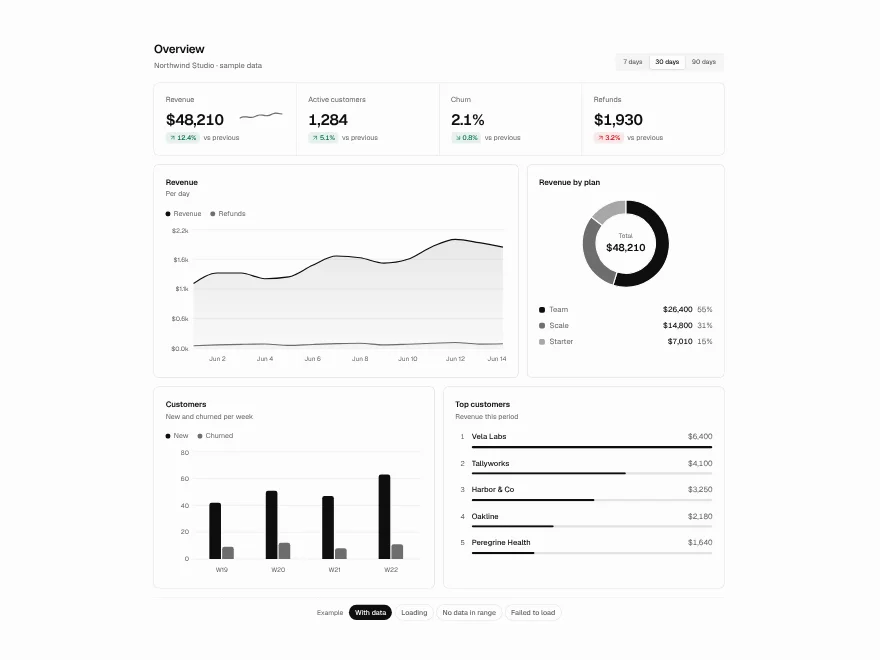
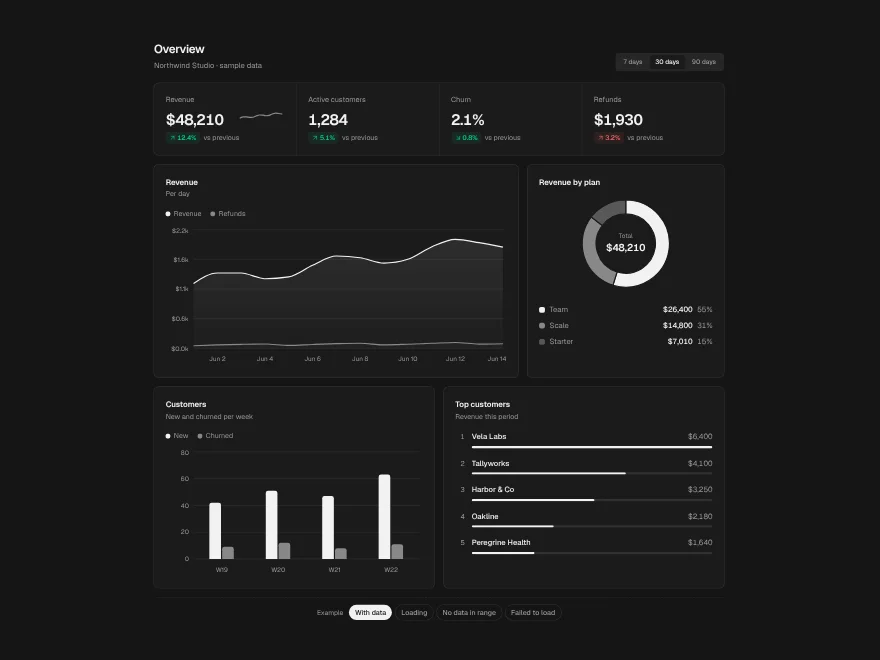
BlockFreeA whole overview screen: KPIs, trend, breakdown, comparison and a ranked list on one date range.
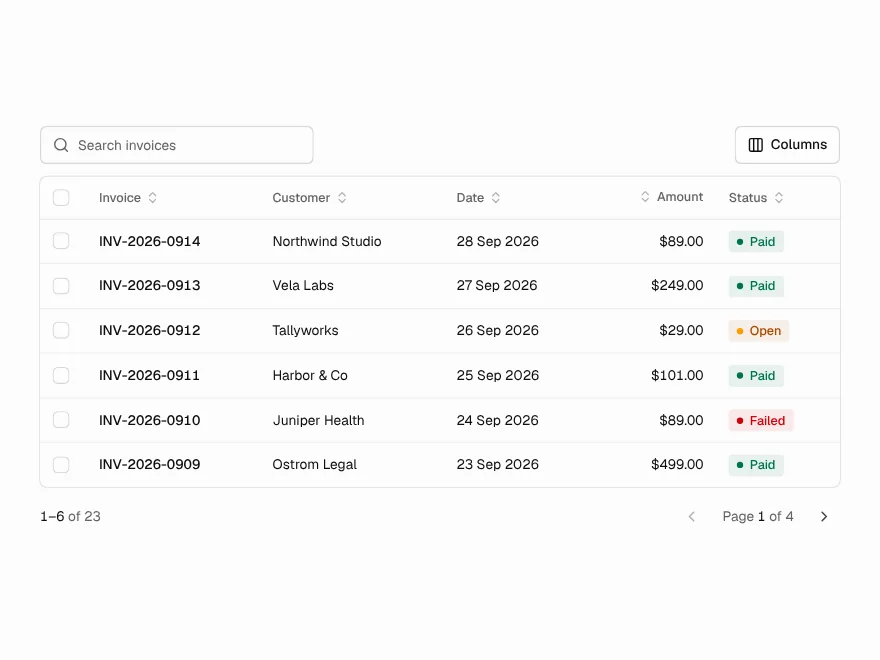
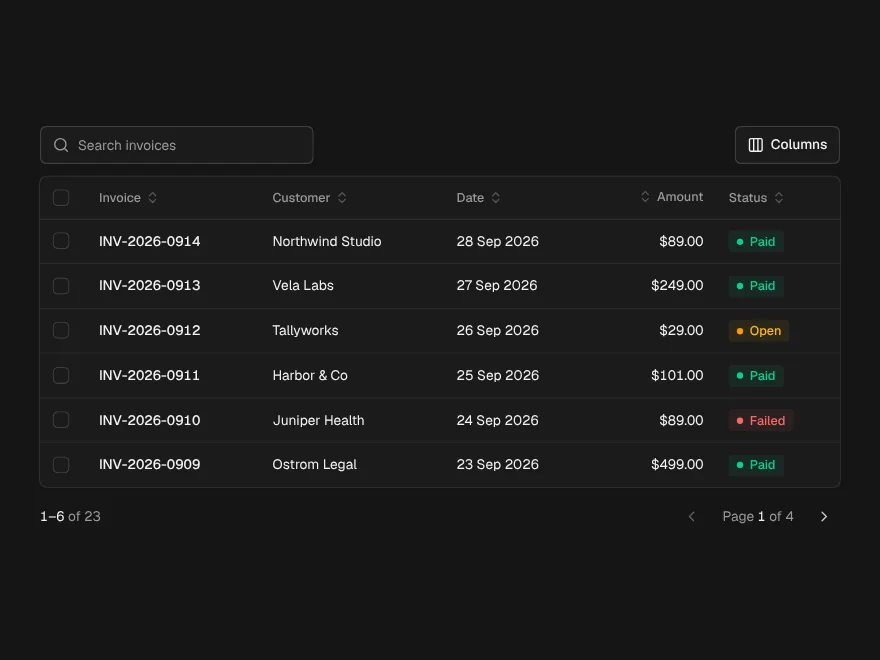
Data Table
FreeTanStack table with sorting, search, row selection, bulk actions, column toggle and pagination.
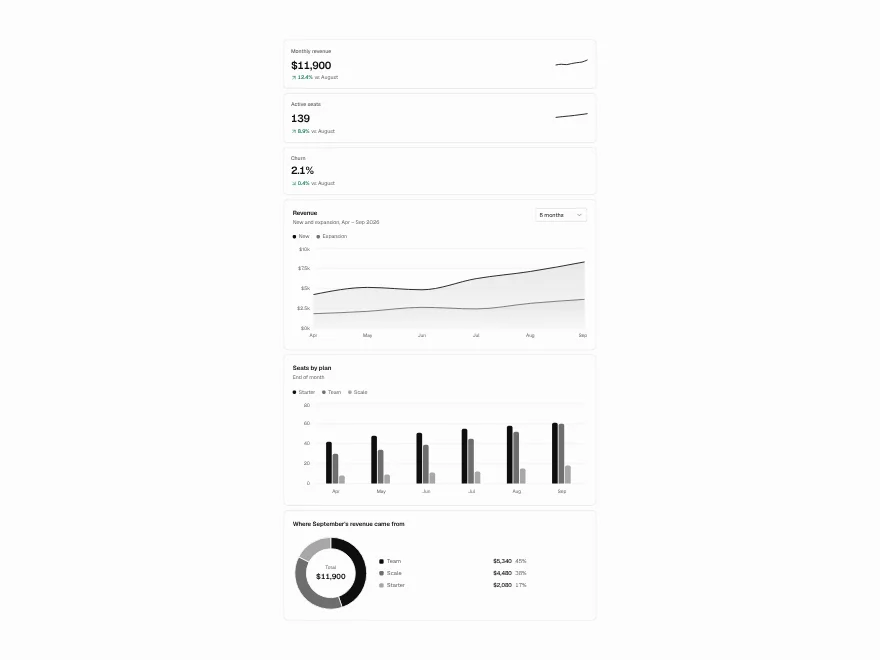
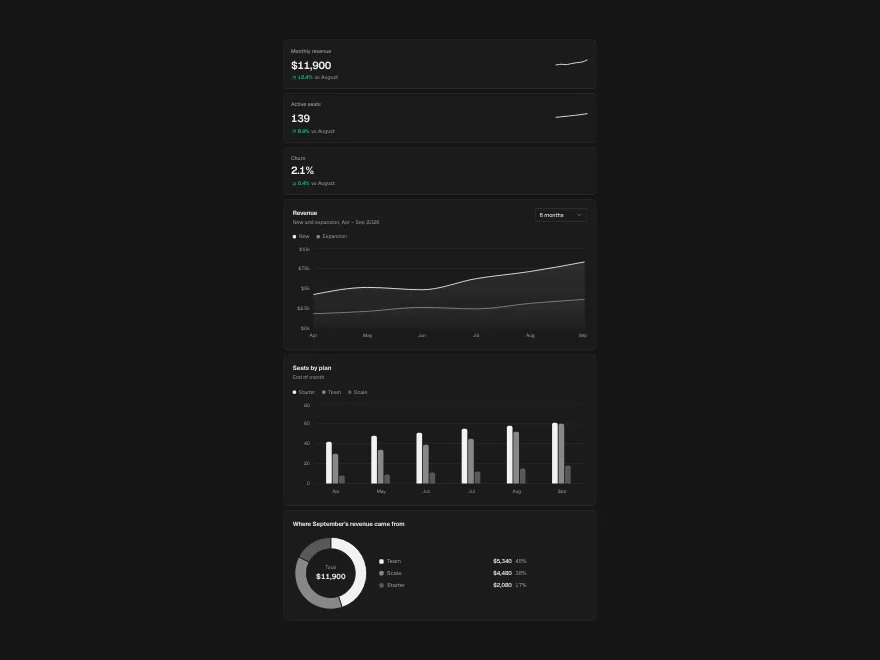
Charts
FreeArea, bar and donut charts, KPI cards and sparklines, each with a data table for screen readers.
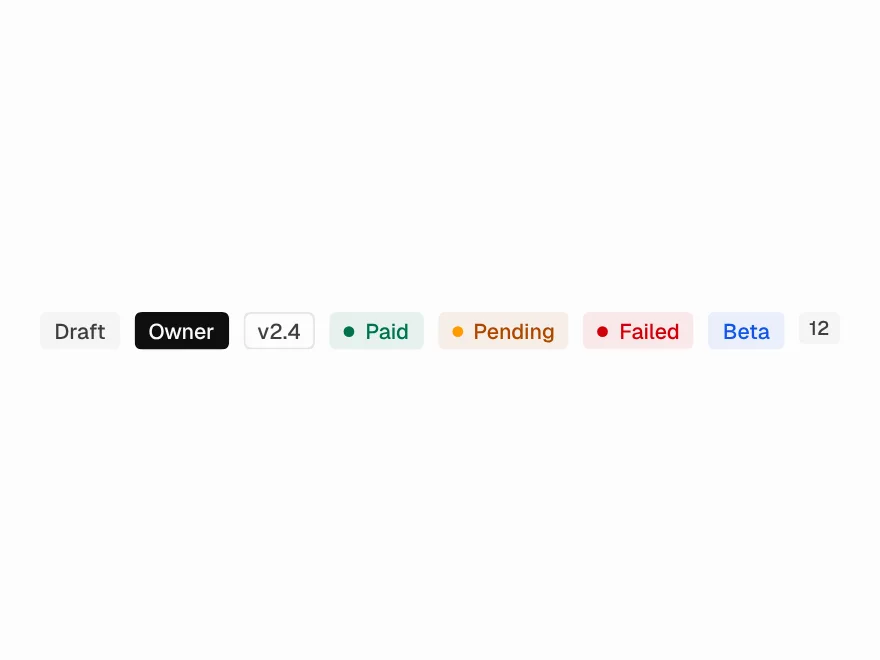
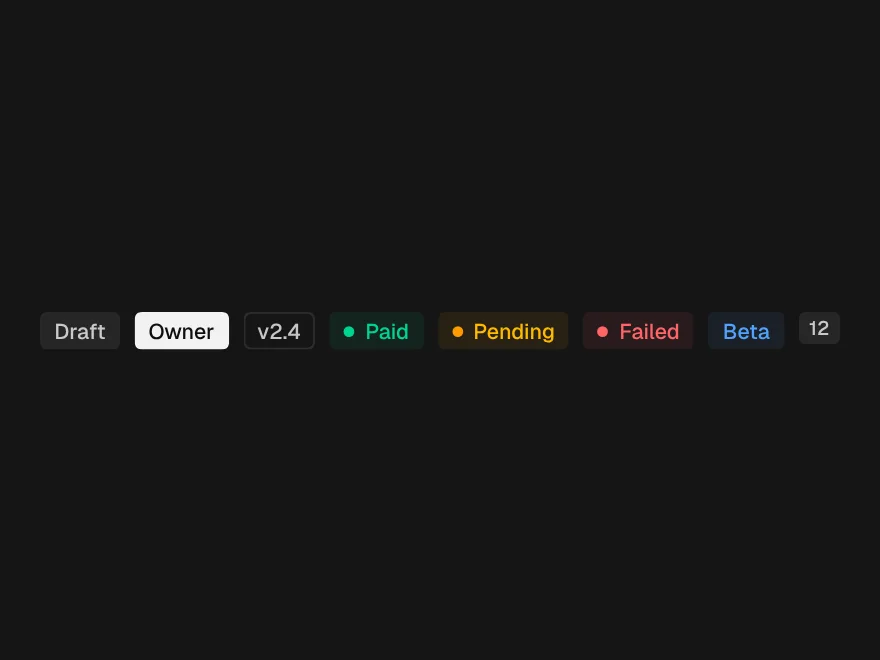
Badge
FreeStatus labels in seven tones with an optional dot.
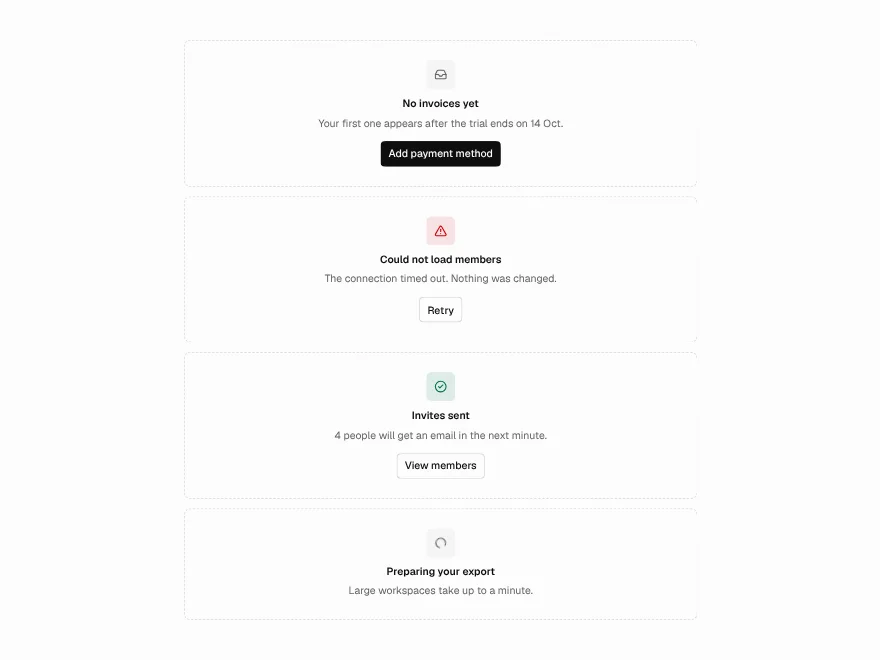
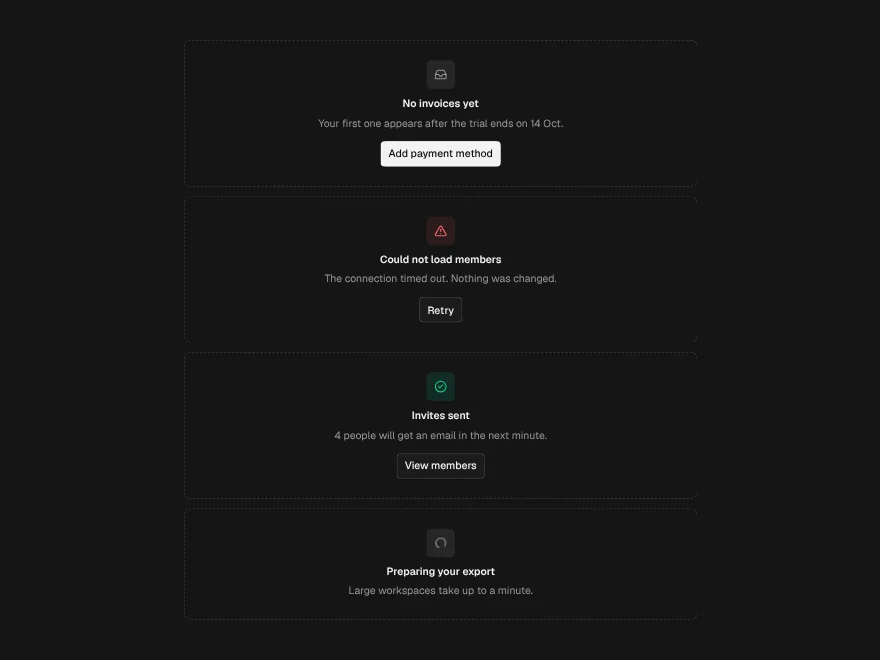
Empty & Loading States
FreeEmpty, error, success and loading states, plus skeletons.