Contour Field
A survey-map background: contour lines traced from a slowly drifting height field, with heavier index lines every fifth level. The pointer raises a gentle rise and the lines flow around it. Put any content inside.
Ready for AI tools one file typed props installs by name prompt included
The decision inside it
The lines are computed, not drawn from an image
The field is traced at even levels every frame, so lines never cross or break and stay sharp at any size. It is a background first: capped at 30 frames a second, only on screen, low contrast behind text, and a still map for reduced motion.
Installation
How you get it
Paste this into Claude Code, Cursor, Codex or any coding agent. It installs the file and uses it as it is, instead of writing a new one.
Use Layro's Contour Field for this.
Install it: npx shadcn@latest add @layro/contour-field
(the @layro registry is set up in components.json, with LAYRO_KEY in .env.local)
Import it from @/components/ui/contour-field.
Do not rewrite or restyle it. Pass my data through its props
and keep its built-in states.
For the full brief with every prop and the mistakes assistants usually make, use Copy prompt above. Free components install through the @layro registry with your CLI token: see the Namespaced tab.
When to use it
Use Contour Field as a calm, technical backdrop: live topographic lines that drift and rise under the pointer. Put your heading inside it.
Usage
import { ContourField } from "@/components/ui/contour-field";

export function Hero() {
  return (
    <ContourField className="h-[520px] text-neutral-950 dark:text-white">
      <div className="flex h-full items-center justify-center">
        <h1 className="text-5xl font-bold tracking-tight">Map the terrain before you build.</h1>
      </div>
    </ContourField>
  );
}
API
“Copy prompt” above puts a full brief on your clipboard — install command, dependencies, props, and the mistakes an assistant usually makes with this component.
Props
Read from the component’s own TypeScript interface when the site is built, so this table cannot drift from the file you install.
| Prop | Type | Notes |
|---|---|---|
levels | number | Number of contour levels. Default 14. |
scale | number | Size of the field's features; larger is broader hills. Default 1. |
speed | number | How fast the field drifts. 0 for still. Default 1. |
interactive | boolean | Raise the field under the pointer. Default true. |
fade | boolean | Fade toward the edges. Default true. |
Dependencies
npm packages
clsxtailwind-mergeLayro foundations, installed alongside it
layro-themeLifetime access
Every component, and everything we ship next.
- All 132 components, source included
- Every template, and everything released after you buy
- shadcn CLI or download — React 18/19, Tailwind v4
- One payment. No subscription.
More in Creative
All Creative components

Ember Field
FreeWarm sparks rising through a section, gathering and swirling around the pointer.


Image Trail
FreePhotos drop along the pointer's path and lift away a moment later.

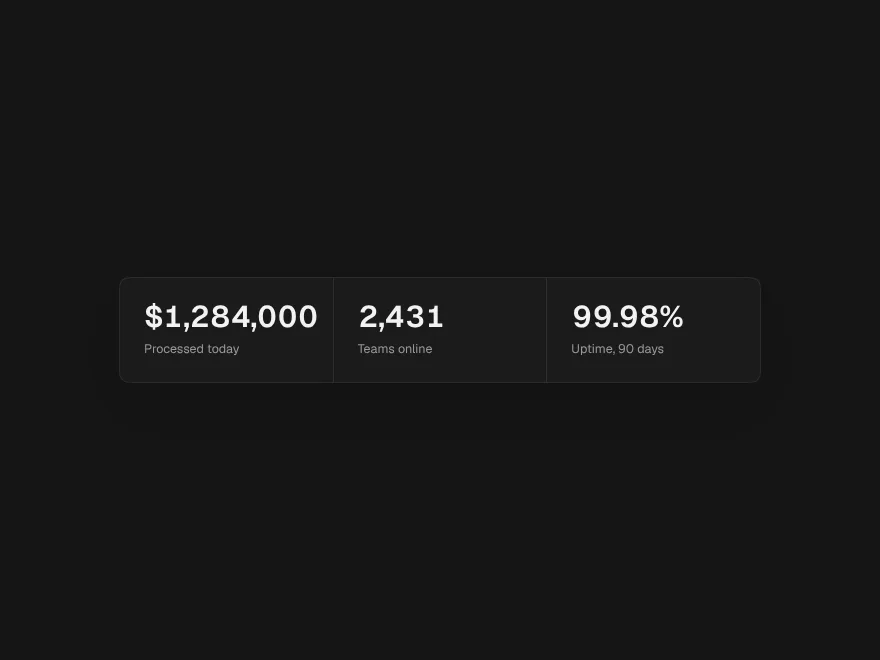
Odometer Stats
FreeNumbers that roll into place digit by digit, like a mechanical counter.


Slice Reveal Title
FreeA title cut in line by line, like the opening of a film.


Prism Card
FreeTilts toward the pointer and bends a band of spectrum across its face.
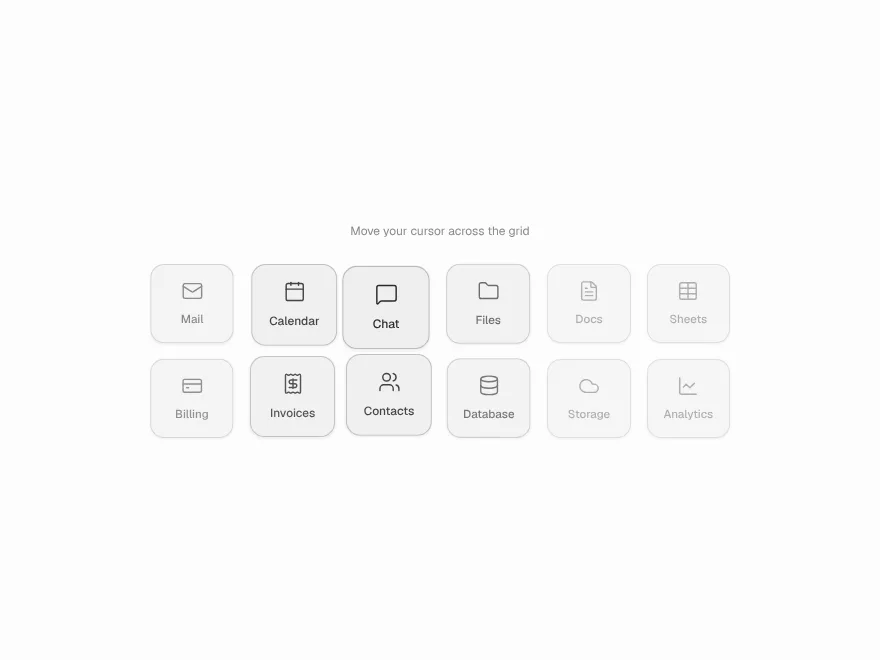
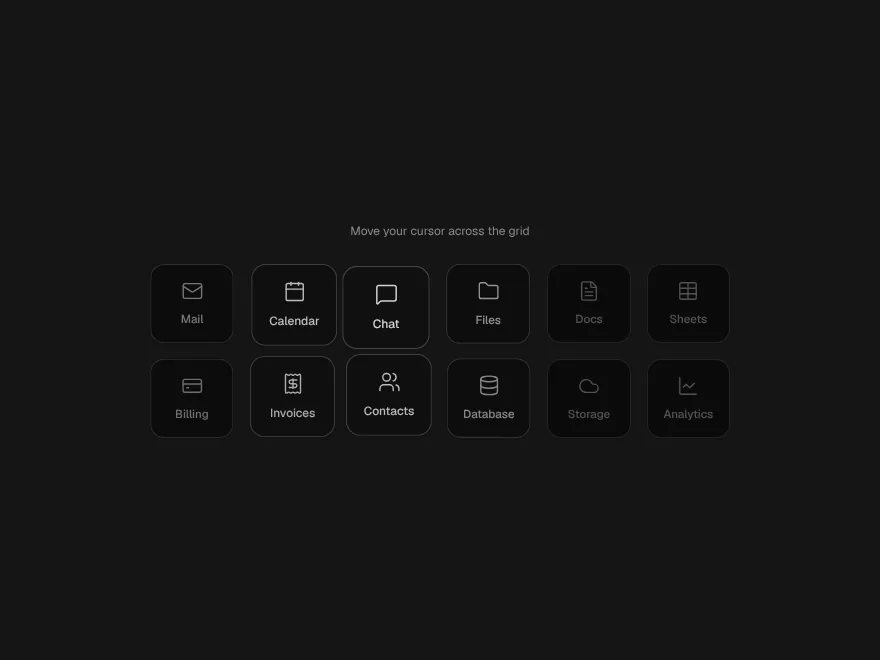
Magnet Cluster
FreeA grid of tiles that lean toward the pointer and settle back.