Pressure Button
A button with weight. Pressing compresses it, holding charges a ring around it, and letting go springs it back with a burst of particles sized to how long it was held. Space and Enter press it exactly like a pointer.
Ready for AI tools one file typed props installs by name prompt included
The decision inside it
The release is the moment, not the press
The burst plays on release and only when the release lands on the button, the same rule a native click follows. Slide off and nothing celebrates. Holding longer lets go harder, so the effect answers how it was pressed.
Installation
How you get it
Paste this into Claude Code, Cursor, Codex or any coding agent. It installs the file and uses it as it is, instead of writing a new one.
Use Layro's Pressure Button for this.
Install it: npx shadcn@latest add @layro/pressure-button
(the @layro registry is set up in components.json, with LAYRO_KEY in .env.local)
Import it from @/components/ui/pressure-button.
Do not rewrite or restyle it. Pass my data through its props
and keep its built-in states.
For the full brief with every prop and the mistakes assistants usually make, use Copy prompt above. Free components install through the @layro registry with your CLI token: see the Namespaced tab.
When to use it
Use Pressure Button for one action worth a moment of weight, like publishing or sending: tap it, or press and hold to charge it. Not for everyday buttons.
Usage
import { Rocket } from "lucide-react";
import { PressureButton } from "@/components/ui/pressure-button";

export function PublishButton({ onPublish }: { onPublish: () => void }) {
  return (
    <PressureButton onClick={onPublish}>
      <Rocket />
      Publish release
    </PressureButton>
  );
}
API
“Copy prompt” above puts a full brief on your clipboard — install command, dependencies, props, and the mistakes an assistant usually makes with this component.
Props
Read from the component’s own TypeScript interface when the site is built, so this table cannot drift from the file you install.
| Prop | Type | Notes |
|---|---|---|
variant | "solid" | "soft" | `solid` for the main action, `soft` for a quieter one. Default `solid`. |
size | "md" | "lg" | `md` (40px) or `lg` (48px). Default `lg`. |
particleClassName | string | Colour class for the particles, read as `bg-*`. Default blue. |
chargeTime | number | Milliseconds of holding for a full charge. Default 700. |
Dependencies
npm packages
clsxframer-motiontailwind-mergeLayro foundations, installed alongside it
layro-themeLifetime access
Every component, and everything we ship next.
- All 132 components, source included
- Every template, and everything released after you buy
- shadcn CLI or download — React 18/19, Tailwind v4
- One payment. No subscription.
More in Creative
All Creative components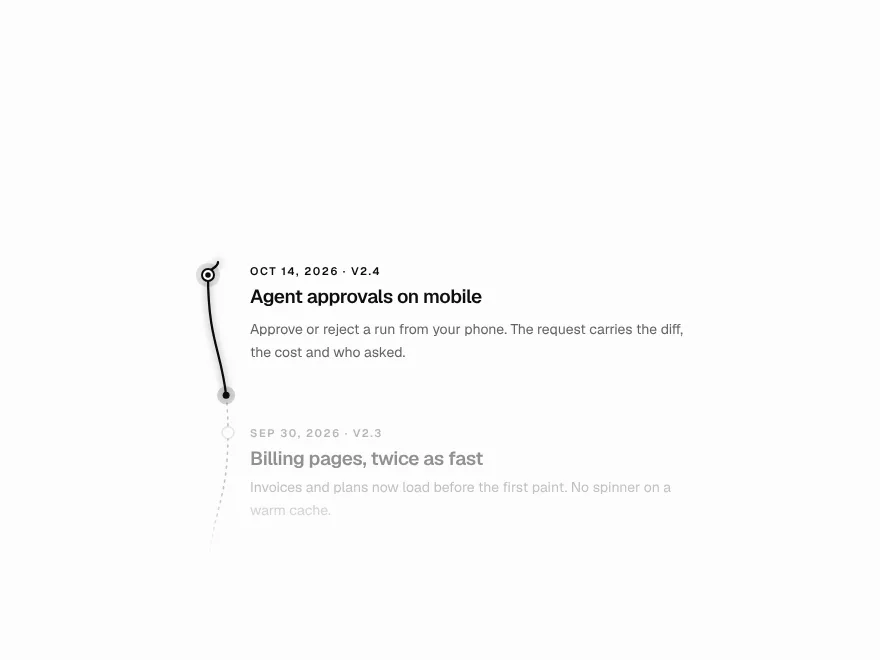
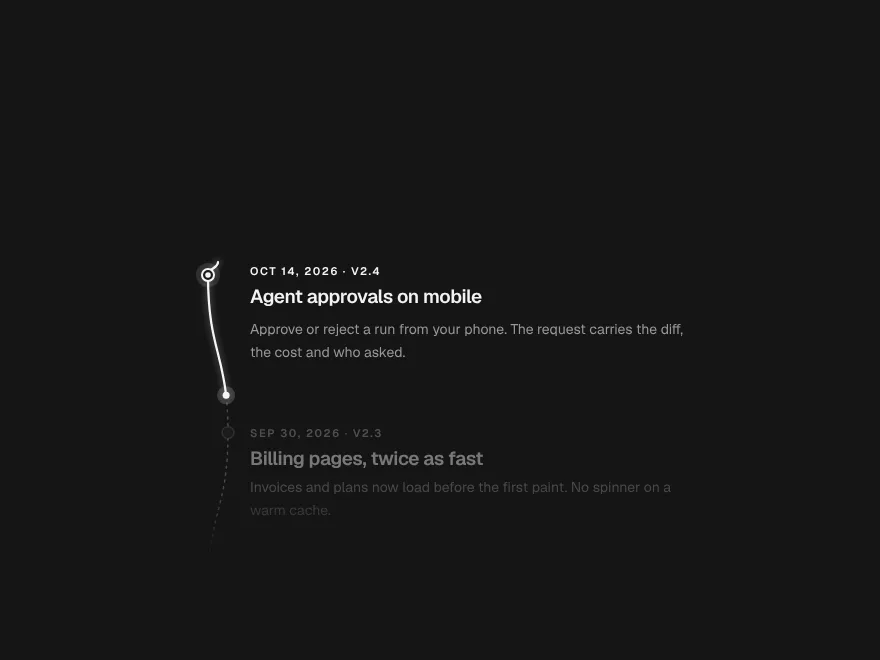
Scroll Thread
FreeOne line that draws through the page and lights each step as it arrives.
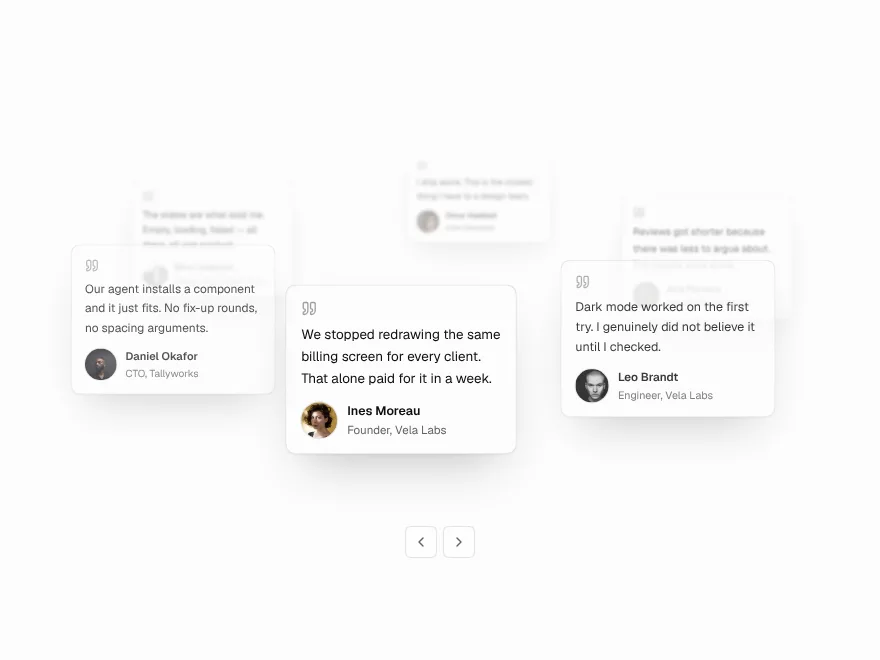
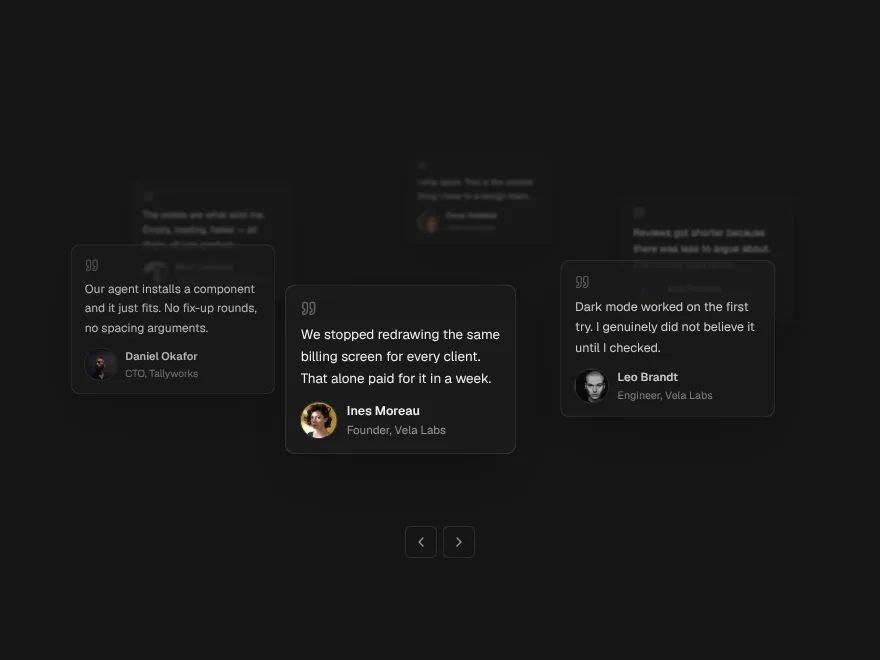
Orbit Stack
FreeTestimonial cards on a slow orbit around your headline.
Agent Orb
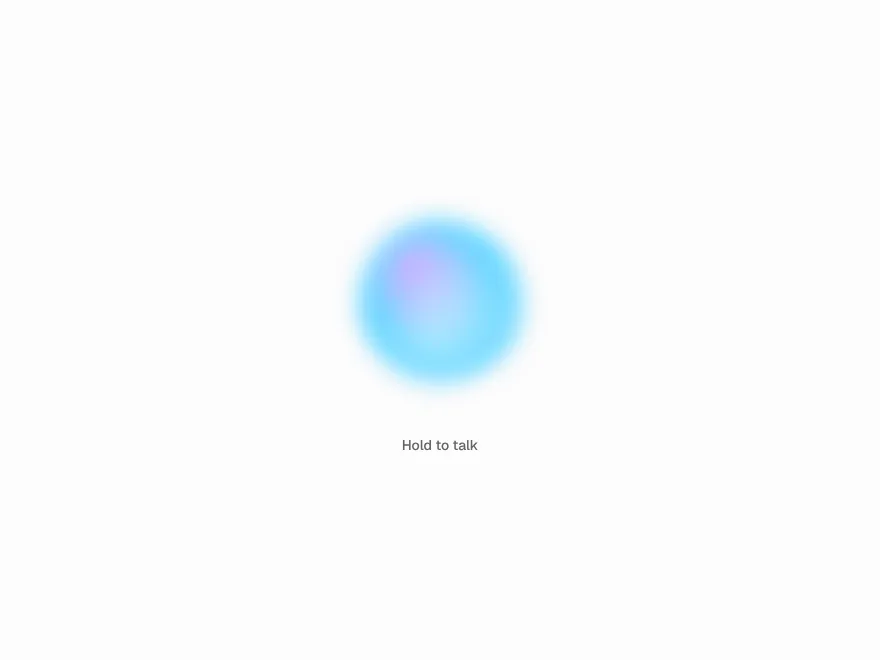
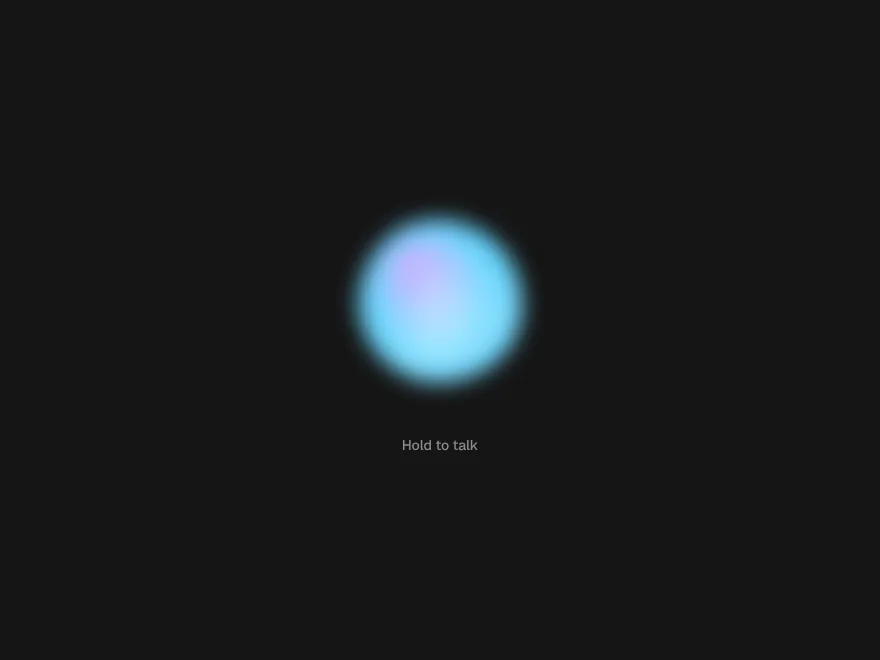
FreeOne living shape for a voice assistant: idle, listening, thinking, speaking.
Thinking Shimmer
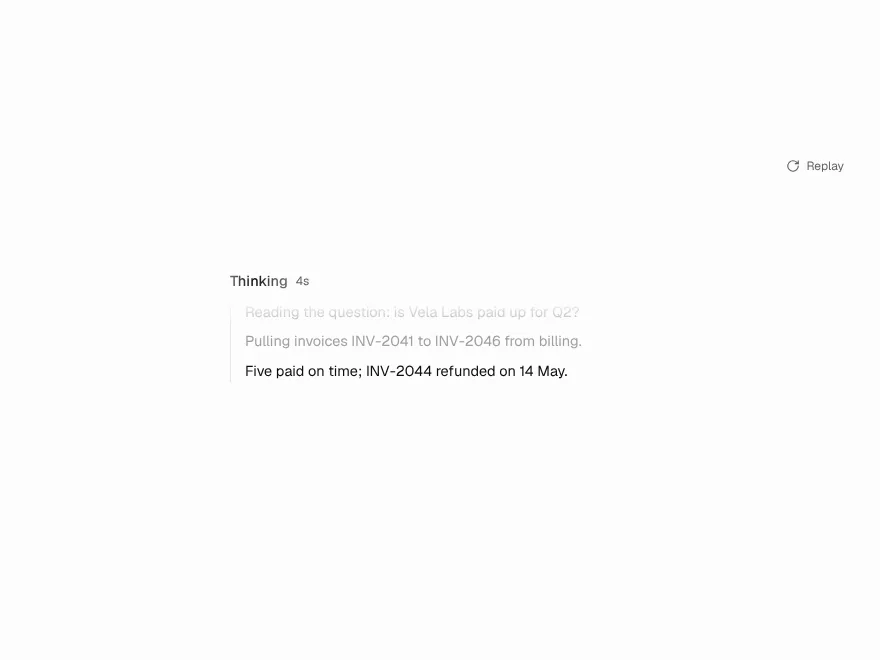
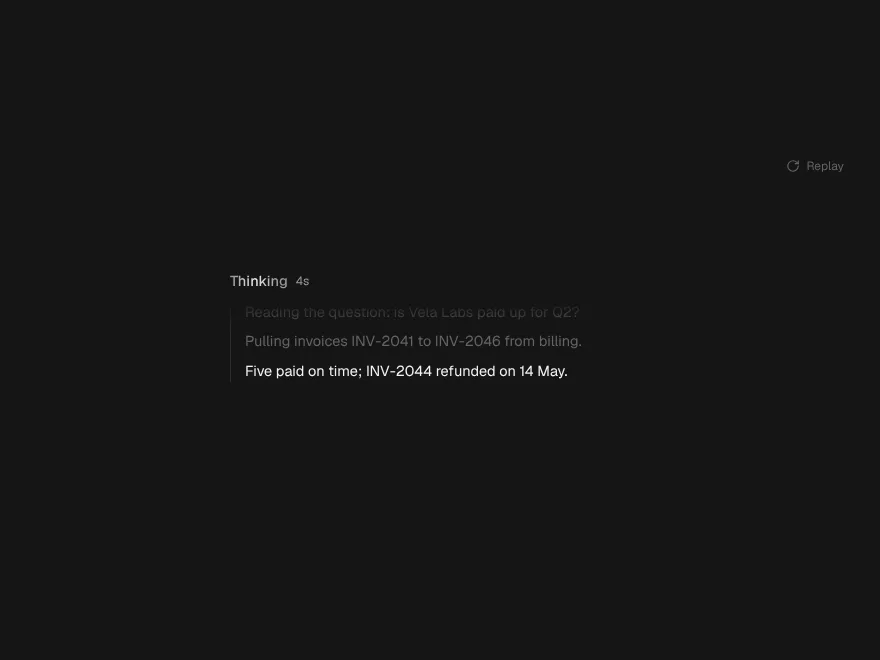
FreeA model's reasoning as a moving window that folds into a receipt.
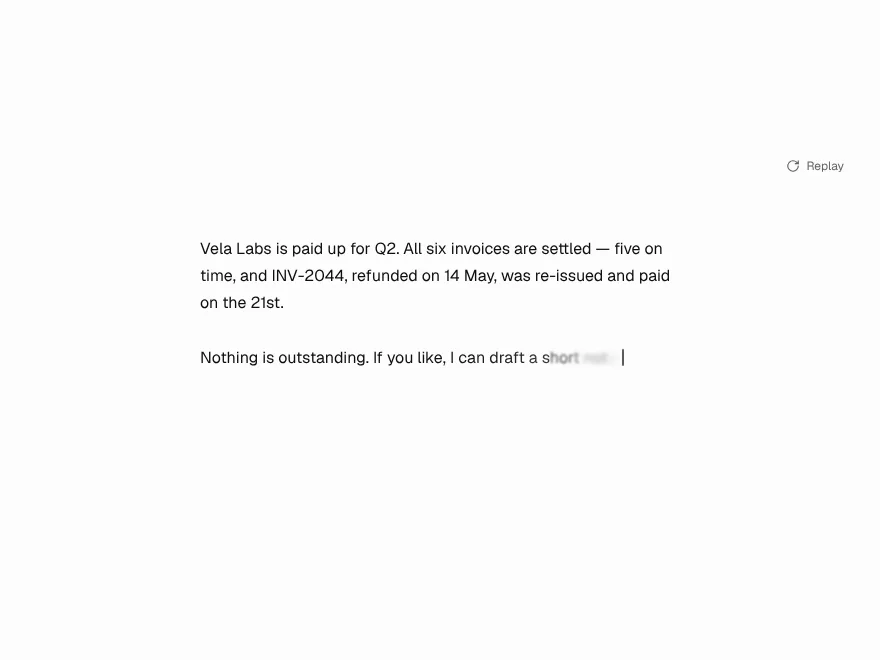
Token Stream
FreeStreaming text that flows evenly instead of landing in bursts.
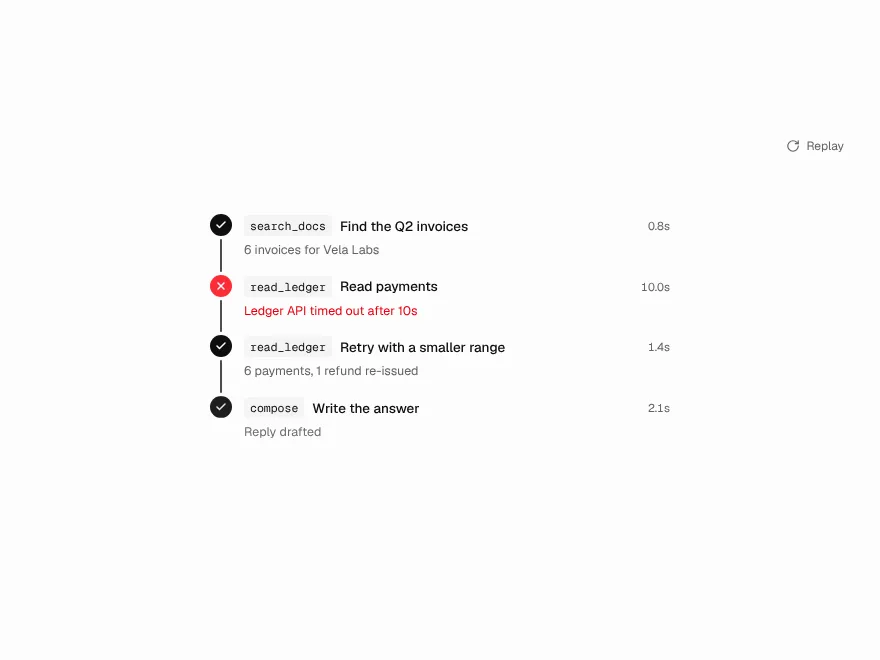
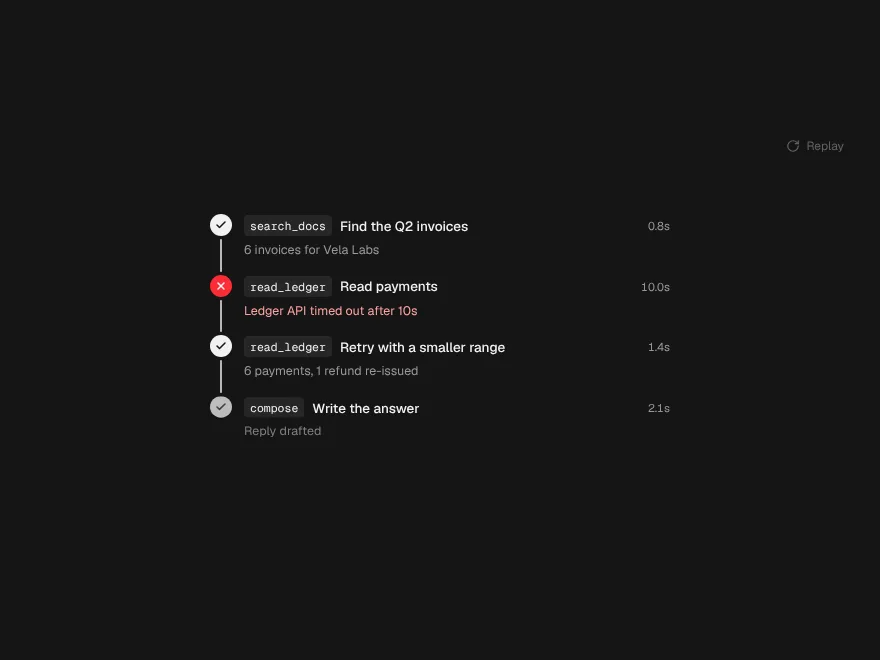
Tool Call Trail
FreeAn agent's tool calls drawn as a path, with a spark on the step running now.