Tool Call Trail
Each tool call is a stop on a line that fills in behind the agent as it works, with a spark travelling to the call in progress. Results and failure reasons sit under each step, and new calls grow into the list.
Ready for AI tools one file typed props installs by name prompt included
The decision inside it
A failure stays where it happened
A failed call turns red with its reason and the line stops there, so the reader sees how far it got and why. A retry is a new step after it, not an overwrite: the failure keeps its mark and the line carries on. Only a running step gets the spark, so a stalled run looks stalled.
Installation
How you get it
Paste this into Claude Code, Cursor, Codex or any coding agent. It installs the file and uses it as it is, instead of writing a new one.
Use Layro's Tool Call Trail for this.
Install it: npx shadcn@latest add @layro/tool-call-trail
(the @layro registry is set up in components.json, with LAYRO_KEY in .env.local)
Import it from @/components/ui/tool-call-trail.
Do not rewrite or restyle it. Pass my data through its props
and keep its built-in states.
For the full brief with every prop and the mistakes assistants usually make, use Copy prompt above. Free components install through the @layro registry with your CLI token: see the Namespaced tab.
When to use it
Use Tool Call Trail to show an agent's run step by step: each tool call with its status, result or failure, and retries kept in order.
Usage
import { ToolCallTrail, type ToolStep } from "@/components/ui/tool-call-trail";

const steps: ToolStep[] = [
  { id: "a", tool: "search_docs", title: "Find the Q2 invoices", status: "done", detail: "6 invoices", duration: "0.8s" },
  { id: "b", tool: "read_ledger", title: "Read payments", status: "running" },
];

export function AgentRun() {
  return <ToolCallTrail steps={steps} />;
}
API
“Copy prompt” above puts a full brief on your clipboard — install command, dependencies, props, and the mistakes an assistant usually makes with this component.
Props
Read from the component’s own TypeScript interface when the site is built, so this table cannot drift from the file you install.
| Prop | Type | Notes |
|---|---|---|
stepsrequired | ToolStep[] | — |
Dependencies
npm packages
clsxframer-motionlucide-reacttailwind-mergeLayro foundations, installed alongside it
layro-themeLifetime access
Every component, and everything we ship next.
- All 132 components, source included
- Every template, and everything released after you buy
- shadcn CLI or download — React 18/19, Tailwind v4
- One payment. No subscription.
More in Creative
All Creative components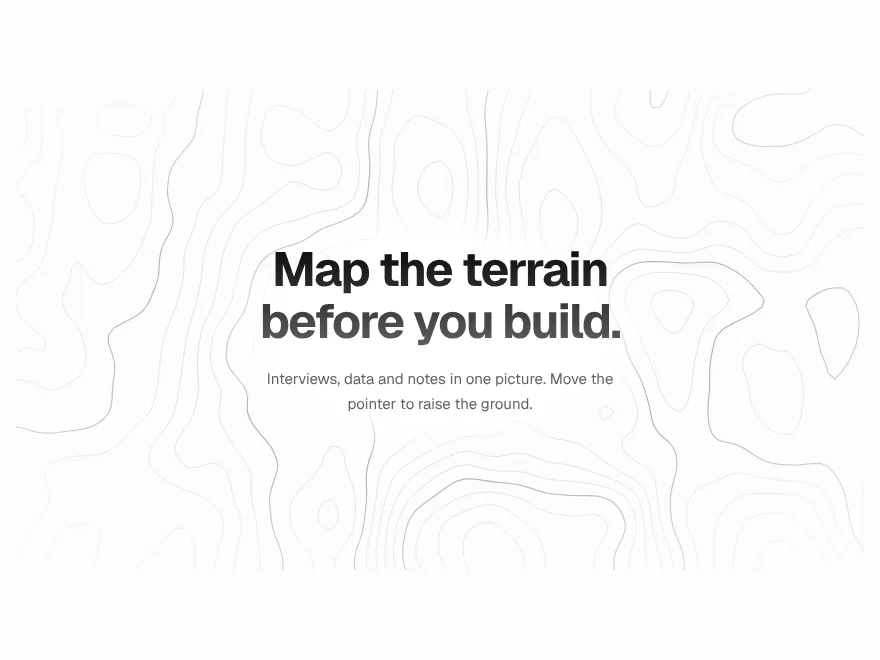
Contour Field
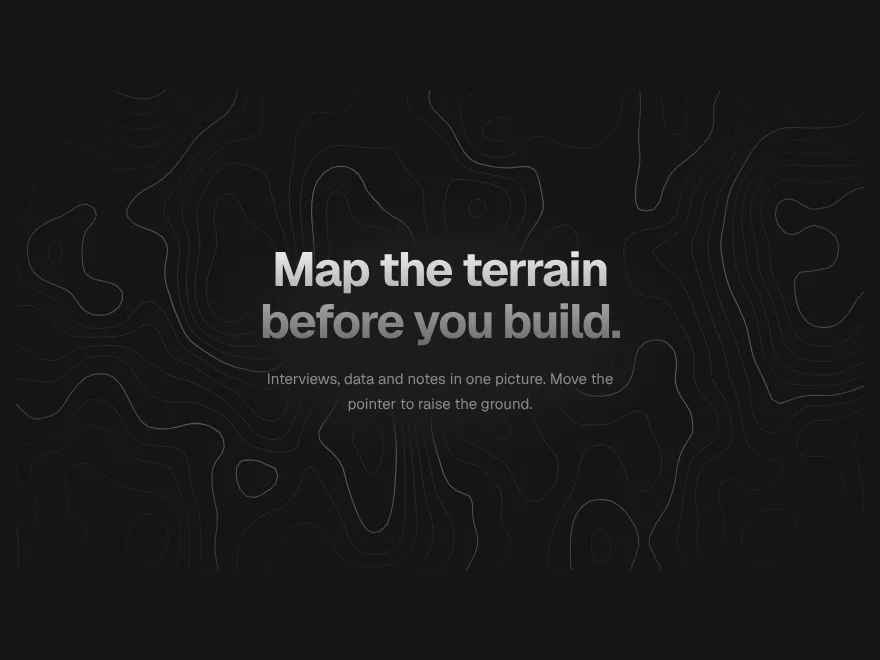
FreeTopographic lines that shift slowly behind a section and part around the pointer.


Ember Field
FreeWarm sparks rising through a section, gathering and swirling around the pointer.


Image Trail
FreePhotos drop along the pointer's path and lift away a moment later.
Odometer Stats
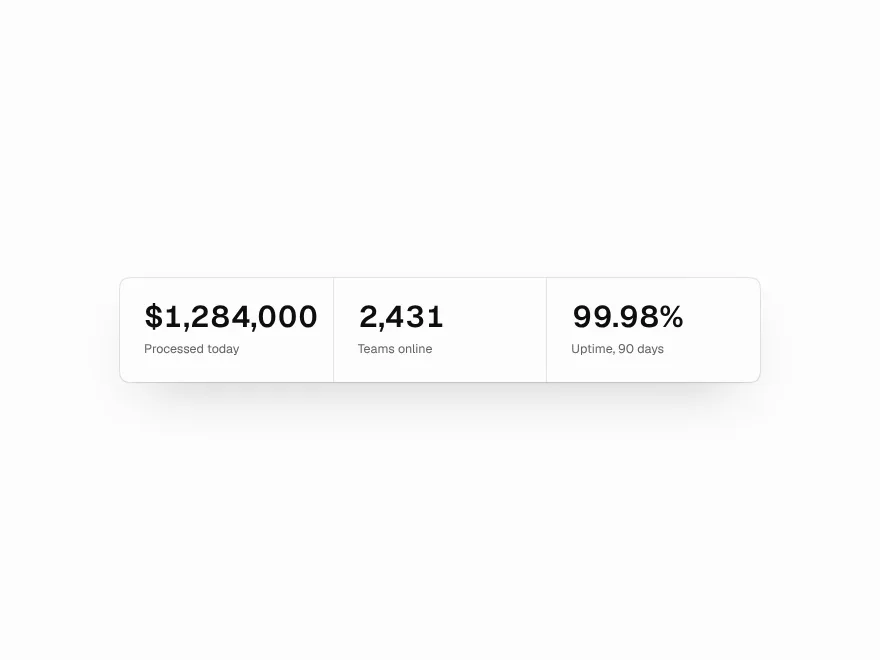
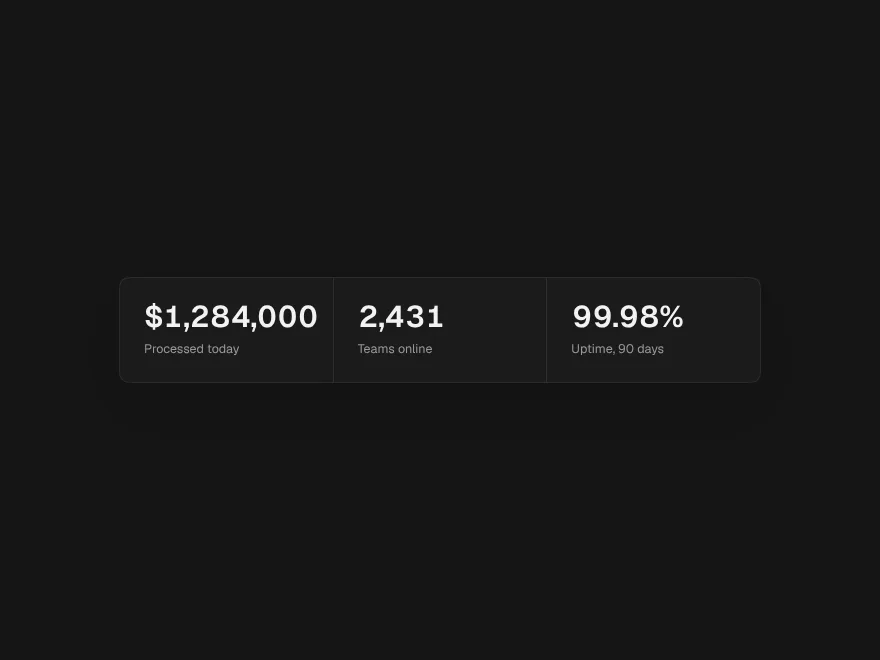
FreeNumbers that roll into place digit by digit, like a mechanical counter.


Slice Reveal Title
FreeA title cut in line by line, like the opening of a film.


Prism Card
FreeTilts toward the pointer and bends a band of spectrum across its face.