Odometer Stats
An `Odometer` for any number and an `OdometerStats` row for a stats section. Each digit is its own wheel; the ones place settles first and the larger places after. Formatting is `Intl.NumberFormat`, so currency, percent and compact numbers just work.
Ready for AI tools one file typed props installs by name prompt included
The decision inside it
It never jitters
Every wheel is a fixed-width tabular digit, so 1,999 rolling to 2,000 never shuffles its neighbours, and a new digit grows on the left. It rolls the way the number moved. A screen reader hears the final number once, not every wheel.
Installation
How you get it
Paste this into Claude Code, Cursor, Codex or any coding agent. It installs the file and uses it as it is, instead of writing a new one.
Use Layro's Odometer Stats for this.
Install it: npx shadcn@latest add @layro/odometer-stats
(the @layro registry is set up in components.json, with LAYRO_KEY in .env.local)
Import it from @/components/ui/odometer-stats.
Do not rewrite or restyle it. Pass my data through its props
and keep its built-in states.
For the full brief with every prop and the mistakes assistants usually make, use Copy prompt above. Free components install through the @layro registry with your CLI token: see the Namespaced tab.
When to use it
Use Odometer Stats for a row of headline numbers that roll into place and keep rolling as they change. For a single number use Odometer.
Usage
import { OdometerStats } from "@/components/ui/odometer-stats";

export function Stats() {
  return (
    <OdometerStats
      locale="en-US"
      stats={[
        { label: "Processed today", value: 1284000, format: { style: "currency", currency: "USD", maximumFractionDigits: 0 } },
        { label: "Teams online", value: 2431 },
        { label: "Uptime, 90 days", value: 0.9998, format: { style: "percent", minimumFractionDigits: 2 } },
      ]}
    />
  );
}
API
“Copy prompt” above puts a full brief on your clipboard — install command, dependencies, props, and the mistakes an assistant usually makes with this component.
Props
Read from the component’s own TypeScript interface when the site is built, so this table cannot drift from the file you install.
| Prop | Type | Notes |
|---|---|---|
valuerequired | number | — |
format | Intl.NumberFormatOptions | `Intl.NumberFormat` options. Default plain grouping. |
locale | string | Locale for the format. Default the reader's. |
fromZero | boolean | Roll from zero the first time it scrolls into view. Default true. |
Dependencies
npm packages
clsxframer-motiontailwind-mergeLayro foundations, installed alongside it
layro-themeLifetime access
Every component, and everything we ship next.
- All 132 components, source included
- Every template, and everything released after you buy
- shadcn CLI or download — React 18/19, Tailwind v4
- One payment. No subscription.
More in Creative
All Creative components

Slice Reveal Title
FreeA title cut in line by line, like the opening of a film.
Prism Card
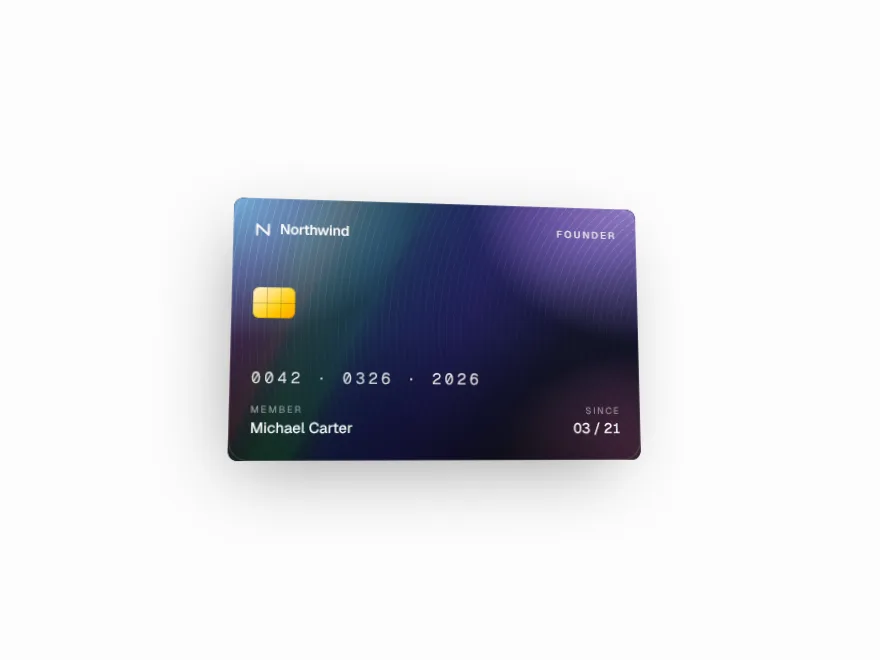
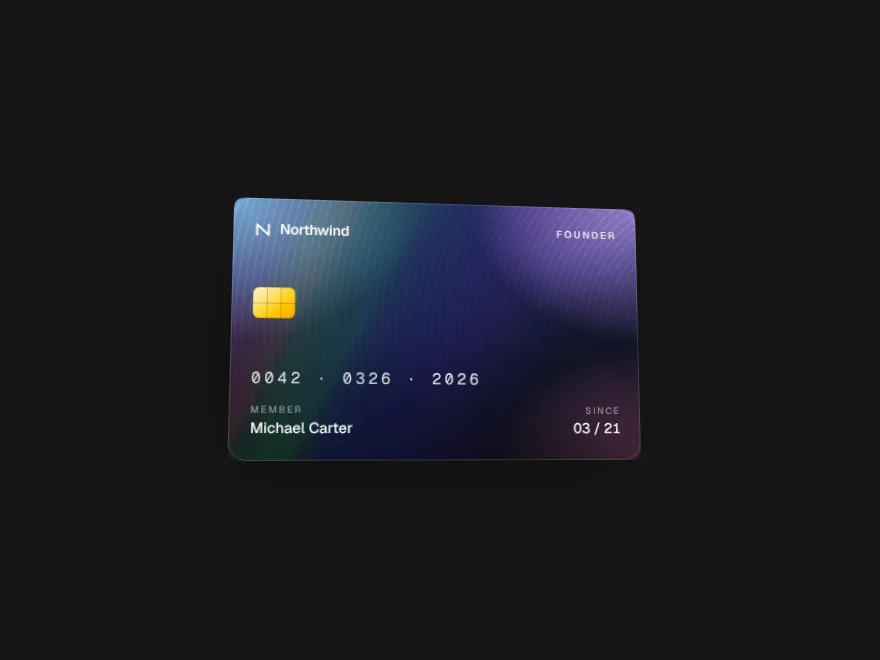
FreeTilts toward the pointer and bends a band of spectrum across its face.
Magnet Cluster
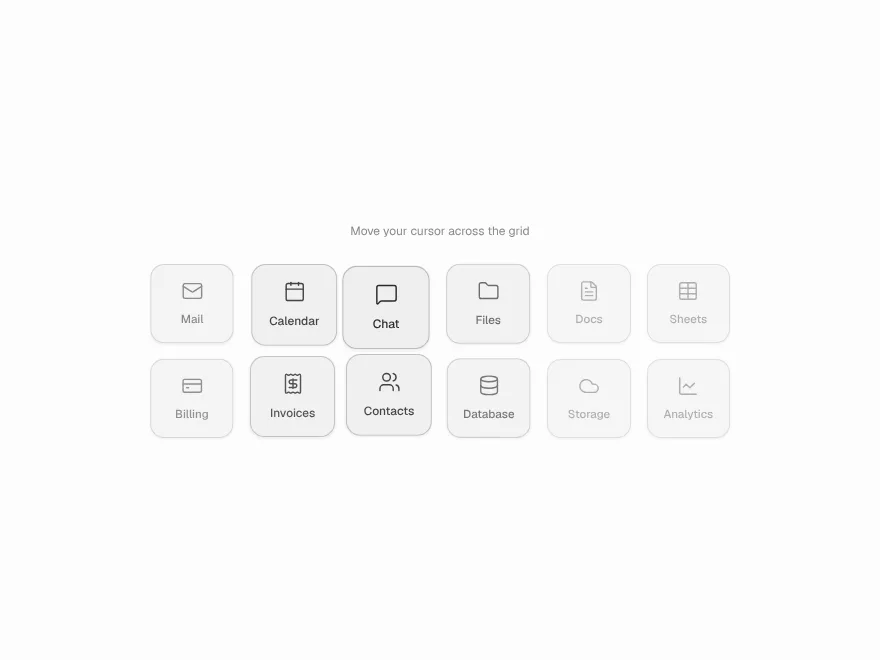
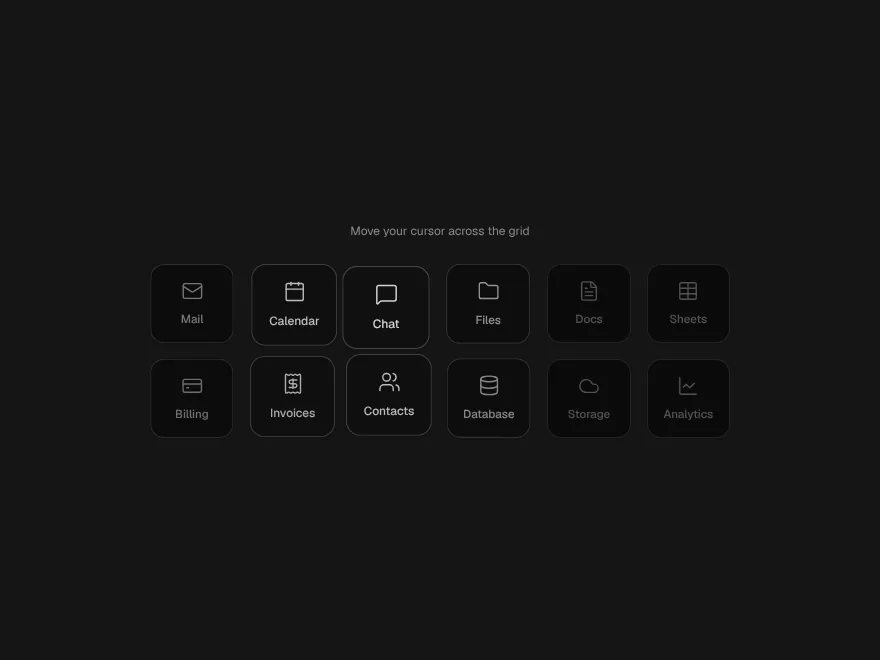
FreeA grid of tiles that lean toward the pointer and settle back.


Stack Shuffle
FreeA deck of cards that deals itself as you scroll.

Horizon Pin
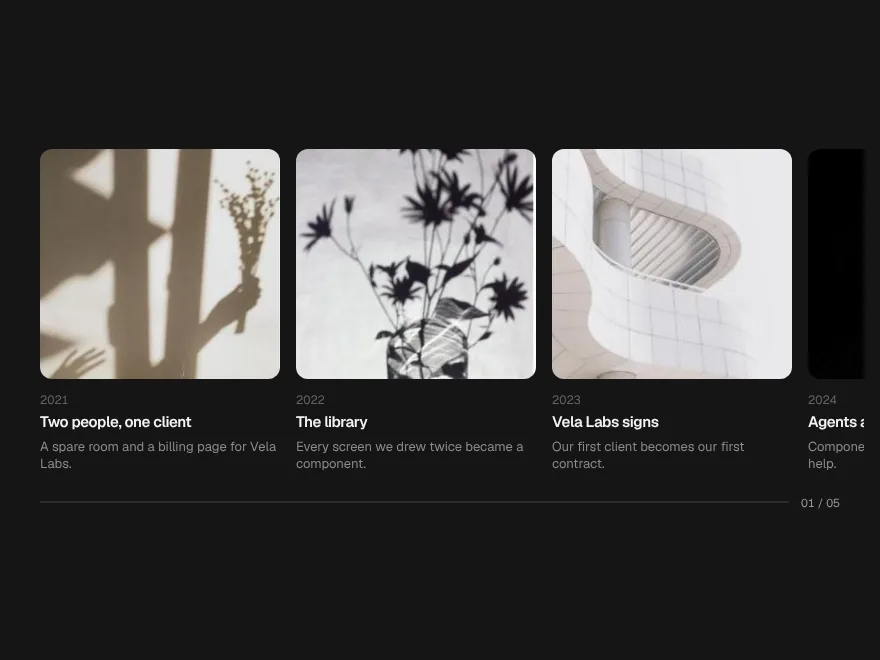
FreeA section that pins and turns downward scrolling into a sideways journey.
Morph Tabs
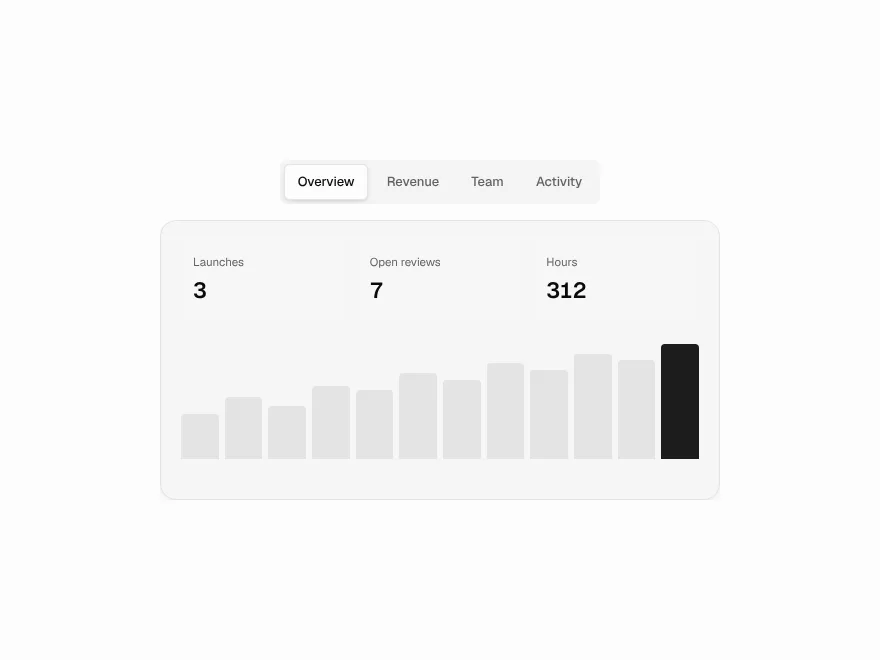
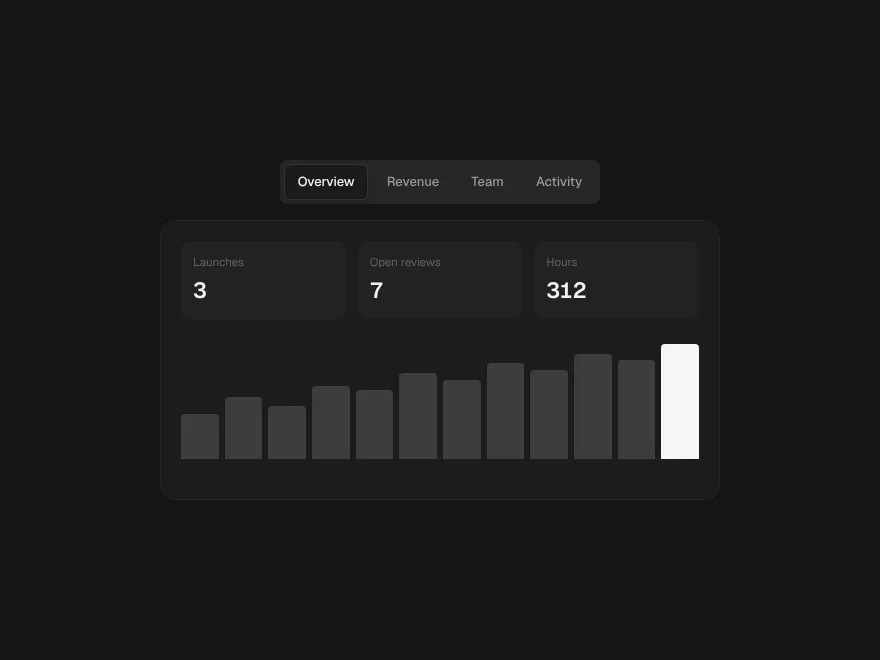
FreeTabs whose indicator flows between options like a drop of liquid.