Magnet Cluster
For integrations, logo walls or feature grids: one pointer position drives every tile, and each tile leans toward it by its own distance, nearest most. Every tile is a real link or button with its label shown on hover and focus.
Ready for AI tools one file typed props installs by name prompt included
The decision inside it
The field is shared, the response is local
The cluster moves like iron filings under one magnet, not a row of separate hover effects. The pull falls off smoothly and is capped at a few pixels, so the grid stays readable and nothing slides away from a click. Reduced motion keeps it still.
Installation
How you get it
Paste this into Claude Code, Cursor, Codex or any coding agent. It installs the file and uses it as it is, instead of writing a new one.
Use Layro's Magnet Cluster for this.
Install it: npx shadcn@latest add @layro/magnet-cluster
(the @layro registry is set up in components.json, with LAYRO_KEY in .env.local)
Import it from @/components/ui/magnet-cluster.
Do not rewrite or restyle it. Pass my data through its props
and keep its built-in states.
For the full brief with every prop and the mistakes assistants usually make, use Copy prompt above. Free components install through the @layro registry with your CLI token: see the Namespaced tab.
When to use it
Use Magnet Cluster for a grid of integrations or features that responds to the pointer: nearby tiles light up and lean toward it.
Usage
import { Calendar, Mail, MessageSquare } from "lucide-react";
import { MagnetCluster } from "@/components/ui/magnet-cluster";

const items = [
  { id: "mail", label: "Mail", icon: <Mail /> },
  { id: "calendar", label: "Calendar", icon: <Calendar /> },
  { id: "chat", label: "Chat", icon: <MessageSquare /> },
];

export function Integrations() {
  return <MagnetCluster items={items} columns={3} labels="always" />;
}
API
“Copy prompt” above puts a full brief on your clipboard — install command, dependencies, props, and the mistakes an assistant usually makes with this component.
Props
Read from the component’s own TypeScript interface when the site is built, so this table cannot drift from the file you install.
| Prop | Type | Notes |
|---|---|---|
itemsrequired | MagnetItem[] | — |
columns | number | Tiles per row. Default 6. |
radius | number | Reach of the pull, in px. Default 180. |
strength | number | Largest lean, in px. Default 10. |
labels | "hover" | "always" | Show each label on hover only, or always under its icon. Default `hover`. |
Dependencies
npm packages
clsxframer-motiontailwind-mergeLayro foundations, installed alongside it
layro-themeLifetime access
Every component, and everything we ship next.
- All 132 components, source included
- Every template, and everything released after you buy
- shadcn CLI or download — React 18/19, Tailwind v4
- One payment. No subscription.
More in Creative
All Creative components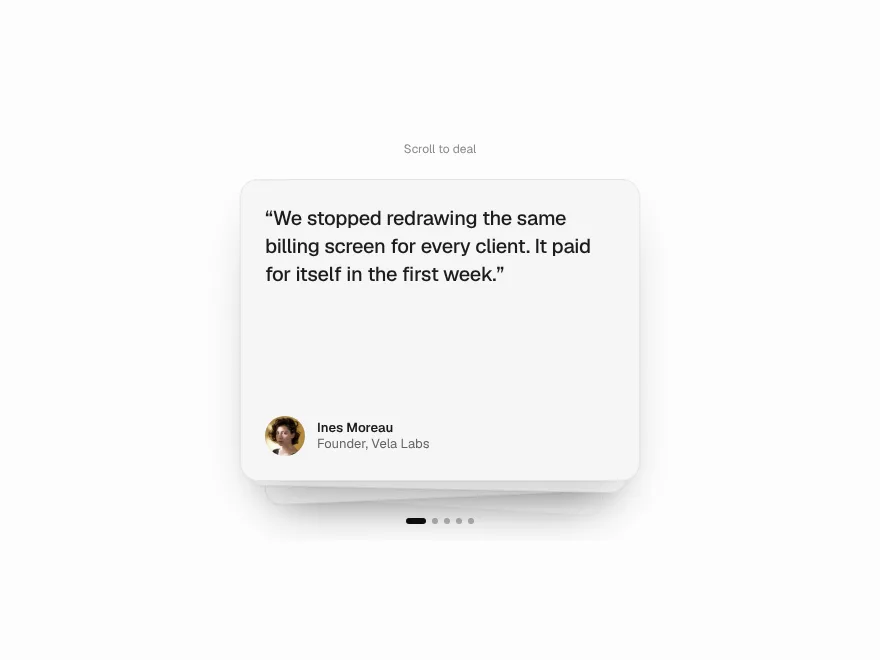
Stack Shuffle
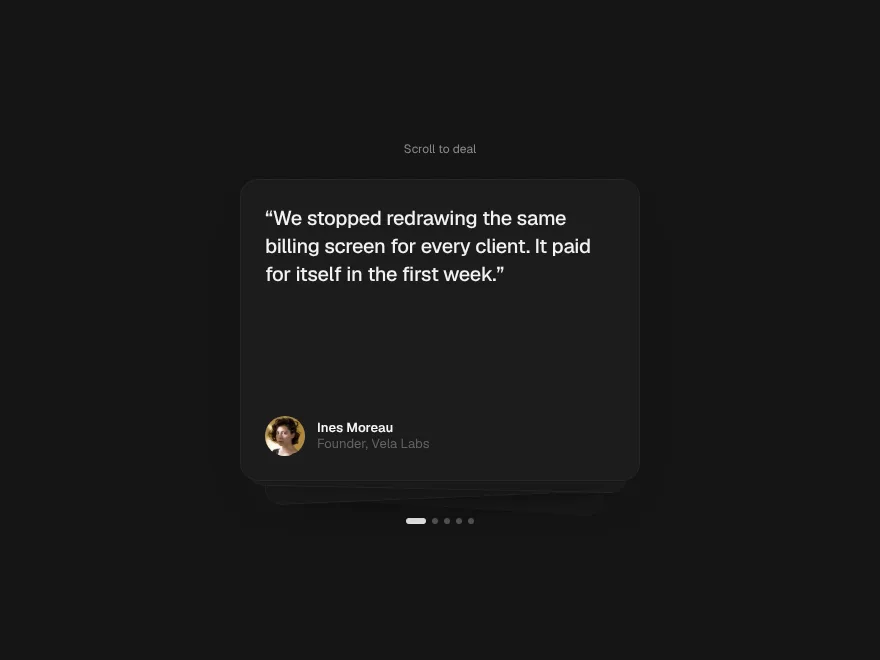
FreeA deck of cards that deals itself as you scroll.
Horizon Pin
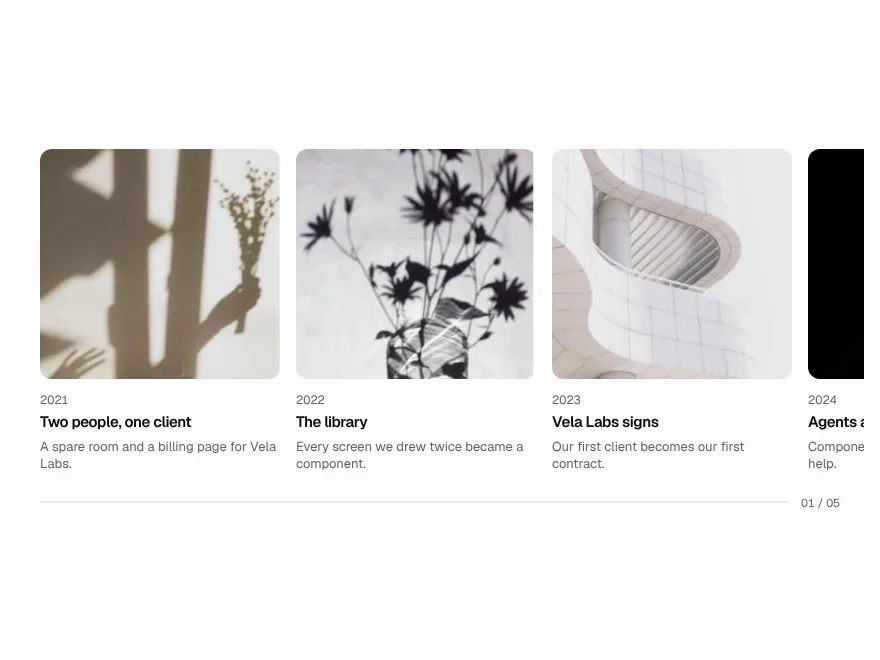
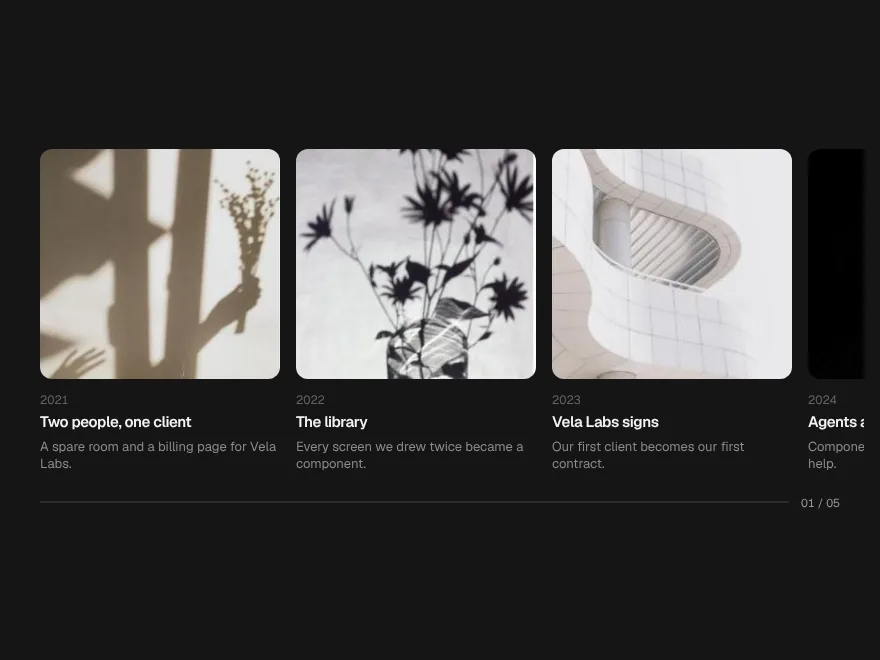
FreeA section that pins and turns downward scrolling into a sideways journey.
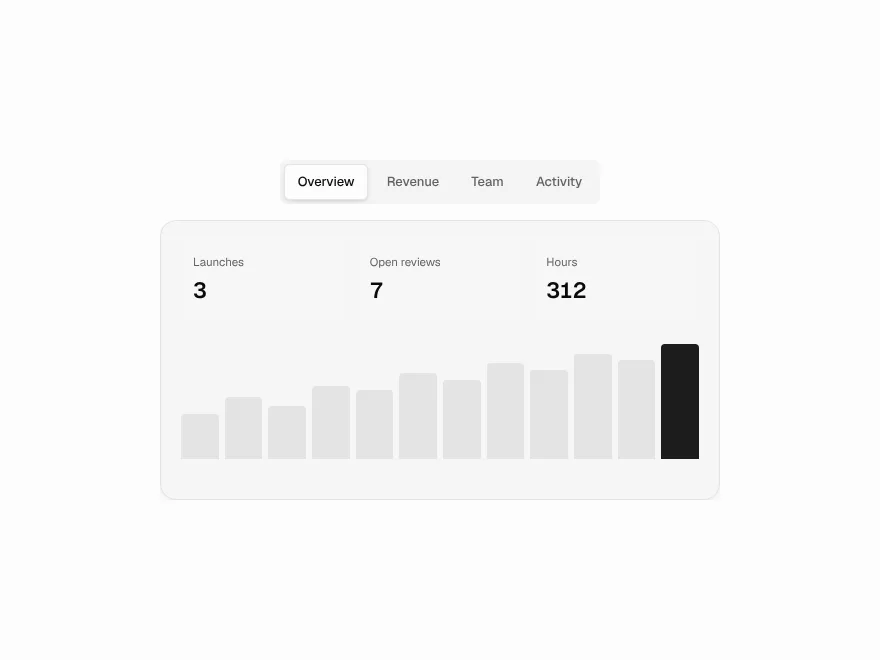
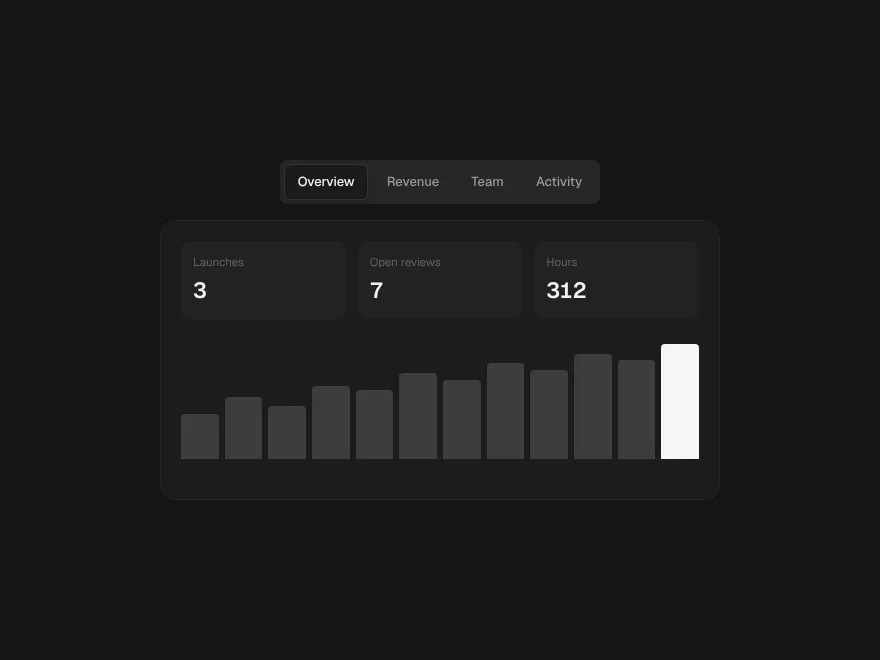
Morph Tabs
FreeTabs whose indicator flows between options like a drop of liquid.
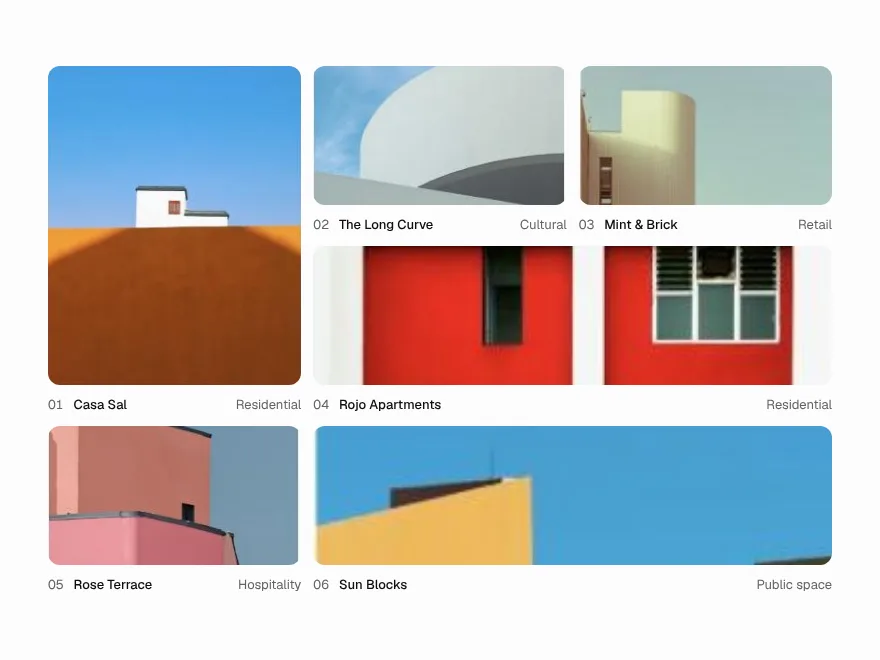
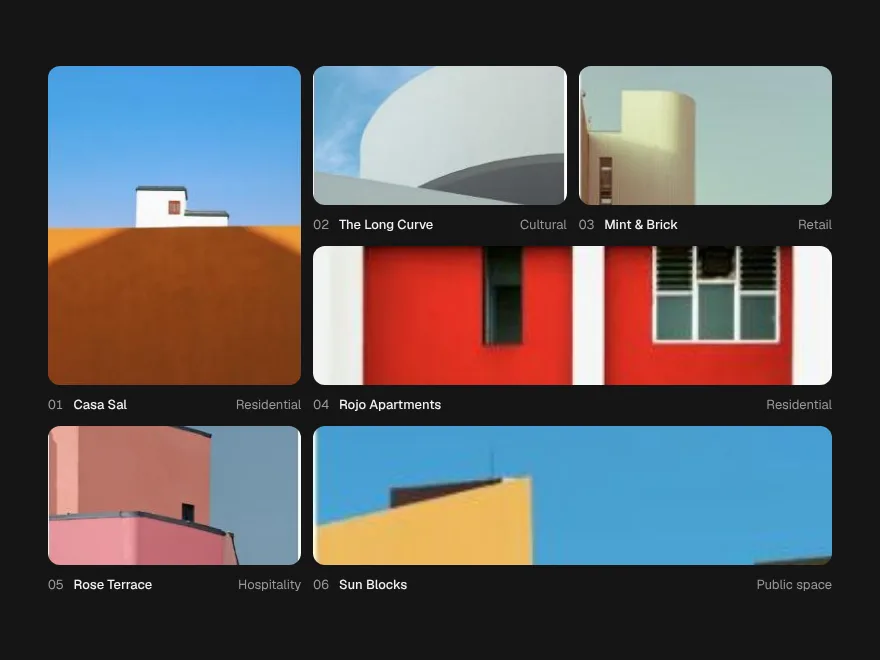
Expand Gallery
FreeGrid tiles that open in place into a full view, and shrink back.
Signal Grid
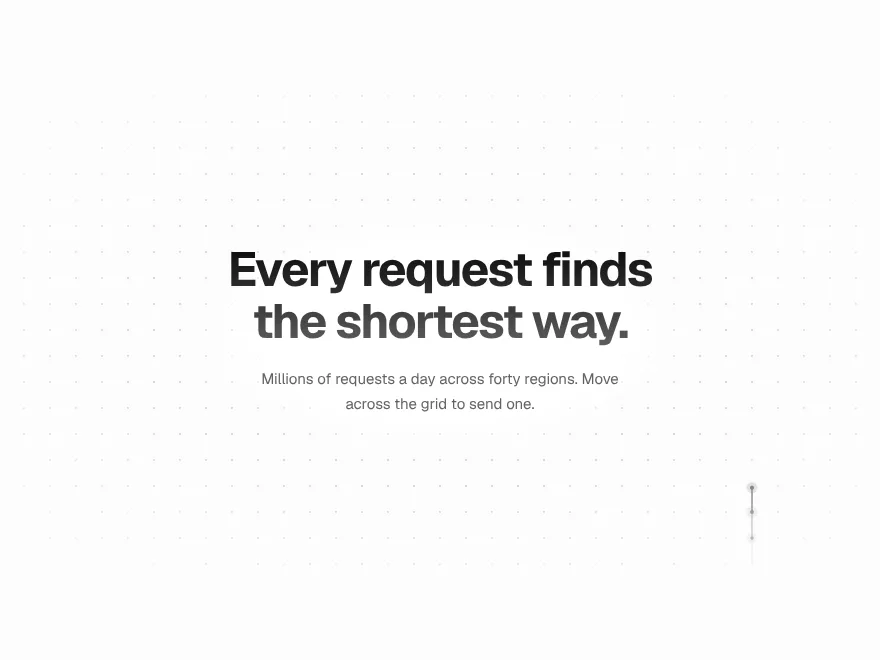
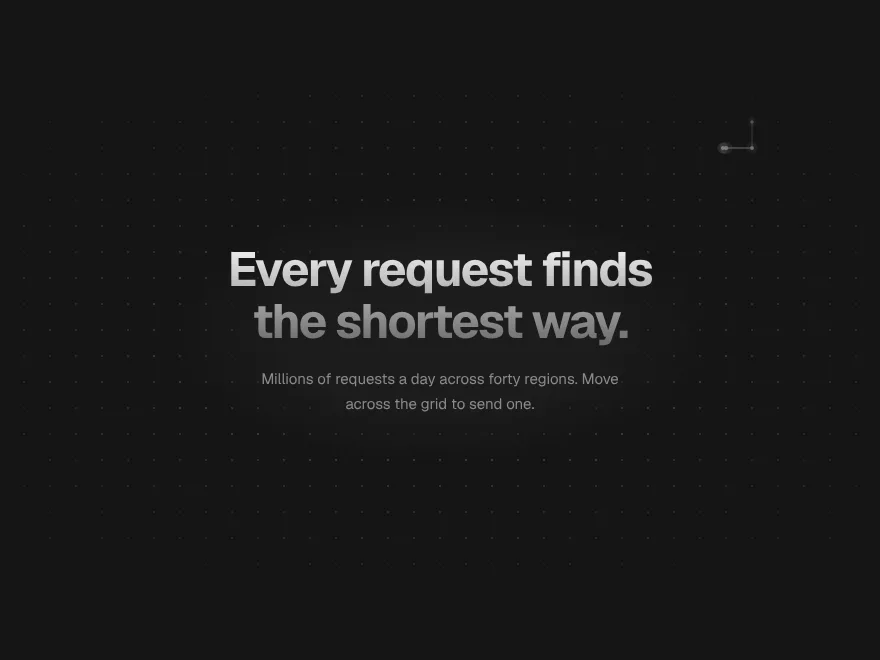
FreeA dot grid that carries signals: move across it and pulses travel the lines.
Ink Bleed Heading
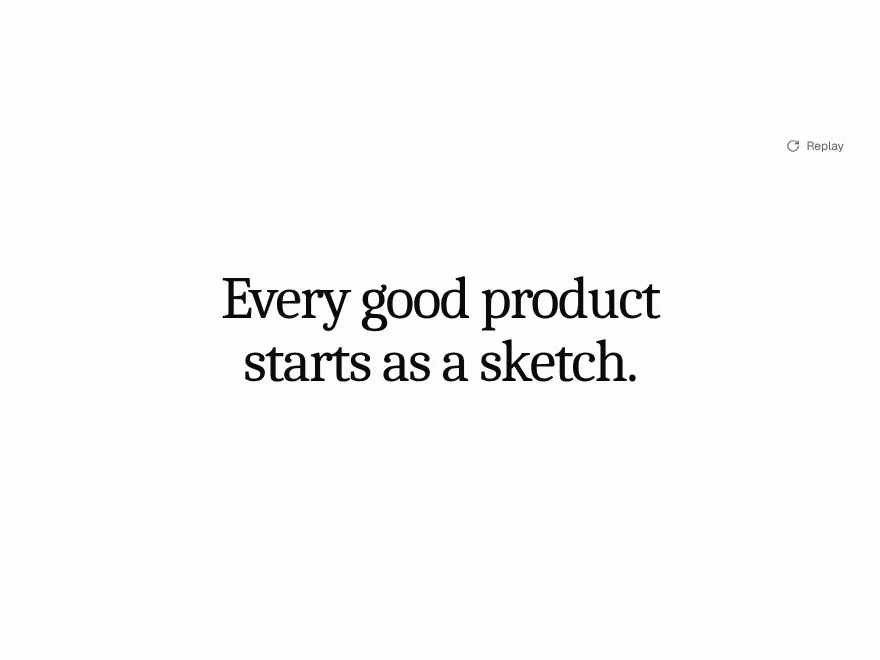
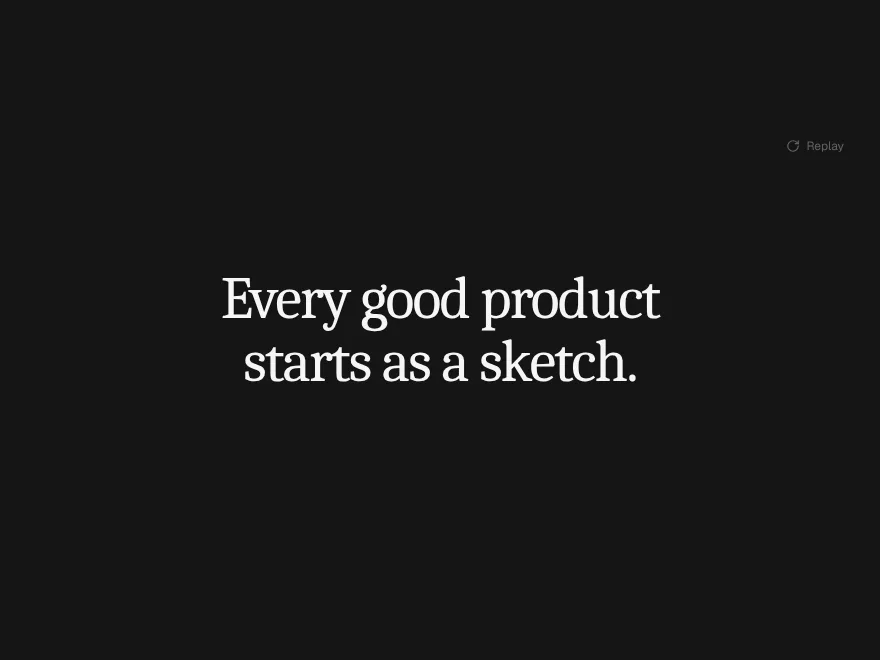
FreeA heading that arrives like ink on wet paper, word by word.