Horizon Pin
Pins a row of panels and moves it sideways as the reader scrolls down, then releases the page. A progress line and a "02 / 05" count show where you are. Follows the page, or scrolls inside its own box with `contained`.
Ready for AI tools one file typed props installs by name prompt included
The decision inside it
One pixel down is one pixel across
The section's height is measured from the row's real width, so scrolling never races ahead of the panels or drags behind them at any size or count. Reduced motion turns it into a plain sideways row with snap points.
Installation
How you get it
Paste this into Claude Code, Cursor, Codex or any coding agent. It installs the file and uses it as it is, instead of writing a new one.
Use Layro's Horizon Pin for this.
Install it: npx shadcn@latest add @layro/horizon-pin
(the @layro registry is set up in components.json, with LAYRO_KEY in .env.local)
Import it from @/components/ui/horizon-pin.
Do not rewrite or restyle it. Pass my data through its props
and keep its built-in states.
For the full brief with every prop and the mistakes assistants usually make, use Copy prompt above. Free components install through the @layro registry with your CLI token: see the Namespaced tab.
When to use it
Use Horizon Pin for a row of cards that travels sideways while the page scrolls down: a timeline, a set of case studies.
Usage
import { HorizonPin } from "@/components/ui/horizon-pin";

const panels = ["2021", "2022", "2023", "2024"].map((year) => (
  <article key={year} className="h-64 rounded-2xl border bg-card p-6 text-4xl font-bold">{year}</article>
));

export function Story() {
  return <HorizonPin panels={panels} panelWidth={260} />;
}
API
“Copy prompt” above puts a full brief on your clipboard — install command, dependencies, props, and the mistakes an assistant usually makes with this component.
Props
Read from the component’s own TypeScript interface when the site is built, so this table cannot drift from the file you install.
| Prop | Type | Notes |
|---|---|---|
panelsrequired | React.ReactNode[] | — |
panelWidth | number | Width of each panel, in px. Default 360. |
gap | number | Space between panels, in px. Default 16. |
contained | boolean | Scroll inside its own box rather than with the page. |
height | number | Height of the pinned stage, in px. Default 440. |
heading | React.ReactNode | Text above the panels. |
Dependencies
npm packages
clsxframer-motiontailwind-mergeLayro foundations, installed alongside it
layro-themeLifetime access
Every component, and everything we ship next.
- All 132 components, source included
- Every template, and everything released after you buy
- shadcn CLI or download — React 18/19, Tailwind v4
- One payment. No subscription.
More in Creative
All Creative components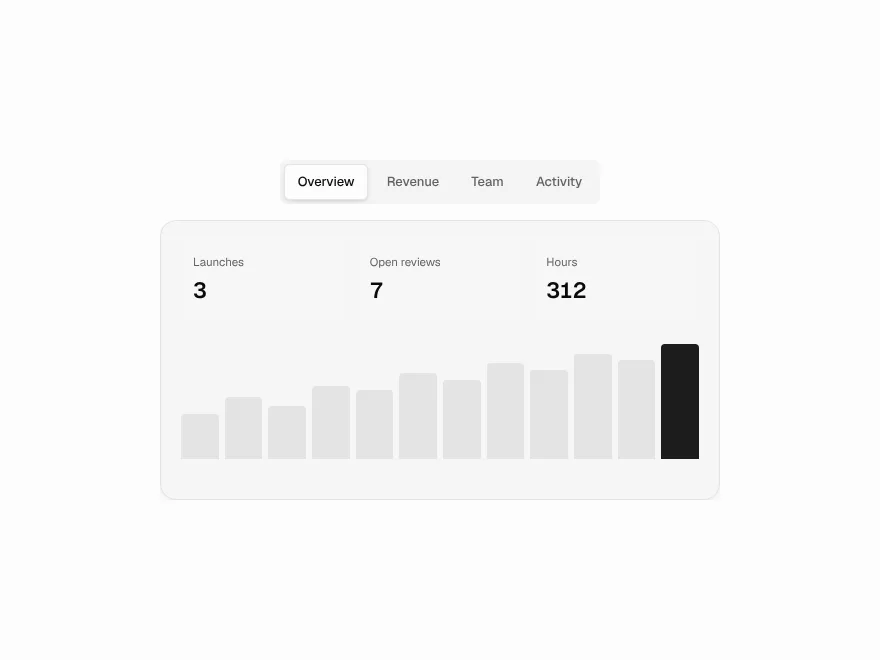
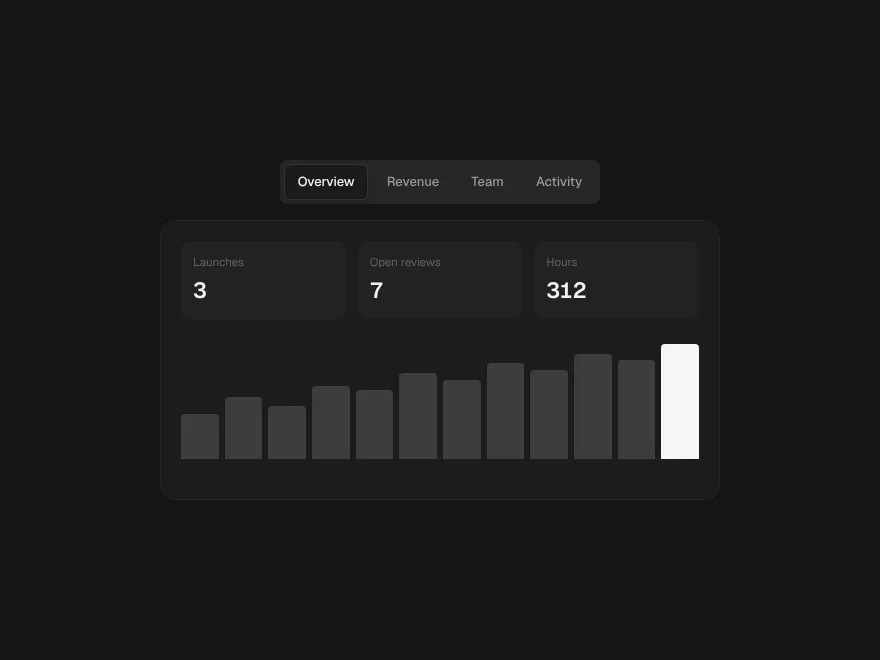
Morph Tabs
FreeTabs whose indicator flows between options like a drop of liquid.
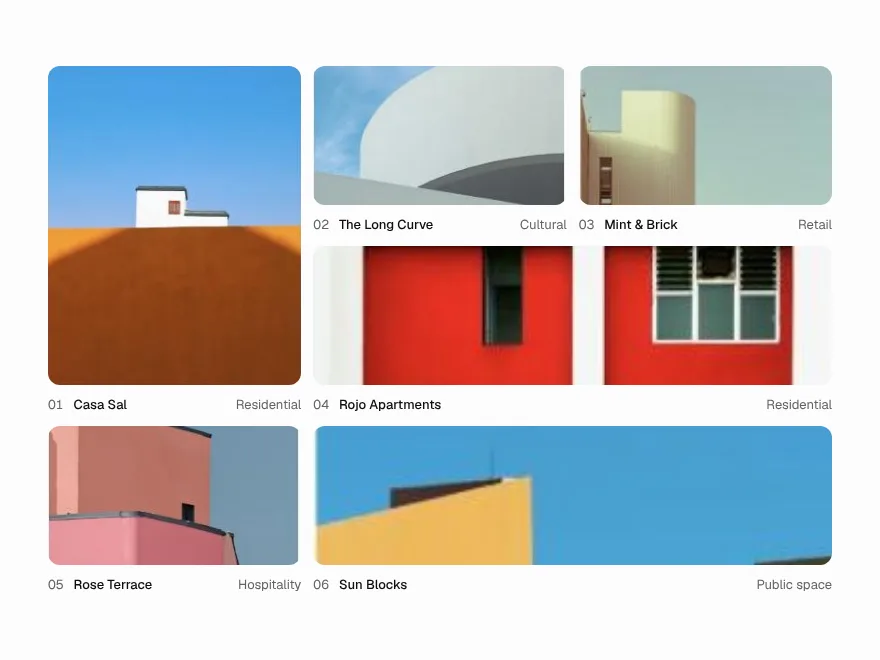
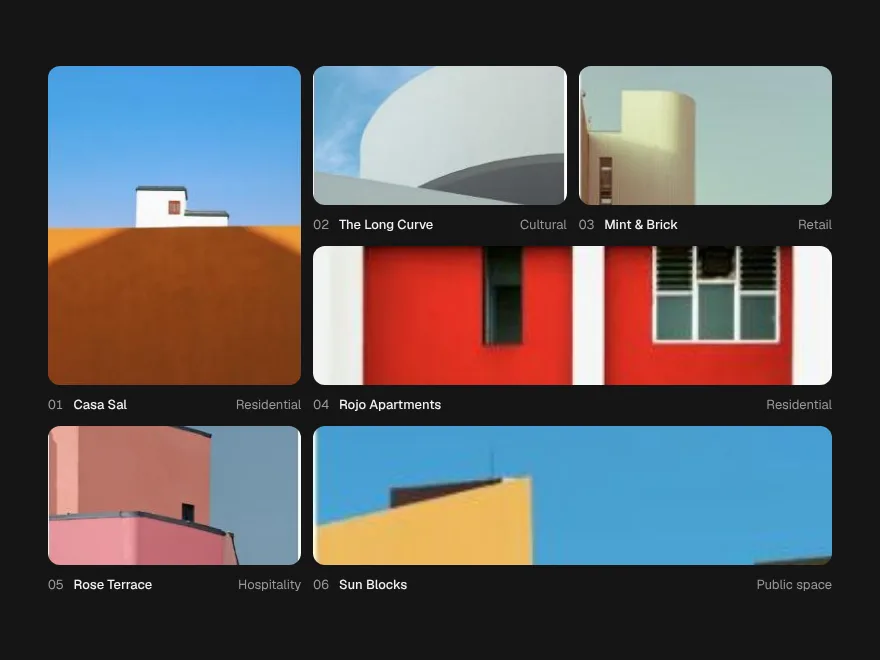
Expand Gallery
FreeGrid tiles that open in place into a full view, and shrink back.
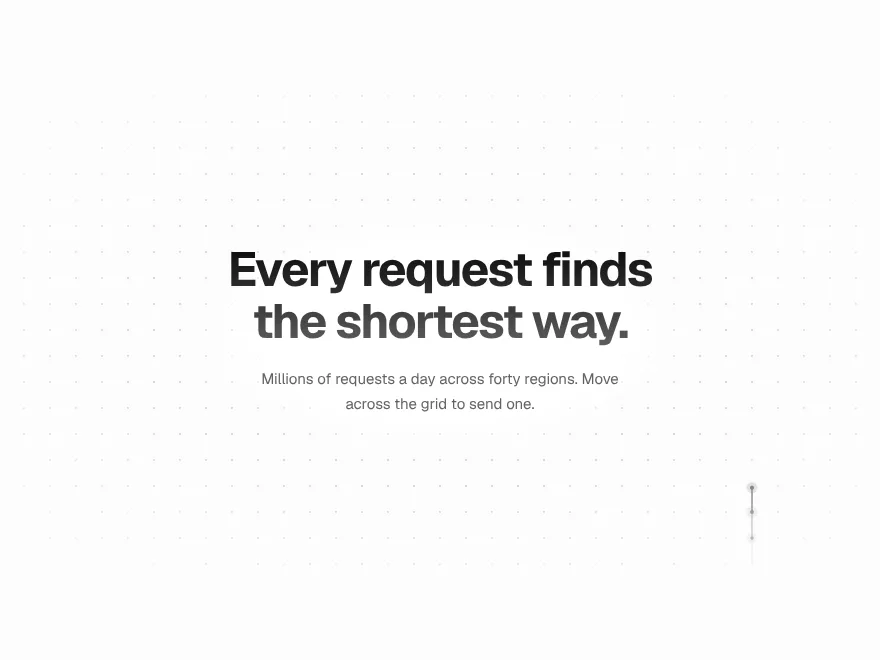
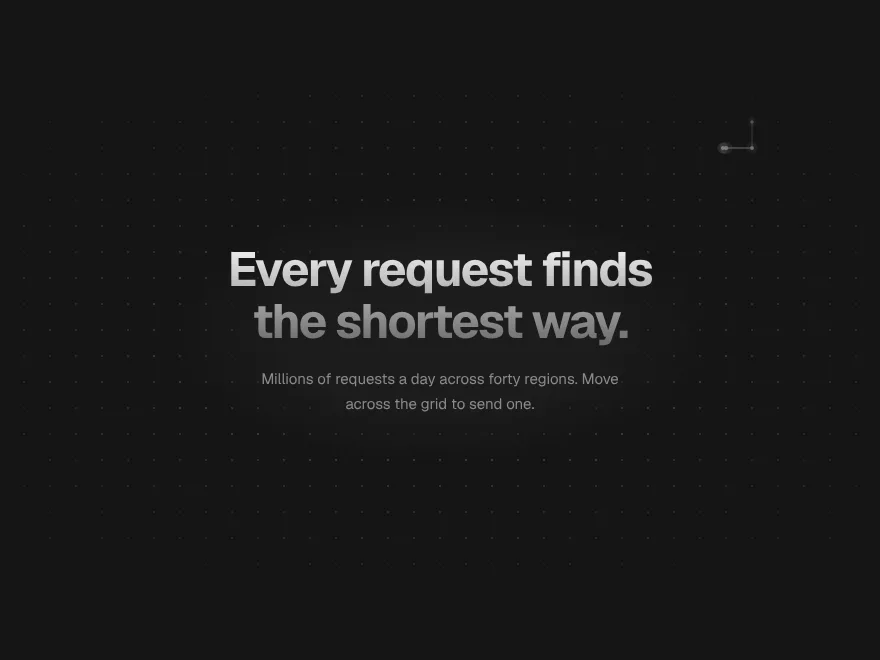
Signal Grid
FreeA dot grid that carries signals: move across it and pulses travel the lines.


Ink Bleed Heading
FreeA heading that arrives like ink on wet paper, word by word.
Pressure Button
FreeSinks under the press, gathers while held, releases with a ripple.
Scroll Thread
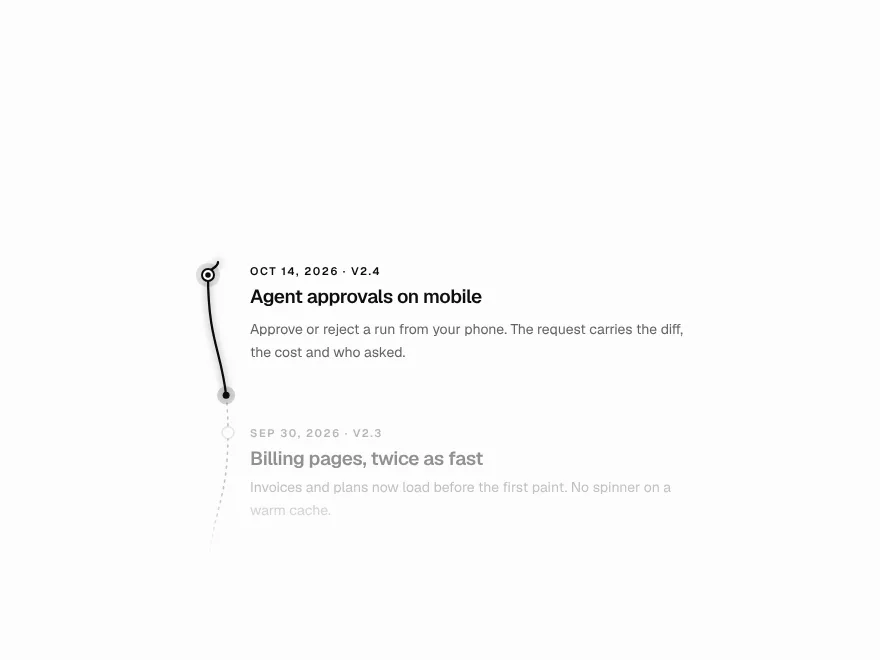
FreeOne line that draws through the page and lights each step as it arrives.