Screens
Whole pages of a product, put together from Layro components: a sales CRM, a revenue dashboard, an evals gate, integrations, onboarding and two AI workspaces. 10 screens, each with its examples, both themes and its sample data.
- Every state drawn: loading, empty, error
- Light and dark
- Sample data in its own file
- Built from components you can install alone
CRM
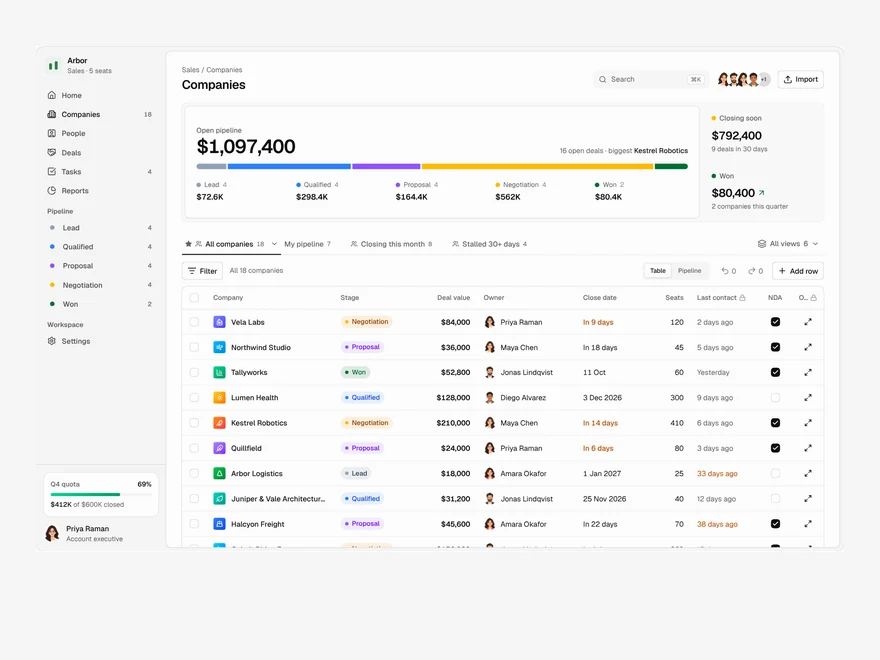
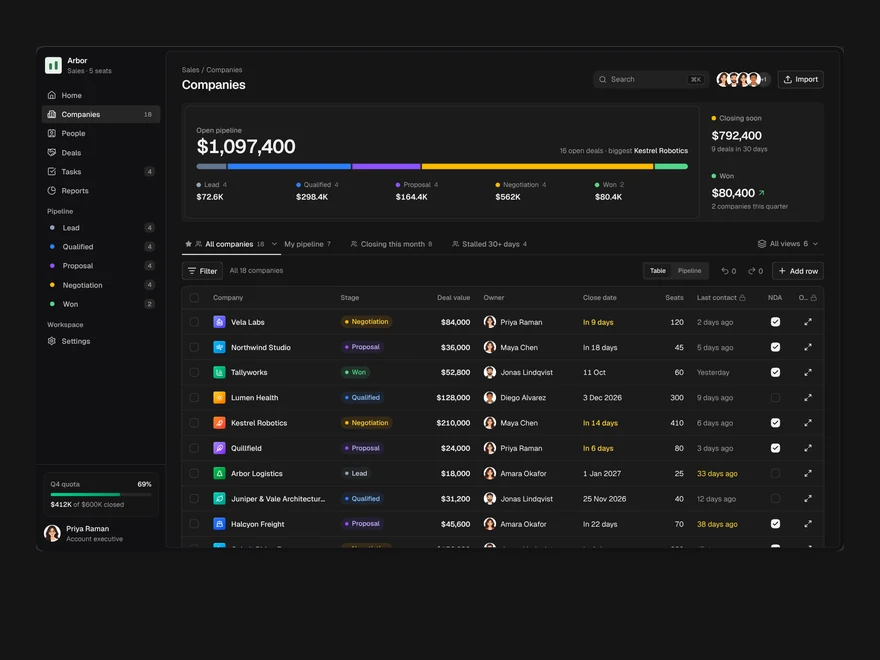
A sales pipeline: saved views as tabs, an editable company table, a board and a record drawer.
Analytics
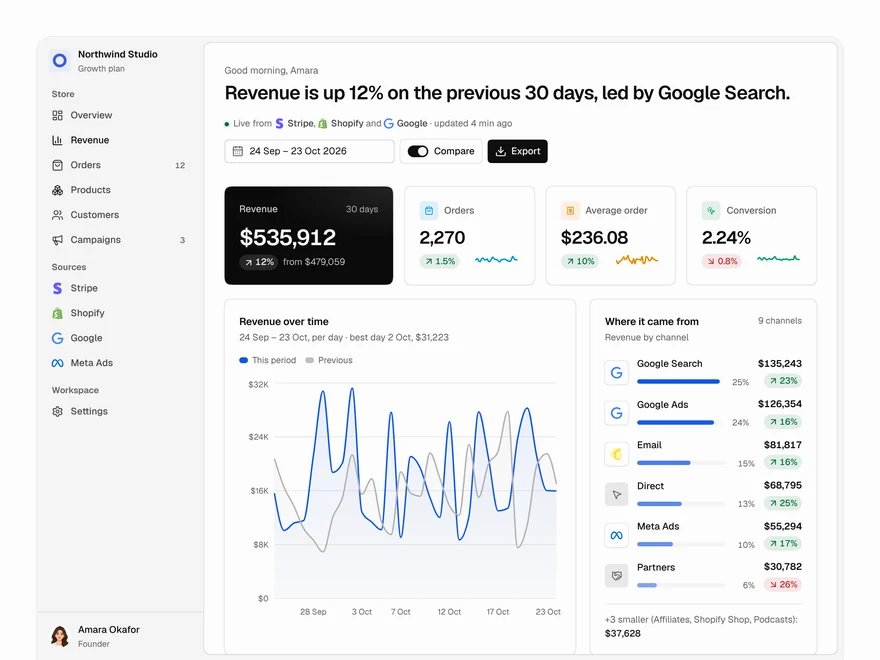
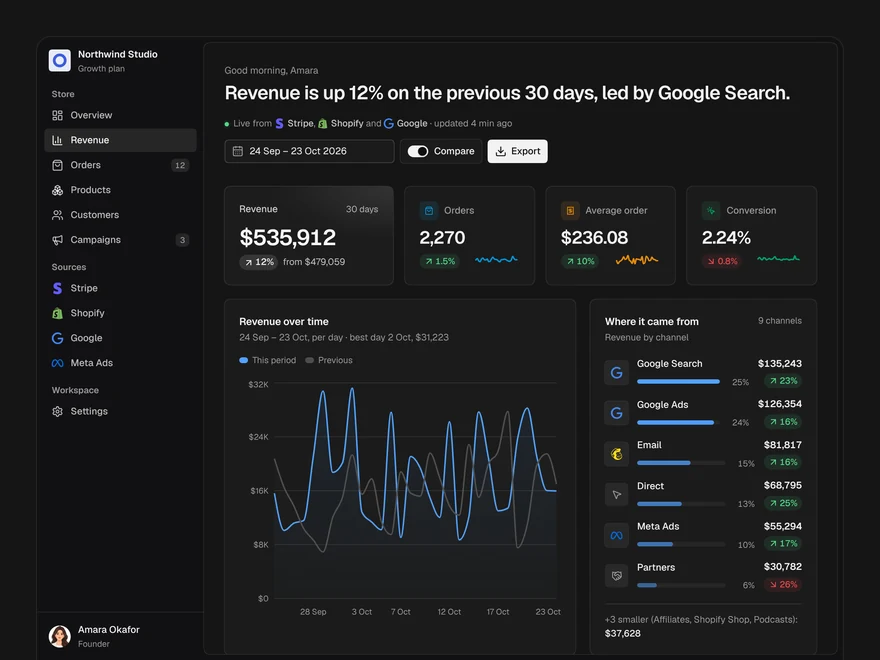
A revenue dashboard: four key figures, revenue over time, channels, top products and what moved.
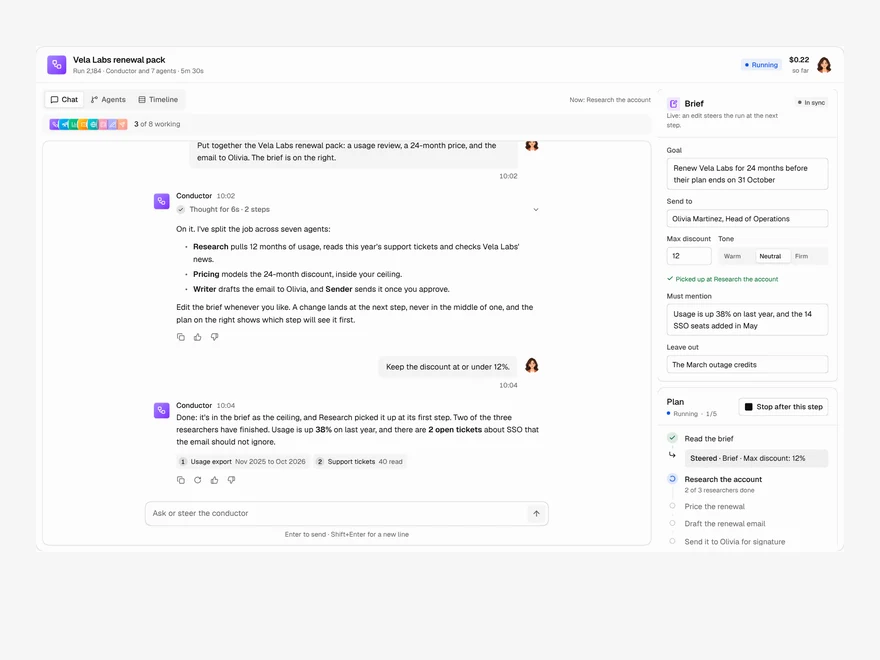
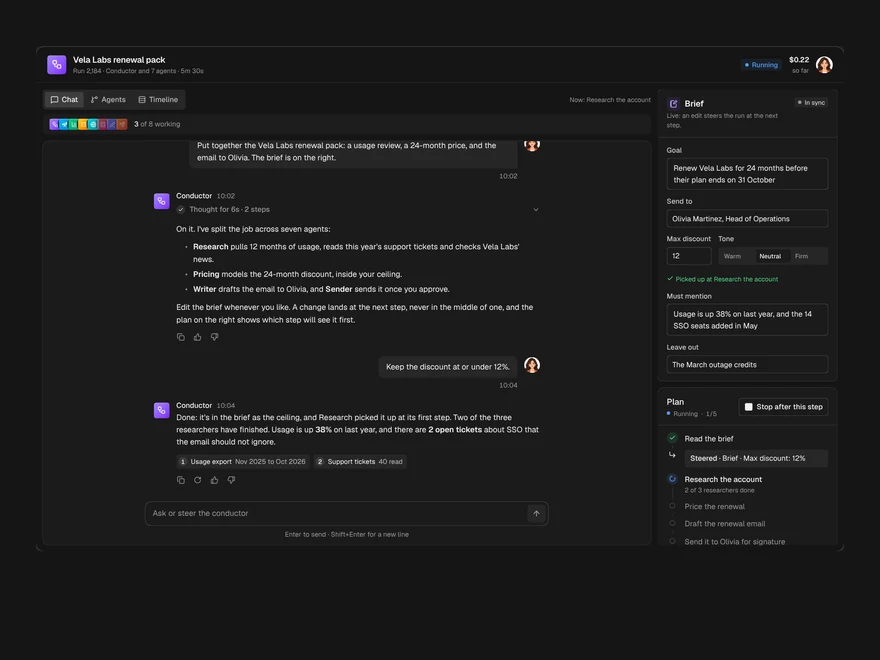
Multi-agent Chat
A chat with the agent running a job, the agents it handed work to, and the brief, side by side.
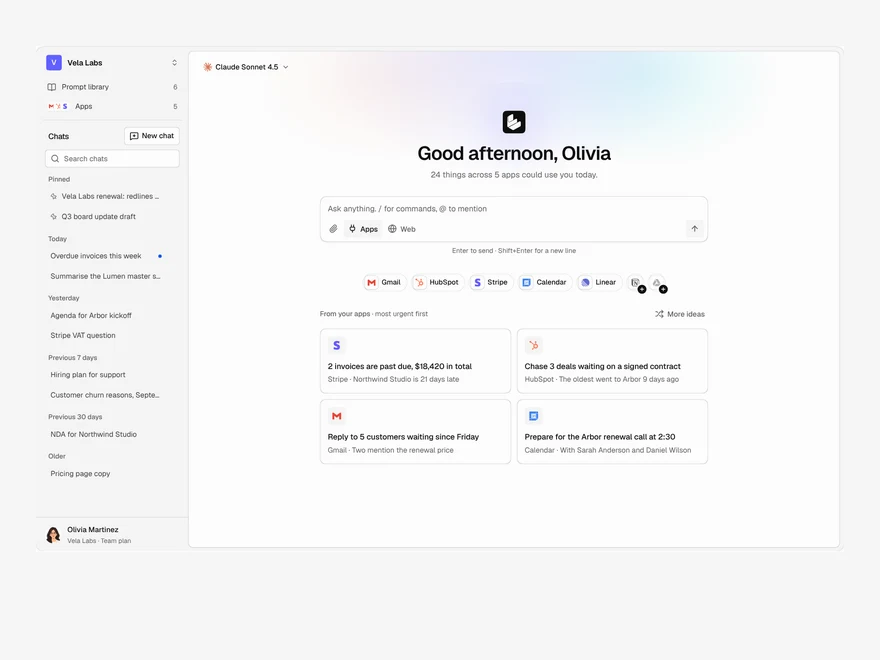
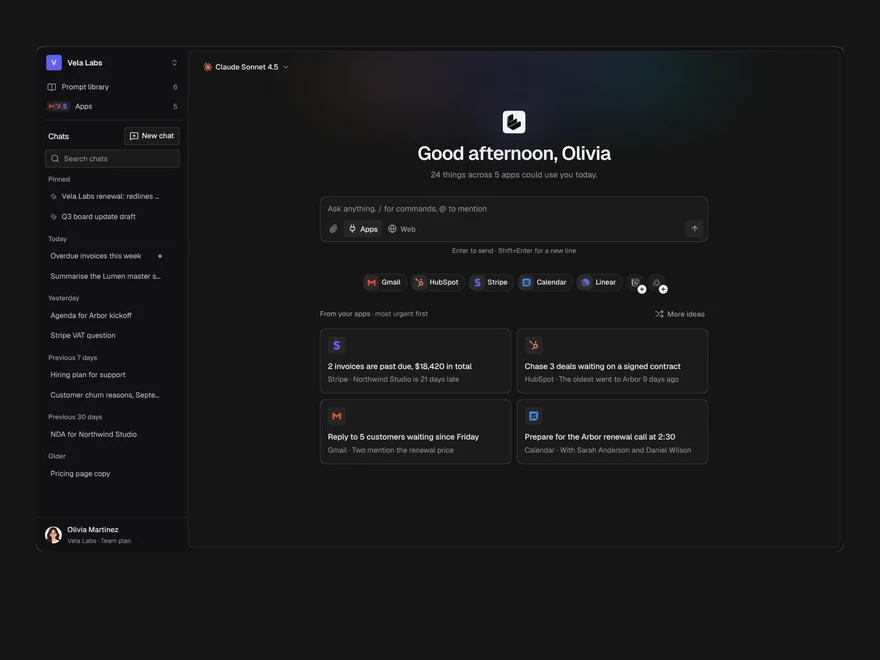
Assistant Home
The start page of an AI assistant: a greeting, the prompt box, connected apps and suggestions from them.
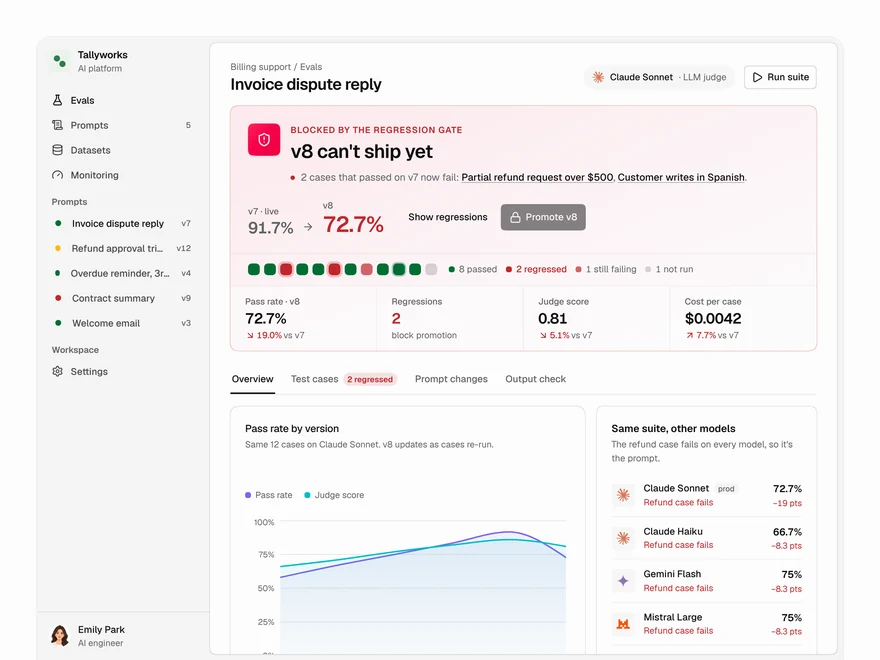
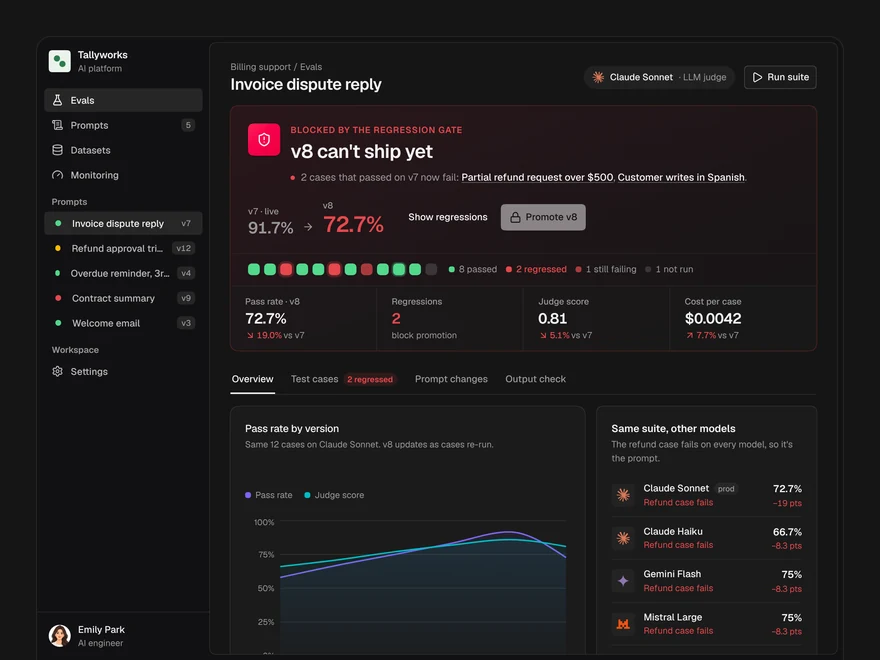
Evals
Decide whether a prompt version ships: a pass or block gate, pass rates, model checks and cases.
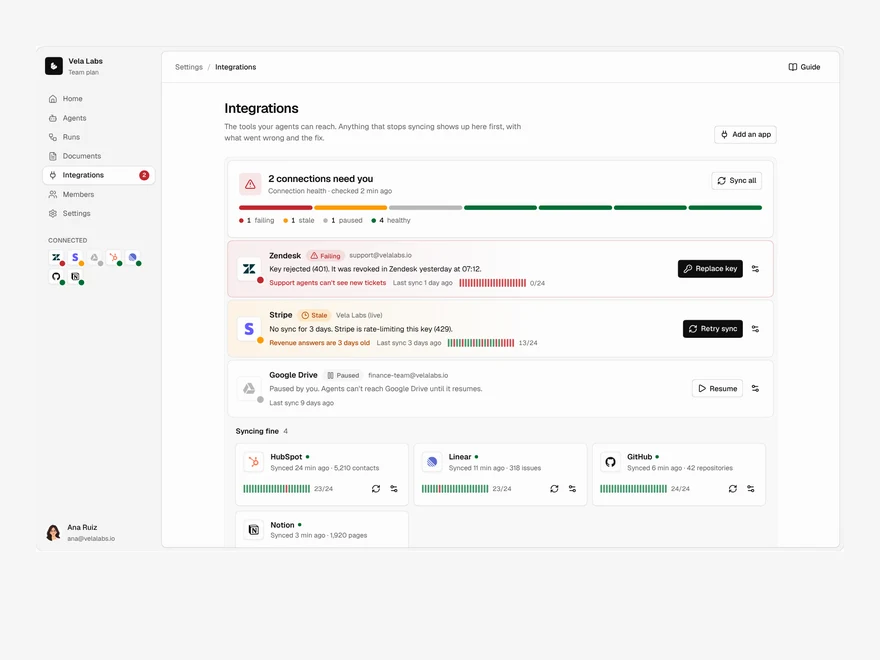
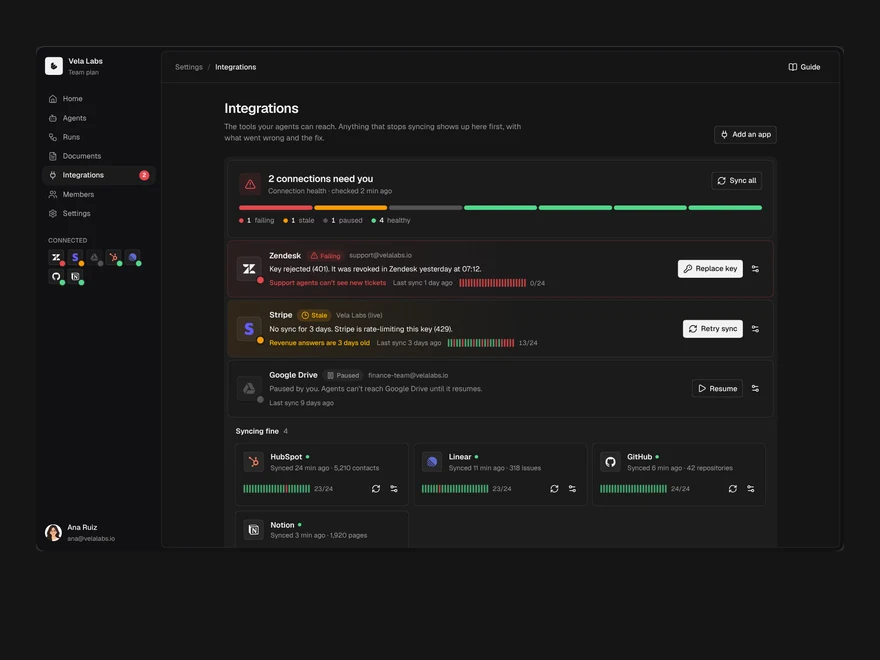
Integrations
Connected tools with their health first: what is broken, what is fine, and a directory to add more.
Onboarding
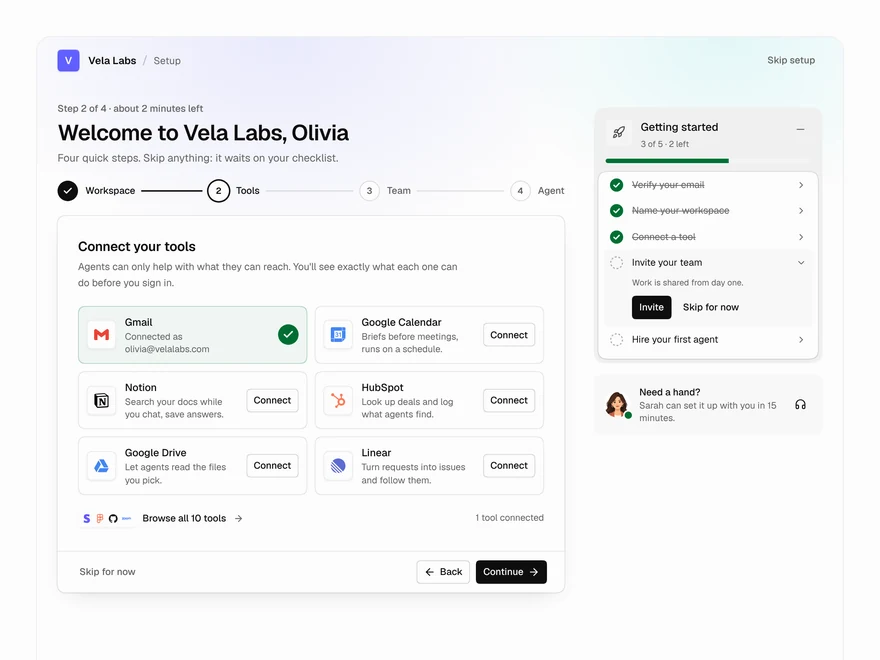
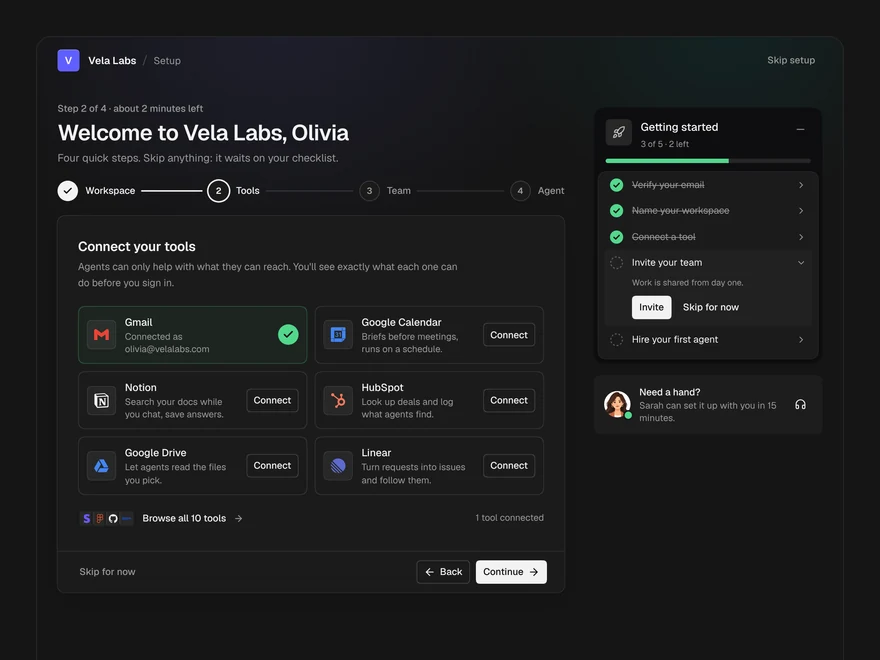
The first run of an AI workspace: name it, connect tools, invite the team, hire a first agent.
Agent Run
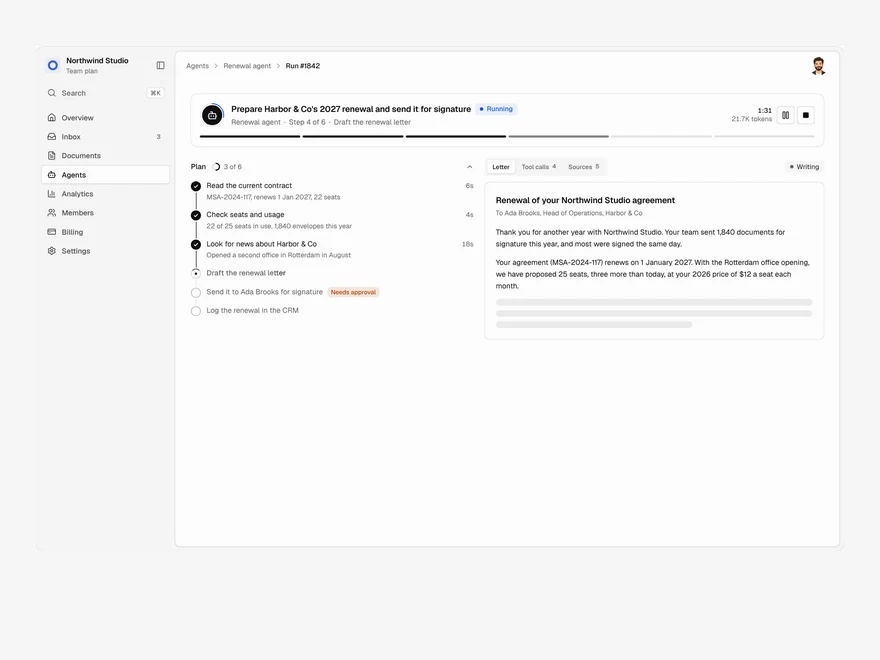
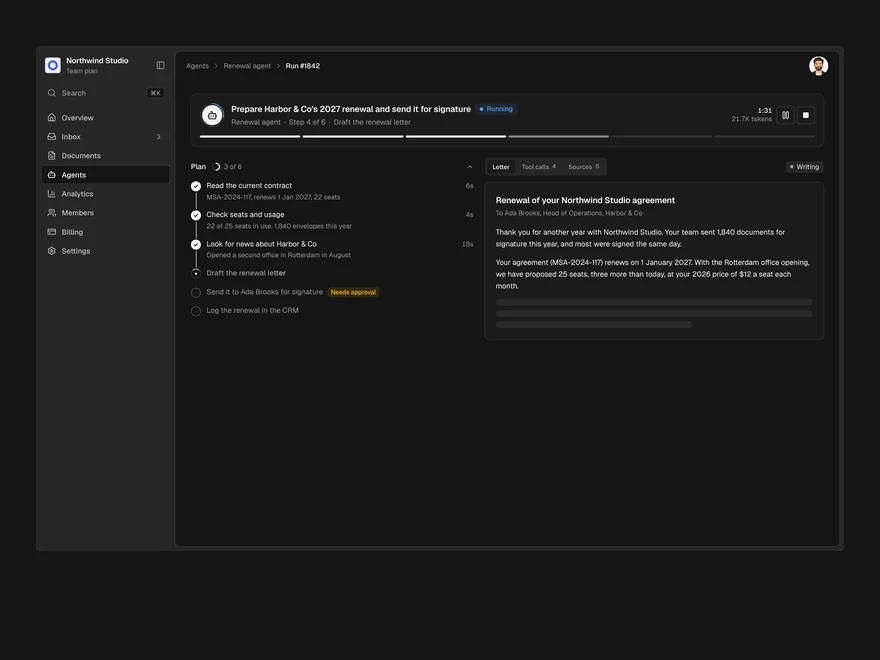
One agent run, live: its plan, every tool call, a pause for approval and the finished output.
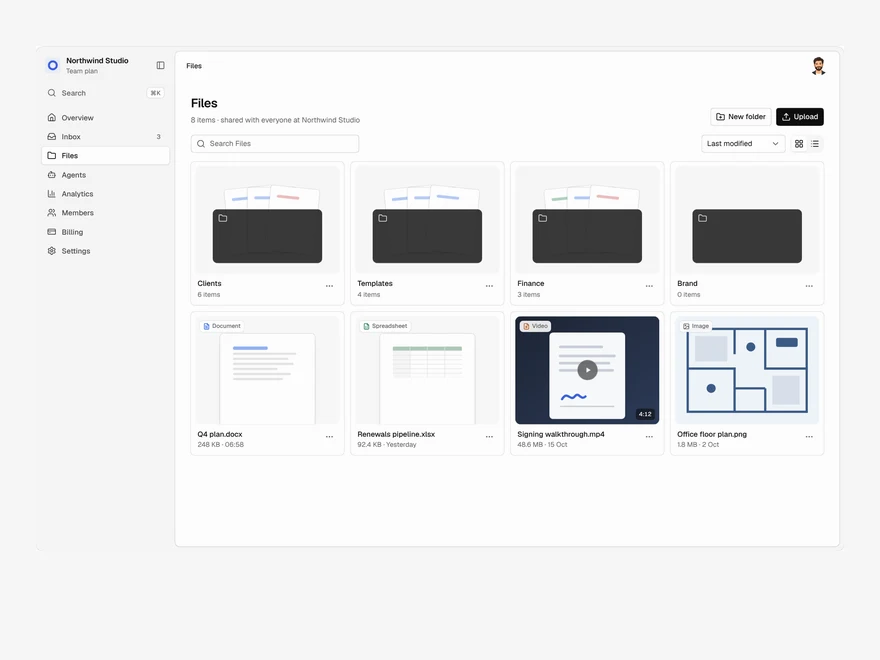
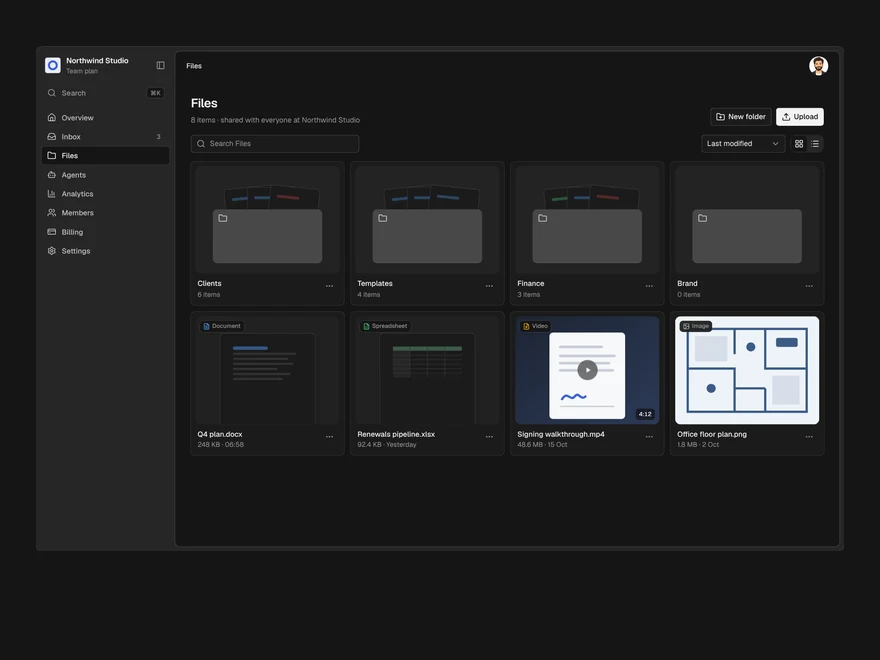
Files
A shared drive: folders and files in a grid or a list, drag to upload, rename, move and delete.
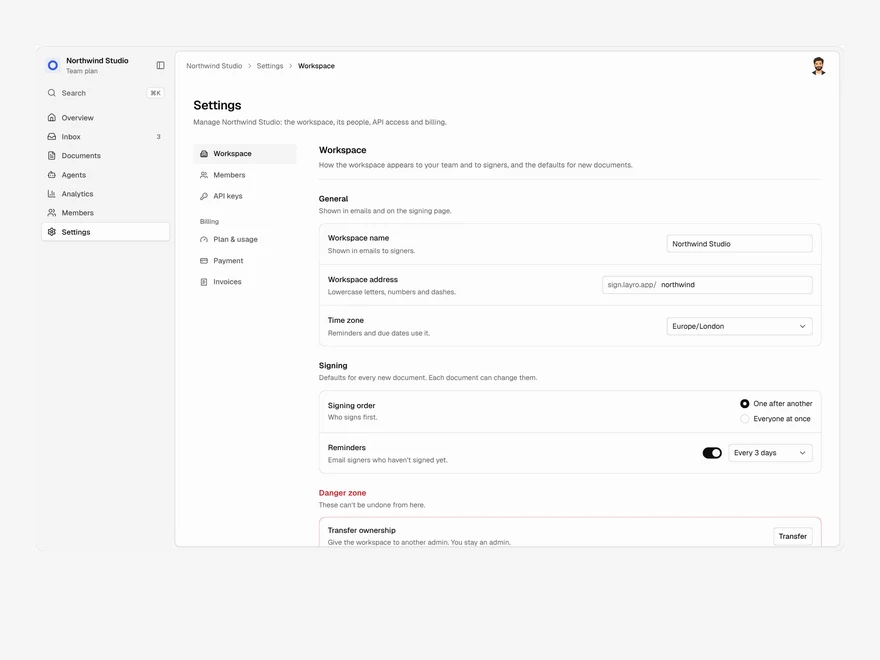
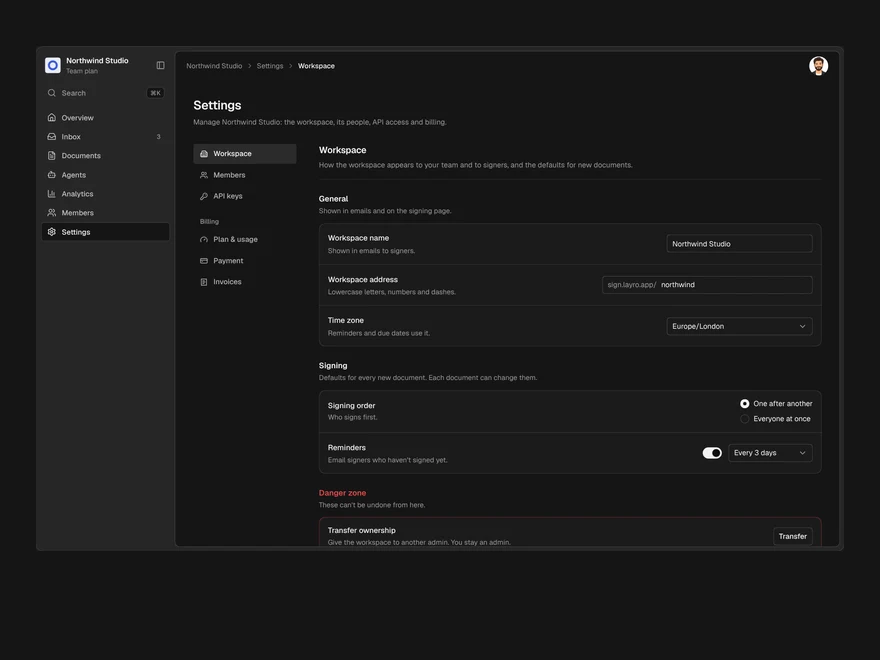
Settings & Billing
Workspace settings, members, API keys and billing in one page, with one save bar for every change.
Screens, blocks and components
A component is one piece, like a table or a chart. A block is a few pieces that make one panel. A screen is the whole page: its layout, its sample data and every state it can be in, made of components you can also install on their own.
Layro · 232 components · 10 screens · 2 templates