Spotlight Card
The light is two CSS variables written on pointer move, so there is no re-render per move. Keyboard focus lights the centre. Render it as a link when the whole card is one action.
The decision inside it
No effect on touch
A finger has no hover, so on touch the card stays plain instead of flashing a light where it was tapped.
When to use it
Use Spotlight Card for feature or pricing cards that should respond to the pointer with a soft light and a lit edge. Render it as a link with as="a" when the whole card goes somewhere. For a card that tilts, use 3D Tilt Card.
Installation
How you get it
Paste this into Claude Code, Cursor, Codex or any coding agent. It installs the file and uses it as it is, instead of writing a new one.
Use Layro's Spotlight Card for this.
Install it: npx shadcn@latest add @layro/spotlight-card
(the @layro registry is set up in components.json, with LAYRO_KEY in .env.local)
Import it from @/components/ui/spotlight-card.
Do not rewrite or restyle it. Pass my data through its props
and keep its built-in states.
For the full brief with every prop and the mistakes assistants usually make, use Copy prompt above. Pro components install through the @layro registry with your CLI token: see the Namespaced tab.
Usage
import { SpotlightCard } from "@/components/ui/spotlight-card";

export function FeatureCard() {
  return (
    <SpotlightCard as="a" href="/audit-trail" className="p-6">
      <h3 className="font-semibold">Audit trail</h3>
      <p className="text-sm text-muted-foreground">Every view, signature and download, stamped.</p>
    </SpotlightCard>
  );
}
API reference
“Copy prompt” above puts a full brief on your clipboard — install command, dependencies, props, and the mistakes an assistant usually makes with this component.
Props
Read from the component’s own TypeScript interface when the site is built, so this table cannot drift from the file you install.
| Prop | Type | Notes |
|---|---|---|
spotlightColor | string | The light's colour. Default the theme's foreground at low strength. |
radius | number | Radius of the light, in pixels. Default 320. |
borderGlow | boolean | Light the border near the pointer too. Default true. |
reveal | React.ReactNode | Decoration seen only inside the light, e.g. a pattern or an illustration. Hidden from screen readers. |
as | React.ElementType | The element to render, e.g. "a" or "article". Default "div". |
href | string | For `as="a"`. |
children | React.ReactNode | — |
Dependencies
npm packages
clsxtailwind-mergeLayro foundations, installed alongside it
layro-themeStates
All of them are drawn by the component. None is left for you to design.
- Rest
- Lit
- Edge glow
- Focused
- Touch
Accessibility
- Keyboard reachable throughout, in visual order
- Focus trapped in overlays, Escape closes them
- Focus returns to whatever opened it
- Live regions announce what changed, not that something did
- Honours prefers-reduced-motion
Responsive behavior
- Sizes to its container, not the viewport
- Usable from 320px up
- Pointer-based interaction, so trackpad and touch both work
- No hover-only affordances
Lifetime access
Every component, and everything we ship next.
- All 232 components, source included
- Every template, and everything released after you buy
- shadcn CLI or download — React 18/19, Tailwind v4
- One payment. No subscription.
More in CreativeAll Creative components
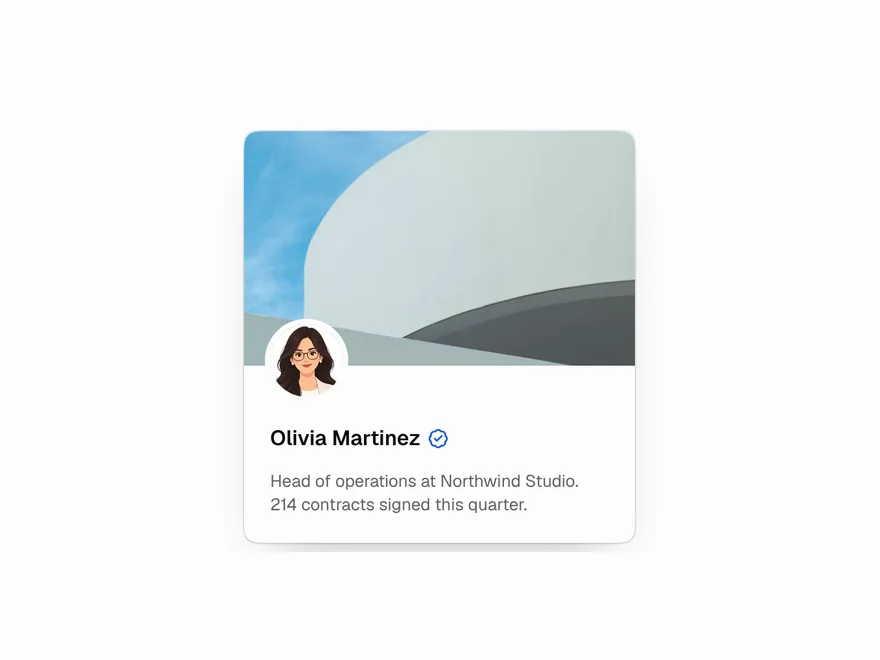
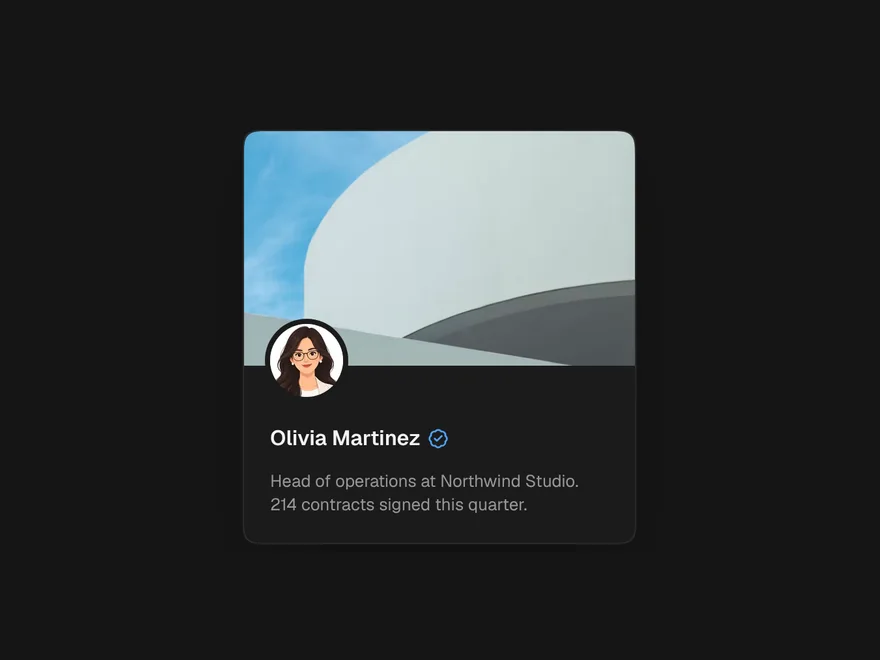
3D Tilt Card
A card that leans toward the pointer, with layers inside that move at different depths.
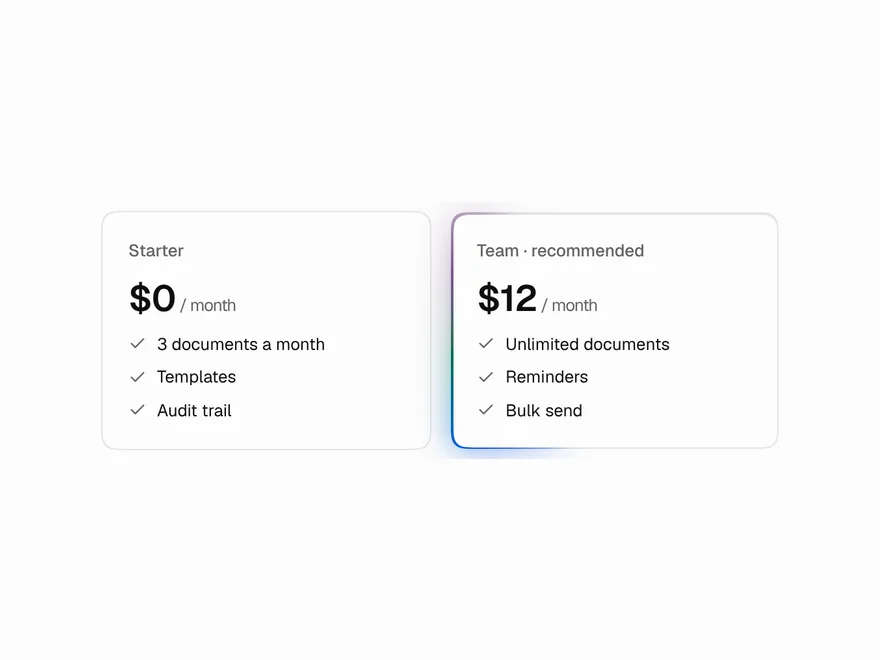
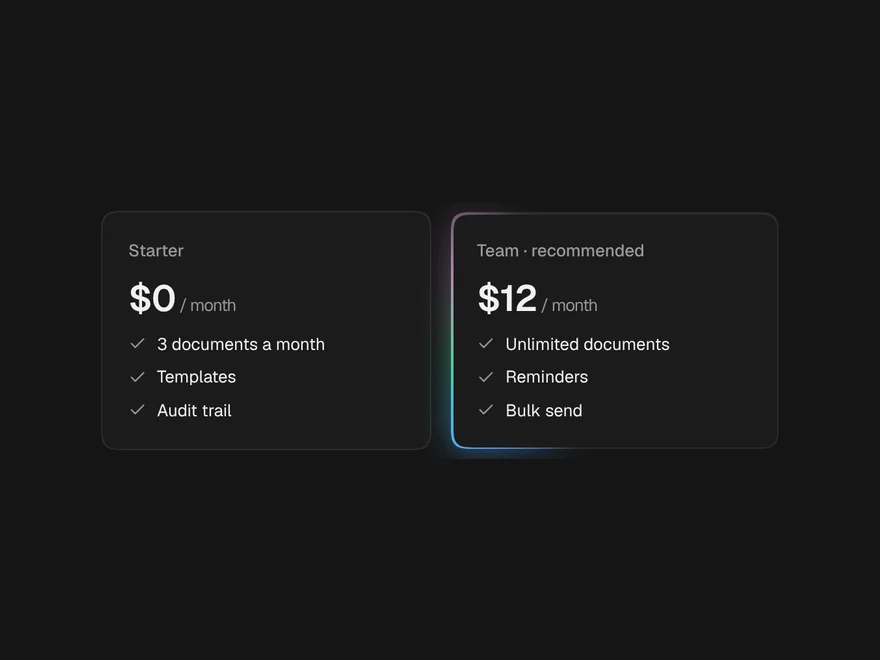
Moving / Glowing Border
A border of light that travels round a card, faces the pointer, or wakes on hover.
Scramble Text
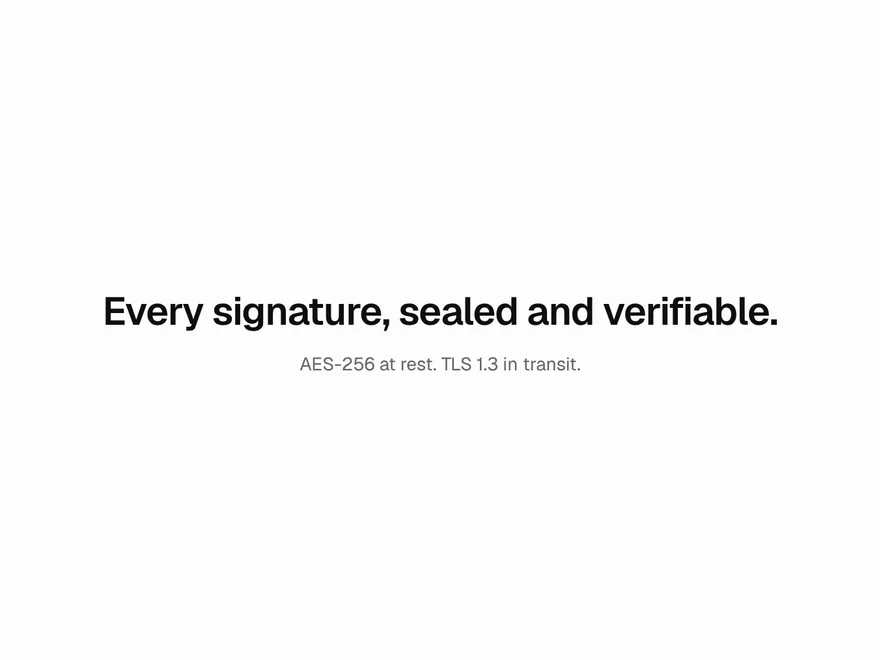
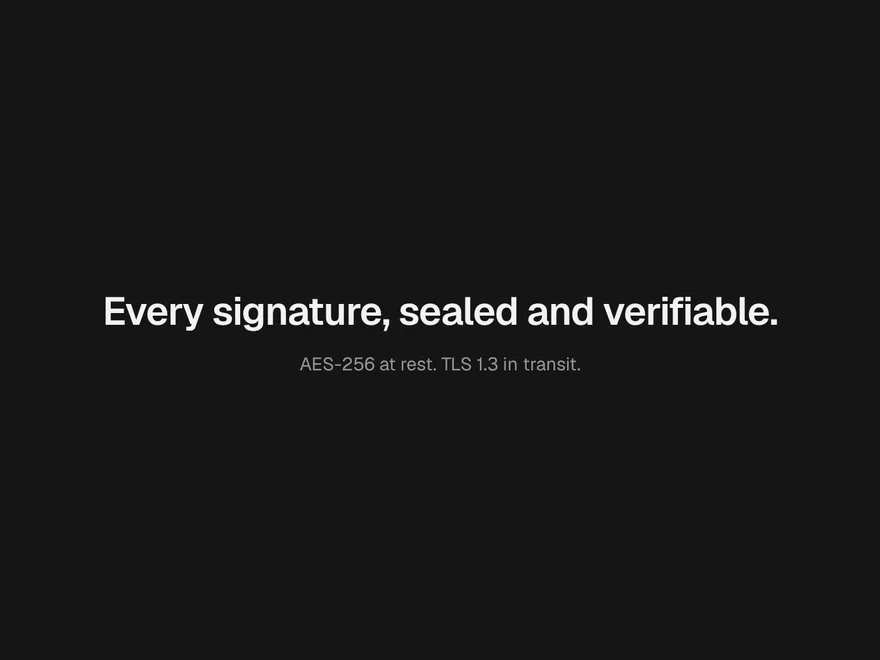
Text that starts as random characters and resolves, left to right, into the real words.
Pointer Highlight
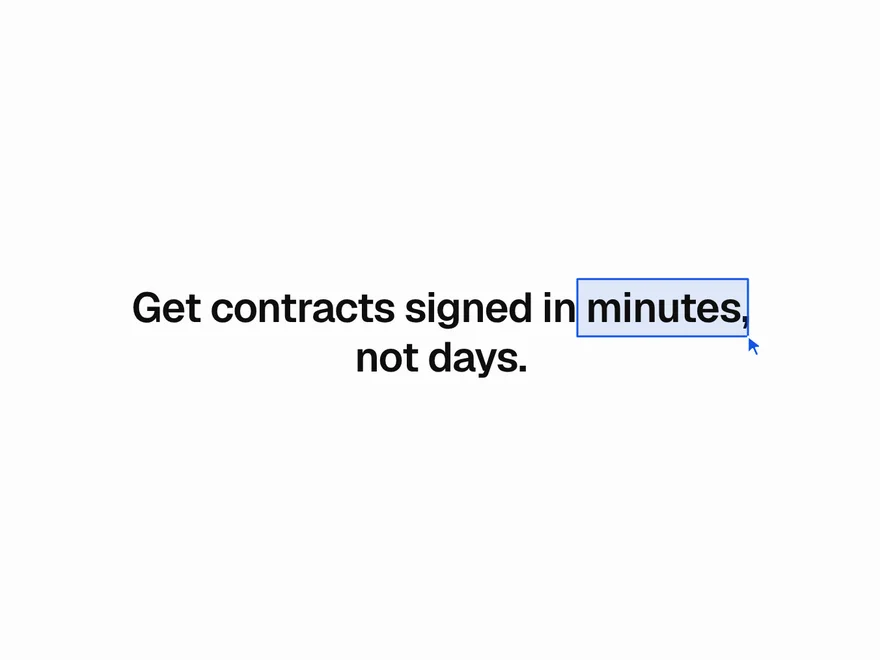
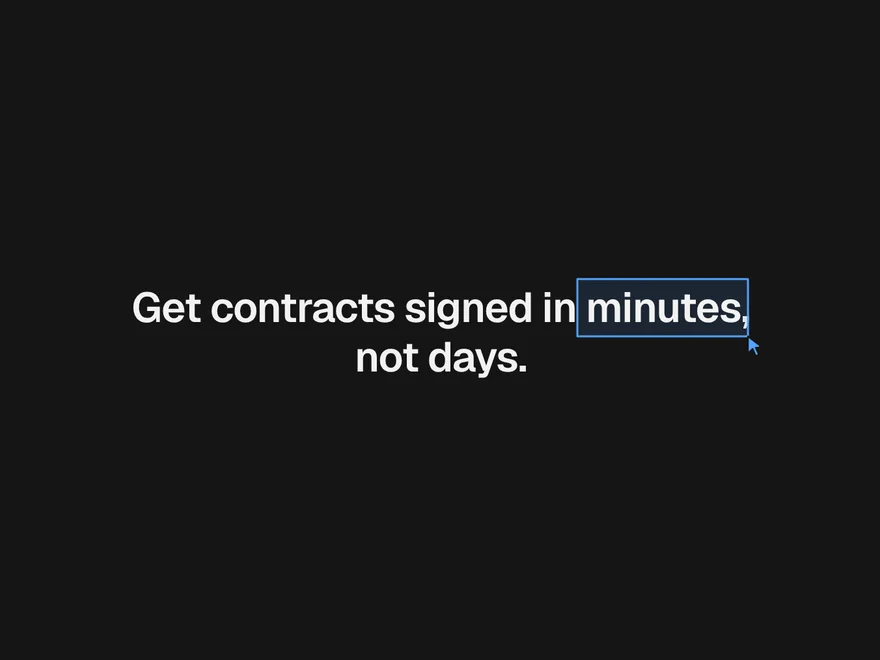
A box, underline or loose circle drawn round a few words, with a little pointer making the mark.
Liquid Glass
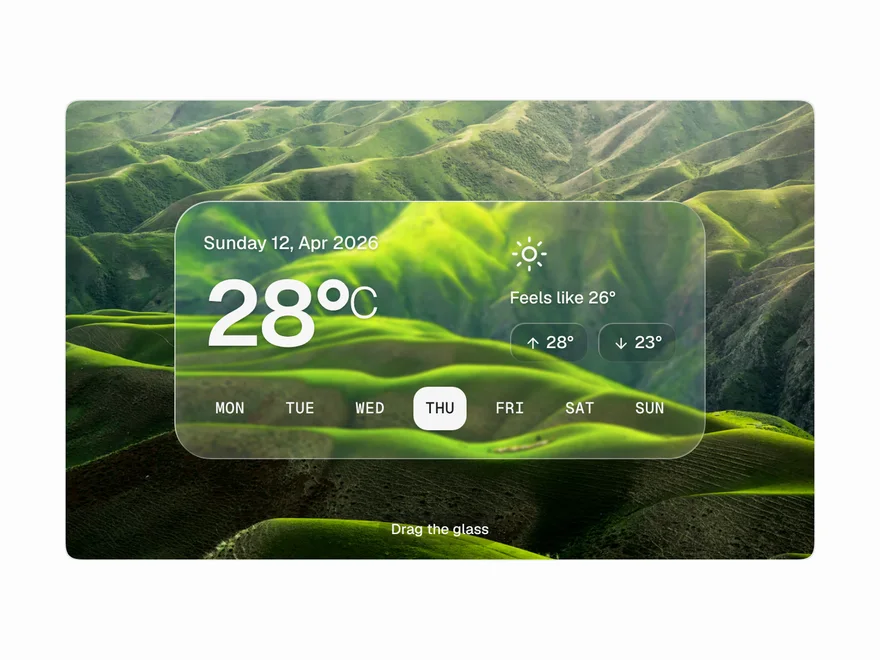
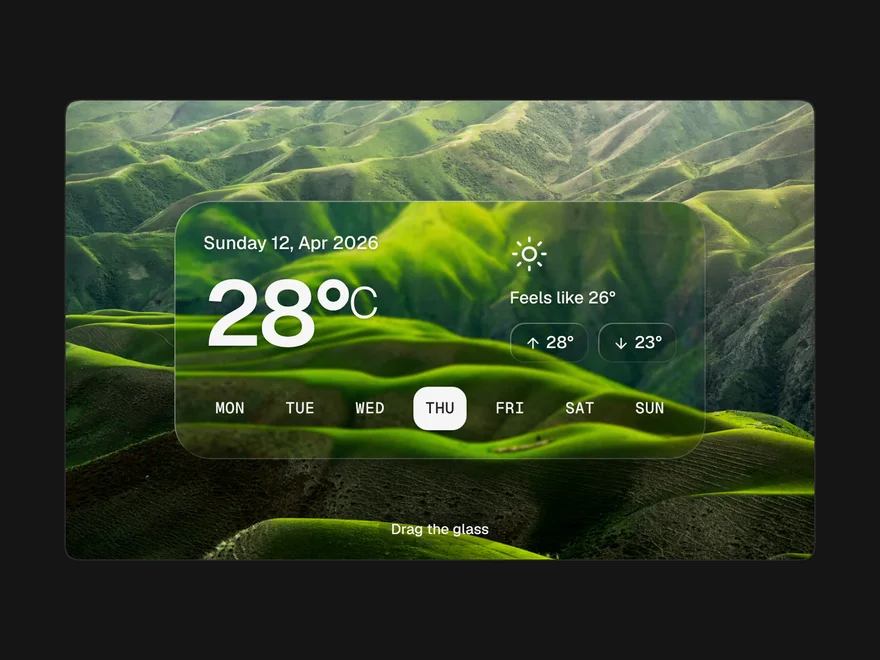
A pane of thick glass: the background blurs and bends near the edges like a lens.
Blur Crossfade
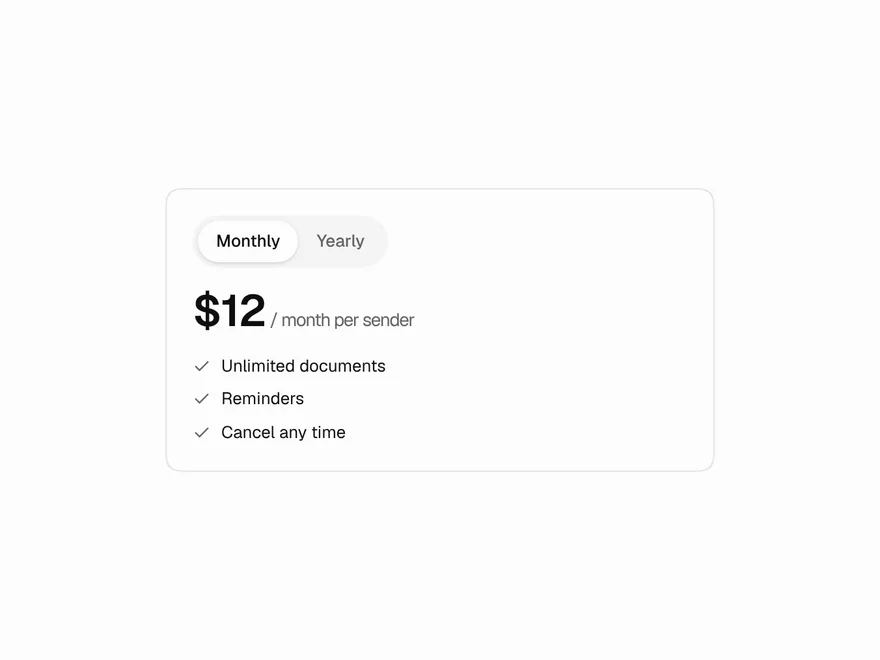
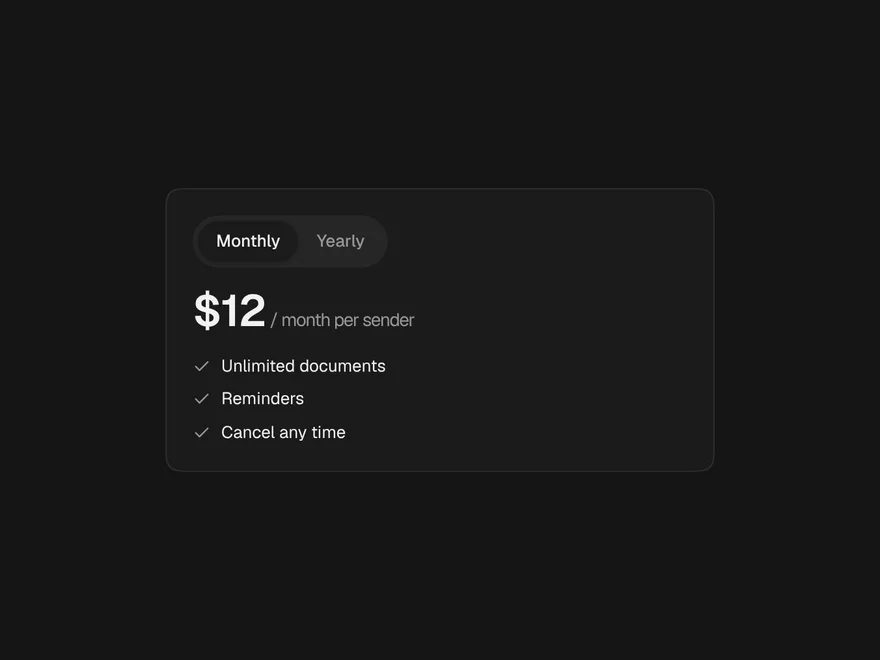
Swaps content through a soft blur and eases the box to the new height.