Analytics
The revenue dashboard a founder opens in the morning. It answers how much came in, whether that is up or down, where it came from and what sold, with one date range and one Compare switch driving every card.
When to use
- A product's home dashboard for revenue, orders or usage
- Any overview where every number should answer for the same period
- Reports people read every day rather than build
When not to use
- Records people edit row by row: use the CRM screen
- A single chart on another page: use Chart
The decision inside it
One date range for the whole page
The range lives in the header and nowhere else, and one Compare switch adds the previous period to every card at once. Dashboards where each card picks its own range end up disagreeing with themselves without anyone noticing.
Installation
Analytics is a Pro screen, included with lifetime access. It is two files on top of the Layro components it is made of.
- Add the components it uses:
npx shadcn@latest add @layro/dashboard @layro/chart @layro/breakdown-chart @layro/compact-breakdown @layro/change-summary @layro/date-picker @layro/sidebar @layro/avatar @layro/button @layro/switch @layro/state @layro/workspace-mark @layro/toast - Copy
screens/analytics-screen.tsxandscreens/data/analytics-screen.tsfrom the Code tab above into your project, at the same paths. - It also imports
@/lib,@/demos/brand-logosand@/demos/portraits: Layro’s shared helpers and the demo’s sample images. Point them at your own.
Usage
import { AnalyticsScreen } from "@/screens/analytics-screen";

export default function Page() {
  /* A screen fills the box it is given: give it the window. */
  return (
    <main className="h-dvh">
      <AnalyticsScreen className="h-full" />
    </main>
  );
}
Built from
Every Layro component this screen imports. Each has its own page, props and install command.
API reference
Read from AnalyticsScreenProps when the site is built. It also takes every attribute a div does, such as className.
AnalyticsScreen
| Prop | Type | Notes |
|---|---|---|
orders | OrderRow[] | — |
visits | Record<string, number> | Visits per ISO day, for conversion rate. |
state | AnalyticsState | — |
defaultDays | number | Days in the starting range, ending today. Default 30. |
defaultCompare | boolean | — |
Accessibility
- The date range picker and Compare switch work from the keyboard
- Every figure is text, not only a chart, so it is read out in full
- Decorative marks and icons are hidden from screen readers
Responsive behavior
- Fills the box it is given: mount it at the window's height
- The figures and cards reflow to the width of the screen, and the sidebar becomes a drawer on narrow widths
- Light and dark come from the Layro theme: it follows the dark class on <html>, like every component.
More screens
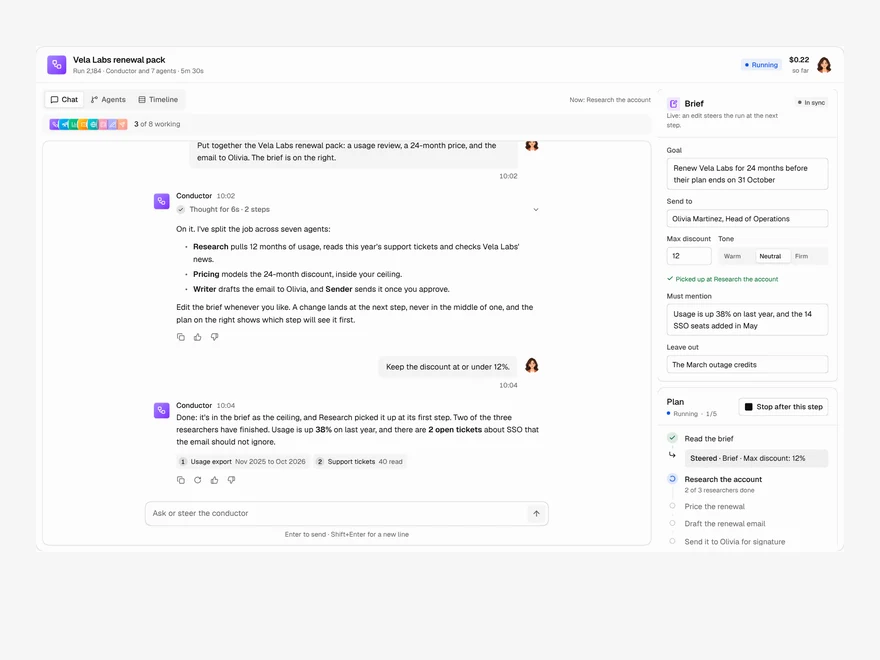
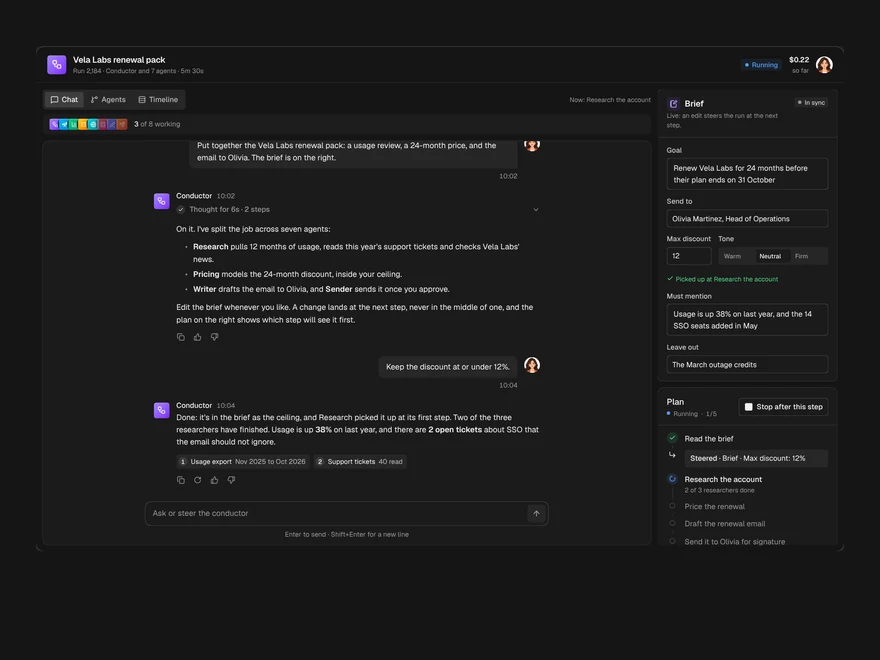
Multi-agent Chat
A chat with the agent running a job, the agents it handed work to, and the brief, side by side.
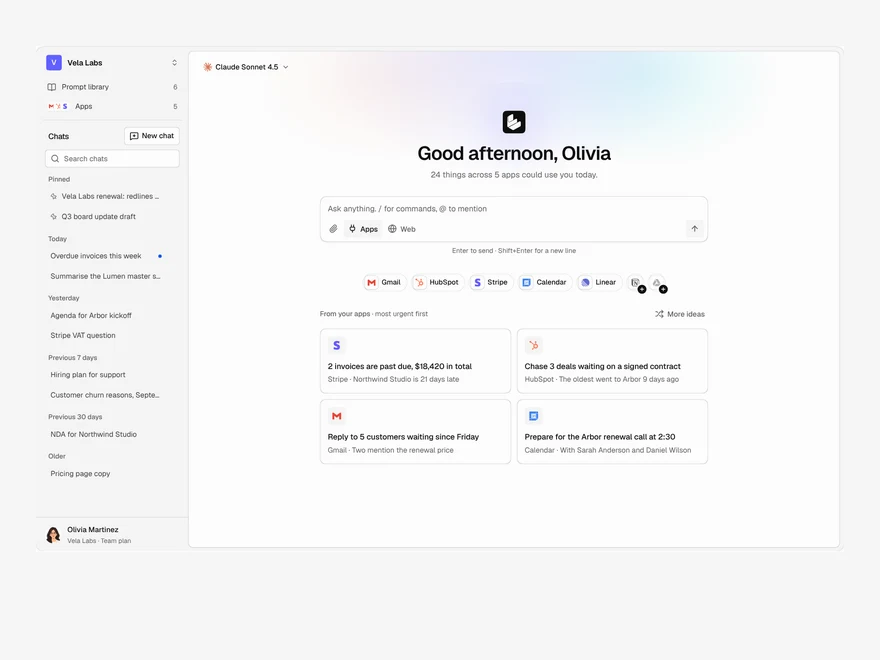
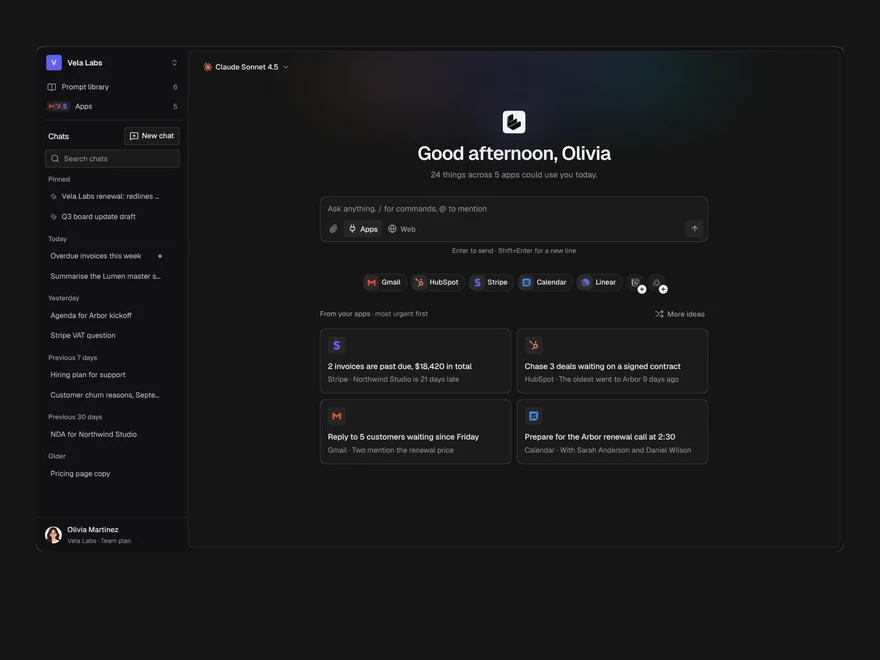
Assistant Home
The start page of an AI assistant: a greeting, the prompt box, connected apps and suggestions from them.
Evals
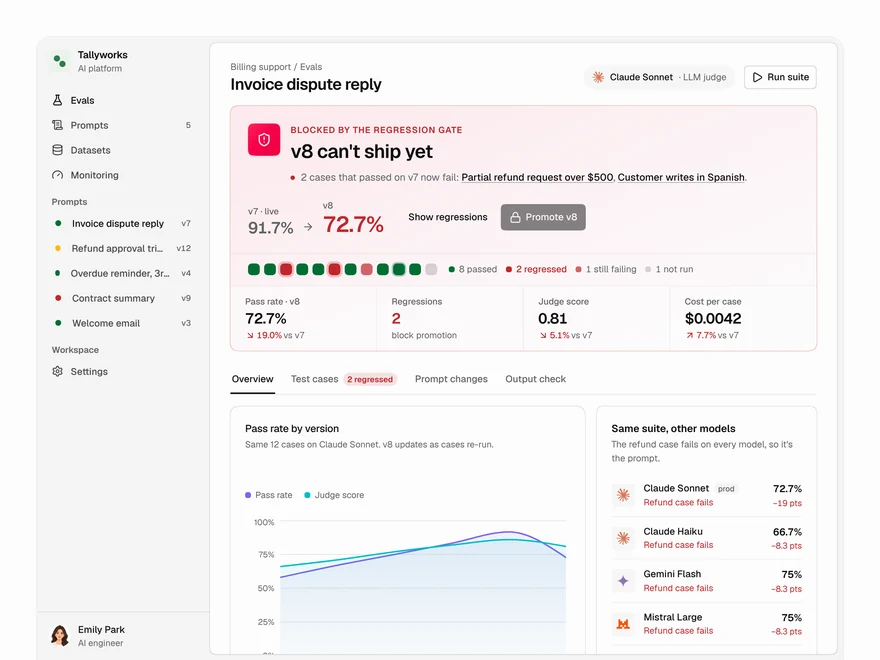
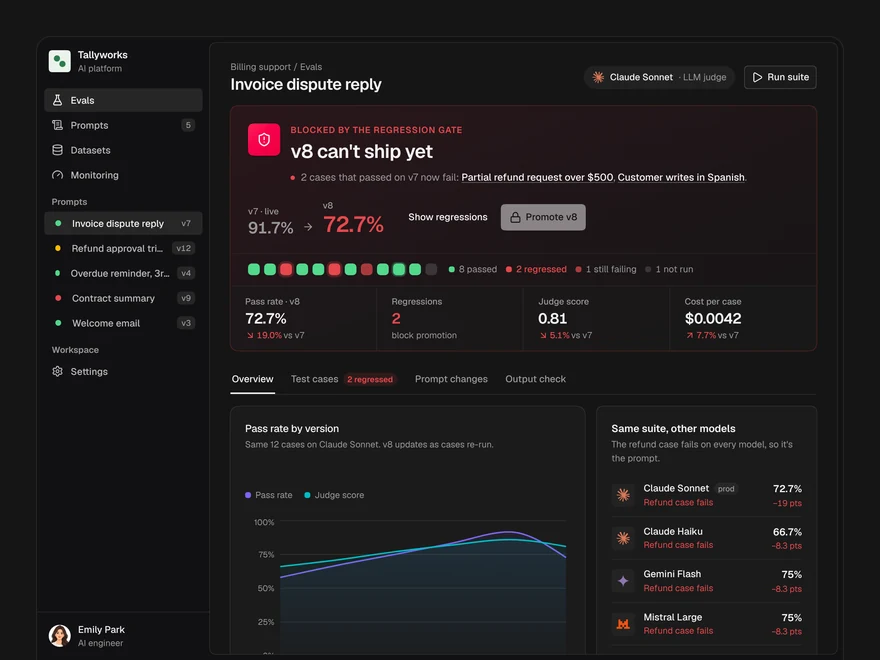
Decide whether a prompt version ships: a pass or block gate, pass rates, model checks and cases.
Layro · 232 components · 10 screens · 2 templates