Typewriter
Types letter by letter with a caret, or fades words in out of a blur like a streamed answer. With several lines it deletes and types the next. Starts when it scrolls into view.
The decision inside it
Screen readers get the whole text at once
The animation is drawn over the real text and hidden from assistive tech, so nobody hears a sentence one letter at a time, and the space it will take is held from the start.
When to use it
Use Typewriter for a headline that types itself, a line that cycles through options, or text that streams in word by word. Screen readers get the whole text at once. For one rotating word inside a sentence, use Flip Words.
Installation
How you get it
Paste this into Claude Code, Cursor, Codex or any coding agent. It installs the file and uses it as it is, instead of writing a new one.
Use Layro's Typewriter for this.
Install it: npx shadcn@latest add @layro/typewriter
(the @layro registry is set up in components.json, with LAYRO_KEY in .env.local)
Import it from @/components/ui/typewriter.
Do not rewrite or restyle it. Pass my data through its props
and keep its built-in states.
For the full brief with every prop and the mistakes assistants usually make, use Copy prompt above. Free components install through the @layro registry with your CLI token: see the Namespaced tab.
Usage
import { Typewriter } from "@/components/ui/typewriter";

export function HeroTitle() {
  return (
    <h1 className="text-4xl font-semibold">
      Contracts signed <Typewriter text={["before the meeting ends.", "from any phone.", "without printing."]} />
    </h1>
  );
}
API reference
“Copy prompt” above puts a full brief on your clipboard — install command, dependencies, props, and the mistakes an assistant usually makes with this component.
Props
Read from the component’s own TypeScript interface when the site is built, so this table cannot drift from the file you install.
| Prop | Type | Notes |
|---|---|---|
textrequired | string | string[] | The text, or several lines to cycle through. |
mode | "type" | "fade-words" | "type" letter by letter, or "fade-words" word by word out of a blur. Default "type". |
speed | number | Milliseconds per letter (type) or per word (fade-words). Default 45 or 70. |
loop | boolean | Start again after the last line. Default true for several lines, false for one. |
cursor | boolean | A blinking caret after the text while typing. Default true in type mode. |
startOnView | boolean | Wait until it scrolls into view. Default true. |
as | React.ElementType | The element to render, e.g. "h1" or "p". Default "span". |
pause | number | Milliseconds a finished line stays before it is deleted. Default 1600. |
Dependencies
npm packages
clsxframer-motiontailwind-mergeLayro foundations, installed alongside it
layro-themeStates
All of them are drawn by the component. None is left for you to design.
- Typing
- Cycling
- Word by word
- Finished
- Reduced motion
Accessibility
- Keyboard reachable throughout, in visual order
- Focus trapped in overlays, Escape closes them
- Focus returns to whatever opened it
- Live regions announce what changed, not that something did
- Honours prefers-reduced-motion
Responsive behavior
- Sizes to its container, not the viewport
- Usable from 320px up
- Pointer-based interaction, so trackpad and touch both work
- No hover-only affordances
Lifetime access
Every component, and everything we ship next.
- All 232 components, source included
- Every template, and everything released after you buy
- shadcn CLI or download — React 18/19, Tailwind v4
- One payment. No subscription.
More in CreativeAll Creative components
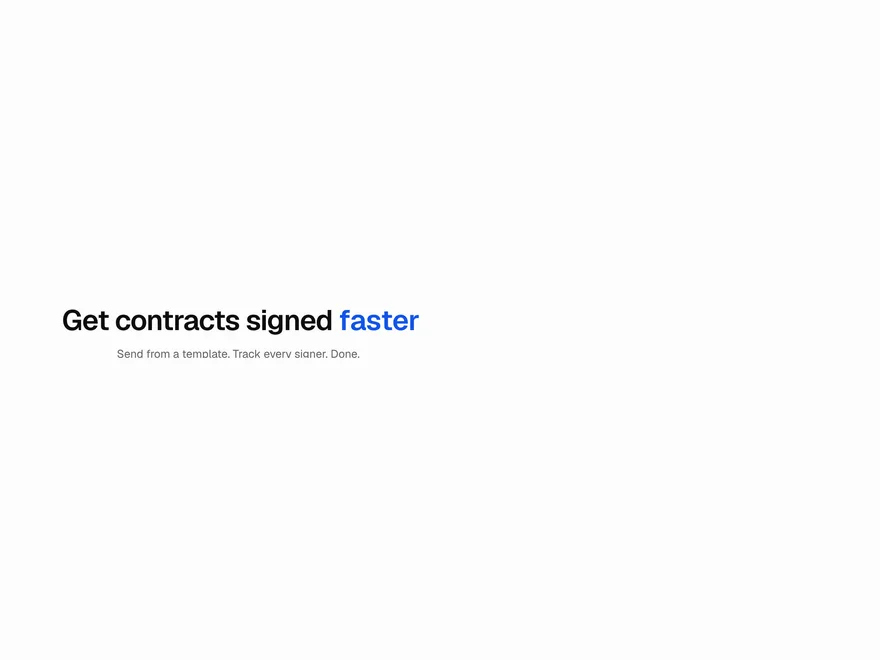
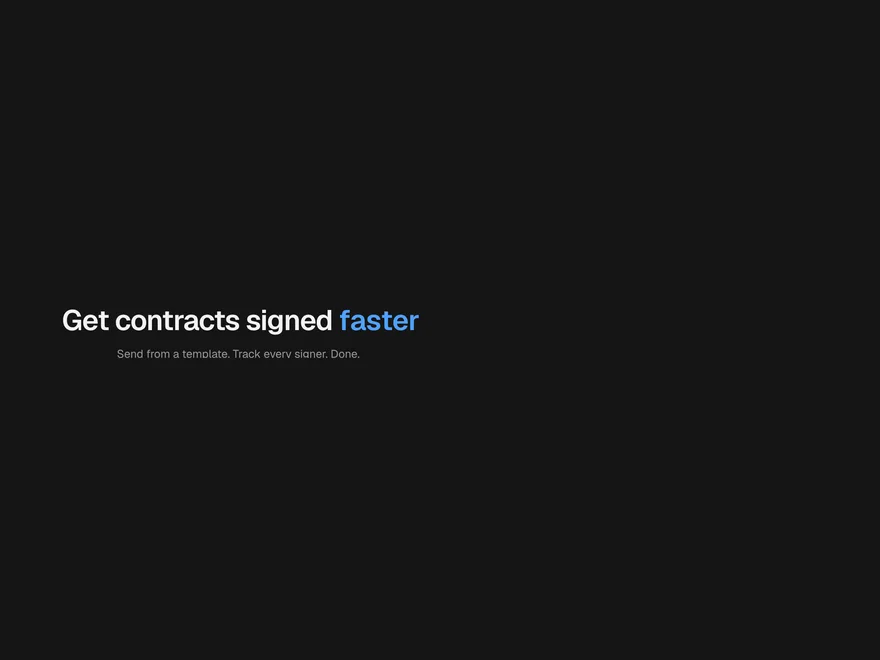
Flip Words
One word in a headline that rotates through a list, with the line resizing smoothly.
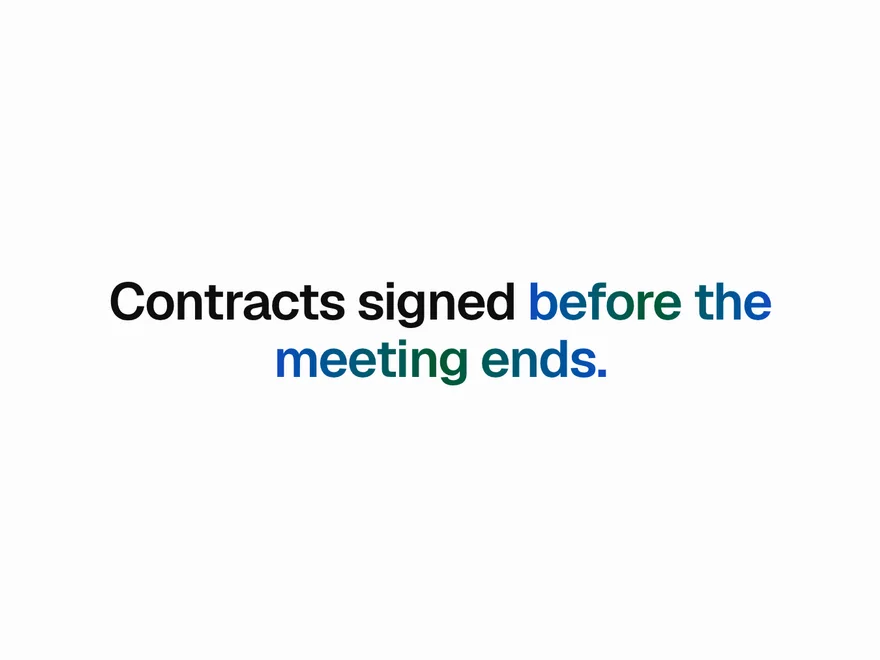
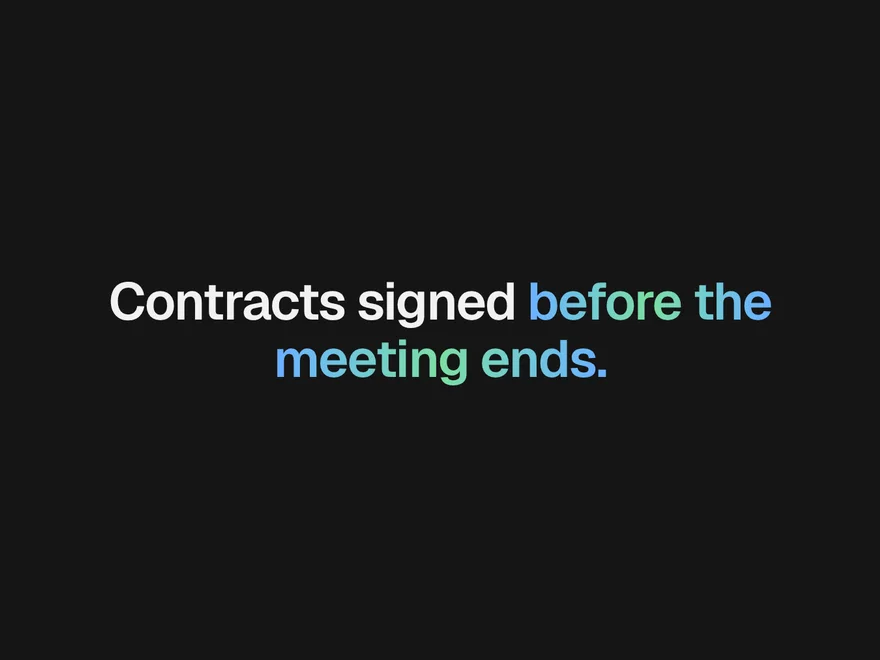
Gradient Text
Words filled with a gradient: still, slowly flowing, or swept once when they come into view.
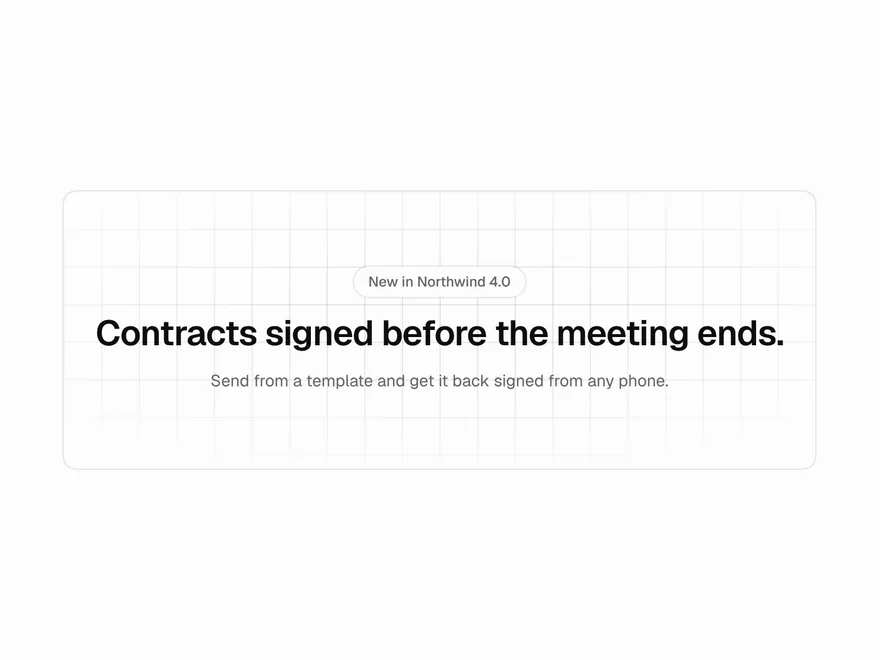
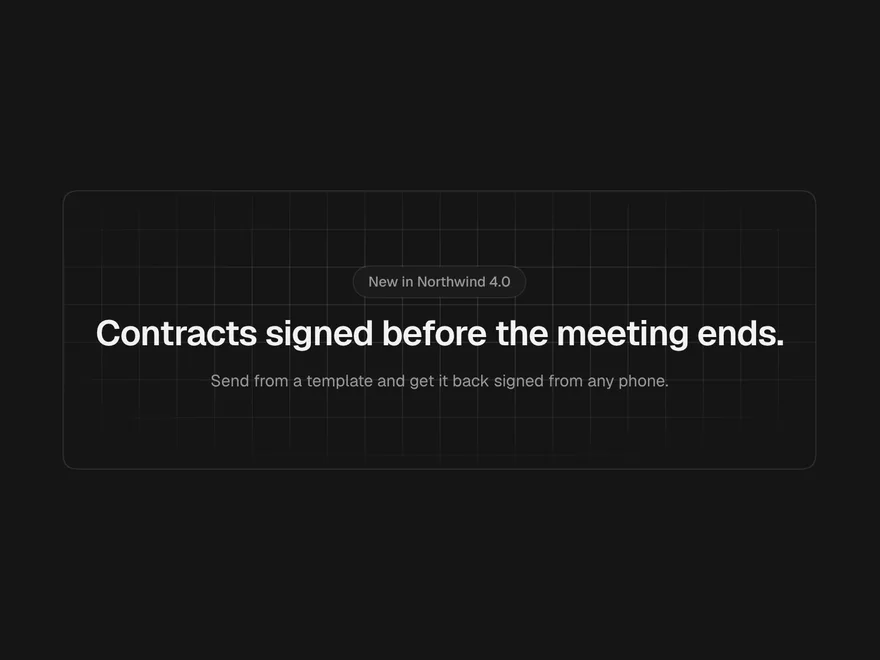
Grid & Dot Background
A quiet line, dot or cross pattern behind a section, fading out toward the edges.
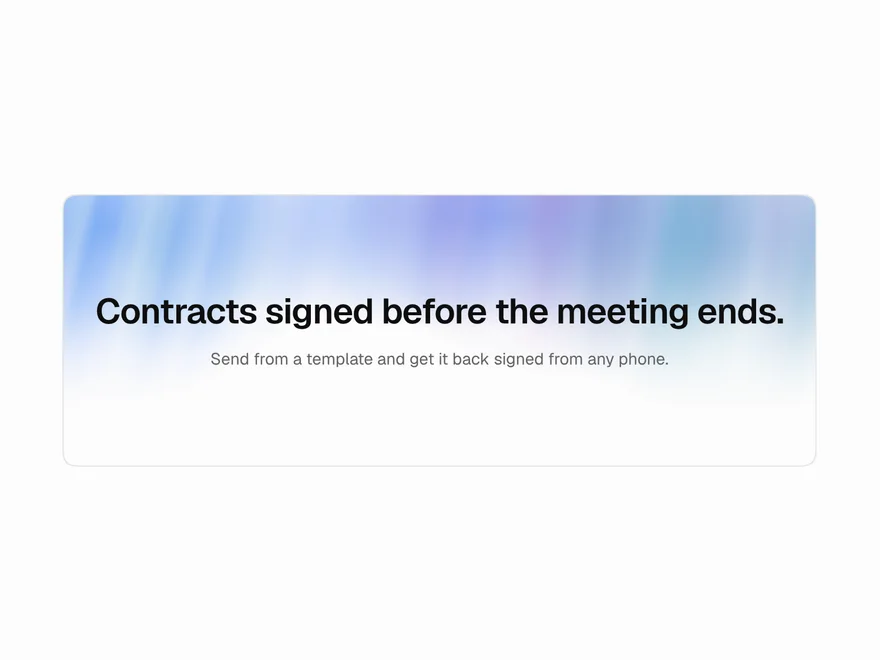
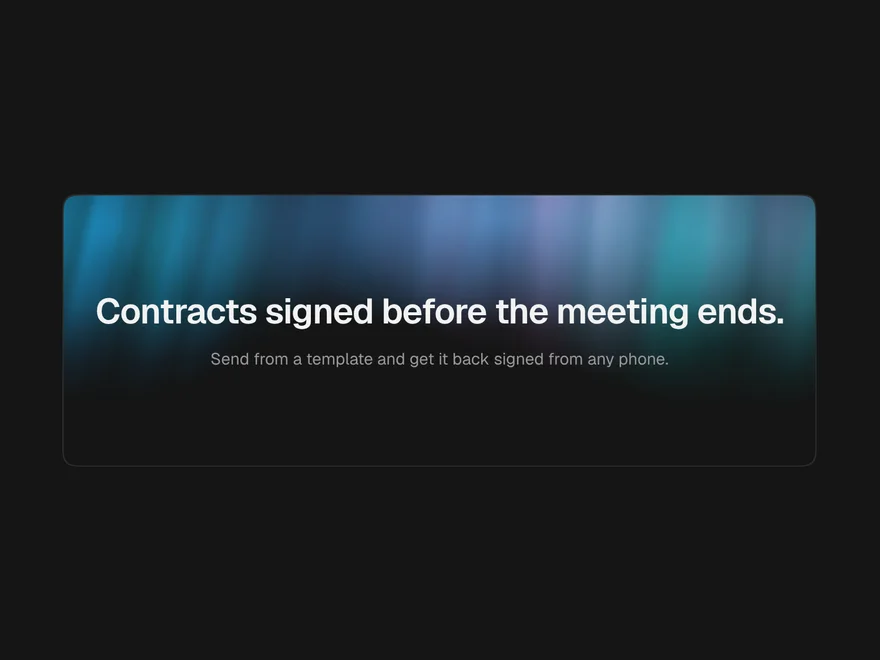
Aurora Background
Slow ribbons of soft colour behind a hero, like light moving in the sky.
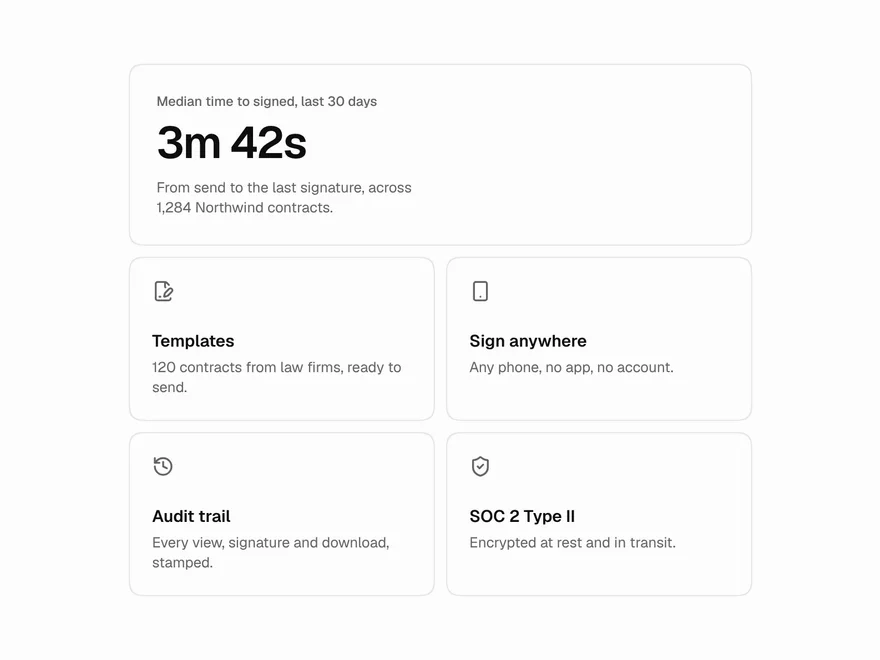
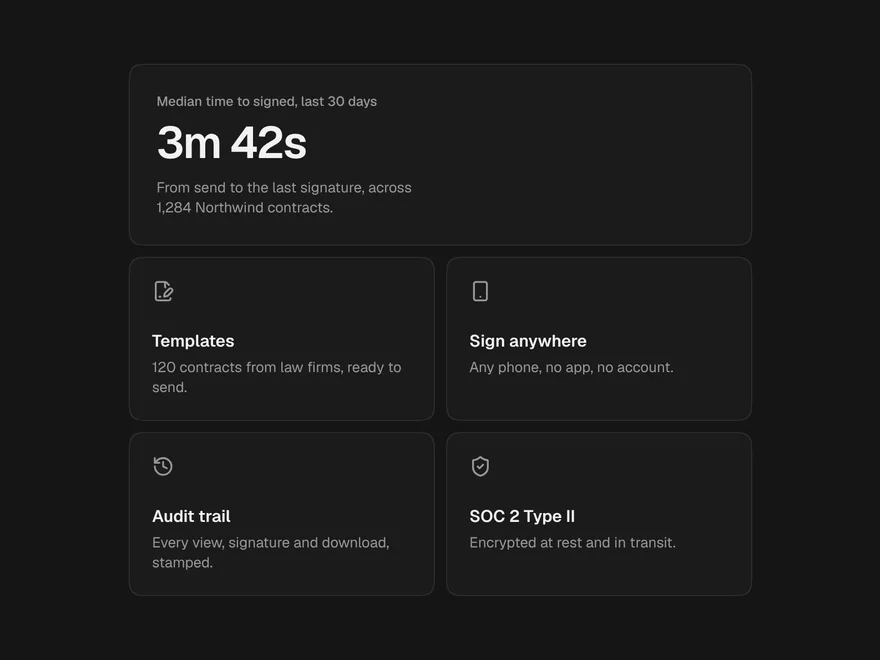
Spotlight Card
A card with a soft light that follows the pointer and lights the nearest edge.
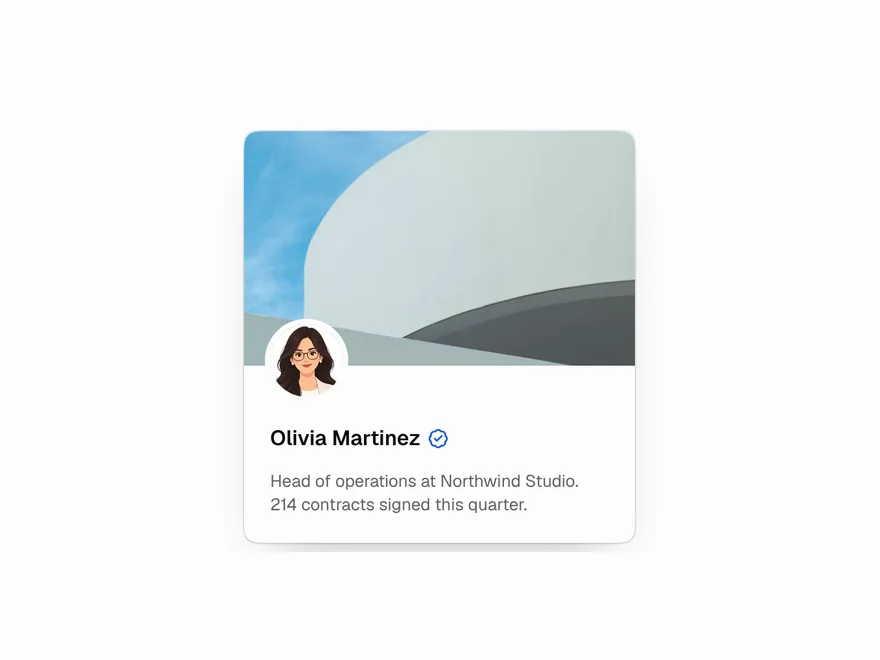
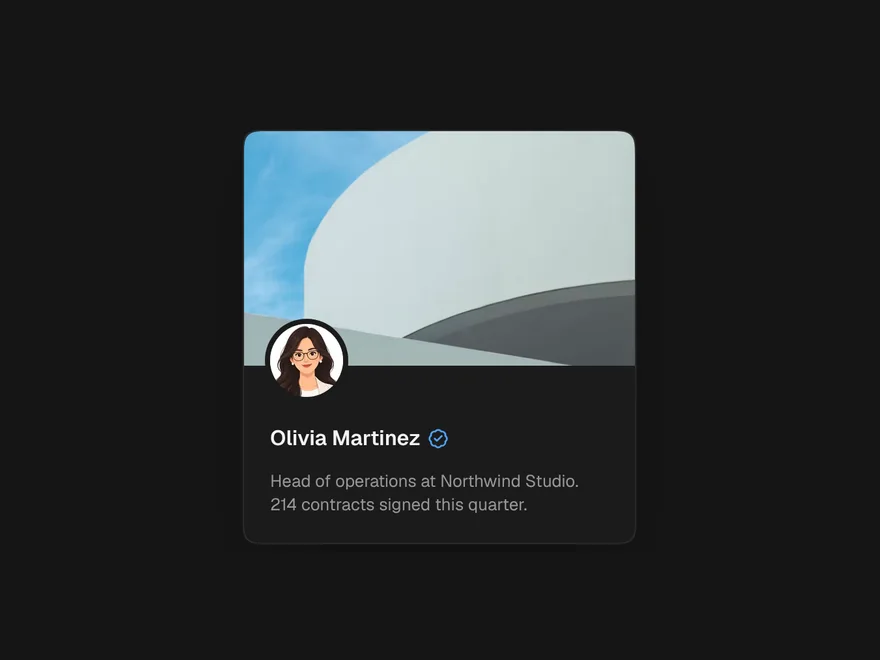
3D Tilt Card
A card that leans toward the pointer, with layers inside that move at different depths.