Invoice + Credit Note
The invoice in front, with what is owed, status, parties, terms and lines; the credit note behind it, with one amount box per line, a reason, live totals and Issue. Switch sheets with tabs or a click on the peeking edge, and print the one in front.
The decision inside it
You cannot credit more than was paid
Each line is capped at what was paid for it, less earlier credits. Tax is recalculated on the credited amount rather than copied, and once issued the invoice reads "Partially credited · $144.00 of $576.00" with its original figures untouched.
When to use it
Use Invoice + Credit Note to show an invoice and issue a credit note against it: each line capped at what was paid, tax recalculated on the credit, and the invoice marked partly or fully credited. Amounts are integer cents. For a list of invoices use Invoice History.
Installation
How you get it
Paste this into Claude Code, Cursor, Codex or any coding agent. It installs the file and uses it as it is, instead of writing a new one.
Use Layro's Invoice + Credit Note for this.
Install it: npx shadcn@latest add @layro/invoice-credit
(the @layro registry is set up in components.json, with LAYRO_KEY in .env.local)
Import it from @/components/ui/invoice-credit.
Do not rewrite or restyle it. Pass my data through its props
and keep its built-in states.
For the full brief with every prop and the mistakes assistants usually make, use Copy prompt above. Pro components install through the @layro registry with your CLI token: see the Namespaced tab.
Usage
import { InvoiceCredit, type CreditDraft } from "@/components/ui/invoice-credit";

export function InvoiceView({ issue }: { issue: (draft: CreditDraft) => Promise<void> }) {
  return (
    <InvoiceCredit
      number="INV-2027-0412"
      issuedOn="1 Apr 2027"
      dueOn="15 Apr 2027"
      seller={{ name: "Layro", address: ["1 Market St", "London"] }}
      billedTo={{ name: "Olivia Martinez", company: "Vertically" }}
      lines={[
        { id: "seats", label: "Team seats", quantity: 8, unitPrice: 4000, amount: 32000 },
        { id: "setup", label: "Onboarding", amount: 16000 },
      ]}
      taxRate={0.2}
      taxLabel="VAT"
      status="paid"
      onIssue={issue}
    />
  );
}
API reference
“Copy prompt” above puts a full brief on your clipboard — install command, dependencies, props, and the mistakes an assistant usually makes with this component.
Props
Read from the component’s own TypeScript interface when the site is built, so this table cannot drift from the file you install.
| Prop | Type | Notes |
|---|---|---|
numberrequired | string | — |
issuedOnrequired | string | Display strings. |
dueOn | string | — |
sellerrequired | InvoiceParty | — |
billedTorequired | InvoiceParty | — |
linesrequired | InvoiceLine[] | — |
taxRate | number | As a fraction: `0.2` for 20%. Default 0. |
taxLabel | string | Default "Tax". |
status | InvoiceStatus | Default `paid`. |
currency | string | — |
locale | string | — |
logo | React.ReactNode | The seller's mark, shown beside its name at the top of each sheet. |
paymentMethod | React.ReactNode | How it was paid, under Terms: `<><CardMark /> Visa •••• 4242</>`. |
view | InvoiceCreditView | Which sheet is in front. |
defaultView | InvoiceCreditView | — |
onViewChange | (view: InvoiceCreditView) => void | — |
creditNote | CreditNote | null | The issued note, controlled. `null` means none issued yet. |
defaultCreditNote | CreditNote | null | — |
onCreditNoteChange | (note: CreditNote) => void | — |
defaultDraft | { lines?: Record<string, Cents>; reason?: string } | Start the draft with these amounts (cents, per line id) and this reason. |
reasons | string[] | One-click reasons. |
onIssue | ( | May return a promise, and may resolve with the issued note (number, date). |
draftrequired | CreditDraft, | — |
onPrint | () => void | Default `window.print()`. |
Dependencies
npm packages
clsxframer-motionlucide-reacttailwind-mergeLayro foundations, installed alongside it
layro-themebuttoninputselectstatus-chipStates
All of them are drawn by the component. None is left for you to design.
- Invoice
- Crediting
- Over the cap
- Issuing
- Issued
- Credited in full
- Issue failed
Accessibility
- Keyboard reachable throughout, in visual order
- Focus trapped in overlays, Escape closes them
- Focus returns to whatever opened it
- Live regions announce what changed, not that something did
- Honours prefers-reduced-motion
Responsive behavior
- Sizes to its container, not the viewport
- Usable from 320px up
- Pointer-based interaction, so trackpad and touch both work
- No hover-only affordances
Lifetime access
Every component, and everything we ship next.
- All 232 components, source included
- Every template, and everything released after you buy
- shadcn CLI or download — React 18/19, Tailwind v4
- One payment. No subscription.
More in BillingAll Billing components
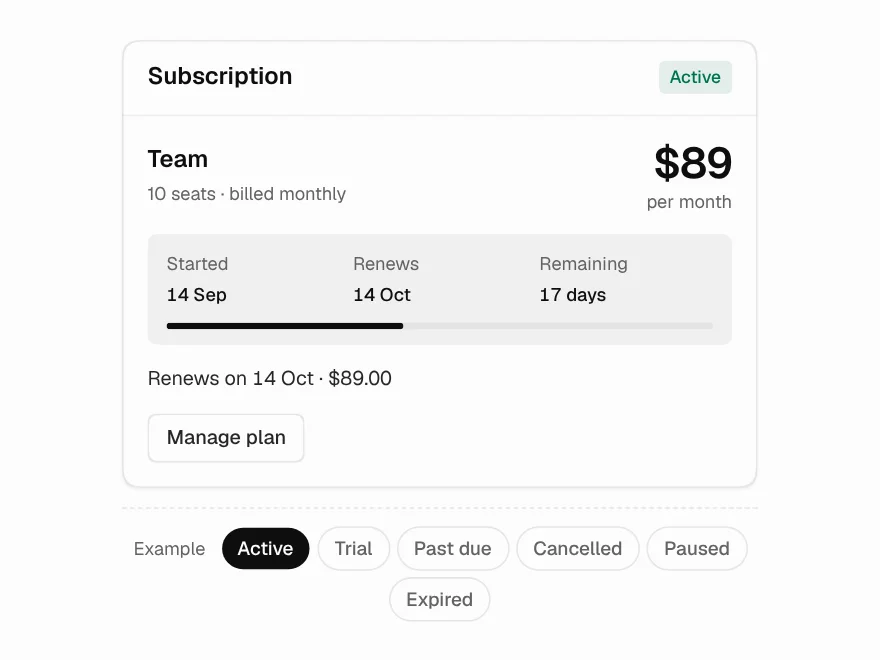
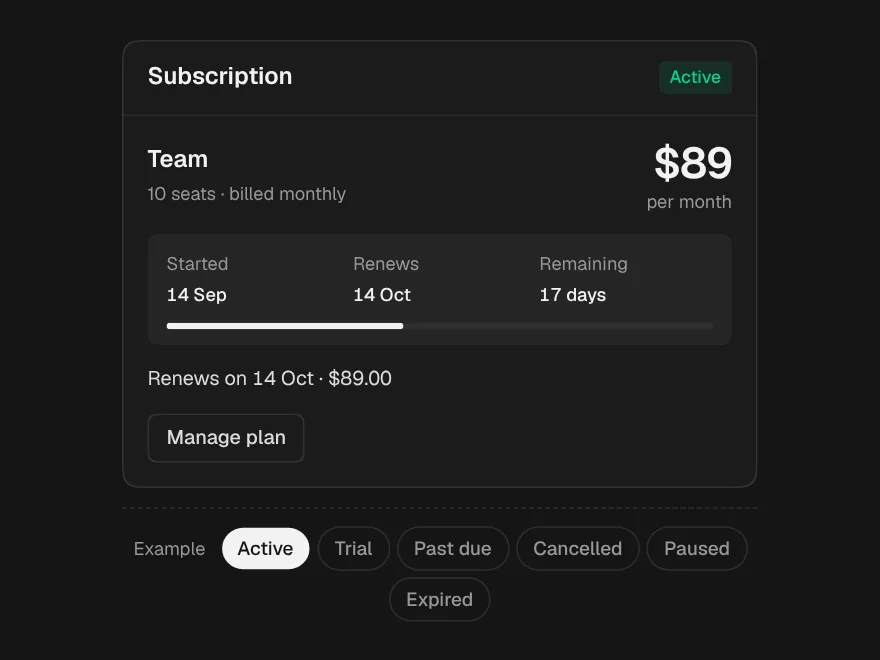
Subscription Status
Six states, each with the date it depends on — and cancelled is not expired.
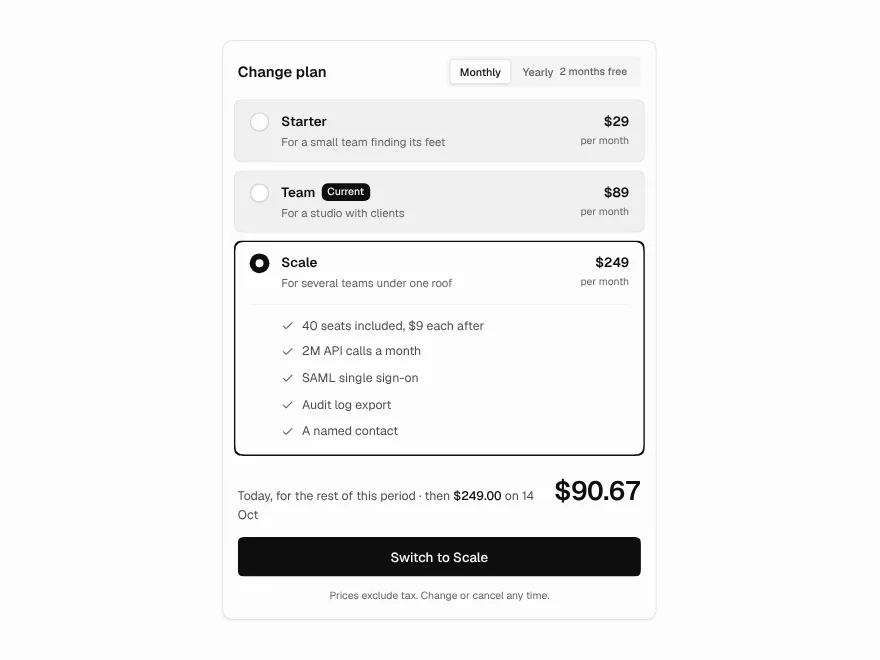
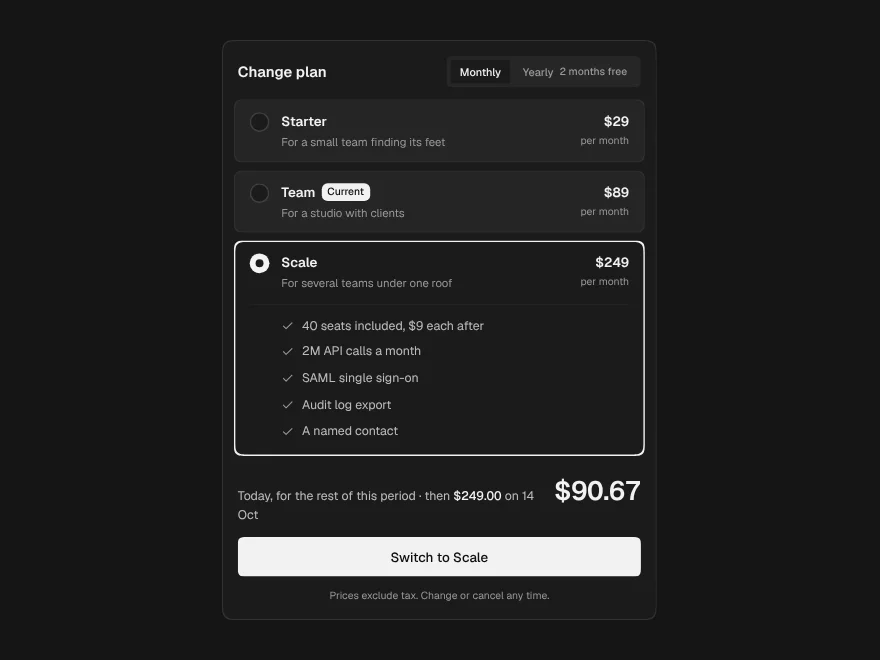
Plan Picker
The exact charge printed under the button: prorated today, then the renewal.
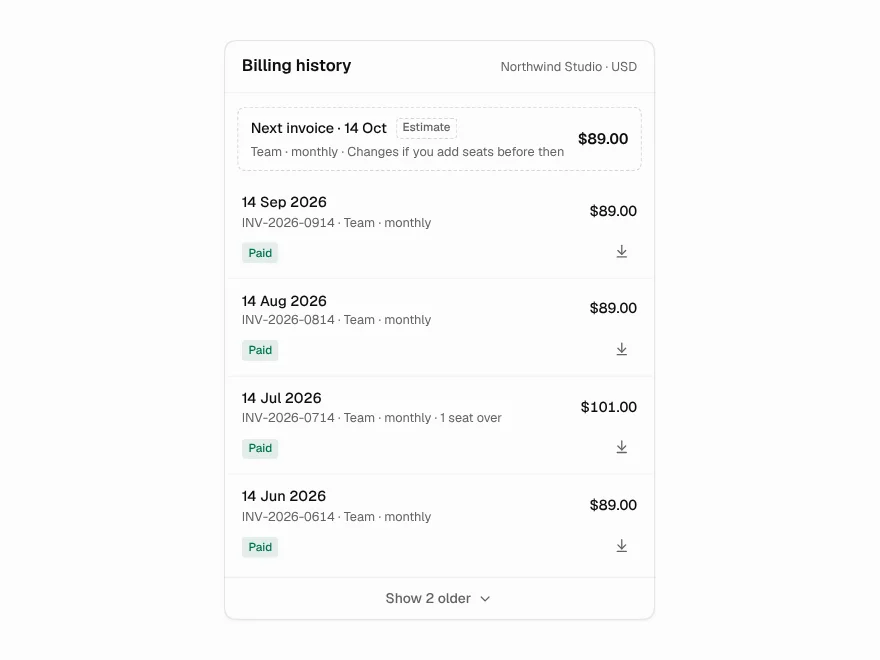
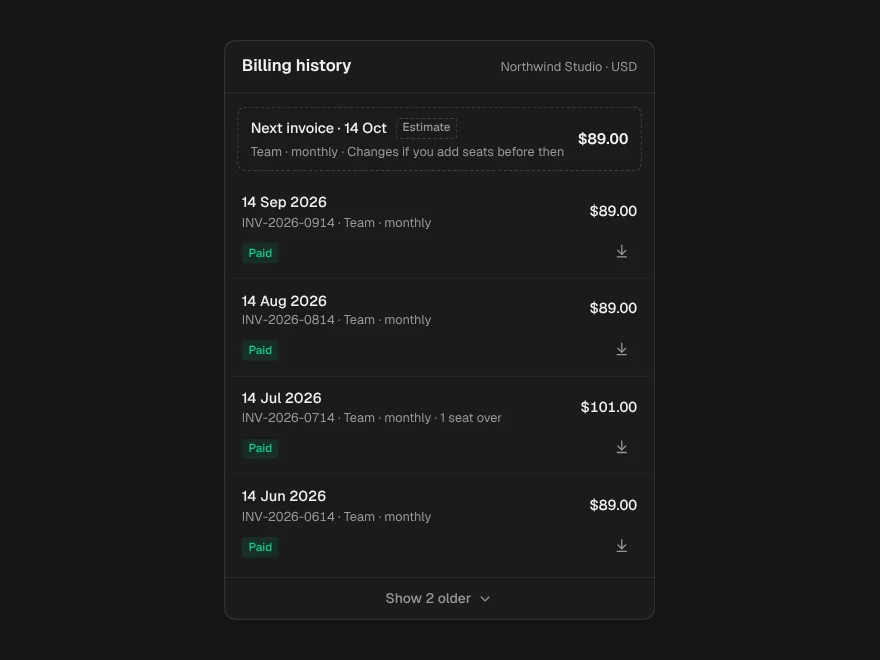
Invoice History
The next invoice as a dashed estimate above the record, and notes for odd amounts.
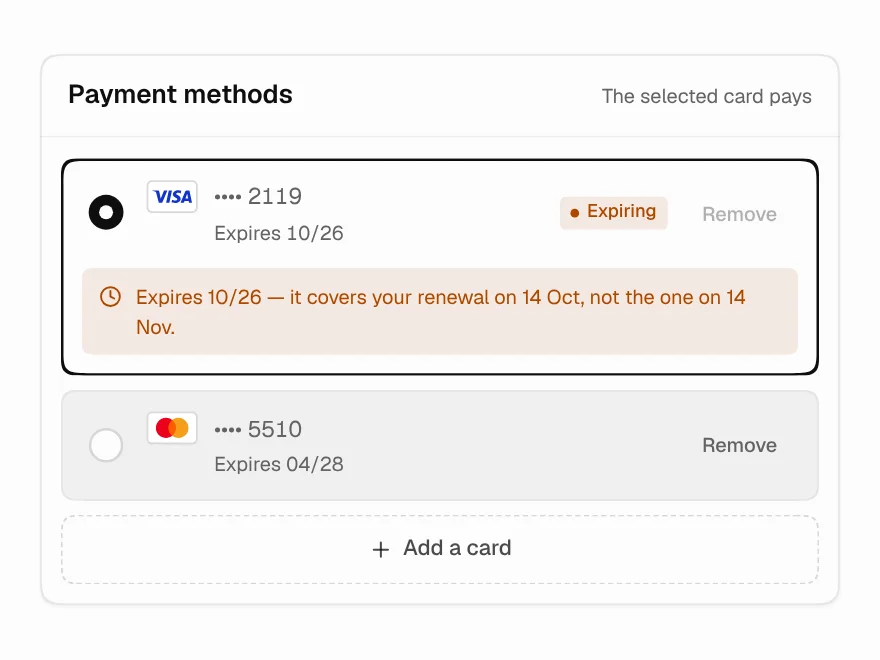
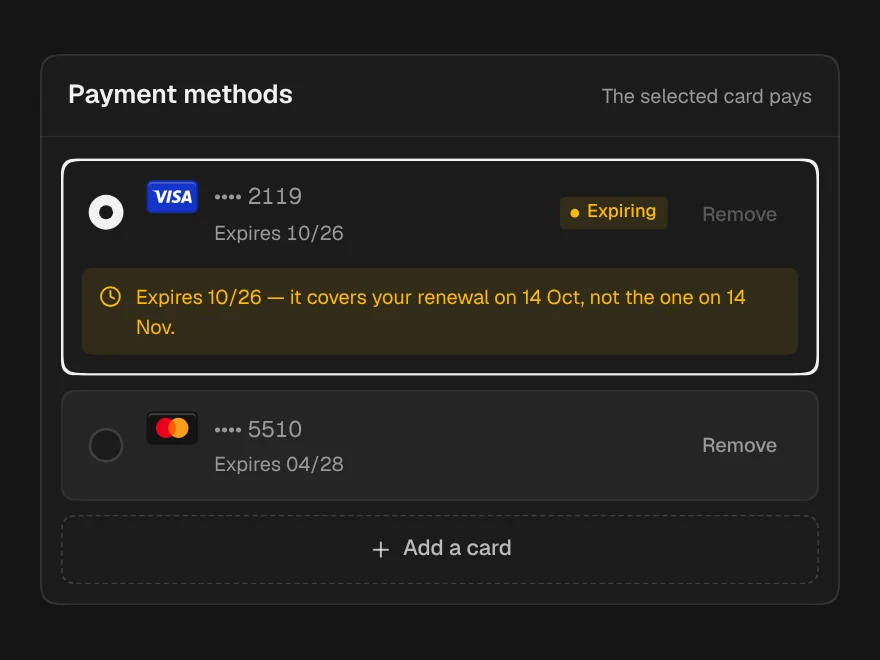
Payment Methods
Cards on file that warn about the renewal they will miss, not just the expiry date.
Payment Recovery
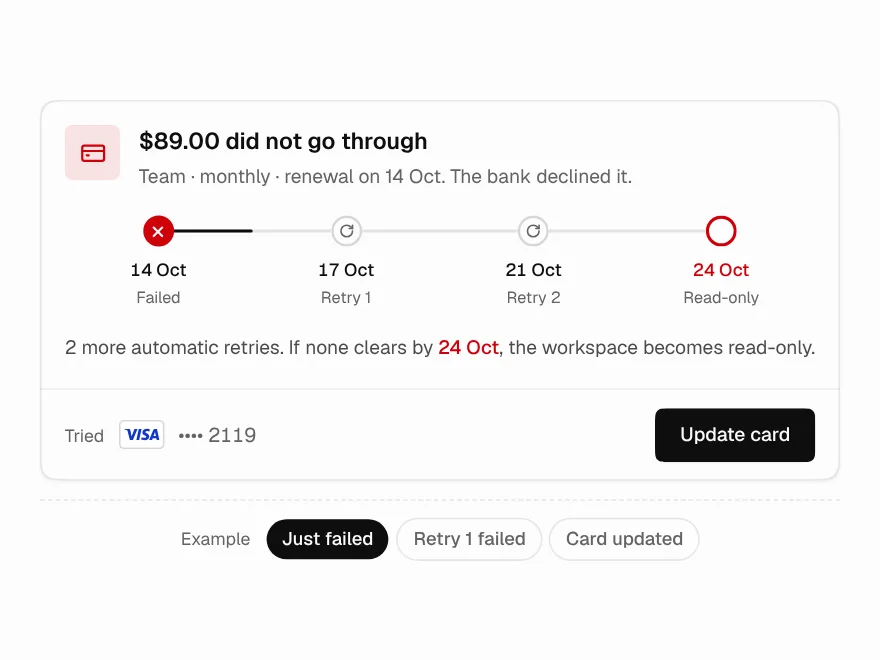
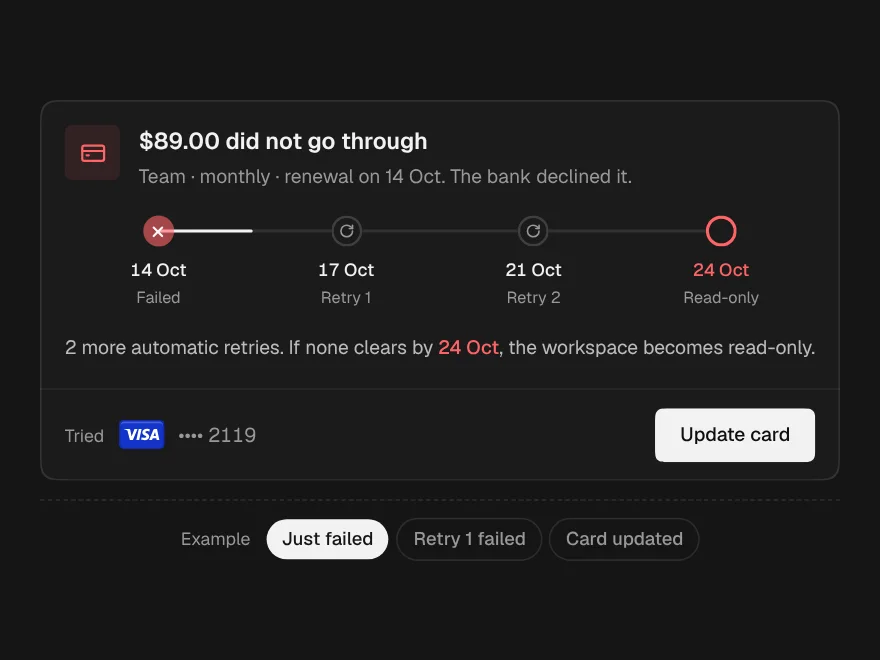
A failed payment, each retry and the cutoff, drawn as places on a line.
Usage & Overage
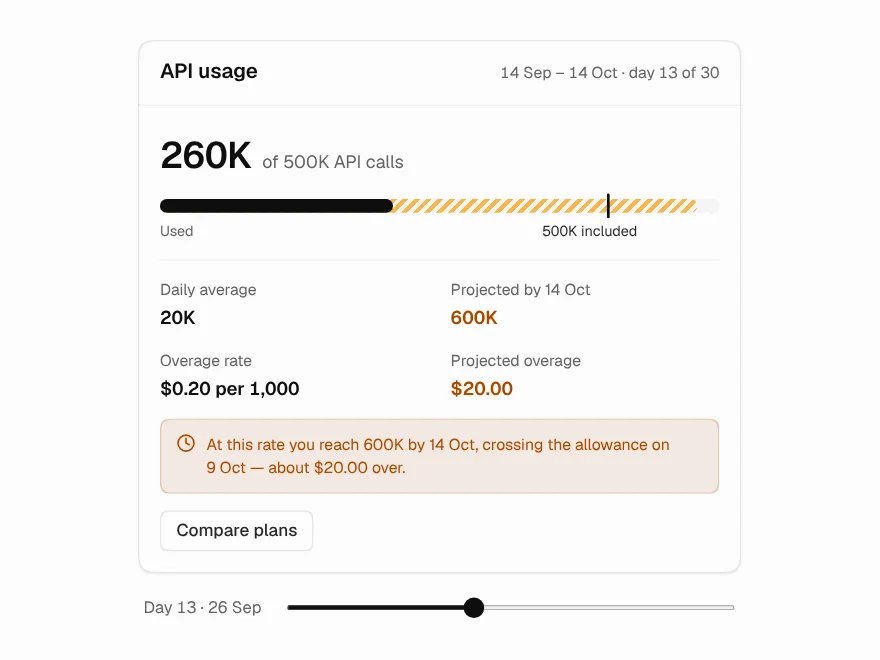
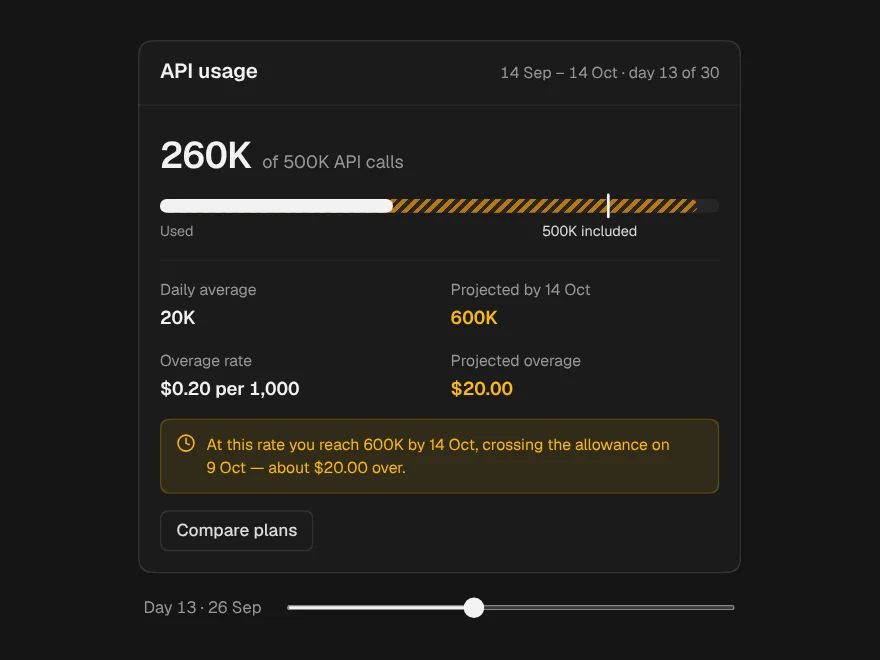
Usage projected from today's run rate, with the day you cross and what it costs.