Multi-agent Chat
An AI workspace for a job too big for one agent. The chat with the agent in charge sits beside the agents it handed work to, each in its own colour and showing the tool it is in, with the plan, a timeline and an approval before anything leaves.
When to use
- Agent products where one agent hands work to others
- Runs that take minutes and need a person to approve the last step
- Showing cost and progress per agent, not only per run
When not to use
- A plain assistant chat: AI Chat is smaller and simpler
- A start page before any chat begins: use Assistant Home
The decision inside it
Every agent keeps one colour everywhere
An agent's tile, its lane on the timeline and its row in the roster share a colour, so you can follow one agent through the whole run. A failure travels up the tree in red, so the agent that broke is never hidden behind the one that reported it.
Installation
Multi-agent Chat is a Pro screen, included with lifetime access. It is two files on top of the Layro components it is made of.
- Add the components it uses:
npx shadcn@latest add @layro/ai-chat @layro/agent-tree @layro/agent-lanes @layro/agent-steering @layro/approval-request @layro/alert @layro/avatar @layro/badge @layro/button @layro/input @layro/segmented-control @layro/state @layro/tabs @layro/textarea @layro/streaming-response - Copy
screens/agent-chat-screen.tsxandscreens/data/agent-chat-screen.tsfrom the Code tab above into your project, at the same paths. - It also imports
@/lib,@/demos/brand-logosand@/demos/portraits: Layro’s shared helpers and the demo’s sample images. Point them at your own.
Usage
import { AgentChatScreen } from "@/screens/agent-chat-screen";

export default function Page() {
  /* A screen fills the box it is given: give it the window. */
  return (
    <main className="h-dvh">
      <AgentChatScreen className="h-full" />
    </main>
  );
}
Built from
Every Layro component this screen imports. Each has its own page, props and install command.
API reference
Read from AgentChatScreenProps when the site is built. It also takes every attribute a div does, such as className.
AgentChatScreen
| Prop | Type | Notes |
|---|---|---|
state | AgentChatState | Which moment of the run to open on. Default "default": a live run. |
Accessibility
- New messages and the run's status are announced as they arrive
- Tabs, the approval and the composer work from the keyboard
- Agent colours always come with a name, never colour alone
- Streaming and movement follow the reduced-motion setting
Responsive behavior
- Fills the box it is given: mount it at the window's height
- The side panels stack under the chat on narrow widths
- Light and dark come from the Layro theme: it follows the dark class on <html>, like every component.
More screens
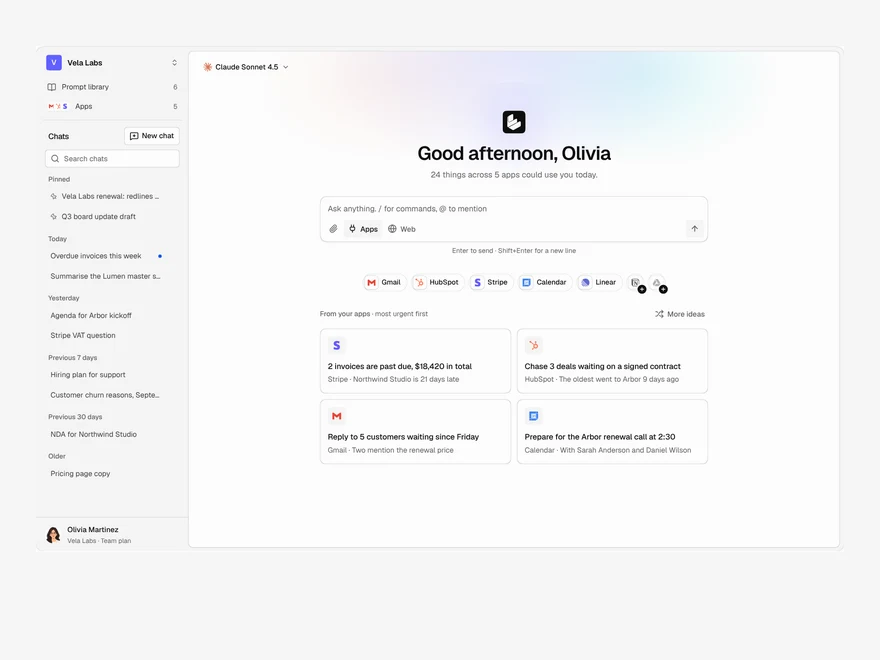
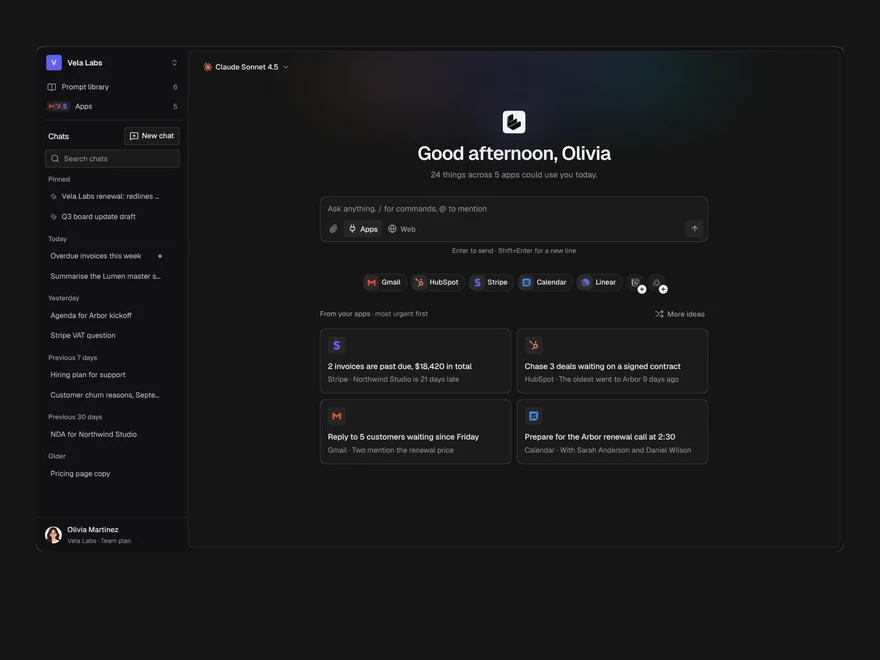
Assistant Home
The start page of an AI assistant: a greeting, the prompt box, connected apps and suggestions from them.
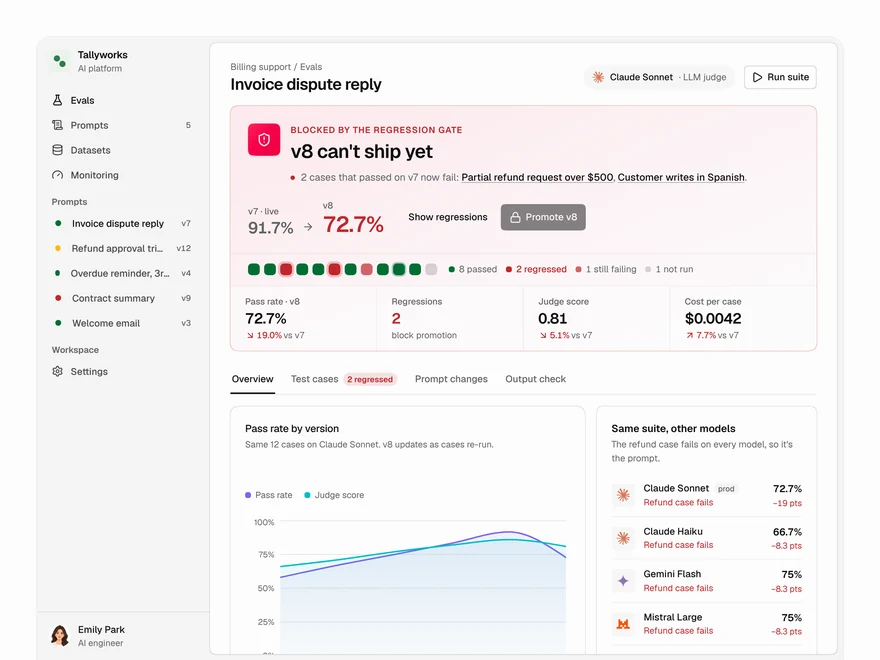
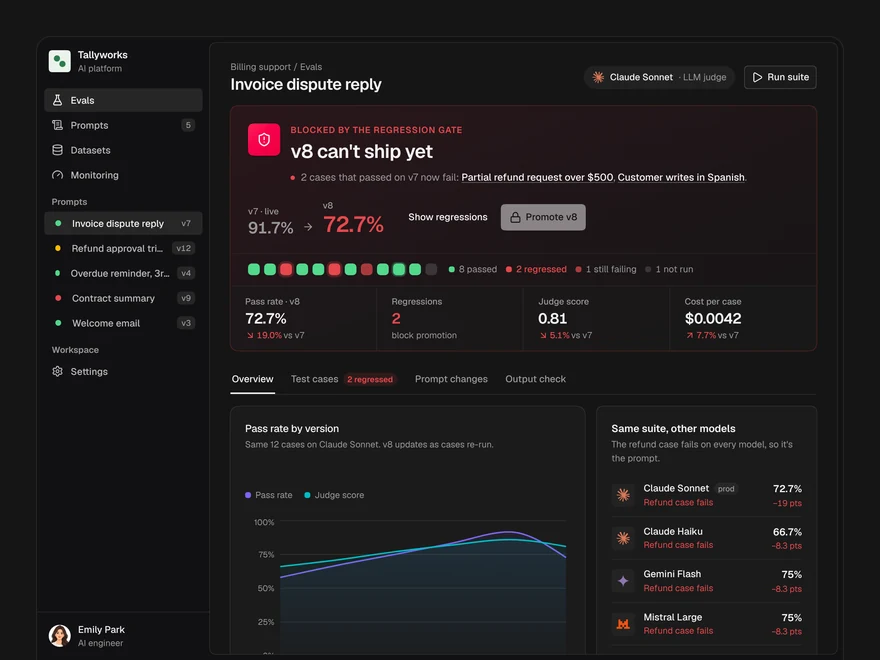
Evals
Decide whether a prompt version ships: a pass or block gate, pass rates, model checks and cases.
Integrations
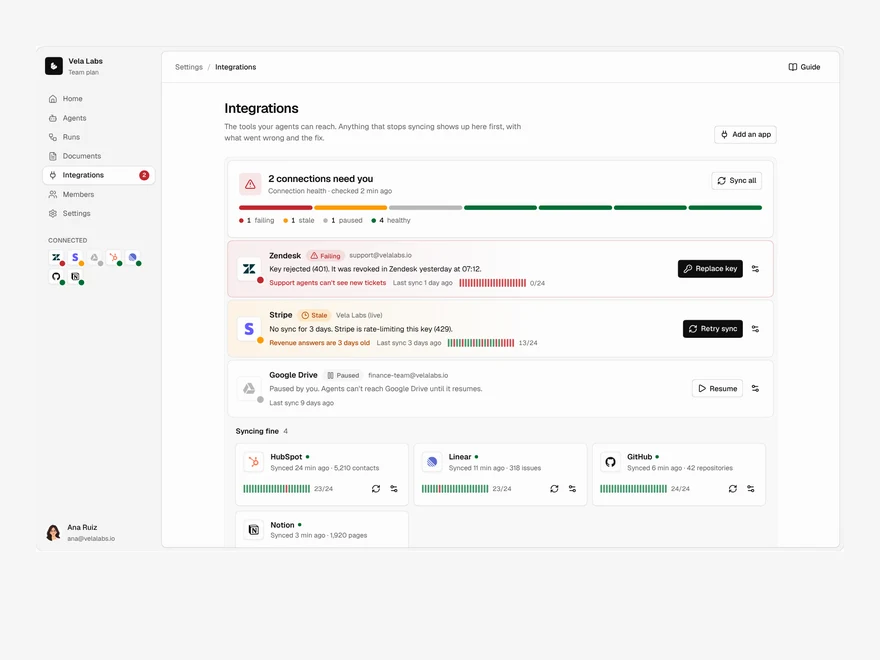
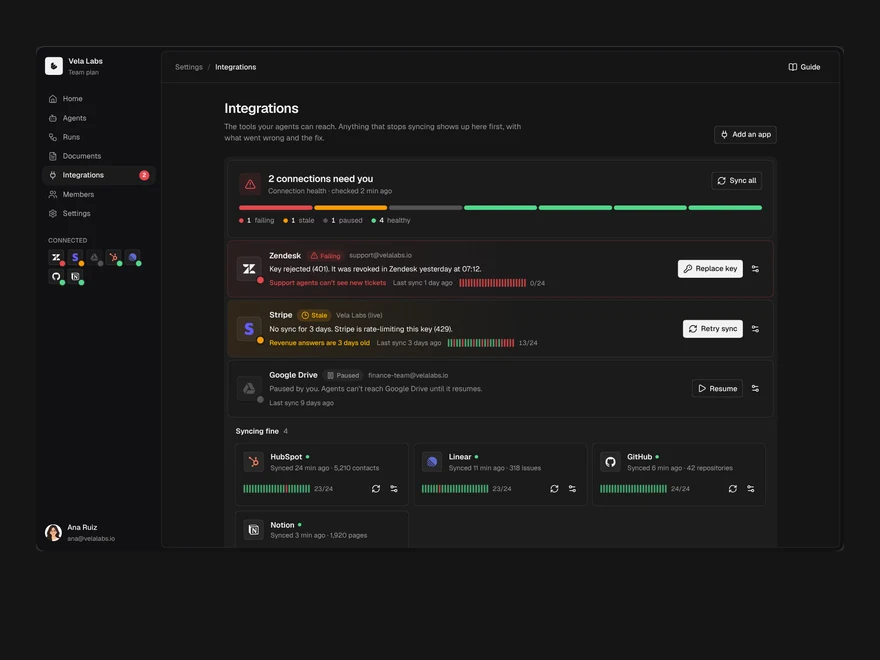
Connected tools with their health first: what is broken, what is fine, and a directory to add more.
Layro · 232 components · 10 screens · 2 templates