Suggestion Banner
What the model suggests and why, how sure it is in words, one Apply button with the alternatives behind its arrow, and Applied · Undo for a few seconds after. Inline in a page or floating over a canvas.
The decision inside it
Confidence is a word, not a percentage
0.73 means nothing to a reader; "Fairly sure" tells them whether to look twice. A number you pass is bucketed into Likely, Fairly sure or Not sure, with the exact figure kept in the tooltip.
When to use it
Use Suggestion Banner when an agent proposes one change the person can take or leave: a rewrite, a tag, a fix. Say how sure it is with confidence, offer other options with alternatives, and let them undo. For a set of file edits to review, use Code Diff View instead.
Installation
How you get it
Paste this into Claude Code, Cursor, Codex or any coding agent. It installs the file and uses it as it is, instead of writing a new one.
Use Layro's Suggestion Banner for this.
Install it: npx shadcn@latest add @layro/suggestion-banner
(the @layro registry is set up in components.json, with LAYRO_KEY in .env.local)
Import it from @/components/ui/suggestion-banner.
Do not rewrite or restyle it. Pass my data through its props
and keep its built-in states.
For the full brief with every prop and the mistakes assistants usually make, use Copy prompt above. Pro components install through the @layro registry with your CLI token: see the Namespaced tab.
Usage
import { SuggestionBanner } from "@/components/ui/suggestion-banner";

export function ClauseSuggestion({ apply, dismiss, revert }: { apply: (option?: string) => void; dismiss: () => void; revert: () => void }) {
  return (
    <SuggestionBanner
      title="Shorten the payment terms to 14 days"
      description="Your last six contracts with Vertically used 14 days."
      confidence="high"
      alternatives={[{ id: "30", label: "Keep 30 days, add a late fee" }]}
      onApply={(id) => apply(id)}
      onDismiss={dismiss}
      undoable
      onUndo={revert}
    />
  );
}
API reference
“Copy prompt” above puts a full brief on your clipboard — install command, dependencies, props, and the mistakes an assistant usually makes with this component.
Props
Read from the component’s own TypeScript interface when the site is built, so this table cannot drift from the file you install.
| Prop | Type | Notes |
|---|---|---|
titlerequired | string | What applying would do, as an action ("Send the renewal to Olivia"). |
description | string | Why the model suggests it, in a sentence. |
confidence | "low" | "medium" | "high" | number | How sure the model is: a word, or 0–1. |
alternatives | SuggestionAlternative[] | Other ways to do it, behind the arrow on Apply. |
variant | "inline" | "floating" | "inline" in the flow of the page, "floating" as a lifted card. Default inline. |
onApply | (altId?: string) => void | Called with no id for the main suggestion, or an alternative's id. |
onDismiss | () => void | Called when dismissed. The banner hides itself either way. |
undoable | boolean | After Apply, show "Applied · Undo" for a few seconds. |
onUndo | () => void | Called when Undo is pressed. |
onSettled | () => void | Called when the Undo window closes and the change stands (or right after Apply without `undoable`). |
applyLabel | string | The Apply button's words. Default "Apply". |
undoSeconds | number | Seconds the Undo stays. Default 6. |
Dependencies
npm packages
clsxframer-motionlucide-reacttailwind-mergeLayro foundations, installed alongside it
layro-themeStates
All of them are drawn by the component. None is left for you to design.
- Suggested
- Alternatives open
- Applied with Undo
- Not sure
- Dismissed
Accessibility
- Keyboard reachable throughout, in visual order
- Focus trapped in overlays, Escape closes them
- Focus returns to whatever opened it
- Live regions announce what changed, not that something did
- Honours prefers-reduced-motion
Responsive behavior
- Sizes to its container, not the viewport
- Usable from 320px up
- Pointer-based interaction, so trackpad and touch both work
- No hover-only affordances
Lifetime access
Every component, and everything we ship next.
- All 232 components, source included
- Every template, and everything released after you buy
- shadcn CLI or download — React 18/19, Tailwind v4
- One payment. No subscription.
More in AI ChatAll AI Chat components
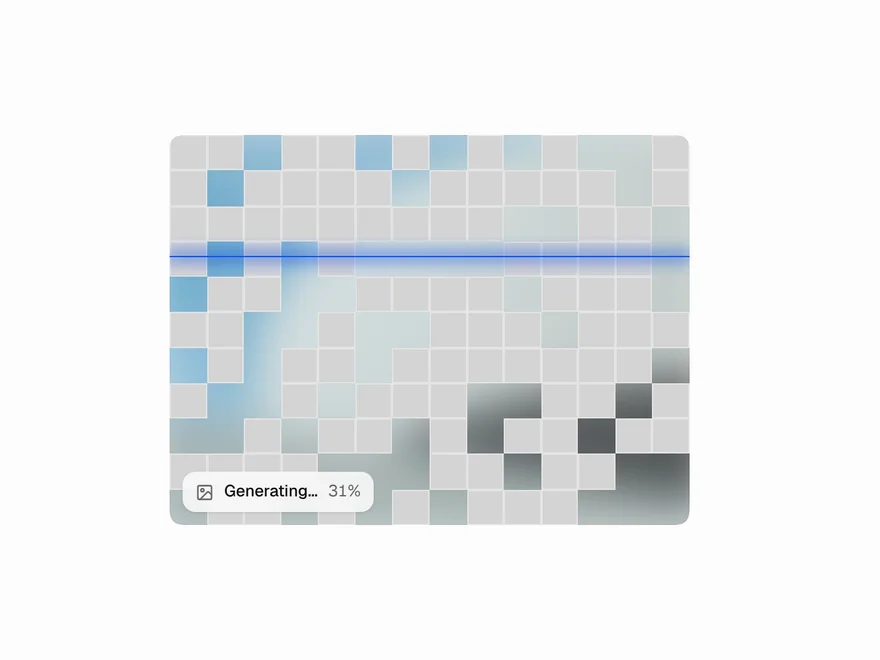
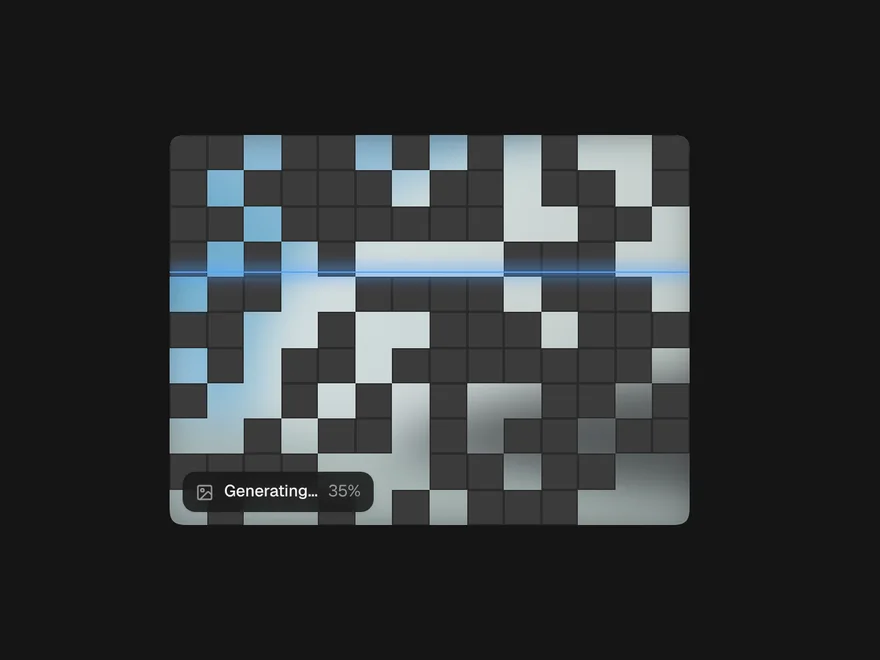
Image Generation Loader
An image model's frame: queued, cells clearing with a scan line, then the reveal.
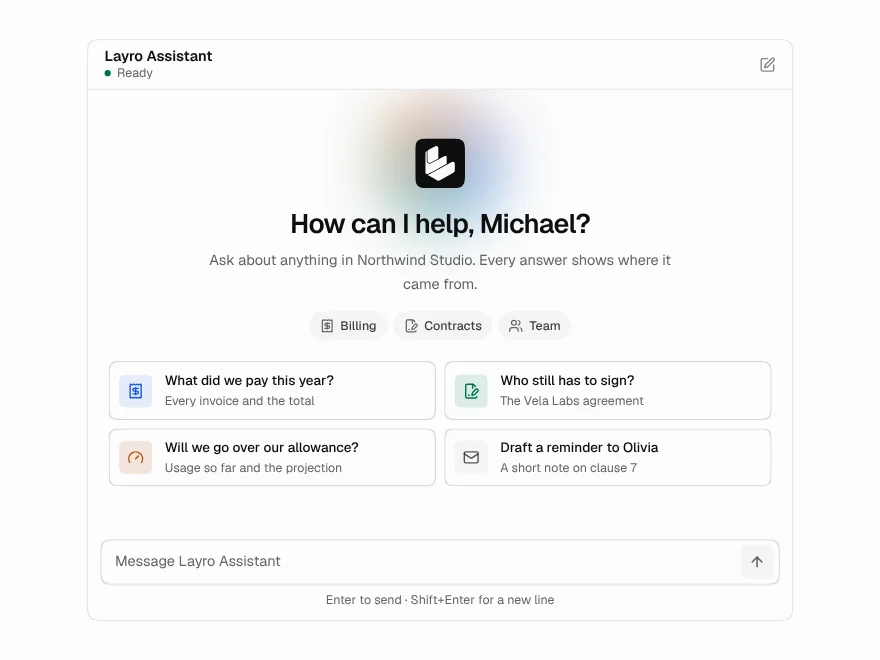
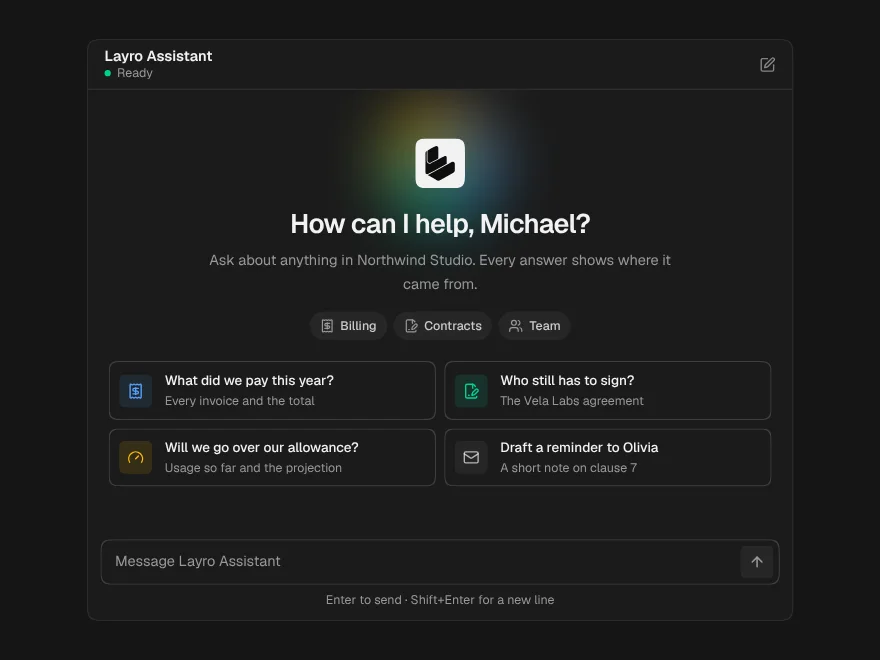
AI Chat
A whole chat window: greeting, streaming answers, stop, retry and regenerate.
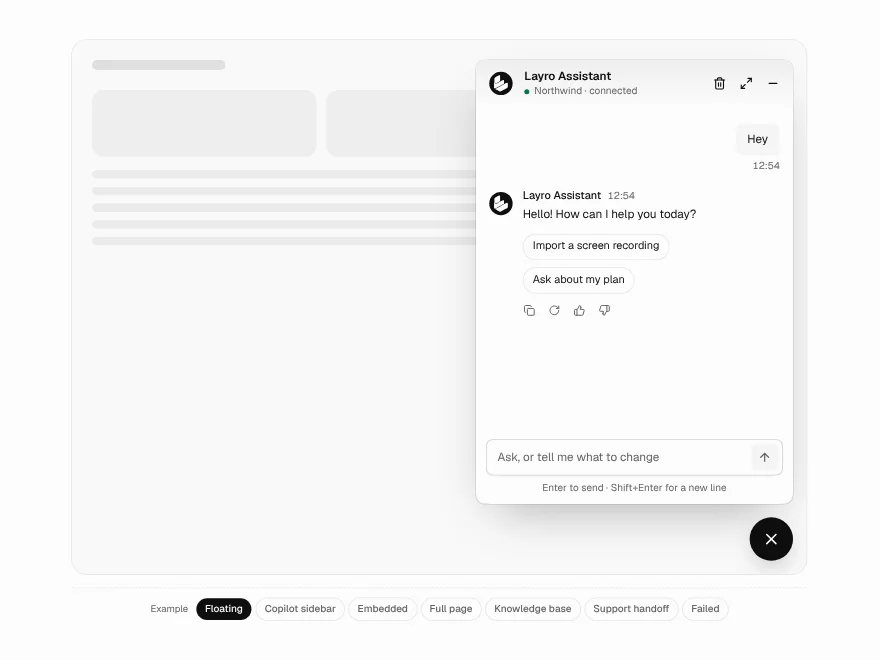
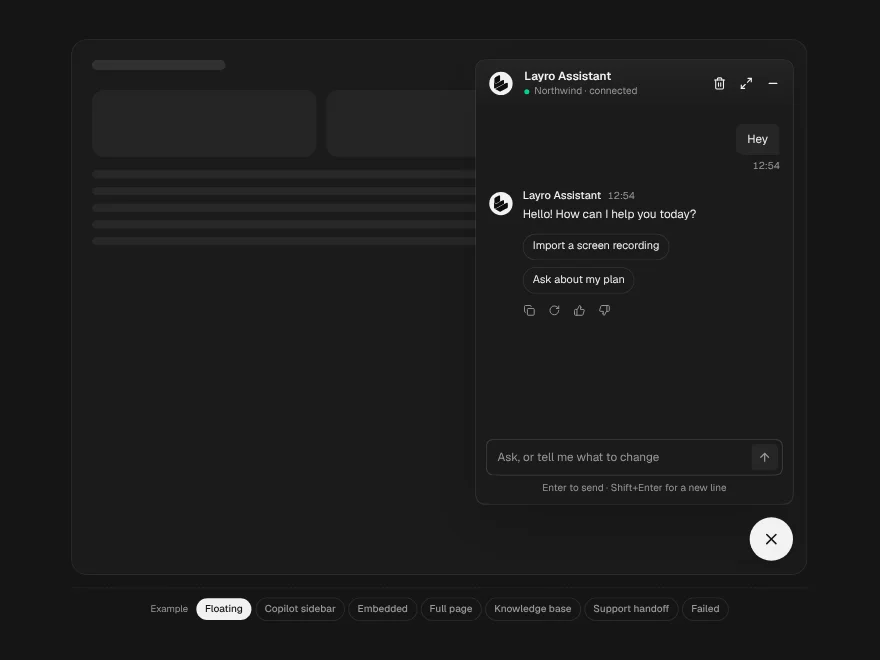
Chatbot
One chat in four places: a floating widget, an embedded panel, a copilot sidebar or a full page.
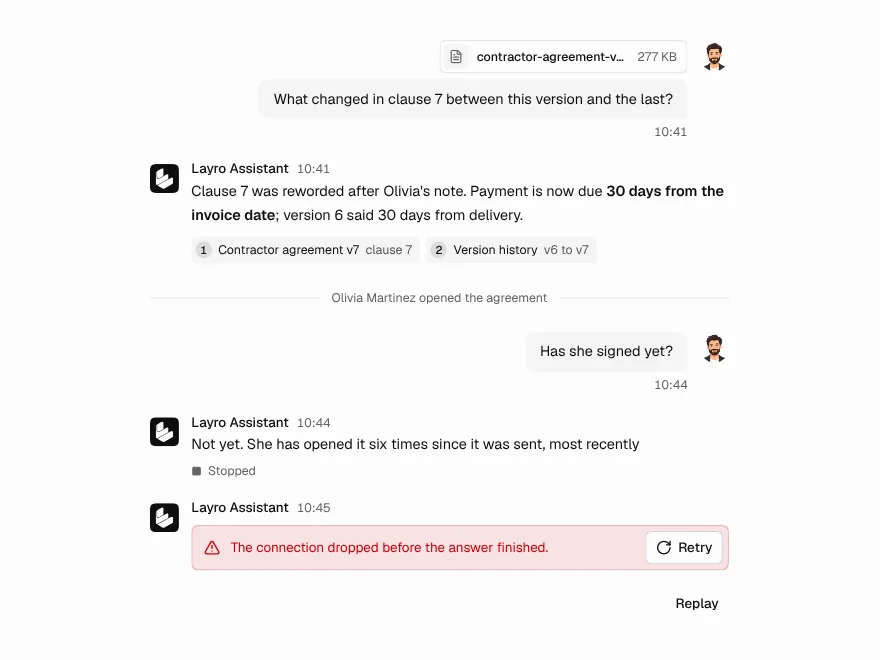
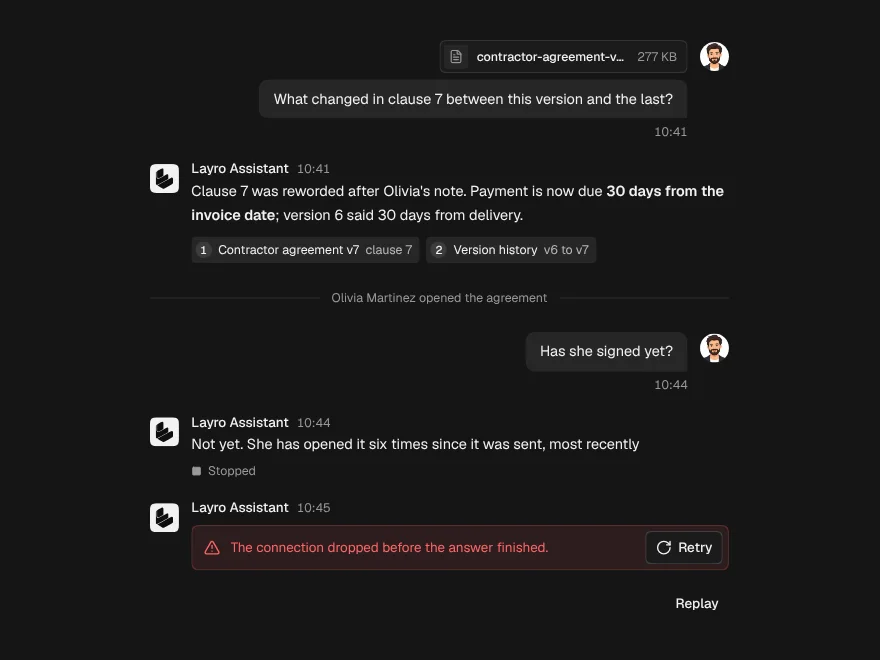
Chat Message
One turn in a conversation, for the person or the assistant, with sources and attachments.
Streaming Response
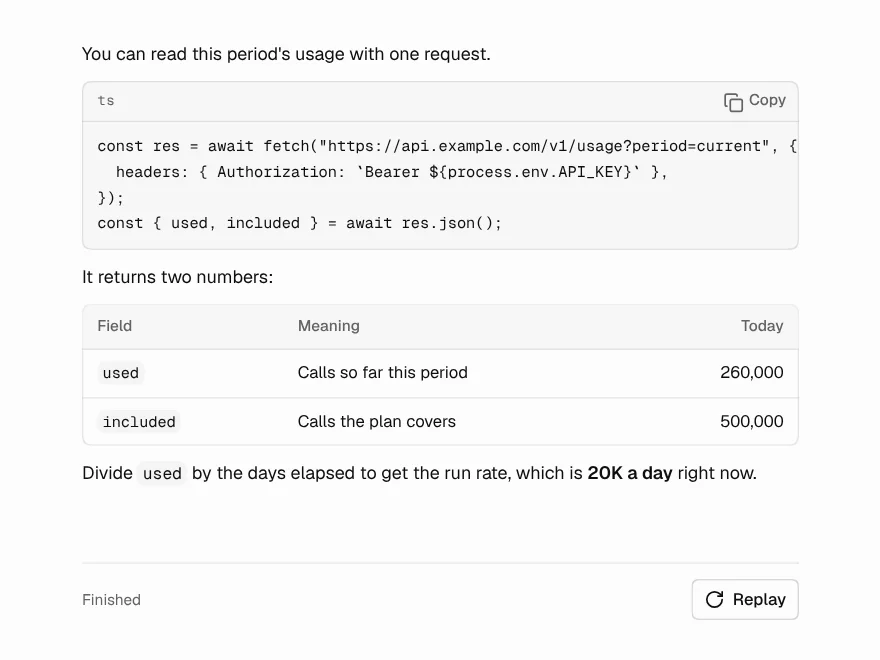
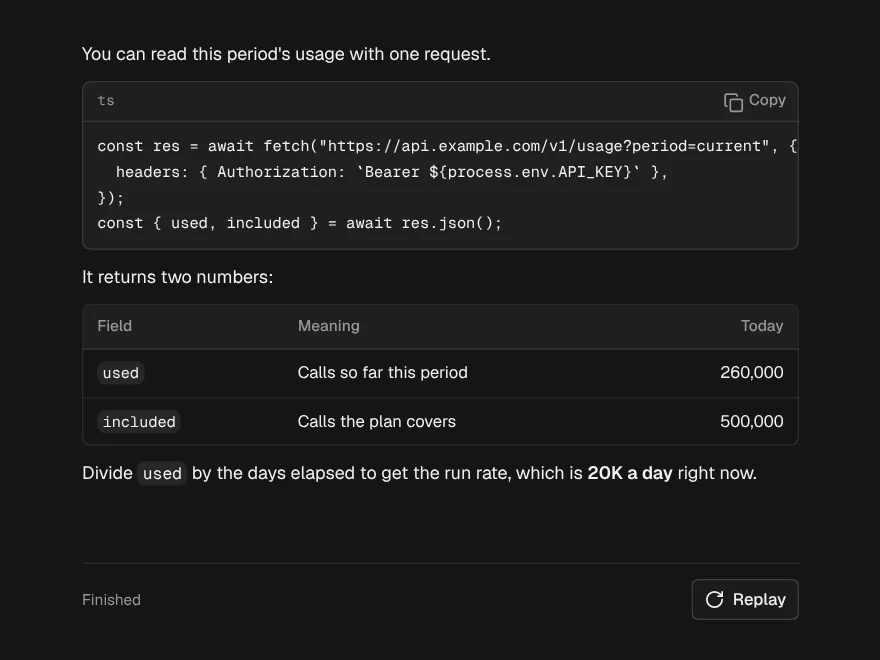
An answer arriving word by word that looks finished at every moment in between.
Thinking State
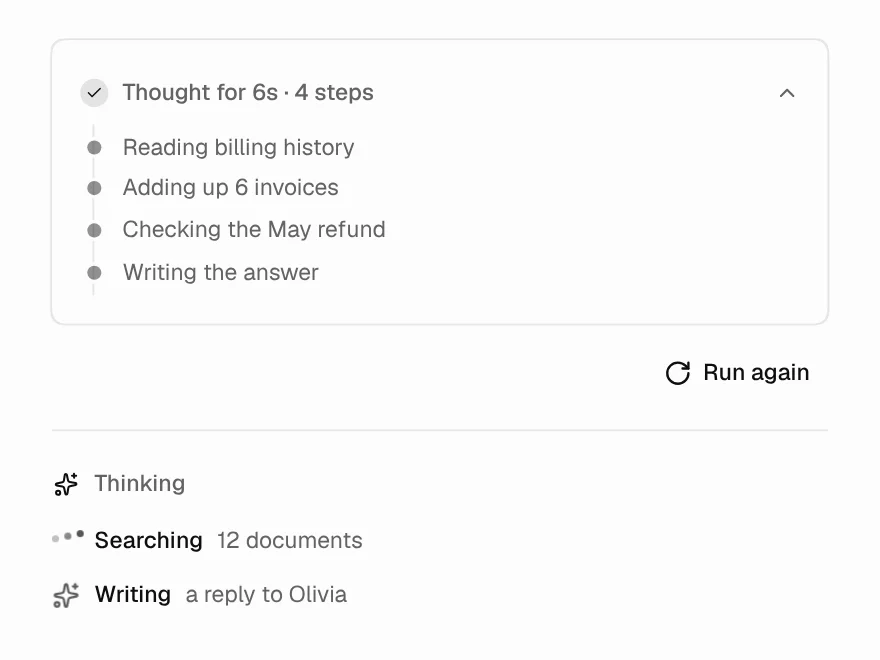
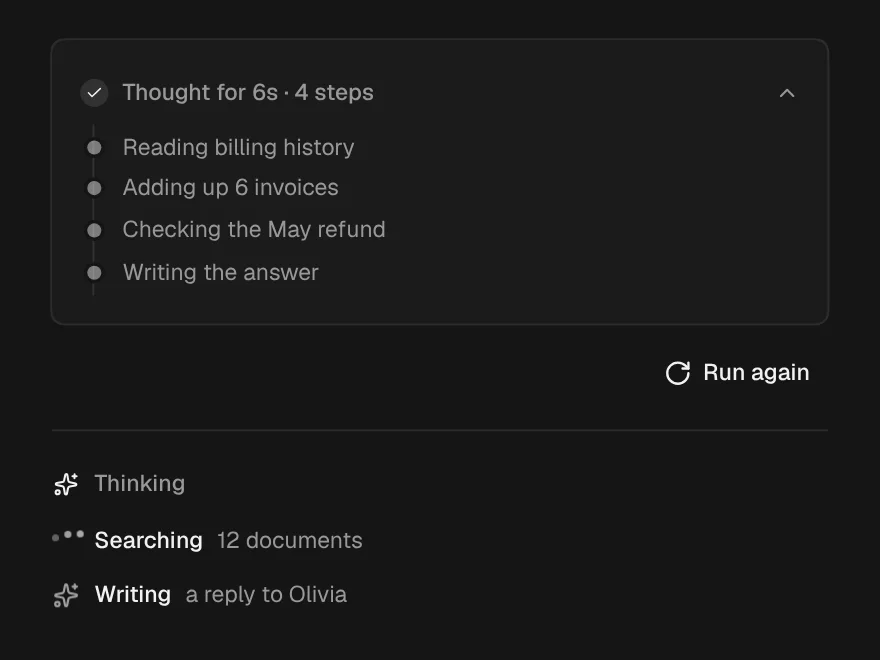
The wait before the first word: what it is doing, for how long, and the trail so far.