Image Generation Loader
Holds the final size from the first moment, clears a grid of cells as progress climbs while a scan line moves down, shows the model's preview through the cleared cells, and pulls the finished image into focus. Errors keep the frame and offer Retry.
The decision inside it
Three signals that agree
The share of cells cleared, the scan line's height and the number in the corner all show the same progress. Each cell clears at a fixed point in a shuffle, so the reveal looks random but never flickers between renders.
When to use it
Use Image Generation Loader while a model makes an image: queued, generating with progress, then the picture, or an error with retry. It holds the final aspect ratio so nothing jumps when the image lands.
Installation
How you get it
Paste this into Claude Code, Cursor, Codex or any coding agent. It installs the file and uses it as it is, instead of writing a new one.
Use Layro's Image Generation Loader for this.
Install it: npx shadcn@latest add @layro/image-generation-loader
(the @layro registry is set up in components.json, with LAYRO_KEY in .env.local)
Import it from @/components/ui/image-generation-loader.
Do not rewrite or restyle it. Pass my data through its props
and keep its built-in states.
For the full brief with every prop and the mistakes assistants usually make, use Copy prompt above. Pro components install through the @layro registry with your CLI token: see the Namespaced tab.
Usage
import { ImageGenerationLoader } from "@/components/ui/image-generation-loader";

export function GeneratedCover({ status, progress, url, retry }: { status: "queued" | "generating" | "done" | "error"; progress: number; url?: string; retry: () => void }) {
  return (
    <ImageGenerationLoader
      status={status}
      progress={progress}
      src={url}
      alt="Cover image for the Q3 proposal"
      aspectRatio={16 / 9}
      onRetry={retry}
    />
  );
}
API reference
“Copy prompt” above puts a full brief on your clipboard — install command, dependencies, props, and the mistakes an assistant usually makes with this component.
Props
Read from the component’s own TypeScript interface when the site is built, so this table cannot drift from the file you install.
| Prop | Type | Notes |
|---|---|---|
statusrequired | "queued" | "generating" | "done" | "error" | Where the job is. |
progress | number | 0–100 while generating. |
src | string | The final image when done; a preview to show through the cells while generating. |
alt | string | The image's alt text when done. Default "Generated image". |
aspectRatio | number | Width over height. Default 1. |
label | string | The words under the progress, e.g. "Generating…". Defaults by status. |
gridSize | number | The size of one cell in pixels. Default 28. |
errorMessage | string | The error's words. Default "The image could not be generated." |
onRetry | () => void | Shows Retry in the error state. |
Dependencies
npm packages
clsxframer-motionlucide-reacttailwind-mergeLayro foundations, installed alongside it
layro-themeStates
All of them are drawn by the component. None is left for you to design.
- Queued
- Generating
- Preview showing through
- Done
- Error
Accessibility
- Keyboard reachable throughout, in visual order
- Focus trapped in overlays, Escape closes them
- Focus returns to whatever opened it
- Live regions announce what changed, not that something did
- Honours prefers-reduced-motion
Responsive behavior
- Sizes to its container, not the viewport
- Usable from 320px up
- Pointer-based interaction, so trackpad and touch both work
- No hover-only affordances
Lifetime access
Every component, and everything we ship next.
- All 232 components, source included
- Every template, and everything released after you buy
- shadcn CLI or download — React 18/19, Tailwind v4
- One payment. No subscription.
More in AI ChatAll AI Chat components
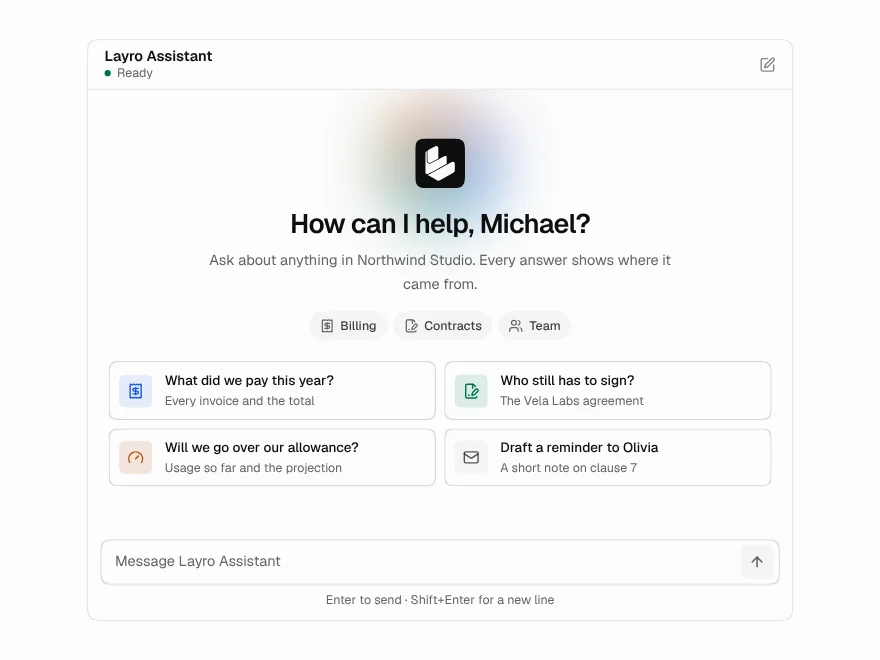
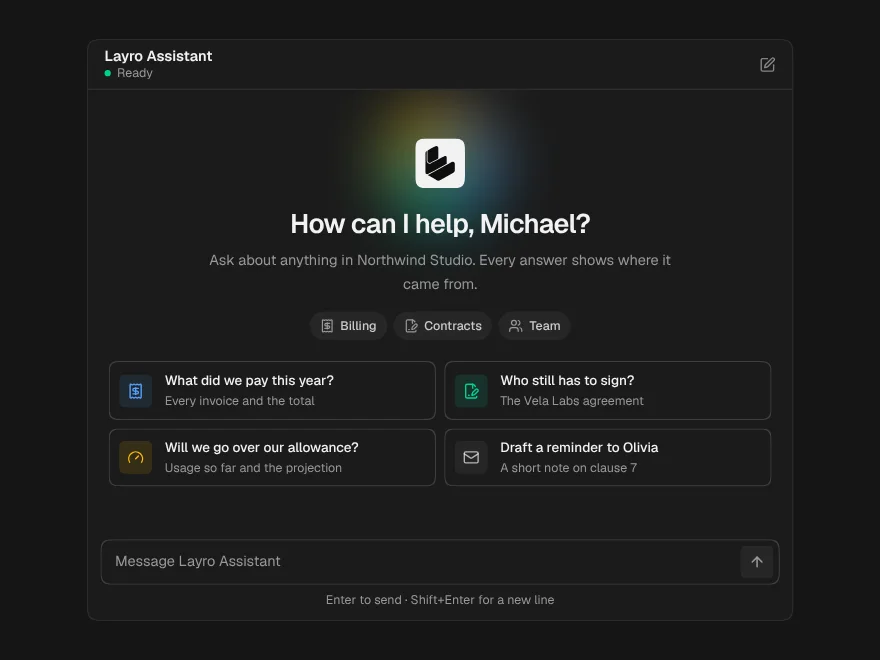
AI Chat
A whole chat window: greeting, streaming answers, stop, retry and regenerate.
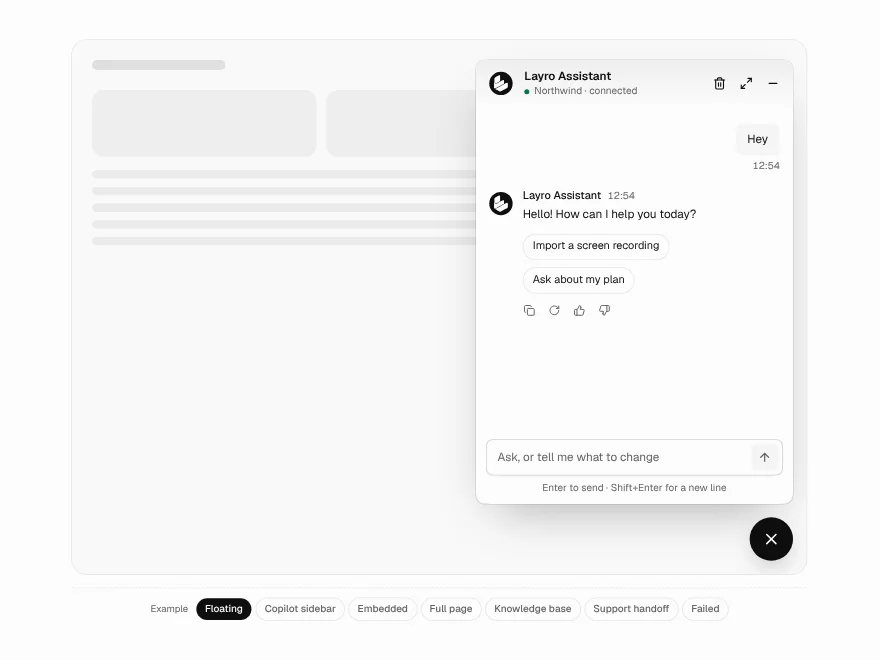
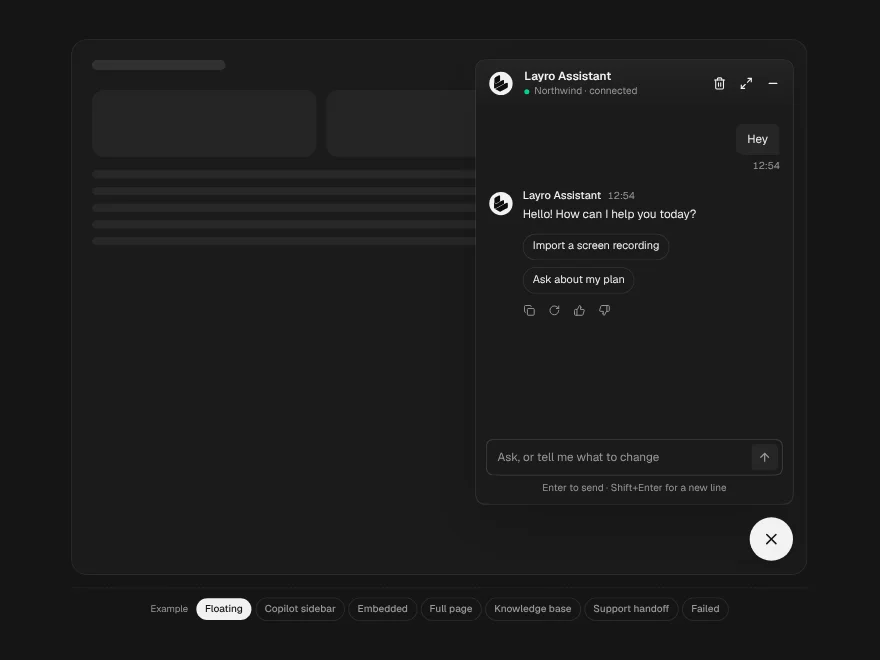
Chatbot
One chat in four places: a floating widget, an embedded panel, a copilot sidebar or a full page.
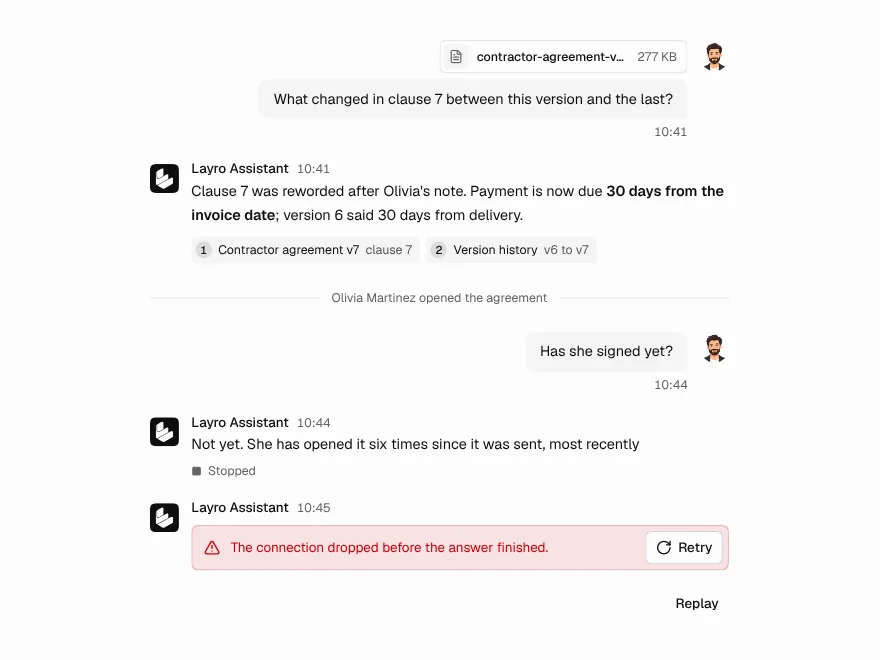
Chat Message
One turn in a conversation, for the person or the assistant, with sources and attachments.
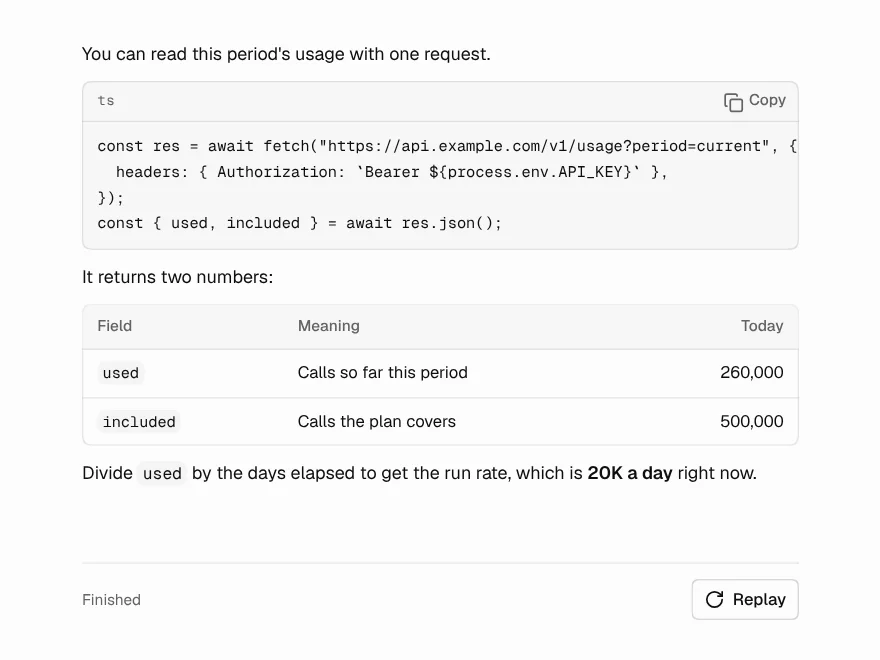
Streaming Response
An answer arriving word by word that looks finished at every moment in between.
Thinking State
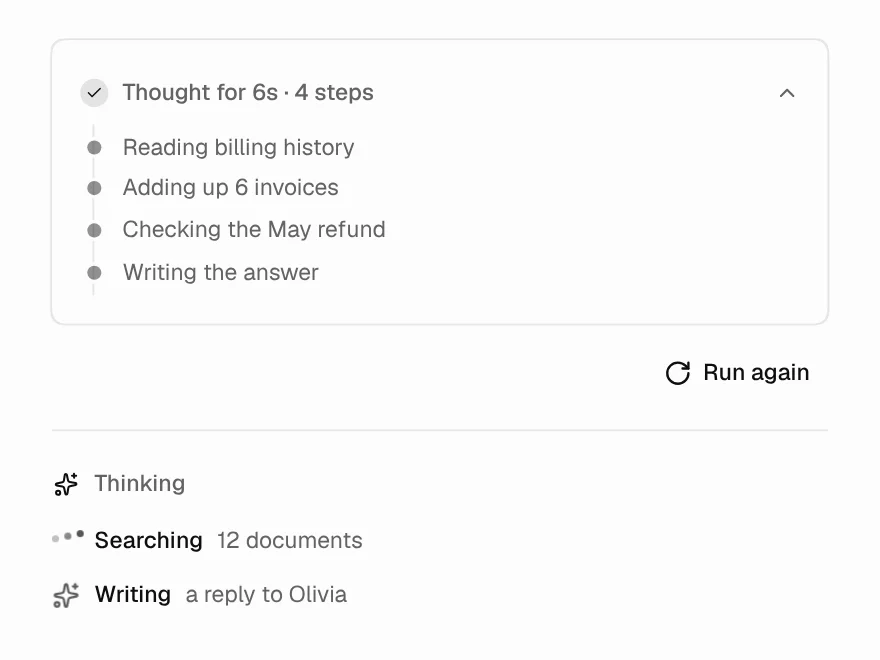
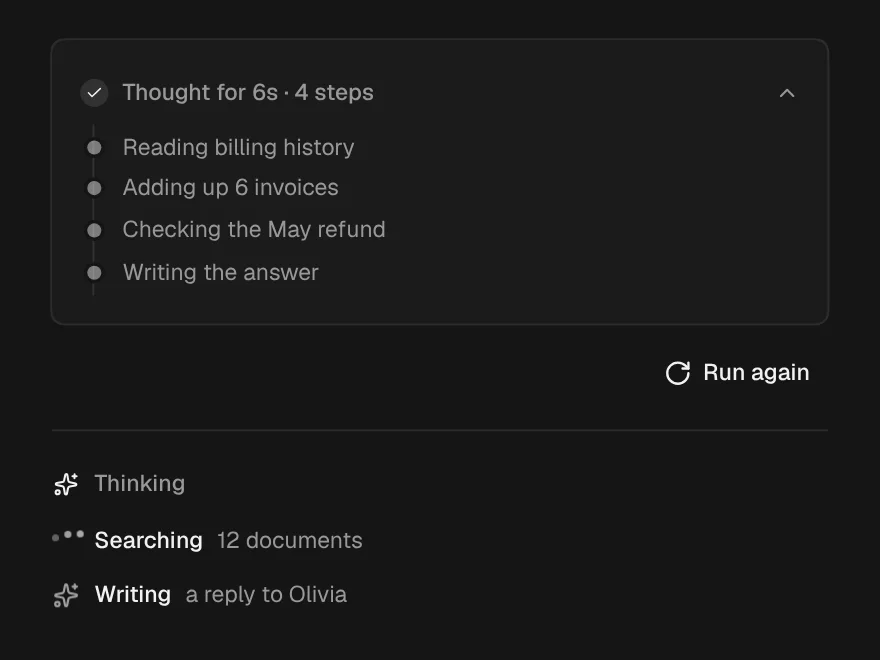
The wait before the first word: what it is doing, for how long, and the trail so far.
Message Actions
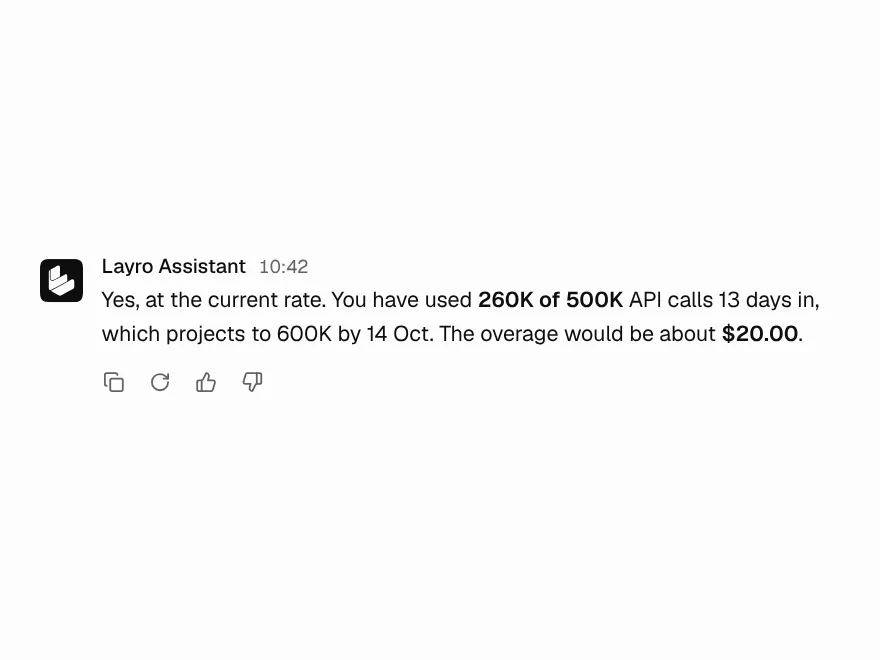
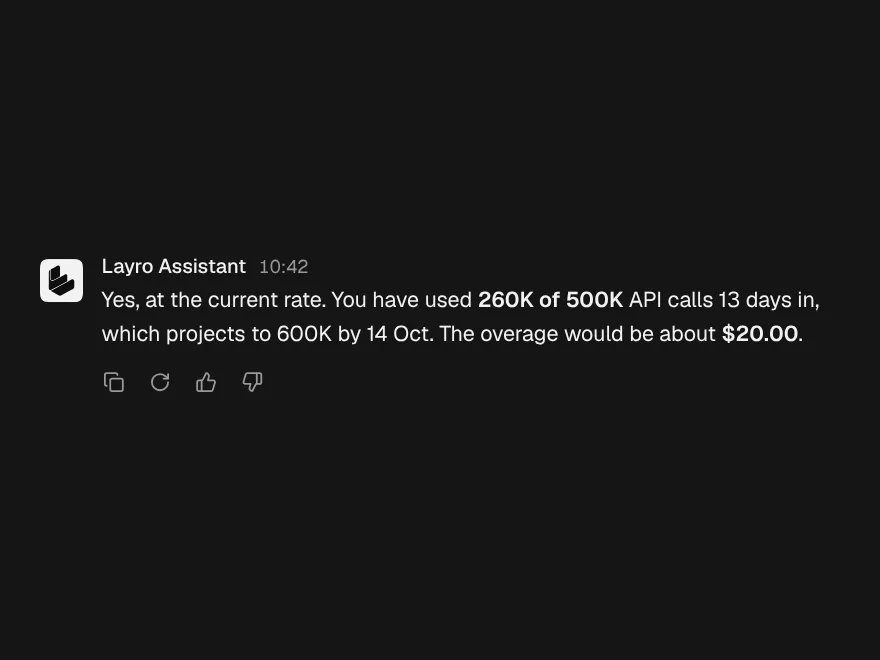
Copy, regenerate and rate an answer, with every button confirming in place.