API Keys Table
Each key as its prefix and last four, with Reveal and Copy, its scopes, calls in the last 30 days and when it was last used. Unused keys are marked Stale. Revoke asks first and names what it will break; Create shows the new secret once.
The decision inside it
A secret is shown once, on purpose
The full key appears only in the dialog that made it, with Copy and a line saying it won't be shown again. Revoke states the key's 30-day call count, so revoking the one production uses is never a slip.
When to use it
Use API Keys Table on a developer settings page: keys shown as prefix and last four with Reveal and Copy, scopes, 30-day calls, last used, Revoke with a confirm, and Create key that shows the new secret once.
Installation
How you get it
Paste this into Claude Code, Cursor, Codex or any coding agent. It installs the file and uses it as it is, instead of writing a new one.
Use Layro's API Keys Table for this.
Install it: npx shadcn@latest add @layro/api-keys-table
(the @layro registry is set up in components.json, with LAYRO_KEY in .env.local)
Import it from @/components/ui/api-keys-table.
Do not rewrite or restyle it. Pass my data through its props
and keep its built-in states.
For the full brief with every prop and the mistakes assistants usually make, use Copy prompt above. Pro components install through the @layro registry with your CLI token: see the Namespaced tab.
Usage
import { ApiKeysTable, type ApiKey } from "@/components/ui/api-keys-table";

export function ApiKeys({ rows }: { rows: ApiKey[] }) {
  return (
    <ApiKeysTable
      rows={rows}
      scopes={["documents:read", "documents:write", "webhooks"]}
      onCreate={async (name, scopes) => {
        const res = await fetch("/api/keys", { method: "POST", body: JSON.stringify({ name, scopes }) });
        return (await res.json()) as ApiKey;
      }}
      onRevoke={async (key) => {
        await fetch("/api/keys/" + key.id, { method: "DELETE" });
      }}
    />
  );
}
API reference
“Copy prompt” above puts a full brief on your clipboard — install command, dependencies, props, and the mistakes an assistant usually makes with this component.
Props
Read from the component’s own TypeScript interface when the site is built, so this table cannot drift from the file you install.
| Prop | Type | Notes |
|---|---|---|
rowsrequired | ApiKey[] | — |
scopes | string[] | Scopes offered in Create key. |
onCreate | (name: string, scopes: string[]) => ApiKey | Promise<ApiKey> | Makes the key. Return it (with its `secret`) to show it once. |
onRevoke | (key: ApiKey) => void | Promise<void> | Revokes the key. May return a promise; the dialog waits for it. |
loading | boolean | — |
error | React.ReactNode | — |
onRetry | () => void | — |
onRowClick | (row: ApiKey) => void | — |
density | "comfortable" | "compact" | — |
variant | "default" | "striped" | "bordered" | — |
now | Date | "Now" for "last used", for tests and screenshots. Default the current time. |
className | string | — |
Dependencies
npm packages
clsxlucide-reacttailwind-mergeLayro foundations, installed alongside it
layro-themebadgebuttoncheckboxdata-tabledialogfieldinputtooltipStates
All of them are drawn by the component. None is left for you to design.
- Active keys
- Reveal and copy
- Revoke confirm
- Create key
- Revoked
- Loading
- Empty
- Error
Accessibility
- Keyboard reachable throughout, in visual order
- Focus trapped in overlays, Escape closes them
- Focus returns to whatever opened it
- Live regions announce what changed, not that something did
- Honours prefers-reduced-motion
Responsive behavior
- Sizes to its container, not the viewport
- Usable from 320px up
- Pointer-based interaction, so trackpad and touch both work
- No hover-only affordances
Used in a screenAll screens
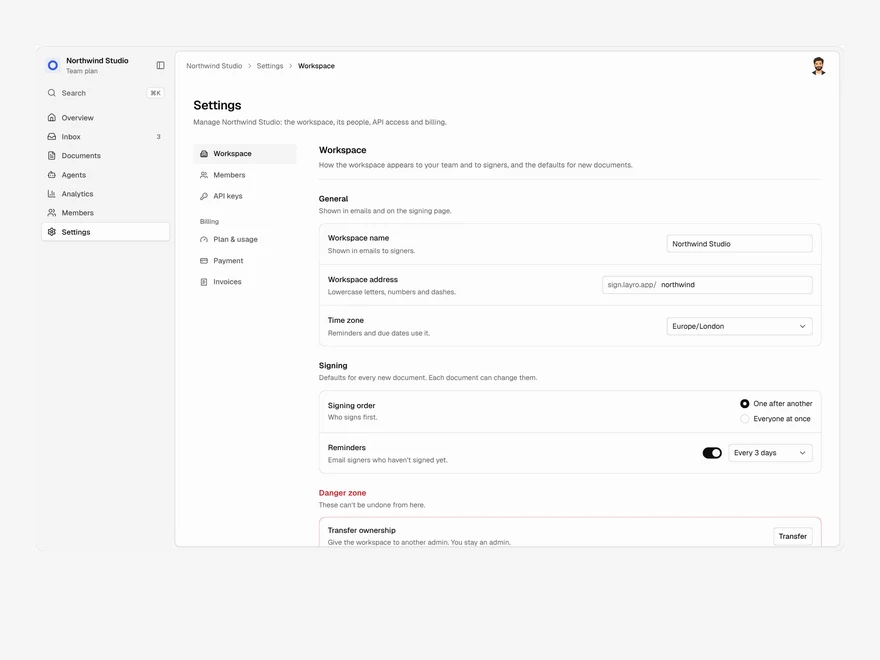
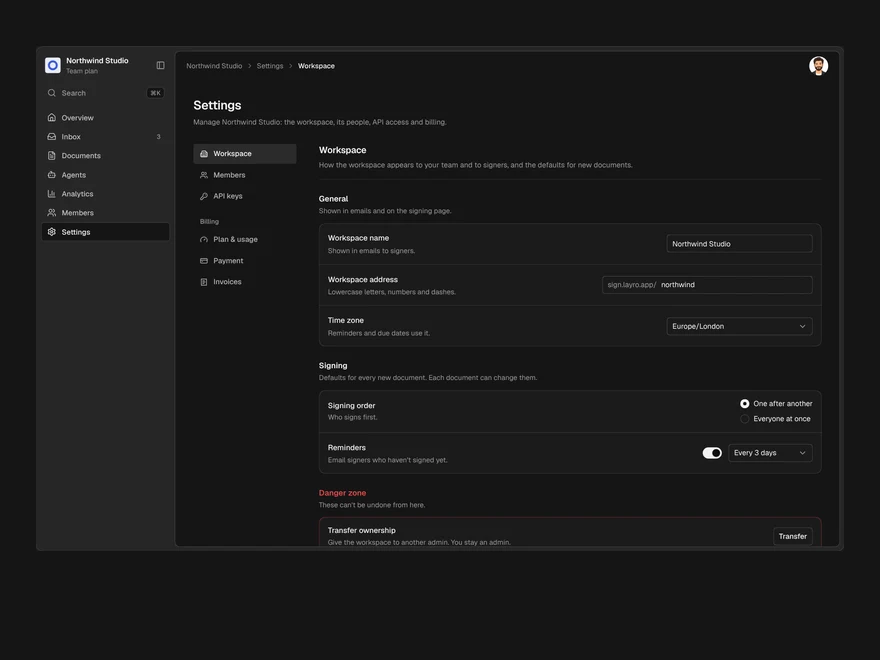
Lifetime access
Every component, and everything we ship next.
- All 232 components, source included
- Every template, and everything released after you buy
- shadcn CLI or download — React 18/19, Tailwind v4
- One payment. No subscription.
More in Data TablesAll Data Tables components
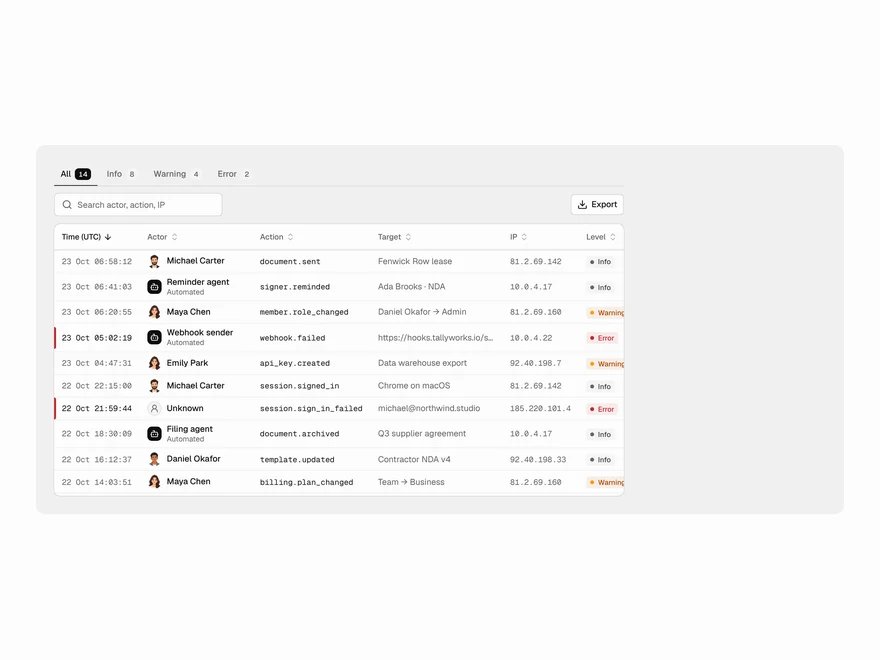
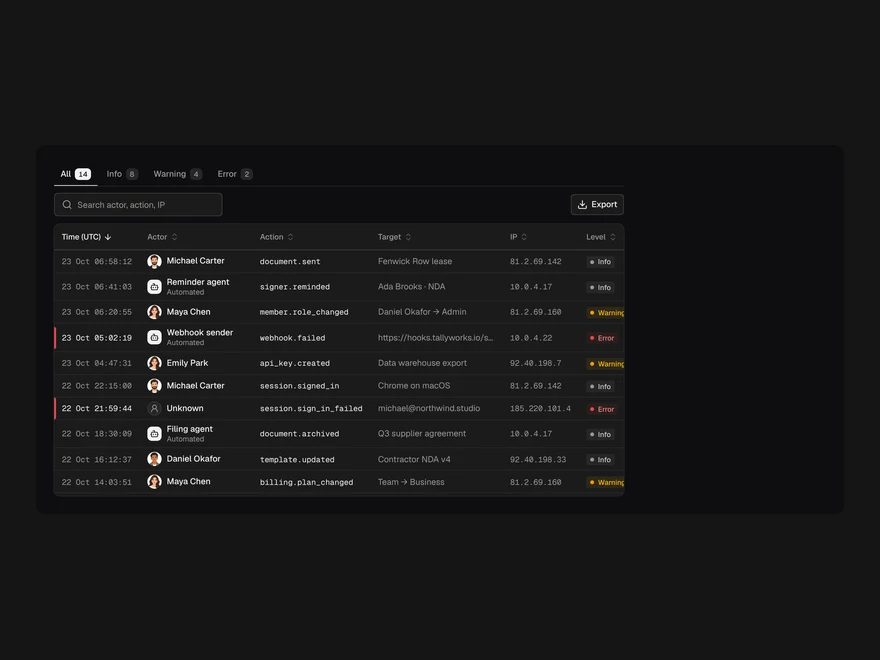
Audit Log Table
Who did what, when and from where, with a pinned header, level filter and export.
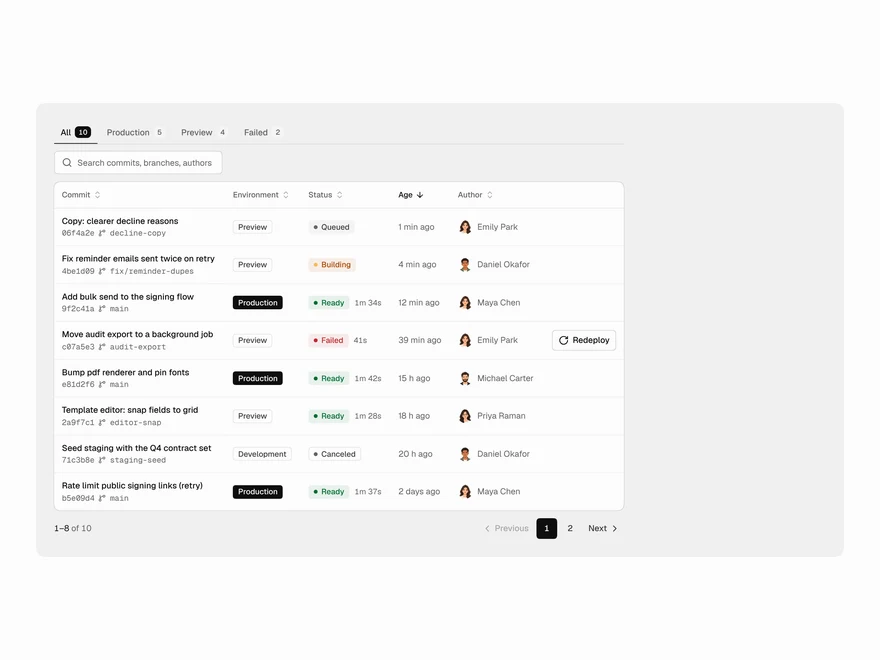
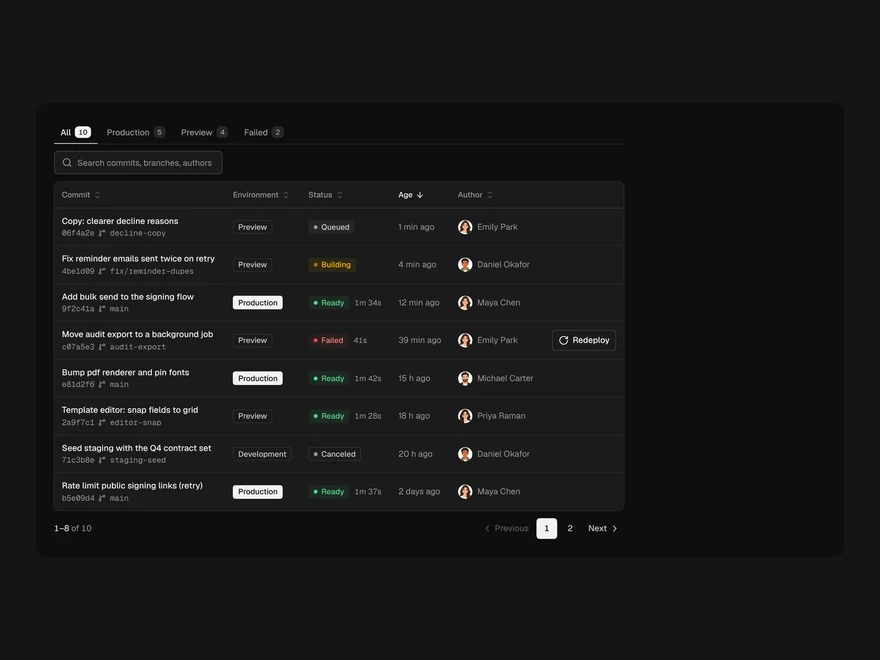
Deployments Table
Builds by commit with environment, status, age and author; Redeploy on failures.
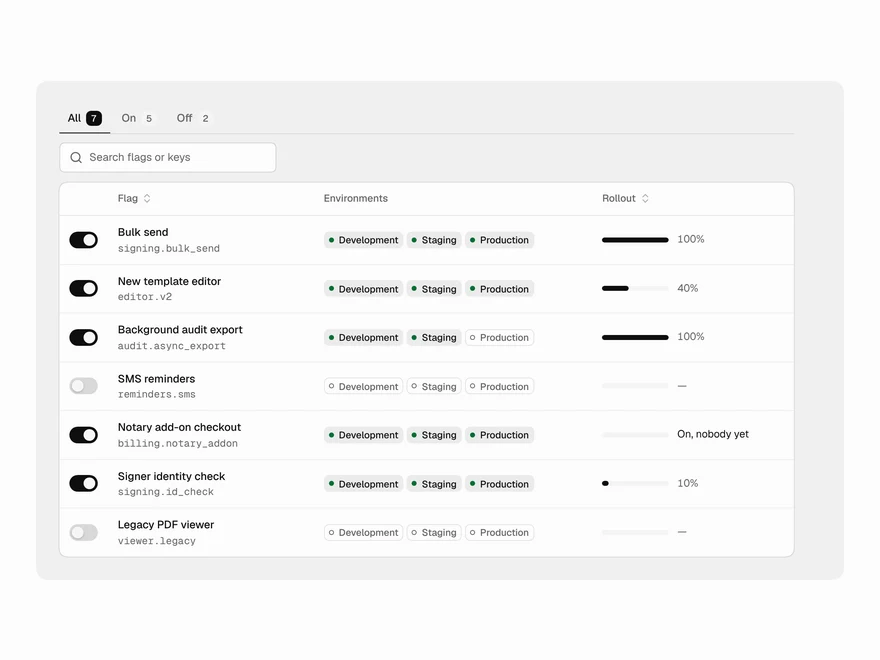
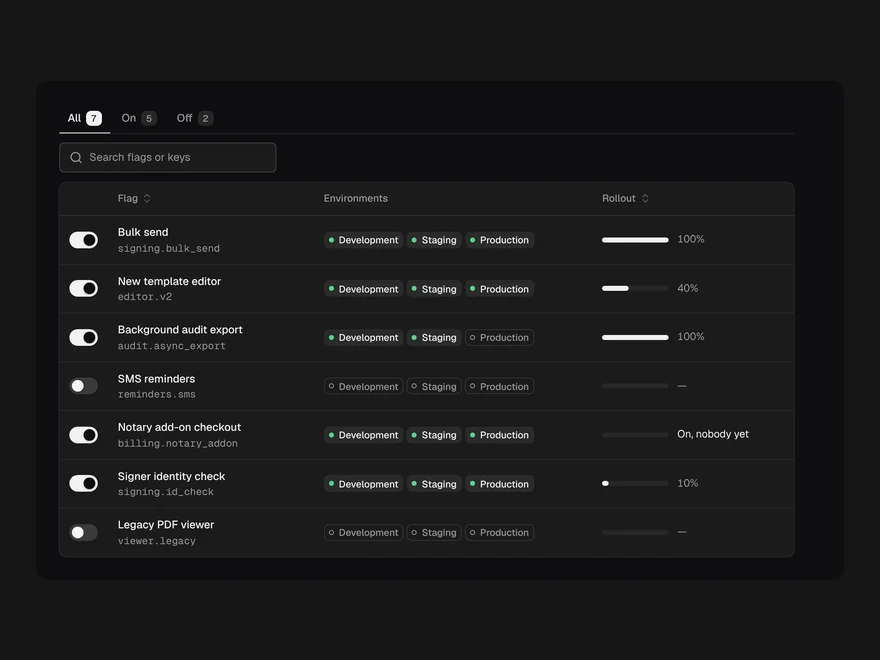
Feature Flags Table
Flags with their key, environments, rollout meter and a live switch that saves optimistically.
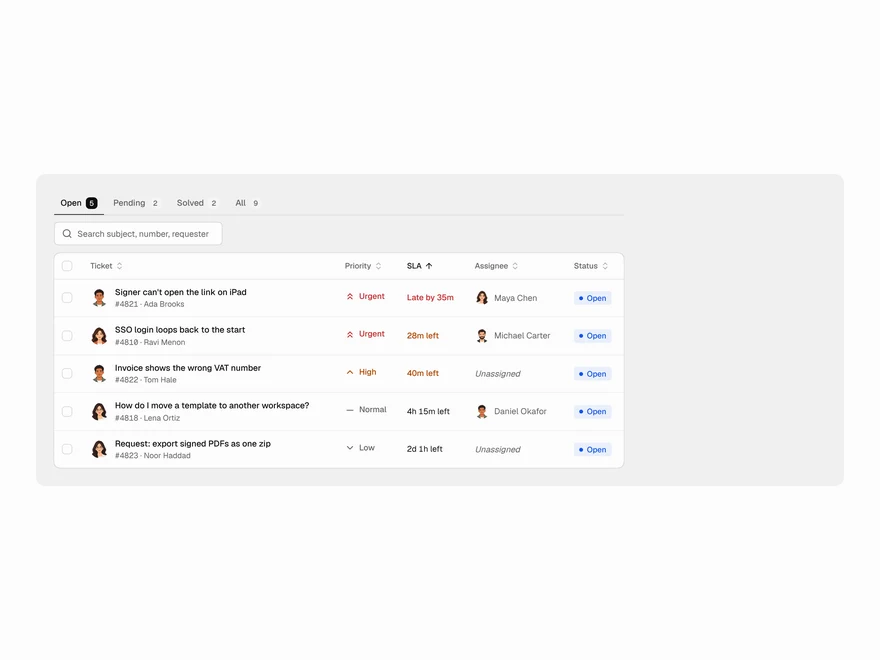
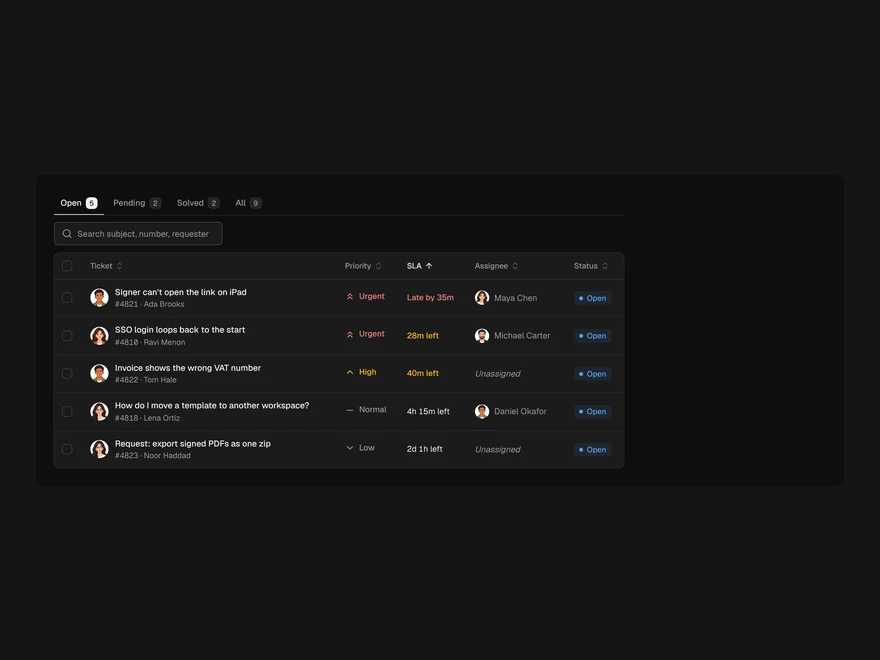
Support Tickets Table
The support queue by SLA: subject, requester, priority, time left, assignee and status.
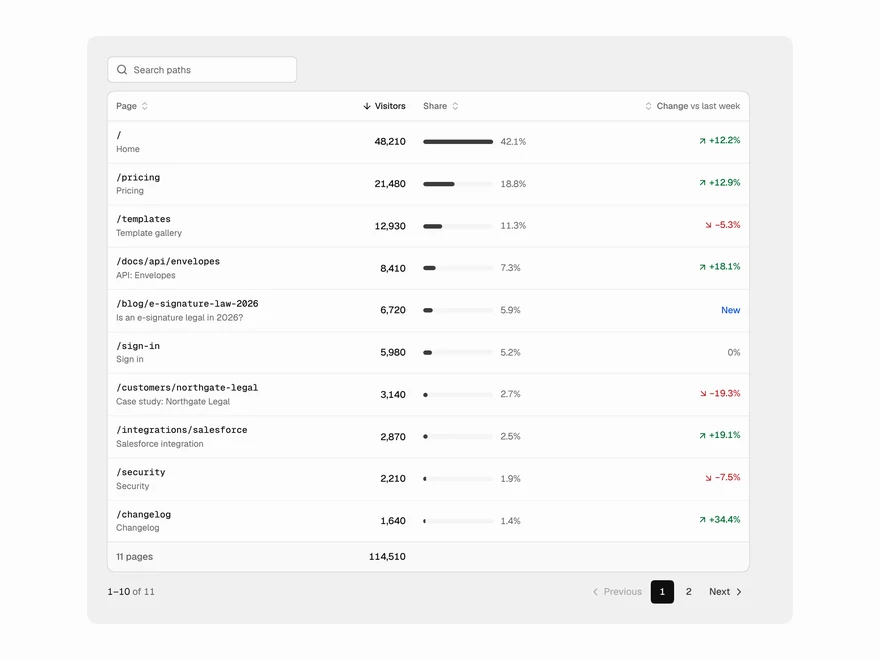
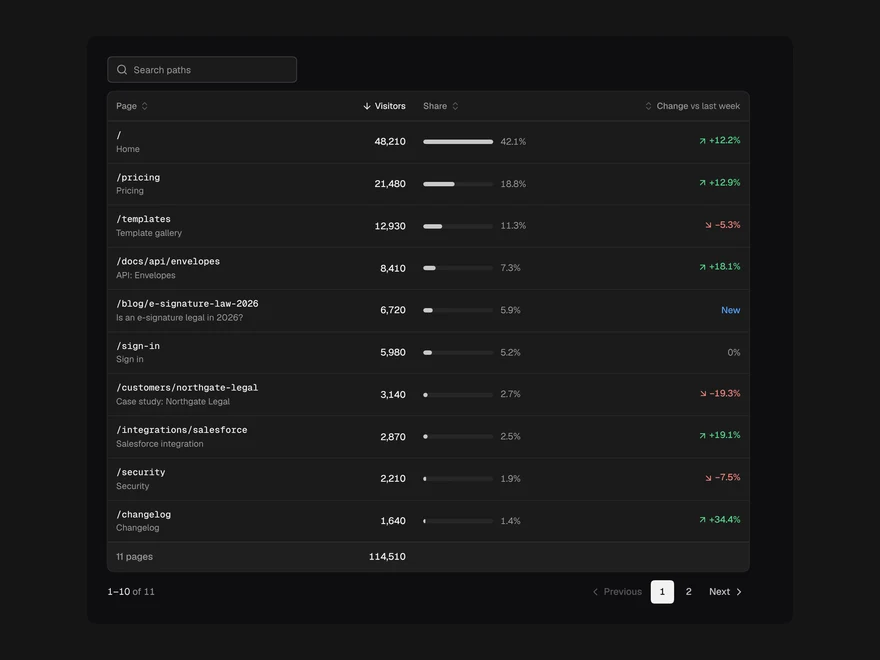
Top Pages Table
Pages by visitors with share-of-traffic bars and a signed week-over-week change.
Inventory Table
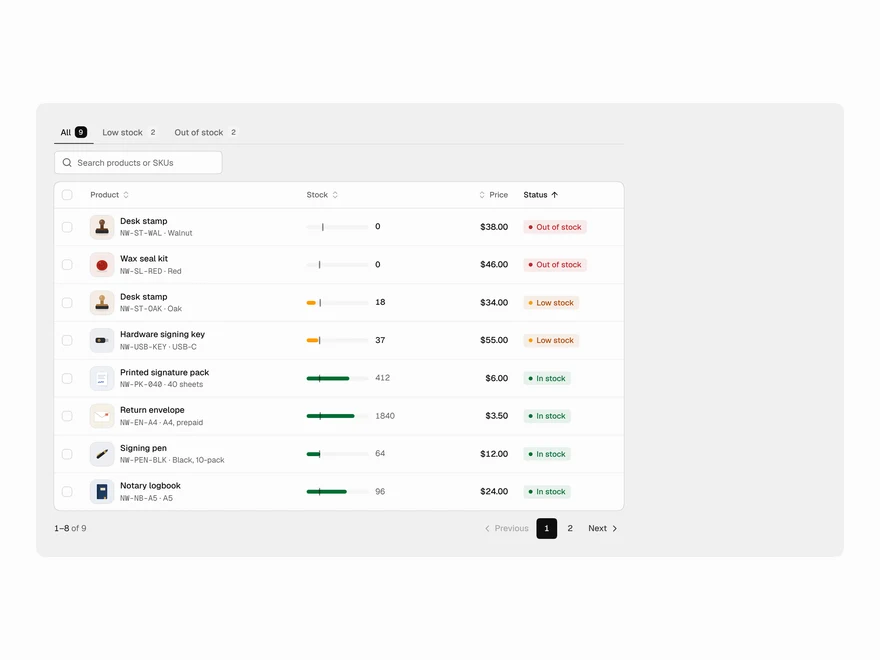
Stock by product with a meter, reorder point, price and a status worked out from the numbers.