Agent Run
The page you watch while an agent works. The plan and its progress on the left, every tool call and search in the middle, and what it is writing on the right. It stops to ask before anything leaves the workspace, and a failure says what broke and what you can do next.
When to use
- Watching a long agent task as it happens
- Runs that take actions someone must approve first
- Reviewing what an agent did after it finished or failed
When not to use
- A chat with an agent: use the Agent Chat screen
- Just the status line: use Agent Run Status
The decision inside it
The agent asks before it sends
Reading, searching and drafting run on their own. Sending to someone outside the workspace waits for a person: the run pauses on an approval card that shows exactly what will go out, and the plan marks the step as waiting rather than stuck.
Installation
Agent Run is a Pro screen, included with lifetime access. It is two files on top of the Layro components it is made of.
- Add the components it uses:
npx shadcn@latest add @layro/app-shell @layro/breadcrumb @layro/agent-run-status @layro/task-plan @layro/tool-call-trail @layro/approval-request @layro/web-search-results @layro/run-summary @layro/failure-recovery @layro/segmented-control @layro/badge @layro/state @layro/toast - Copy
screens/agent-run-screen.tsxandscreens/data/agent-run-screen.tsfrom the Code tab above into your project, at the same paths. - It also imports
@/liband@/demos/portraits: Layro’s shared helpers and the demo’s sample images. Point them at your own.
Usage
import { AgentRunScreen } from "@/screens/agent-run-screen";

export default function Page() {
  /* A screen fills the box it is given: give it the window. */
  return (
    <main className="h-dvh">
      <AgentRunScreen className="h-full" />
    </main>
  );
}
Built from
Every Layro component this screen imports. Each has its own page, props and install command.
API reference
Read from AgentRunScreenProps when the site is built. It also takes every attribute a div does, such as className.
AgentRunScreen
| Prop | Type | Notes |
|---|---|---|
state | AgentRunState | Which moment of the run to open on. Default "running". |
className | string | — |
Accessibility
- The run status says in words what the agent is doing
- The approval card works from the keyboard
- Every status has a word, never colour alone
- Movement follows the reduced-motion setting
Responsive behavior
- Fills the box it is given: mount it at the window's height
- The output panel moves under the run on narrow widths
- Light and dark come from the Layro theme: it follows the dark class on <html>, like every component.
More screens
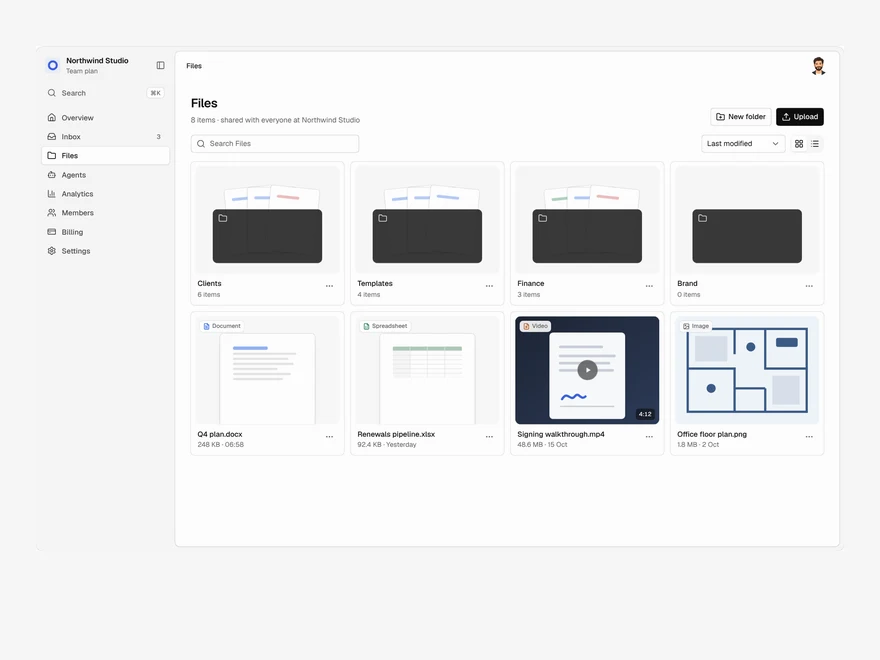
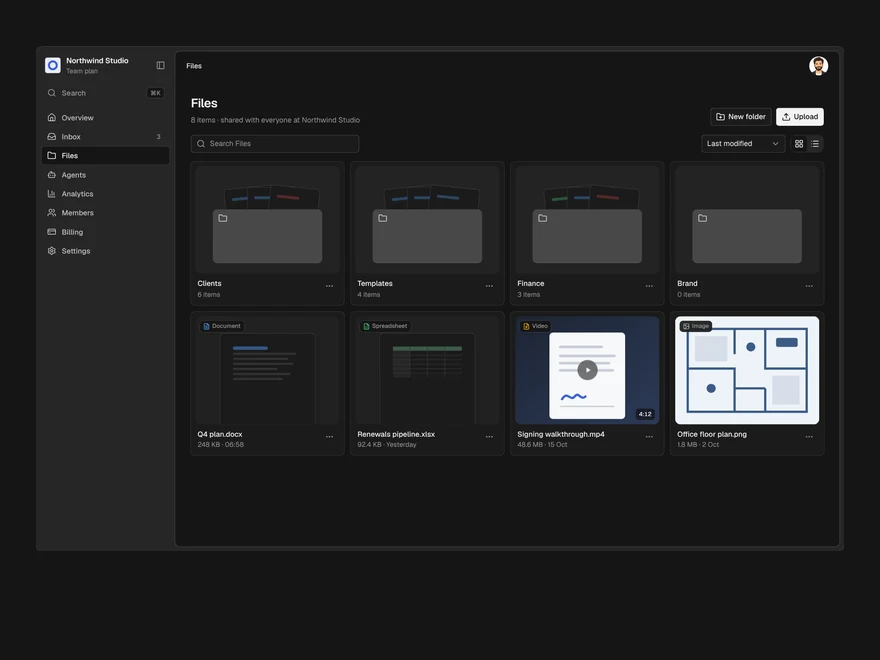
Files
A shared drive: folders and files in a grid or a list, drag to upload, rename, move and delete.
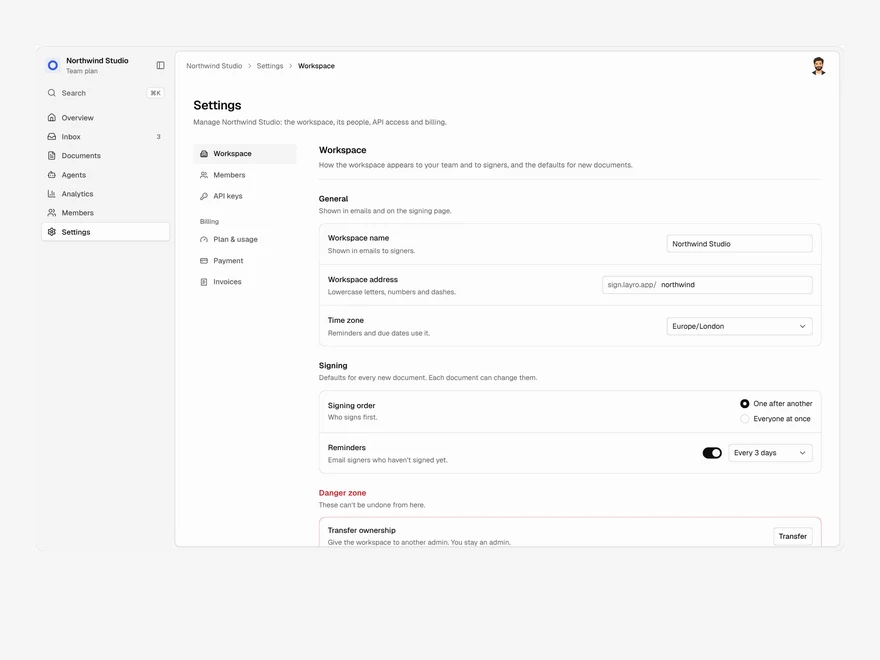
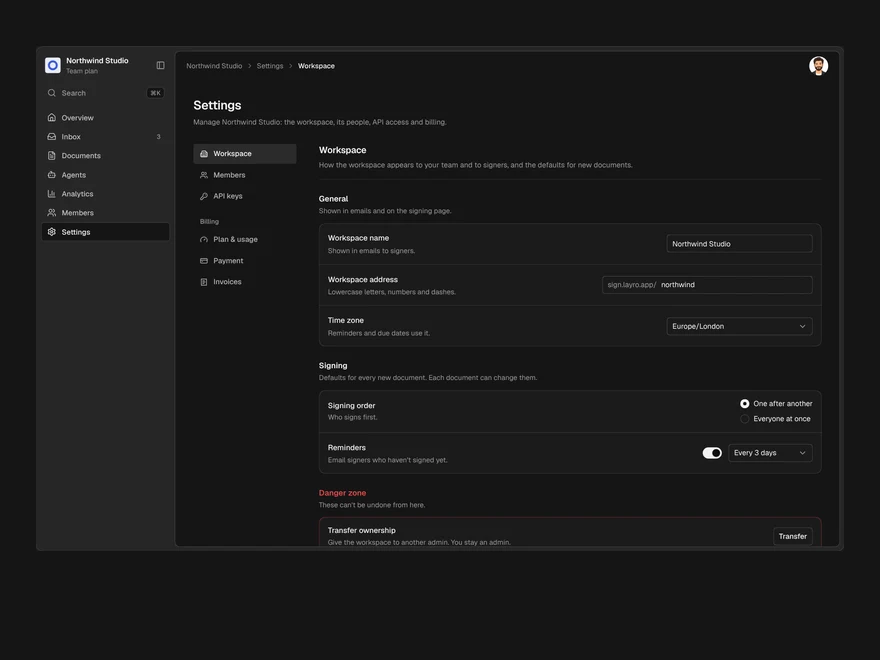
Settings & Billing
Workspace settings, members, API keys and billing in one page, with one save bar for every change.
CRM
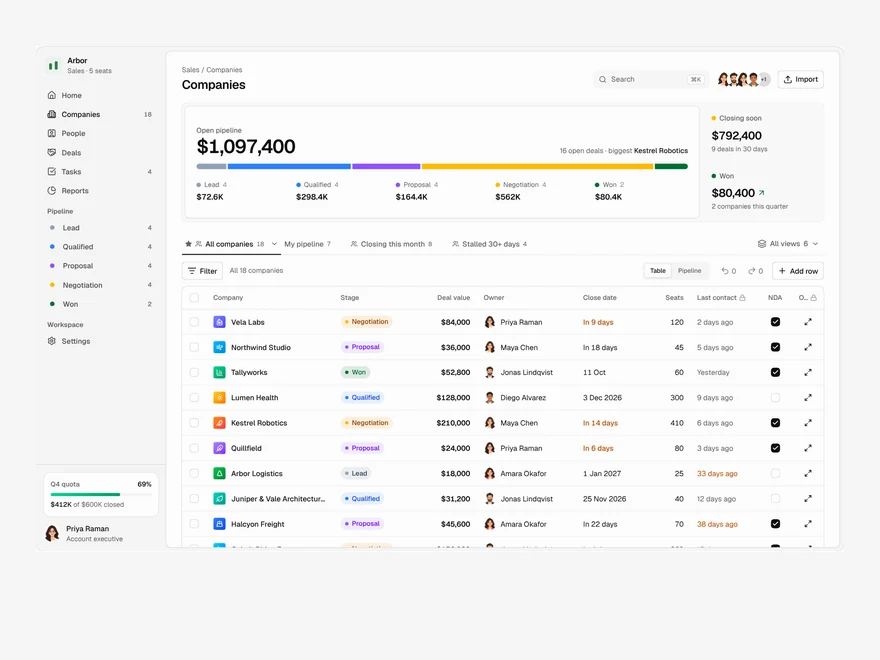
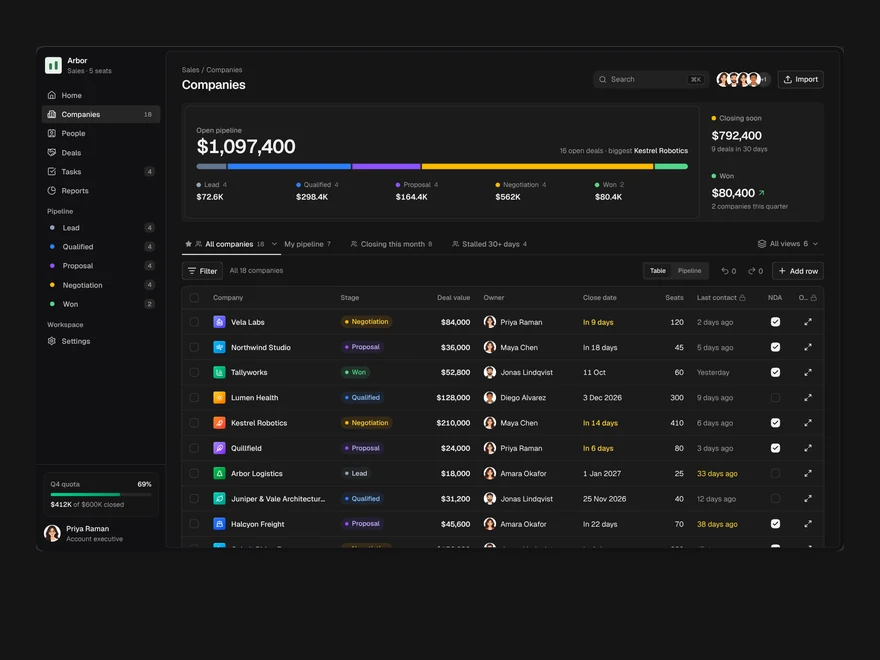
A sales pipeline: saved views as tabs, an editable company table, a board and a record drawer.
Layro · 232 components · 10 screens · 2 templates