CRM
The page a sales rep works from all day. It opens on the open pipeline split by stage, with what closes this month beside it, then saved views as tabs, a readable filter, and the companies as an editable table or a pipeline board.
When to use
- Companies, deals or partners that a team edits like a spreadsheet
- A pipeline people want to see as a table one minute and a board the next
- Internal tools where several saved views of the same list matter
When not to use
- A report nobody edits: the Analytics screen reads better
- A single list with no views or stages: an Editable Table alone is enough
The decision inside it
Each view keeps its own filters and its own unsaved edits
Narrow one view, switch to another and come back: the change is still there, marked with a dot until you save or discard it. The figures on top always answer for the view you are on, so the number in the header is the number in the table.
Installation
CRM is a Pro screen, included with lifetime access. It is two files on top of the Layro components it is made of.
- Add the components it uses:
npx shadcn@latest add @layro/editable-table @layro/saved-views @layro/filter-builder @layro/kanban-board @layro/drawer @layro/sidebar @layro/segmented-control @layro/avatar @layro/button @layro/input @layro/state @layro/workspace-mark @layro/toast - Copy
screens/crm-screen.tsxandscreens/data/crm-screen.tsfrom the Code tab above into your project, at the same paths. - It also imports
@/liband@/demos/portraits: Layro’s shared helpers and the demo’s sample images. Point them at your own.
Usage
import { CrmScreen } from "@/screens/crm-screen";

export default function Page() {
  /* A screen fills the box it is given: give it the window. */
  return (
    <main className="h-dvh">
      <CrmScreen className="h-full" />
    </main>
  );
}
Built from
Every Layro component this screen imports. Each has its own page, props and install command.
- Editable TablePro
- Saved ViewsPro
- Filter BuilderPro
- Kanban BoardPro
- DrawerFree
- SidebarPro
- segmented-control
- avatar
- ButtonFree
- InputFree
- Empty & Loading StatesFree
- workspace-mark
- ToastFree
API reference
Read from CrmScreenProps when the site is built. It also takes every attribute a div does, such as className.
CrmScreen
| Prop | Type | Notes |
|---|---|---|
companies | Company[] | — |
views | SeedView[] | — |
state | CrmState | — |
defaultViewId | string | The view to open on. Default: the default view. |
defaultWorking | Record<string, ViewState> | Unsaved view changes to start with, keyed by view id (for demos and restored drafts). |
Accessibility
- Sidebar items, view tabs and toolbar actions are real buttons with names
- Table cells are edited from the keyboard, and the record opens in a drawer that traps focus
- Loading and errors are announced to screen readers
- Movement follows the reduced-motion setting
Responsive behavior
- Fills the box it is given: mount it at the window's height
- The table scrolls sideways inside its card on narrow widths instead of squeezing columns
- Light and dark come from the Layro theme: it follows the dark class on <html>, like every component.
More screens
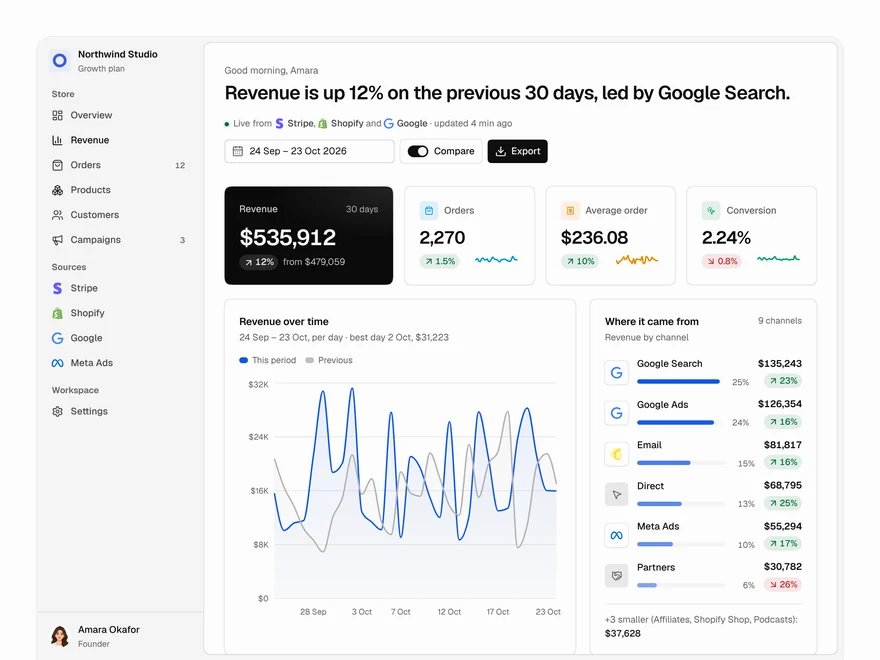
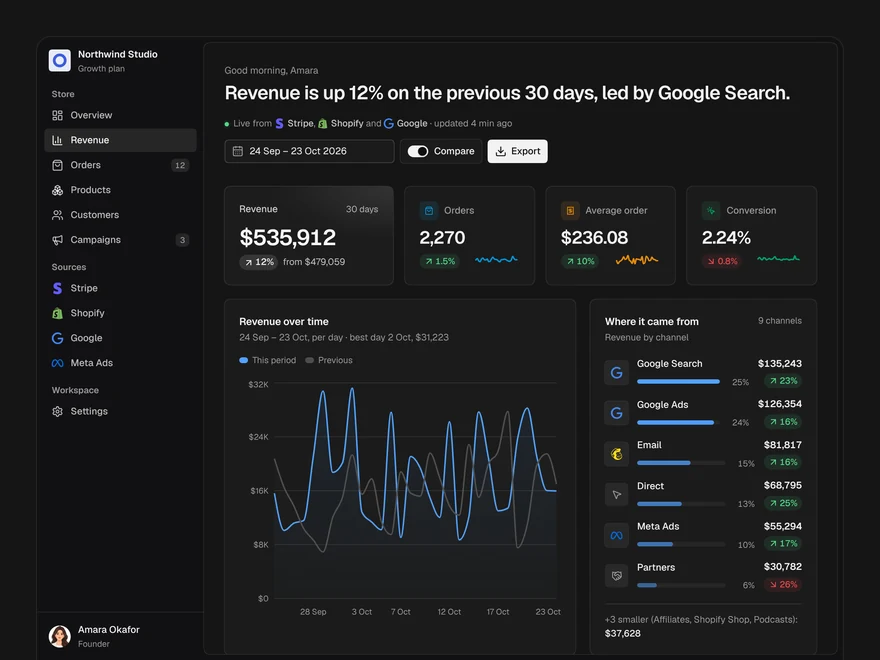
Analytics
A revenue dashboard: four key figures, revenue over time, channels, top products and what moved.
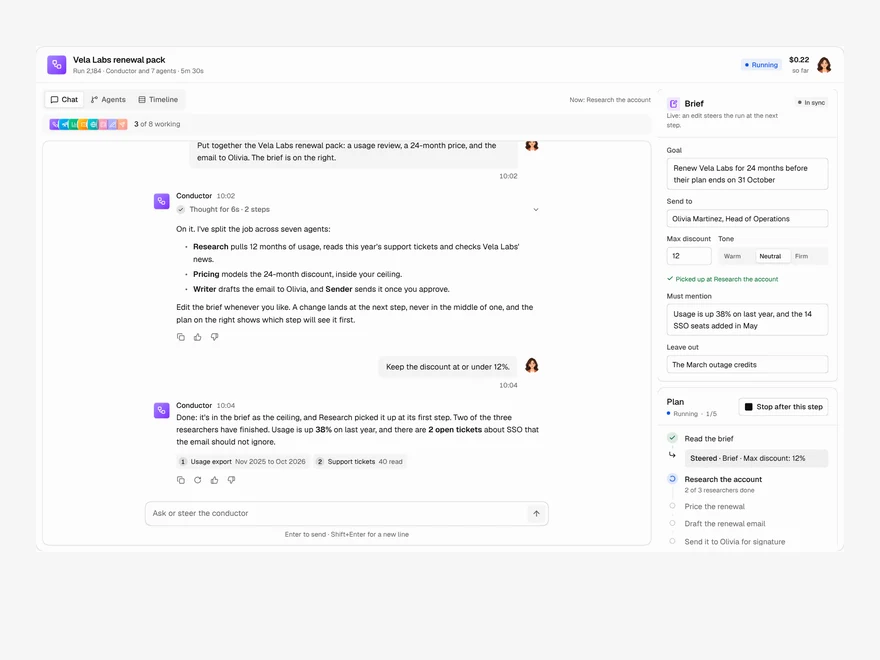
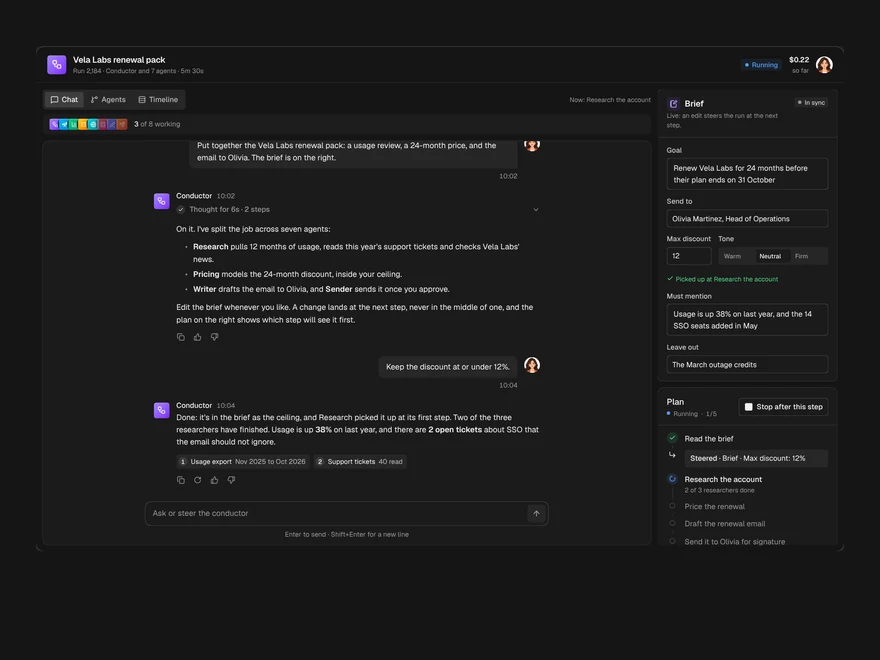
Multi-agent Chat
A chat with the agent running a job, the agents it handed work to, and the brief, side by side.
Assistant Home
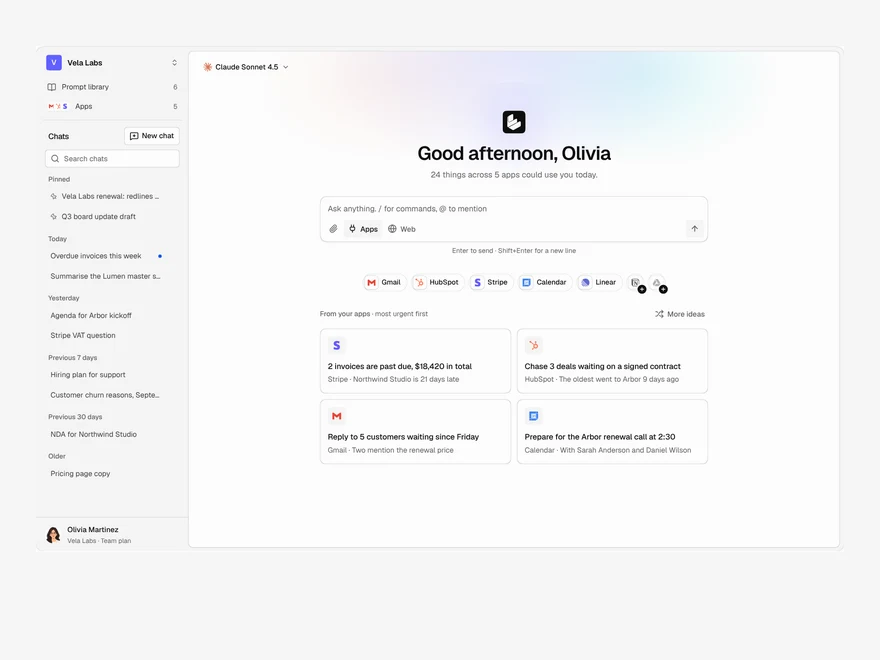
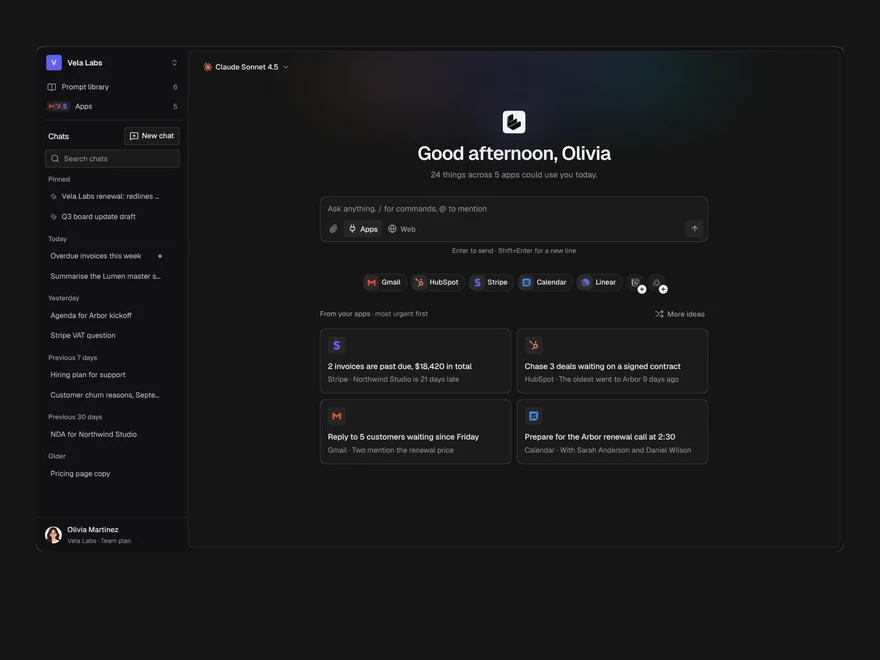
The start page of an AI assistant: a greeting, the prompt box, connected apps and suggestions from them.
Layro · 232 components · 10 screens · 2 templates