Integration Beam
Four to eight tools either side of your logo, joined by curved beams with comet pulses in each tool's colour. Point at a tool to dim the rest and trace its beam; click it to pause that beam. A caption under the hub can say what it is doing.
The decision inside it
Beams run the way the data does
Each tool says whether data comes in, goes out or both, and the light travels that way, so the picture shows which tools feed you and which you feed. Pointing at a tool spells it out too: "Layro → Layro · Payments".
When to use it
Use Integration Beam on a landing page to show your product between the tools it connects, with light flowing along each beam in the direction the data really goes (in, out or both). Four to eight tools; pass icons and colours yourself.
Installation
How you get it
Paste this into Claude Code, Cursor, Codex or any coding agent. It installs the file and uses it as it is, instead of writing a new one.
Use Layro's Integration Beam for this.
Install it: npx shadcn@latest add @layro/integration-beam
(the @layro registry is set up in components.json, with LAYRO_KEY in .env.local)
Import it from @/components/ui/integration-beam.
Do not rewrite or restyle it. Pass my data through its props
and keep its built-in states.
For the full brief with every prop and the mistakes assistants usually make, use Copy prompt above. Pro components install through the @layro registry with your CLI token: see the Namespaced tab.
Usage
import { IntegrationBeam } from "@/components/ui/integration-beam";

export function IntegrationsHero() {
  return (
    <IntegrationBeam
      centerLabel="Layro"
      caption="Syncing"
      tools={[
        { id: "crm", name: "CRM", direction: "both", label: "Contacts", color: "#f97316" },
        { id: "pay", name: "Payments", direction: "in", label: "Payments", color: "#6366f1" },
        { id: "mail", name: "Mail", direction: "out", label: "Receipts", color: "#ef4444" },
        { id: "drive", name: "Drive", direction: "out", label: "Signed PDFs", color: "#3b82f6" },
      ]}
    />
  );
}
API reference
“Copy prompt” above puts a full brief on your clipboard — install command, dependencies, props, and the mistakes an assistant usually makes with this component.
Props
Read from the component’s own TypeScript interface when the site is built, so this table cannot drift from the file you install.
| Prop | Type | Notes |
|---|---|---|
toolsrequired | BeamTool[] | 4 to 8 tools. More than 8 are not drawn. |
center | React.ReactNode | The centre node: your logo. Default: the first letter of centreLabel. |
centerLabel | string | Your product's name, used in captions and labels. Default "Your app". |
height | number | Height of the stage, in px. Default 400. |
duration | number | Seconds a pulse takes to cross its beam. Default 2.4. |
paused | string[] | Tools whose beams are paused, controlled. |
defaultPaused | string[] | Tools whose beams start paused, uncontrolled. |
onPausedChange | (ids: string[]) => void | — |
showNames | boolean | Show tool names under the tiles when there is room. Default false. |
pulseClassName | string | Colour class for pulses of tools without a `color`. Default blue. |
caption | React.ReactNode | A small status chip under the hub, e.g. "Syncing". |
grid | boolean | A faint dot grid behind the scene. Default true. |
Dependencies
npm packages
clsxlucide-reacttailwind-mergeLayro foundations, installed alongside it
layro-themeStates
All of them are drawn by the component. None is left for you to design.
- Flowing
- Tool focused
- Beam paused
- Off screen
- Reduced motion
Accessibility
- Keyboard reachable throughout, in visual order
- Focus trapped in overlays, Escape closes them
- Focus returns to whatever opened it
- Live regions announce what changed, not that something did
- Honours prefers-reduced-motion
Responsive behavior
- Sizes to its container, not the viewport
- Usable from 320px up
- Pointer-based interaction, so trackpad and touch both work
- No hover-only affordances
Lifetime access
Every component, and everything we ship next.
- All 232 components, source included
- Every template, and everything released after you buy
- shadcn CLI or download — React 18/19, Tailwind v4
- One payment. No subscription.
More in CreativeAll Creative components
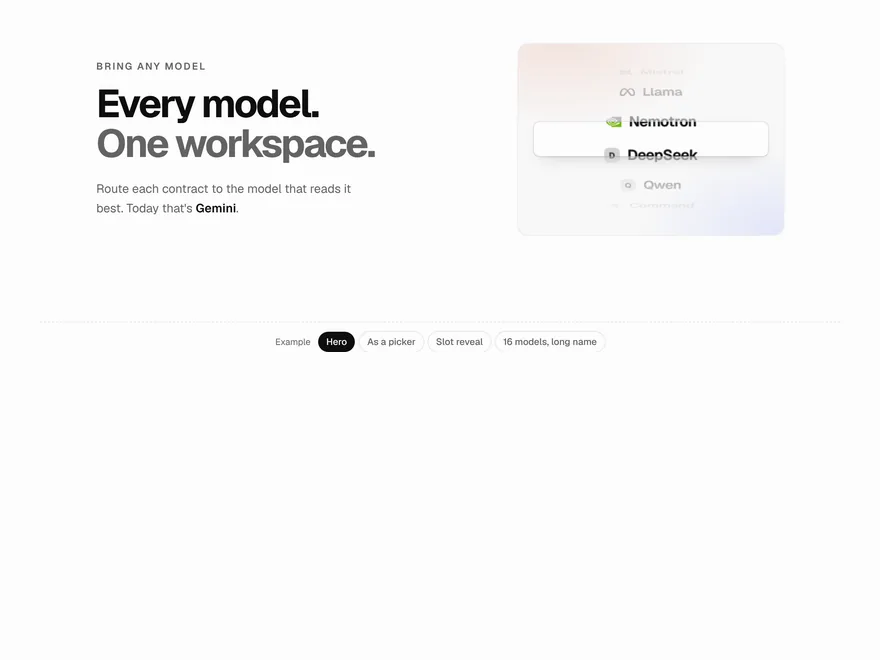
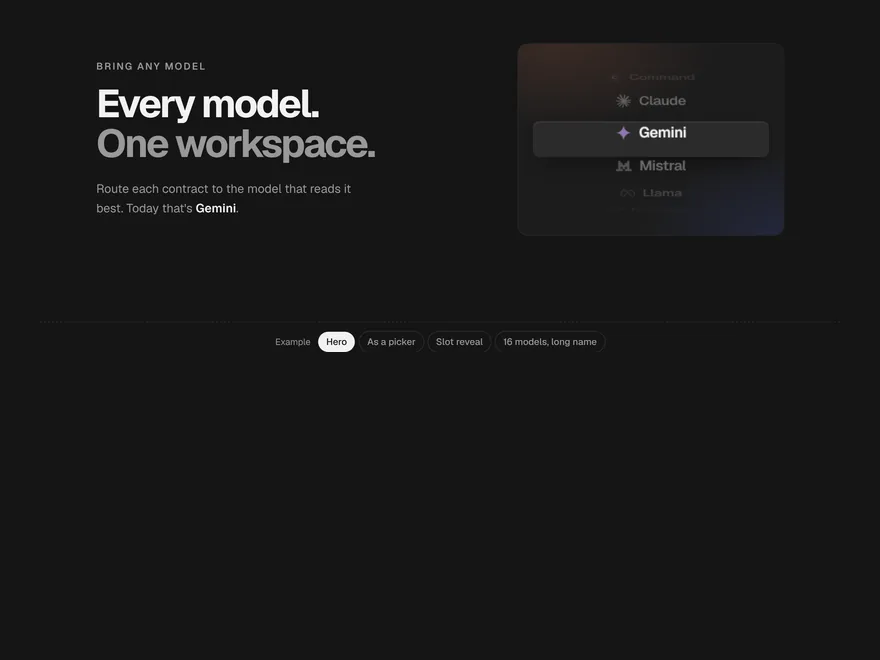
Model Wheel
Names on a turning drum that always lands exactly on a row.
Typewriter
Text that types itself out, or arrives word by word, and can cycle through several lines.
Flip Words
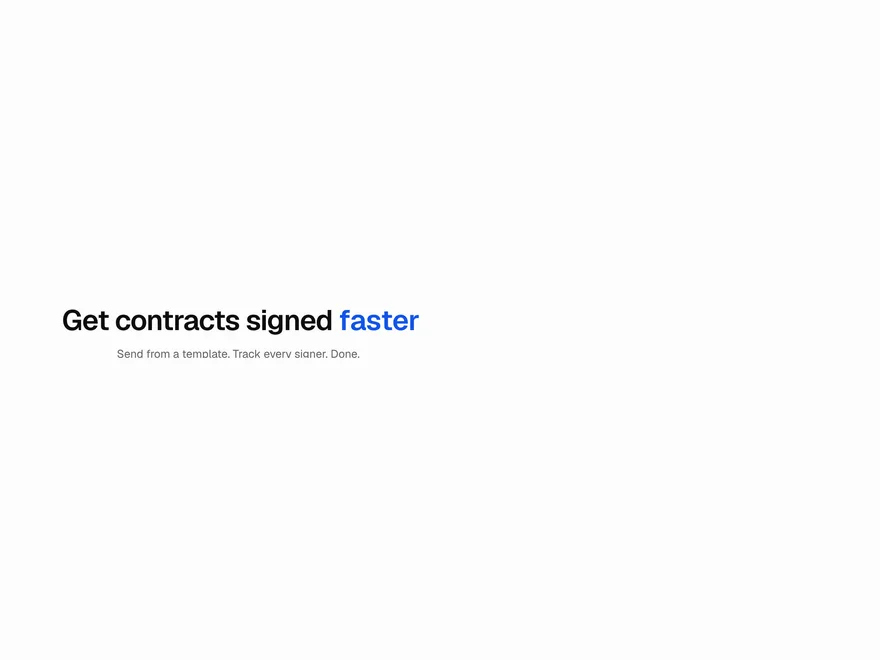
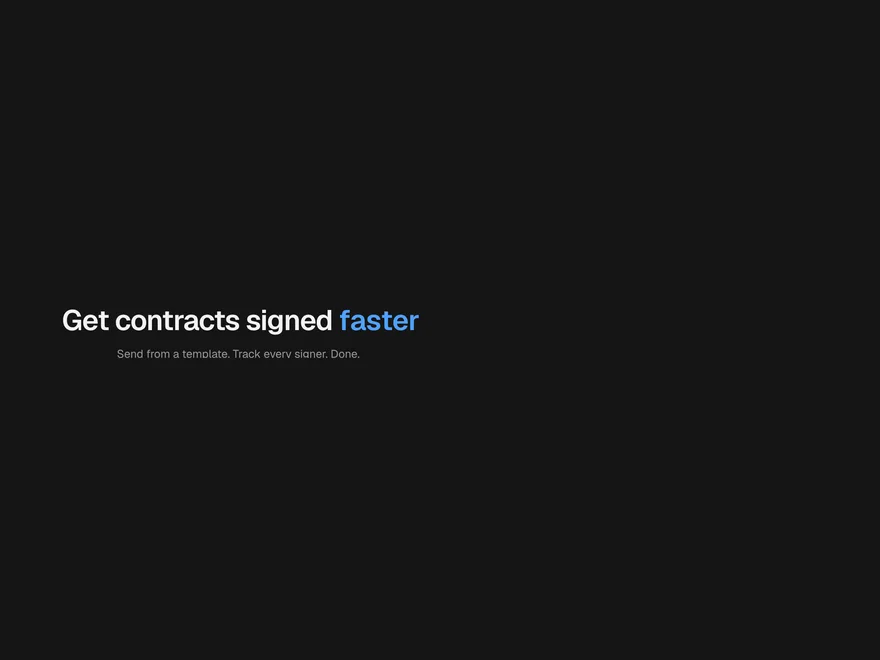
One word in a headline that rotates through a list, with the line resizing smoothly.
Gradient Text
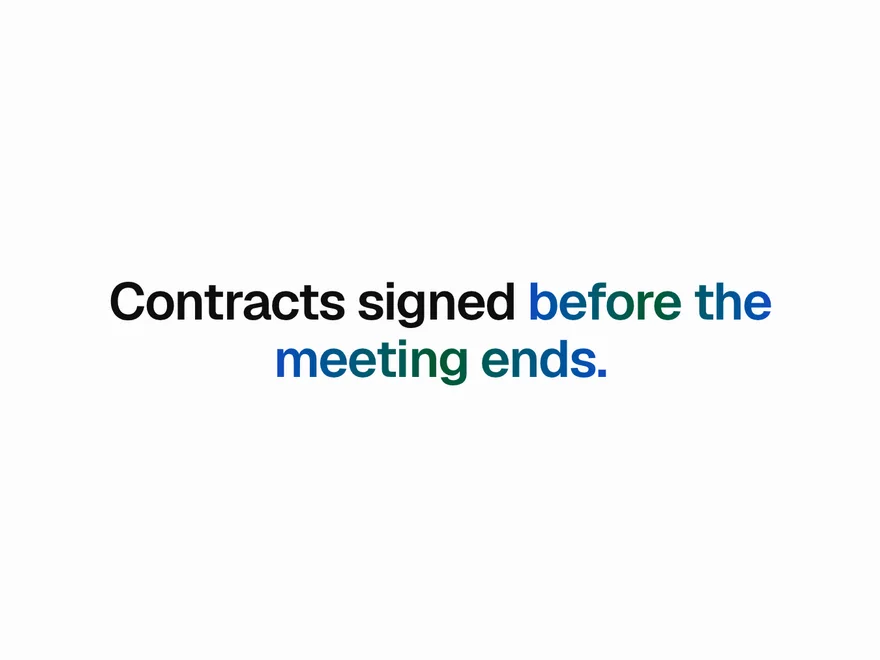
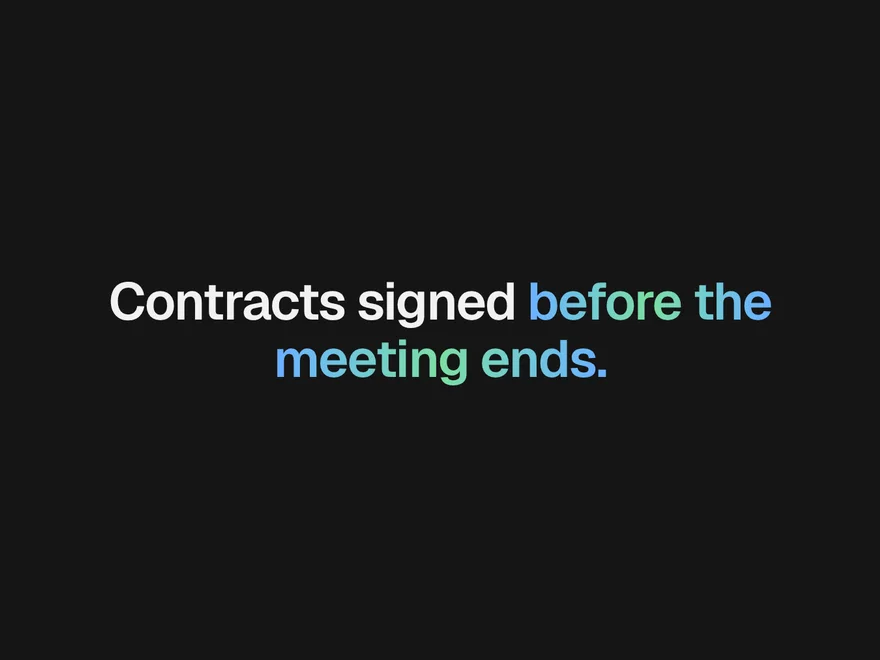
Words filled with a gradient: still, slowly flowing, or swept once when they come into view.
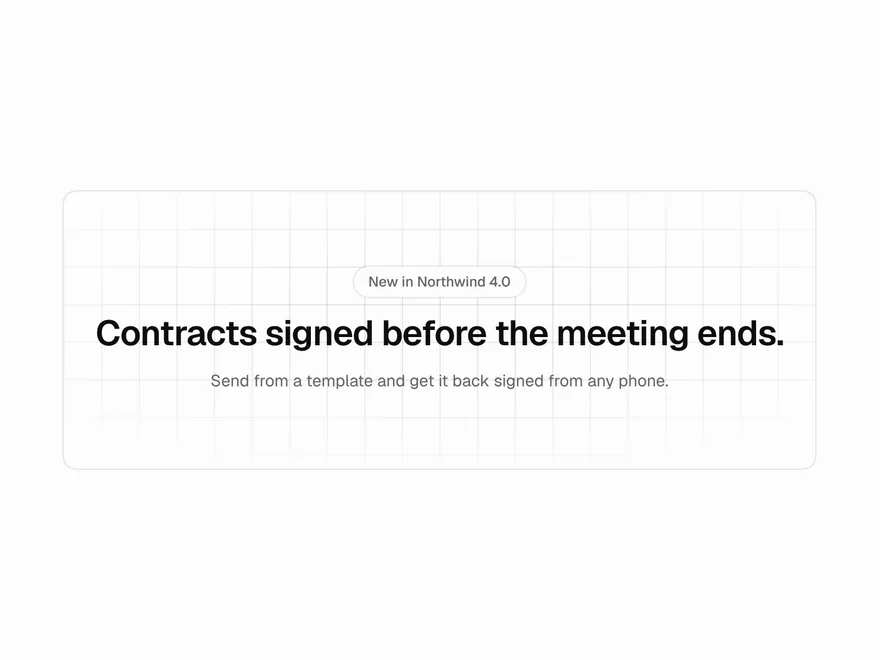
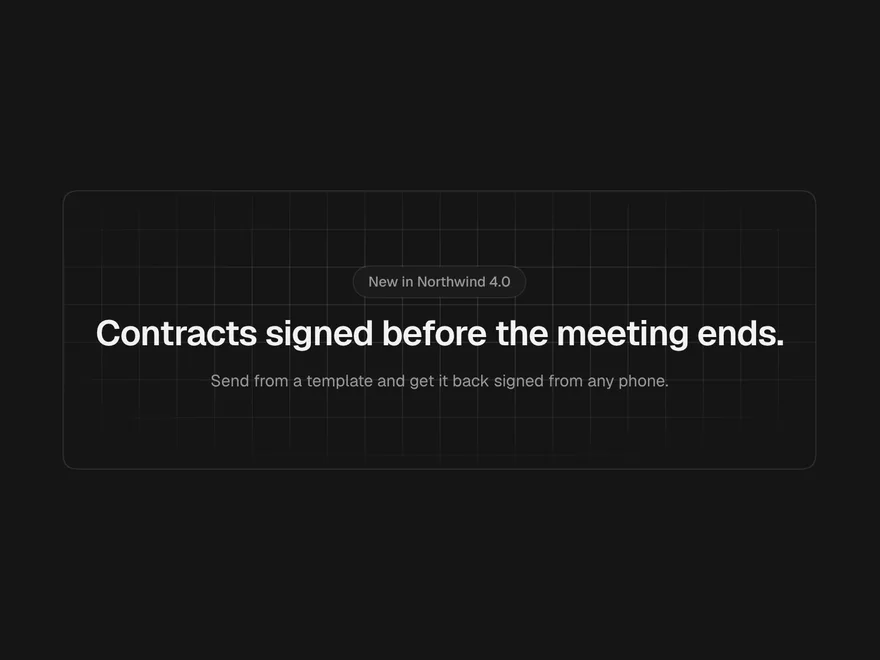
Grid & Dot Background
A quiet line, dot or cross pattern behind a section, fading out toward the edges.
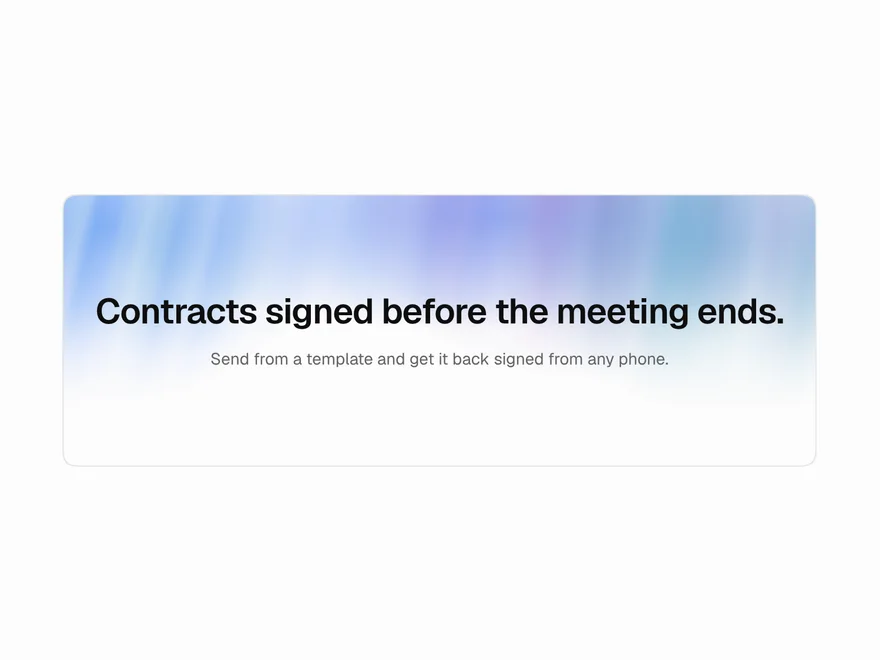
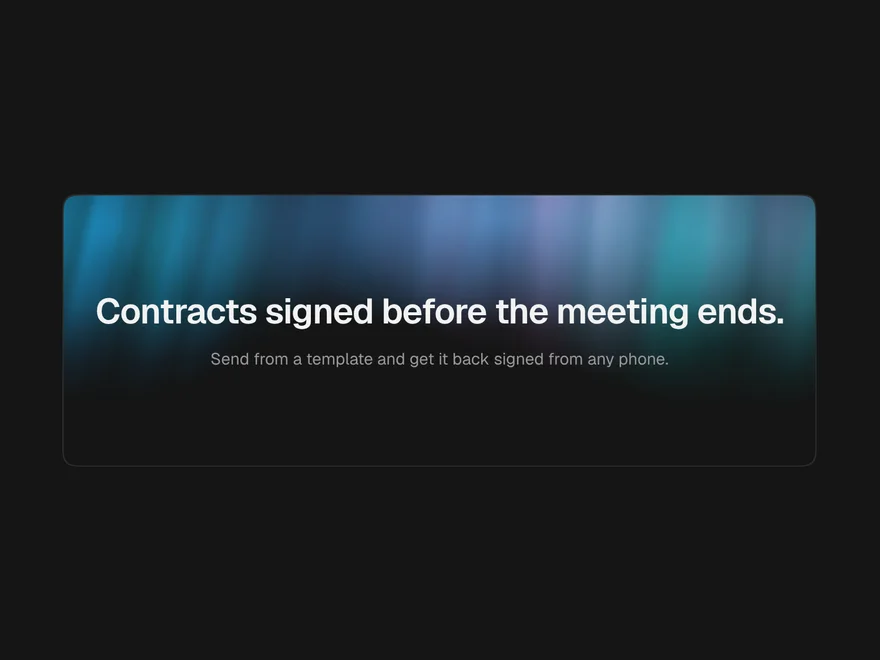
Aurora Background
Slow ribbons of soft colour behind a hero, like light moving in the sky.