Avatar Stack
UserAvatar draws a photo, or the Layro face drawn from the name (or initials, if you prefer), with an optional presence dot. AvatarStack overlaps a group, names each on hover and focus, and opens the rest from +N in a list.
The decision inside it
+N opens the list
A count you cannot expand is a dead end the moment someone asks who else. The overflow is a button that shows everyone, and a photo that fails to load falls back to the drawn face instead of a broken image.
When to use it
Use UserAvatar for one person (photo, or the Layro face drawn from the name, with presence) and AvatarStack for a group with +N that opens the full list. Pass name always: it is the alt text, the tooltip and the fallback.
Installation
How you get it
Paste this into Claude Code, Cursor, Codex or any coding agent. It installs the file and uses it as it is, instead of writing a new one.
Use Layro's Avatar Stack for this.
Install it: npx shadcn@latest add @layro/avatar-stack
(the @layro registry is set up in components.json, with LAYRO_KEY in .env.local)
Import it from @/components/ui/avatar-stack.
Do not rewrite or restyle it. Pass my data through its props
and keep its built-in states.
For the full brief with every prop and the mistakes assistants usually make, use Copy prompt above. Free components install through the @layro registry with your CLI token: see the Namespaced tab.
Usage
import { AvatarStack, UserAvatar } from "@/components/ui/avatar-stack";

export function Reviewers() {
  return (
    <div className="flex items-center gap-3">
      <UserAvatar name="Michael Carter" status="online" />
      <AvatarStack
        label="Reviewers"
        max={3}
        people={[{ name: "Priya Raman" }, { name: "Olivia Martinez" }, { name: "Daniel Okafor" }, { name: "Aiko Tanaka" }]}
      />
    </div>
  );
}
API reference
“Copy prompt” above puts a full brief on your clipboard — install command, dependencies, props, and the mistakes an assistant usually makes with this component.
Props
Read from the component’s own TypeScript interface when the site is built, so this table cannot drift from the file you install.
| Prop | Type | Notes |
|---|---|---|
namerequired | string | The person's name: the alt text, the tooltip, and the seed for the drawn face. |
src | string | A photo. Falls back to the drawn face (or initials) if it is missing or fails to load. |
fallback | "face" | "initials" | What to draw without a photo: the Layro face for the name, or initials on a tint. Default face. |
size | AvatarSize | xs 20, sm 24, md 32, lg 40, xl 56 pixels. Default md. |
shape | "circle" | "square" | People are circles; square suits a grid of tiles or a bot. Default circle. |
status | "online" | "away" | "busy" | "offline" | A presence dot in the corner, also read out with the name. |
ring | boolean | A ring in the surface colour, for avatars that overlap or sit on a photo. |
Dependencies
npm packages
@radix-ui/react-popoverclsxtailwind-mergeLayro foundations, installed alongside it
layro-themeavatartooltipStates
All of them are drawn by the component. None is left for you to design.
- Photo
- Initials
- Presence
- Stack
- Overflow list
Accessibility
- Keyboard reachable throughout, in visual order
- Focus trapped in overlays, Escape closes them
- Focus returns to whatever opened it
- Live regions announce what changed, not that something did
- Honours prefers-reduced-motion
Responsive behavior
- Sizes to its container, not the viewport
- Usable from 320px up
- Pointer-based interaction, so trackpad and touch both work
- No hover-only affordances
Used in a screenAll screens
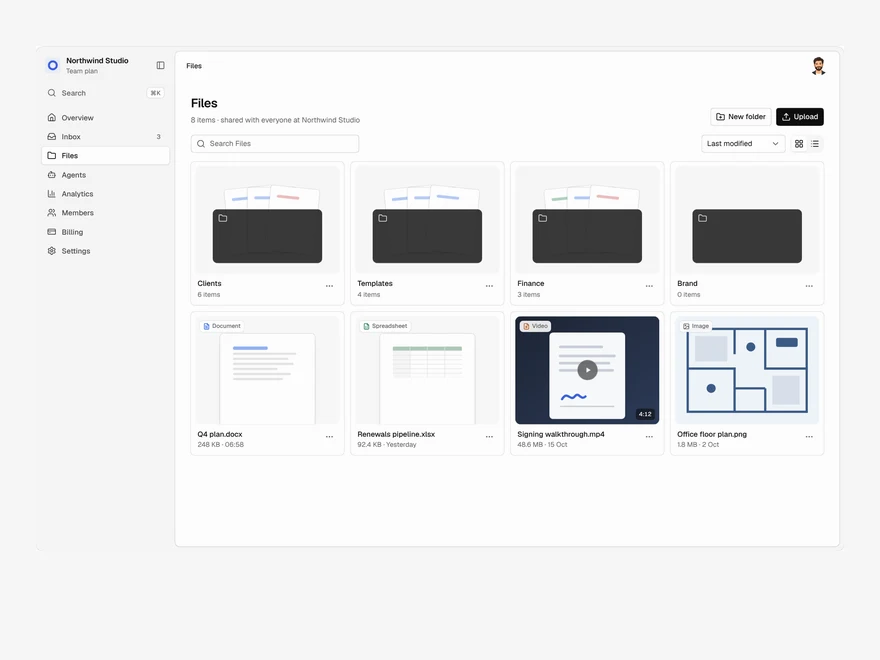
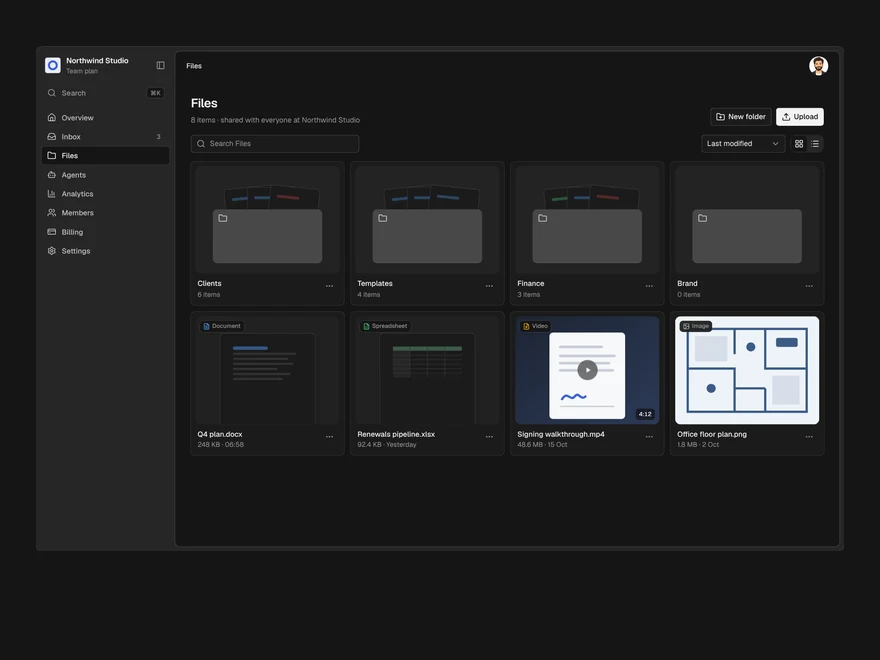
Lifetime access
Every component, and everything we ship next.
- All 232 components, source included
- Every template, and everything released after you buy
- shadcn CLI or download — React 18/19, Tailwind v4
- One payment. No subscription.
More in Data & feedbackAll Data & feedback components
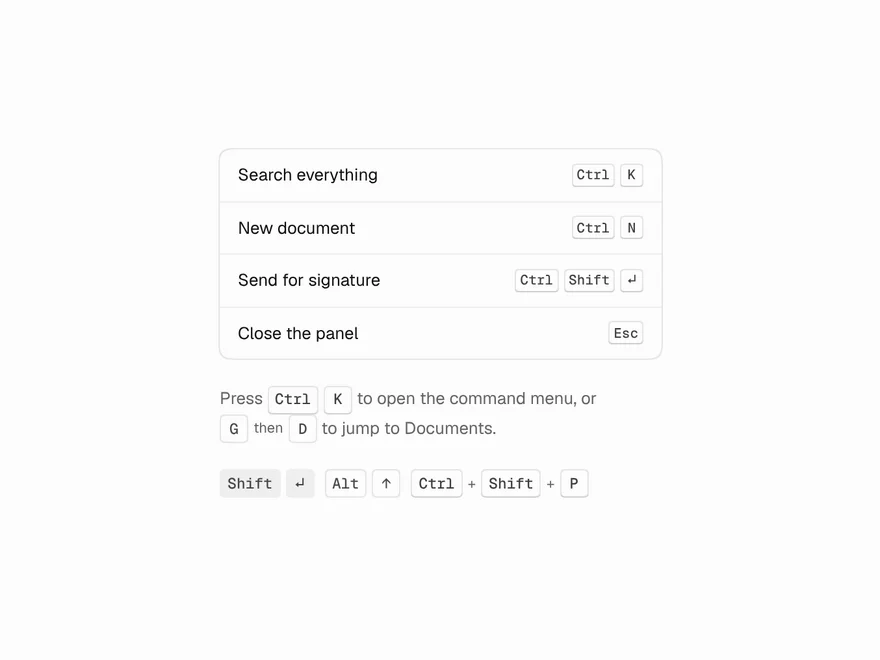
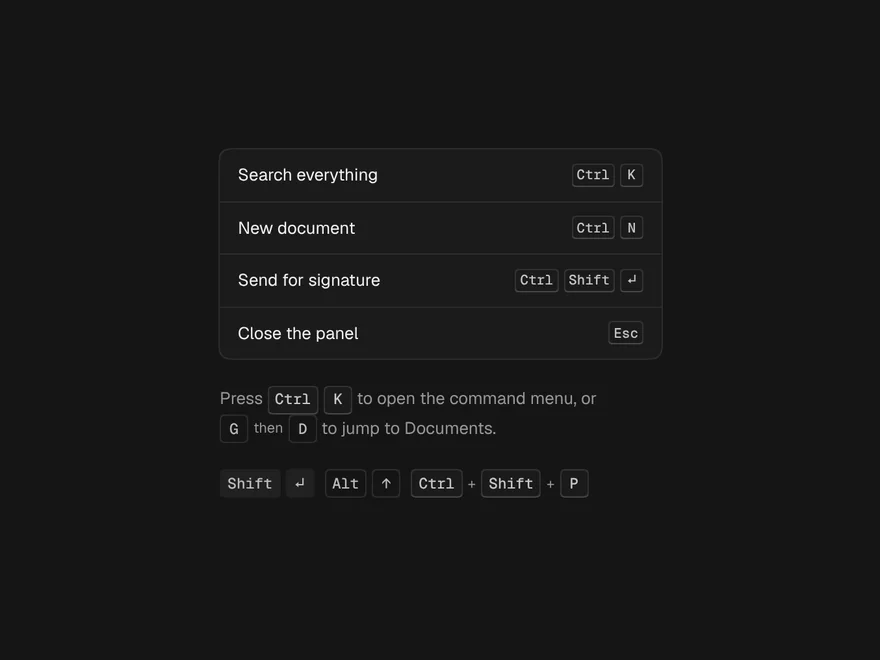
Kbd
A key or a shortcut, shown as ⌘ on a Mac and Ctrl everywhere else.
Undo Pill
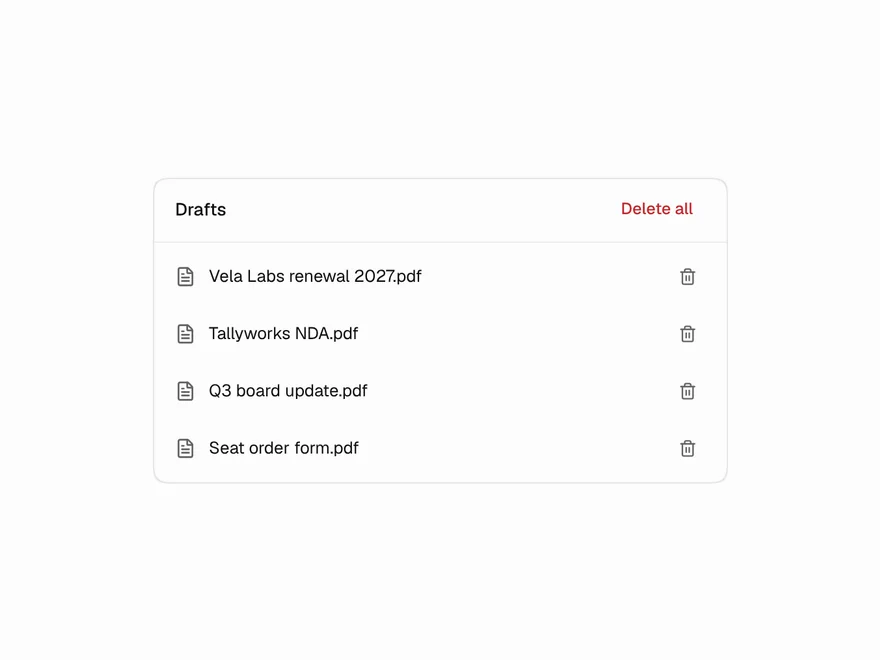
"3 files deleted · Undo" with a countdown ring that pauses while you reach for it.
Reaction Bar
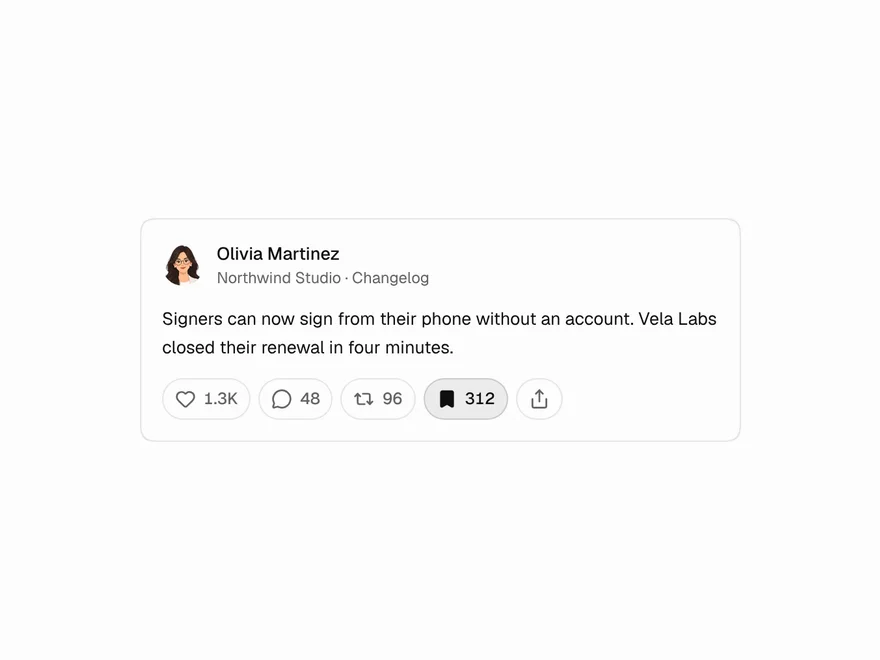
Like, comment, repost, save and share with optimistic toggles and rolling counts.
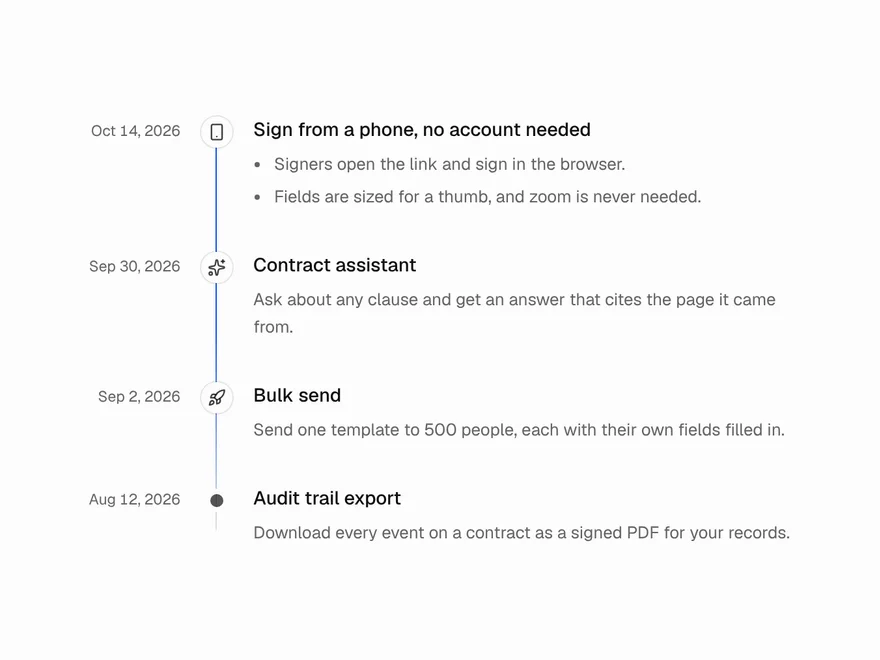
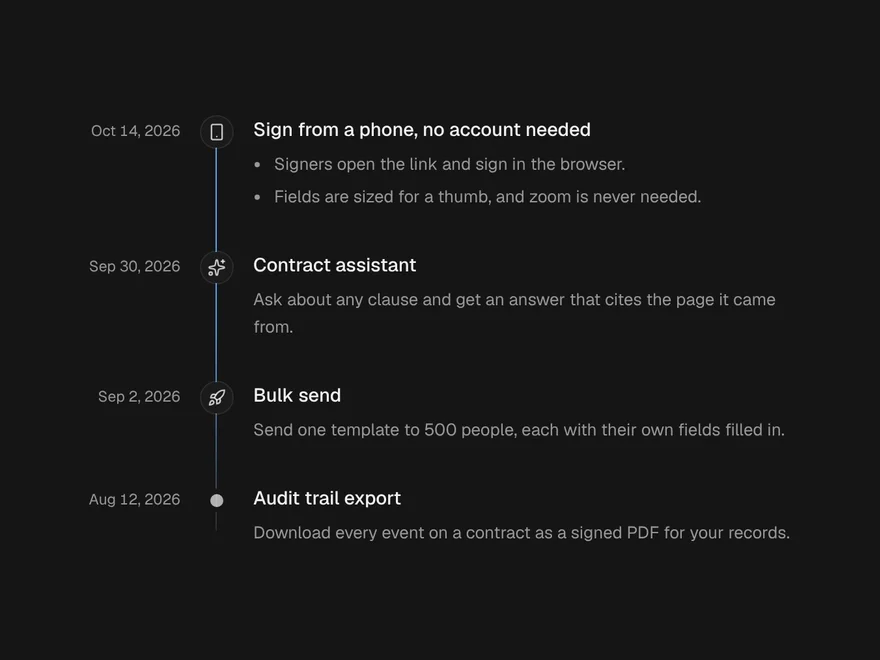
Timeline
Dated entries down a line, with a beam that fills as you scroll.
Carousel
Slides you swipe, drag, click or arrow through, one or several at a time.
Swipe to Delete
A list row that slides aside to show its actions; swipe all the way to run the main one.