Reaction Bar
Toggle buttons with counts that roll up or down when they change, compact numbers like 1.3K, and per-reaction active colours. Pill or ghost.
The decision inside it
Optimistic, with a rollback
The toggle and the count change on press. If your onToggle rejects, both roll back and the button shakes, so a failed like never silently sticks.
When to use it
Use Reaction Bar for quick, countable responses on a message, comment or post. It updates at once and rolls back if onToggle's promise rejects. For a score out of five use Star Rating.
Installation
How you get it
Paste this into Claude Code, Cursor, Codex or any coding agent. It installs the file and uses it as it is, instead of writing a new one.
Use Layro's Reaction Bar for this.
Install it: npx shadcn@latest add @layro/reaction-bar
(the @layro registry is set up in components.json, with LAYRO_KEY in .env.local)
Import it from @/components/ui/reaction-bar.
Do not rewrite or restyle it. Pass my data through its props
and keep its built-in states.
For the full brief with every prop and the mistakes assistants usually make, use Copy prompt above. Pro components install through the @layro registry with your CLI token: see the Namespaced tab.
Usage
import { Heart, ThumbsUp } from "lucide-react";
import { ReactionBar } from "@/components/ui/reaction-bar";

export function MessageReactions({ toggle }: { toggle: (id: string, on: boolean) => Promise<void> }) {
  return (
    <ReactionBar
      label="Reactions"
      reactions={[
        { id: "up", icon: <ThumbsUp />, label: "Agree", count: 4, active: true },
        { id: "love", icon: <Heart />, label: "Love", count: 2 },
      ]}
      onToggle={toggle}
    />
  );
}
API reference
“Copy prompt” above puts a full brief on your clipboard — install command, dependencies, props, and the mistakes an assistant usually makes with this component.
Props
Read from the component’s own TypeScript interface when the site is built, so this table cannot drift from the file you install.
| Prop | Type | Notes |
|---|---|---|
reactionsrequired | Reaction[] | — |
onToggle | (id: string, active: boolean) => void | Promise<unknown> | Called with the reaction and its new state. Return a promise that rejects to roll back. |
variant | "pill" | "ghost" | "pill" puts each in a soft pill; "ghost" is bare icons and counts. Default pill. |
compactNumbers | boolean | 1.3K instead of 1,284. Default true. |
size | "sm" | "md" | sm 28px or md 32px buttons. Default md. |
label | string | The group's name for screen readers. Default "Reactions". |
Dependencies
npm packages
clsxframer-motiontailwind-mergeLayro foundations, installed alongside it
layro-themeStates
All of them are drawn by the component. None is left for you to design.
- Default
- Active
- Rolling count
- Rolled back
- Ghost
Accessibility
- Keyboard reachable throughout, in visual order
- Focus trapped in overlays, Escape closes them
- Focus returns to whatever opened it
- Live regions announce what changed, not that something did
- Honours prefers-reduced-motion
Responsive behavior
- Sizes to its container, not the viewport
- Usable from 320px up
- Pointer-based interaction, so trackpad and touch both work
- No hover-only affordances
Lifetime access
Every component, and everything we ship next.
- All 232 components, source included
- Every template, and everything released after you buy
- shadcn CLI or download — React 18/19, Tailwind v4
- One payment. No subscription.
More in Data & feedbackAll Data & feedback components
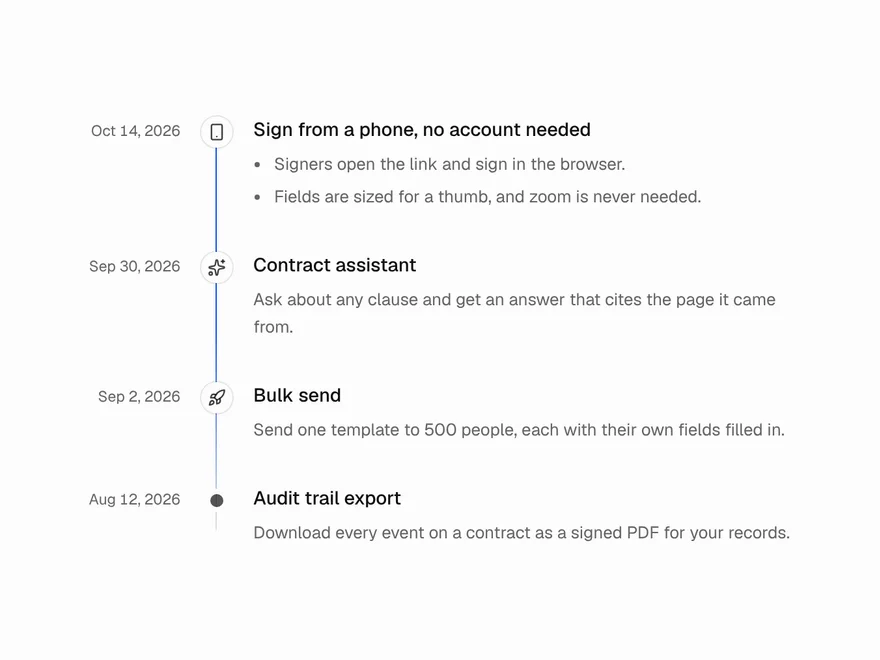
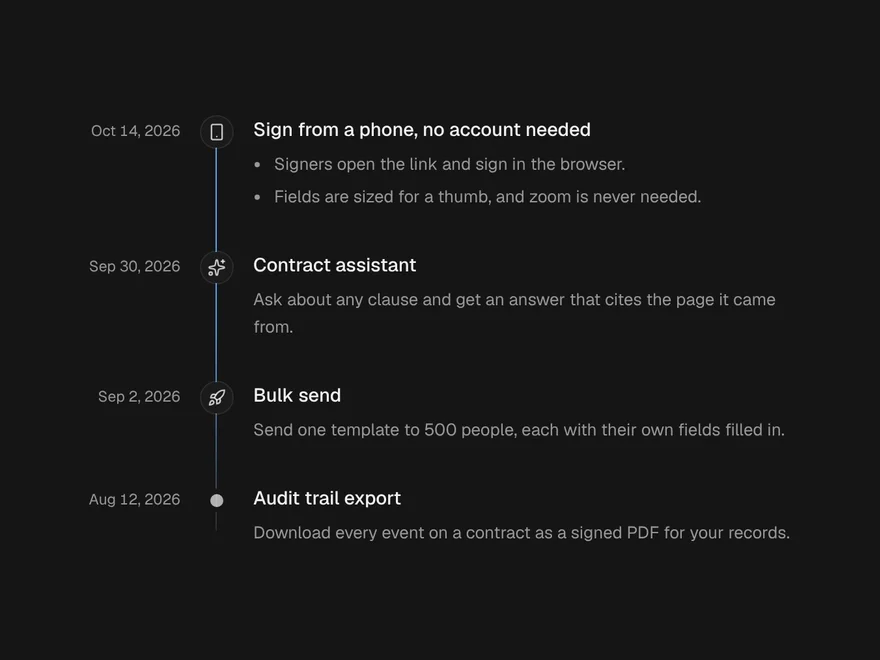
Timeline
Dated entries down a line, with a beam that fills as you scroll.
Carousel
Slides you swipe, drag, click or arrow through, one or several at a time.
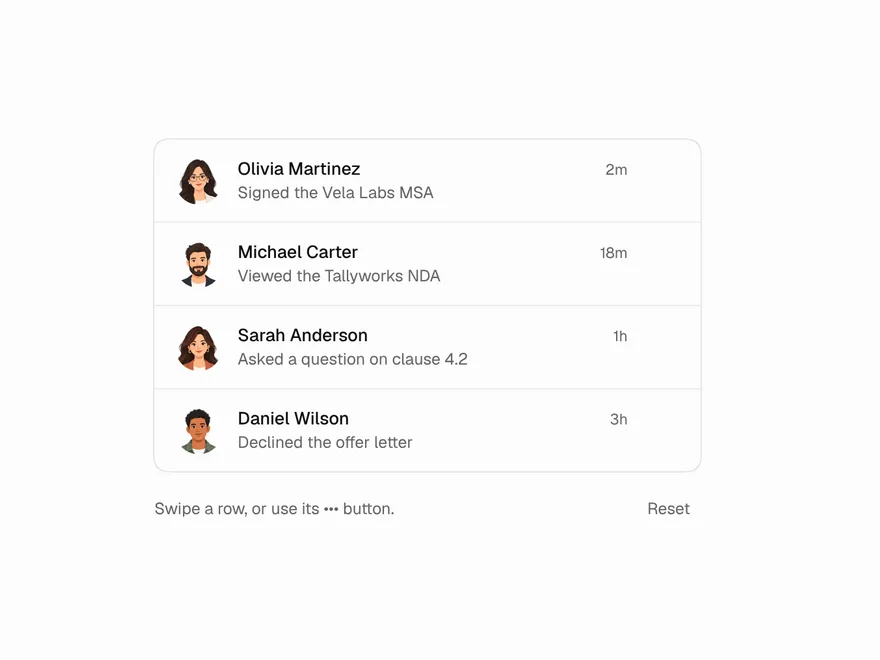

Swipe to Delete
A list row that slides aside to show its actions; swipe all the way to run the main one.
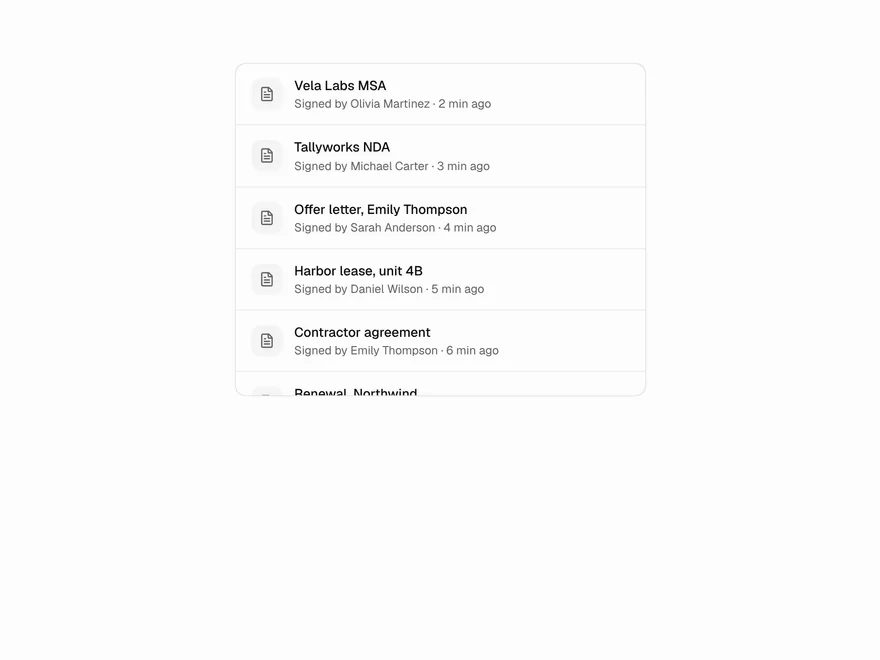
Infinite Scroll
A list that loads the next page as the reader nears its end, with loading, end and error states.
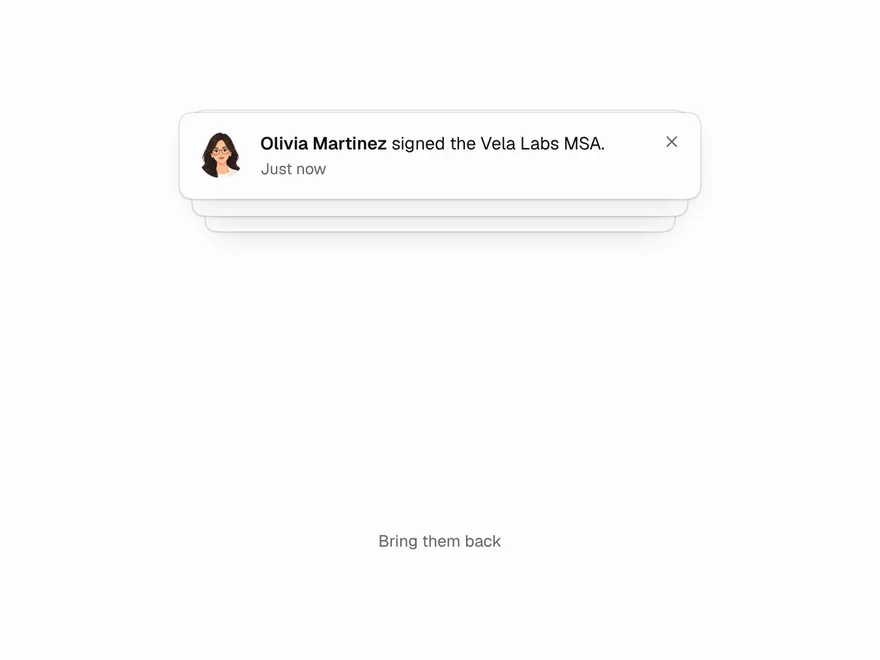
Stacked Cards
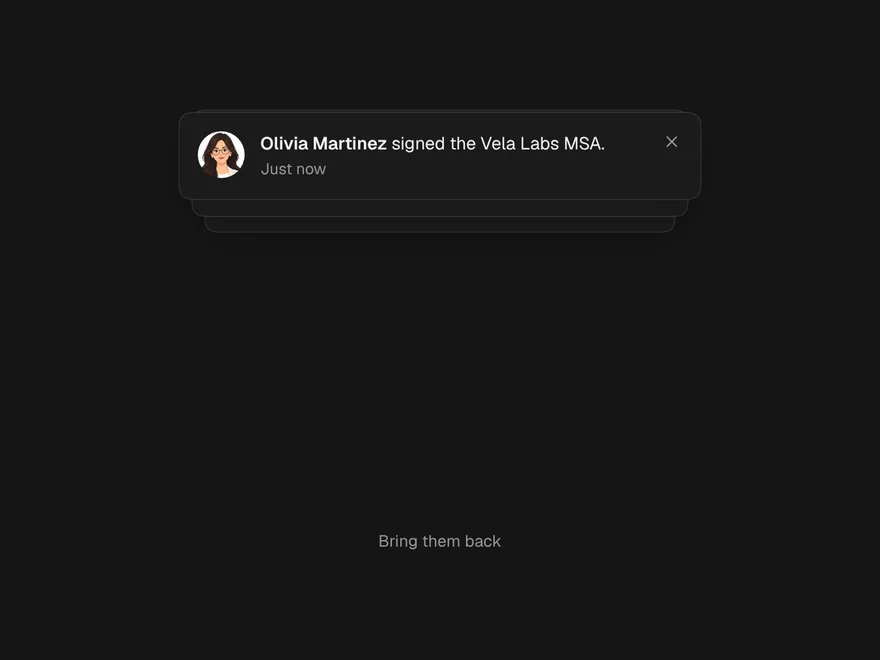
Notifications or tips piled one behind another that fan out into a list on hover or focus.
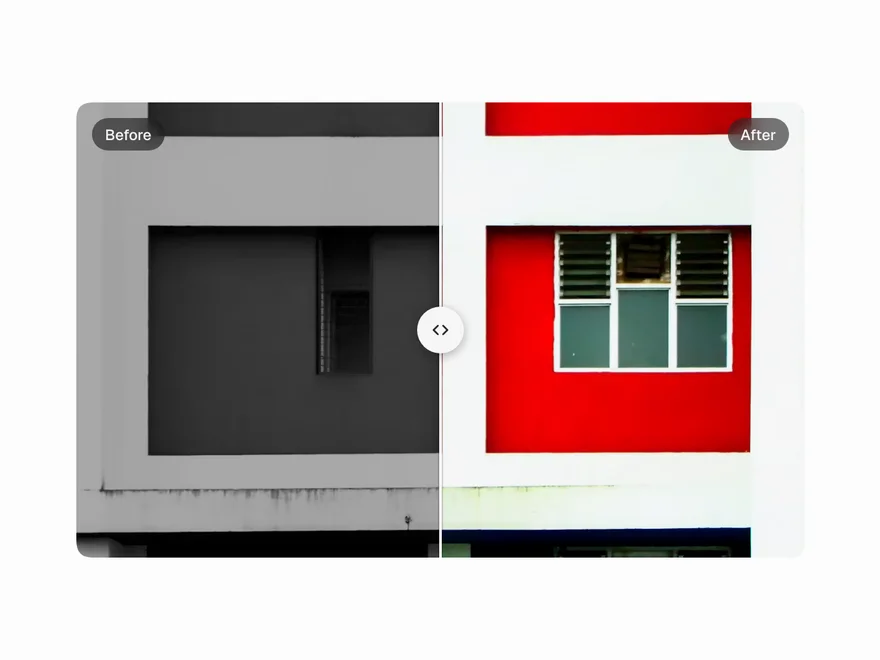
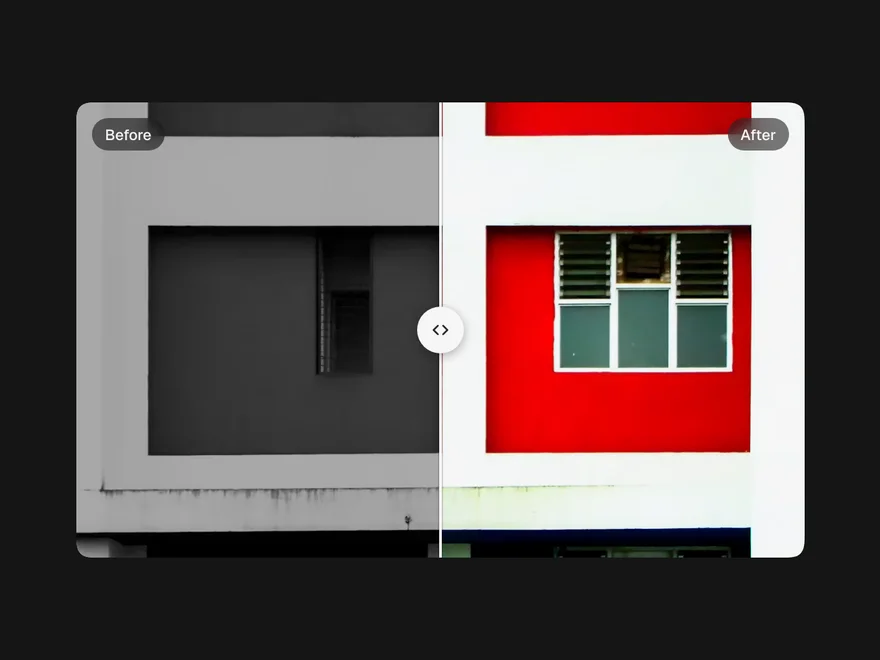
Image Compare
Two pictures one over the other with a handle to wipe between them: before and after.