Pricing Plans
Two to four plans on one tray, with the plan you want picked raised as a white card. Monthly or annual switch, a short feature list with more behind a link, an enterprise Contact us plan, an optional comparison table with a sticky header, and a currency switch when you pass prices per currency. For switching plans inside the product, use Plan Picker.
The decision inside it
The saving is money, not a percentage
On the annual view a plan reads "$24.00 /month" over "billed $288 yearly · save $60", worked out from the two prices you pass, so the claim is always arithmetic. The price rolls when you switch and the plans never change height.
When to use it
Use Pricing Plans for the pricing section of a marketing page: monthly and annual prices with the real saving in money, a raised popular plan, an enterprise Contact us plan and an optional comparison table. Amounts are integer cents. For changing plans inside the product use Plan Picker.
Installation
How you get it
Paste this into Claude Code, Cursor, Codex or any coding agent. It installs the file and uses it as it is, instead of writing a new one.
Use Layro's Pricing Plans for this.
Install it: npx shadcn@latest add @layro/pricing-plans
(the @layro registry is set up in components.json, with LAYRO_KEY in .env.local)
Import it from @/components/ui/pricing-plans.
Do not rewrite or restyle it. Pass my data through its props
and keep its built-in states.
For the full brief with every prop and the mistakes assistants usually make, use Copy prompt above. Pro components install through the @layro registry with your CLI token: see the Namespaced tab.
Usage
import { PricingPlans, type PricingPlan } from "@/components/ui/pricing-plans";

const plans: PricingPlan[] = [
  { id: "starter", name: "Starter", blurb: "For one person", monthly: 0, features: ["3 documents a month", "Email support"] },
  { id: "team", name: "Team", blurb: "For growing teams", monthly: 2900, yearly: 28800, unit: "per seat", features: ["Unlimited documents", "Templates"] },
  { id: "enterprise", name: "Enterprise", contact: true, href: "/contact", features: ["SSO", "Audit log"] },
];

export function Pricing() {
  return (
    <PricingPlans
      heading="Simple pricing for every team"
      plans={plans}
      popular="team"
      onSelect={(id, { interval }) => window.location.assign(`/signup?plan=${id}&interval=${interval}`)}
    />
  );
}
API reference
“Copy prompt” above puts a full brief on your clipboard — install command, dependencies, props, and the mistakes an assistant usually makes with this component.
Props
Read from the component’s own TypeScript interface when the site is built, so this table cannot drift from the file you install.
| Prop | Type | Notes |
|---|---|---|
plansrequired | PricingPlan[] | — |
heading | React.ReactNode | — |
subheading | React.ReactNode | — |
popular | string | The plan to raise as the white card. |
popularLabel | string | Default "Most popular". |
interval | PricingInterval | — |
defaultInterval | PricingInterval | — |
onIntervalChange | (interval: PricingInterval) => void | — |
currencies | string[] | ISO codes. The first is the one `monthly` / `yearly` are in. Two or more show a switch. |
currency | string | — |
defaultCurrency | string | — |
onCurrencyChange | (currency: string) => void | — |
locale | string | BCP 47, for separators. Default `en-US`. |
comparison | ComparisonGroup[] | — |
comparisonOpen | boolean | — |
defaultComparisonOpen | boolean | — |
onComparisonOpenChange | (open: boolean) => void | — |
onSelect | (planId: string, choice: { interval: PricingInterval; currency: string }) => void | Promise<void> | May return a promise. |
footnote | React.ReactNode | Small print under the tray. |
Dependencies
npm packages
clsxframer-motionlucide-reacttailwind-mergeLayro foundations, installed alongside it
layro-themeStates
All of them are drawn by the component. None is left for you to design.
- Monthly
- Annually
- Four plans
- Contact plan
- Comparison open
- Currency switched
- Selecting
Accessibility
- Keyboard reachable throughout, in visual order
- Focus trapped in overlays, Escape closes them
- Focus returns to whatever opened it
- Live regions announce what changed, not that something did
- Honours prefers-reduced-motion
Responsive behavior
- Sizes to its container, not the viewport
- Usable from 320px up
- Pointer-based interaction, so trackpad and touch both work
- No hover-only affordances
Lifetime access
Every component, and everything we ship next.
- All 232 components, source included
- Every template, and everything released after you buy
- shadcn CLI or download — React 18/19, Tailwind v4
- One payment. No subscription.
More in MarketingAll Marketing components

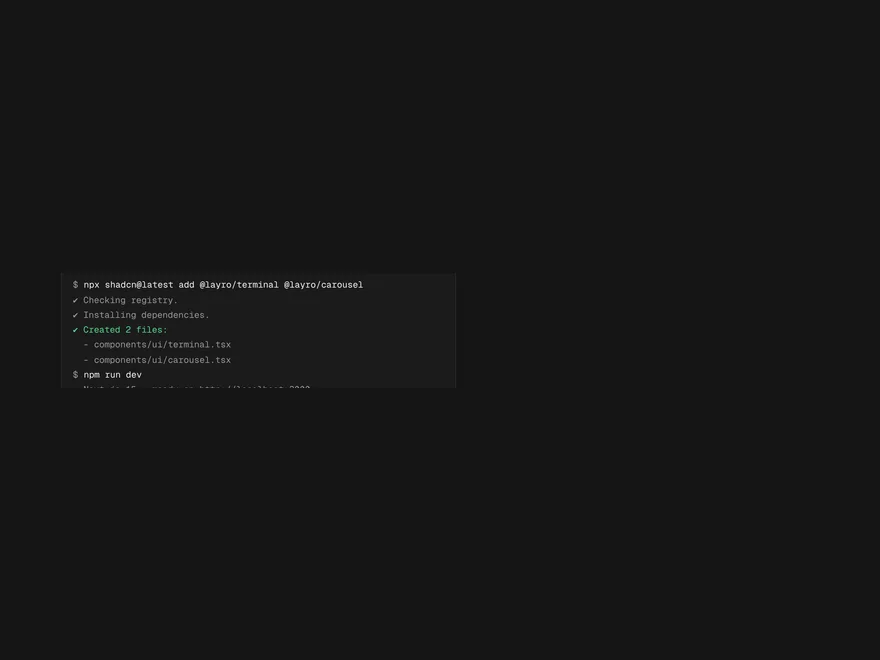
Terminal
A terminal window that types commands and prints their output, for docs and landing pages.
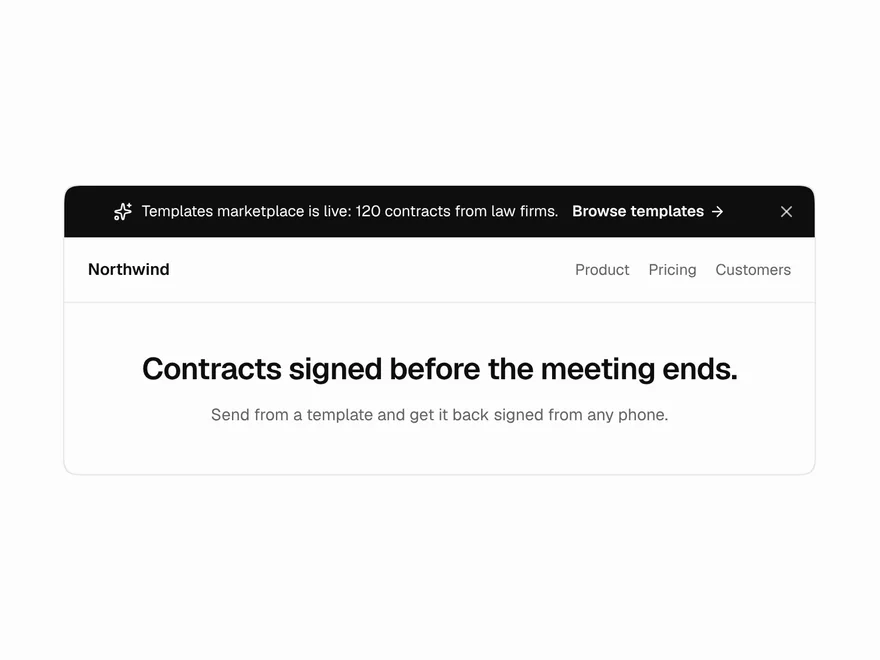
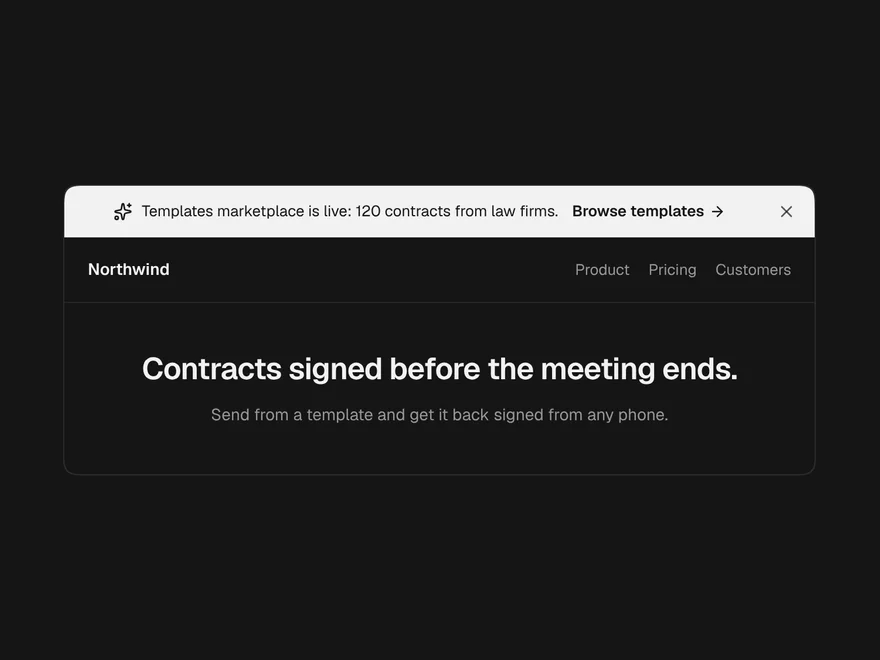
Announcement Banner
A one-line strip across the top of a site for a launch, a notice or maintenance.
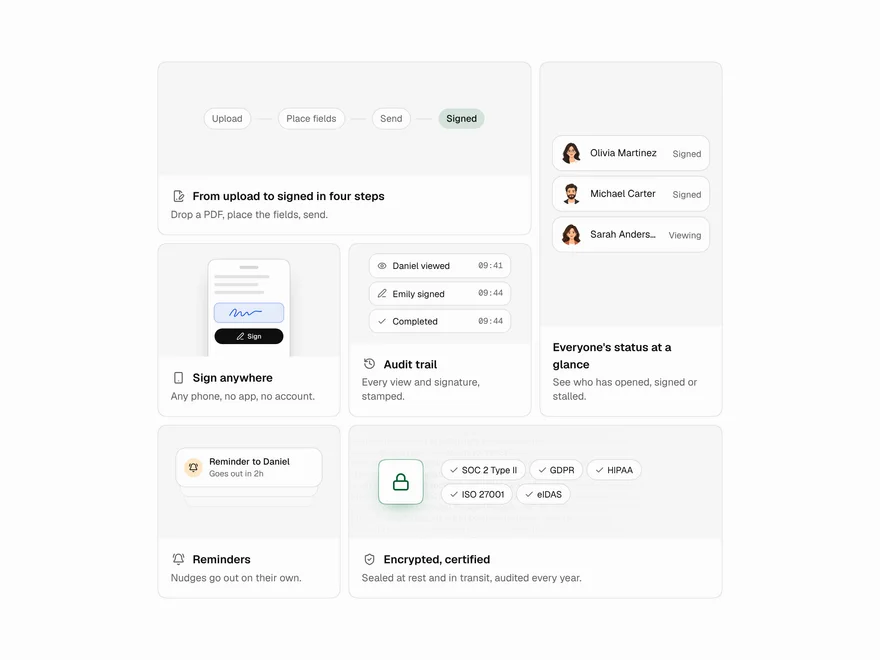
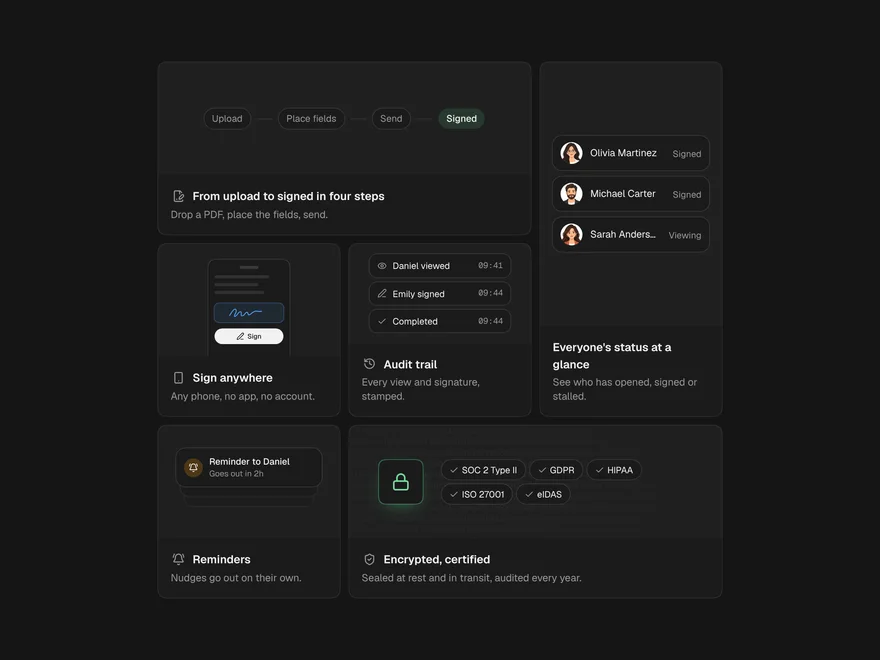
Bento Grid
A feature section of tiles in different sizes, each with a picture or small demo on top.
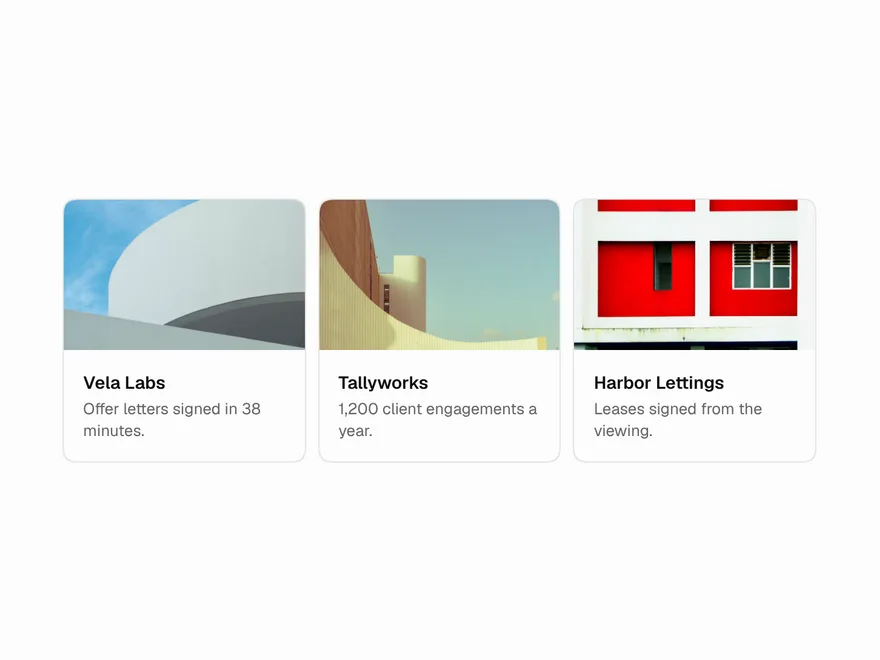
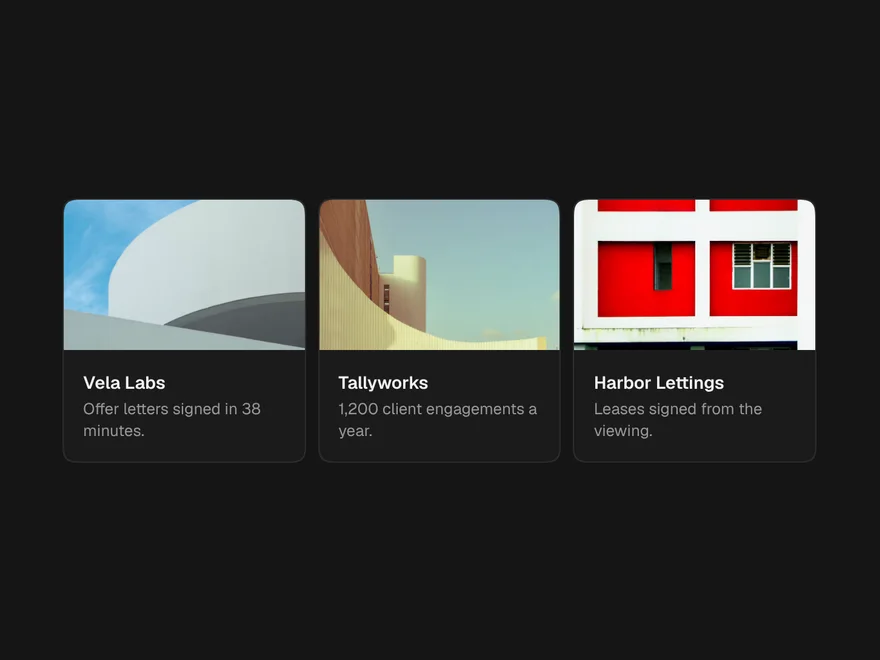
Expandable Card
A list or grid of cards that open into the full story, over the page or in place.


Globe / World Map
The world in dots, as a turning globe or a flat map, with places marked and arcs between them.
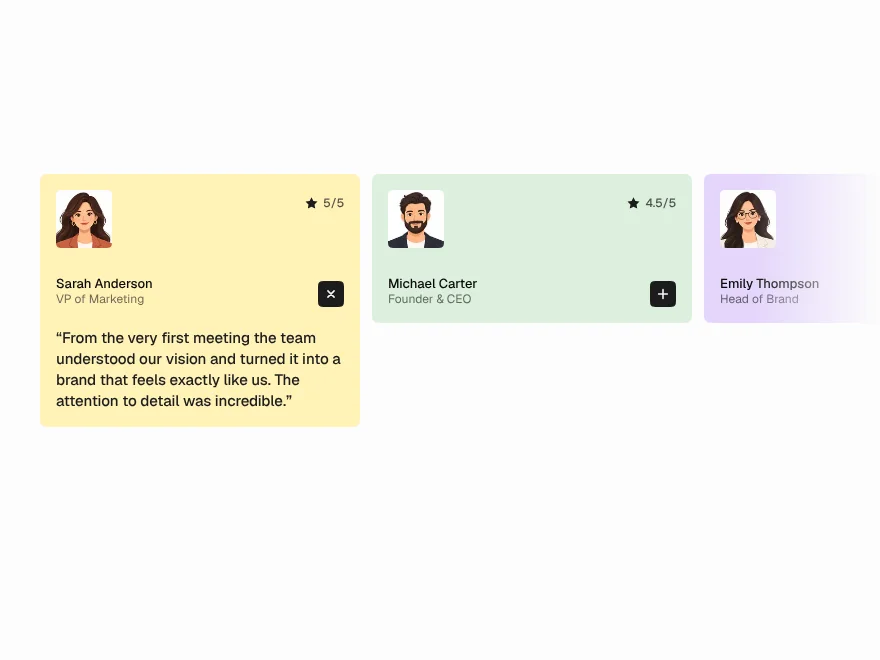
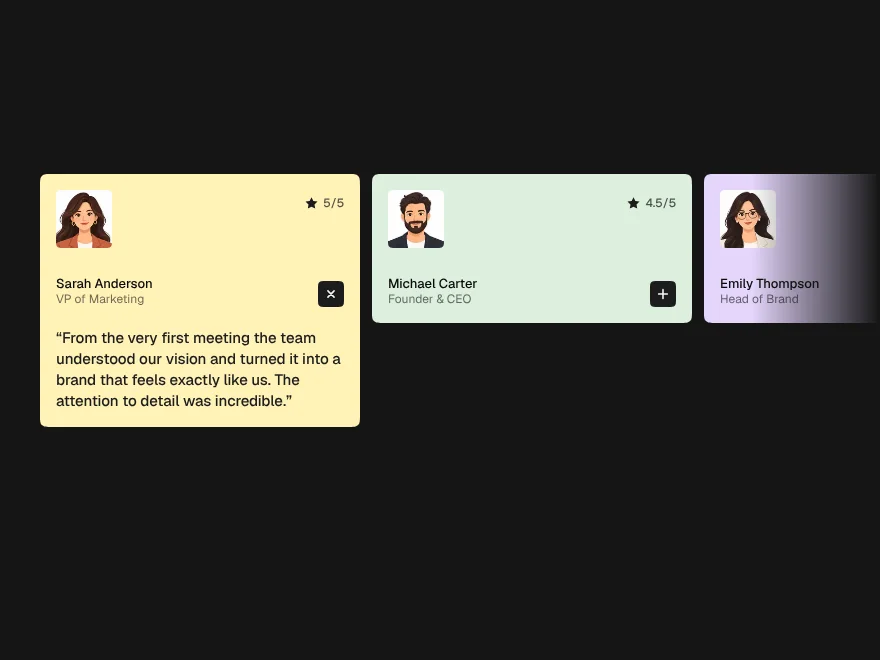
Testimonial Section
An accordion of quotes where one is always open.