Kbd
Keycaps for a shortcut in a menu, a tooltip or a sentence. Write mod+k and a Mac reader sees ⌘ K while everyone else sees Ctrl K, and a screen reader hears the key names.
The decision inside it
mod means this machine's command key
Hard-coding ⌘ tells every Windows reader the wrong key. The platform is read after the first render, so the server and the client agree and nothing logs a hydration warning.
When to use it
Use Kbd to show a key or a shortcut in a menu, tooltip or sentence. Write mod for the command key: it shows ⌘ on a Mac and Ctrl elsewhere.
Installation
How you get it
Paste this into Claude Code, Cursor, Codex or any coding agent. It installs the file and uses it as it is, instead of writing a new one.
Use Layro's Kbd for this.
Install it: npx shadcn@latest add @layro/kbd
(the @layro registry is set up in components.json, with LAYRO_KEY in .env.local)
Import it from @/components/ui/kbd.
Do not rewrite or restyle it. Pass my data through its props
and keep its built-in states.
For the full brief with every prop and the mistakes assistants usually make, use Copy prompt above. Free components install through the @layro registry with your CLI token: see the Namespaced tab.
Usage
import { Kbd } from "@/components/ui/kbd";

export function ShortcutHint() {
  return (
    <p>
      Press <Kbd keys="mod+k" /> to search.
    </p>
  );
}
API reference
“Copy prompt” above puts a full brief on your clipboard — install command, dependencies, props, and the mistakes an assistant usually makes with this component.
Props
Read from the component’s own TypeScript interface when the site is built, so this table cannot drift from the file you install.
| Prop | Type | Notes |
|---|---|---|
keysrequired | string | string[] | The shortcut: "mod+k", "shift+enter", or the keys as a list, ["⌘", "K"]. |
platformAware | boolean | Draw `mod` as ⌘ on a Mac and Ctrl elsewhere (and alt, shift, ctrl the same way). Default true. |
size | "sm" | "md" | sm for menus and tooltips, md for prose and settings. Default md. |
variant | "default" | "outline" | "ghost" | default is a keycap, outline a hairline only, ghost a soft fill for dark tooltips. |
separator | React.ReactNode | Drawn between keys. Default none: keycaps side by side read as a chord. Pass "+" or "then". |
Dependencies
npm packages
clsxtailwind-mergeLayro foundations, installed alongside it
layro-themeStates
All of them are drawn by the component. None is left for you to design.
- Keycap
- Outline
- Ghost
- Sequence
Accessibility
- Keyboard reachable throughout, in visual order
- Focus trapped in overlays, Escape closes them
- Focus returns to whatever opened it
- Live regions announce what changed, not that something did
- Honours prefers-reduced-motion
Responsive behavior
- Sizes to its container, not the viewport
- Usable from 320px up
- Pointer-based interaction, so trackpad and touch both work
- No hover-only affordances
Lifetime access
Every component, and everything we ship next.
- All 232 components, source included
- Every template, and everything released after you buy
- shadcn CLI or download — React 18/19, Tailwind v4
- One payment. No subscription.
More in Data & feedbackAll Data & feedback components
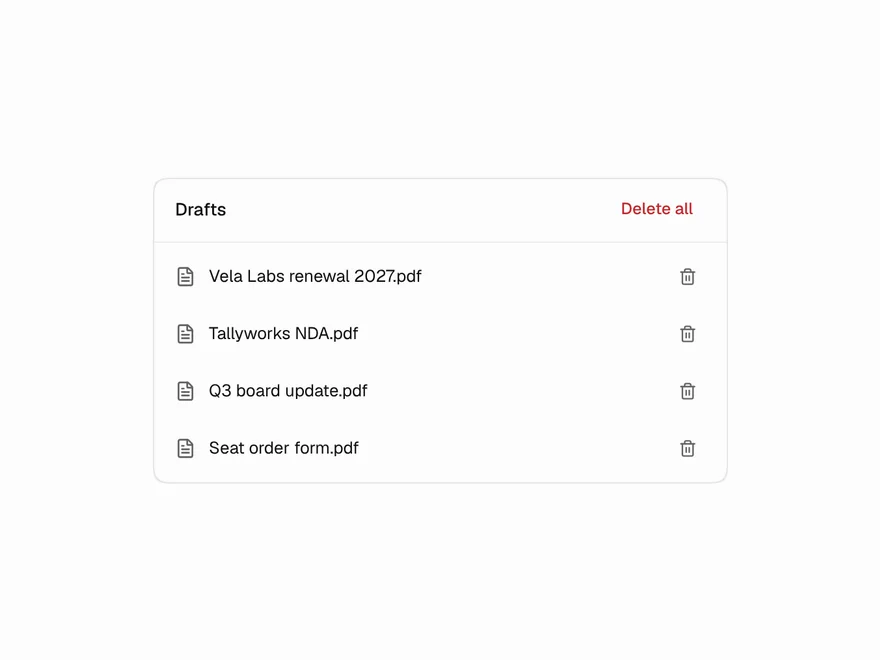
Undo Pill
"3 files deleted · Undo" with a countdown ring that pauses while you reach for it.
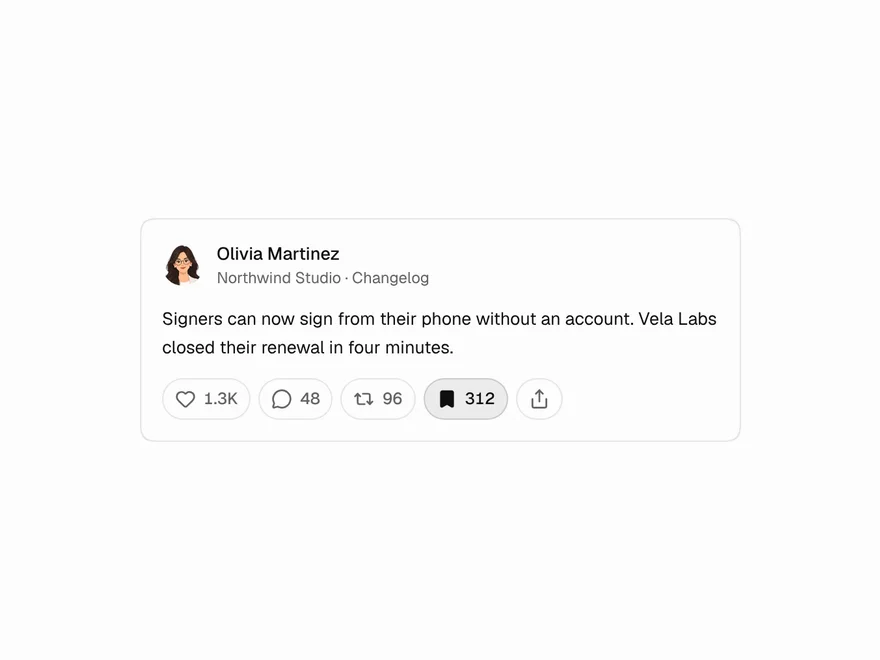
Reaction Bar
Like, comment, repost, save and share with optimistic toggles and rolling counts.
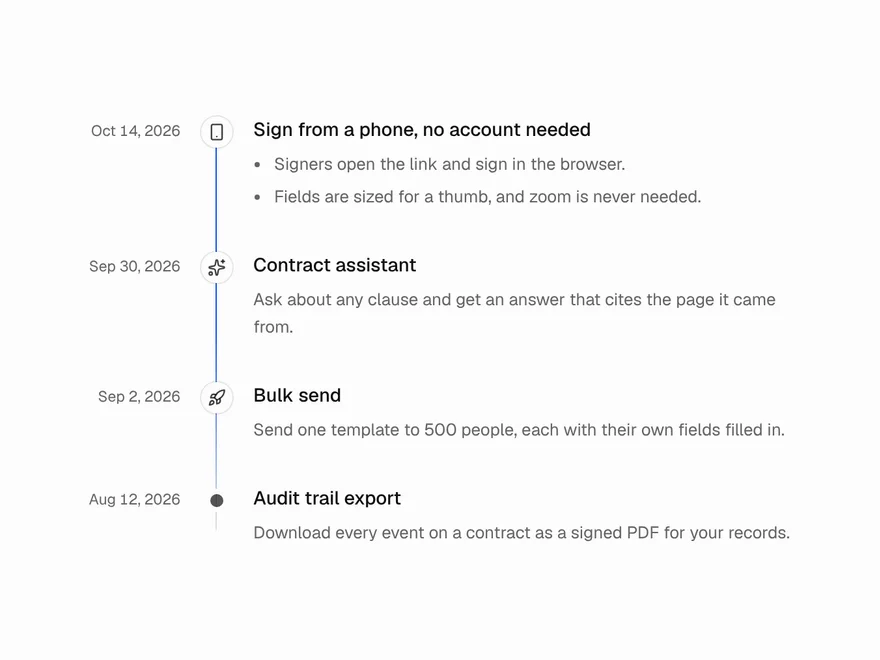
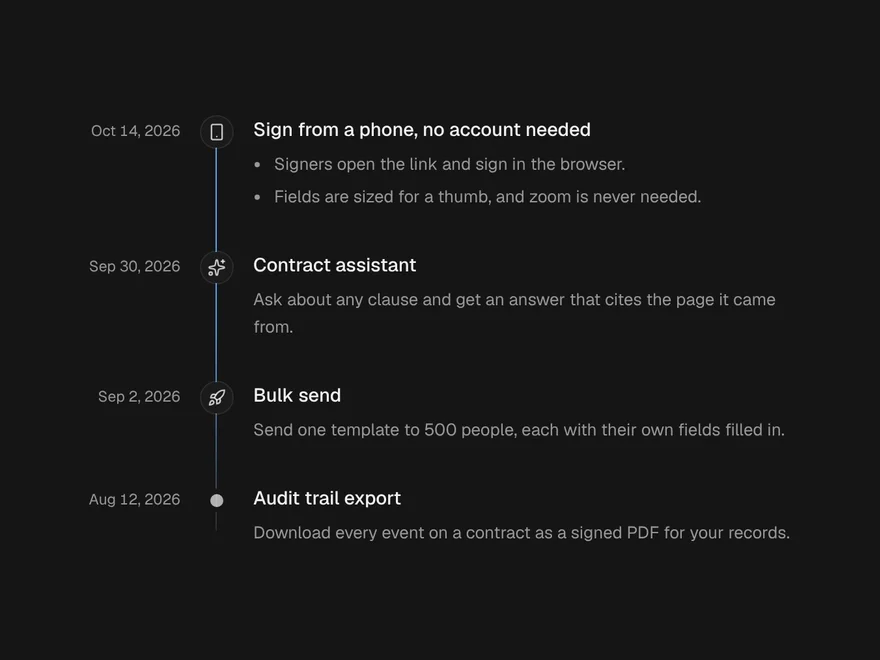
Timeline
Dated entries down a line, with a beam that fills as you scroll.
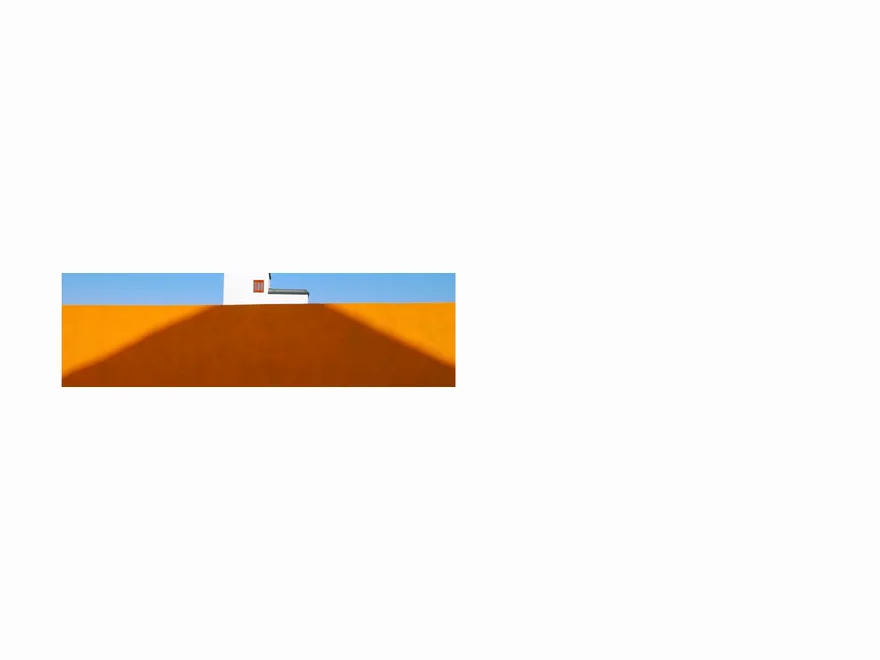
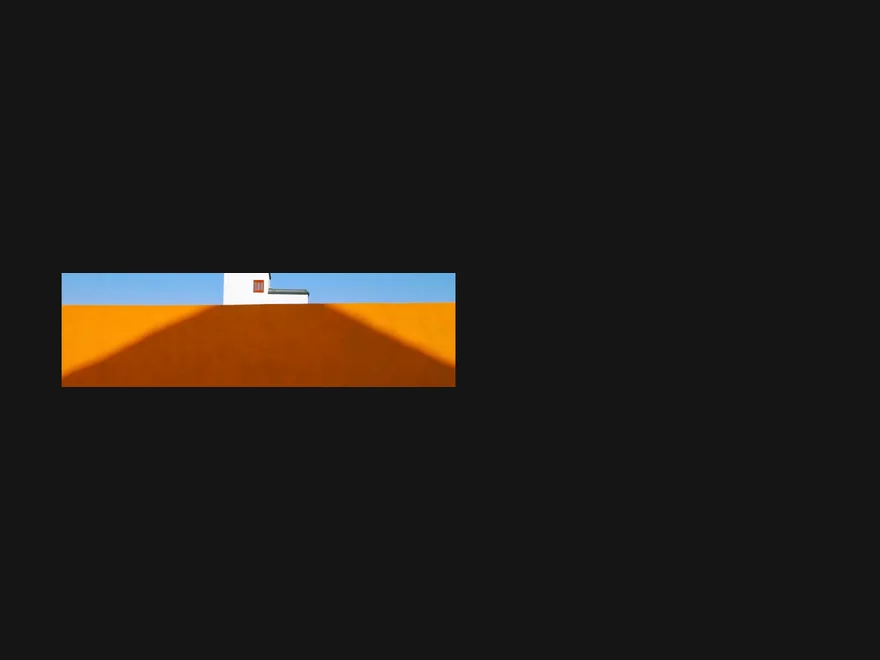
Carousel
Slides you swipe, drag, click or arrow through, one or several at a time.
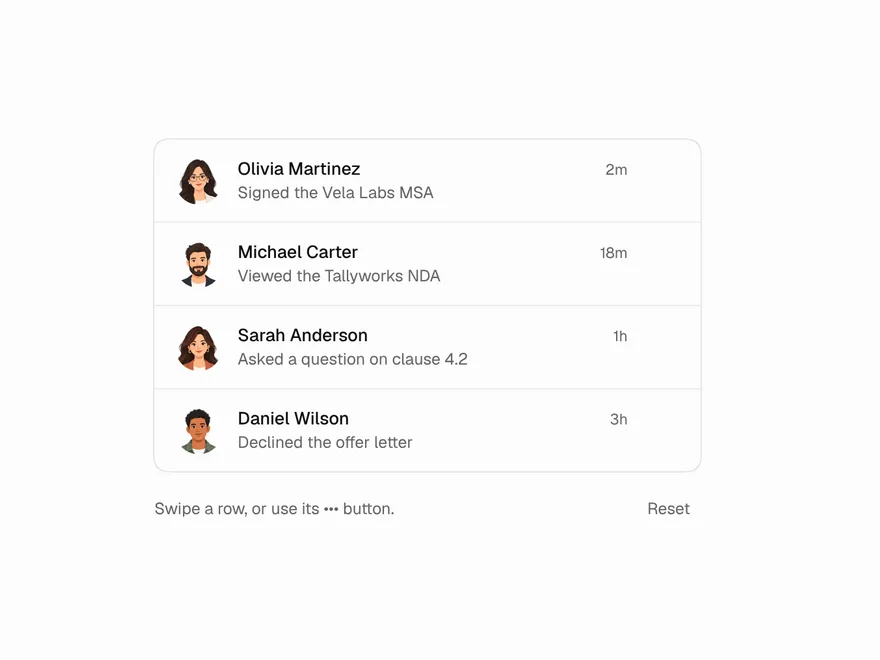
Swipe to Delete
A list row that slides aside to show its actions; swipe all the way to run the main one.
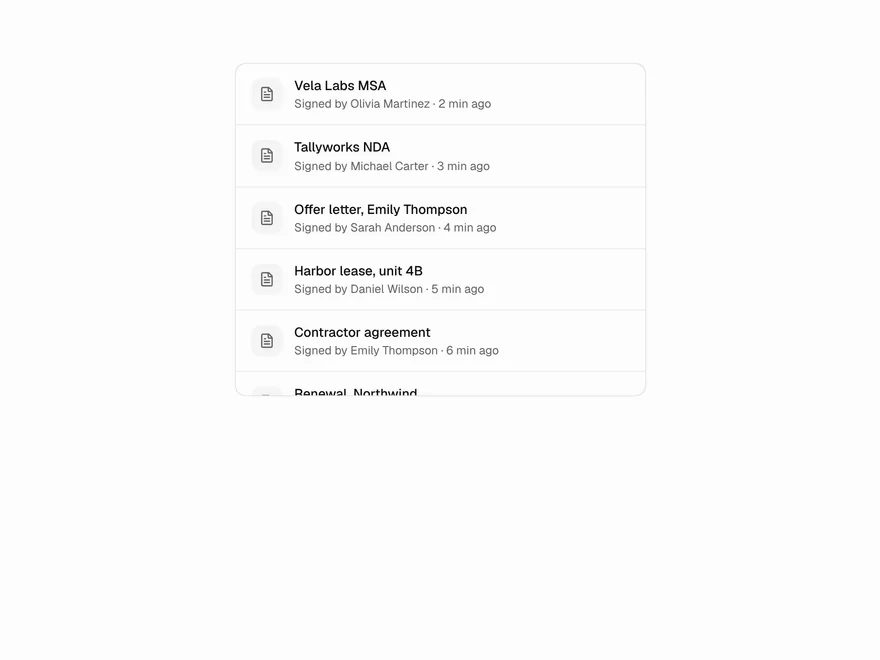
Infinite Scroll
A list that loads the next page as the reader nears its end, with loading, end and error states.