Settings & Billing
Where an admin runs the workspace. Tabs for the workspace itself, its members, its API keys and its plan and billing. Changes collect in one bar that names the tabs they are on, so nothing is saved by surprise or lost by switching tabs.
When to use
- The admin area of a team product
- A billing page with plan changes, usage and invoices
- Managing who has access and which keys can call the API
When not to use
- Personal preferences only: use Settings Page
- Choosing a plan at sign-up: use Plan Picker
The decision inside it
One save bar that follows you across tabs
Edits are kept when you switch tabs, and a single bar says which tabs have unsaved changes with Discard and Save. A save button on each section would let people leave a tab thinking they had saved.
Installation
Settings & Billing is a Pro screen, included with lifetime access. It is two files on top of the Layro components it is made of.
- Add the components it uses:
npx shadcn@latest add @layro/app-shell @layro/breadcrumb @layro/tabs @layro/settings-page @layro/input @layro/select @layro/switch @layro/radio-group @layro/button @layro/progress @layro/members-table @layro/api-keys-table @layro/plan-picker @layro/usage-meter @layro/payment-methods @layro/invoice-history @layro/toast - Copy
screens/settings-billing-screen.tsxandscreens/data/settings-billing-screen.tsfrom the Code tab above into your project, at the same paths. - It also imports
@/liband@/demos/portraits: Layro’s shared helpers and the demo’s sample images. Point them at your own.
Usage
import { SettingsBillingScreen } from "@/screens/settings-billing-screen";

export default function Page() {
  /* A screen fills the box it is given: give it the window. */
  return (
    <main className="h-dvh">
      <SettingsBillingScreen className="h-full" />
    </main>
  );
}
Built from
Every Layro component this screen imports. Each has its own page, props and install command.
API reference
Read from SettingsBillingScreenProps when the site is built. It also takes every attribute a div does, such as className.
SettingsBillingScreen
| Prop | Type | Notes |
|---|---|---|
state | SettingsBillingState | Which tab to open on, or "unsaved" for edits waiting in two tabs. Default "workspace". |
onSave | (settings: WorkspaceSettings) => void | Promise<void> | Save the workspace settings. May return a promise; throw to show why it failed. |
className | string | — |
Accessibility
- Tabs follow the tabs pattern with arrow keys
- Every field has a label and errors are announced
- The save bar names the tabs with unsaved changes
- Movement follows the reduced-motion setting
Responsive behavior
- Fills the box it is given: mount it at the window's height
- Rows stack their label above the control on narrow widths
- Light and dark come from the Layro theme: it follows the dark class on <html>, like every component.
More screens
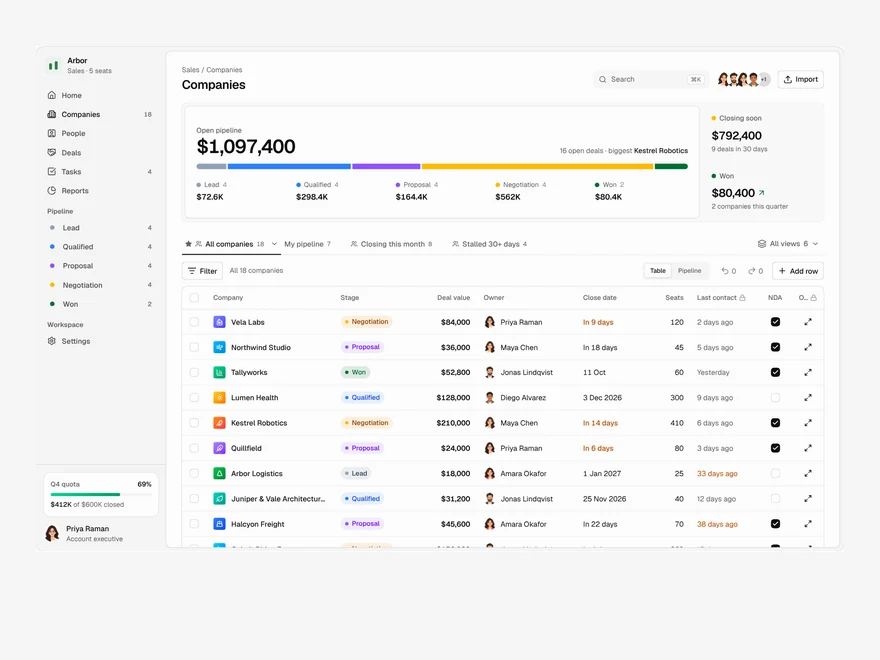
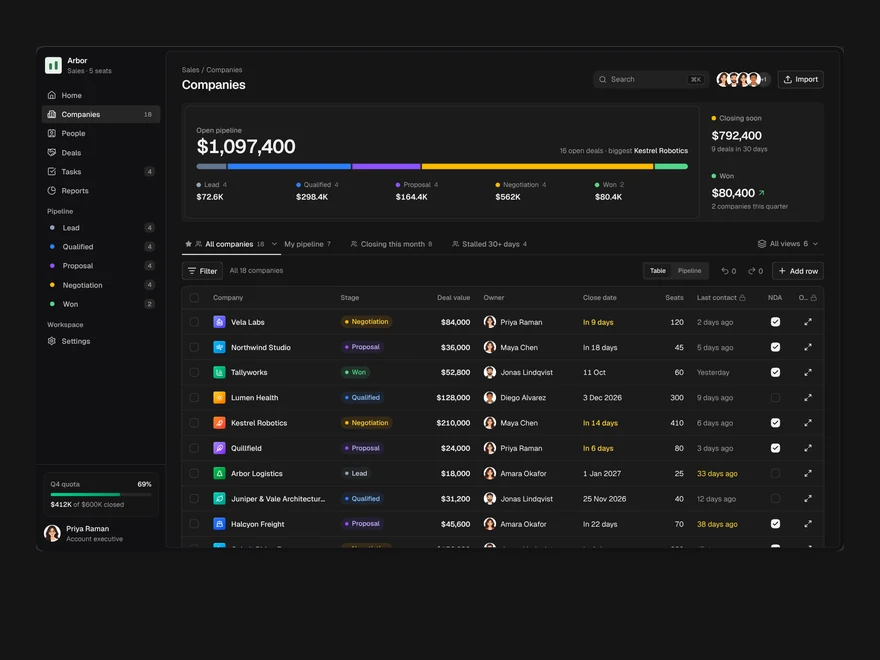
CRM
A sales pipeline: saved views as tabs, an editable company table, a board and a record drawer.
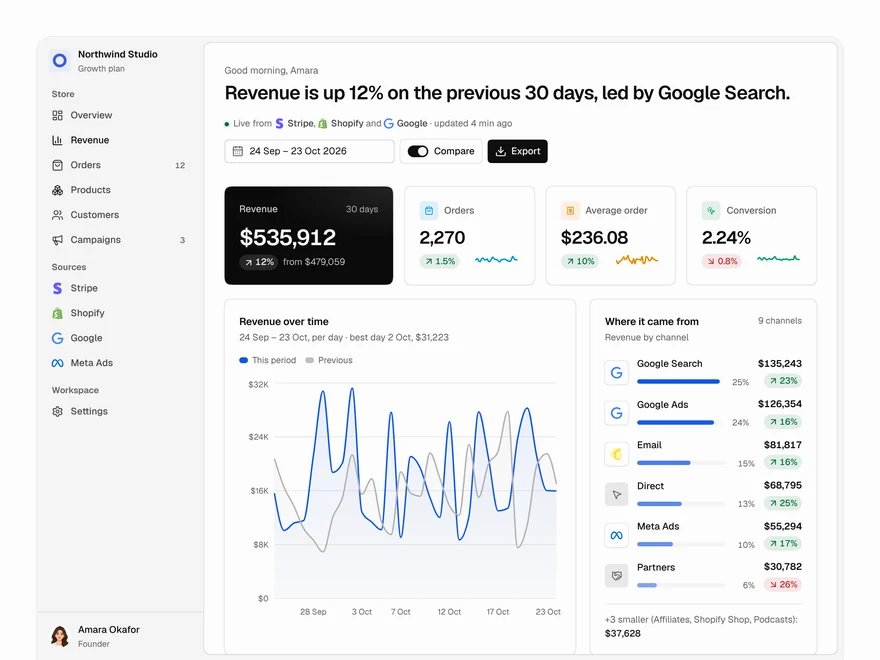
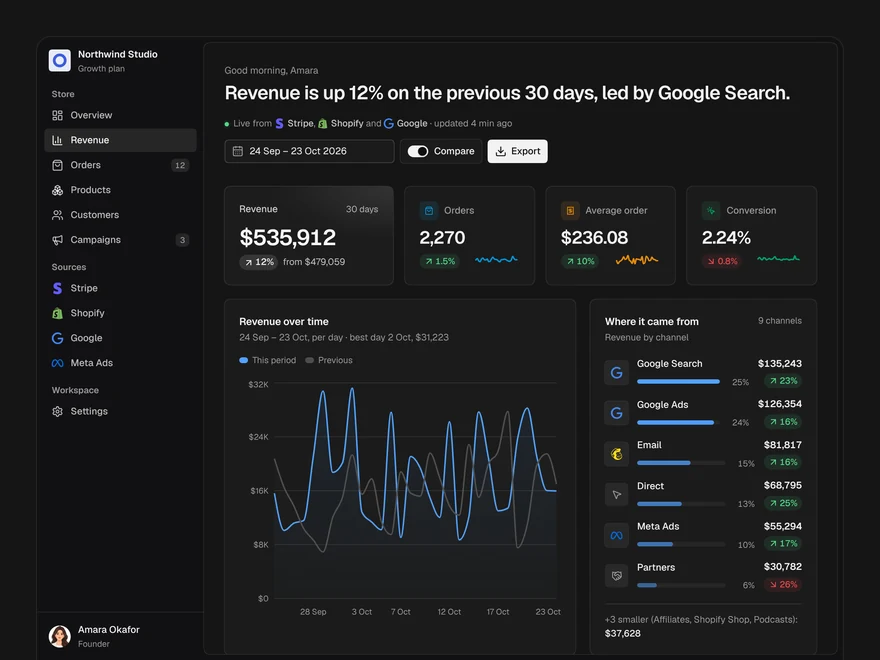
Analytics
A revenue dashboard: four key figures, revenue over time, channels, top products and what moved.
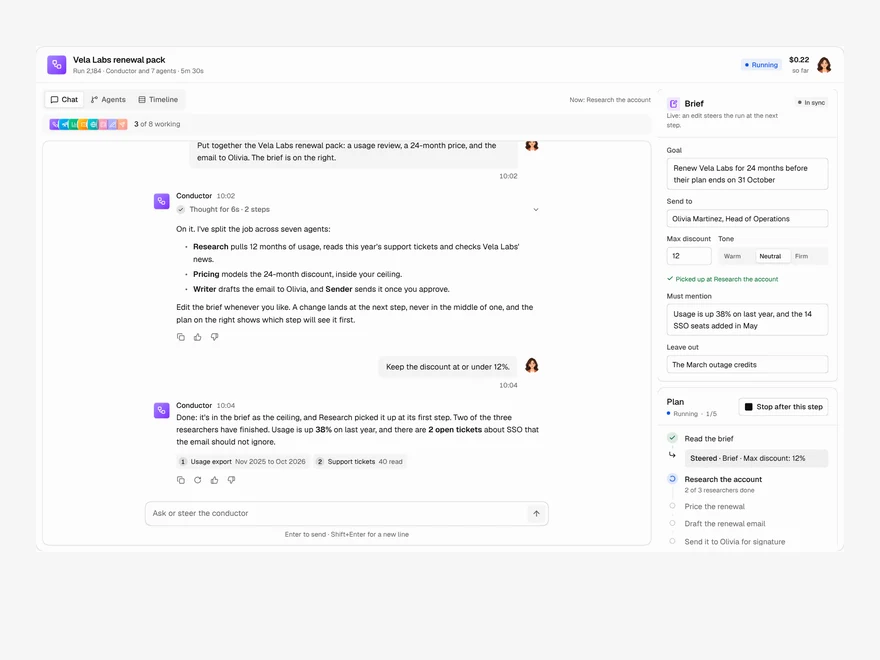
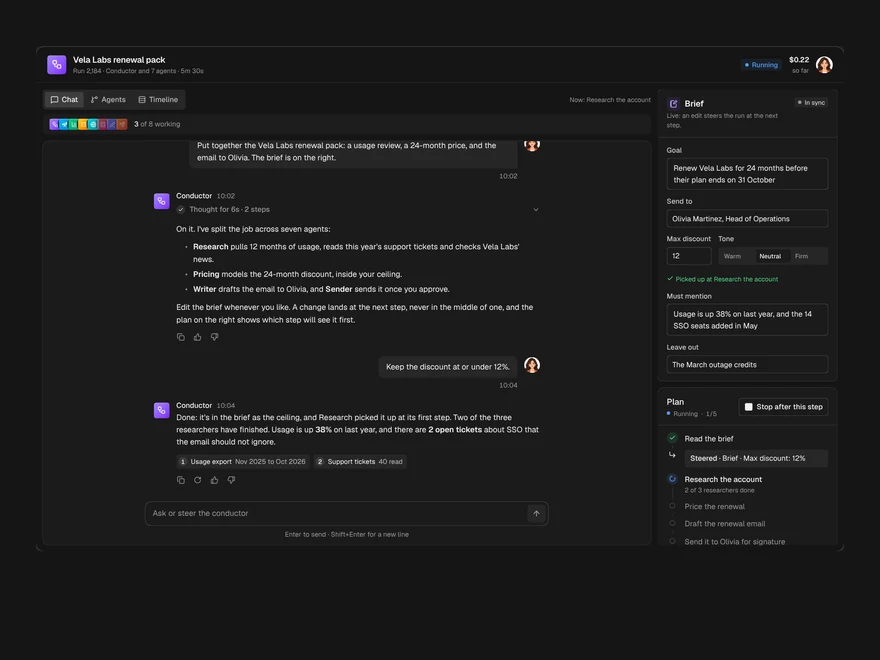
Multi-agent Chat
A chat with the agent running a job, the agents it handed work to, and the brief, side by side.
Layro · 232 components · 10 screens · 2 templates