Radar Chart
Compare a product to the market, or this quarter to last, across the same measures on one shared zero-based scale. Filled shapes are a light wash with a 2px edge so overlaps stay readable; Outline suits three series.
The decision inside it
Every axis shares one scale
A radar whose axes use different scales draws a shape that means nothing, so the scale starts at zero and ends at one max for all of them.
When to use it
Use Radar Chart to compare two or three things across the same five to eight measures on one scale. For more series use grouped bars instead.
Installation
How you get it
Paste this into Claude Code, Cursor, Codex or any coding agent. It installs the file and uses it as it is, instead of writing a new one.
Use Layro's Radar Chart for this.
Install it: npx shadcn@latest add @layro/radar-chart
(the @layro registry is set up in components.json, with LAYRO_KEY in .env.local)
Import it from @/components/ui/radar-chart.
Do not rewrite or restyle it. Pass my data through its props
and keep its built-in states.
For the full brief with every prop and the mistakes assistants usually make, use Copy prompt above. Pro components install through the @layro registry with your CLI token: see the Namespaced tab.
Usage
import { RadarChart } from "@/components/ui/radar-chart";

const data = [
  { measure: "Speed", us: 88, market: 64 },
  { measure: "Mobile", us: 92, market: 70 },
  { measure: "Templates", us: 74, market: 78 },
  { measure: "Price", us: 70, market: 58 },
  { measure: "Audit trail", us: 95, market: 66 },
];

export function Ratings() {
  return (
    <RadarChart
      data={data}
      axisKey="measure"
      max={100}
      description="Our ratings against the market average"
      series={[
        { key: "us", label: "Us" },
        { key: "market", label: "Market average", slot: 3 },
      ]}
    />
  );
}
API reference
“Copy prompt” above puts a full brief on your clipboard — install command, dependencies, props, and the mistakes an assistant usually makes with this component.
Props
Read from the component’s own TypeScript interface when the site is built, so this table cannot drift from the file you install.
| Prop | Type | Notes |
|---|---|---|
datarequired | T[] | — |
axisKeyrequired | keyof T & string | The key that names each axis ("Speed", "Price"). |
seriesrequired | Series[] | — |
variant | "filled" | "outline" | Default "filled". |
grid | "polygon" | "circle" | Default "polygon". |
max | number | Top of the shared scale. Default: the largest value. |
format | (v: number) => string | — |
height | number | — |
descriptionrequired | string | Accessible summary, read before the data table. |
loading | boolean | — |
error | React.ReactNode | — |
onRetry | () => void | — |
className | string | — |
Dependencies
npm packages
clsxrechartstailwind-mergeLayro foundations, installed alongside it
layro-themechartStates
All of them are drawn by the component. None is left for you to design.
- Filled
- Outline
- Circle grid
- Loading
- Empty
- Error
Accessibility
- Keyboard reachable throughout, in visual order
- Focus trapped in overlays, Escape closes them
- Focus returns to whatever opened it
- Live regions announce what changed, not that something did
- Honours prefers-reduced-motion
Responsive behavior
- Sizes to its container, not the viewport
- Usable from 320px up
- Pointer-based interaction, so trackpad and touch both work
- No hover-only affordances
Lifetime access
Every component, and everything we ship next.
- All 232 components, source included
- Every template, and everything released after you buy
- shadcn CLI or download — React 18/19, Tailwind v4
- One payment. No subscription.
More in Data & feedbackAll Data & feedback components
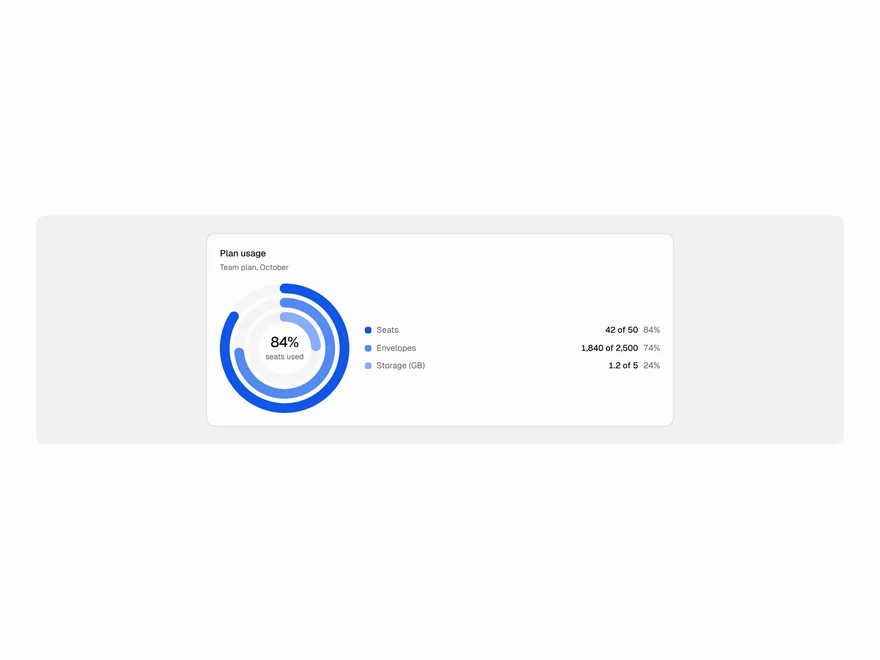
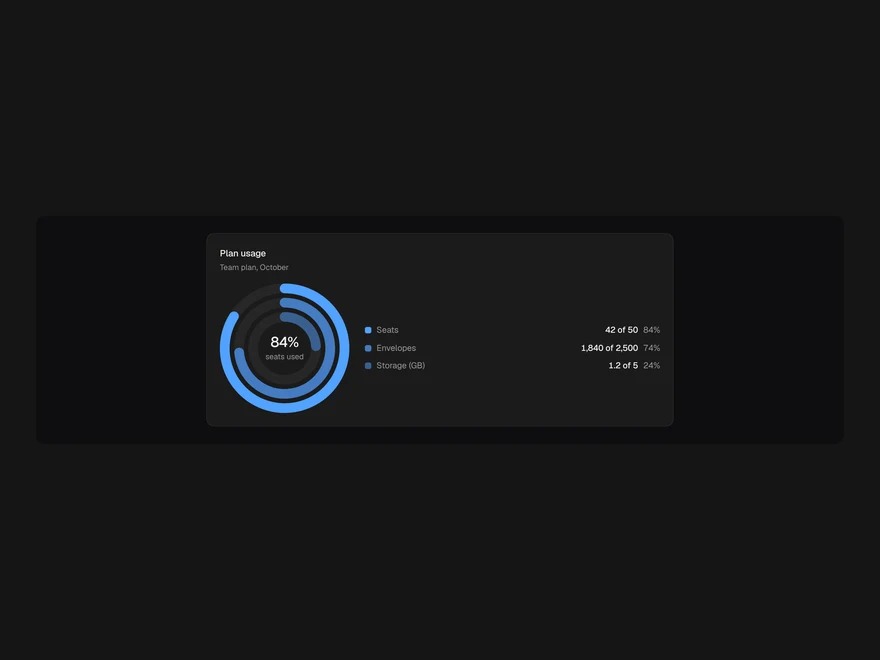
Radial Chart
Rings for progress and share, full or half circle, each with its own max and a number in the middle.
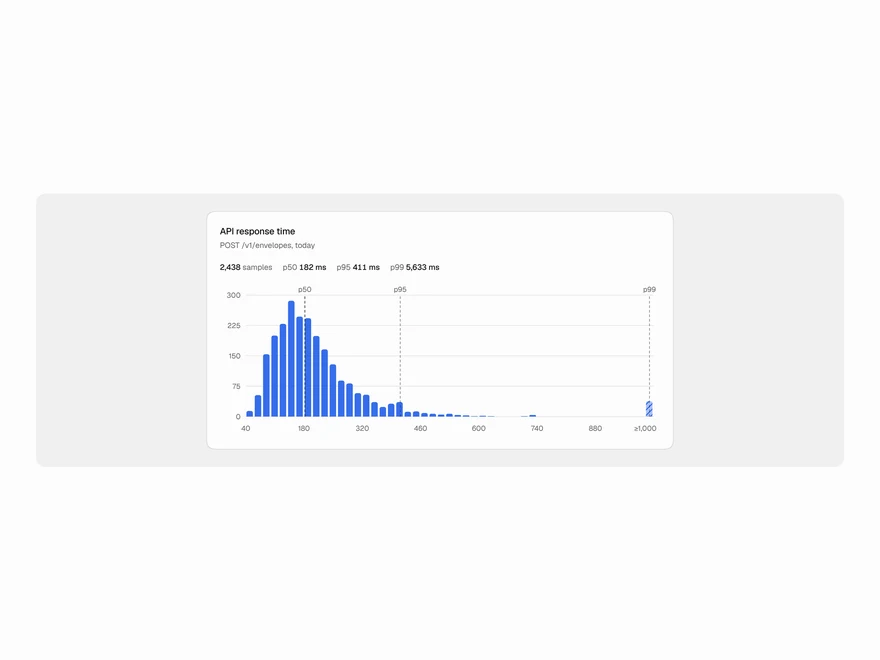
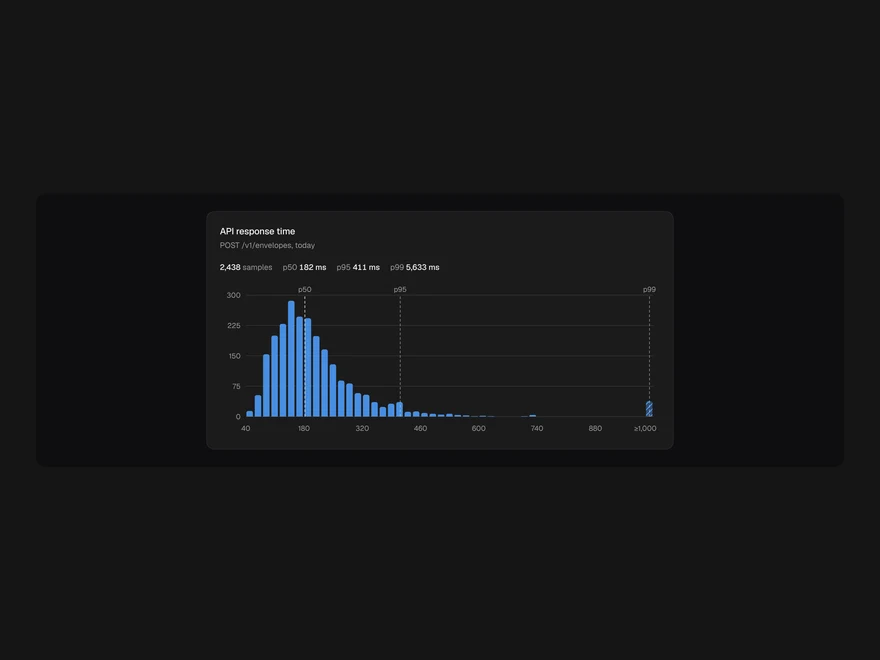
Histogram
Raw samples binned for you, with p50/p95/p99 pins and an overflow bin for the long tail.
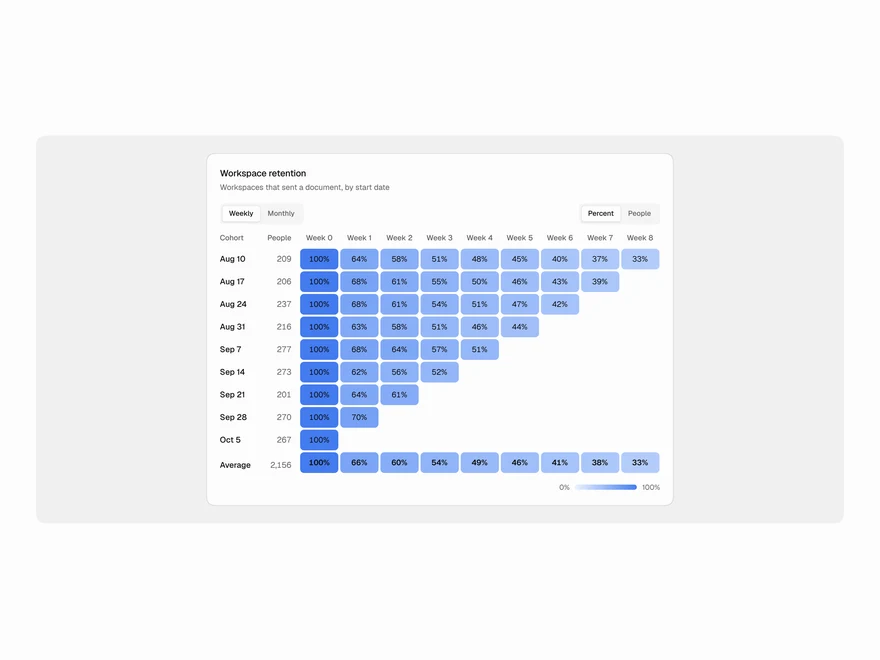
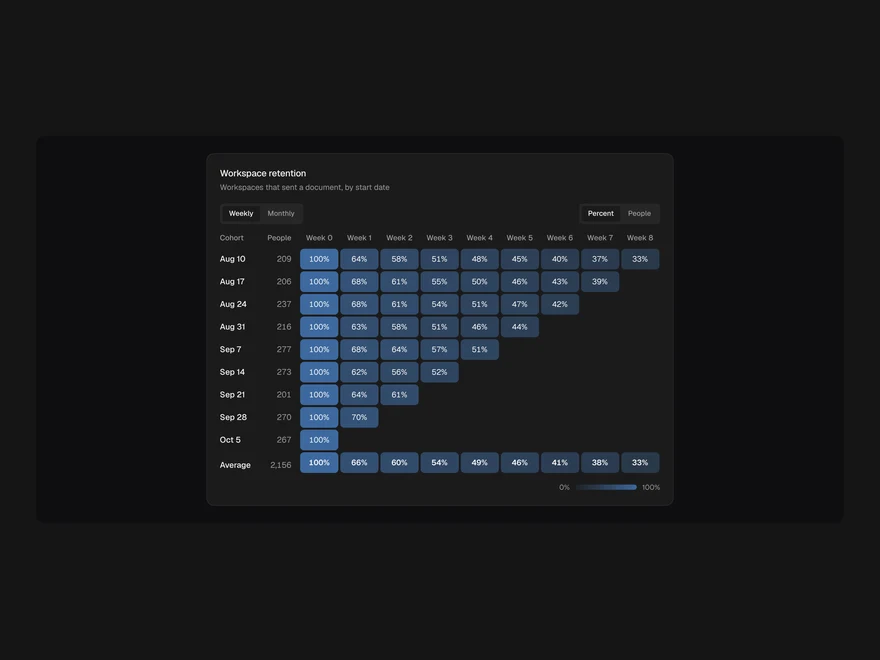
Cohort Retention
Cohorts by period as a triangle table, shaded by % retained, with a size-weighted average row.
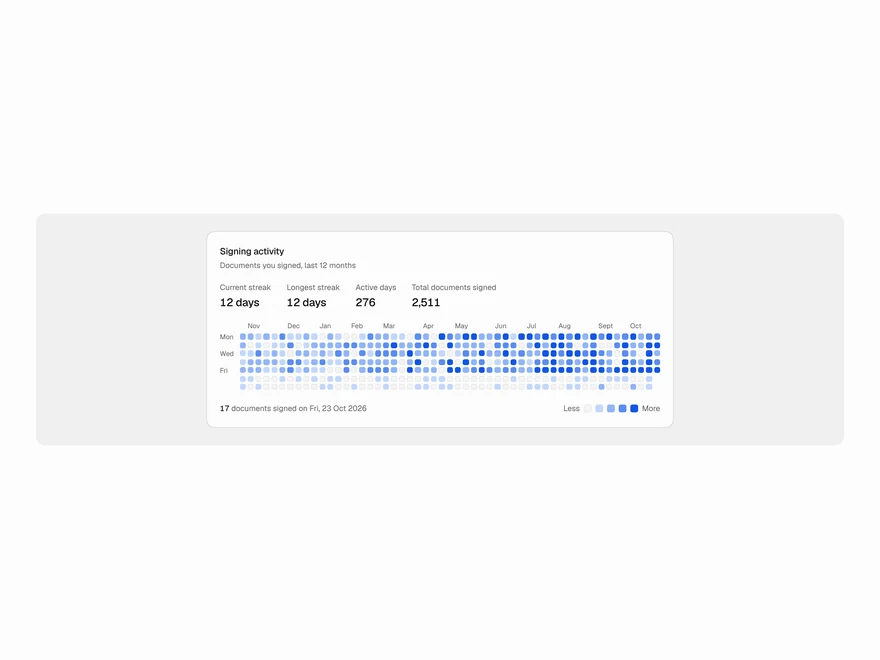
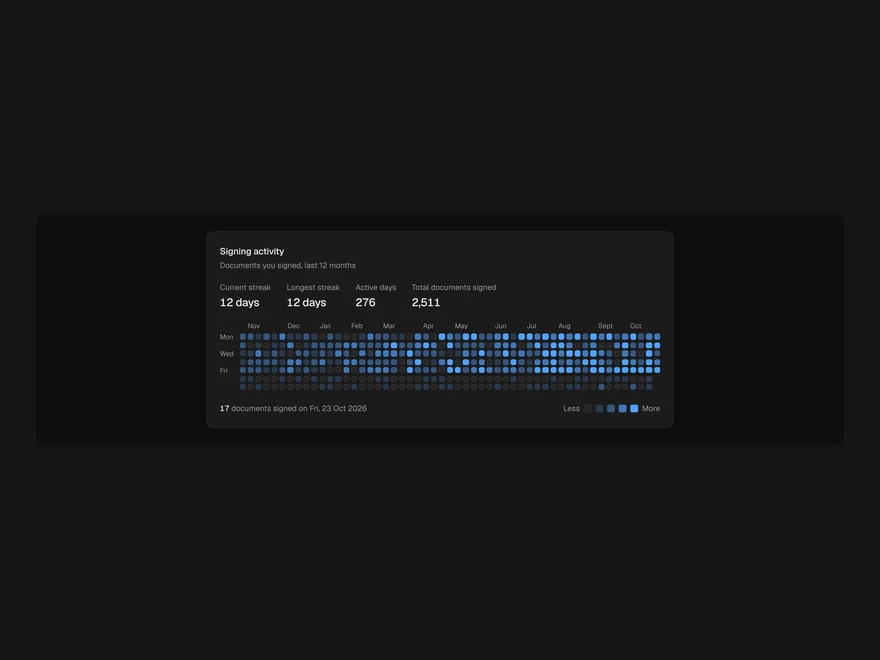
Calendar Heatmap
A year of daily counts as week columns, with month labels, five levels and streak stats.
Insight Cards
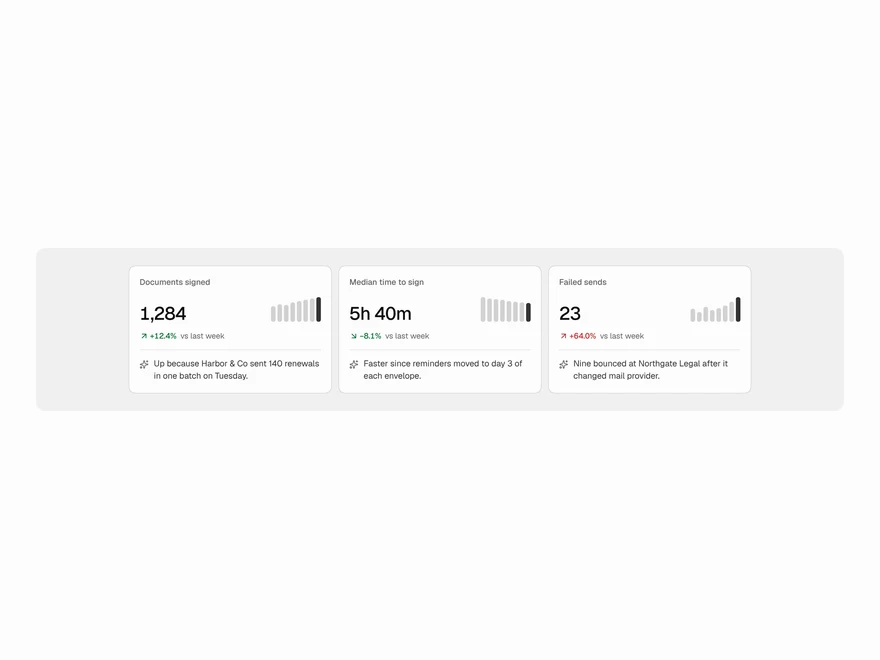
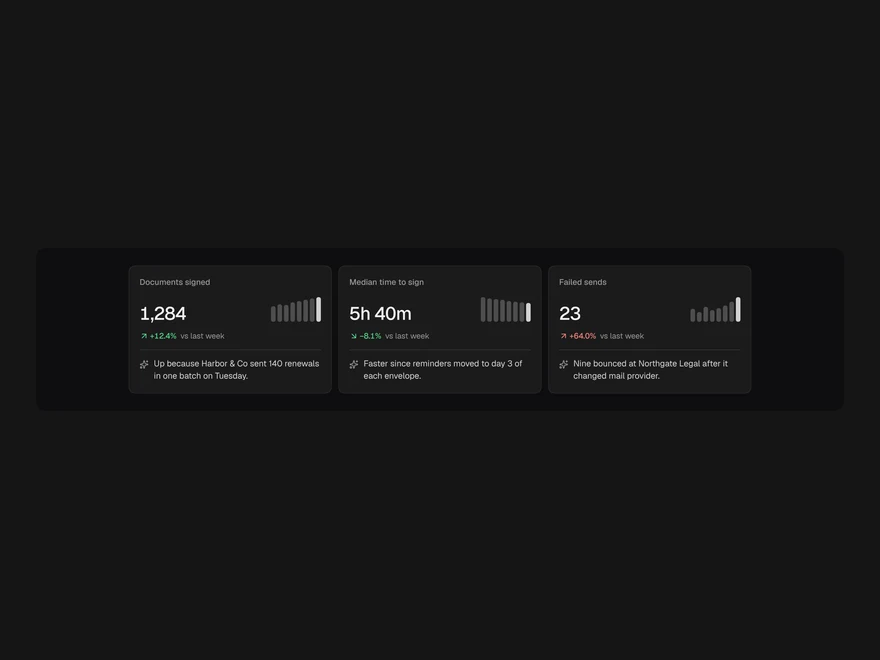
A number, how it moved and one line on why: spark bars, a trend delta and a short AI explanation.
Feedback Widget
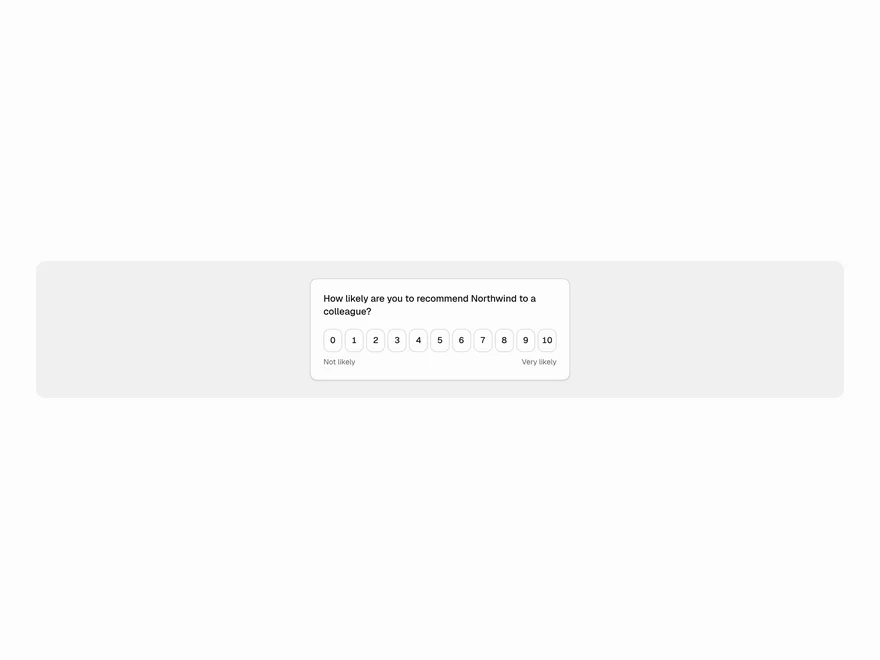
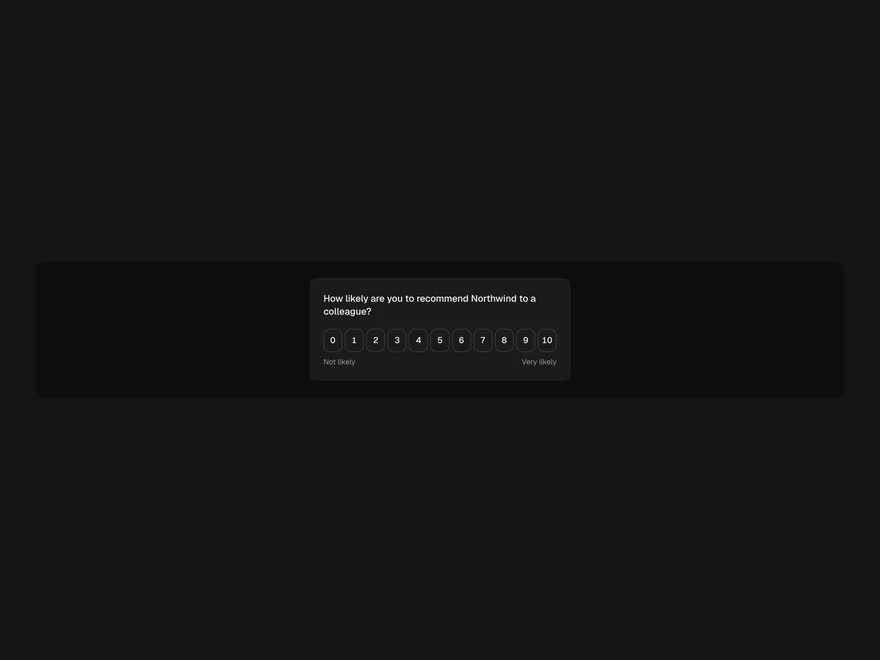
One question with an NPS, emoji, thumbs or star scale, an optional comment and a thank-you. Inline or floating.