Scramble Text
Plays on load, when it scrolls into view, or on hover and focus (also of a parent link). Spaces and punctuation stay put, and the final text holds its width from the start.
The decision inside it
Screen readers never hear the noise
The real words are always the accessible text, and everything drawn is hidden from assistive tech.
When to use it
Use Scramble Text for a short headline, label or code that should resolve like a decrypted message: a security page, a hover on a link. Keep it to a line.
Installation
How you get it
Paste this into Claude Code, Cursor, Codex or any coding agent. It installs the file and uses it as it is, instead of writing a new one.
Use Layro's Scramble Text for this.
Install it: npx shadcn@latest add @layro/scramble-text
(the @layro registry is set up in components.json, with LAYRO_KEY in .env.local)
Import it from @/components/ui/scramble-text.
Do not rewrite or restyle it. Pass my data through its props
and keep its built-in states.
For the full brief with every prop and the mistakes assistants usually make, use Copy prompt above. Free components install through the @layro registry with your CLI token: see the Namespaced tab.
Usage
import { ScrambleText } from "@/components/ui/scramble-text";

export function SecurityHeading() {
  return <ScrambleText as="h2" text="Every signature, sealed and verifiable." trigger="view" className="text-3xl font-semibold" />;
}
API reference
“Copy prompt” above puts a full brief on your clipboard — install command, dependencies, props, and the mistakes an assistant usually makes with this component.
Props
Read from the component’s own TypeScript interface when the site is built, so this table cannot drift from the file you install.
| Prop | Type | Notes |
|---|---|---|
textrequired | string | — |
trigger | "mount" | "view" | "hover" | When it plays: once on load, when scrolled into view, or on hover and focus. Default "view". |
duration | number | Milliseconds for the whole text to resolve. Default 1200. |
charset | string | Characters to scramble through. Default letters, digits and a few symbols. |
as | React.ElementType | The element to render. Default "span". |
Dependencies
npm packages
clsxframer-motiontailwind-mergeLayro foundations, installed alongside it
layro-themeStates
All of them are drawn by the component. None is left for you to design.
- Scrambling
- Resolved
- Hover
- Custom characters
- Reduced motion
Accessibility
- Keyboard reachable throughout, in visual order
- Focus trapped in overlays, Escape closes them
- Focus returns to whatever opened it
- Live regions announce what changed, not that something did
- Honours prefers-reduced-motion
Responsive behavior
- Sizes to its container, not the viewport
- Usable from 320px up
- Pointer-based interaction, so trackpad and touch both work
- No hover-only affordances
Lifetime access
Every component, and everything we ship next.
- All 232 components, source included
- Every template, and everything released after you buy
- shadcn CLI or download — React 18/19, Tailwind v4
- One payment. No subscription.
More in CreativeAll Creative components
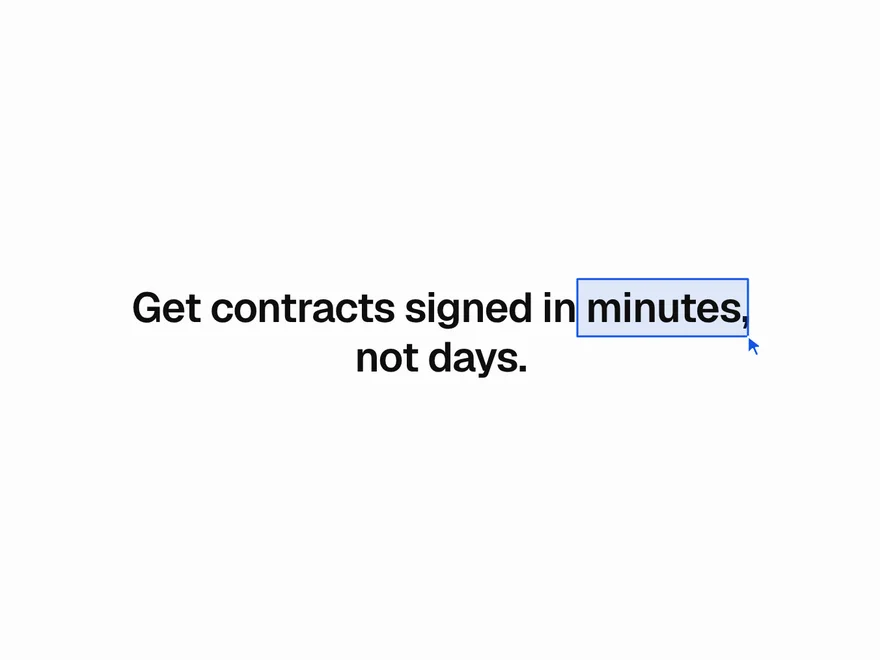
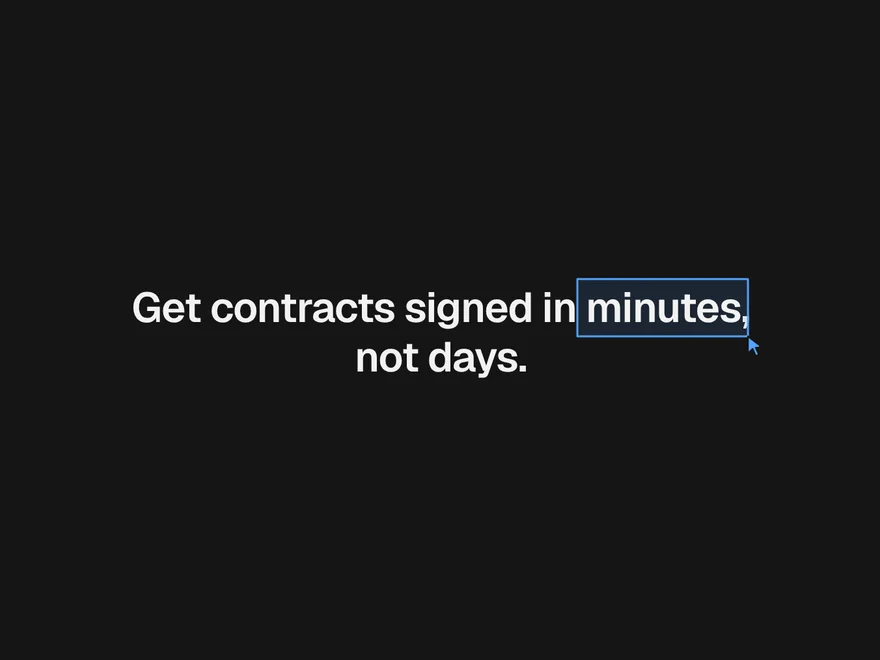
Pointer Highlight
A box, underline or loose circle drawn round a few words, with a little pointer making the mark.
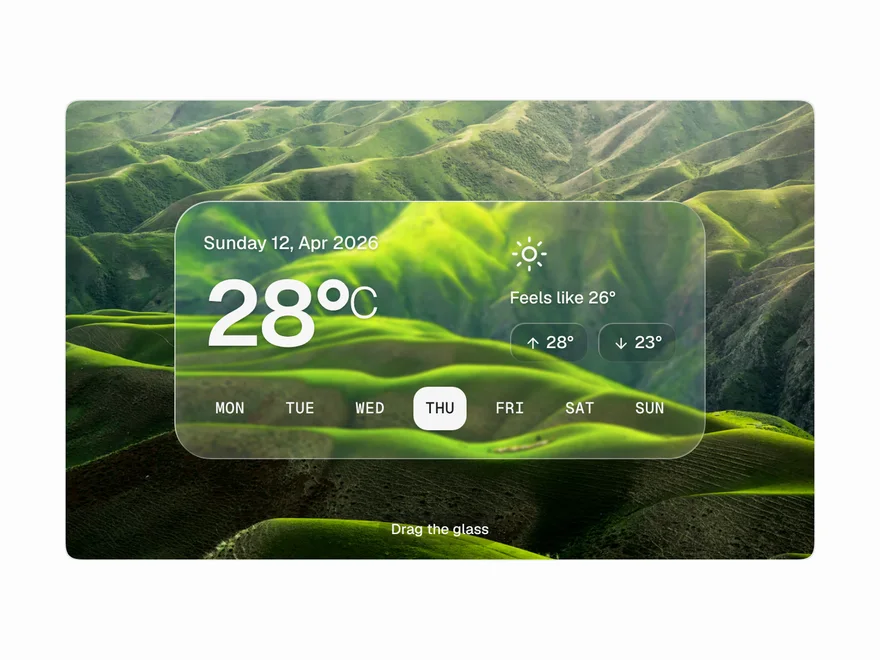
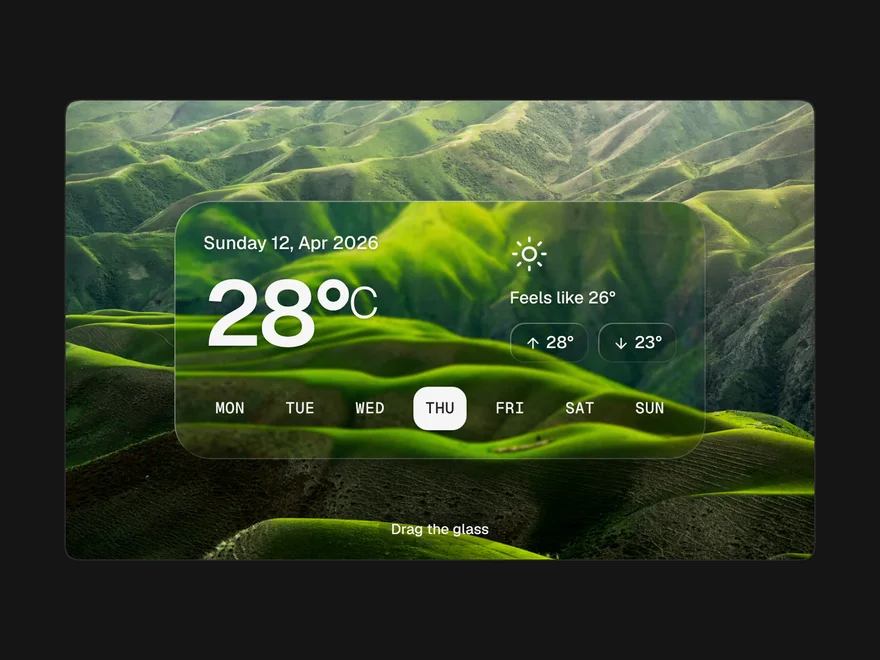
Liquid Glass
A pane of thick glass: the background blurs and bends near the edges like a lens.
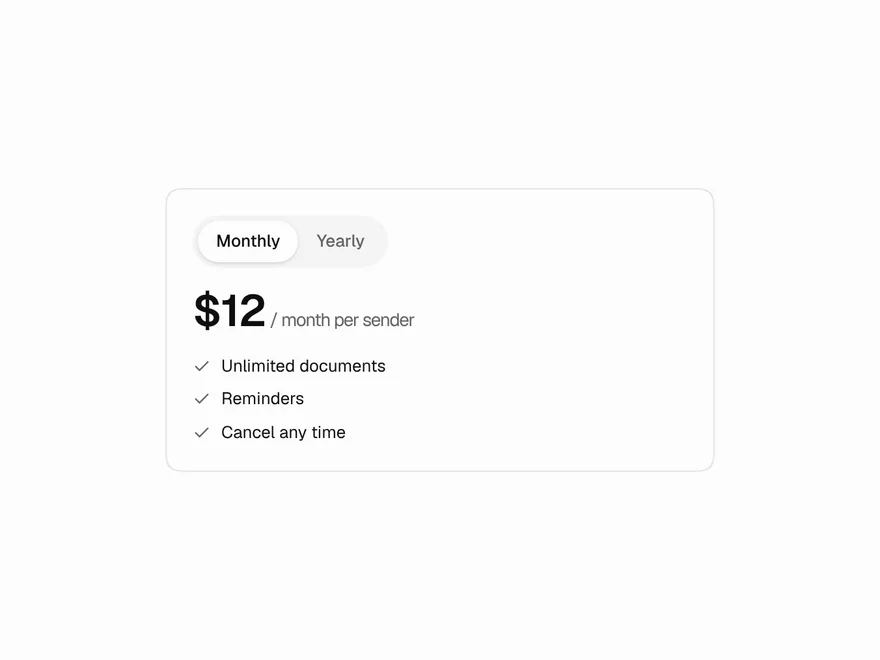
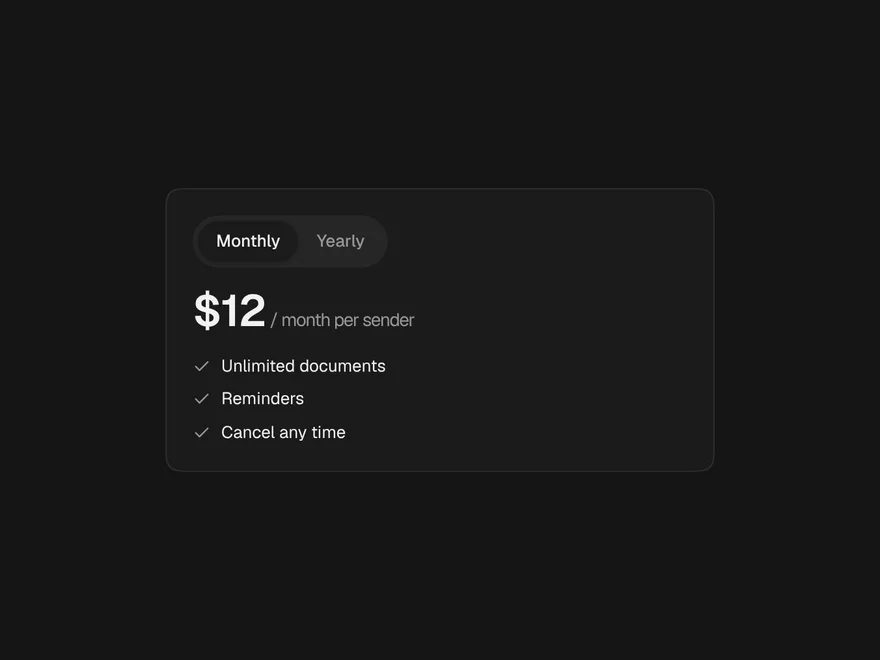
Blur Crossfade
Swaps content through a soft blur and eases the box to the new height.
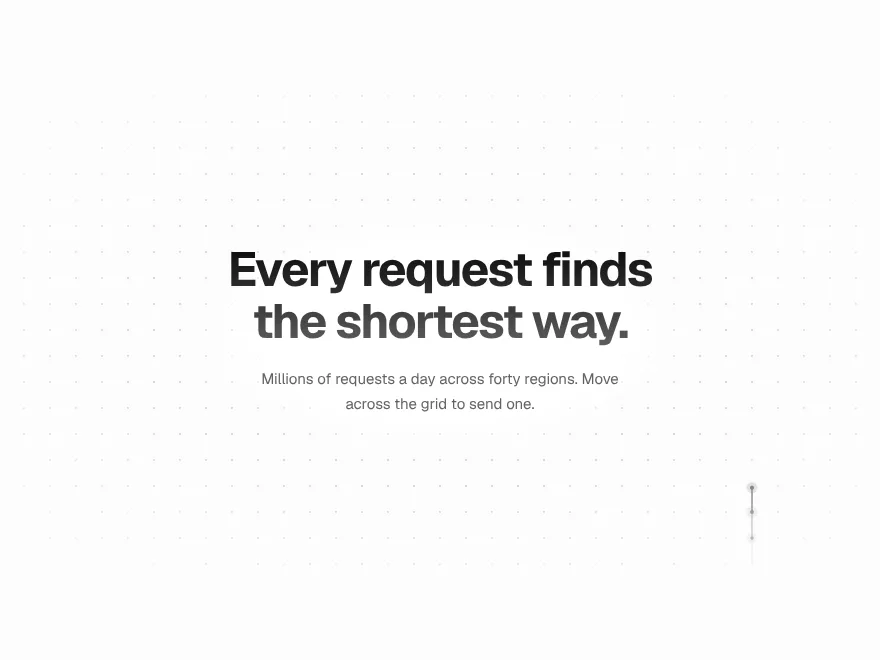
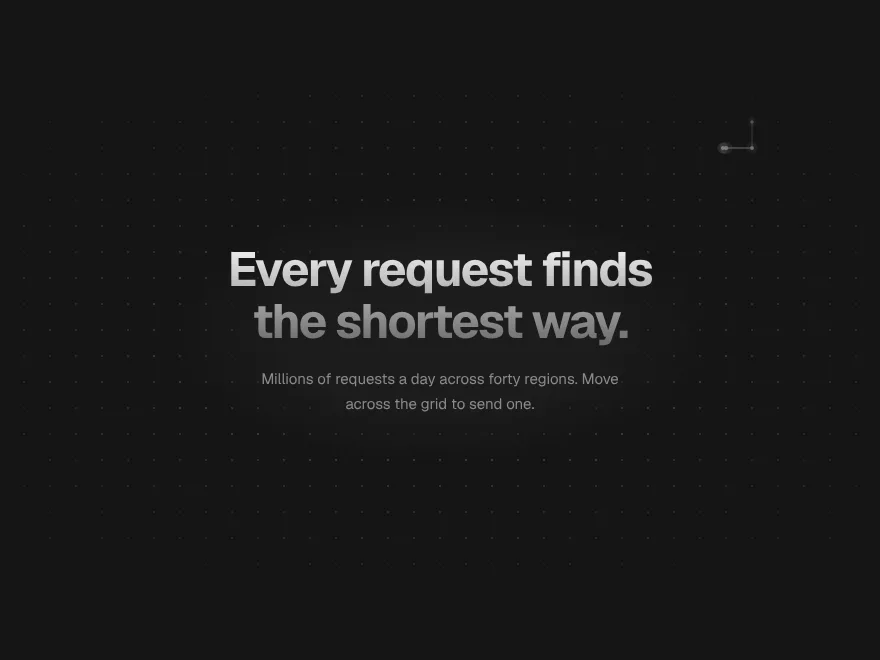
Signal Grid
A dot grid that carries signals: move across it and pulses travel the lines.
Ink Bleed Heading
A heading that arrives like ink on wet paper, word by word.
Pressure Button
Sinks under the press, gathers while held, releases with a ripple.