Inline Diff
Removed words struck in red and added words underlined in green, inside the text. Each change opens Accept and Reject with the reason, and J, K, A, R and Ctrl+Z work from the keyboard. A header counts suggestions, accepted and rejected, with Accept all and Reject all. The diff is computed here, by word, with no library.
The decision inside it
A change is a whole phrase, and your edits are safe
A word-level diff of a rewritten sentence turns into confetti. Neighbouring edits are merged into one phrase you decide once. If you typed over a phrase since the suggestion was made, Accept asks "Replace your edit?" instead of throwing your words away.
When to use it
Use Inline Diff to review an AI rewrite of prose: changes are whole phrases you accept or reject in the text, by click or by key, with undo. Pass the original and the suggestion, or changes you worked out yourself. For structured record changes use Dry-Run Preview.
Installation
How you get it
Paste this into Claude Code, Cursor, Codex or any coding agent. It installs the file and uses it as it is, instead of writing a new one.
Use Layro's Inline Diff for this.
Install it: npx shadcn@latest add @layro/inline-diff
(the @layro registry is set up in components.json, with LAYRO_KEY in .env.local)
Import it from @/components/ui/inline-diff.
Do not rewrite or restyle it. Pass my data through its props
and keep its built-in states.
For the full brief with every prop and the mistakes assistants usually make, use Copy prompt above. Pro components install through the @layro registry with your CLI token: see the Namespaced tab.
Usage
import { InlineDiff } from "@/components/ui/inline-diff";

export function ReviewRewrite({ draft, rewrite, save }: { draft: string; rewrite: string; save: (text: string) => void }) {
  return (
    <InlineDiff
      original={draft}
      suggested={rewrite}
      onDone={(result) => save(result.text)}
    />
  );
}
API reference
“Copy prompt” above puts a full brief on your clipboard — install command, dependencies, props, and the mistakes an assistant usually makes with this component.
Props
Read from the component’s own TypeScript interface when the site is built, so this table cannot drift from the file you install.
| Prop | Type | Notes |
|---|---|---|
originalrequired | string | The text the suggestion was made against. |
suggested | string | The suggested text. Diffed against `original` by word and grouped into phrases. |
changes | Change[] | Or the changes, already worked out. Each `from` is found in `original`, in order. |
reasons | Record<string, string> | Reasons by change id, for computed changes. |
onChange | (text: string) => void | The resulting text, after every decision. |
onDone | (result: InlineDiffResult) => void | When nothing is left to decide. |
defaultDecisions | Record<string, Decision> | Decisions already made, by change id (for a saved review). |
readOnly | boolean | Show the diff without actions. |
title | string | Default "Suggested edits". |
Dependencies
npm packages
clsxframer-motionlucide-reacttailwind-mergeLayro foundations, installed alongside it
layro-themebuttonStates
All of them are drawn by the component. None is left for you to design.
- Suggestions
- Change open
- Accepted
- Rejected
- Overlaps your edit
- All decided
- Read only
Accessibility
- Keyboard reachable throughout, in visual order
- Focus trapped in overlays, Escape closes them
- Focus returns to whatever opened it
- Live regions announce what changed, not that something did
- Honours prefers-reduced-motion
Responsive behavior
- Sizes to its container, not the viewport
- Usable from 320px up
- Pointer-based interaction, so trackpad and touch both work
- No hover-only affordances
Used in a screenAll screens
Lifetime access
Every component, and everything we ship next.
- All 232 components, source included
- Every template, and everything released after you buy
- shadcn CLI or download — React 18/19, Tailwind v4
- One payment. No subscription.
More in AI AgentAll AI Agent components
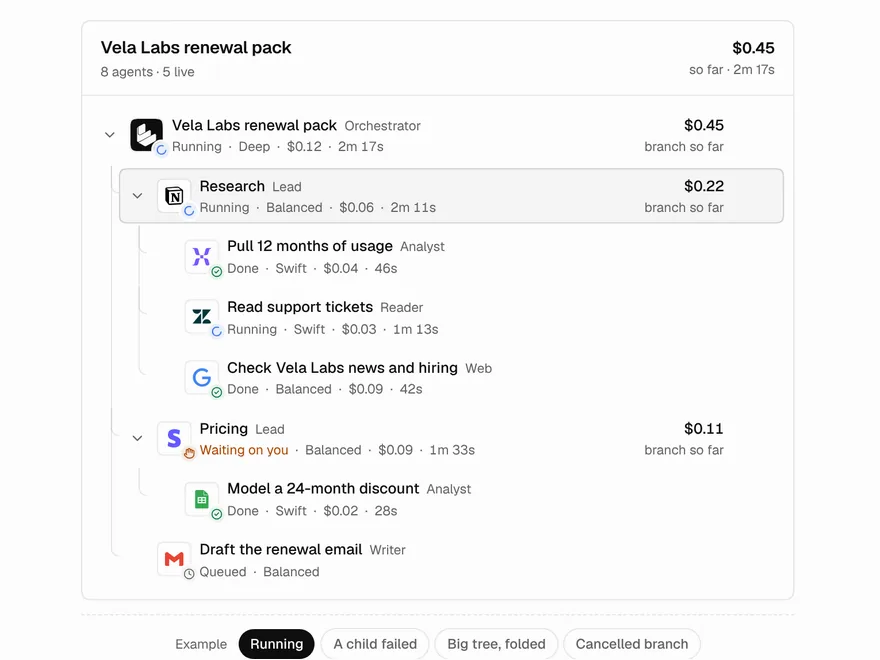
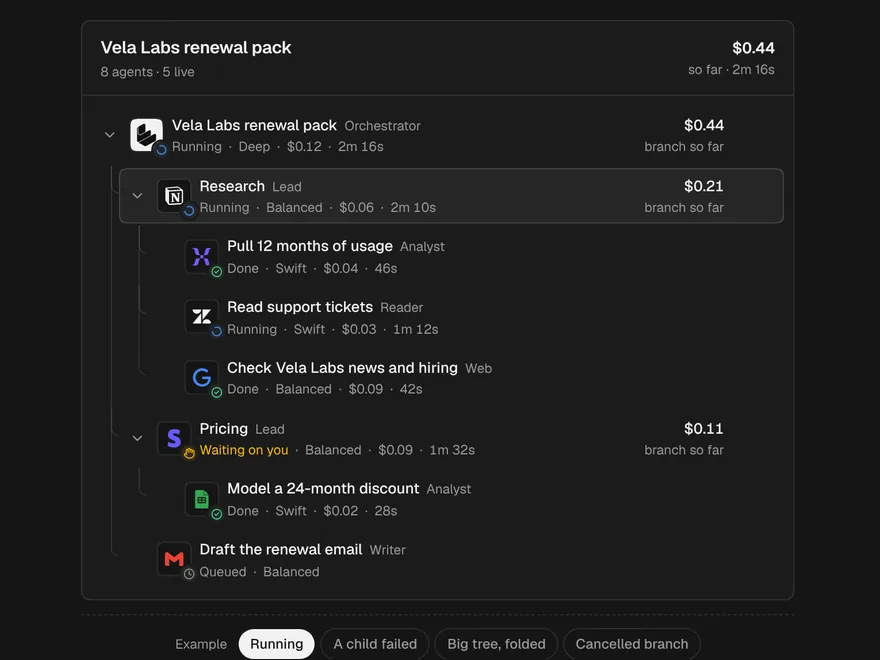
Sub-agent Tree
An orchestrator and its sub-agents as a live tree, with costs that add up.
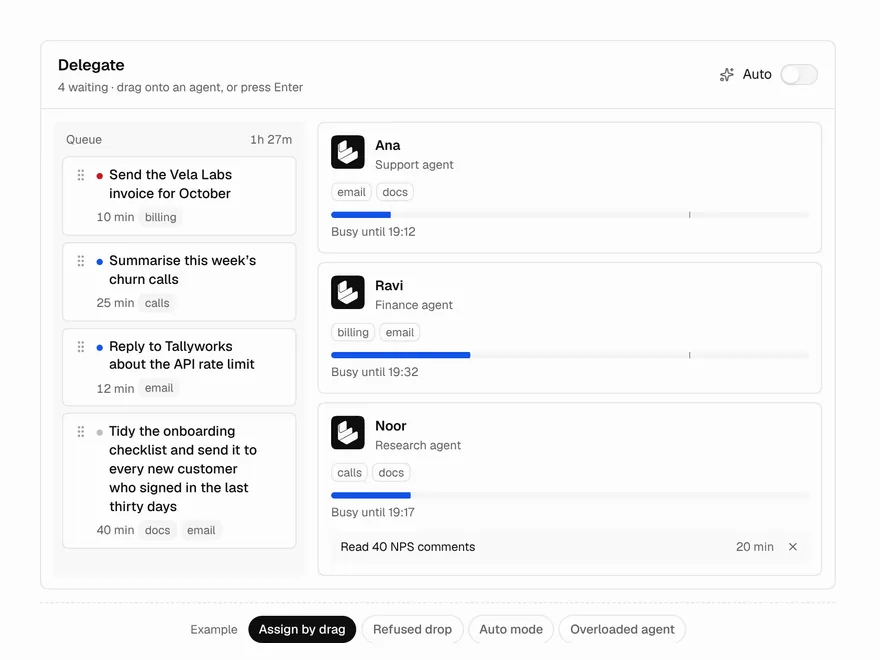
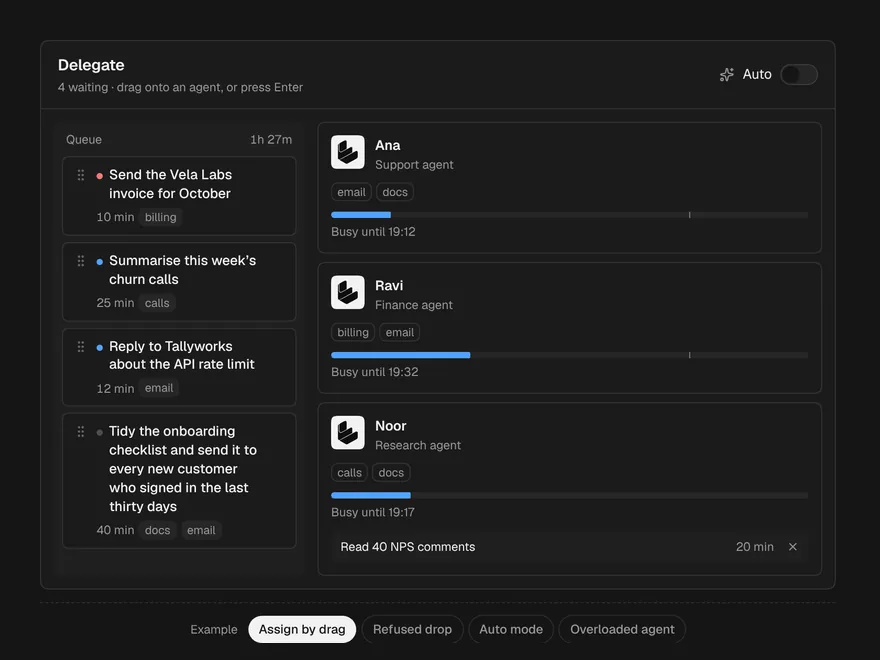
Delegate Board
Hand work to agents by dragging it onto them, with their new busy-until on hover.
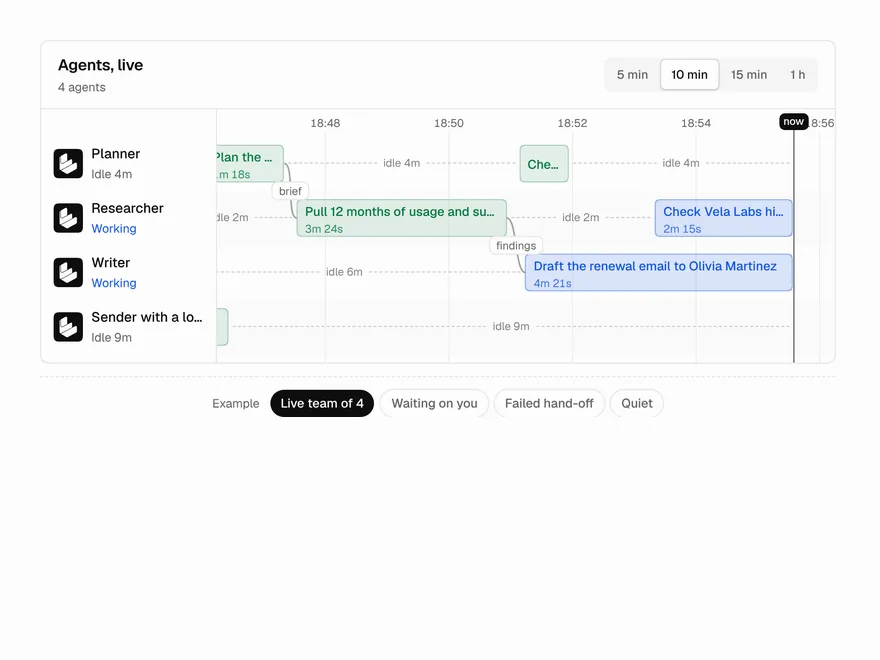
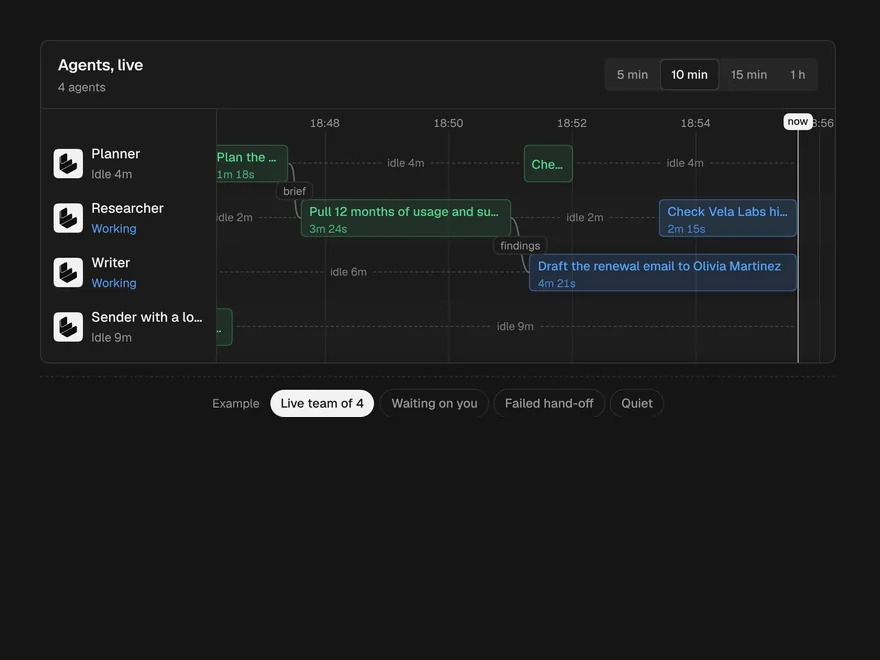
Agent Lanes
A live timeline with a lane per agent, hand-offs between them and approvals on the block.
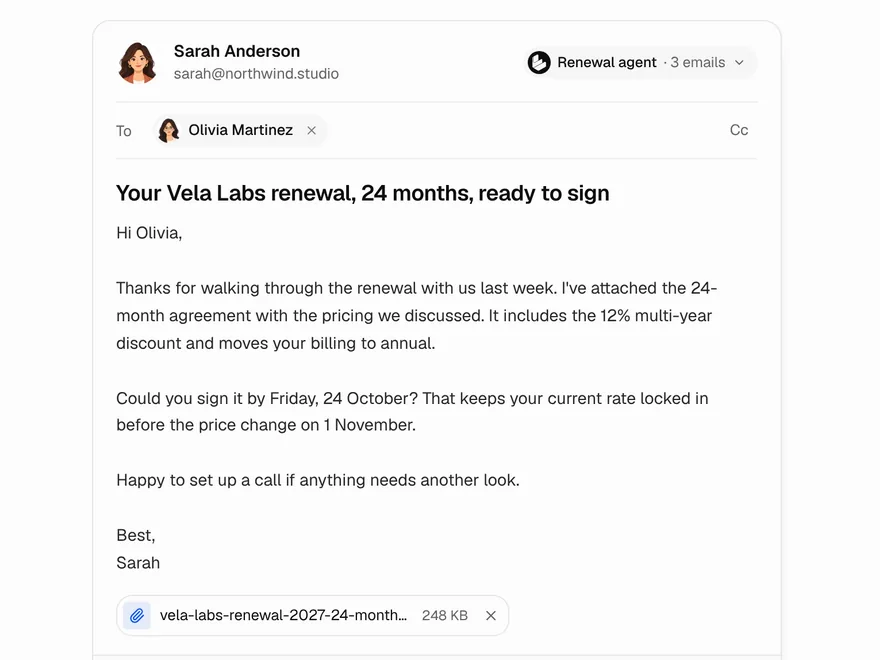
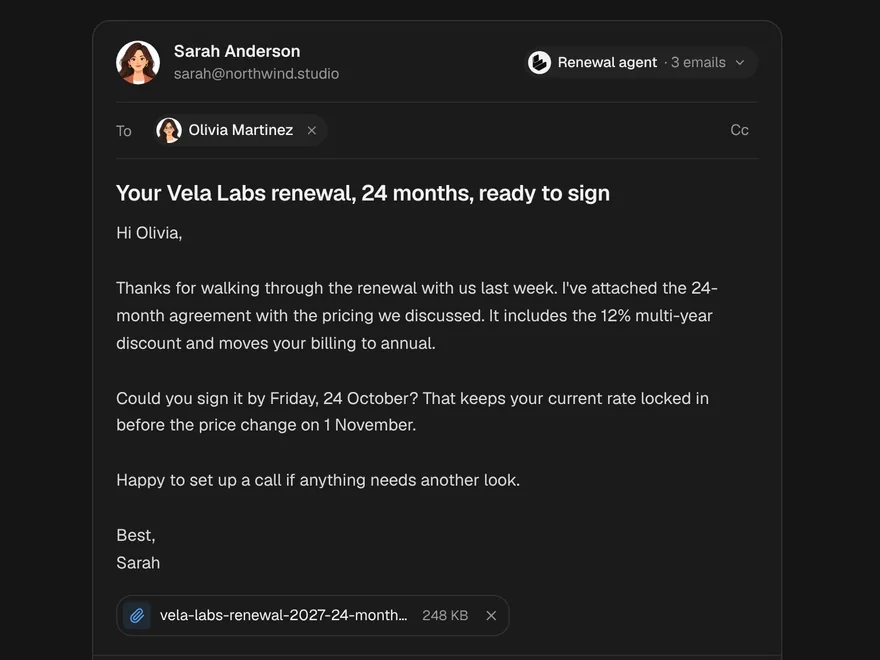
Agent Email Draft
An email an agent wrote, to check, retone and send with an undo window.
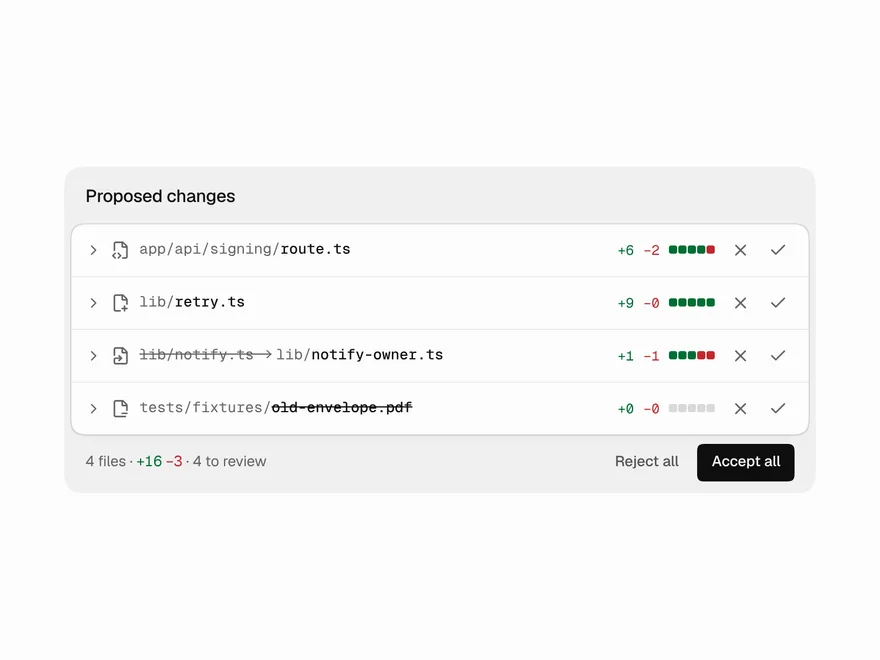
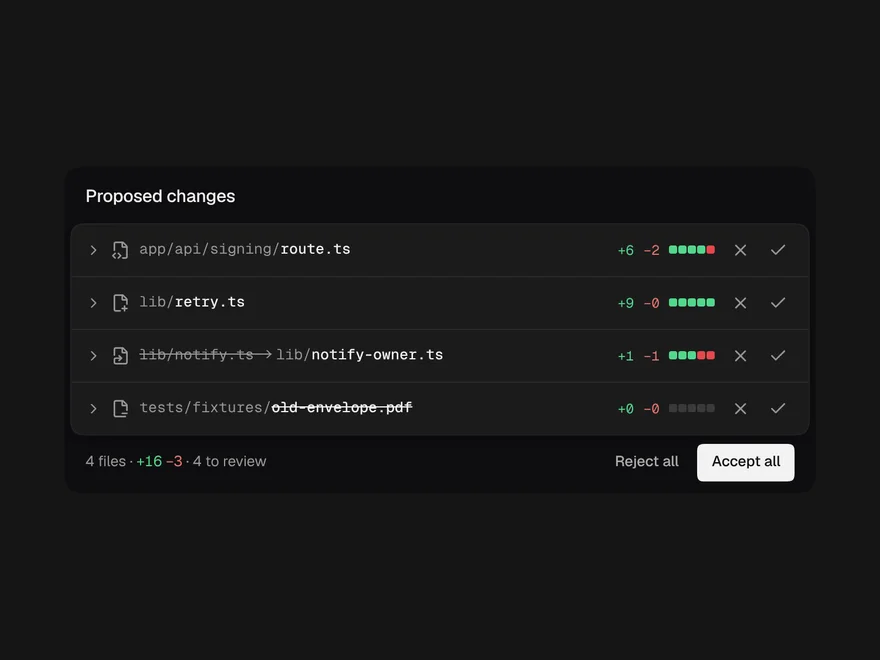
Code Diff View
An agent's proposed file changes, with accept or reject on each file.
Web Search Results
The pages an agent is searching and reading, live, folding to one line when done.