Payments Table
Charges listed newest first with who paid, how, and whether it arrived. Tabs for Succeeded, Processing, Failed and Refunded carry their counts, a failed payment gives its reason on hover, and the totals row adds up only what is shown.
The decision inside it
The total is what you can see
Switch to Succeeded and the totals row is money that arrived, not money that was asked for. Refund in the bulk bar counts only the payments it can refund.
When to use it
Use Payments Table for a list of charges: customer, status, card and amount, with status tabs and counts, a totals row for what is shown, and Export and Refund in the bulk bar. Amounts are integer cents. For one customer's invoices use Invoice History.
Installation
How you get it
Paste this into Claude Code, Cursor, Codex or any coding agent. It installs the file and uses it as it is, instead of writing a new one.
Use Layro's Payments Table for this.
Install it: npx shadcn@latest add @layro/payments-table
(the @layro registry is set up in components.json, with LAYRO_KEY in .env.local)
Import it from @/components/ui/payments-table.
Do not rewrite or restyle it. Pass my data through its props
and keep its built-in states.
For the full brief with every prop and the mistakes assistants usually make, use Copy prompt above. Pro components install through the @layro registry with your CLI token: see the Namespaced tab.
Usage
import { PaymentsTable, type Payment } from "@/components/ui/payments-table";

export function Payments({ rows, loading }: { rows: Payment[]; loading: boolean }) {
  return (
    <PaymentsTable
      rows={rows}
      currency="USD"
      loading={loading}
      onRowClick={(p) => console.info("open", p.id)}
      onBulkAction={(action, selected) => console.info(action, selected.length)}
      onExport={(shown) => console.info("export", shown.length)}
    />
  );
}
API reference
“Copy prompt” above puts a full brief on your clipboard — install command, dependencies, props, and the mistakes an assistant usually makes with this component.
Props
Read from the component’s own TypeScript interface when the site is built, so this table cannot drift from the file you install.
| Prop | Type | Notes |
|---|---|---|
rowsrequired | Payment[] | — |
currency | string | ISO 4217 code. Default "USD". |
loading | boolean | — |
error | React.ReactNode | Replaces the rows with this message and a Retry. |
onRetry | () => void | — |
onRowClick | (row: Payment) => void | — |
selectable | boolean | Checkboxes and the bulk bar. Default true. |
onBulkAction | (action: PaymentBulkAction, rows: Payment[]) => void | — |
onExport | (rows: Payment[]) => void | Export everything in the current tab. |
density | "comfortable" | "compact" | — |
variant | "default" | "striped" | "bordered" | — |
pageSize | number | Rows per page. Default 8. |
className | string | — |
Dependencies
npm packages
lucide-reactLayro foundations, installed alongside it
layro-themeavatarbadgebuttoncard-branddata-tabletooltipStates
All of them are drawn by the component. None is left for you to design.
- All payments
- Failed with reason
- Selected with bulk bar
- Compact, striped
- Loading
- Empty
- Error
Accessibility
- Keyboard reachable throughout, in visual order
- Focus trapped in overlays, Escape closes them
- Focus returns to whatever opened it
- Live regions announce what changed, not that something did
- Honours prefers-reduced-motion
Responsive behavior
- Sizes to its container, not the viewport
- Usable from 320px up
- Pointer-based interaction, so trackpad and touch both work
- No hover-only affordances
Lifetime access
Every component, and everything we ship next.
- All 232 components, source included
- Every template, and everything released after you buy
- shadcn CLI or download — React 18/19, Tailwind v4
- One payment. No subscription.
More in Data TablesAll Data Tables components
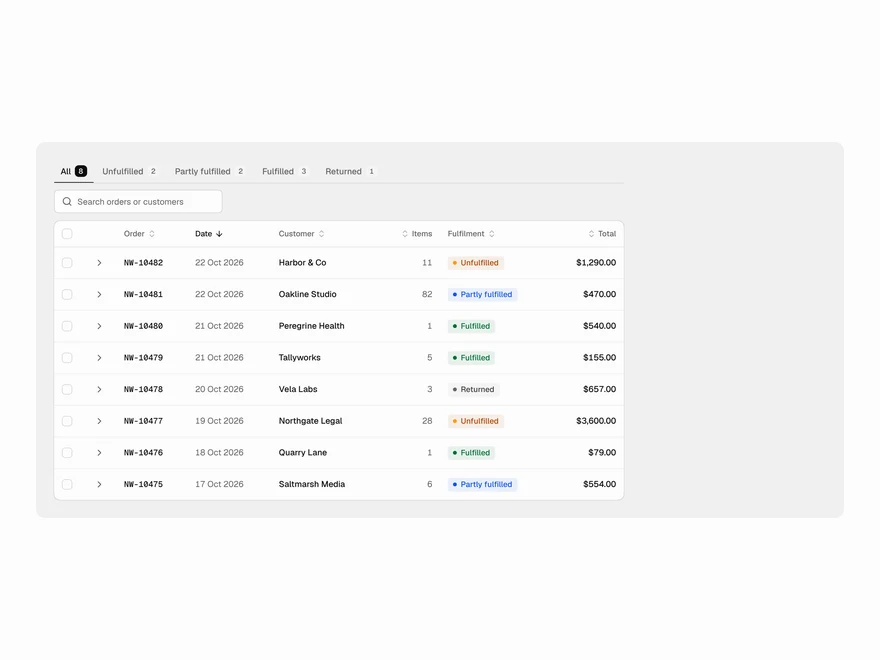
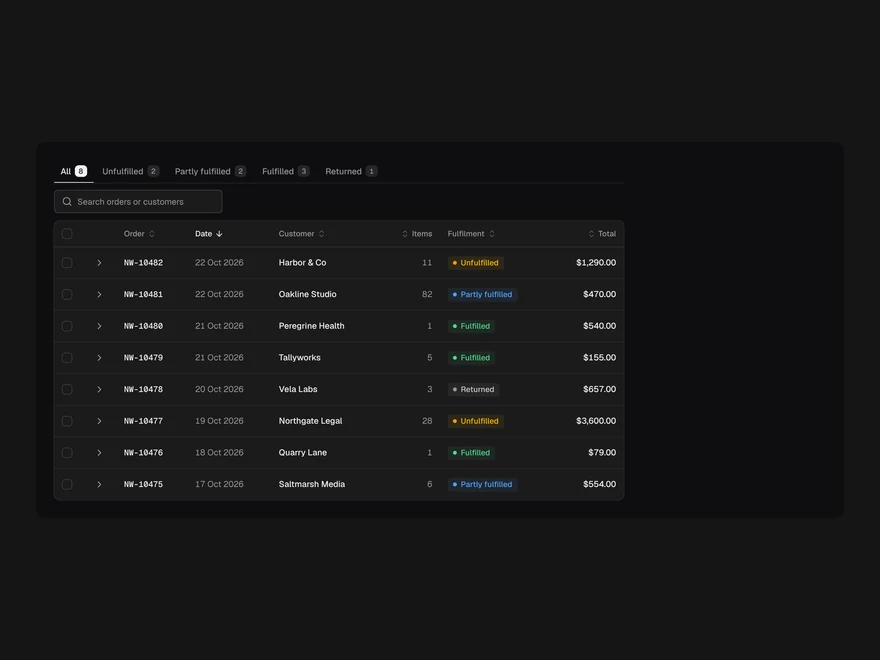
Orders Table
Orders with fulfilment status and line items that open in place.
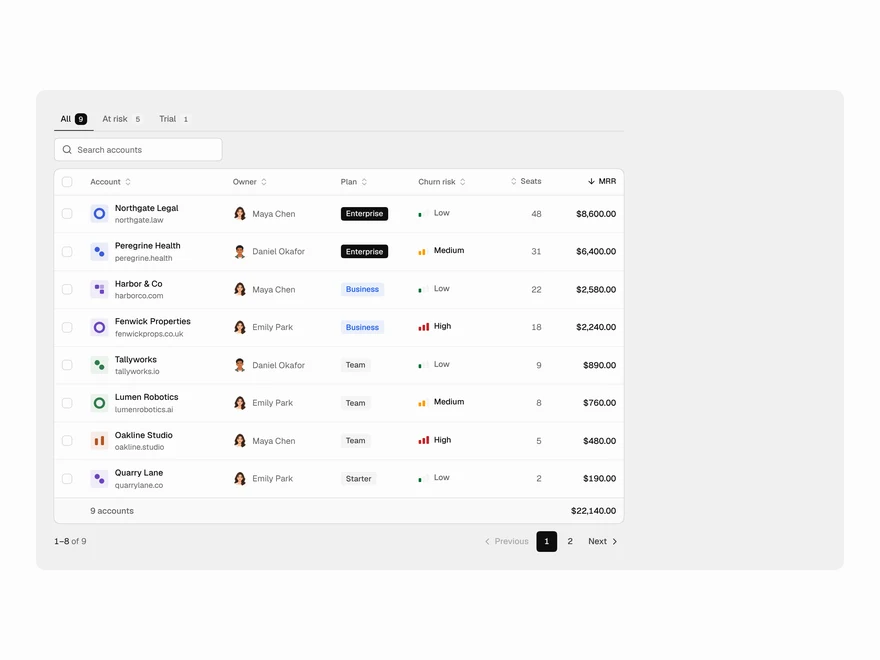
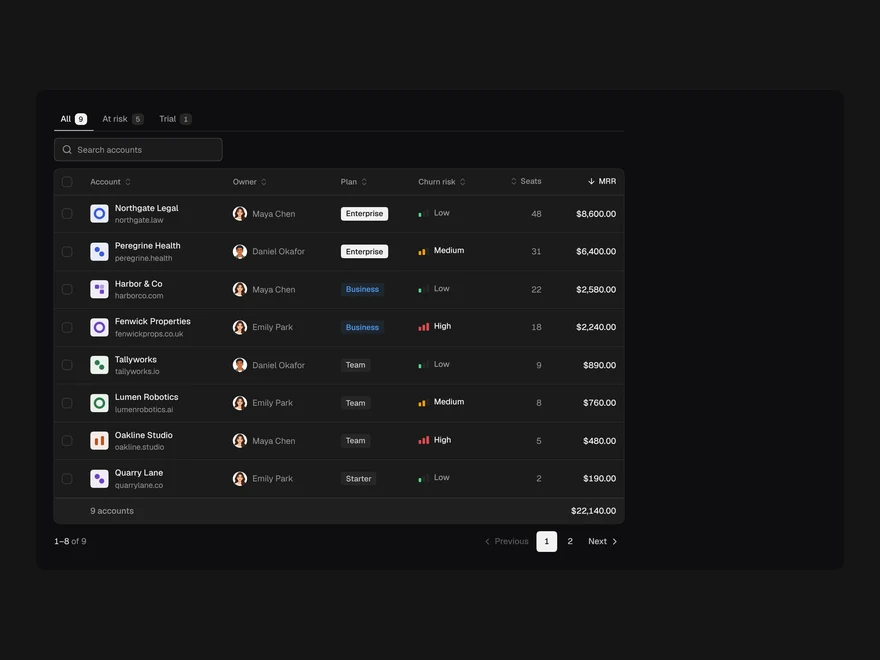
Customers Table
Paying accounts by MRR with owner, plan, churn risk and totals.
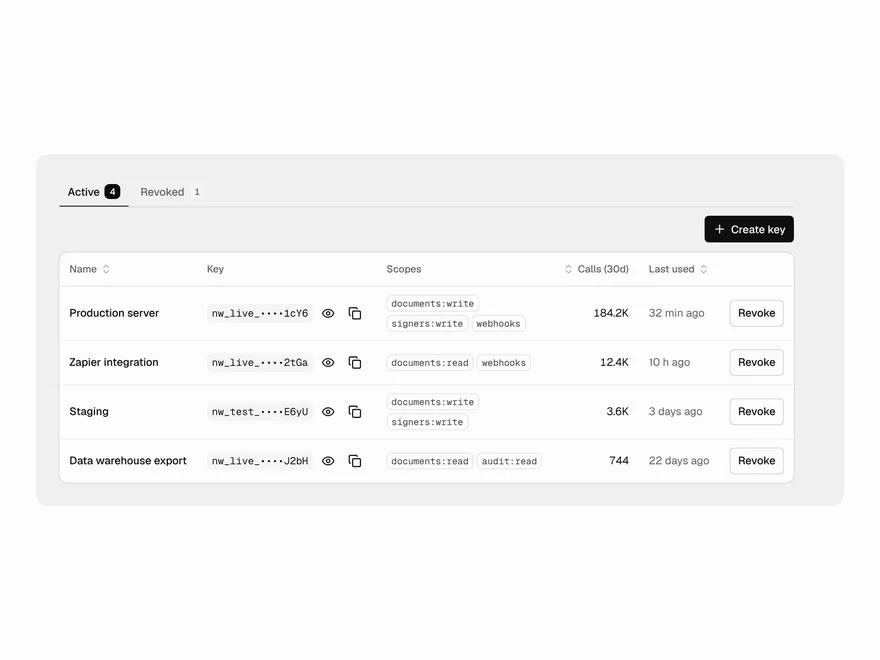
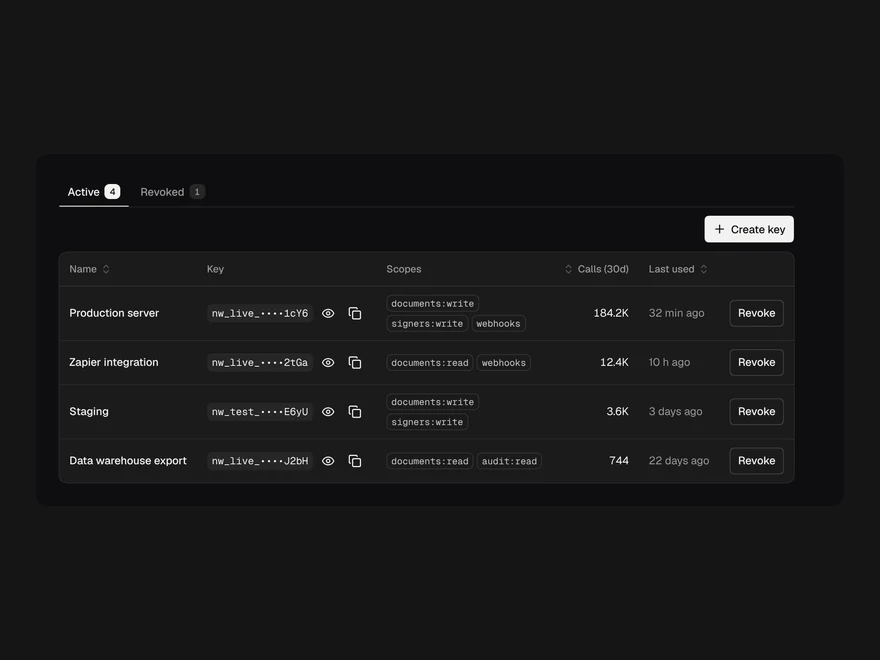
API Keys Table
API keys with masked values, scopes, usage, reveal and copy, revoke and create.
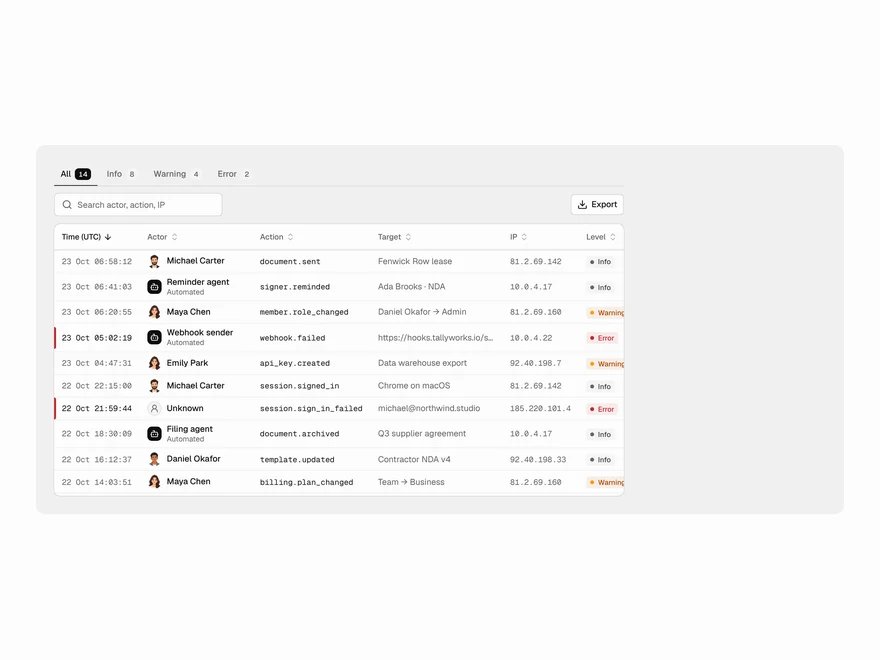
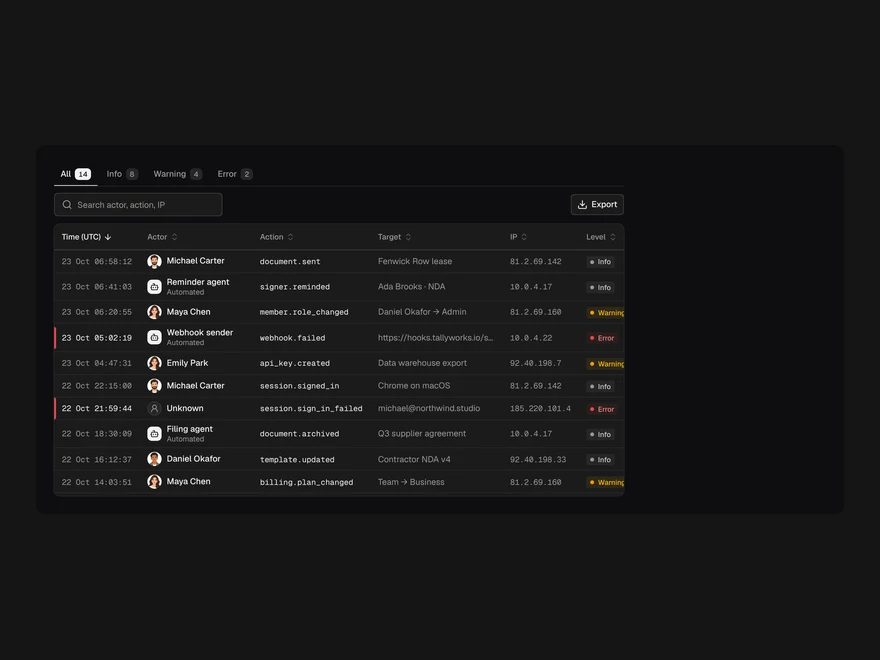
Audit Log Table
Who did what, when and from where, with a pinned header, level filter and export.
Deployments Table
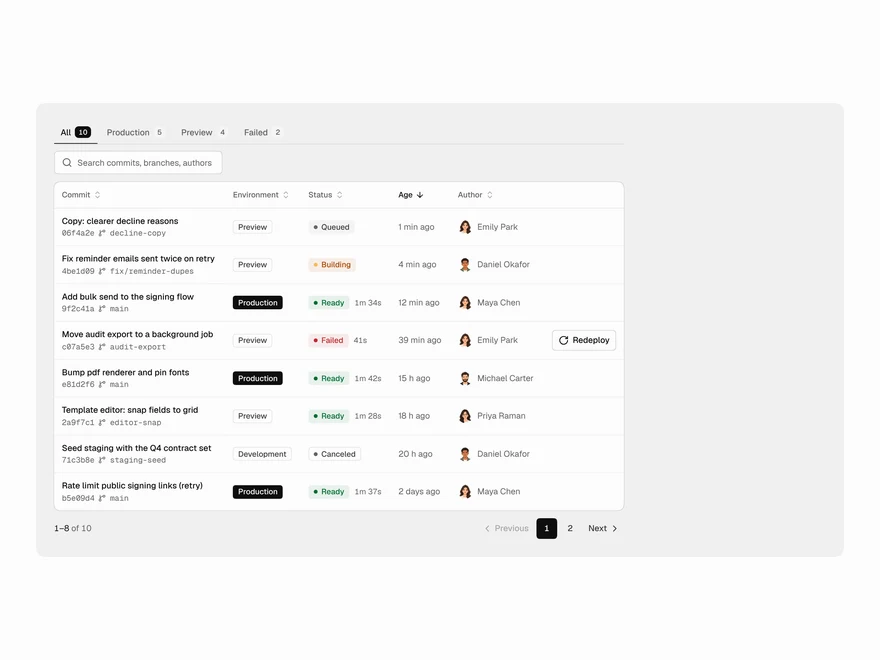
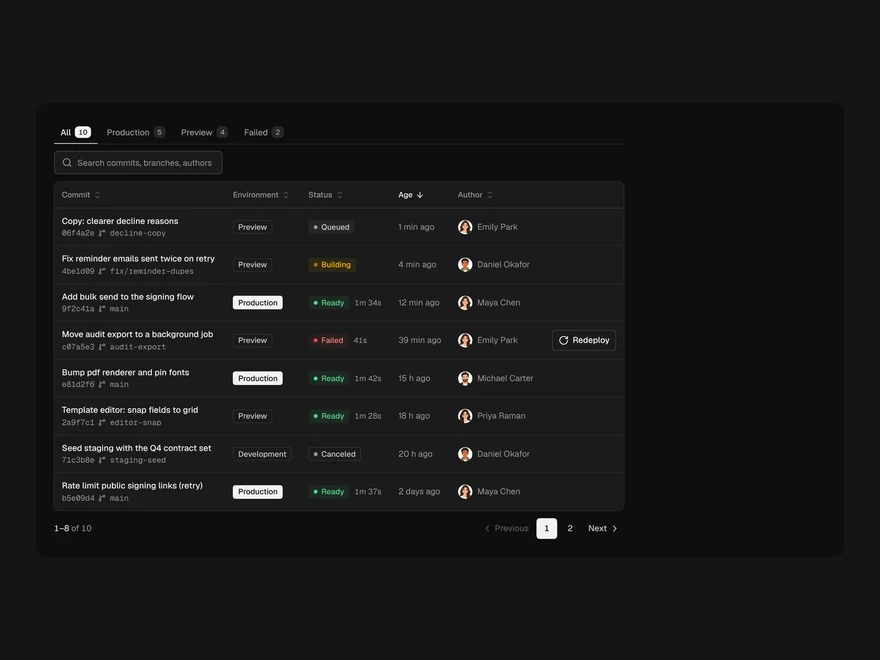
Builds by commit with environment, status, age and author; Redeploy on failures.
Feature Flags Table
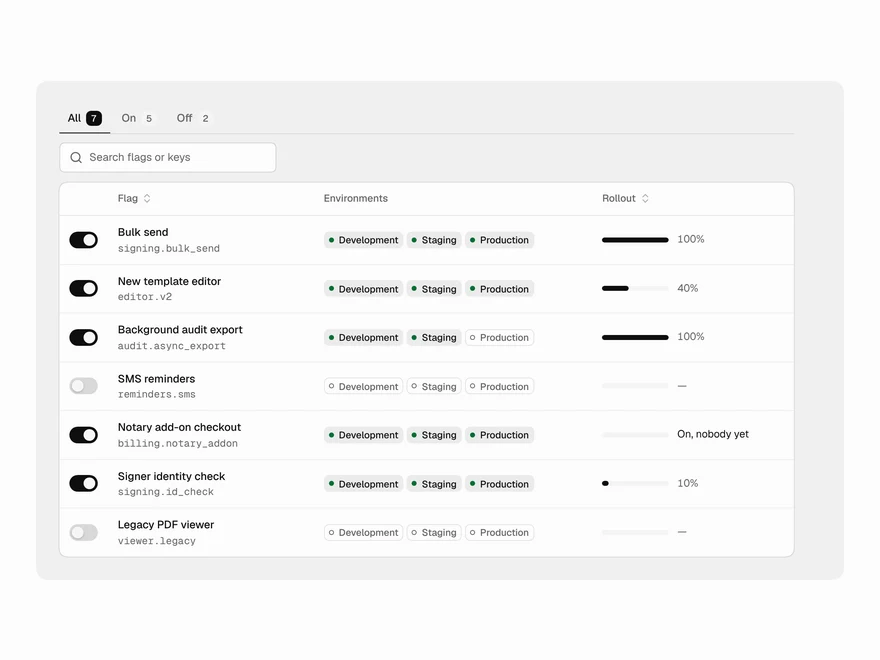
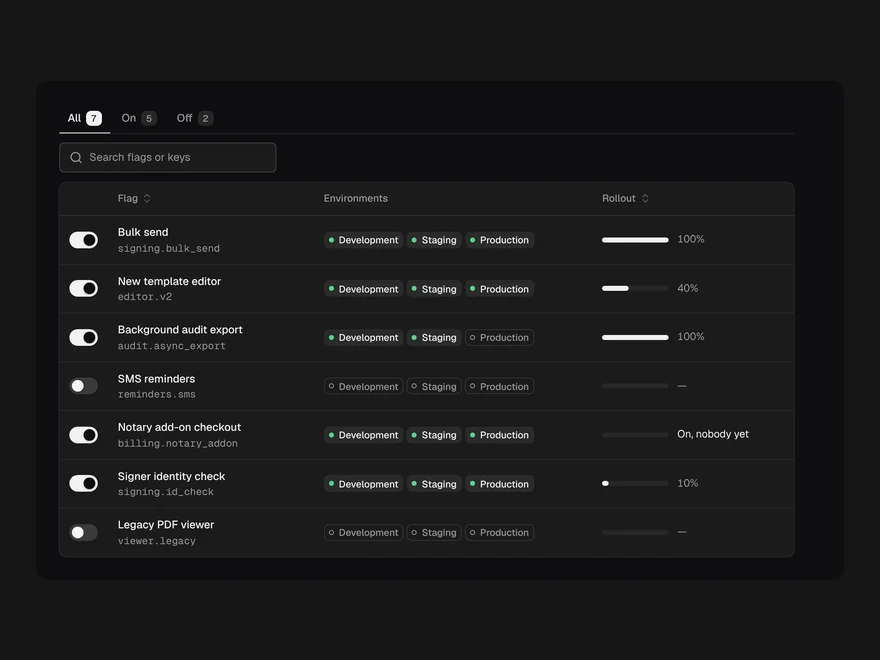
Flags with their key, environments, rollout meter and a live switch that saves optimistically.