Agent Email Draft
A compose card: From, To and Cc as photo chips, a plain subject and a body you edit in place. Friendly, Neutral or Firm rewrites it, the agent's chip opens the emails it was based on, and attachments can be removed. Send counts down with Undo, Discard folds with Undo, and Schedule is one prop away.
The decision inside it
Send waits, and a retone keeps what you wrote
Send starts a ten-second undo window with the countdown on the button. Every sentence you edited is marked as yours and passed to onRetone as protected, so changing the tone only rewrites the agent's sentences.
When to use it
Use Agent Email Draft when an agent has written an email a person should check before it goes: edit in place, change the tone without losing your edits, and send with an undo window. onRetone receives the person's sentences as protected ranges.
Installation
How you get it
Paste this into Claude Code, Cursor, Codex or any coding agent. It installs the file and uses it as it is, instead of writing a new one.
Use Layro's Agent Email Draft for this.
Install it: npx shadcn@latest add @layro/email-draft
(the @layro registry is set up in components.json, with LAYRO_KEY in .env.local)
Import it from @/components/ui/email-draft.
Do not rewrite or restyle it. Pass my data through its props
and keep its built-in states.
For the full brief with every prop and the mistakes assistants usually make, use Copy prompt above. Pro components install through the @layro registry with your CLI token: see the Namespaced tab.
Usage
import { EmailDraft, type EmailDraftValue, type EmailTone, type ProtectedRange } from "@/components/ui/email-draft";

const draft: EmailDraftValue = {
  to: ["Olivia Martinez <olivia@vertically.com>"],
  cc: [],
  subject: "Your renewal, ready to sign",
  body: "Hi Olivia, the renewal is ready. Payment runs from the invoice date. Thanks, Sarah",
  attachments: [{ id: "a1", name: "Renewal-2027.pdf", size: "248 KB" }],
  tone: "neutral",
};

export function ReviewEmail({ api }: {
  api: {
    retone: (body: string, tone: EmailTone, keep: ProtectedRange[]) => Promise<string>;
    send: (d: EmailDraftValue) => Promise<void>;
  };
}) {
  return (
    <EmailDraft
      agent="Renewal agent"
      from={{ name: "Sarah Anderson", email: "sarah@madgixs.com" }}
      defaultValue={draft}
      onRetone={(tone, keep, body) => api.retone(body, tone, keep)}
      onSend={api.send}
    />
  );
}
API reference
“Copy prompt” above puts a full brief on your clipboard — install command, dependencies, props, and the mistakes an assistant usually makes with this component.
Props
Read from the component’s own TypeScript interface when the site is built, so this table cannot drift from the file you install.
| Prop | Type | Notes |
|---|---|---|
from | EmailPerson | The sender, shown with their photo at the top of the card. |
people | EmailPerson[] | People you know, so recipient chips show their photo and name. |
agentrequired | string | Who wrote it: "Renewal agent". |
agentAvatar | React.ReactNode | The agent's mark. Without one, a plain pen glyph stands in. |
sources | EmailSource[] | What it was based on; listed when the agent chip is opened. |
sourceNoun | string | What the sources are: "emails". Default "emails". |
value | EmailDraftValue | — |
defaultValue | EmailDraftValue | — |
onChange | (draft: EmailDraftValue) => void | — |
defaultEdited | string[] | Sentences already edited by the person, kept through retones. |
onRetone | (tone: EmailTone, protectedRanges: ProtectedRange[], body: string) => Promise<string> | Rewrites the body in a tone. Keep every protected range exactly as it is. |
onSend | (draft: EmailDraftValue) => void | Promise<void> | Called when the undo window closes. May reject: the draft comes back with the error. |
undoMs | number | The undo window in ms. Default 10 000. Pass 0 to send at once. |
onSchedule | (draft: EmailDraftValue, at: Date) => void | Promise<void> | Leave out to hide Schedule. May return a promise. |
scheduleOptions | ScheduleOption[] | Times offered by Schedule. Default: in 1 hour, tomorrow 9:00, next Monday 9:00. |
onUnschedule | () => void | Promise<void> | After a schedule, Edit brings the draft back. May return a promise. |
onDiscard | () => void | Called once the 5 s undo window after Discard closes. |
now | Date | number | Fix the clock, for screenshots and tests. |
Dependencies
npm packages
clsxframer-motionlucide-reacttailwind-mergeLayro foundations, installed alongside it
layro-themeavatarbuttonsegmented-controlStates
All of them are drawn by the component. None is left for you to design.
- Draft
- Edited
- Retoning
- Counting down
- Sent
- Send failed
- Scheduled
- Discarded
Accessibility
- Keyboard reachable throughout, in visual order
- Focus trapped in overlays, Escape closes them
- Focus returns to whatever opened it
- Live regions announce what changed, not that something did
- Honours prefers-reduced-motion
Responsive behavior
- Sizes to its container, not the viewport
- Usable from 320px up
- Pointer-based interaction, so trackpad and touch both work
- No hover-only affordances
Lifetime access
Every component, and everything we ship next.
- All 232 components, source included
- Every template, and everything released after you buy
- shadcn CLI or download — React 18/19, Tailwind v4
- One payment. No subscription.
More in AI AgentAll AI Agent components
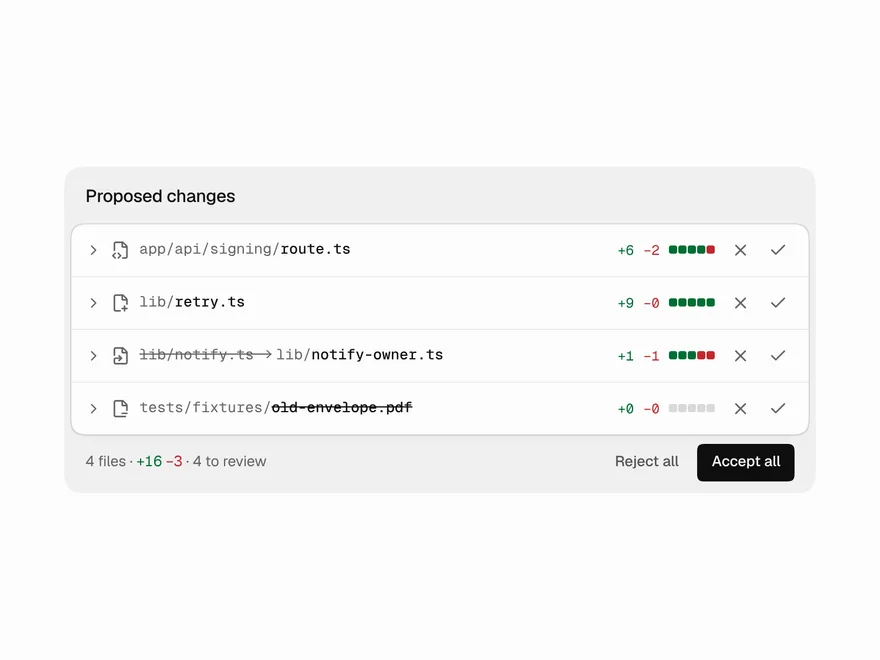
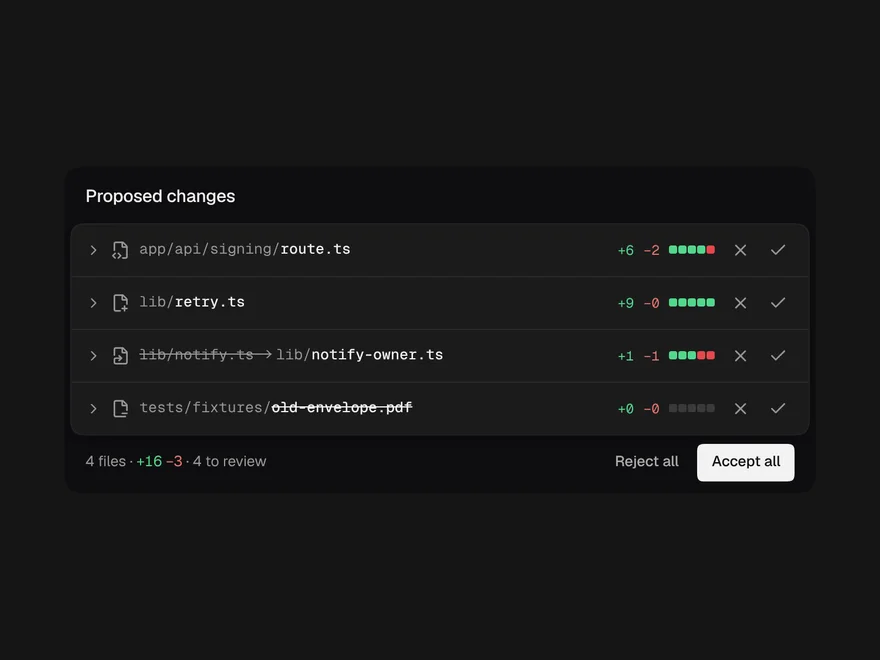
Code Diff View
An agent's proposed file changes, with accept or reject on each file.
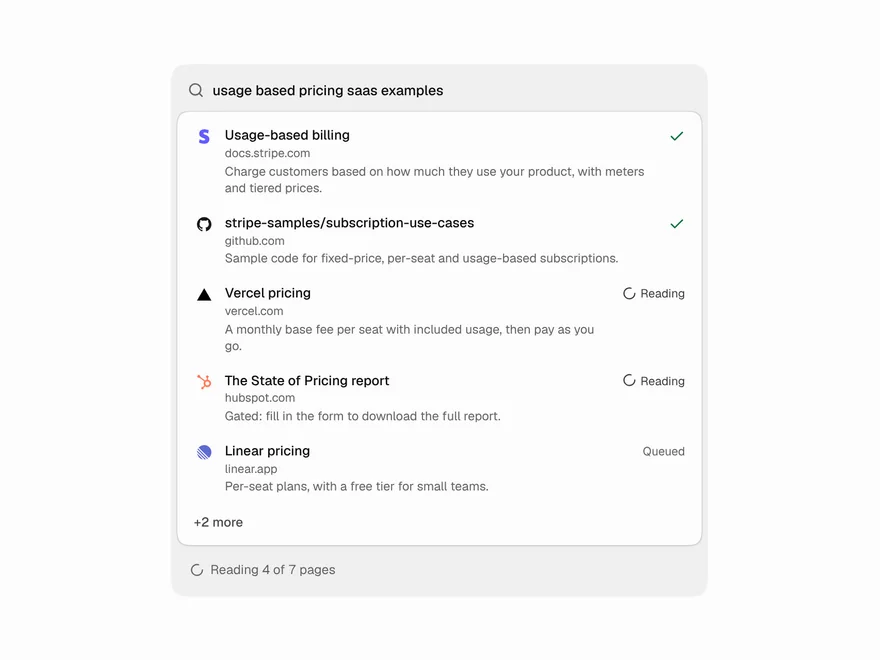
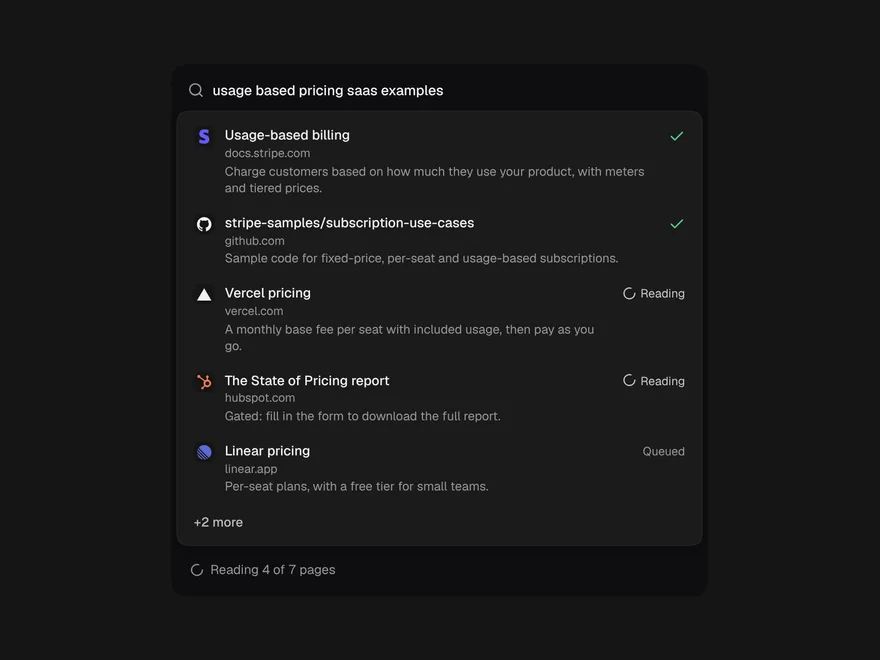
Web Search Results
The pages an agent is searching and reading, live, folding to one line when done.
Agent Cursors
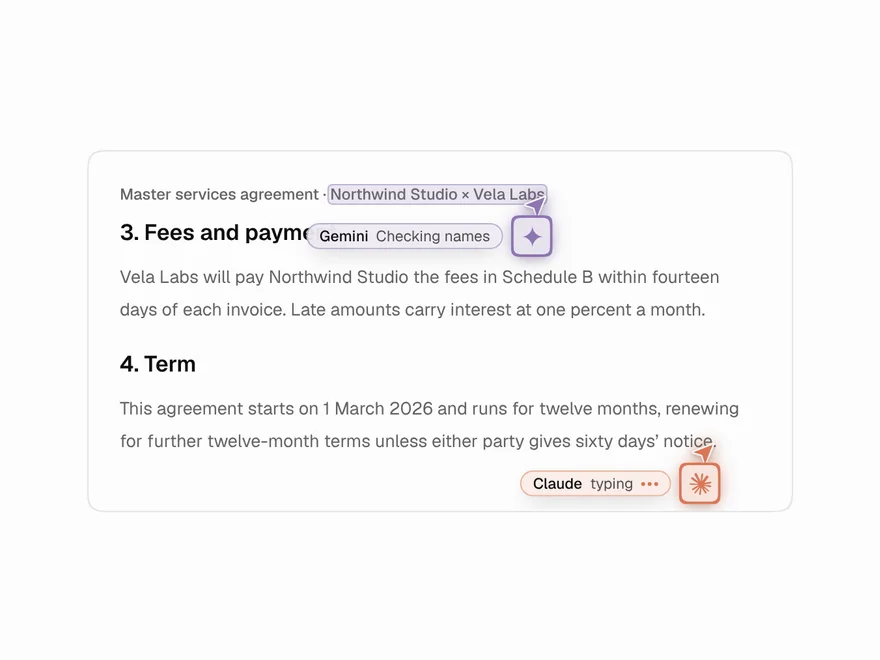
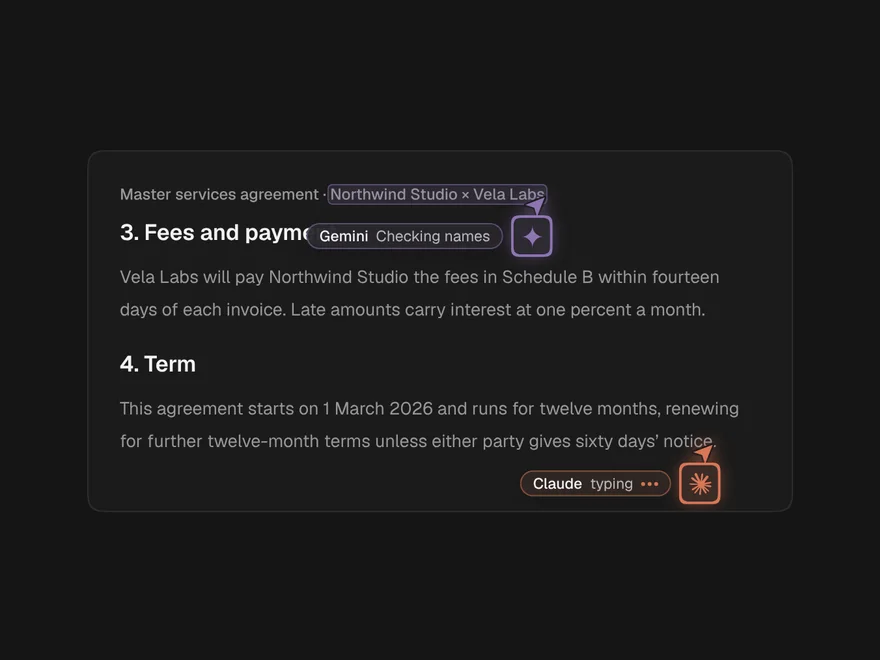
AI agents working in a document like multiplayer teammates, each with a named cursor.
Agent Workspace
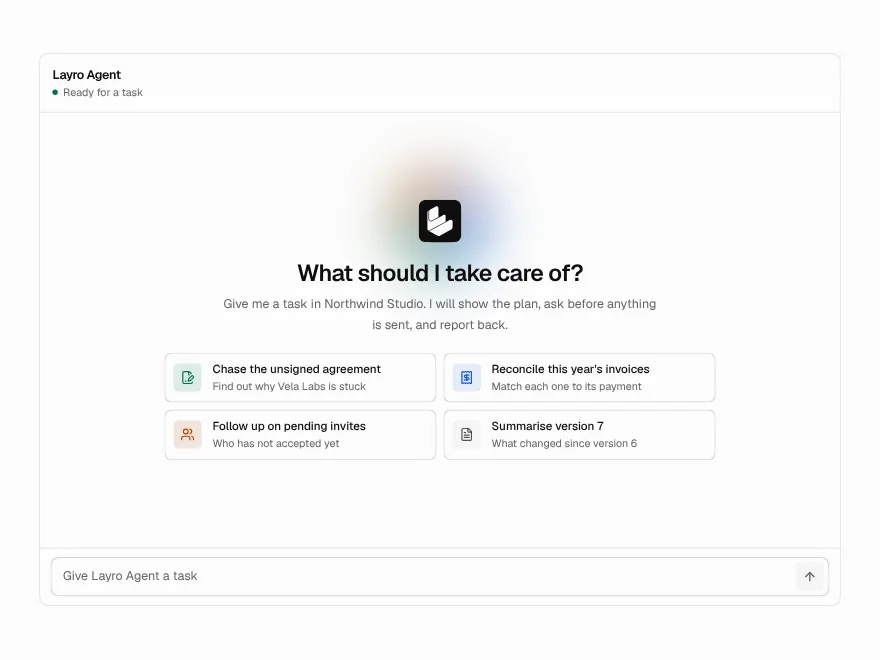
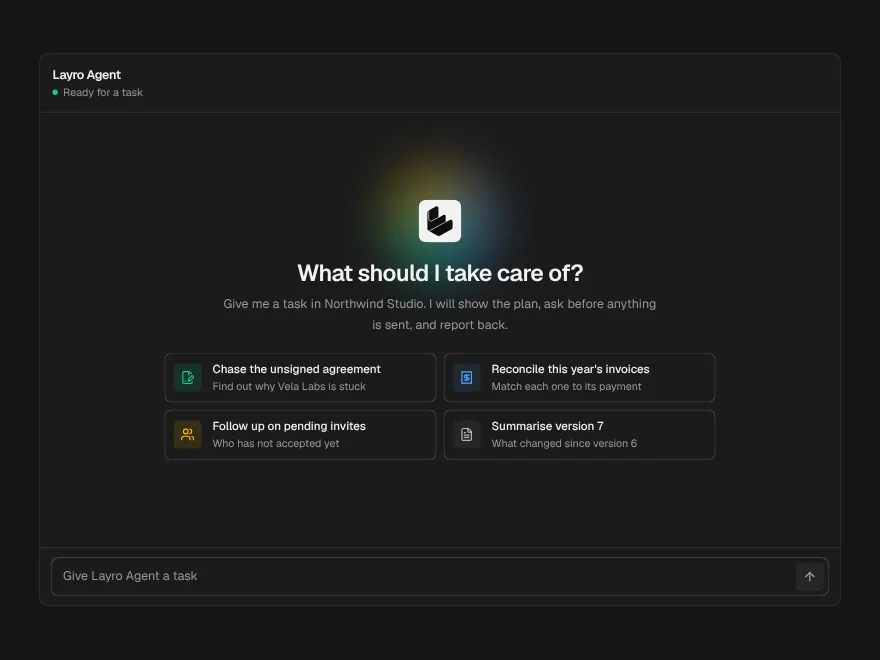
A whole agent screen: task in, plan, tool calls, approval and a summary out.
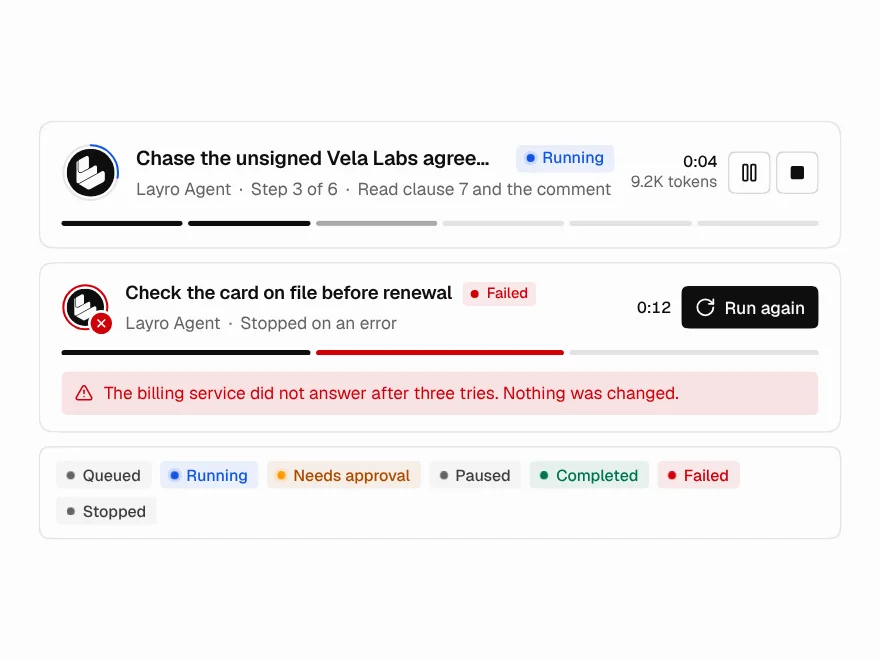
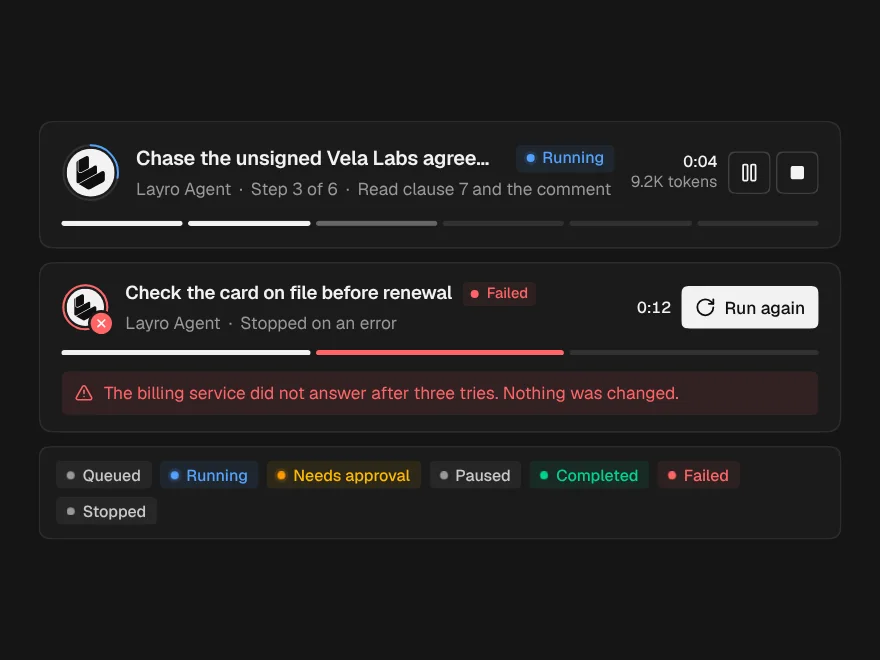
Agent Run Status
The top of a run: state, current step, a live clock, and Pause and Stop.
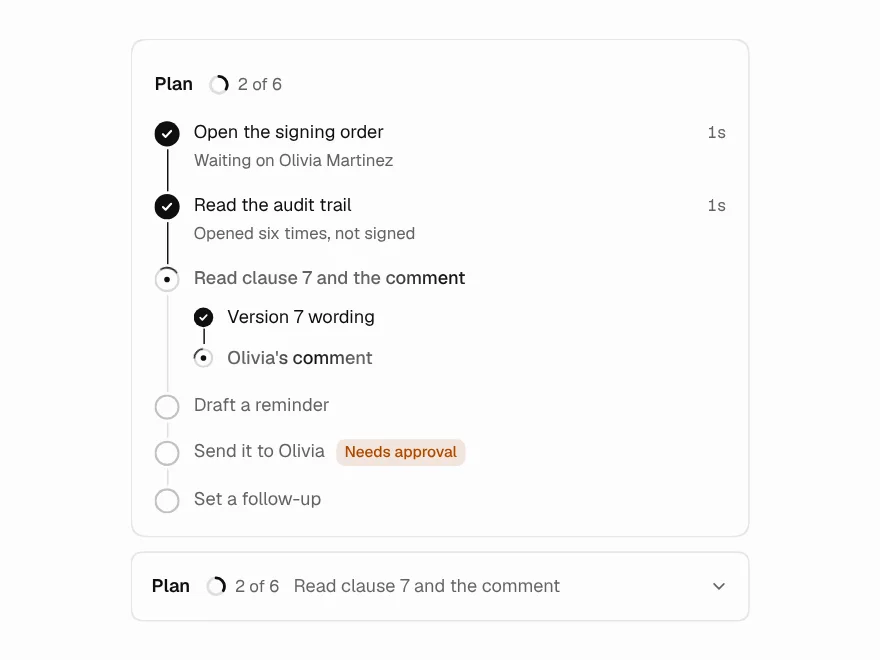
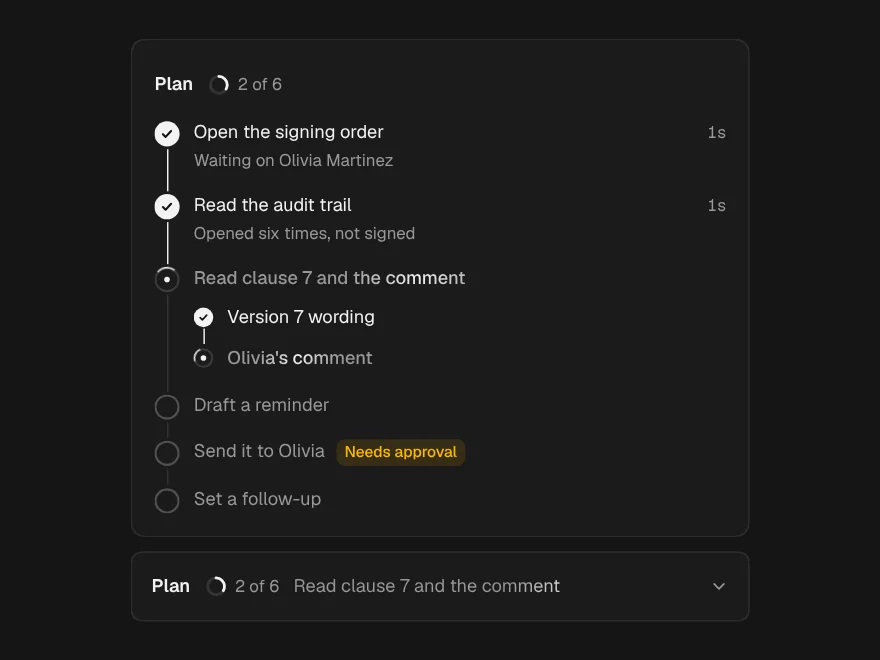
Task Plan
The agent's plan as steps that tick off live, with the risky one flagged ahead.