Breadcrumb
The path from the top level to the current page. Past a set length the middle collapses into a menu, long names truncate with the full name on hover, and an item can carry a menu of its siblings.
The decision inside it
The middle folds, never the ends
The first item anchors you and the last two are where you came from. The levels between are the ones nobody reads, so they go behind a menu that is still one click and one Tab away.
When to use it
Use Breadcrumb at the top of a page to show where it sits and link back up. Long trails fold their middle into a menu; pass linkComponent so links use your router.
Installation
How you get it
Paste this into Claude Code, Cursor, Codex or any coding agent. It installs the file and uses it as it is, instead of writing a new one.
Use Layro's Breadcrumb for this.
Install it: npx shadcn@latest add @layro/breadcrumb
(the @layro registry is set up in components.json, with LAYRO_KEY in .env.local)
Import it from @/components/ui/breadcrumb.
Do not rewrite or restyle it. Pass my data through its props
and keep its built-in states.
For the full brief with every prop and the mistakes assistants usually make, use Copy prompt above. Free components install through the @layro registry with your CLI token: see the Namespaced tab.
Usage
import Link from "next/link";
import { Breadcrumb } from "@/components/ui/breadcrumb";

export function PageTrail() {
  return (
    <Breadcrumb
      linkComponent={Link}
      items={[
        { label: "Madgixs", href: "/" },
        { label: "Clients", href: "/clients" },
        { label: "Vertically", href: "/clients/vertically" },
        { label: "Renewal 2027" },
      ]}
    />
  );
}
API reference
“Copy prompt” above puts a full brief on your clipboard — install command, dependencies, props, and the mistakes an assistant usually makes with this component.
Props
Read from the component’s own TypeScript interface when the site is built, so this table cannot drift from the file you install.
| Prop | Type | Notes |
|---|---|---|
itemsrequired | BreadcrumbItem[] | The trail, from the top level to the current page. |
maxItems | number | Collapse the middle into a "…" menu past this many items. Default 4. 0 never collapses. |
separator | React.ReactNode | Drawn between items. Default a chevron. |
linkComponent | React.ElementType | Your router's link, e.g. Next.js Link. Default a plain <a>. |
size | "sm" | "md" | sm for page headers in dense apps, md for docs. Default md. |
Dependencies
npm packages
@radix-ui/react-dropdown-menuclsxlucide-reacttailwind-mergeLayro foundations, installed alongside it
layro-themeStates
All of them are drawn by the component. None is left for you to design.
- Short
- Collapsed
- Sibling menu
- Small
Accessibility
- Keyboard reachable throughout, in visual order
- Focus trapped in overlays, Escape closes them
- Focus returns to whatever opened it
- Live regions announce what changed, not that something did
- Honours prefers-reduced-motion
Responsive behavior
- Sizes to its container, not the viewport
- Usable from 320px up
- Pointer-based interaction, so trackpad and touch both work
- No hover-only affordances
Used in screensAll screens
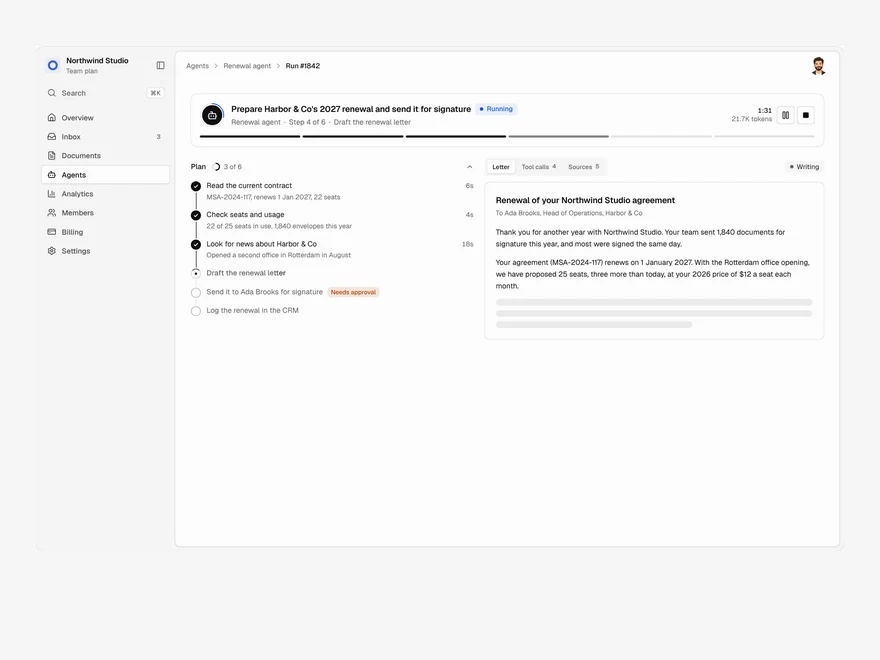
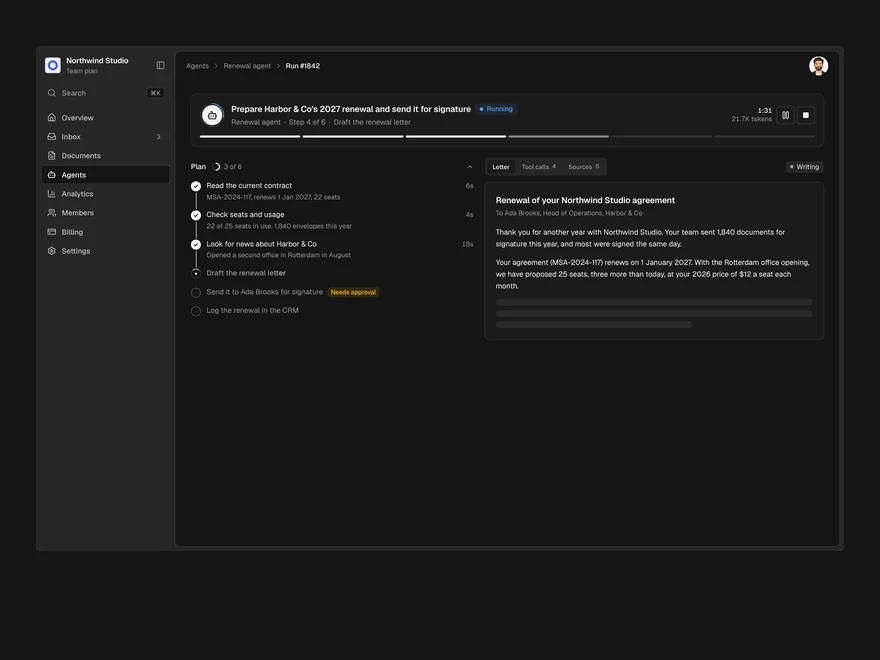
Agent Run
One agent run, live: its plan, every tool call, a pause for approval and the finished output.
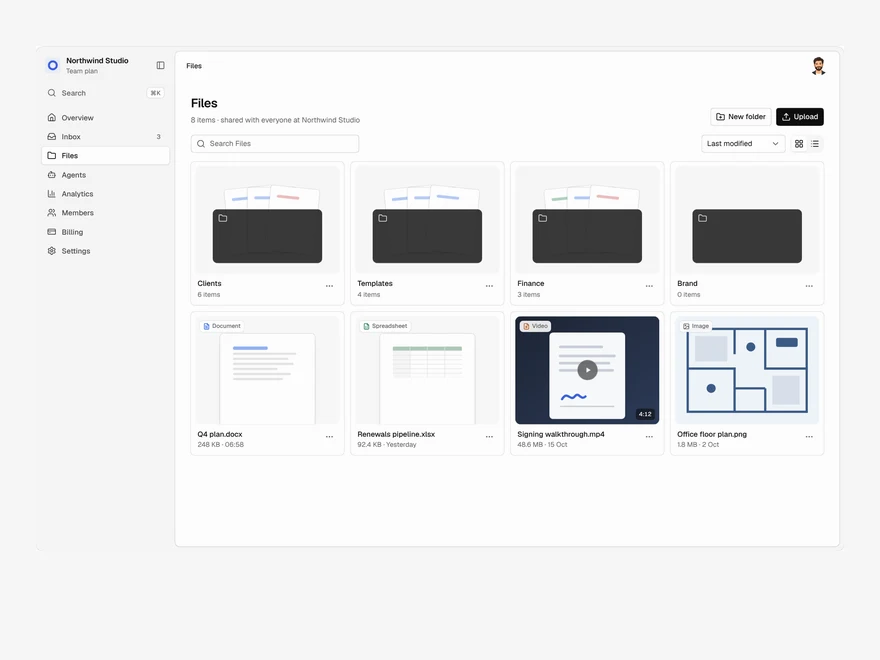
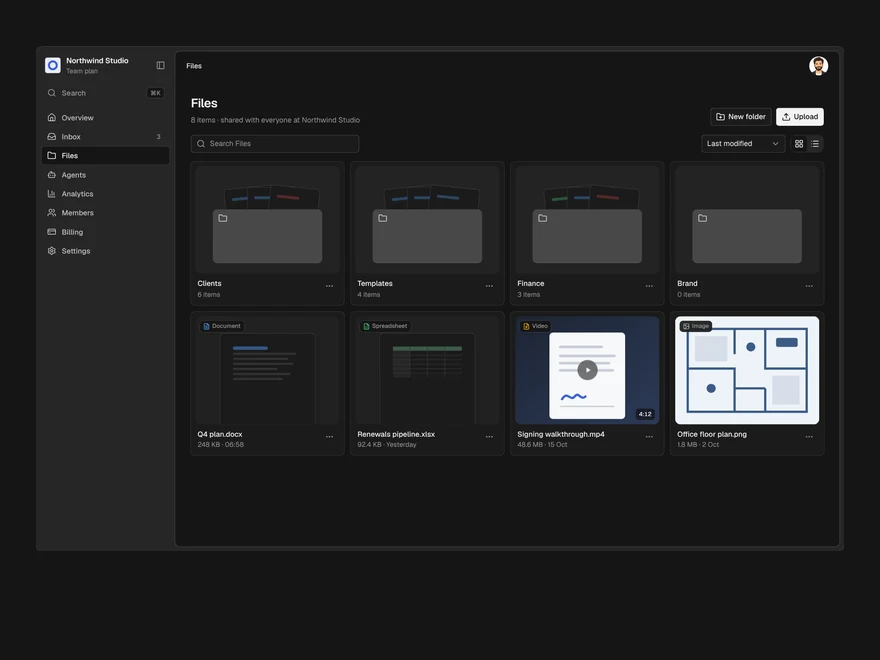
Files
A shared drive: folders and files in a grid or a list, drag to upload, rename, move and delete.
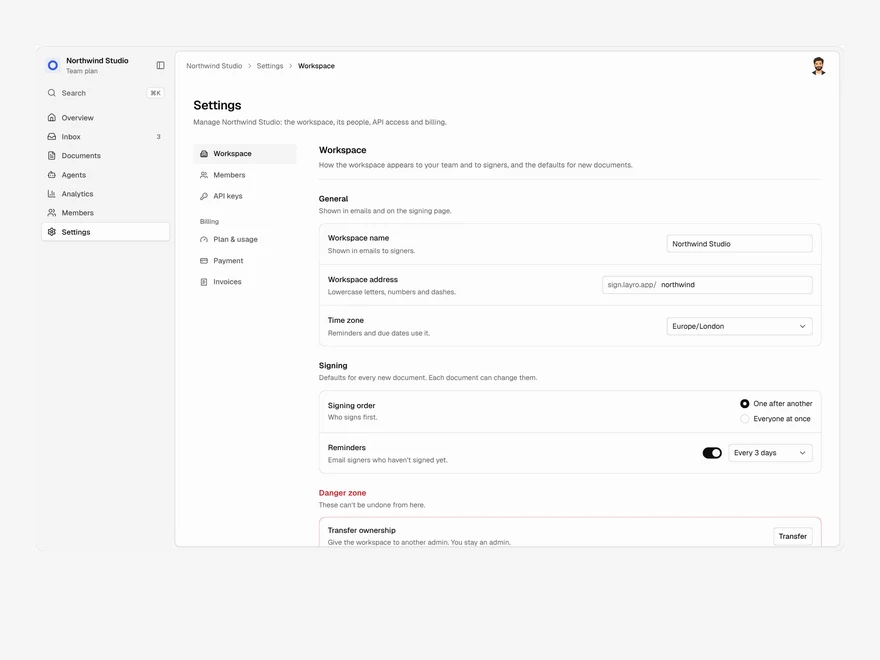
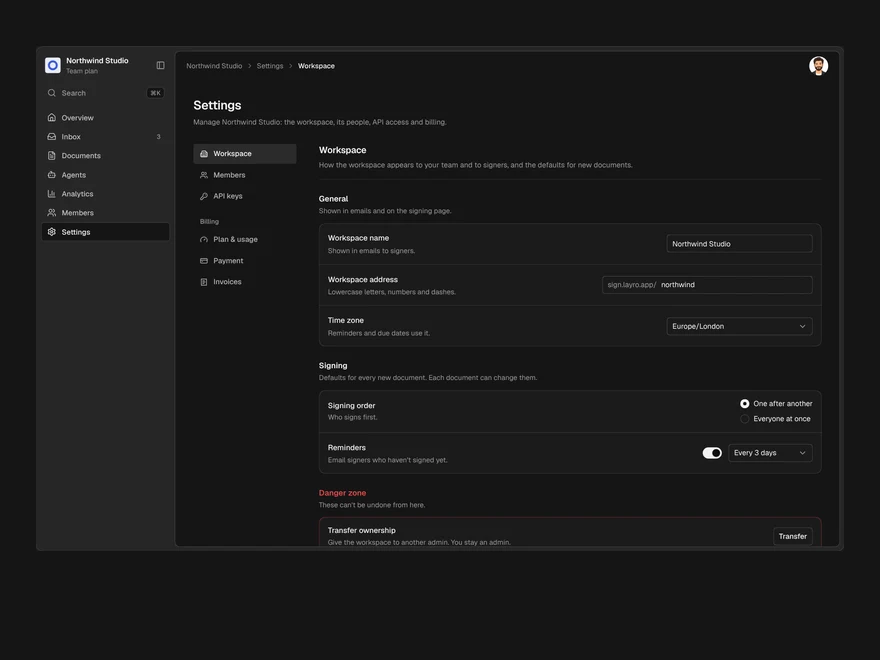
Settings & Billing
Workspace settings, members, API keys and billing in one page, with one save bar for every change.
Lifetime access
Every component, and everything we ship next.
- All 232 components, source included
- Every template, and everything released after you buy
- shadcn CLI or download — React 18/19, Tailwind v4
- One payment. No subscription.
More in Navigation & layoutAll Navigation & layout components
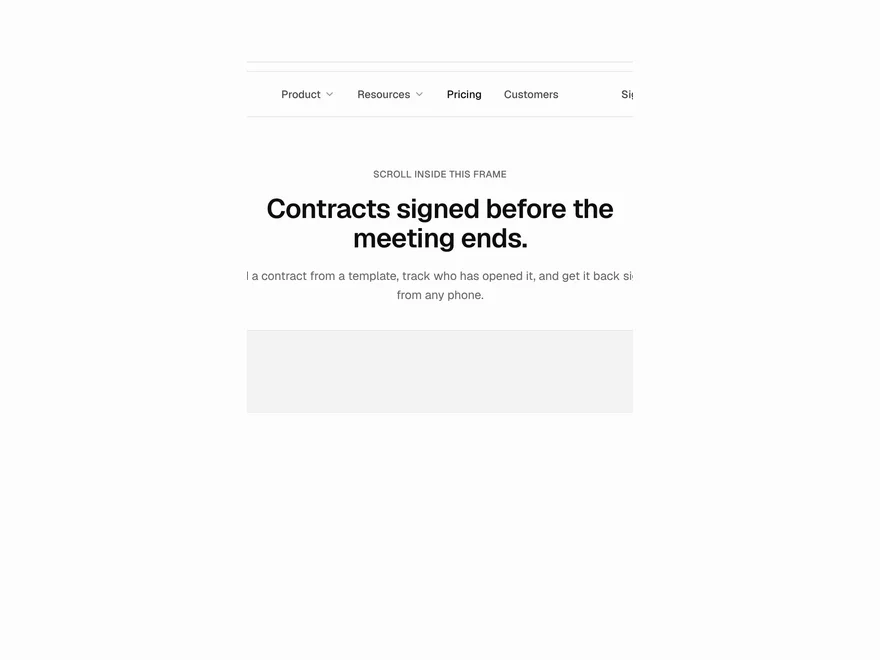
Animated Navbar
A site header with a highlight that follows the pointer, dropdowns, and a mobile menu.
Floating Dock
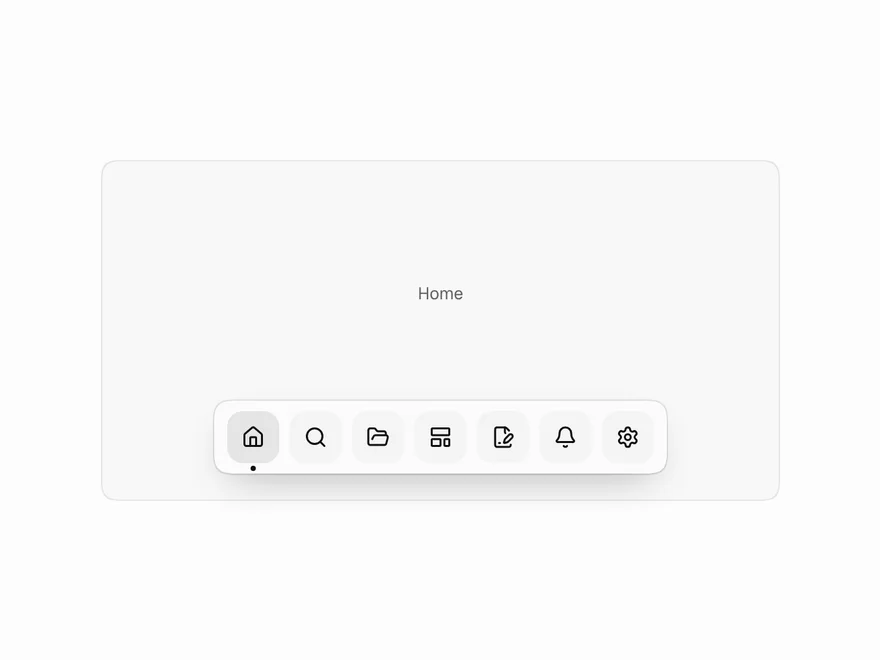
A floating bar of icons that swell near the pointer, like the macOS dock.
Tabs
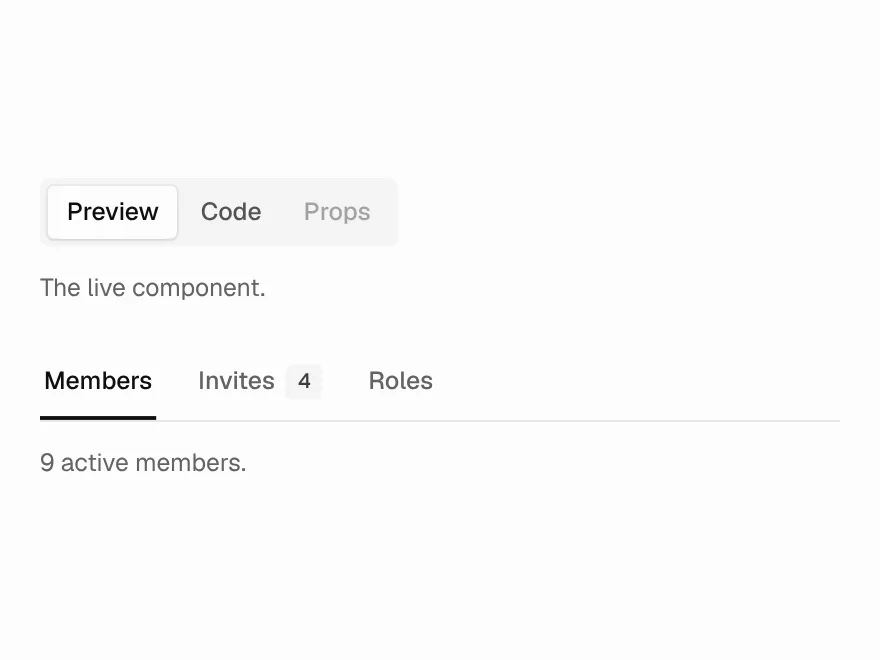
Segmented or underline tabs, with counts and disabled tabs.
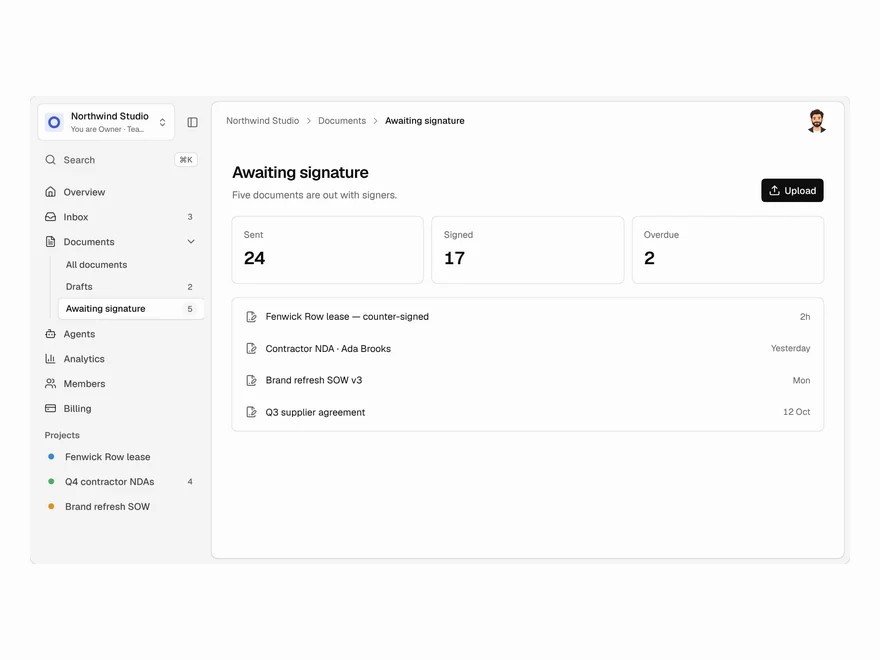
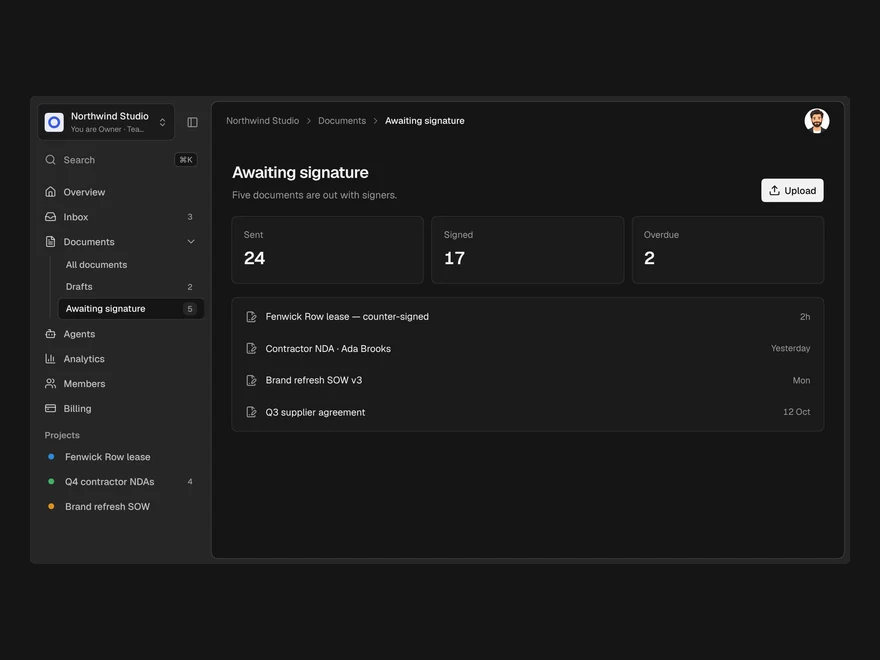
App Shell
The frame every app screen sits in: sidebar, workspace switcher, nav, projects, top bar and ⌘K.
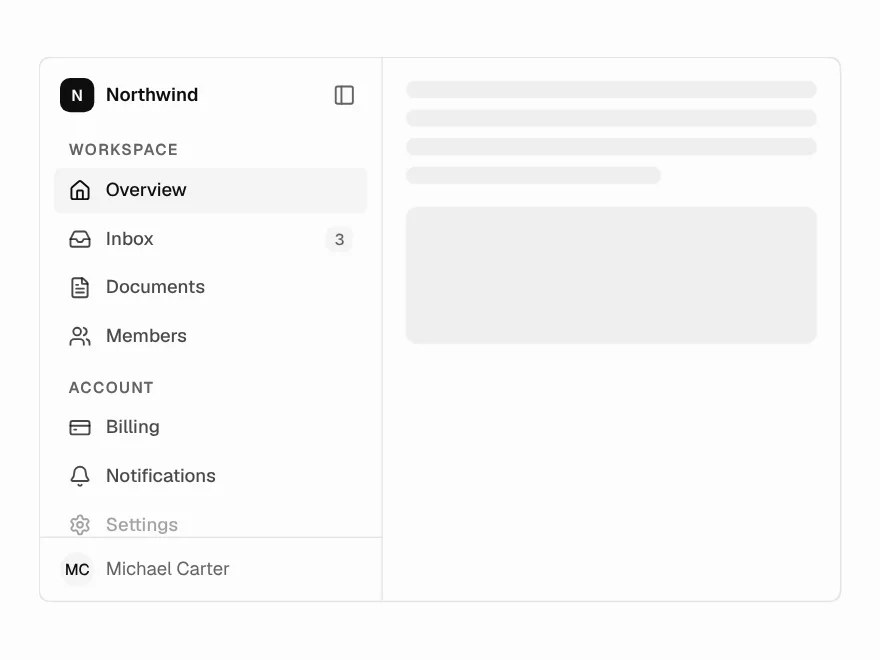
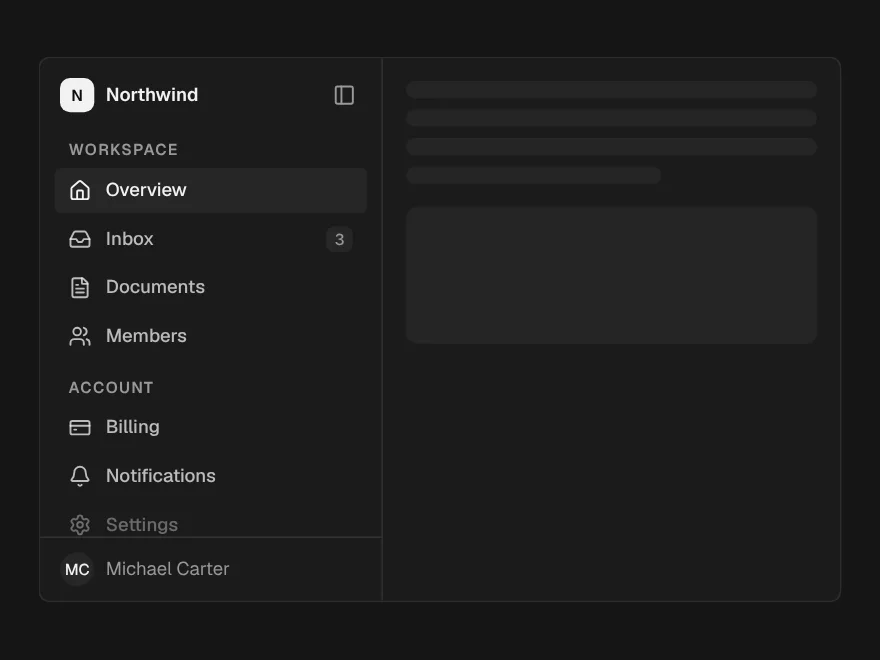
Sidebar
App navigation that collapses to an icon rail, with tooltips in the rail.
Pagination
Page numbers with ellipses, a range summary, and a compact form for small screens.