Voice Orb
A solid disc with a ring of bars that move with the voice. Listening jumps with your level, speaking swells in smooth lobes with the assistant's, thinking sends a bright arc round the ring, muted flattens to grey dots. The icon in the disc says what a tap will do.
The decision inside it
Motion, not colour, tells the states apart
Each state is a different kind of movement, so the orb reads at a glance and in greyscale. The loop writes the bars' SVG attributes directly, costs no React renders, and stops when the orb is off screen or the tab is hidden.
When to use it
Use Voice Orb as the tap-to-talk button of a voice-first screen: a disc ringed by voice bars, idle, listening, thinking, speaking or muted, with your microphone or playback level driving the motion. Give it onClick to make it the talk and interrupt button.
Installation
How you get it
Paste this into Claude Code, Cursor, Codex or any coding agent. It installs the file and uses it as it is, instead of writing a new one.
Use Layro's Voice Orb for this.
Install it: npx shadcn@latest add @layro/voice-orb
(the @layro registry is set up in components.json, with LAYRO_KEY in .env.local)
Import it from @/components/ui/voice-orb.
Do not rewrite or restyle it. Pass my data through its props
and keep its built-in states.
For the full brief with every prop and the mistakes assistants usually make, use Copy prompt above. Pro components install through the @layro registry with your CLI token: see the Namespaced tab.
Usage
import { VoiceOrb, type VoiceOrbState } from "@/components/ui/voice-orb";

export function AssistantOrb({ state, level, toggle }: { state: VoiceOrbState; level: number; toggle: () => void }) {
  return <VoiceOrb state={state} level={level} size={144} onClick={toggle} />;
}
API reference
“Copy prompt” above puts a full brief on your clipboard — install command, dependencies, props, and the mistakes an assistant usually makes with this component.
Props
Read from the component’s own TypeScript interface when the site is built, so this table cannot drift from the file you install.
| Prop | Type | Notes |
|---|---|---|
staterequired | VoiceOrbState | What the assistant is doing. |
level | number | 0–1. Drives the bars while listening and the swell while speaking. |
size | number | Diameter in pixels, ring included. Default 160. |
colors | [string, string] | The disc's gradient and the bars, any CSS colours. Default the theme's info hue, deepened toward its ink. |
iconColor | string | The icon in the disc. Default the theme's info foreground. |
onClick | () => void | Tap to talk or to interrupt. Makes the orb a button. |
label | string | The accessible name. Default describes the state, or the action when clickable. |
Dependencies
npm packages
clsxframer-motionlucide-reacttailwind-mergeLayro foundations, installed alongside it
layro-themeStates
All of them are drawn by the component. None is left for you to design.
- Idle
- Listening
- Thinking
- Speaking
- Muted
Accessibility
- Keyboard reachable throughout, in visual order
- Focus trapped in overlays, Escape closes them
- Focus returns to whatever opened it
- Live regions announce what changed, not that something did
- Honours prefers-reduced-motion
Responsive behavior
- Sizes to its container, not the viewport
- Usable from 320px up
- Pointer-based interaction, so trackpad and touch both work
- No hover-only affordances
Lifetime access
Every component, and everything we ship next.
- All 232 components, source included
- Every template, and everything released after you buy
- shadcn CLI or download — React 18/19, Tailwind v4
- One payment. No subscription.
More in AI ChatAll AI Chat components
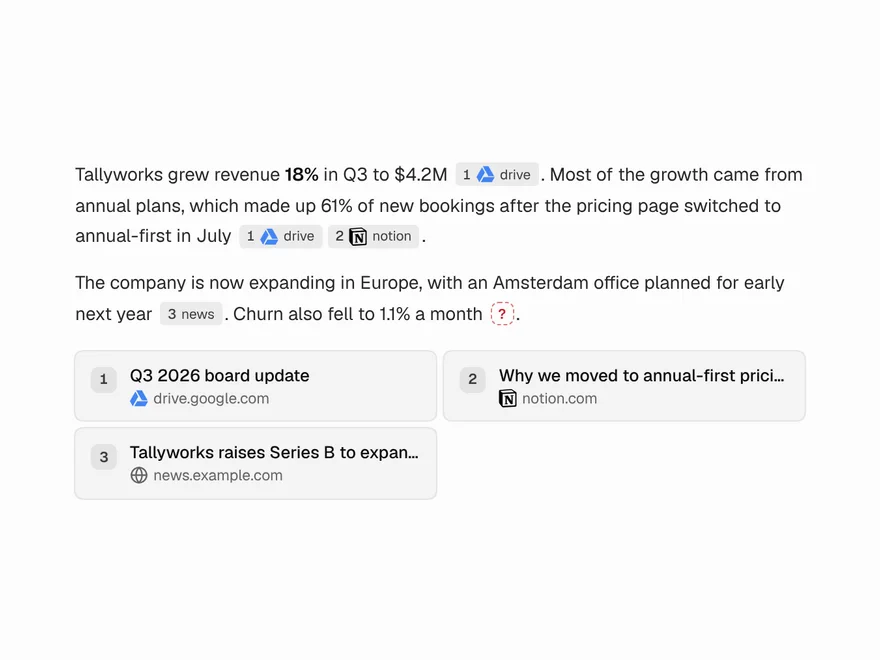
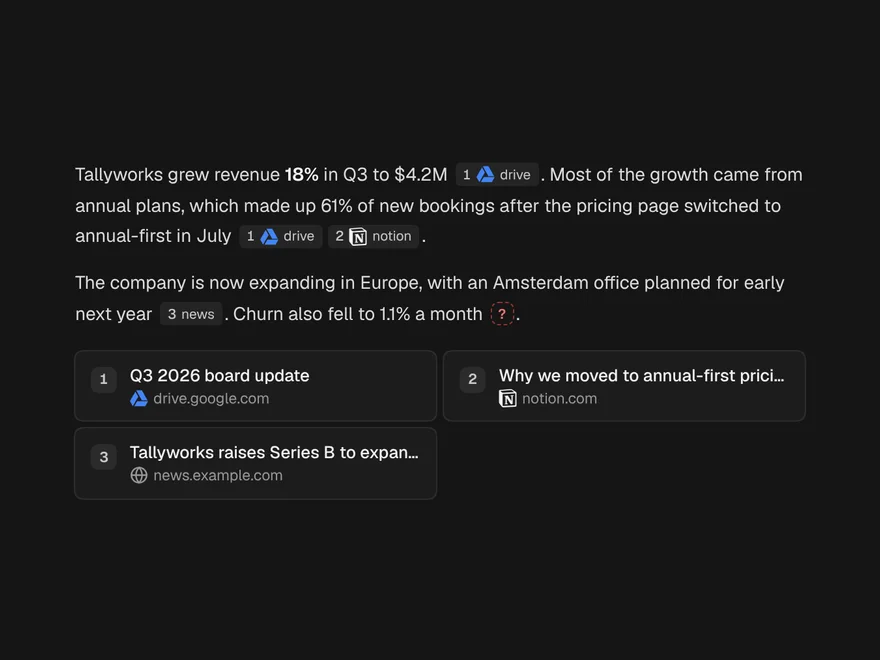
Inline Citations
Numbered citations in an answer, each opening a preview of its source.
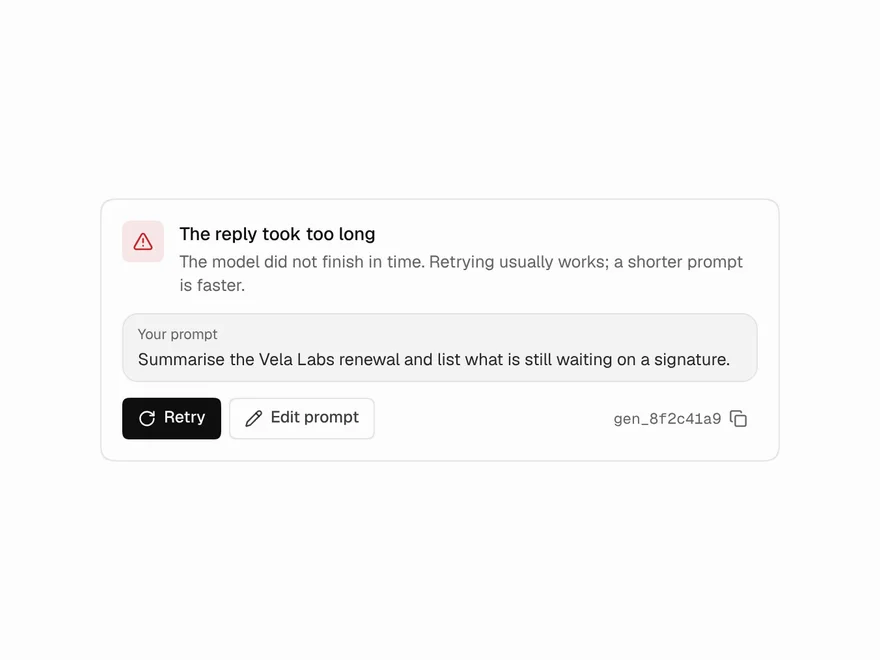
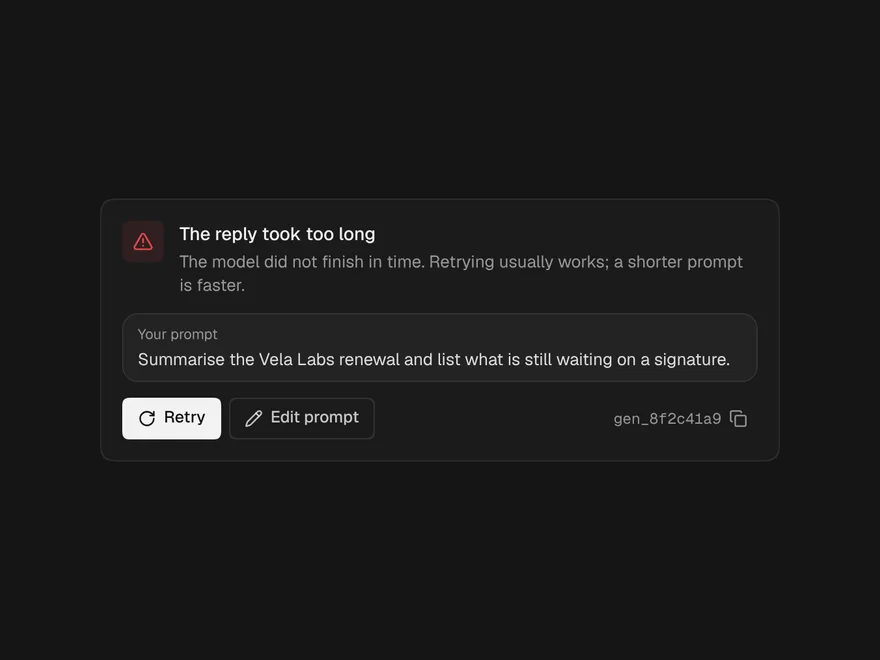
Generation Error
A failed reply that keeps the prompt and offers a retry that works.
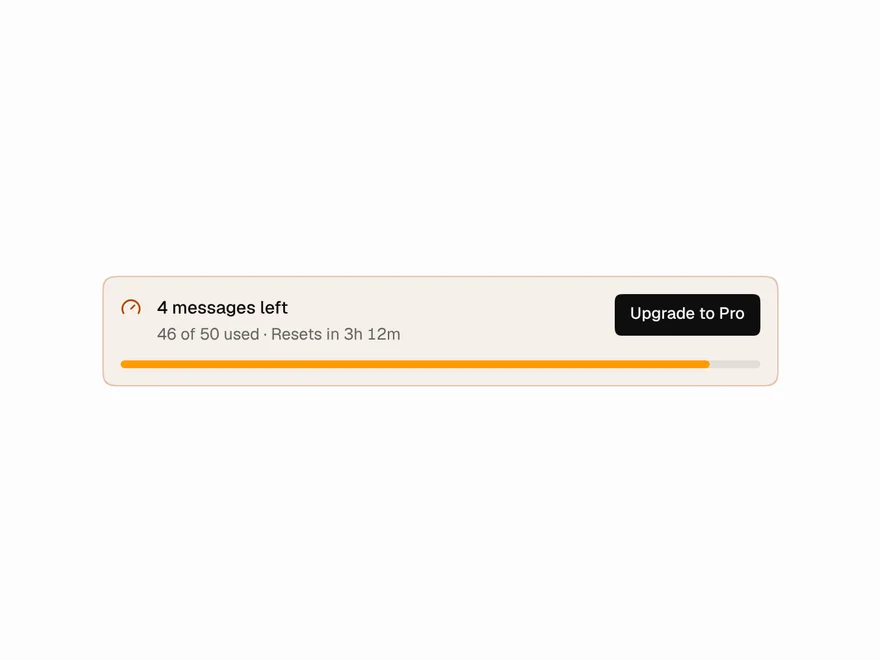
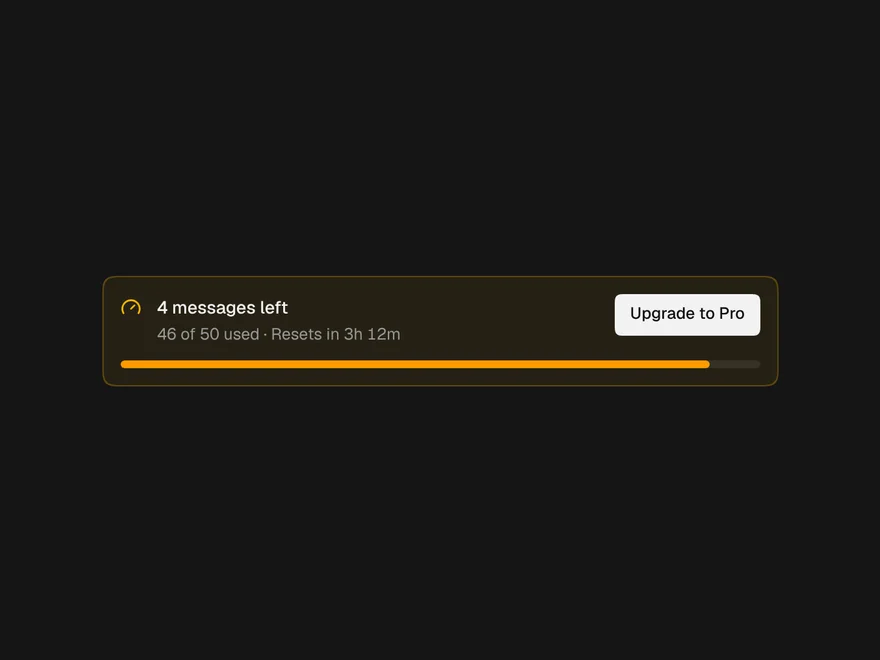
Quota Banner
What is left of a message or credit limit, with a live reset countdown.
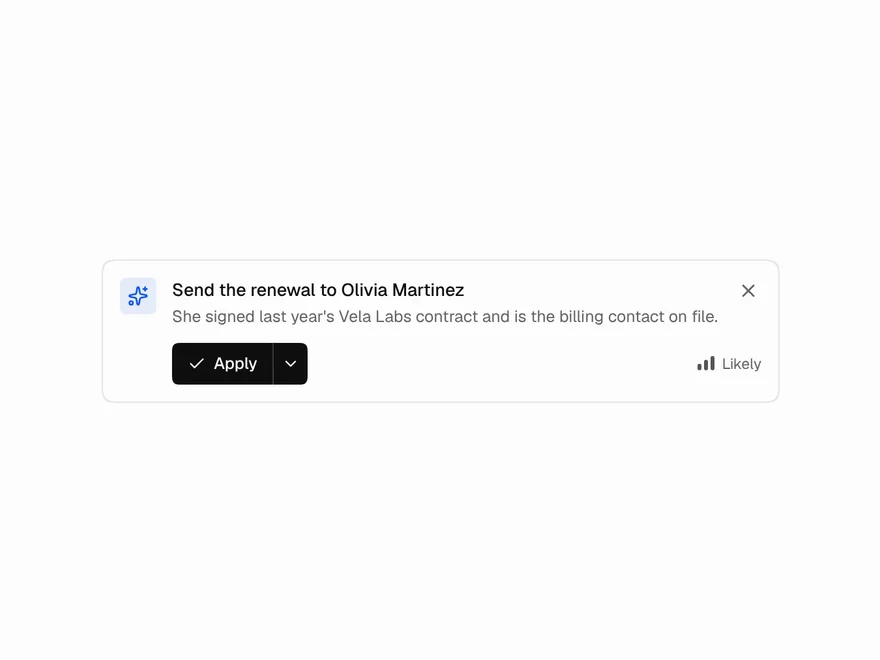
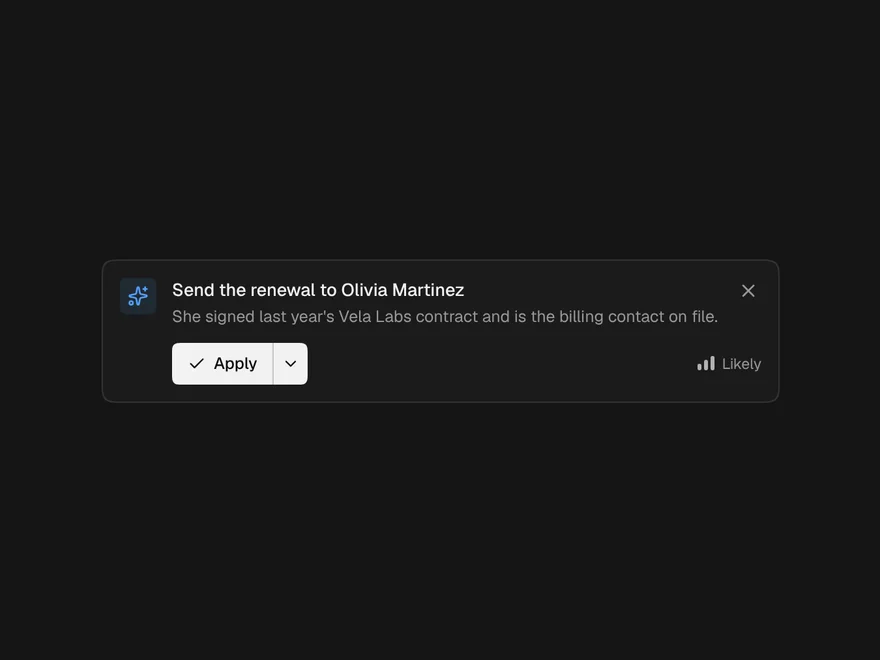
Suggestion Banner
One AI suggestion in place: apply, dismiss, other options, and undo.
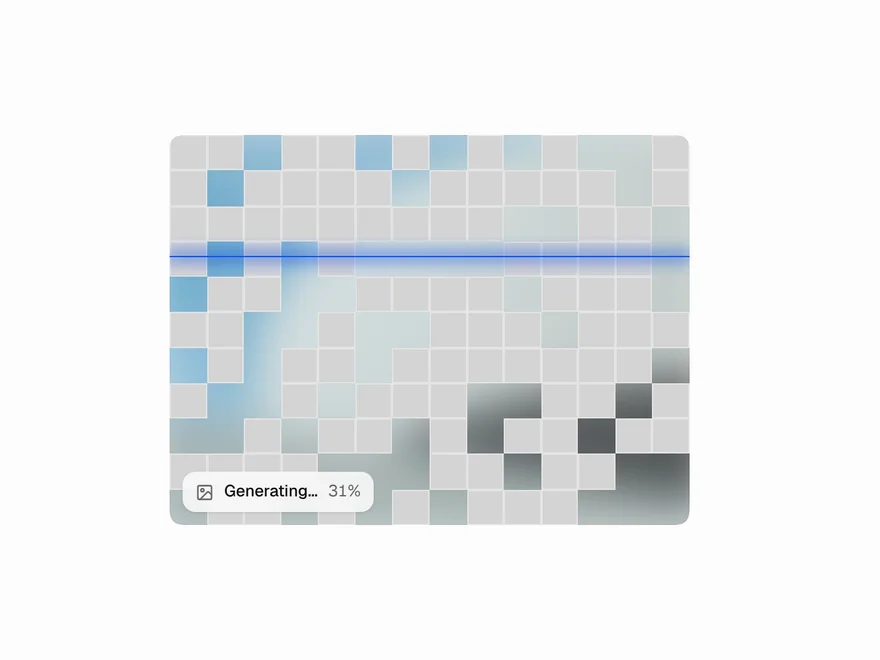
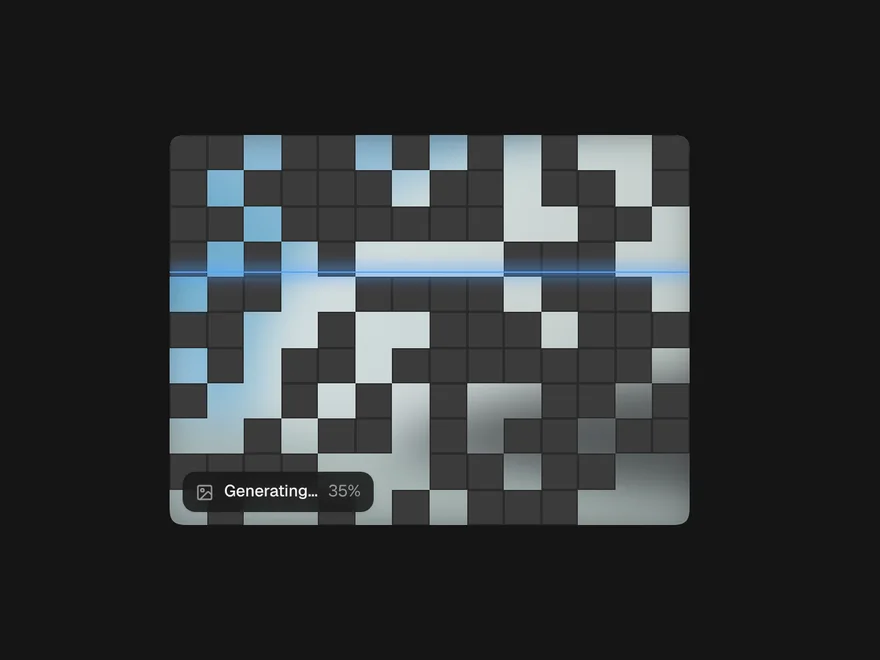
Image Generation Loader
An image model's frame: queued, cells clearing with a scan line, then the reveal.
AI Chat
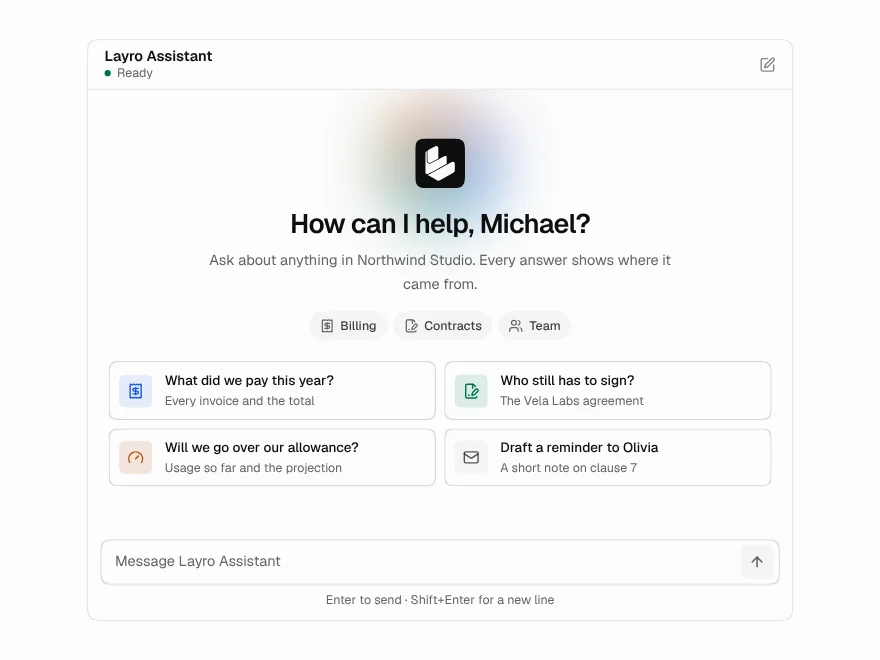
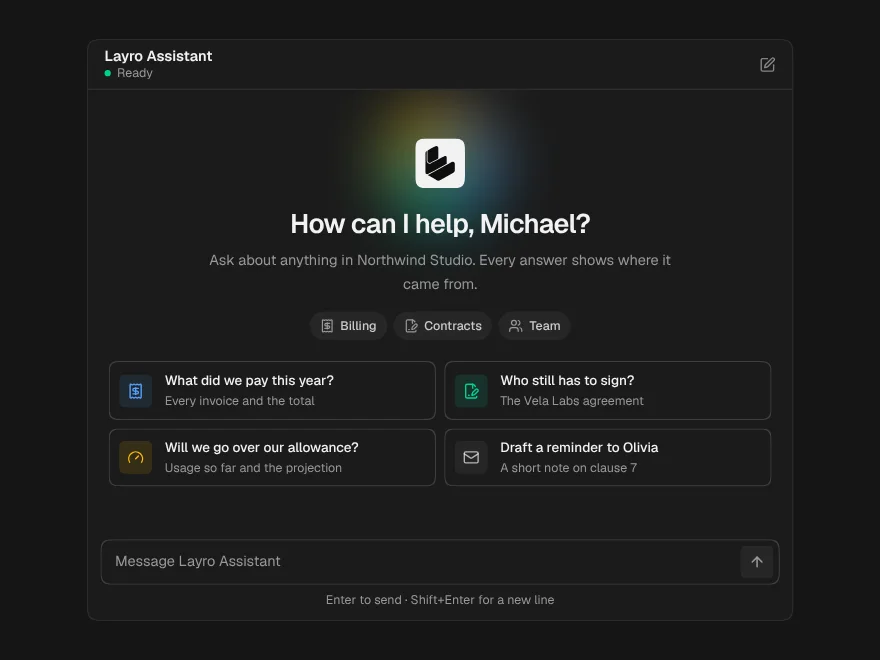
A whole chat window: greeting, streaming answers, stop, retry and regenerate.