Agent Lanes
The last ten minutes of every agent, zoomable to five, fifteen or sixty. Running blocks grow into a moving now line, hand-offs are curved lines between lanes, and a block waiting on a person carries Approve and Reject. It scrolls sideways with Jump to now.
The decision inside it
Idle time is drawn as idle
A timeline that only draws work makes a blocked team look busy. Gaps say "idle 4m", and a lane waiting on a person becomes a striped Waiting on you block that keeps growing, the first thing a manager needs to see.
When to use it
Use Agent Lanes for a live view of several agents at once: a lane each, blocks that grow into now, hand-offs between agents, idle gaps and approvals right on the block. For a parent-child view use Sub-agent Tree.
Installation
How you get it
Paste this into Claude Code, Cursor, Codex or any coding agent. It installs the file and uses it as it is, instead of writing a new one.
Use Layro's Agent Lanes for this.
Install it: npx shadcn@latest add @layro/agent-lanes
(the @layro registry is set up in components.json, with LAYRO_KEY in .env.local)
Import it from @/components/ui/agent-lanes.
Do not rewrite or restyle it. Pass my data through its props
and keep its built-in states.
For the full brief with every prop and the mistakes assistants usually make, use Copy prompt above. Pro components install through the @layro registry with your CLI token: see the Namespaced tab.
Usage
import { AgentLanes, type LaneAgent, type LaneTask } from "@/components/ui/agent-lanes";

const agents: LaneAgent[] = [
  { id: "research", name: "Research", role: "Finds sources" },
  { id: "writer", name: "Writer", role: "Drafts the brief" },
];

export function TeamLanes({ tasks, approve, reject }: {
  tasks: LaneTask[];
  approve: (id: string) => Promise<void>;
  reject: (id: string) => Promise<void>;
}) {
  return <AgentLanes agents={agents} tasks={tasks} window={10 * 60_000} onApprove={approve} onReject={reject} />;
}
API reference
“Copy prompt” above puts a full brief on your clipboard — install command, dependencies, props, and the mistakes an assistant usually makes with this component.
Props
Read from the component’s own TypeScript interface when the site is built, so this table cannot drift from the file you install.
| Prop | Type | Notes |
|---|---|---|
agentsrequired | LaneAgent[] | — |
tasksrequired | LaneTask[] | — |
window | number | How much time fits the width, in ms. Default 10 minutes. Controlled. |
defaultWindow | number | — |
onWindowChange | (ms: number) => void | — |
onApprove | (taskId: string) => void | Promise<void> | May return a promise. |
onReject | (taskId: string) => void | Promise<void> | May return a promise. |
onSelect | (taskId: string) => void | — |
now | Date | number | Fix the clock, for screenshots and tests. |
look | Look | Layered sets it in a tray, the heading above the card and the status in the strip below. Flat is one card. |
Dependencies
npm packages
clsxframer-motionlucide-reacttailwind-mergeLayro foundations, installed alongside it
layro-themebuttonStates
All of them are drawn by the component. None is left for you to design.
- Live
- Waiting on you
- Idle
- Hand-off
- Failed
- Zoomed
- Scrolled back
Accessibility
- Keyboard reachable throughout, in visual order
- Focus trapped in overlays, Escape closes them
- Focus returns to whatever opened it
- Live regions announce what changed, not that something did
- Honours prefers-reduced-motion
Responsive behavior
- Sizes to its container, not the viewport
- Usable from 320px up
- Pointer-based interaction, so trackpad and touch both work
- No hover-only affordances
Used in a screenAll screens
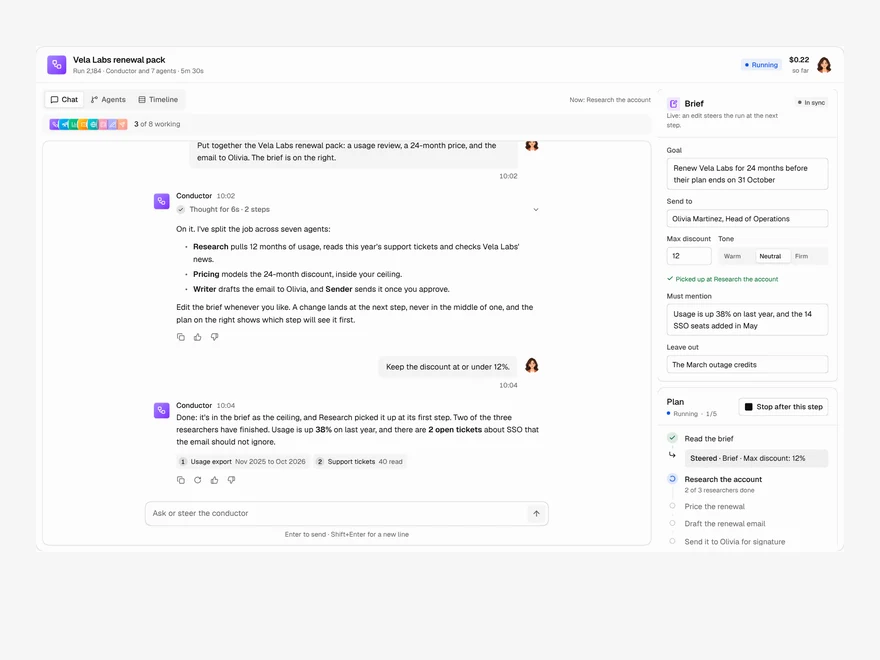
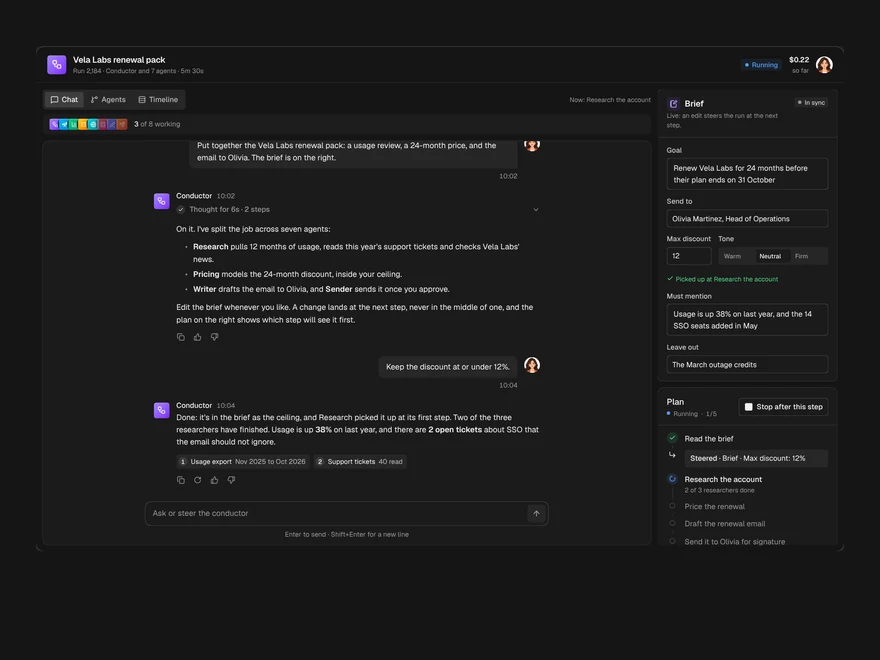
Lifetime access
Every component, and everything we ship next.
- All 232 components, source included
- Every template, and everything released after you buy
- shadcn CLI or download — React 18/19, Tailwind v4
- One payment. No subscription.
More in AI AgentAll AI Agent components
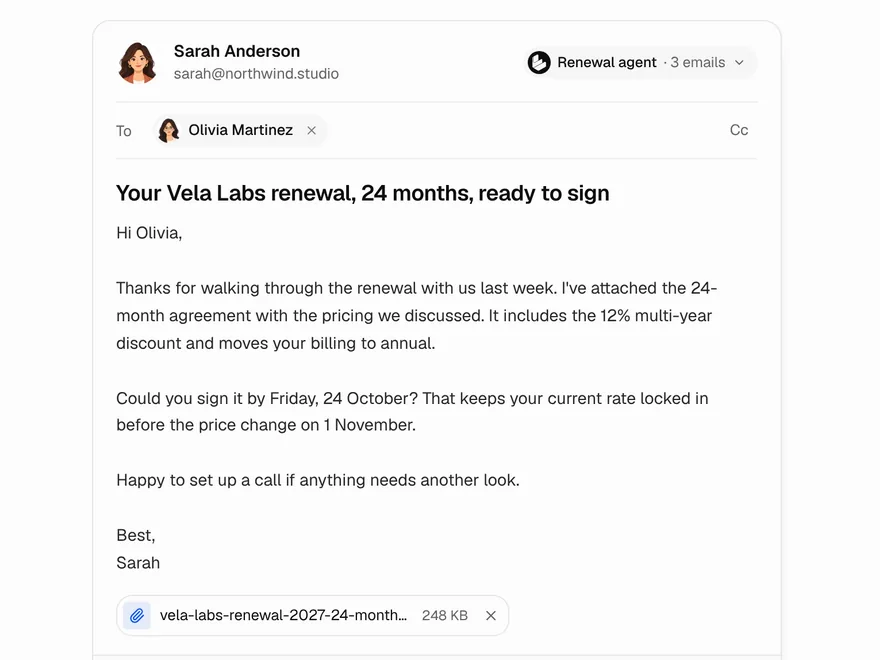
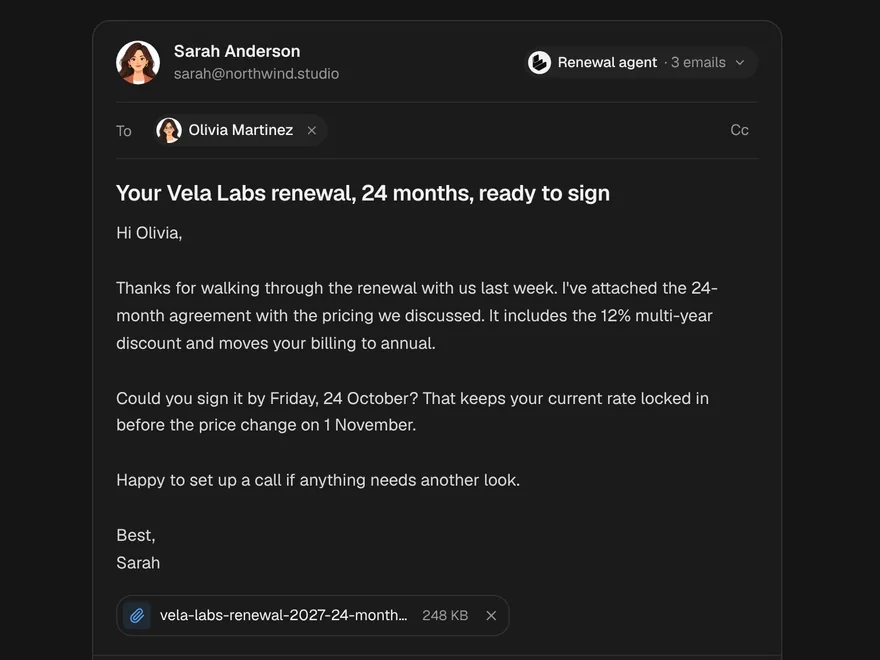
Agent Email Draft
An email an agent wrote, to check, retone and send with an undo window.
Code Diff View
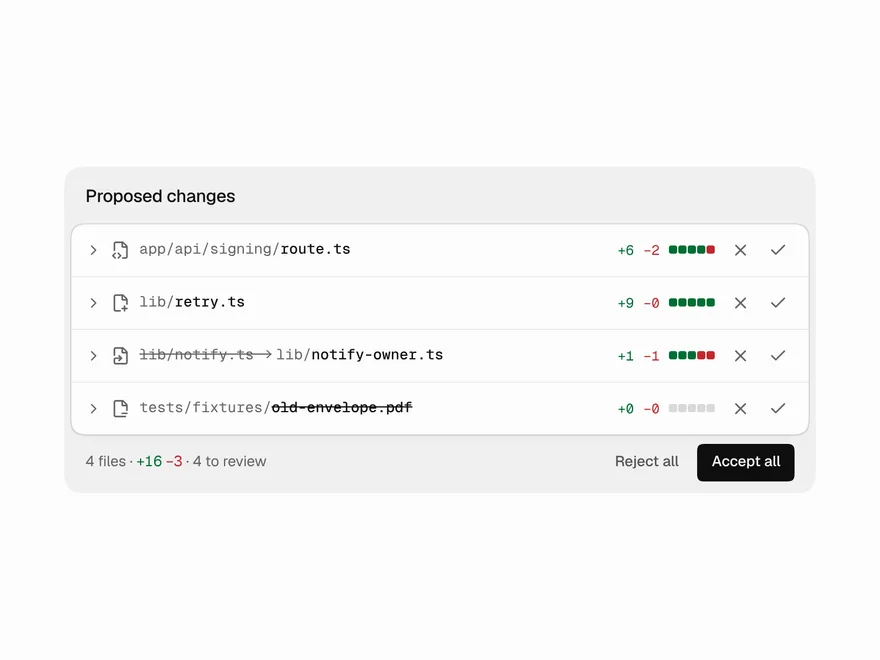
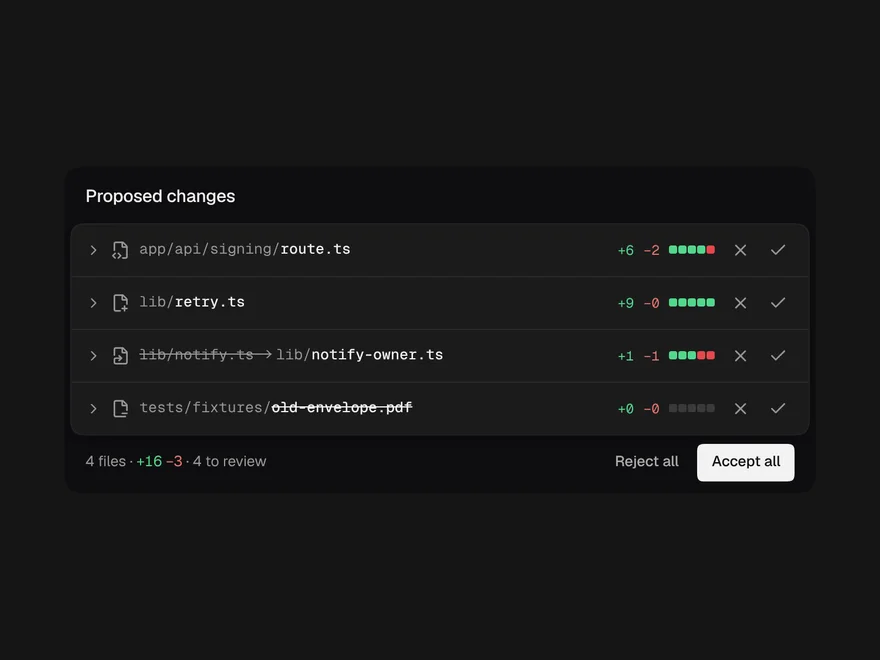
An agent's proposed file changes, with accept or reject on each file.
Web Search Results
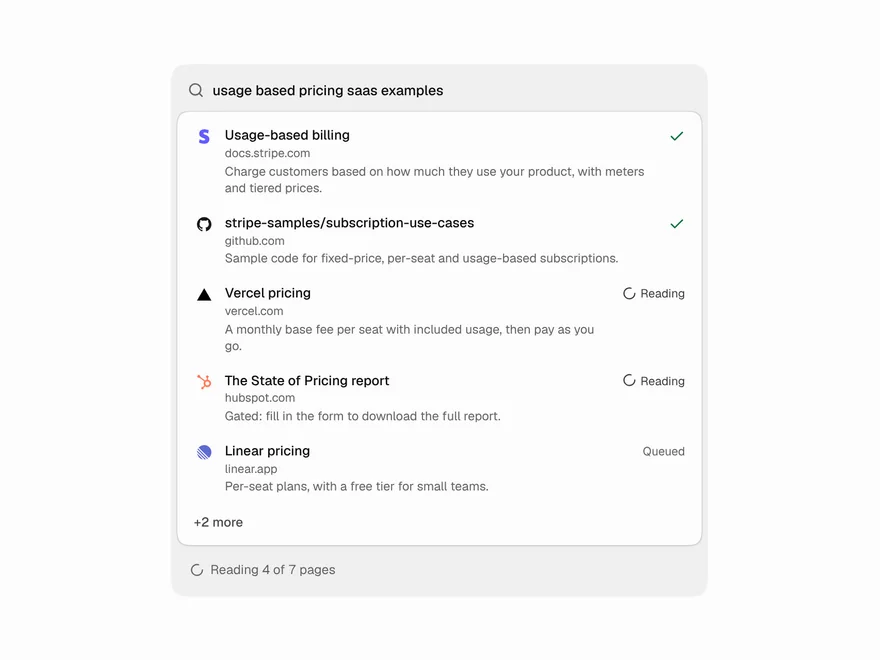
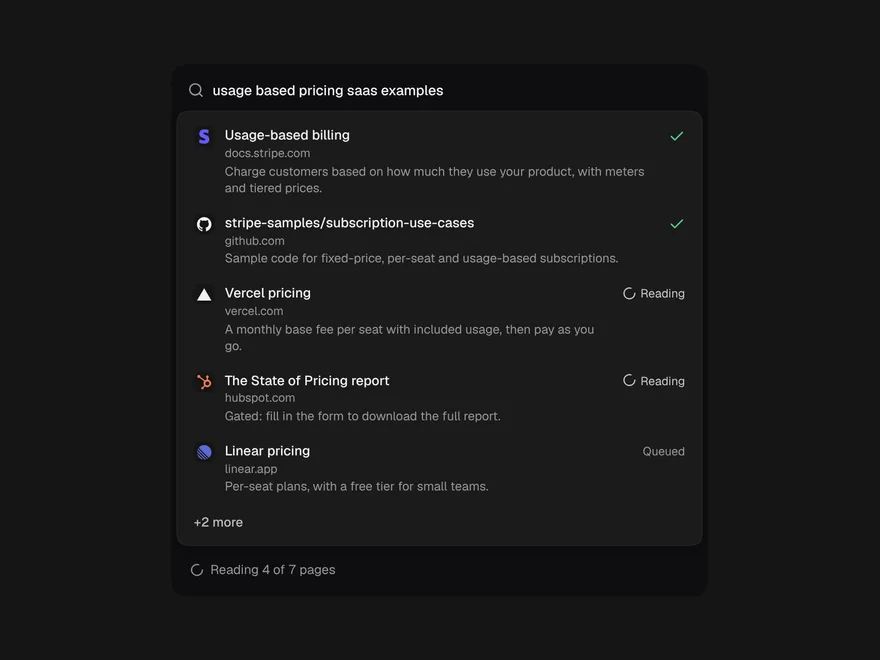
The pages an agent is searching and reading, live, folding to one line when done.
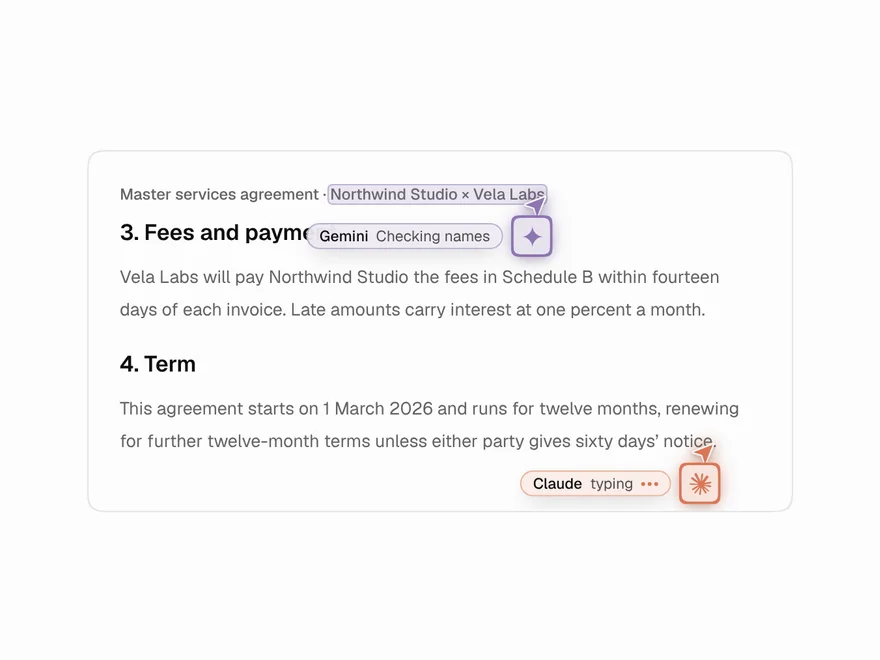
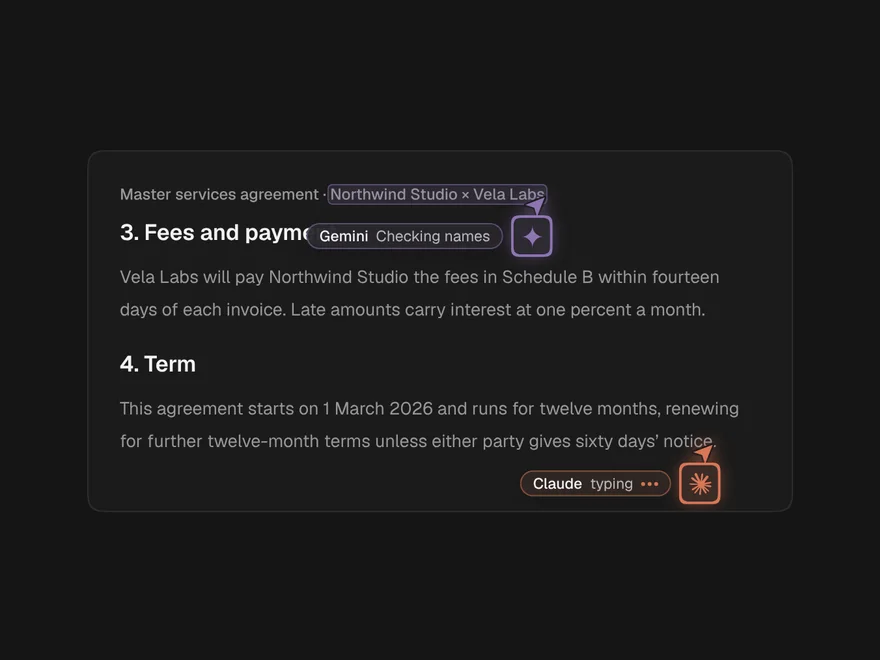
Agent Cursors
AI agents working in a document like multiplayer teammates, each with a named cursor.
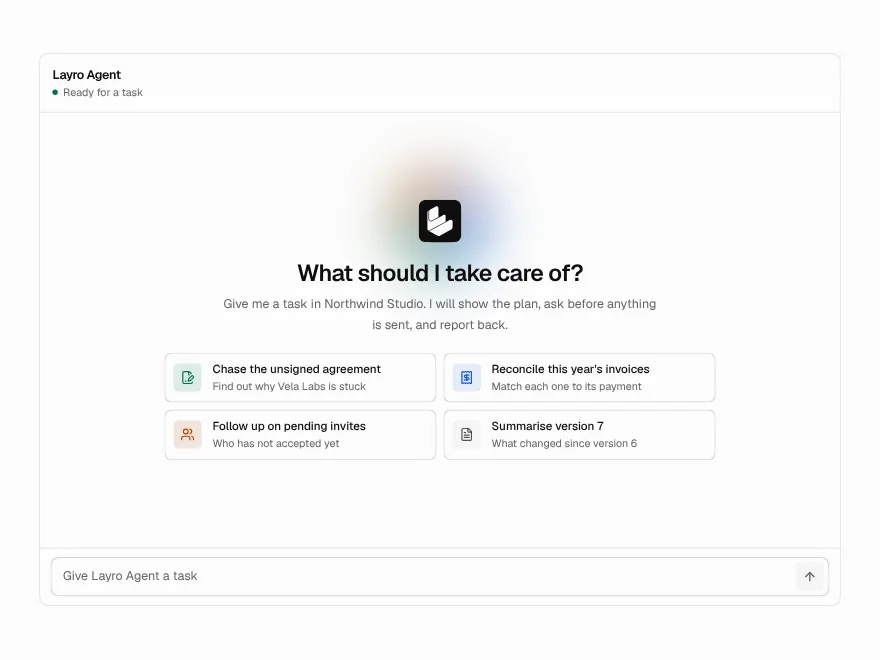
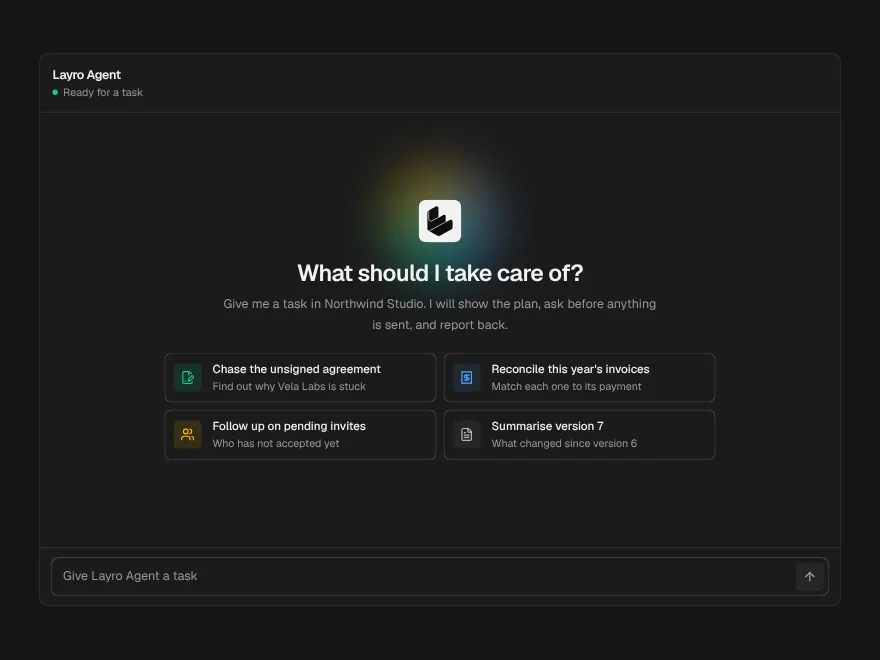
Agent Workspace
A whole agent screen: task in, plan, tool calls, approval and a summary out.
Agent Run Status
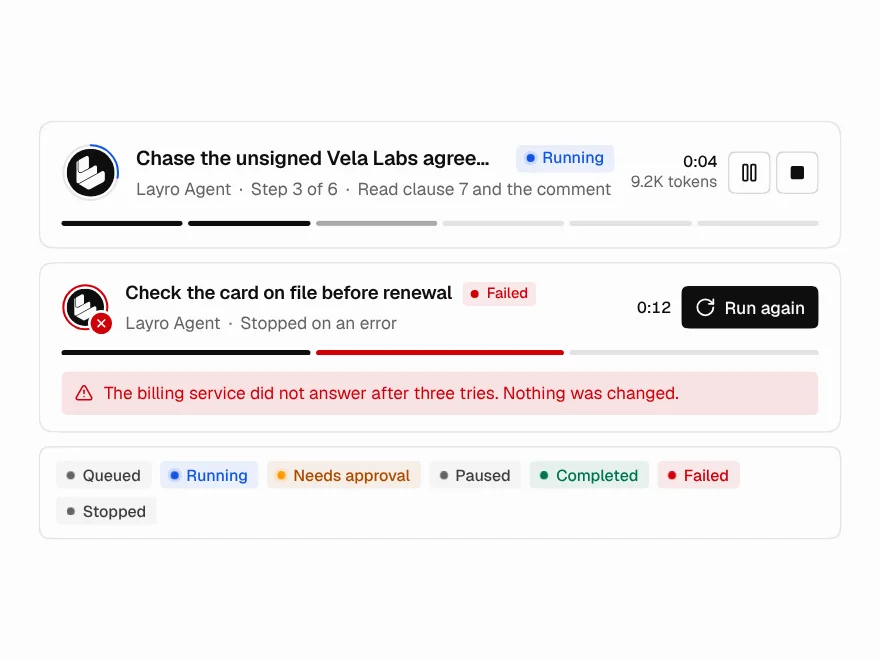
The top of a run: state, current step, a live clock, and Pause and Stop.