Files
A team's shared files. Folders come first, then files, in a grid or a sortable list. Drop files anywhere to upload, rename in place, pick several to move or delete at once, and undo a delete from the toast.
When to use
- A workspace's shared documents and uploads
- Picking where a file lives before it is sent or signed
- Any product with folders people organise themselves
When not to use
- Just an upload field: use File Upload
- A table of records: use Data Table
The decision inside it
Delete can be undone, so it does not ask
Deleting removes the files at once and shows an Undo toast, instead of a confirm dialog before every delete. People stay in flow, and a slip costs one click to put right.
Installation
Files is a Pro screen, included with lifetime access. It is two files on top of the Layro components it is made of.
- Add the components it uses:
npx shadcn@latest add @layro/app-shell @layro/breadcrumb @layro/button @layro/input @layro/select @layro/checkbox @layro/menu @layro/avatar-stack @layro/empty-states @layro/toast - Copy
screens/files-screen.tsxandscreens/data/files-screen.tsfrom the Code tab above into your project, at the same paths. - It also imports
@/liband@/demos/portraits: Layro’s shared helpers and the demo’s sample images. Point them at your own.
Usage
import { FilesScreen } from "@/screens/files-screen";

export default function Page() {
  /* A screen fills the box it is given: give it the window. */
  return (
    <main className="h-dvh">
      <FilesScreen className="h-full" />
    </main>
  );
}
Built from
Every Layro component this screen imports. Each has its own page, props and install command.
API reference
Read from FilesScreenProps when the site is built. It also takes every attribute a div does, such as className.
FilesScreen
| Prop | Type | Notes |
|---|---|---|
state | FilesState | Which view to open on. Default "folders". |
onUpload | (files: File[], folderId: string | null) => void | Called with the files dropped or picked, and the folder they go into. |
onAction | (id: string, action: FileAction) => void | Called after an action is taken on an item. |
className | string | — |
Accessibility
- Tiles and rows are reachable and selectable from the keyboard
- Deletes and uploads confirm in a toast
- Rename is a labelled field; Escape cancels it
- Every action is also in a menu, not only drag and drop
Responsive behavior
- Fills the box it is given: mount it at the window's height
- The grid drops columns and the list hides columns as it narrows
- Light and dark come from the Layro theme: it follows the dark class on <html>, like every component.
More screens
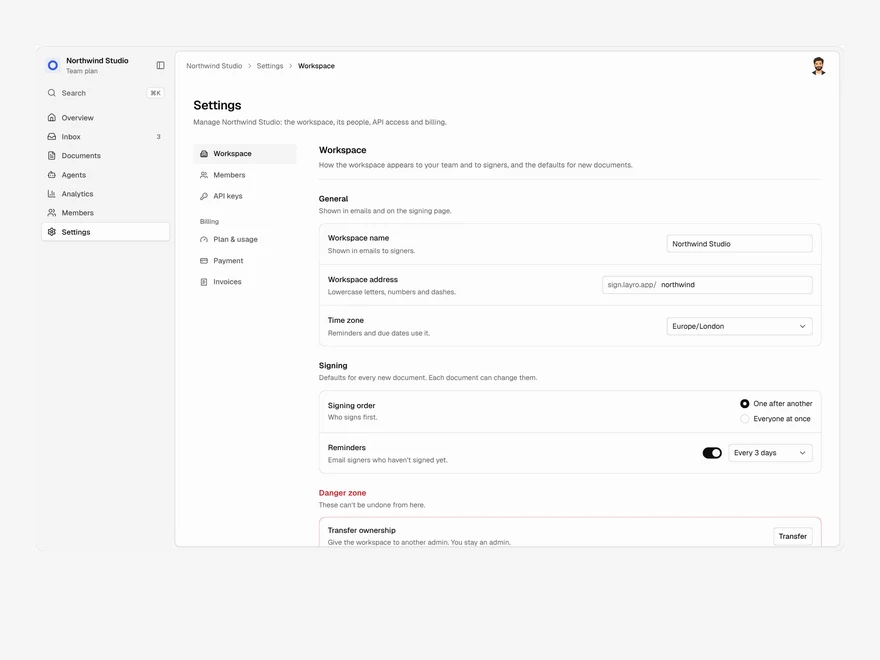
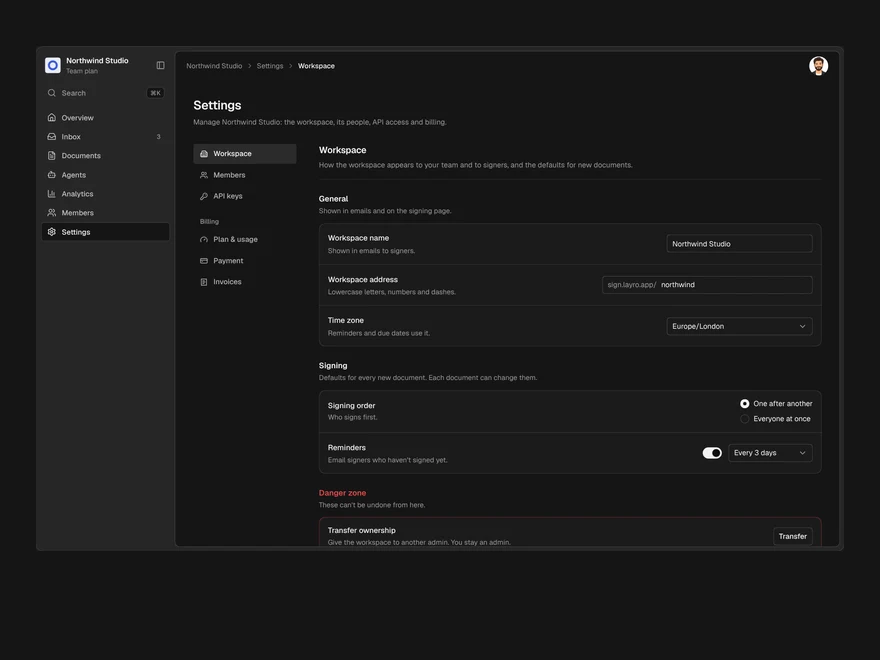
Settings & Billing
Workspace settings, members, API keys and billing in one page, with one save bar for every change.
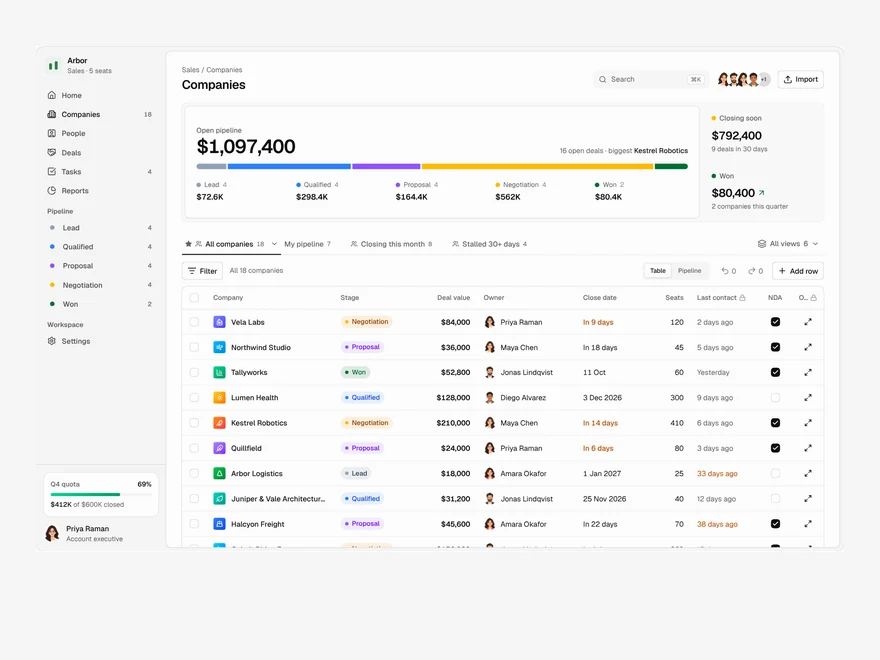
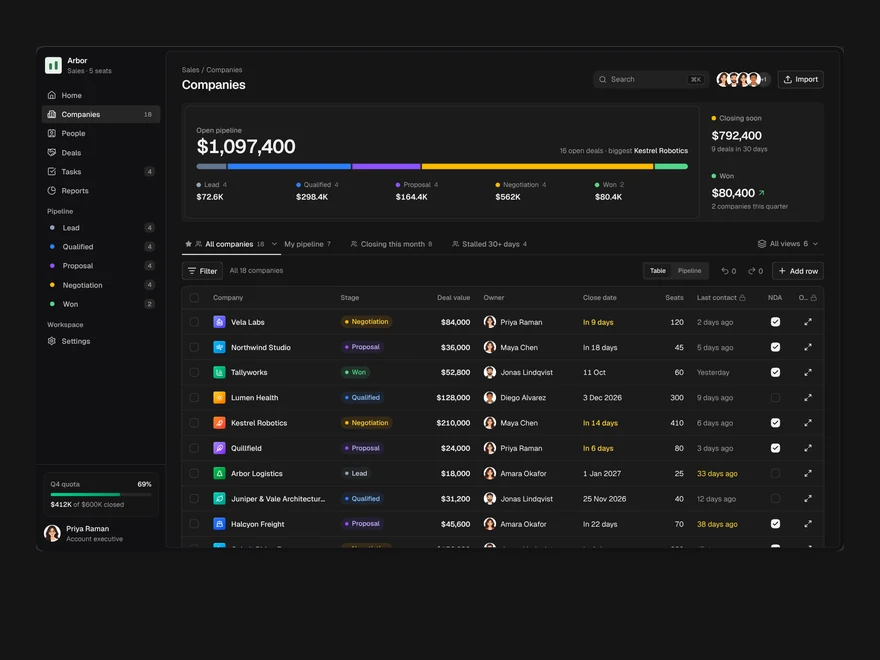
CRM
A sales pipeline: saved views as tabs, an editable company table, a board and a record drawer.


Analytics
A revenue dashboard: four key figures, revenue over time, channels, top products and what moved.
Layro · 232 components · 10 screens · 2 templates