Code Diff View
The files an agent wants to change, each with its +/− counts, unified or side by side, unchanged context folded, and an accept or reject per file with Accept all in the strip. For prose, use Inline Diff.
The decision inside it
The decision is per file
A file is the unit people review and the unit an agent can apply or drop cleanly. Each shows its size before it is opened, a decided file can be undone, and nothing is final until your app says so.
When to use it
Use Code Diff View when an agent proposes changes to files and a person approves them: per-file accept or reject, +/− counts, unified or split, unchanged context folded. Keep the decisions in your state and apply only accepted files. For changes to prose (an email, a clause), use Inline Diff.
Installation
How you get it
Paste this into Claude Code, Cursor, Codex or any coding agent. It installs the file and uses it as it is, instead of writing a new one.
Use Layro's Code Diff View for this.
Install it: npx shadcn@latest add @layro/code-diff-view
(the @layro registry is set up in components.json, with LAYRO_KEY in .env.local)
Import it from @/components/ui/code-diff-view.
Do not rewrite or restyle it. Pass my data through its props
and keep its built-in states.
For the full brief with every prop and the mistakes assistants usually make, use Copy prompt above. Pro components install through the @layro registry with your CLI token: see the Namespaced tab.
Usage
"use client";

import * as React from "react";
import { CodeDiffView, type DiffDecision, type DiffFile } from "@/components/ui/code-diff-view";

export function AgentChanges({ files, apply }: { files: DiffFile[]; apply: (paths: string[]) => void }) {
  const [decisions, setDecisions] = React.useState<Record<string, DiffDecision>>({});
  const set = (path: string, d: DiffDecision) => setDecisions((s) => ({ ...s, [path]: d }));
  return (
    <CodeDiffView
      files={files}
      decisions={decisions}
      onAccept={(p) => set(p, "accepted")}
      onReject={(p) => set(p, "rejected")}
      onReset={(p) => set(p, "pending")}
      onAcceptAll={() => apply(files.map((f) => f.path))}
    />
  );
}
API reference
“Copy prompt” above puts a full brief on your clipboard — install command, dependencies, props, and the mistakes an assistant usually makes with this component.
Props
Read from the component’s own TypeScript interface when the site is built, so this table cannot drift from the file you install.
| Prop | Type | Notes |
|---|---|---|
filesrequired | DiffFile[] | The proposed changes, one entry per file. |
view | "unified" | "split" | Unified (one column) or split (old beside new). Split falls back to unified under 560px. Default unified. |
variant | "default" | "summary" | "summary" shows the file list with counts only. Default "default". |
defaultExpanded | boolean | Open every file at first. Default true for three files or fewer. |
decisions | Record<string, DiffDecision> | The decision on each file, by path. Missing means pending. |
onAccept | (path: string) => void | Called when a file is accepted. |
onReject | (path: string) => void | Called when a file is rejected. |
onReset | (path: string) => void | Called to put a decided file back to pending. Without it, a decided file cannot be undone here. |
onAcceptAll | () => void | Accept every pending file. Shown in the strip when given. |
onRejectAll | () => void | Reject every pending file. Shown in the strip when given. |
title | string | The heading. Default "Proposed changes". |
look | Look | Layered rests the files in a tray with the totals in the strip below. Flat is one card. Default layered. |
Dependencies
npm packages
clsxlucide-reacttailwind-mergeLayro foundations, installed alongside it
layro-themeStates
All of them are drawn by the component. None is left for you to design.
- Pending
- Accepted
- Rejected
- Split
- Folded context
- Binary file
- Summary
Accessibility
- Keyboard reachable throughout, in visual order
- Focus trapped in overlays, Escape closes them
- Focus returns to whatever opened it
- Live regions announce what changed, not that something did
- Honours prefers-reduced-motion
Responsive behavior
- Sizes to its container, not the viewport
- Usable from 320px up
- Pointer-based interaction, so trackpad and touch both work
- No hover-only affordances
Lifetime access
Every component, and everything we ship next.
- All 232 components, source included
- Every template, and everything released after you buy
- shadcn CLI or download — React 18/19, Tailwind v4
- One payment. No subscription.
More in AI AgentAll AI Agent components
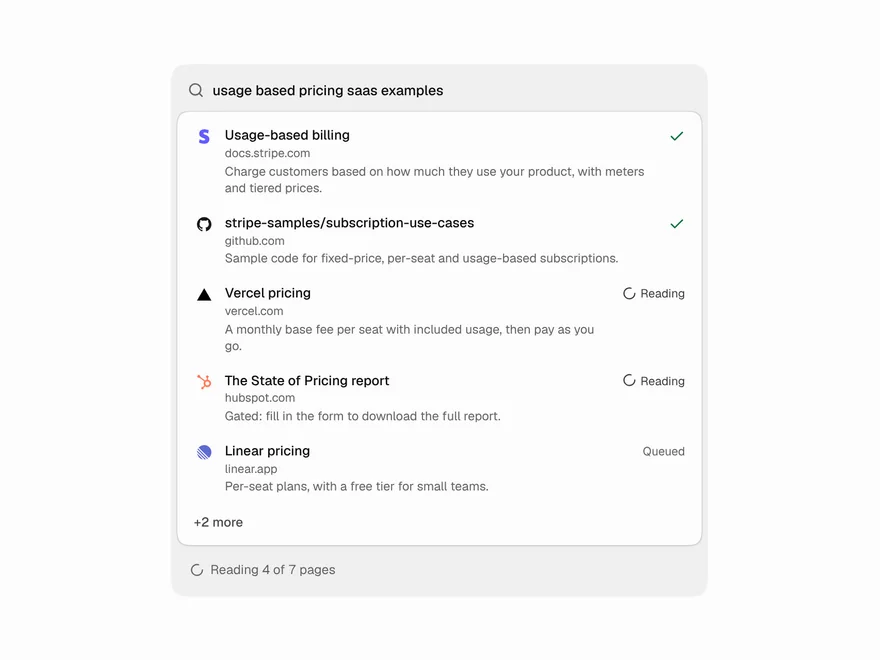
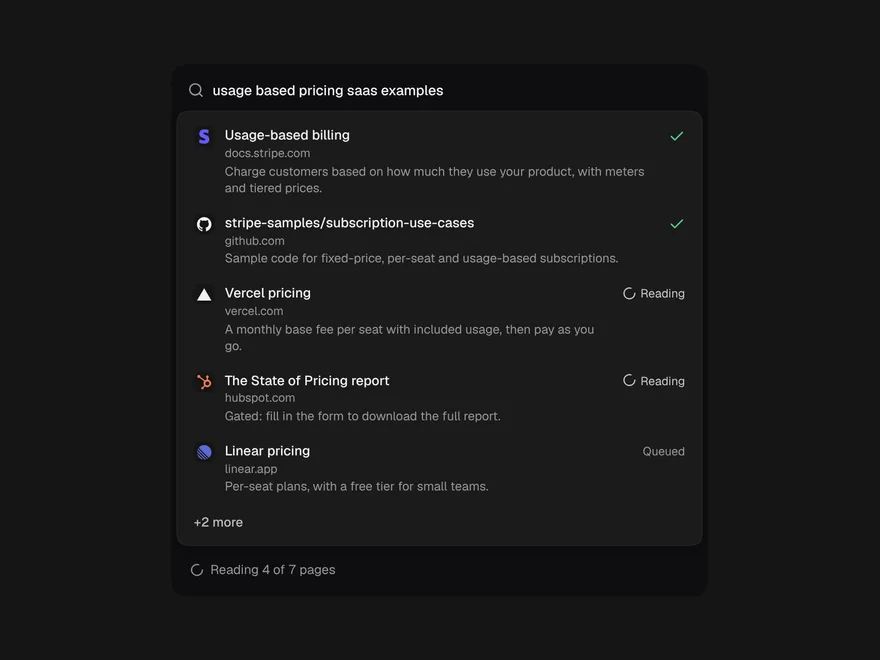
Web Search Results
The pages an agent is searching and reading, live, folding to one line when done.
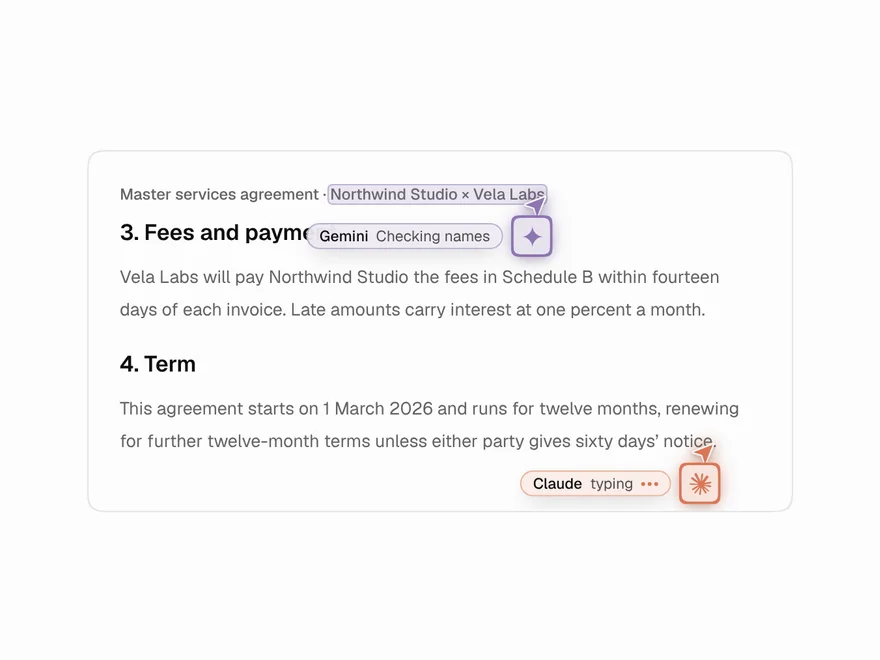
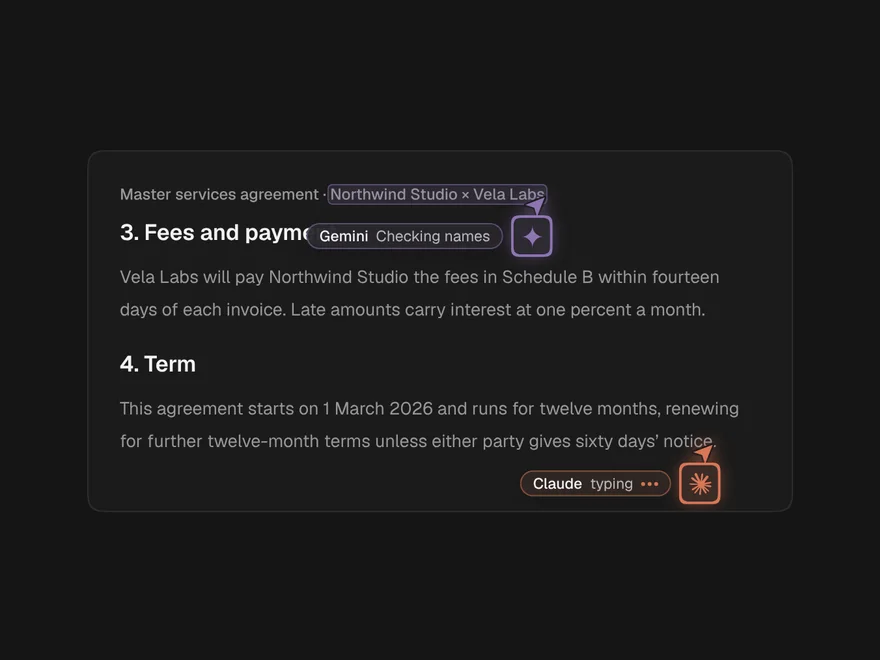
Agent Cursors
AI agents working in a document like multiplayer teammates, each with a named cursor.
Agent Workspace
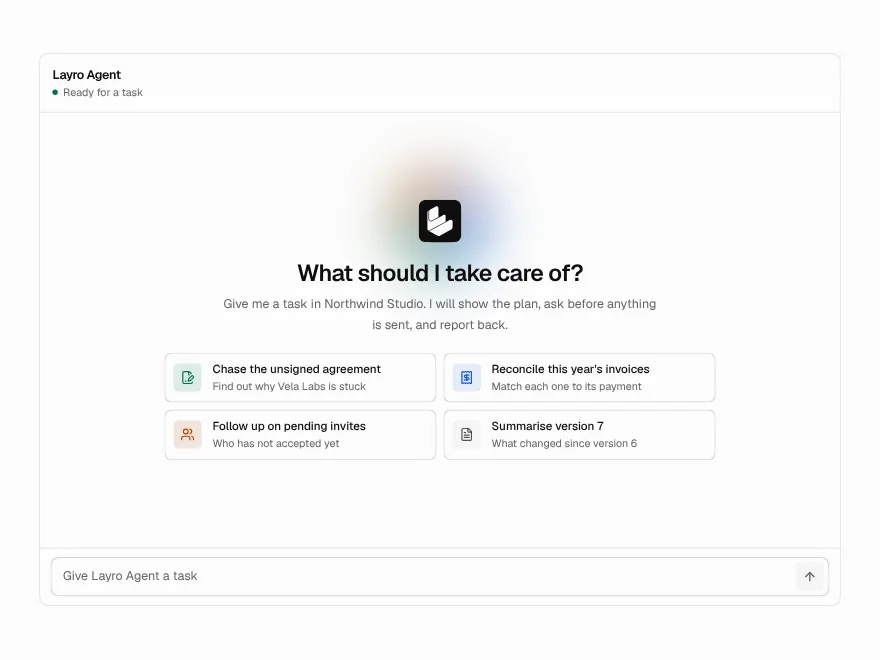
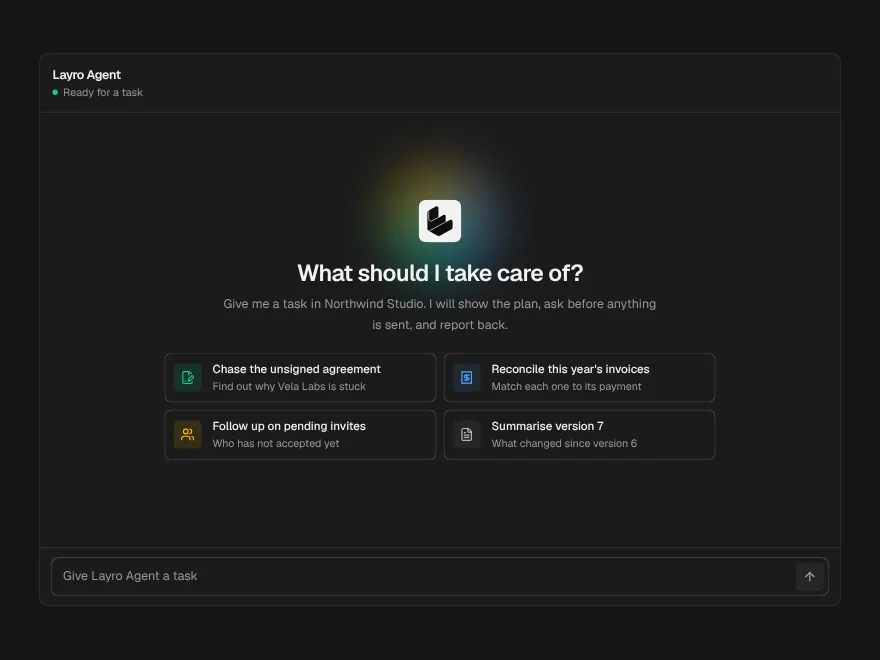
A whole agent screen: task in, plan, tool calls, approval and a summary out.
Agent Run Status
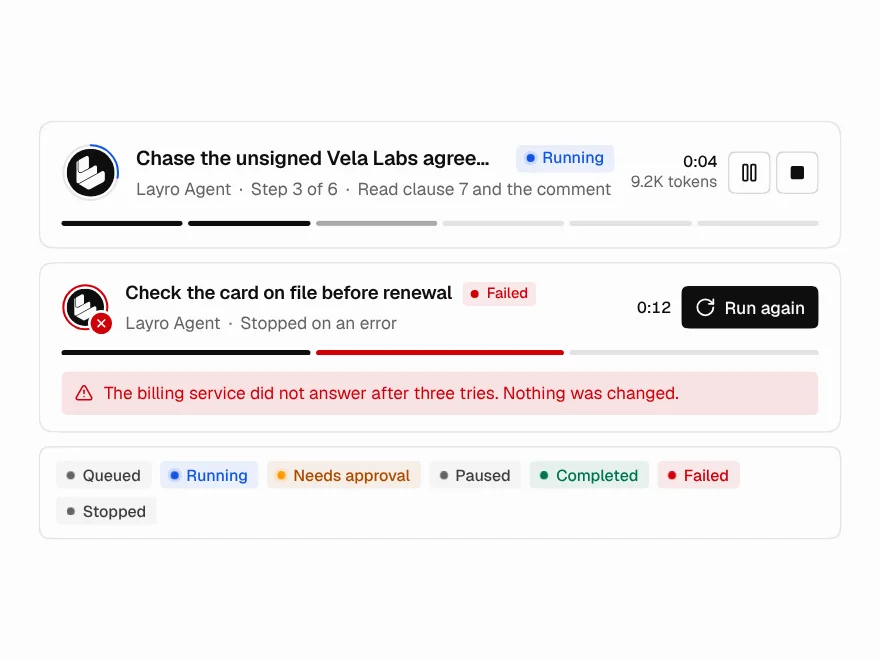
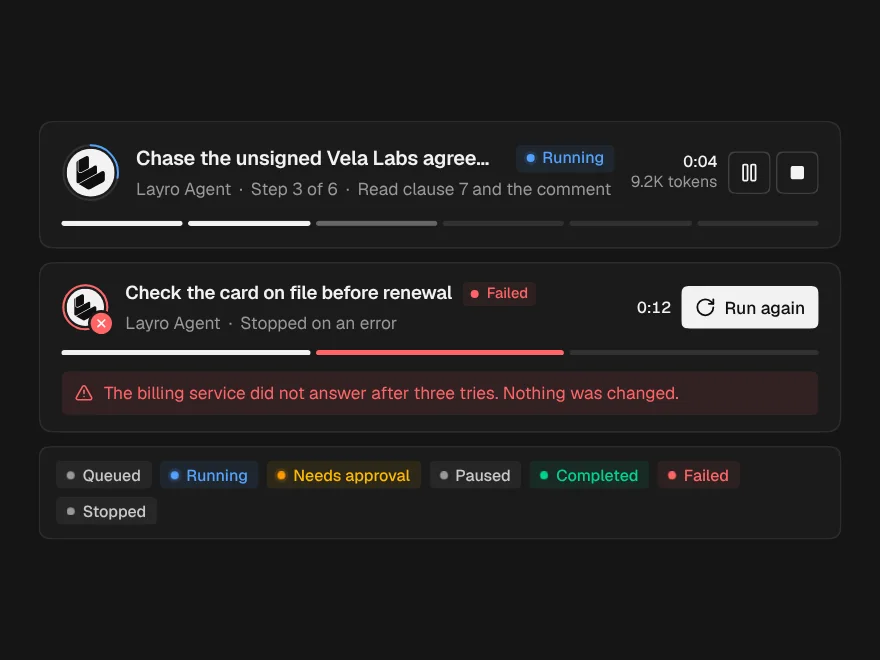
The top of a run: state, current step, a live clock, and Pause and Stop.
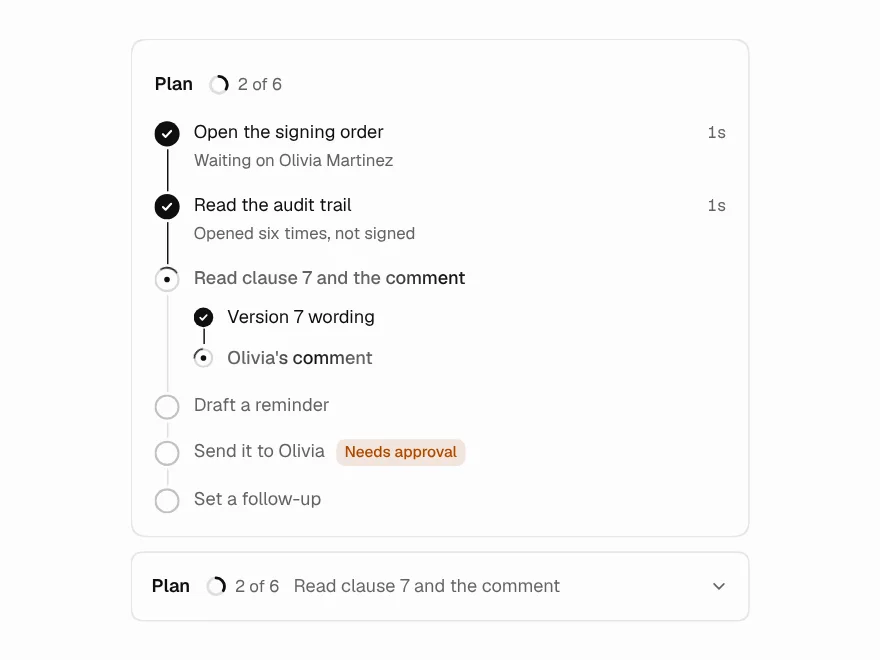
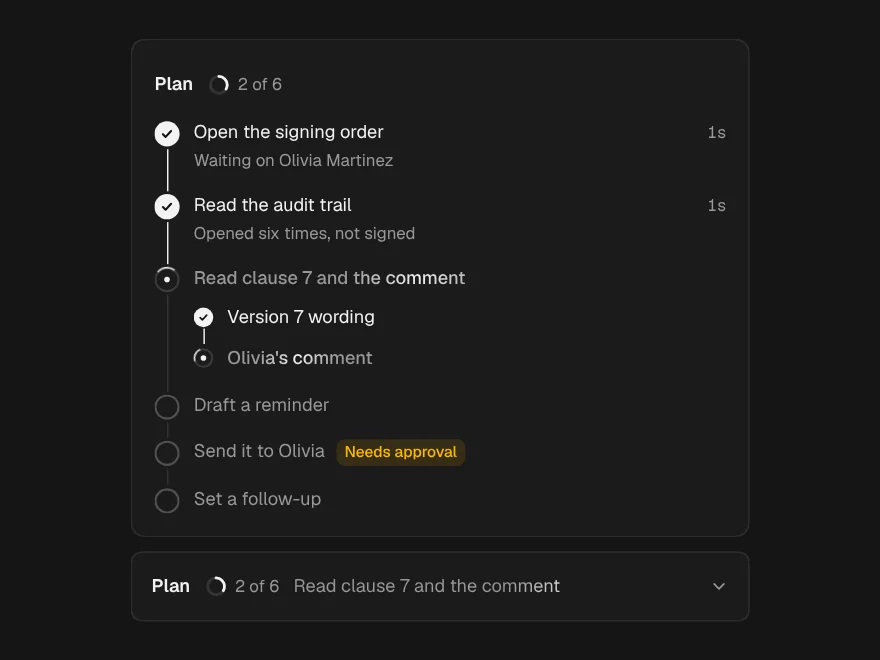
Task Plan
The agent's plan as steps that tick off live, with the risky one flagged ahead.
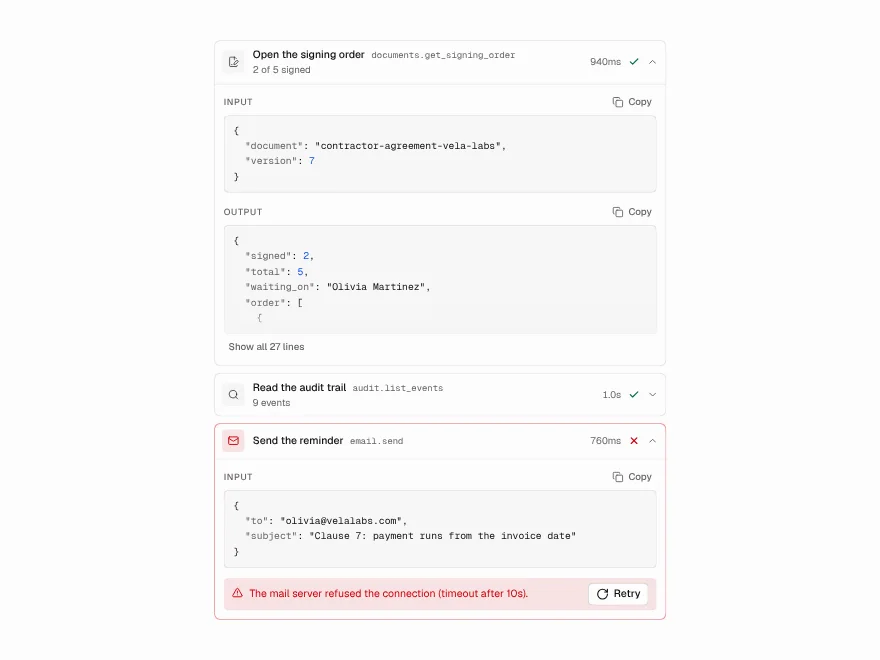
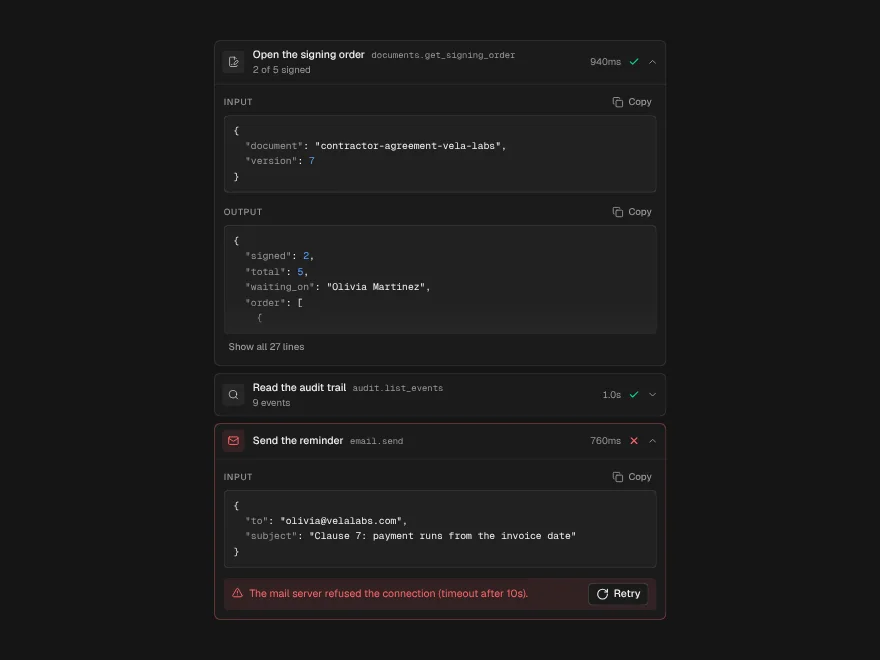
Tool Call
One tool the agent used: what it sent, what came back, how long it took.