Billing Schedule
Phases that each start on a date and run for some months, with items priced monthly, yearly or once, and optional discounts, minimum commitments and billing in advance or arrears. Totals for each phase and the contract stay live, and the maths is exported so your server can run the same numbers.
The decision inside it
You see the invoices, not just the totals
Under the form is every bill, month by month, with any odd one explained ("Dec 2027 includes a $120.00 top-up to reach the minimum"). A gap or overlap between phases shows between them with a Fix button, and Save stays off until they line up.
When to use it
Use Billing Schedule to set up a contract's billing: phases with items, discounts and minimums, and a preview of every invoice it will produce, with gaps and overlaps between phases flagged before Save. Amounts are integer cents; the maths is exported for your server.
Installation
How you get it
Paste this into Claude Code, Cursor, Codex or any coding agent. It installs the file and uses it as it is, instead of writing a new one.
Use Layro's Billing Schedule for this.
Install it: npx shadcn@latest add @layro/billing-schedule
(the @layro registry is set up in components.json, with LAYRO_KEY in .env.local)
Import it from @/components/ui/billing-schedule.
Do not rewrite or restyle it. Pass my data through its props
and keep its built-in states.
For the full brief with every prop and the mistakes assistants usually make, use Copy prompt above. Pro components install through the @layro registry with your CLI token: see the Namespaced tab.
Usage
import { BillingSchedule, type SchedulePhase, type ScheduleProduct } from "@/components/ui/billing-schedule";

const products: ScheduleProduct[] = [
  { value: "platform", label: "Platform", price: 40000 },
  { value: "seats", label: "Extra seats", price: 2000 },
];

const phases: SchedulePhase[] = [
  {
    id: "p1", start: "2027-01-01", duration: { months: 12 }, minimum: 492000,
    lines: [{ id: "l1", product: "platform", quantity: 1, price: 40000, repeat: "monthly", timing: "advance" }],
  },
];

export function ContractBilling({ save }: { save: (phases: SchedulePhase[]) => Promise<void> }) {
  return <BillingSchedule subtitle="Vertically · 2027 renewal" products={products} defaultValue={phases} onSave={save} />;
}
API reference
“Copy prompt” above puts a full brief on your clipboard — install command, dependencies, props, and the mistakes an assistant usually makes with this component.
Props
Read from the component’s own TypeScript interface when the site is built, so this table cannot drift from the file you install.
| Prop | Type | Notes |
|---|---|---|
value | SchedulePhase[] | Controlled phases. |
defaultValue | SchedulePhase[] | — |
onChange | (phases: SchedulePhase[]) => void | — |
products | ScheduleProduct[] | The catalogue offered in each item's product combobox. |
allowCustomProducts | boolean | Allow typing a product that is not in `products`. Default true. |
currency | string | ISO 4217. Default `USD`. |
locale | string | Default `en-US`. |
title | string | Default "Billing schedule". |
subtitle | React.ReactNode | Whose contract this is: "Vertically · 2027 renewal". |
onSave | (phases: SchedulePhase[]) => void | Promise<void> | May return a promise. Disabled while any blocking issue remains. |
saveLabel | string | Default "Save schedule". |
look | Look | Layered puts the total in the tray, the phases on the card and the save state in the strip. Flat is one card. |
Dependencies
npm packages
clsxframer-motionlucide-reacttailwind-mergeLayro foundations, installed alongside it
layro-themebuttoncomboboxinputsegmented-controlselectStates
All of them are drawn by the component. None is left for you to design.
- Simple yearly
- Ramp deal
- Discount
- Minimum top-up
- Gap
- Overlap
- Saving
- Saved
Accessibility
- Keyboard reachable throughout, in visual order
- Focus trapped in overlays, Escape closes them
- Focus returns to whatever opened it
- Live regions announce what changed, not that something did
- Honours prefers-reduced-motion
Responsive behavior
- Sizes to its container, not the viewport
- Usable from 320px up
- Pointer-based interaction, so trackpad and touch both work
- No hover-only affordances
Lifetime access
Every component, and everything we ship next.
- All 232 components, source included
- Every template, and everything released after you buy
- shadcn CLI or download — React 18/19, Tailwind v4
- One payment. No subscription.
More in BillingAll Billing components
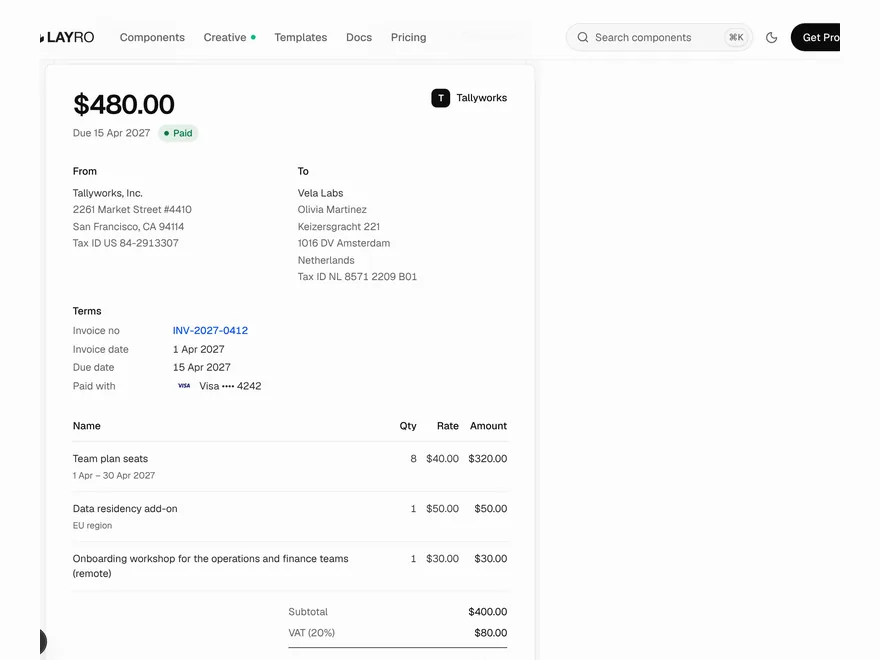
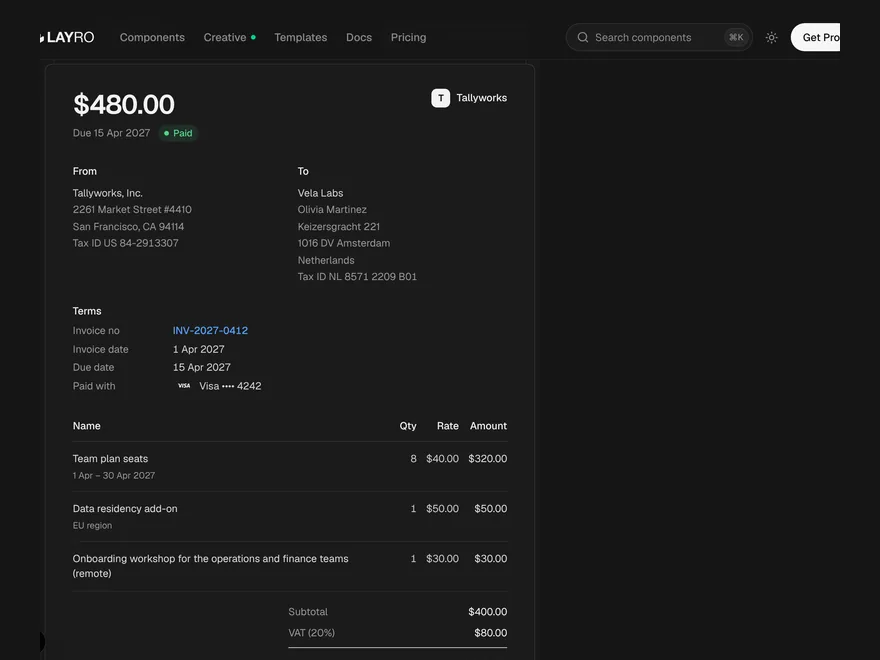
Invoice + Credit Note
An invoice and its credit note as two sheets: pick what to credit and issue it.
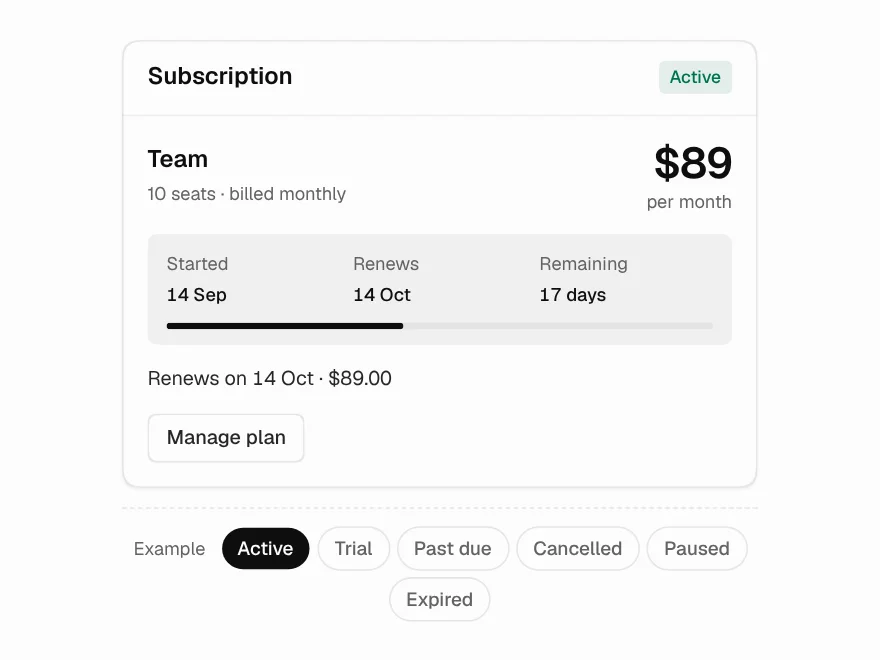
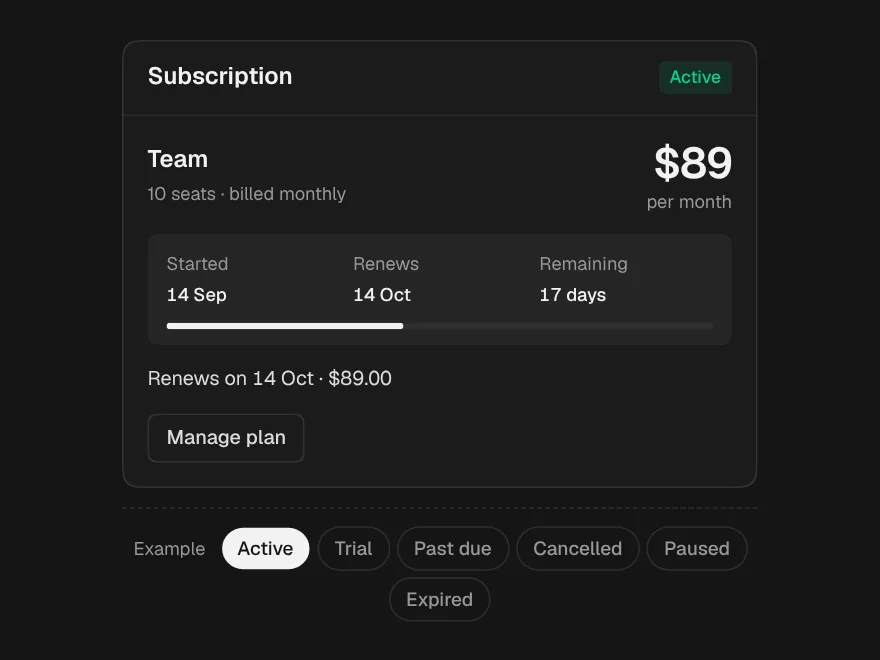
Subscription Status
Six states, each with the date it depends on — and cancelled is not expired.
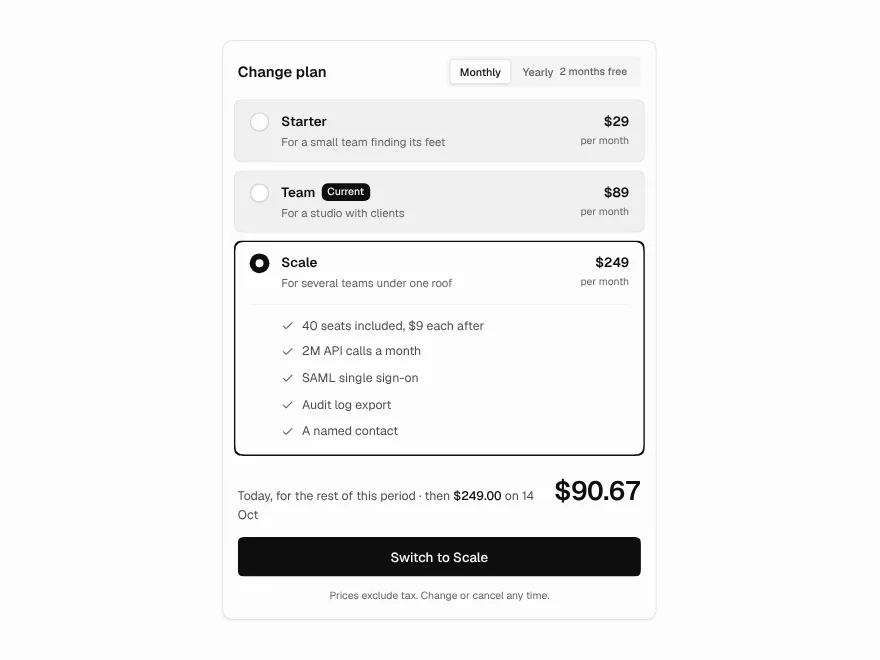
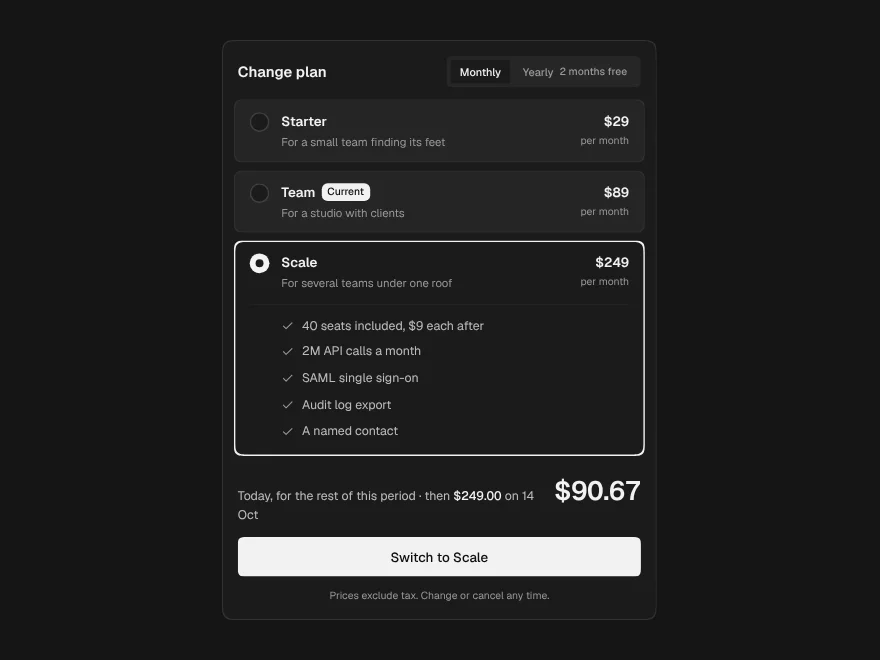
Plan Picker
The exact charge printed under the button: prorated today, then the renewal.
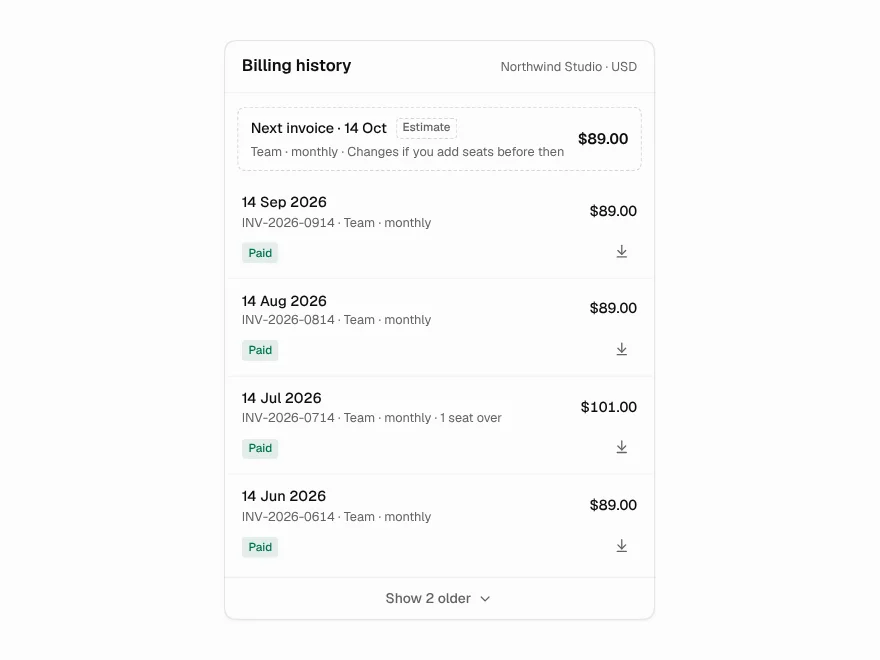
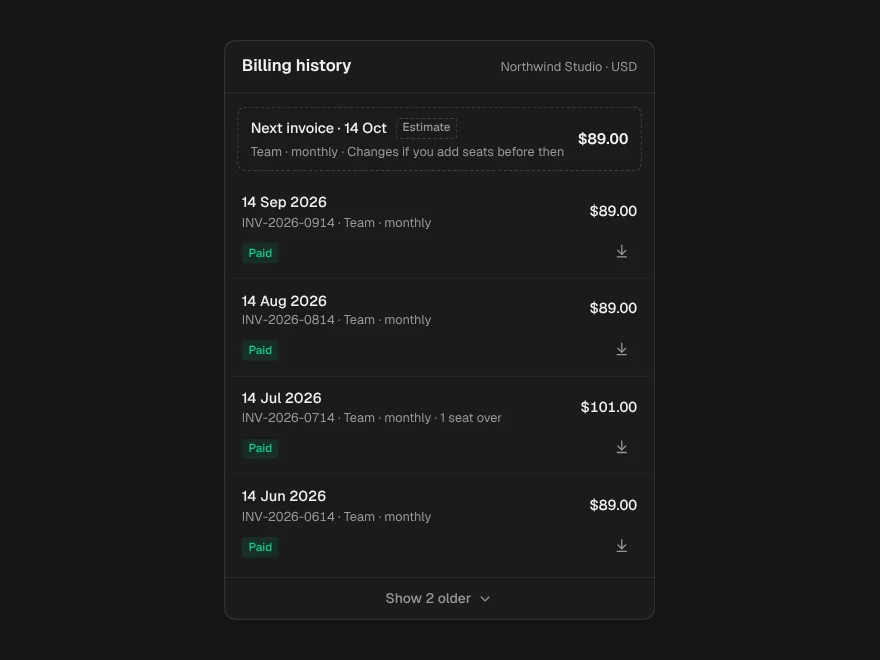
Invoice History
The next invoice as a dashed estimate above the record, and notes for odd amounts.
Payment Methods
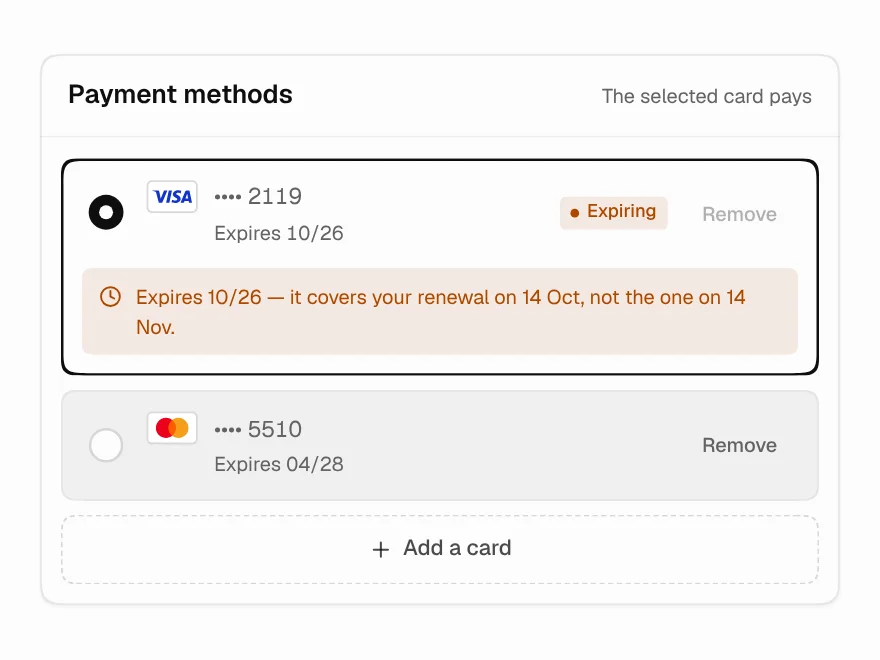
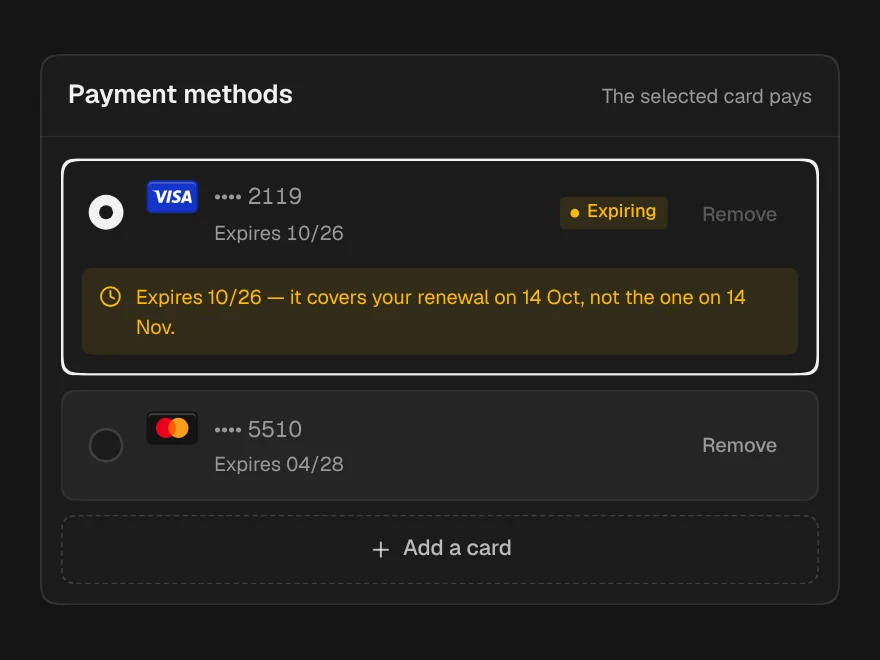
Cards on file that warn about the renewal they will miss, not just the expiry date.
Payment Recovery
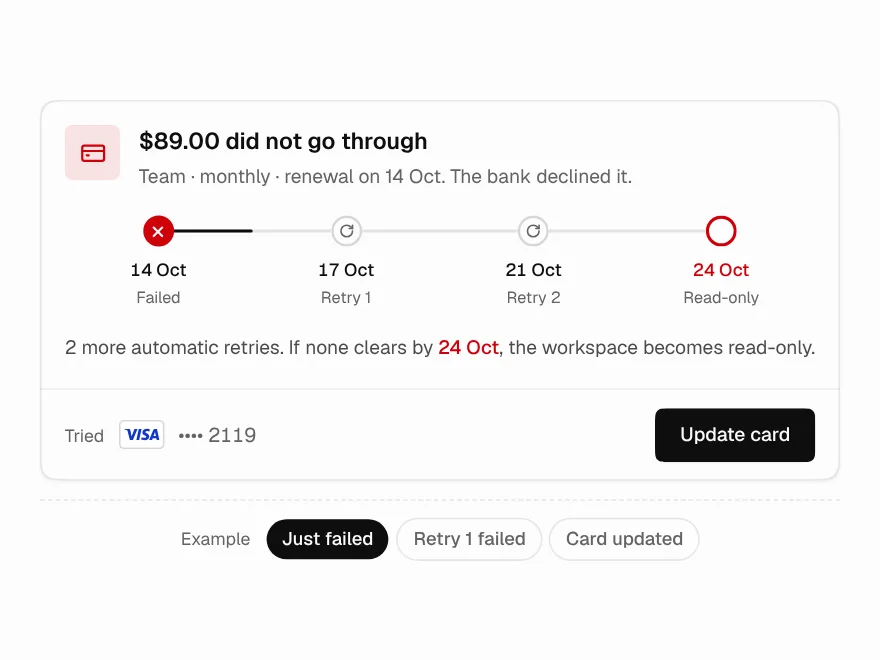
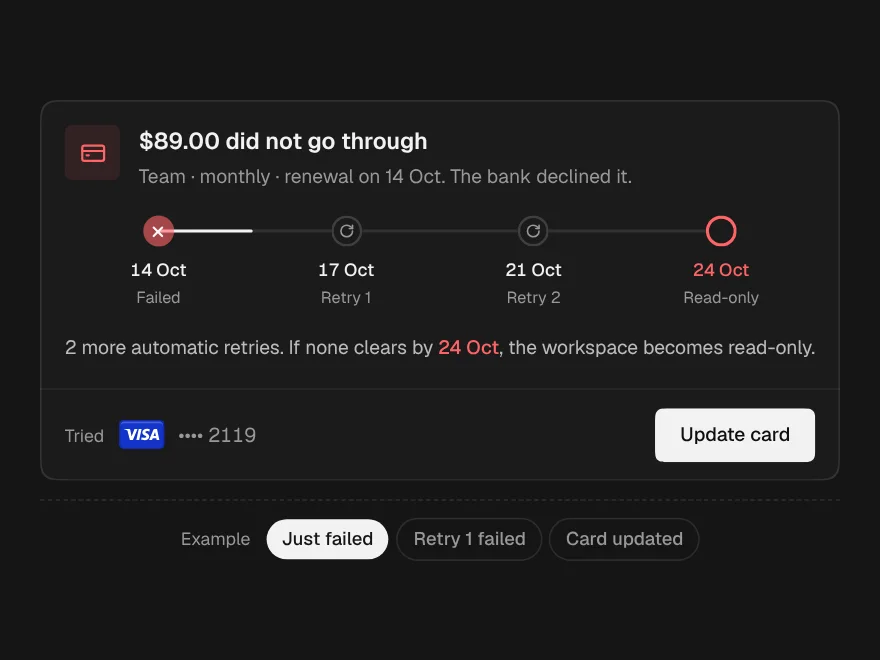
A failed payment, each retry and the cutoff, drawn as places on a line.