Agent Inbox
One inbox for all the runs in flight. Tasks that need a person sort to the top, oldest wait first, then failures, running, queued and done; tabs count each. Approve, Reject, Retry and Open work in the row, and a row unfolds to its last steps, the question it is asking or the error it hit.
The decision inside it
The clock counts how long it has waited on you
A run that took four minutes and has sat on your approval for forty is a forty-minute problem, so that is the number on the row. It turns amber after five minutes and red after thirty, so the requests going cold stand out.
When to use it
Use Agent Inbox when several background agent runs need a person now and then: one list with the tasks waiting on someone first, a clock that counts the wait, and Approve, Reject, Retry and Open in the row. For one run in detail use Agent Workspace; for a single approval use Approval Request.
Installation
How you get it
Paste this into Claude Code, Cursor, Codex or any coding agent. It installs the file and uses it as it is, instead of writing a new one.
Use Layro's Agent Inbox for this.
Install it: npx shadcn@latest add @layro/agent-inbox
(the @layro registry is set up in components.json, with LAYRO_KEY in .env.local)
Import it from @/components/ui/agent-inbox.
Do not rewrite or restyle it. Pass my data through its props
and keep its built-in states.
For the full brief with every prop and the mistakes assistants usually make, use Copy prompt above. Pro components install through the @layro registry with your CLI token: see the Namespaced tab.
Usage
import { AgentInbox, type InboxTask } from "@/components/ui/agent-inbox";

export function AgentInboxPanel({ tasks, api }: {
  tasks: InboxTask[];
  api: { approve: (id: string) => Promise<void>; reject: (id: string) => Promise<void>; retry: (id: string) => Promise<void> };
}) {
  return (
    <AgentInbox
      tasks={tasks}
      onApprove={api.approve}
      onReject={api.reject}
      onRetry={api.retry}
      onOpen={(id) => window.location.assign(`/runs/${id}`)}
      slowAfter={5}
      staleAfter={30}
    />
  );
}
API reference
“Copy prompt” above puts a full brief on your clipboard — install command, dependencies, props, and the mistakes an assistant usually makes with this component.
Props
Read from the component’s own TypeScript interface when the site is built, so this table cannot drift from the file you install.
| Prop | Type | Notes |
|---|---|---|
tasksrequired | InboxTask[] | — |
title | string | — |
defaultTab | Tab | — |
onApprove | (id: string) => void | Promise<void> | May return a promise; the row waits for it. |
onReject | (id: string) => void | Promise<void> | — |
onRetry | (id: string) => void | Promise<void> | — |
onOpen | (id: string) => void | — |
slowAfter | number | Minutes before a wait turns amber. Default 5. |
staleAfter | number | Minutes before a wait turns red. Default 30. |
now | Date | number | Fix the clock, for screenshots and tests. |
look | Look | Layered sets it in a tray, the heading above the card and the status in the strip below. Flat is one card. |
Dependencies
npm packages
clsxframer-motionlucide-reacttailwind-mergeLayro foundations, installed alongside it
layro-themebuttonStates
All of them are drawn by the component. None is left for you to design.
- Needs you
- Going cold
- Running
- Queued
- Failed
- Done
- Acting
- Action failed
- Empty
Accessibility
- Keyboard reachable throughout, in visual order
- Focus trapped in overlays, Escape closes them
- Focus returns to whatever opened it
- Live regions announce what changed, not that something did
- Honours prefers-reduced-motion
Responsive behavior
- Sizes to its container, not the viewport
- Usable from 320px up
- Pointer-based interaction, so trackpad and touch both work
- No hover-only affordances
Lifetime access
Every component, and everything we ship next.
- All 232 components, source included
- Every template, and everything released after you buy
- shadcn CLI or download — React 18/19, Tailwind v4
- One payment. No subscription.
More in AI AgentAll AI Agent components
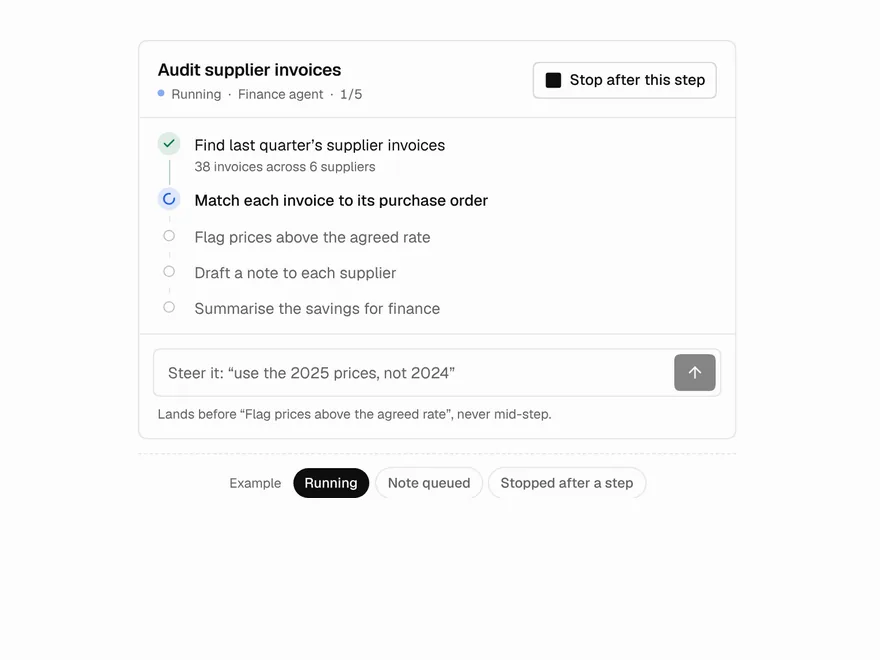
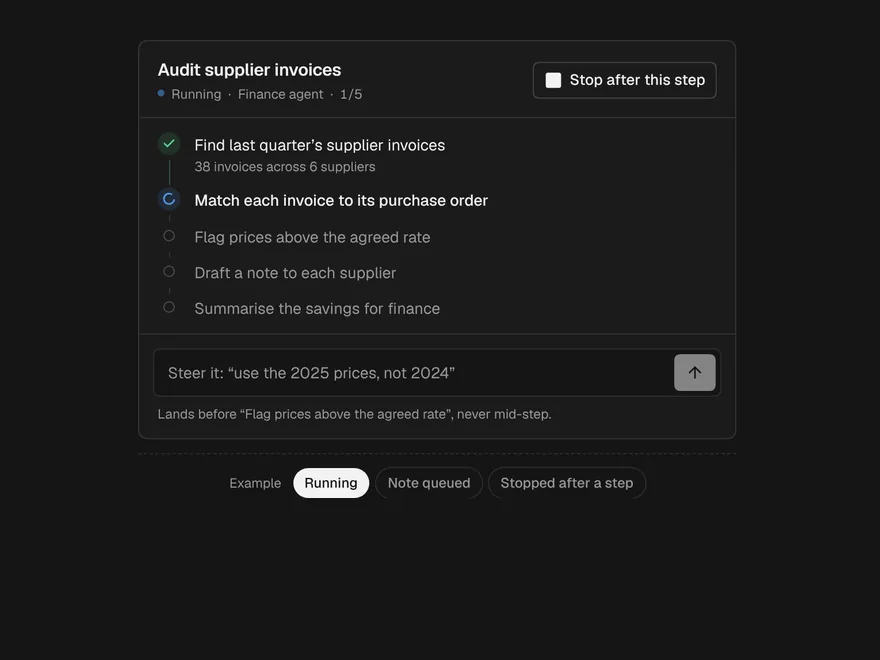
Agent Steering
Correct an agent while it works, without stopping it and starting again.
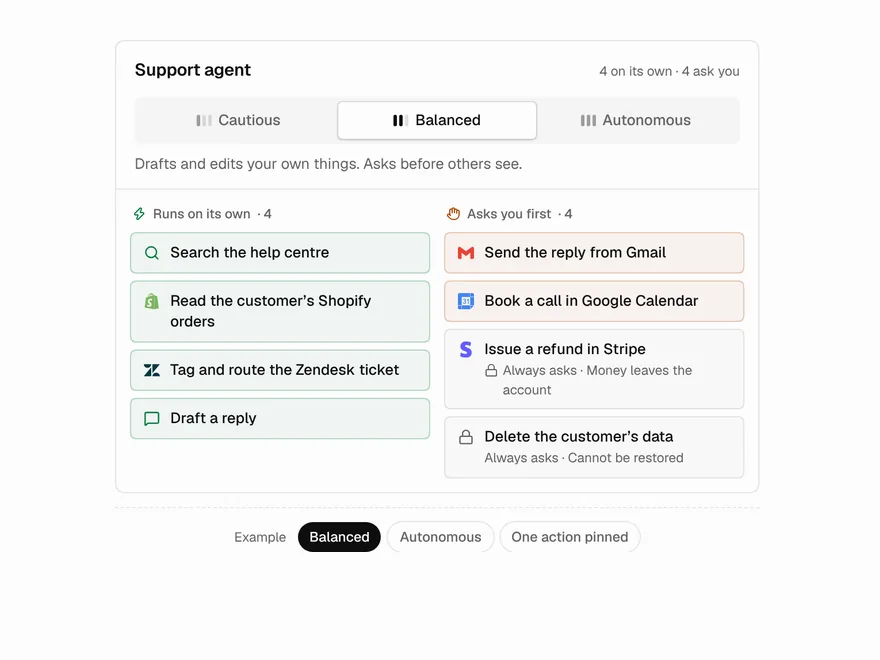
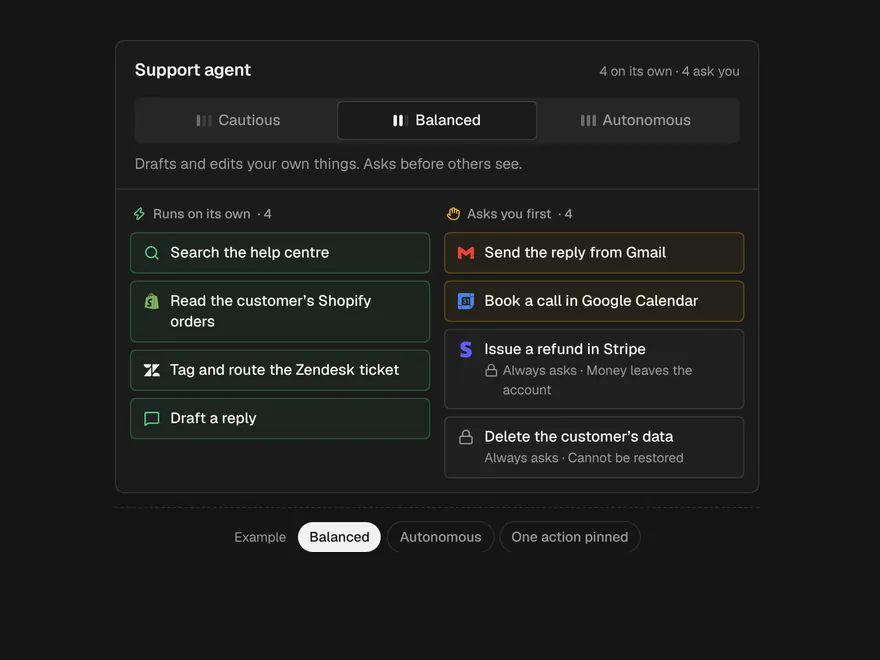
Autonomy Dial
One control for how much an agent may do alone, and exactly what that means.
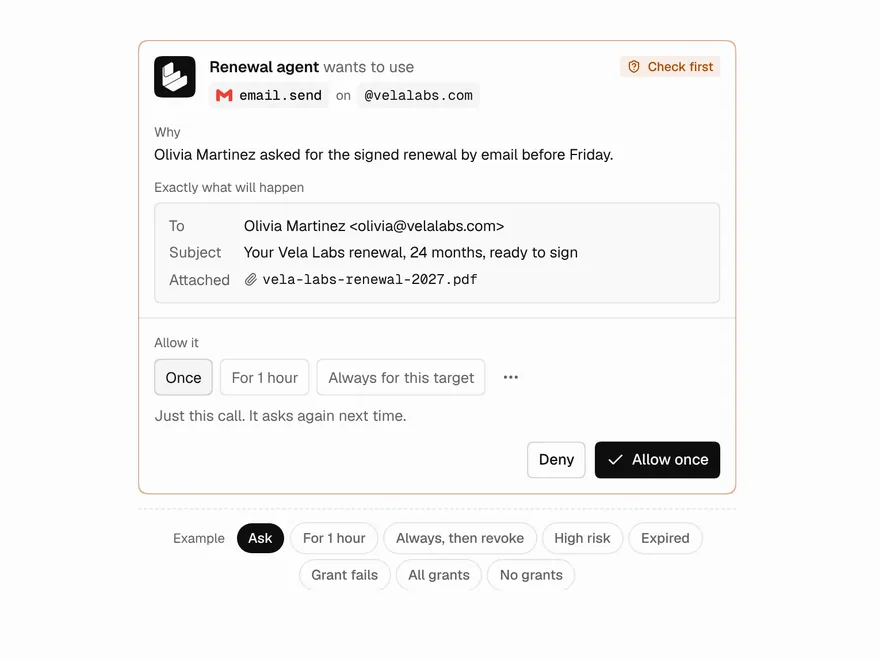
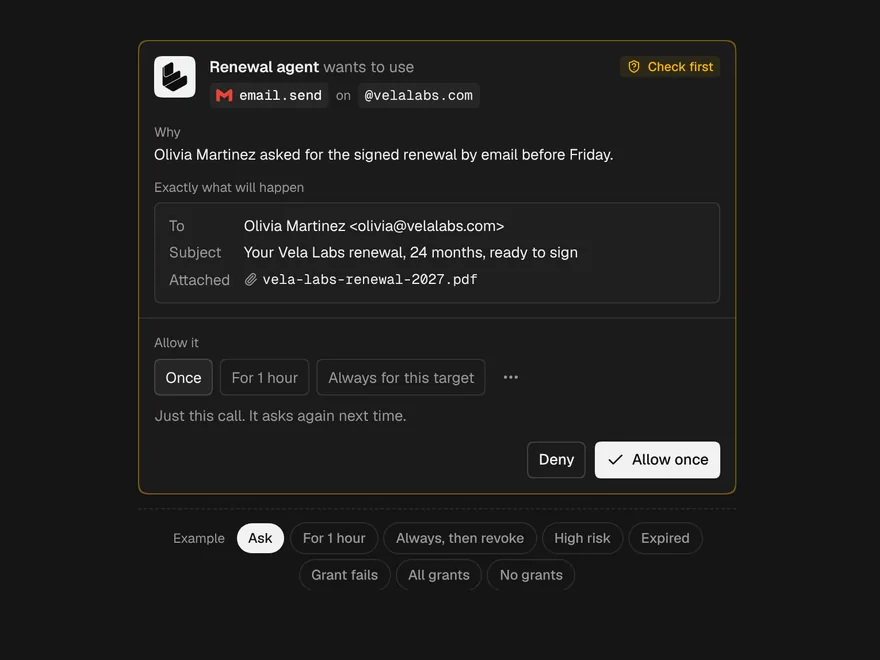
Scoped Permission Grant
An agent asks for one right; allow it once, for an hour, or always for this target.
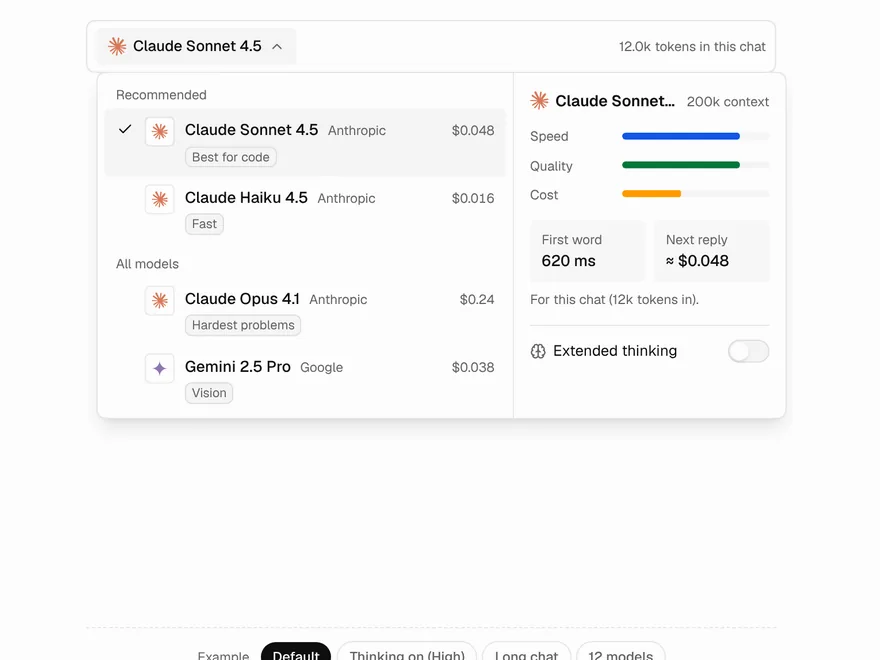
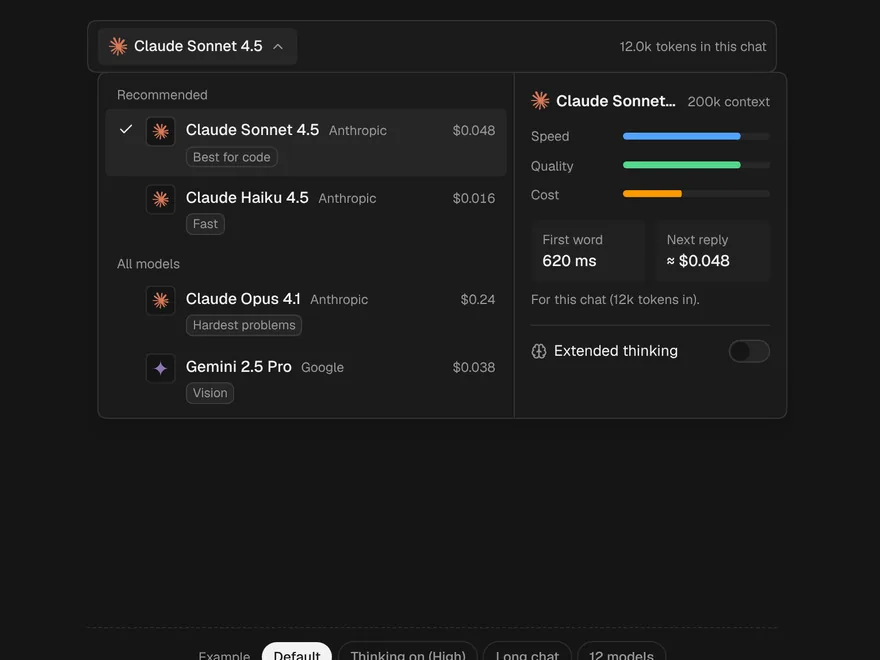
Model Picker
The model menu of an AI chat, with the cost of the next reply for this chat.
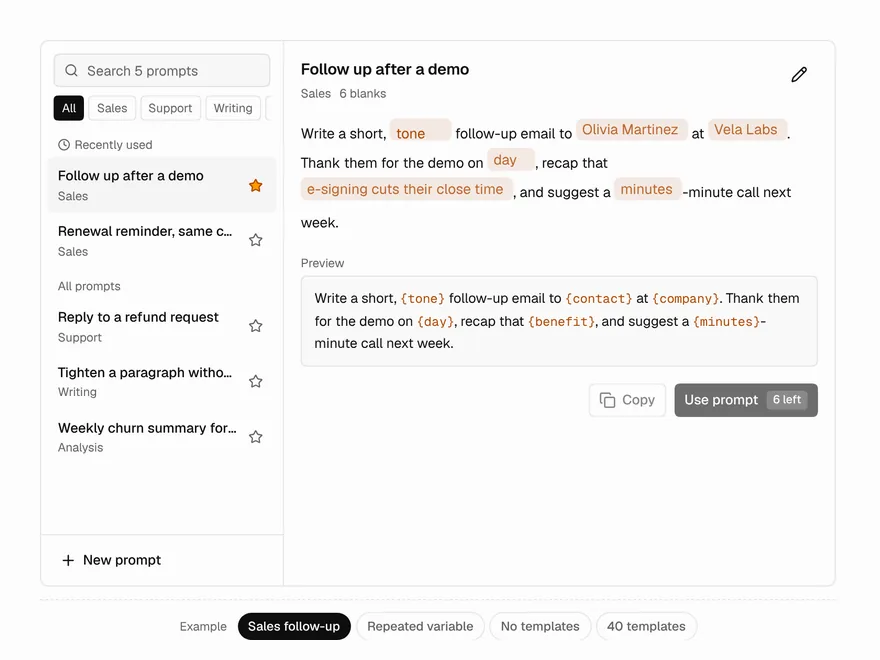
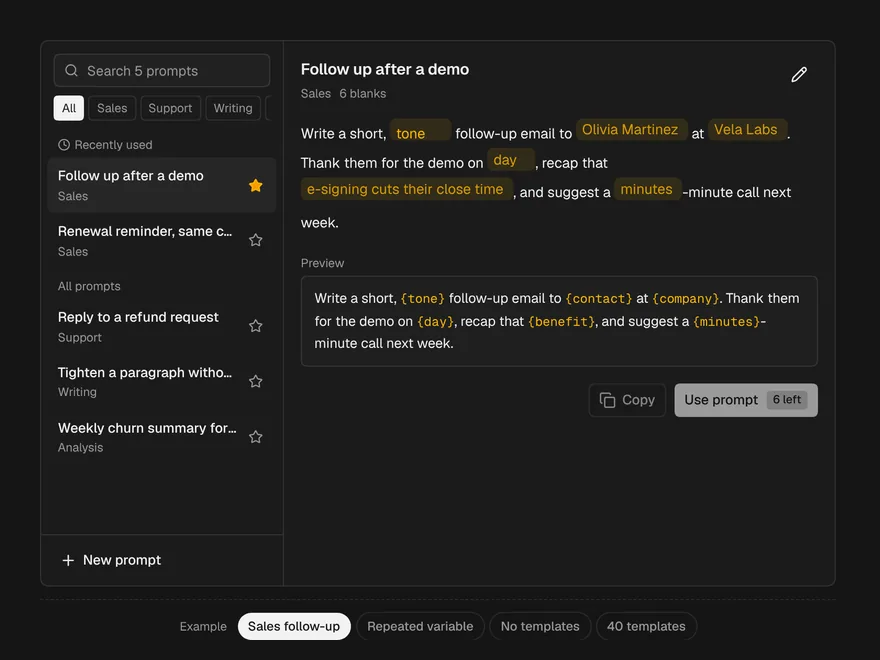
Prompt Library
Saved prompt templates with blanks you fill in the sentence itself.
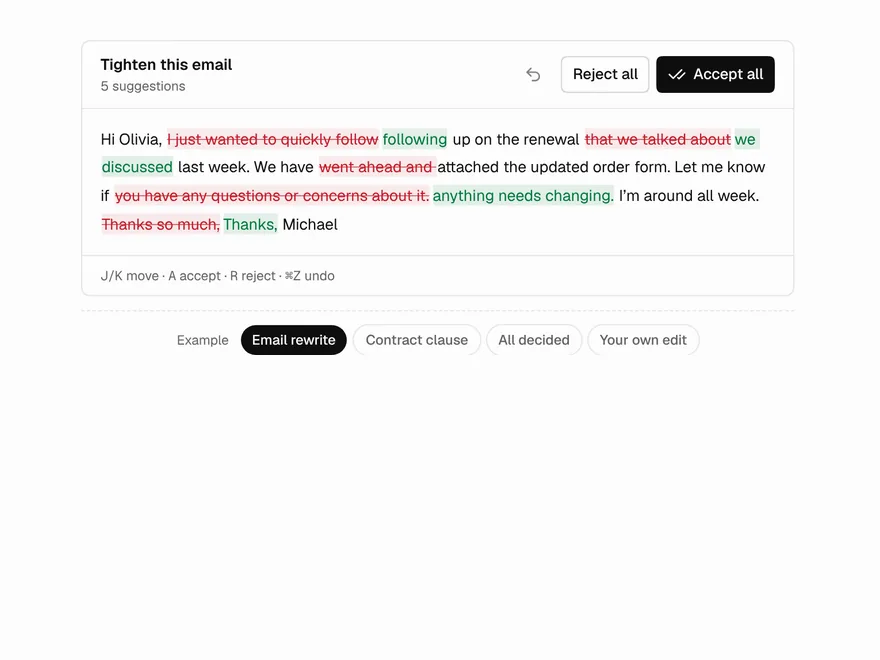
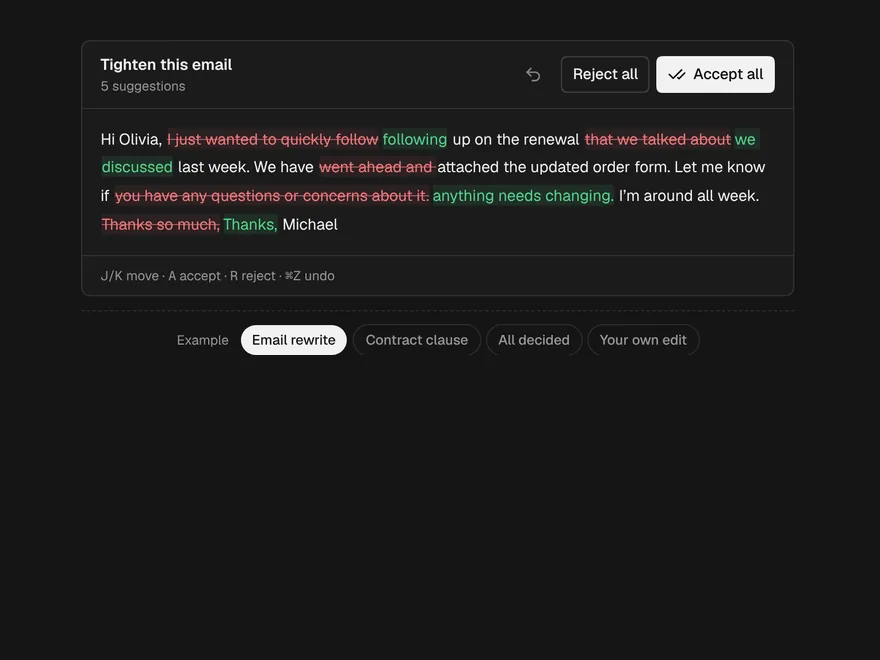
Inline Diff
AI edits to prose, shown in the prose, accepted or rejected one phrase at a time.