Floating Label Input
A compact field with its label inside, moving to the top edge when you type. Outline or filled, a prefix and a suffix, a hint, and an error that is tied to the input and turns the outline red.
The decision inside it
It notices autofill
A password manager fills a field without an input event, so the label would sit on top of the email. The field listens for the browser's autofill animation and floats the label then.
When to use it
Use Floating Label Input where space is tight and the label can sit inside the field, moving up when it has a value: sign-up, checkout, short forms. Use the plain Input with a Field label for long forms.
Installation
How you get it
Paste this into Claude Code, Cursor, Codex or any coding agent. It installs the file and uses it as it is, instead of writing a new one.
Use Layro's Floating Label Input for this.
Install it: npx shadcn@latest add @layro/floating-label-input
(the @layro registry is set up in components.json, with LAYRO_KEY in .env.local)
Import it from @/components/ui/floating-label-input.
Do not rewrite or restyle it. Pass my data through its props
and keep its built-in states.
For the full brief with every prop and the mistakes assistants usually make, use Copy prompt above. Free components install through the @layro registry with your CLI token: see the Namespaced tab.
Usage
import { FloatingLabelInput } from "@/components/ui/floating-label-input";

export function EmailField({ error }: { error?: string }) {
  return <FloatingLabelInput label="Work email" type="email" name="email" autoComplete="email" error={error} />;
}
API reference
“Copy prompt” above puts a full brief on your clipboard — install command, dependencies, props, and the mistakes an assistant usually makes with this component.
Props
Read from the component’s own TypeScript interface when the site is built, so this table cannot drift from the file you install.
| Prop | Type | Notes |
|---|---|---|
labelrequired | string | The field's name, inside the box until it floats. |
error | string | Replaces the hint, marks the field invalid and is announced with it. |
hint | string | One line under the field. |
prefix | React.ReactNode | Before the text: a symbol or an icon. Makes the label float from the start. |
suffix | React.ReactNode | After the text: a unit, a button or an icon. |
variant | "outline" | "filled" | A hairline box or a soft filled well. Default outline. |
Dependencies
npm packages
clsxlucide-reacttailwind-mergeLayro foundations, installed alongside it
layro-themefieldStates
All of them are drawn by the component. None is left for you to design.
- Empty
- Focused
- Filled
- Autofilled
- Prefix and suffix
- Error
- Disabled
Accessibility
- Keyboard reachable throughout, in visual order
- Focus trapped in overlays, Escape closes them
- Focus returns to whatever opened it
- Live regions announce what changed, not that something did
- Honours prefers-reduced-motion
Responsive behavior
- Sizes to its container, not the viewport
- Usable from 320px up
- Pointer-based interaction, so trackpad and touch both work
- No hover-only affordances
Lifetime access
Every component, and everything we ship next.
- All 232 components, source included
- Every template, and everything released after you buy
- shadcn CLI or download — React 18/19, Tailwind v4
- One payment. No subscription.
More in FormsAll Forms components
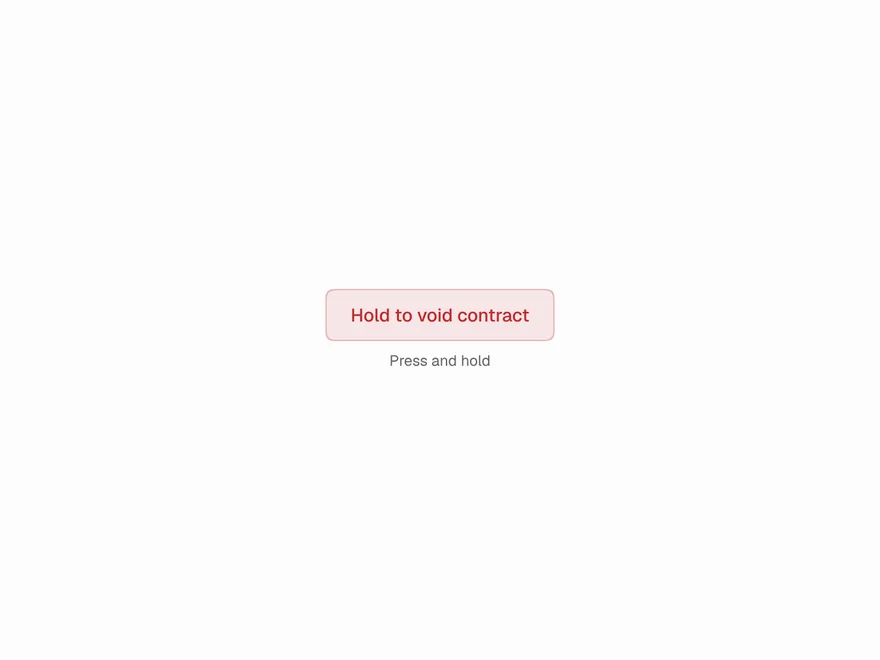
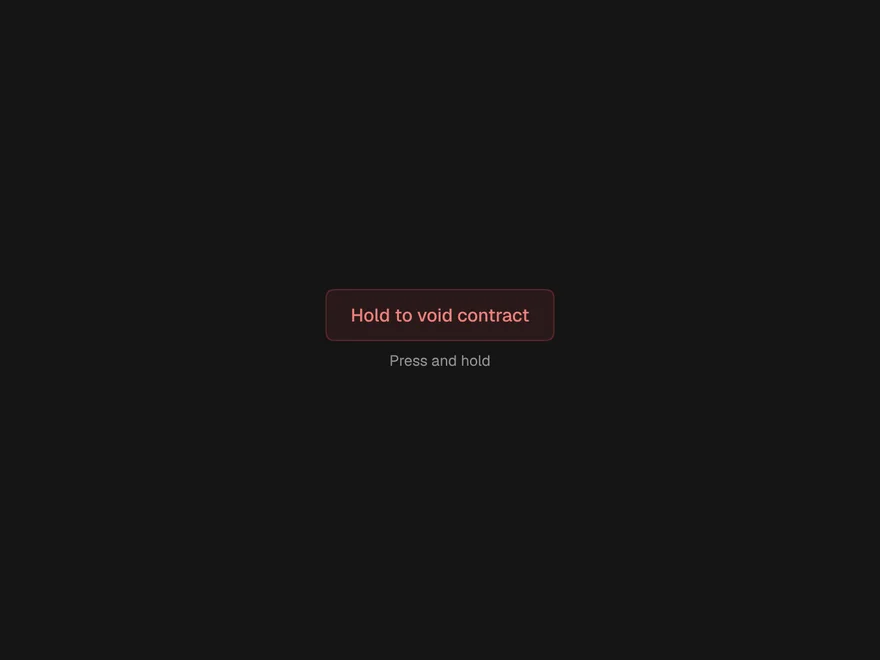
Hold to Confirm
Press and hold until it fills, for actions that are easy to trigger and hard to undo.
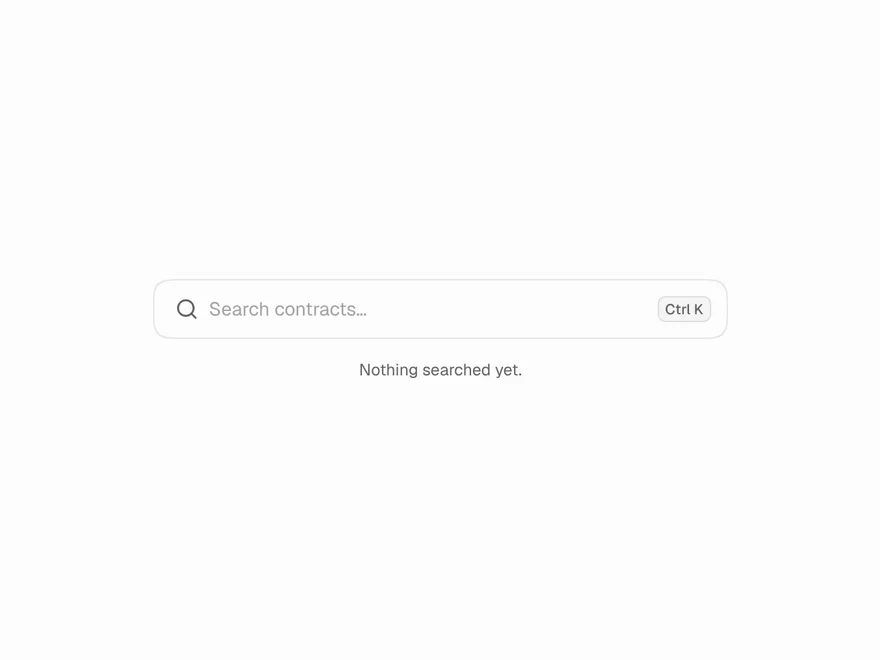
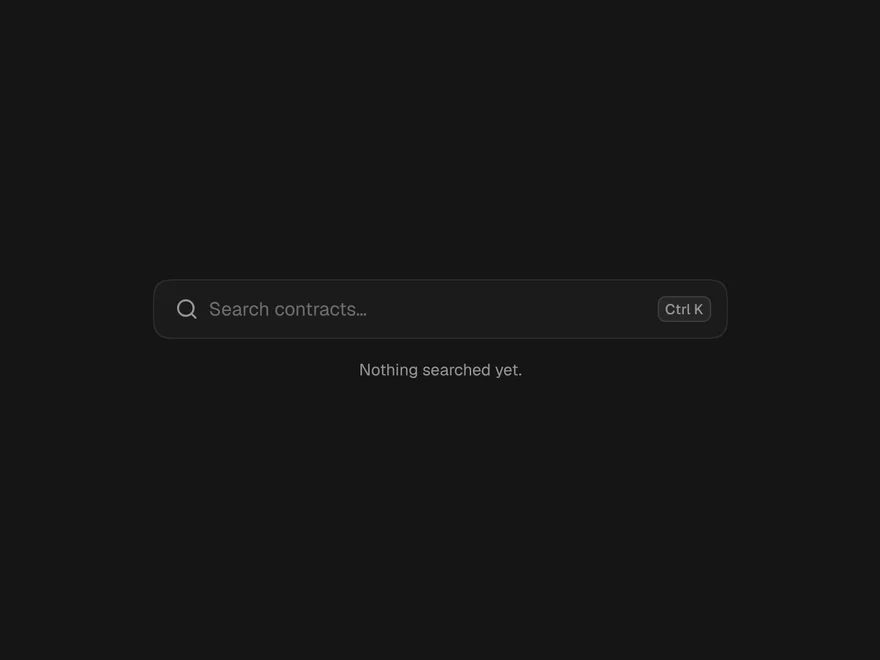
Animated Search Input
A search field with rotating example searches, an icon that opens into a field, and text that drifts away when sent.
Morph Button
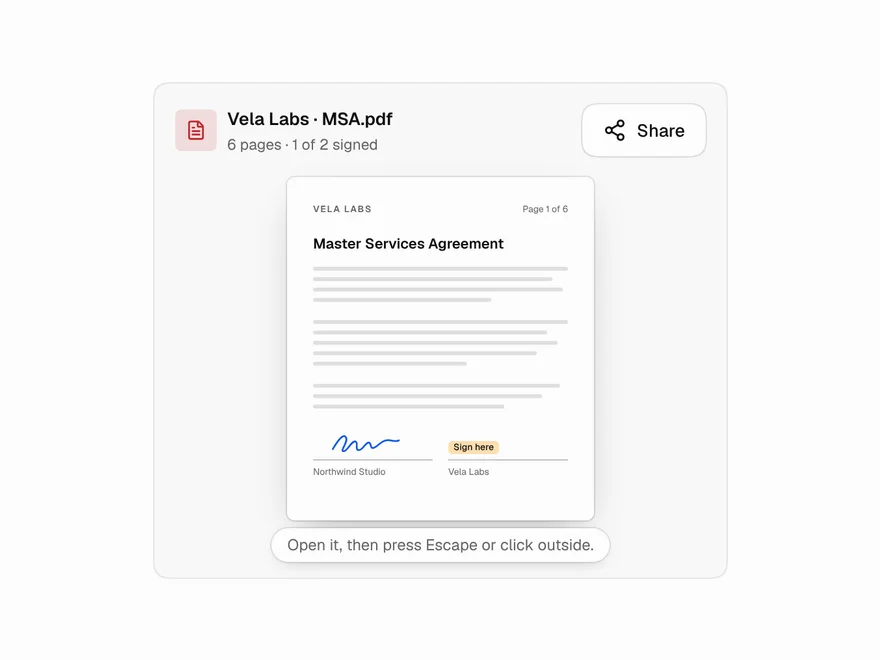
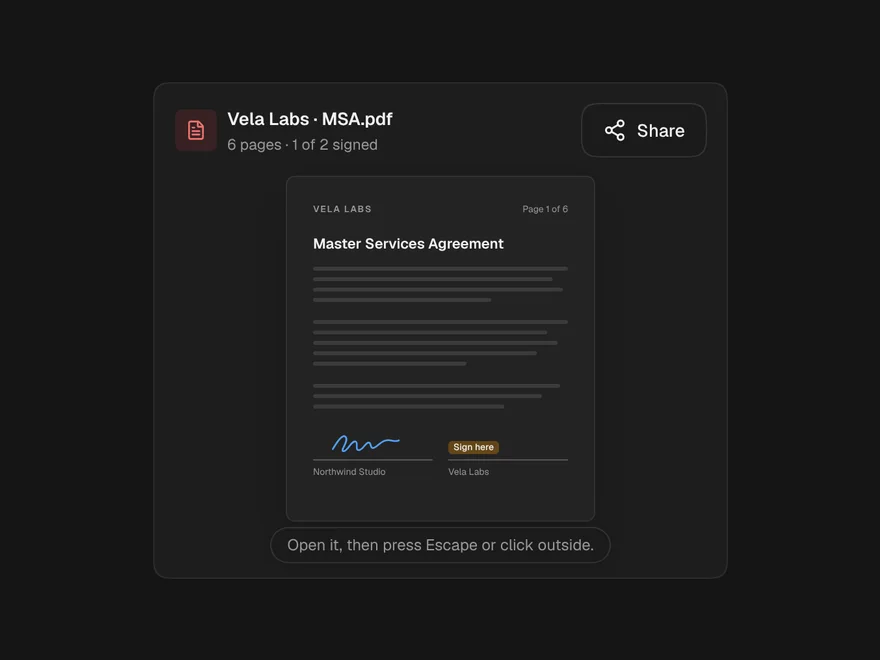
A button that grows into a small panel or a bar of actions in one continuous shape.
Button
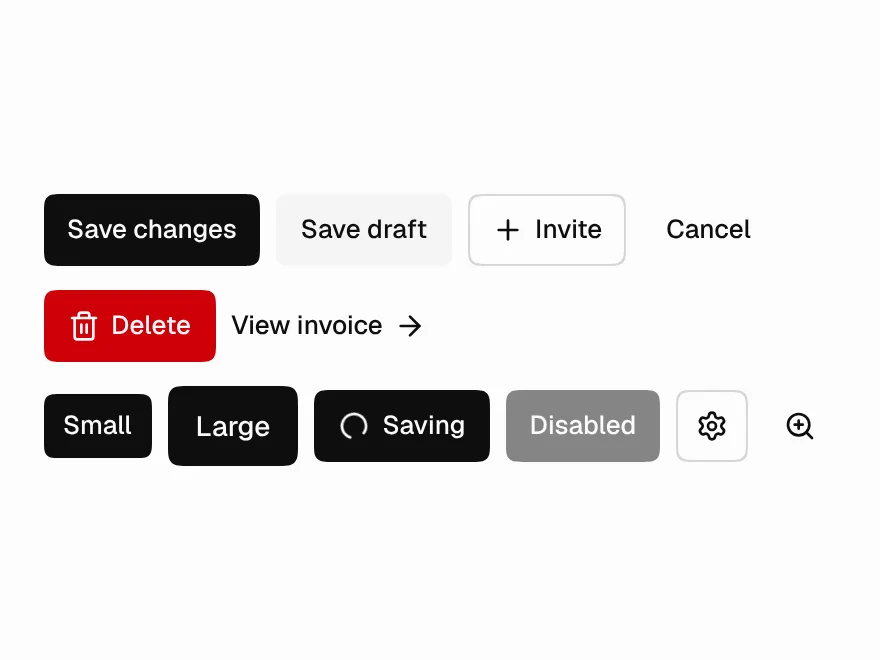
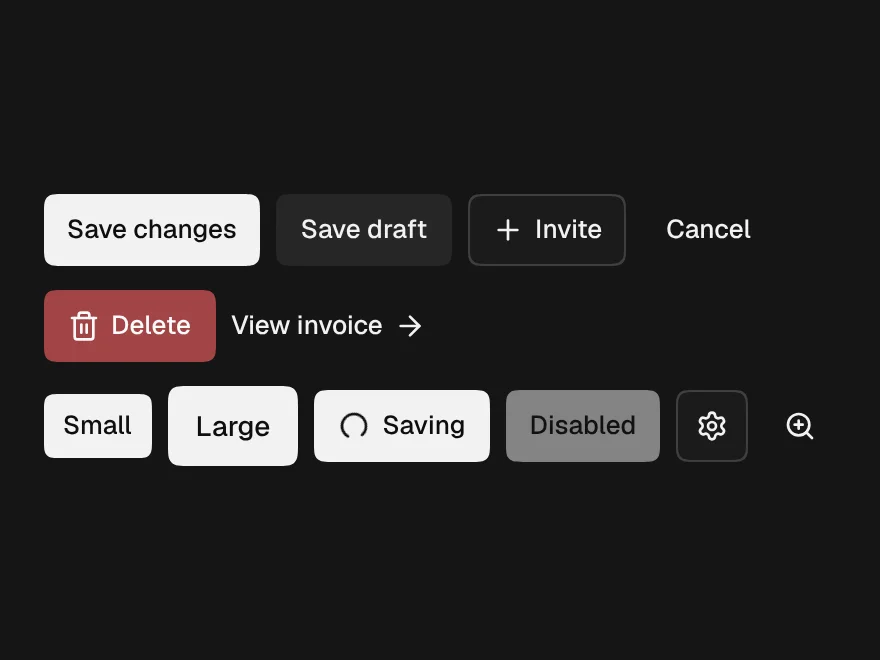
Six variants, three sizes, a loading state that keeps its width, and an icon button that insists on a label.
Field
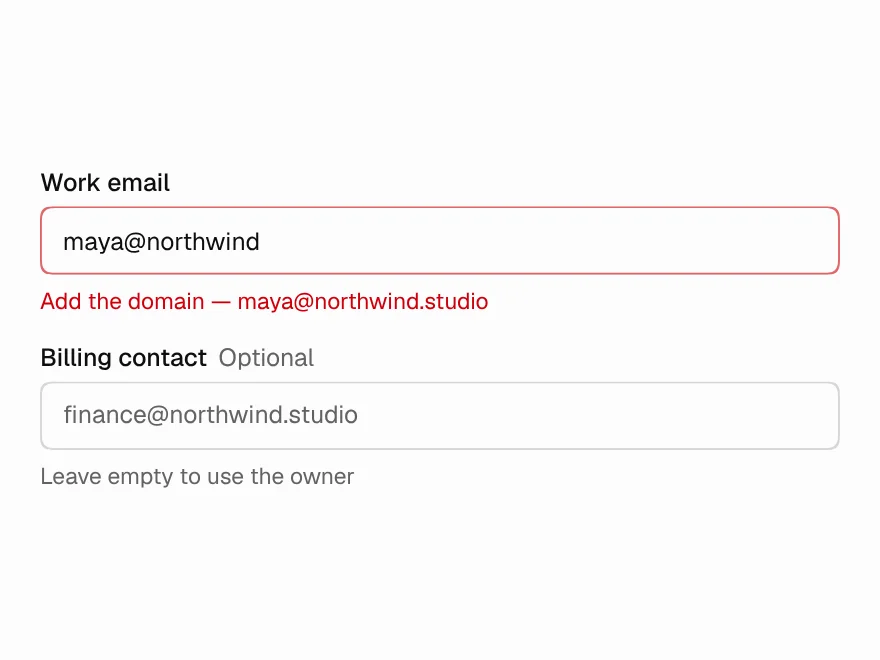
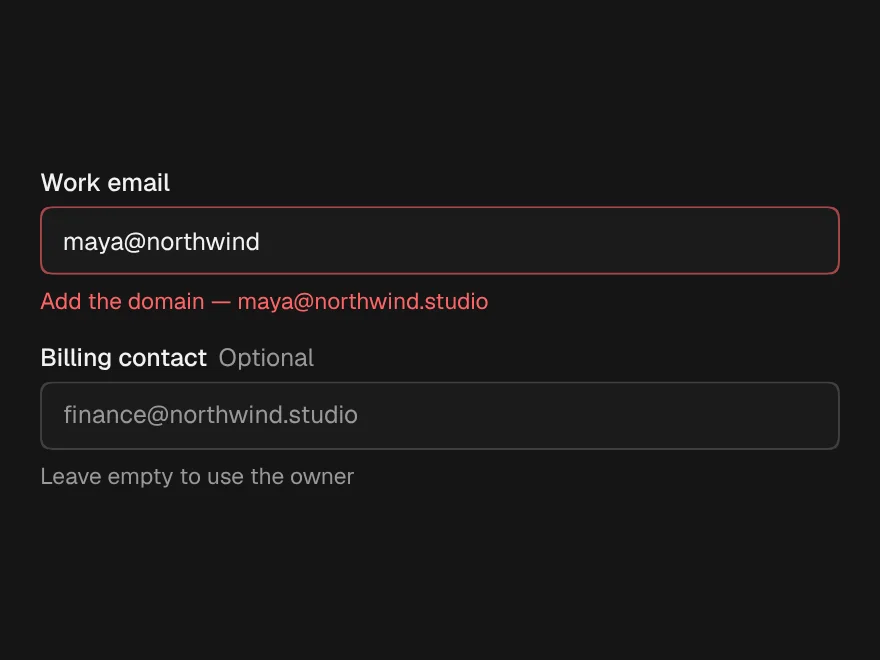
Label, hint, error and required marker, wired to whatever control is inside it.
Input
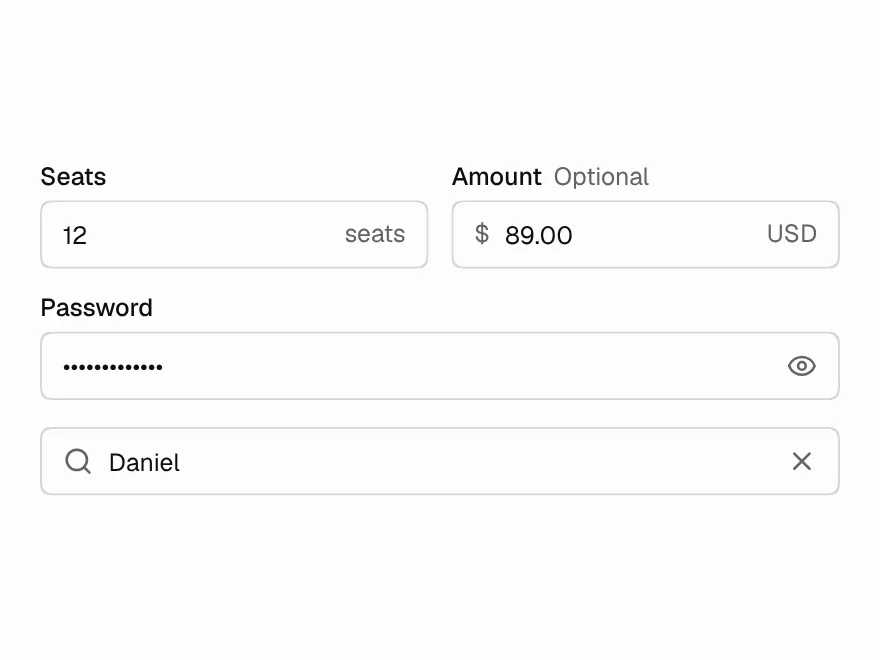
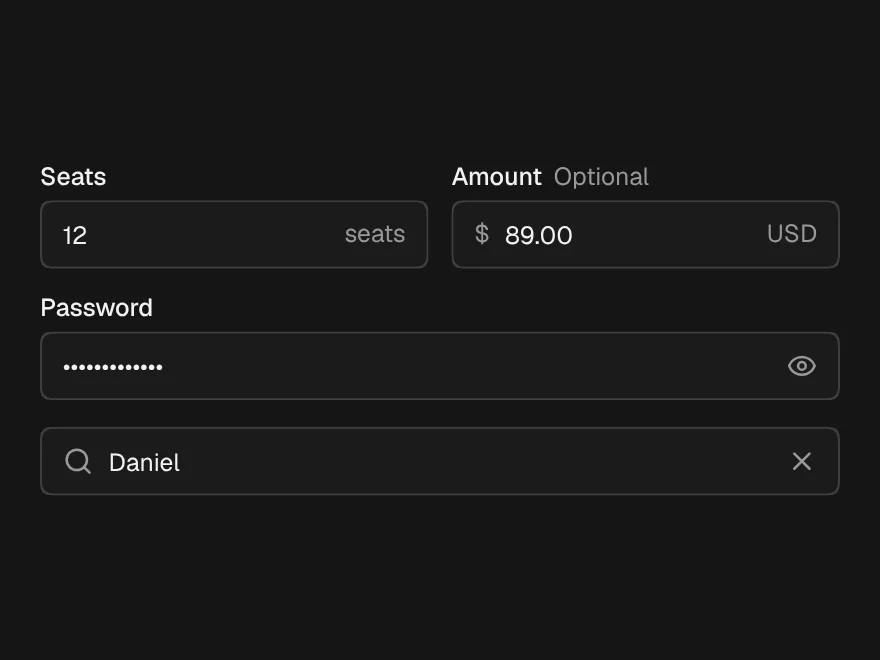
Text input with prefix and suffix, plus Password with a reveal toggle and Search that clears on Escape.