Slider
A slider for one value or a [low, high] range, with marks, a value bubble, vertical orientation, and the full keyboard: arrows, Page Up and Down, Home and End. It takes its hint and error from Field.
The decision inside it
The value's shape decides single or range
A number is one thumb, a pair is two. There is no range prop to drift out of step with the value, and the low thumb stops at the high one instead of swapping which one you hold.
When to use it
Use Slider to pick a number or a range by dragging: a number value gives one thumb, a [low, high] pair gives two that cannot cross. Use onValueChange to update as it moves and onValueCommit to save or fetch once. For exact numbers, use an Input.
Installation
How you get it
Paste this into Claude Code, Cursor, Codex or any coding agent. It installs the file and uses it as it is, instead of writing a new one.
Use Layro's Slider for this.
Install it: npx shadcn@latest add @layro/slider
(the @layro registry is set up in components.json, with LAYRO_KEY in .env.local)
Import it from @/components/ui/slider.
Do not rewrite or restyle it. Pass my data through its props
and keep its built-in states.
For the full brief with every prop and the mistakes assistants usually make, use Copy prompt above. Free components install through the @layro registry with your CLI token: see the Namespaced tab.
Usage
"use client";

import * as React from "react";
import { Slider } from "@/components/ui/slider";

export function PriceFilter({ onCommit }: { onCommit: (range: [number, number]) => void }) {
  const [range, setRange] = React.useState<number | [number, number]>([40, 160]);
  return (
    <Slider
      value={range}
      onValueChange={setRange}
      onValueCommit={(v) => Array.isArray(v) && onCommit(v)}
      min={0}
      max={200}
      step={5}
      formatValue={(v) => `$${v}`}
      thumbLabels={["Minimum price", "Maximum price"]}
    />
  );
}
API reference
“Copy prompt” above puts a full brief on your clipboard — install command, dependencies, props, and the mistakes an assistant usually makes with this component.
Props
Read from the component’s own TypeScript interface when the site is built, so this table cannot drift from the file you install.
| Prop | Type | Notes |
|---|---|---|
value | Value | The value: a number for one thumb, [low, high] for a range. Controlled. |
defaultValue | Value | The starting value when uncontrolled. Its shape decides single or range. Default min. |
onValueChange | (value: Value) => void | Called on every move, while dragging and on each key press. |
onValueCommit | (value: Value) => void | Called once when a drag ends or a key changes the value: the moment to save or fetch. |
min | number | Lowest value. Default 0. |
max | number | Highest value. Default 100. |
step | number | Step between values. Default 1. |
minStepsBetweenThumbs | number | For a range, the closest the two thumbs may get, in steps. Default 0. |
orientation | "horizontal" | "vertical" | Default horizontal. Vertical needs a height on the root (h-40). |
marks | { value: number; label?: string }[] | Ticks under the track, with optional labels: [{ value: 0, label: "Free" }]. |
showTooltip | boolean | "always" | A value bubble above the thumb: true while dragging or focused, "always" to keep it shown. |
formatValue | (value: number) => string | How a value is written, in the bubble and for screen readers. |
disabled | boolean | Read-only and dimmed. |
size | "sm" | "md" | sm for dense panels, md otherwise. Default md. |
thumbLabels | [string, string] | [string] | The accessible names of the thumbs. Default "Minimum" and "Maximum" for a range. |
dir | "ltr" | "rtl" | Text direction, for the arrow keys and which end is min. Default read from the page. |
name | string | A name submits the value with a form: one hidden input per thumb. |
Dependencies
npm packages
clsxtailwind-mergeLayro foundations, installed alongside it
layro-themefieldStates
All of them are drawn by the component. None is left for you to design.
- Single
- Range
- Marks
- Vertical
- Disabled
Accessibility
- Keyboard reachable throughout, in visual order
- Focus trapped in overlays, Escape closes them
- Focus returns to whatever opened it
- Live regions announce what changed, not that something did
- Honours prefers-reduced-motion
Responsive behavior
- Sizes to its container, not the viewport
- Usable from 320px up
- Pointer-based interaction, so trackpad and touch both work
- No hover-only affordances
Lifetime access
Every component, and everything we ship next.
- All 232 components, source included
- Every template, and everything released after you buy
- shadcn CLI or download — React 18/19, Tailwind v4
- One payment. No subscription.
More in FormsAll Forms components
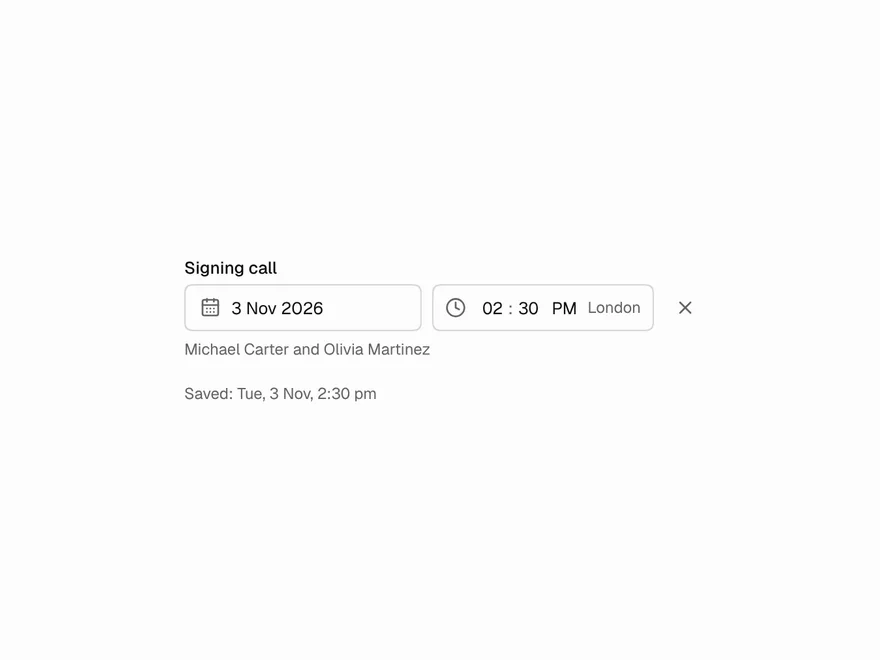
DateTime Picker
A time, or a date and a time, typed into segments or picked from a list.
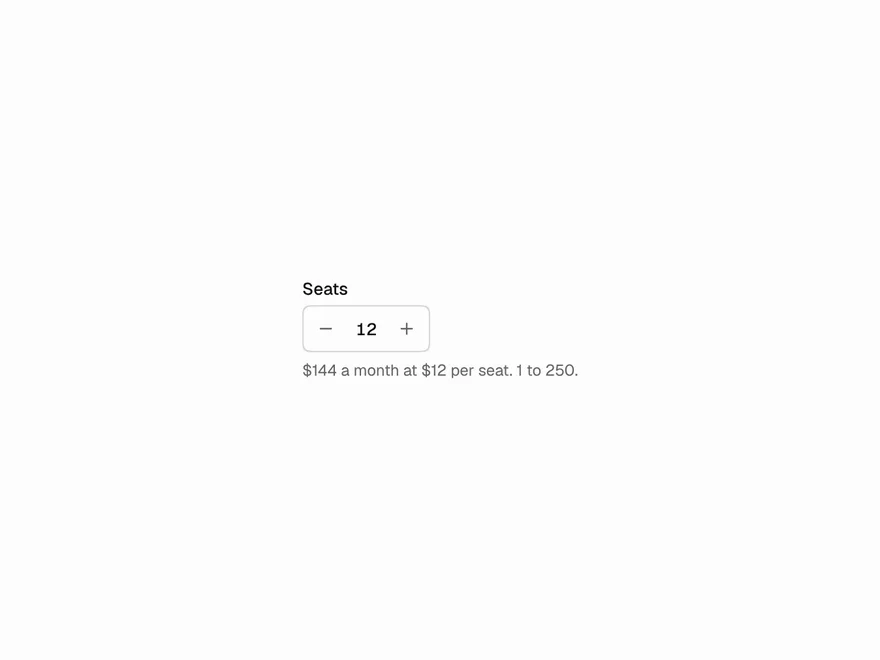
Number Stepper
A number with − and +: hold to repeat, type, arrow keys, currency and percent.
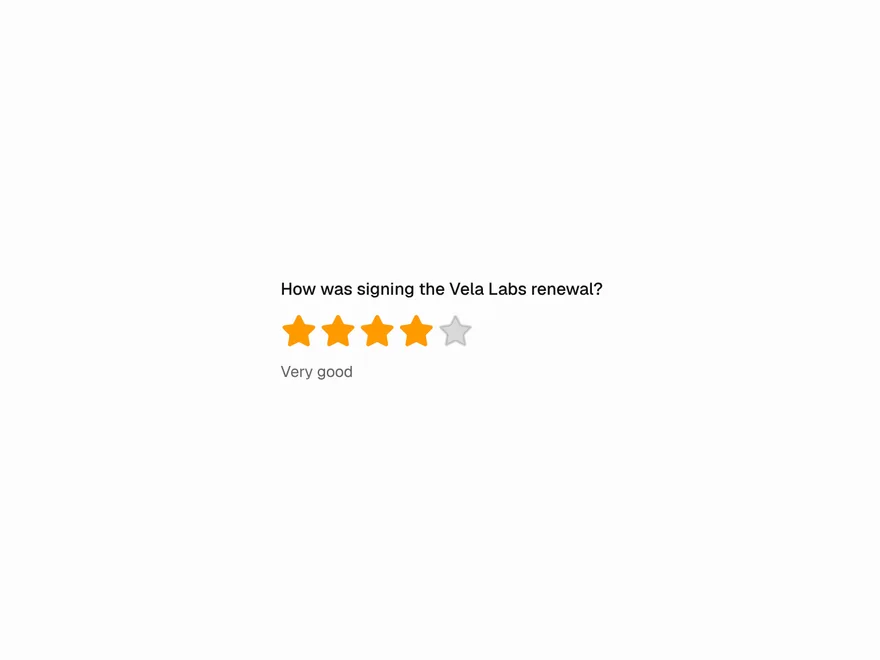

Star Rating
Whole or half stars with hover preview, clear on re-click, and a read-only average.
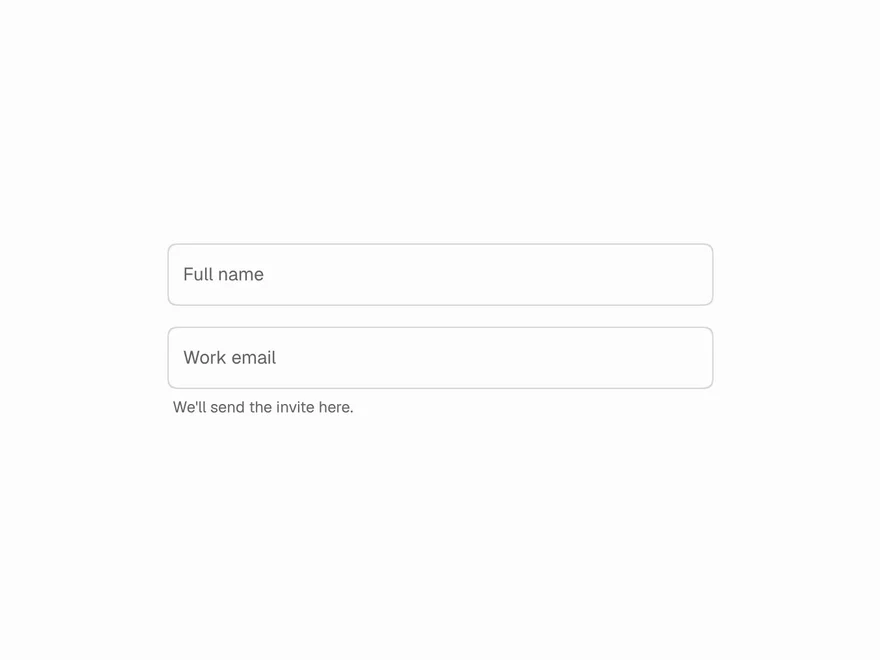
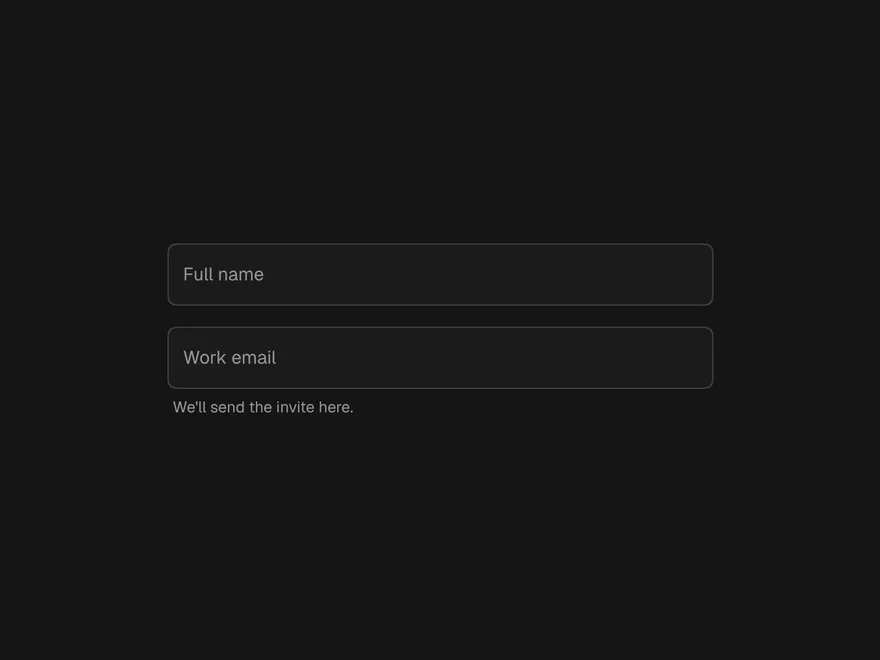
Floating Label Input
A text field whose label floats up on focus, value and browser autofill.
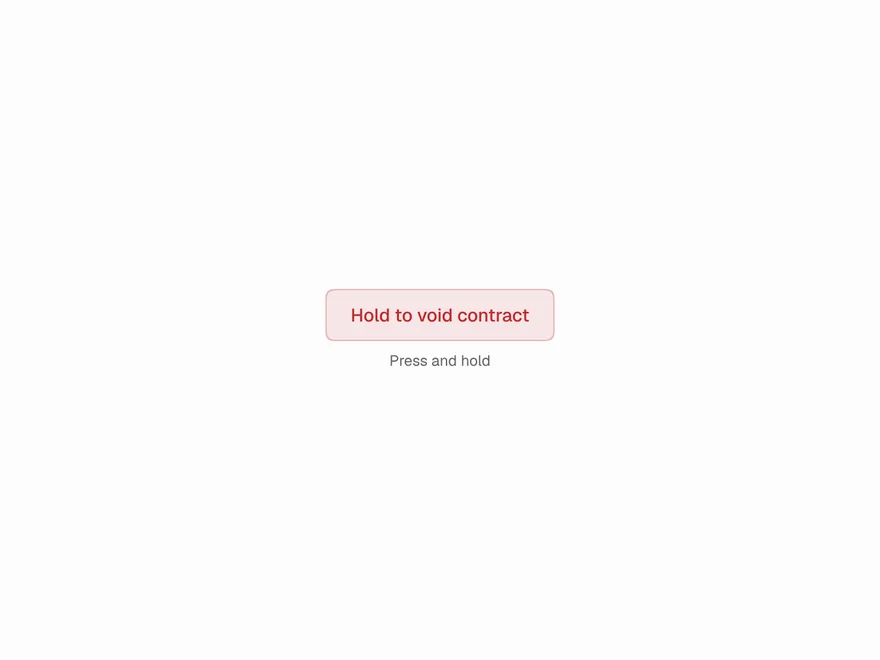
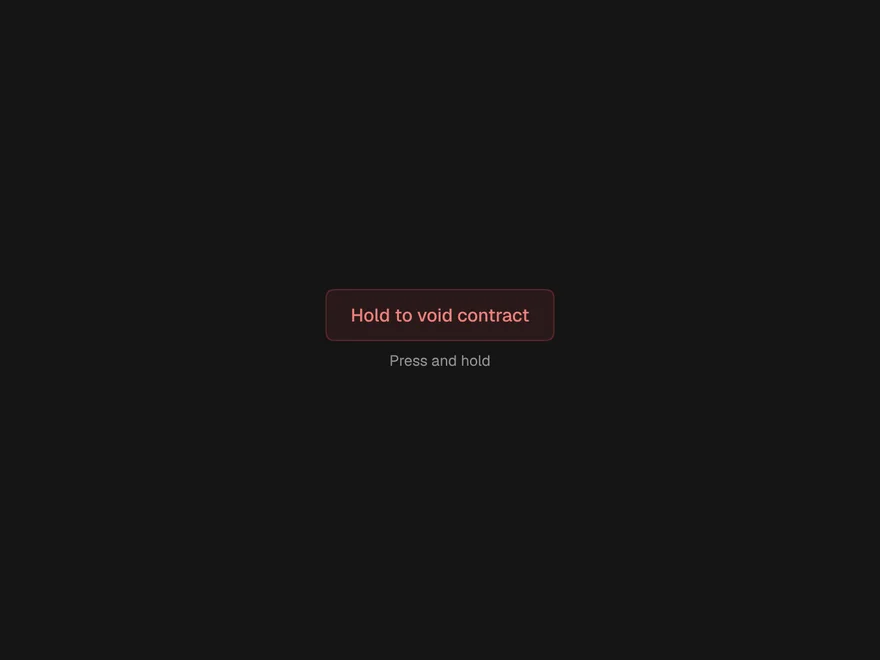
Hold to Confirm
Press and hold until it fills, for actions that are easy to trigger and hard to undo.
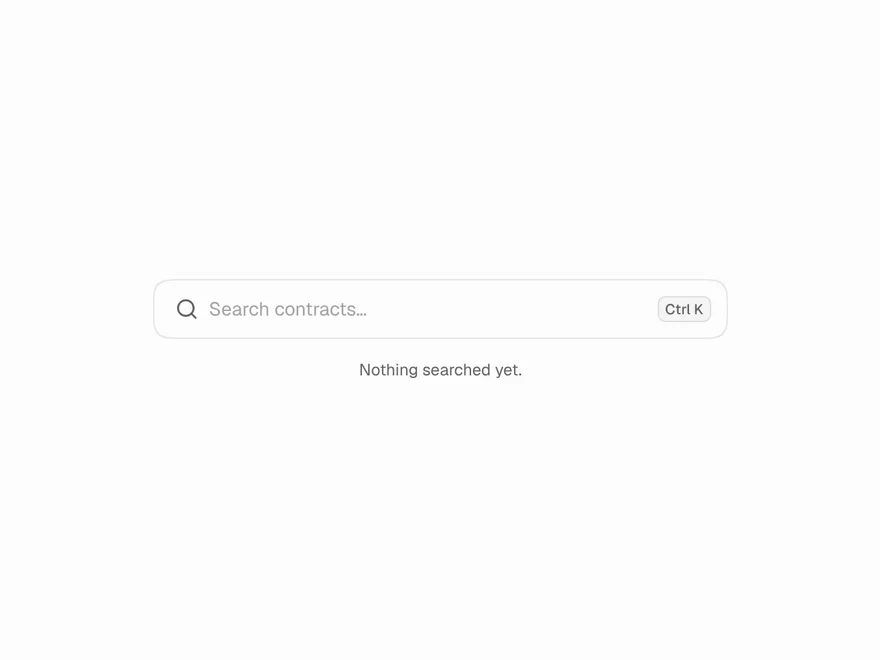
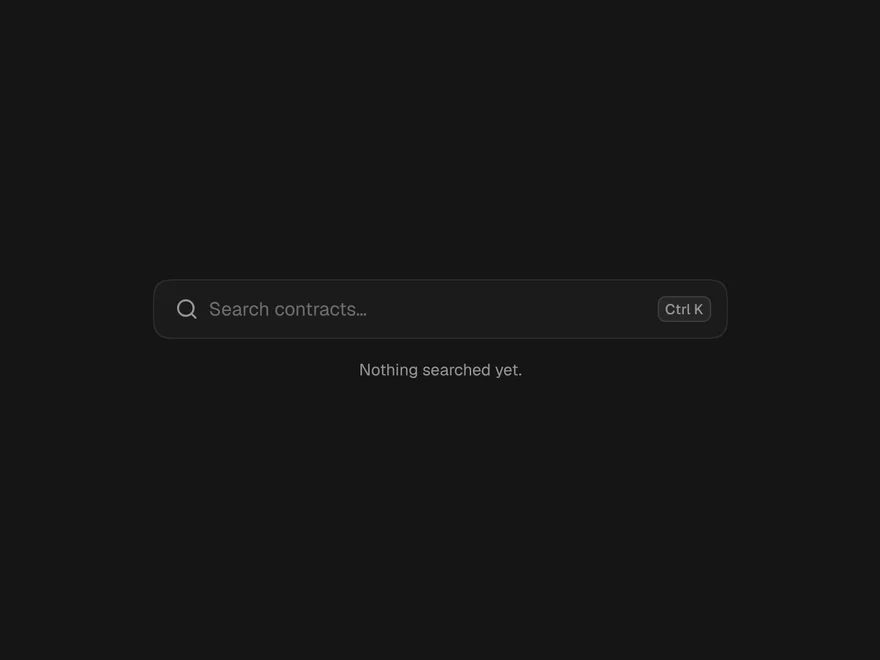
Animated Search Input
A search field with rotating example searches, an icon that opens into a field, and text that drifts away when sent.